
 4
4document
Clinical Wound Evaluation Slides for Nurses
Document wound findings, treatment decisions, and healing progress with clinical wound evaluation slides for nurses in PowerPoint and Google Slides.
Google Docs
document · English
Plan sharper interviews with customer discovery questionnaire slides for testing demand and organizing market feedback in PowerPoint or Google Slides.
Design notes
Customer Discovery Questionnaire Slides for Market Feedback helps you plan focused research conversations and capture findings in a format stakeholders can understand. Instead of starting with a blank page, use this customer interview question deck to explore audience needs, current habits, purchase barriers, and expectations. The textured illustrated design combines beige, gray, black, and white for a professional but approachable look.
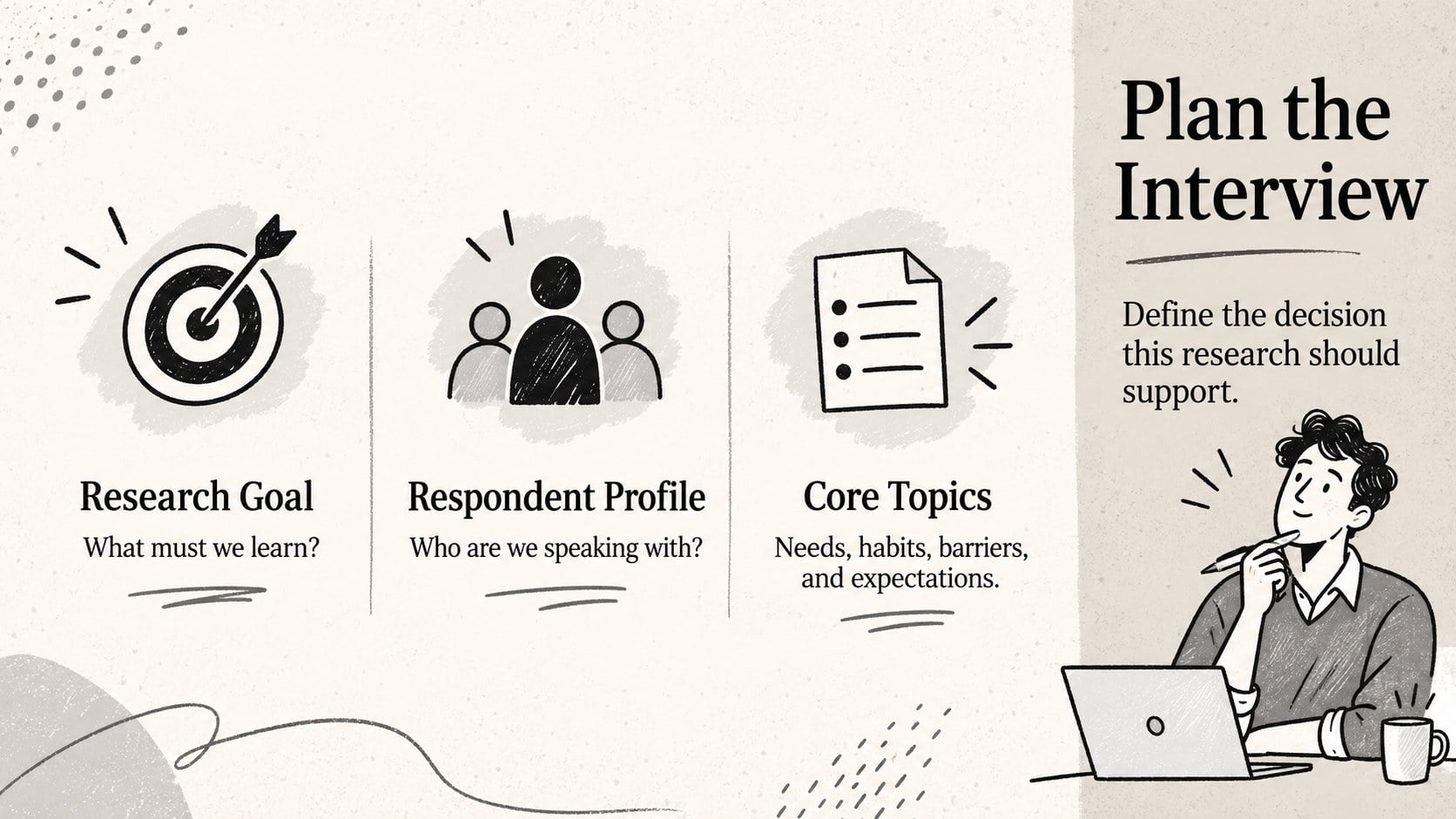
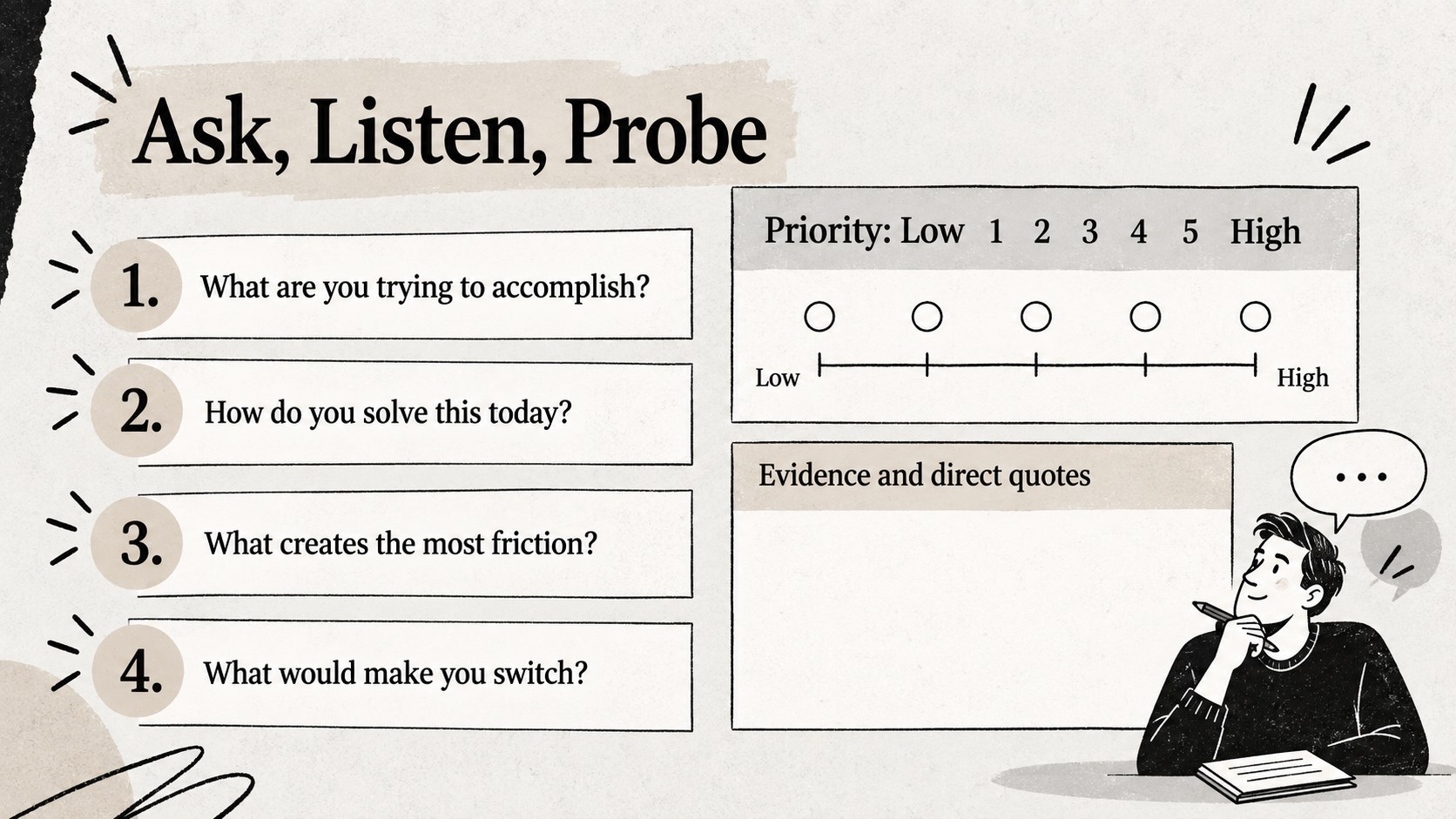
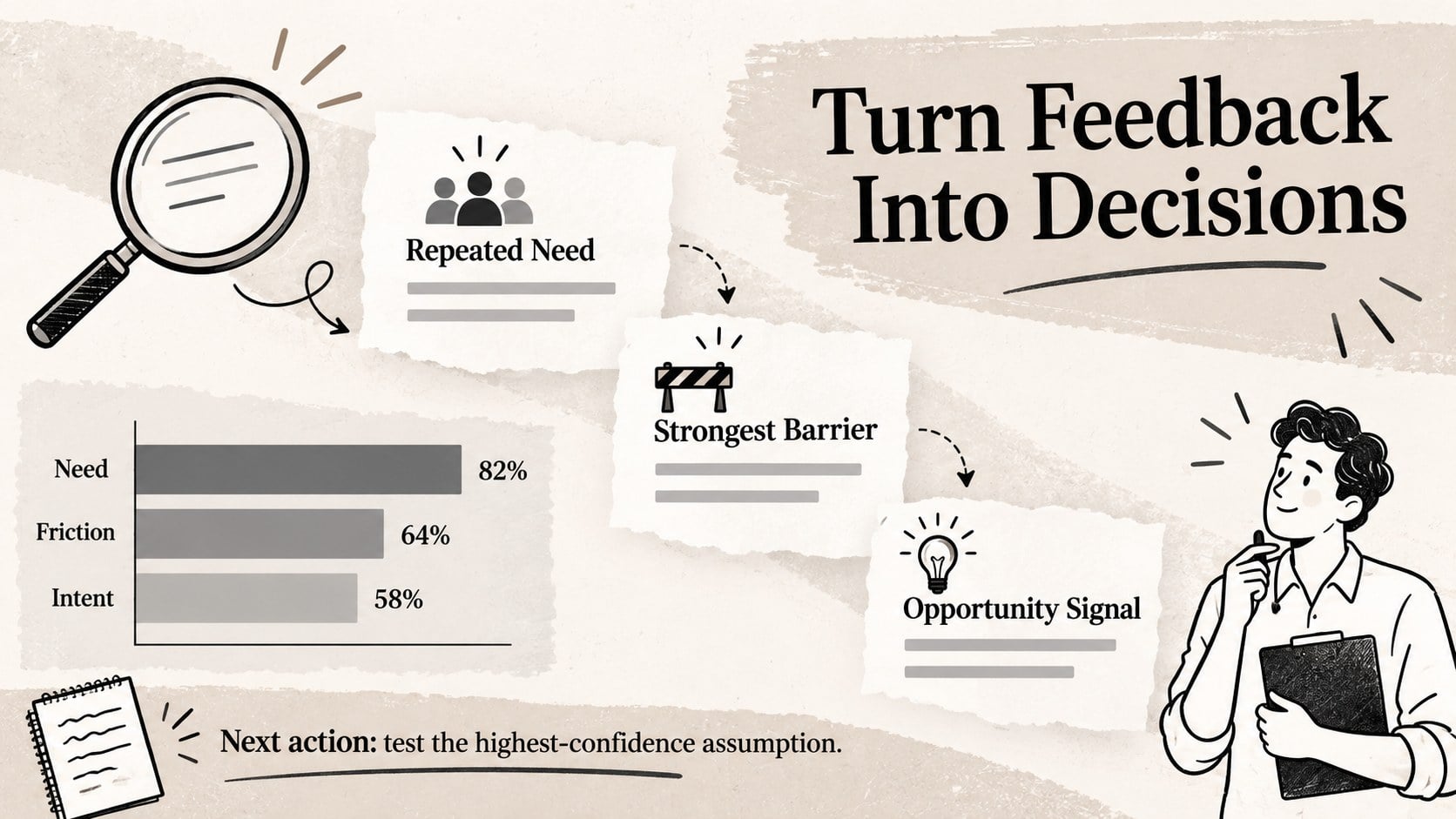
Inside, you will find an opening brief, respondent profile fields, question categories, rating scales, open-response areas, and a findings summary. Adapt the market validation survey template for concept testing, pricing research, competitor comparisons, satisfaction checks, or early product discovery. Questions can be reordered, rewritten, or removed, while the layouts provide room for logos, notes, charts, and follow-up actions.
These customer discovery questionnaire slides are designed for marketing teams, startup founders, product managers, consultants, researchers, and students who need a repeatable interview structure. Use the product feedback questionnaire presentation during live interviews, share it before a workshop, or print selected pages as response sheets. Every slide is editable in PowerPoint and Google Slides, allowing you to adjust typography, colors, prompts, response options, and visual elements without rebuilding the deck. The result is a practical research toolkit that keeps sessions consistent and makes patterns easier to review across multiple respondents.
Perfect for: startup idea validation; customer discovery interviews; new product concept testing; pricing research sessions; audience satisfaction review.
Frequently asked questions
Can I edit every question and response field? Yes. All prompts, rating scales, answer choices, headings, and note areas can be edited. You can also duplicate sections or remove questions that do not fit your research objective.
Practical details
Yes. All prompts, rating scales, answer choices, headings, and note areas can be edited. You can also duplicate sections or remove questions that do not fit your research objective.
The deck is designed for Microsoft PowerPoint and Google Slides. Upload or open the file in your preferred platform, then customize the layouts using its standard editing tools.
Yes. Replace the typefaces, update the beige, gray, black, and white palette, and add your logo or project details. The textured illustrated style can also be simplified for a more formal research setting.
Yes. Individual slides can be printed as interview guides or response sheets after adjusting the page scaling in PowerPoint or Google Slides. Open-response areas can be enlarged when handwritten notes are required.
Keep exploring
4Document wound findings, treatment decisions, and healing progress with clinical wound evaluation slides for nurses in PowerPoint and Google Slides.
 4
4Turn recurring updates into clear decisions with a weekly operations status briefing for PowerPoint and Google Slides, covering progress, risks, and priorities.
 4
4Turn recurring check-ins into focused decisions with a weekly leadership update deck for KPIs, priorities, blockers, owners, and next actions.
 4
4Use veterinary surgery consent form slides to explain procedures, anesthesia, risks, costs, and emergency decisions clearly before client approval.
 4
4Organize objectives, activities, and daily notes with this weekly classroom planner for teachers, editable in PowerPoint and Google Slides for easy prep.
 4
4Create colorful vocabulary assessment slides for lively word checks, review games, and classroom practice in PowerPoint or Google Slides. Easy to personalize.
 4
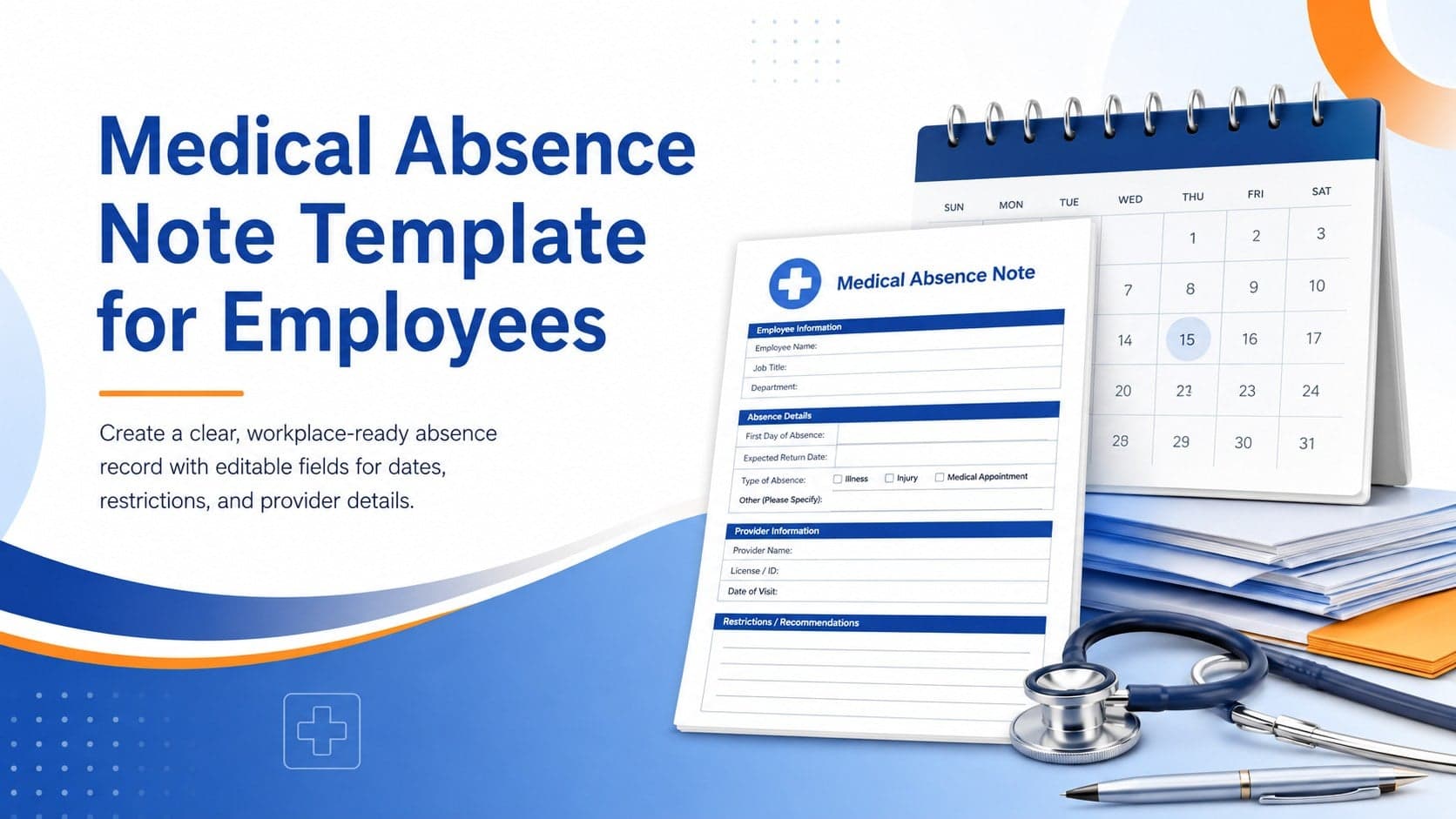
4Prepare a clear medical absence note template for employee records, with editable fields and polished blue-orange slides for PowerPoint and Google Slides.
 4
4Prepare pet owners for treatment with a veterinary procedure authorization form covering risks, medication, contacts, and approval details.