
 15
15presentation
Flying Saucer History Lesson Deck
Build an engaging World UFO Day session with this flying saucer history lesson deck, featuring retro green-and-brown slides for PowerPoint and Google Slides.
Google SlidesPowerPoint
presentation · English
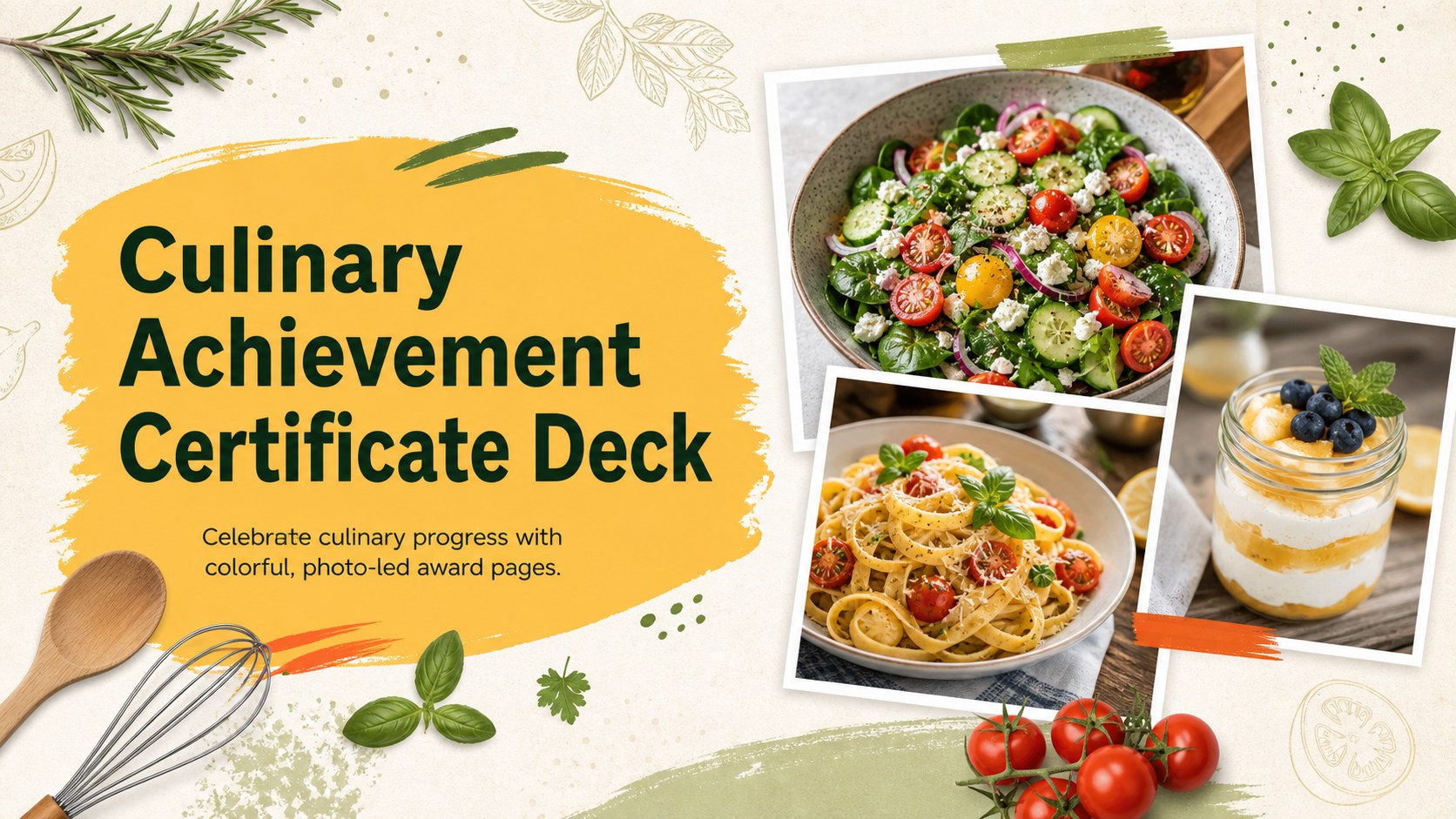
Celebrate kitchen milestones with a culinary achievement certificate deck featuring colorful photo layouts, editable awards, and polished recognition pages.



Design notes
Turn hard-earned kitchen accomplishments into memorable awards with this culinary achievement certificate deck. Its lively multicolor palette, appetizing food photography, expressive script accents, and clean typography create a celebratory look that still feels polished. Every page can be adapted for formal presentations, printed recognition, or digital delivery.
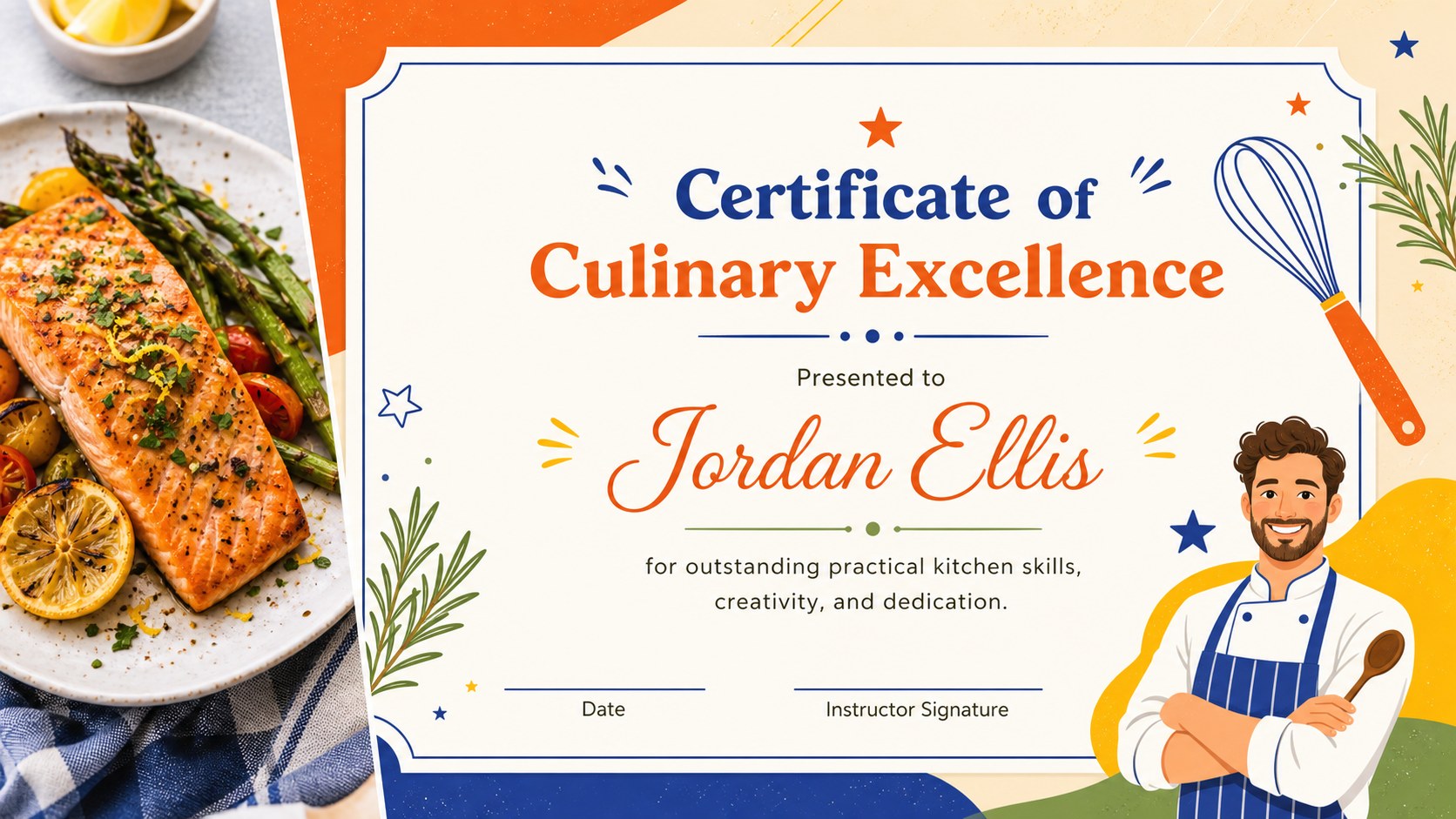
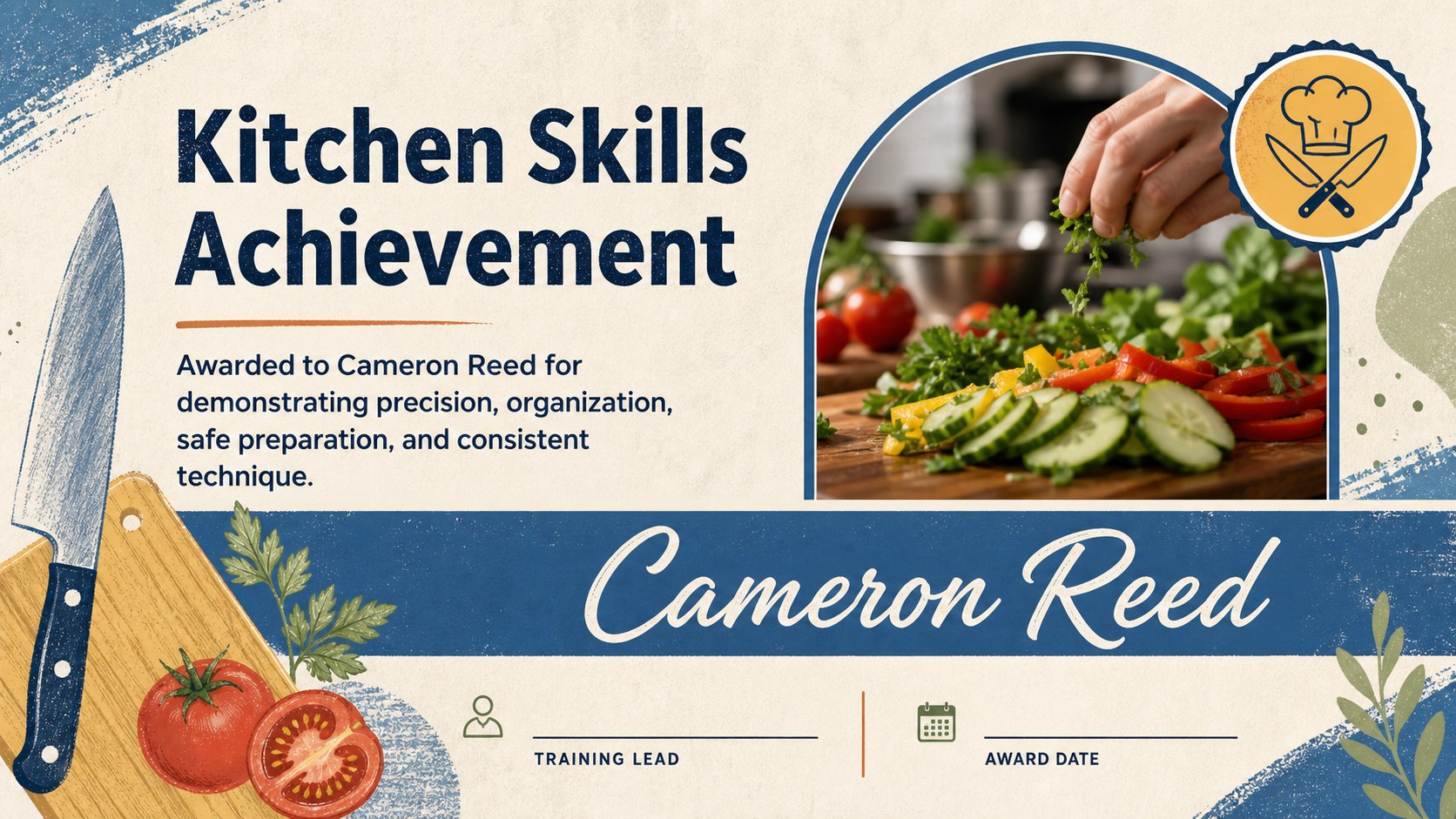
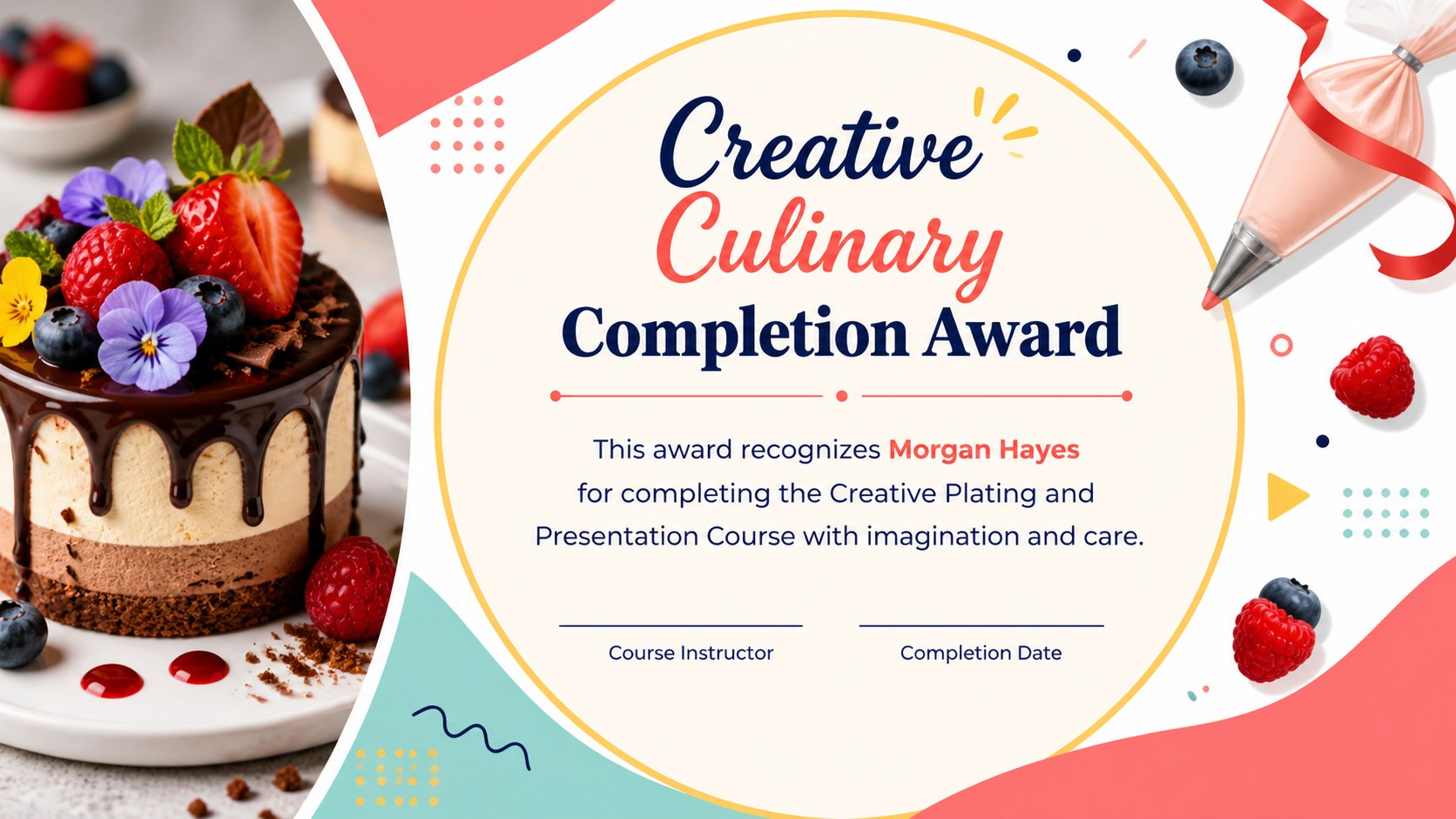
The seven-slide collection includes a welcoming cover and varied certificate layouts for course completion, practical skills, creative excellence, workshop participation, and team recognition. Use it as an editable culinary award certificate set for a cooking academy, restaurant, community program, or private class. Photo areas, recipient names, award wording, dates, signatures, and decorative details are easy to update in PowerPoint or Google Slides. The A4-inspired certificate compositions are arranged within presentation-friendly 16:9 slides, giving you flexible options for displaying or exporting each design.
This deck is especially useful for instructors preparing a cooking school graduation certificate, hospitality managers creating restaurant staff recognition slides, and event hosts acknowledging food workshop participants. Choose the layout that fits the occasion, replace the sample imagery, adjust the colors if needed, and add your organization details. The result is a cohesive recognition set that honors culinary growth without requiring advanced design skills.
Perfect for: cooking school graduation; culinary workshop completion; restaurant employee recognition; kitchen skills certification; hospitality training awards.
Frequently asked questions
Can I change the recipient and award details? Yes. Edit the recipient name, achievement, date, instructor, and signature fields directly in PowerPoint or Google Slides. You can also duplicate a certificate layout to recognize multiple people.
Practical details
Yes. Edit the recipient name, achievement, date, instructor, and signature fields directly in PowerPoint or Google Slides. You can also duplicate a certificate layout to recognize multiple people.
The deck is designed for Microsoft PowerPoint and Google Slides. Review font availability after opening it and substitute a similar script or sans-serif typeface when necessary.
Yes. Swap each sample image with your own dishes, classroom photos, or kitchen team pictures. The backgrounds, accent colors, shapes, and typography can also be adjusted to match your school or organization.
Yes. You can present the slides on screen or export individual certificate pages as PDF or image files. For printing, confirm the final page size and printer margins before producing the full batch.
Keep exploring
15Build an engaging World UFO Day session with this flying saucer history lesson deck, featuring retro green-and-brown slides for PowerPoint and Google Slides.
 15
15Plan a lively animal-learning journey with this jungle zoo adventure lesson deck, ready to customize in PowerPoint and Google Slides for young learners.
 16
16Turn environmental research into a clear story with a Watercolor Ecology Presentation Theme for PowerPoint and Google Slides in calming green and blue.
 16
16Build focused fashion, literature, and humanities presentations with the Red Triangle Editorial Theme, editable in PowerPoint and Google Slides.
 15
15Turn streaming stats, favorite tracks, and concert highlights into a bold annual listening recap slide deck for PowerPoint and Google Slides.
 15
15Turn highlights, milestones, and favorite moments into a colorful year in review slide deck with bold 3D graphics for PowerPoint and Google Slides.
 3
3Build a credible endorsement with Standout Colleague Recommendation Letter Slides, featuring colorful prompts for skills, achievements, and team impact.
 4
4Build clear beginner sessions with an ice hockey fundamentals training deck for coaches, PE teachers, and clubs, ready for PowerPoint and Google Slides.