
 15
15presentation
Flying Saucer History Lesson Deck
Build an engaging World UFO Day session with this flying saucer history lesson deck, featuring retro green-and-brown slides for PowerPoint and Google Slides.
Google SlidesPowerPoint
presentation · English
Build a persuasive cross-border divorce practice growth plan with blue and orange illustrated slides for strategy, financials, services, and expansion.




Design notes
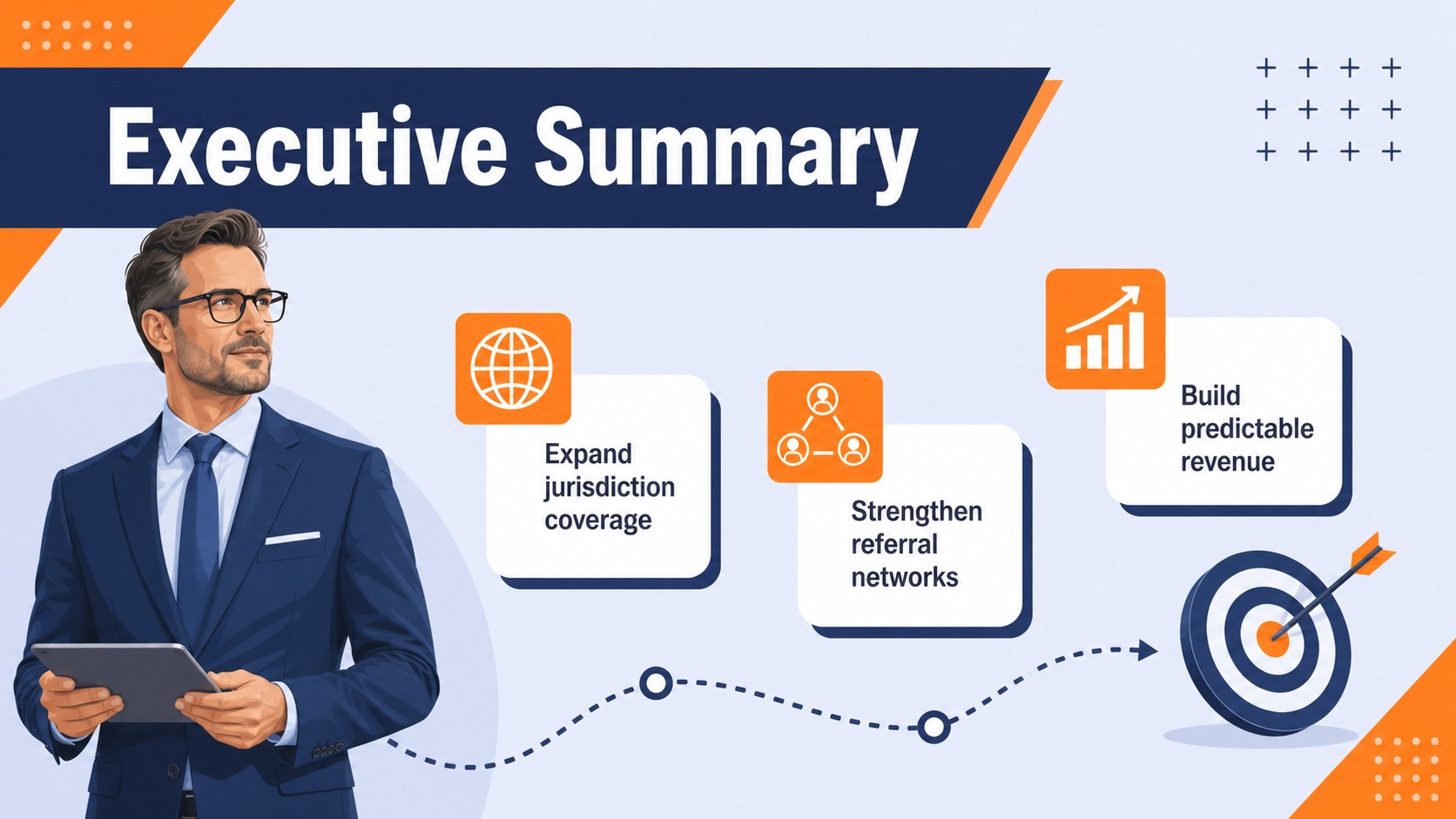
Turn complex expansion ideas into a focused cross-border divorce practice growth plan for partners, investors, and operational leaders. This blue and orange illustrated presentation provides a polished framework for explaining how a family law practice will attract clients, coordinate cases across jurisdictions, and build sustainable revenue. Its approachable visual style helps make sensitive legal topics and detailed business information easier to follow.
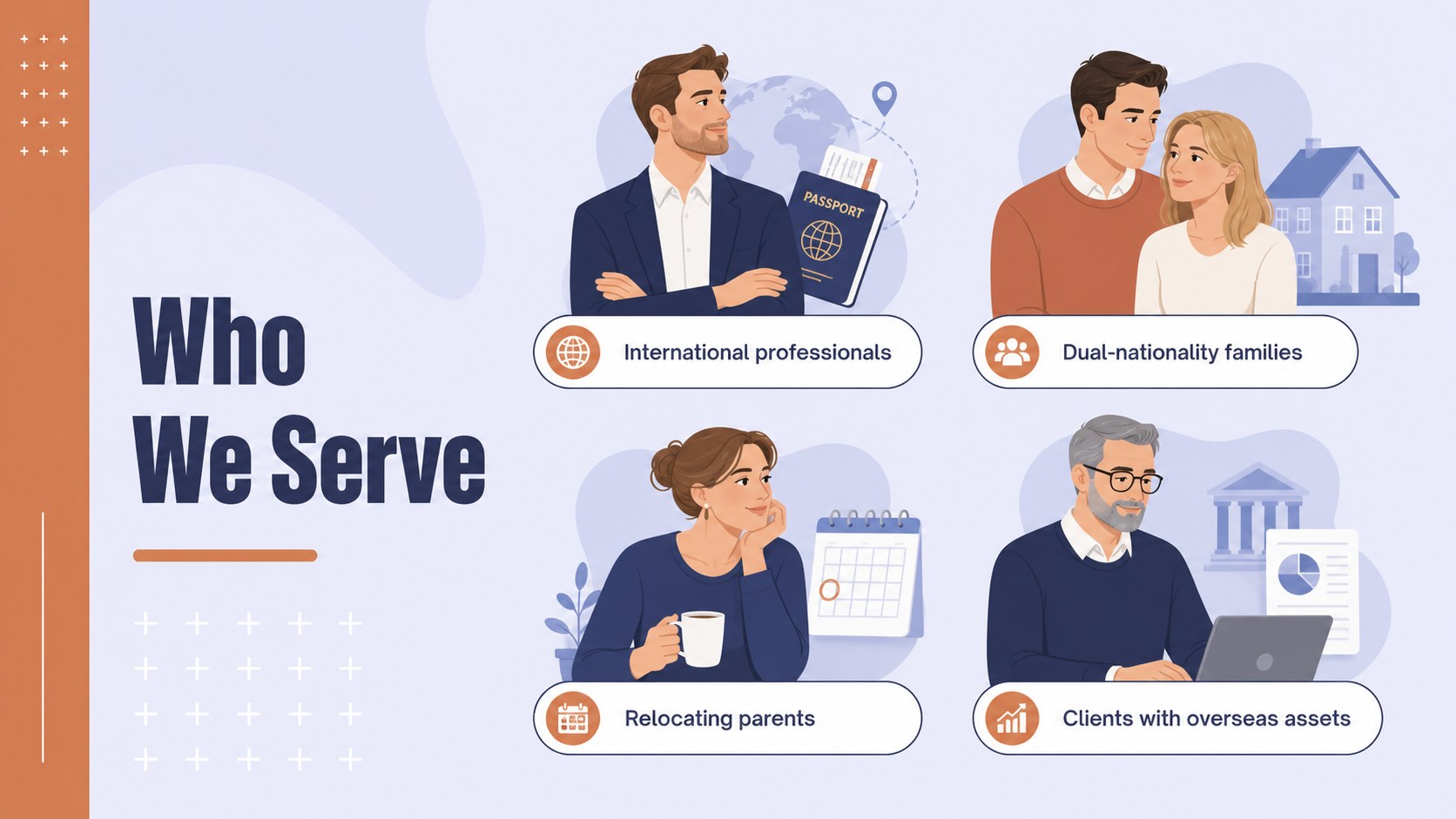
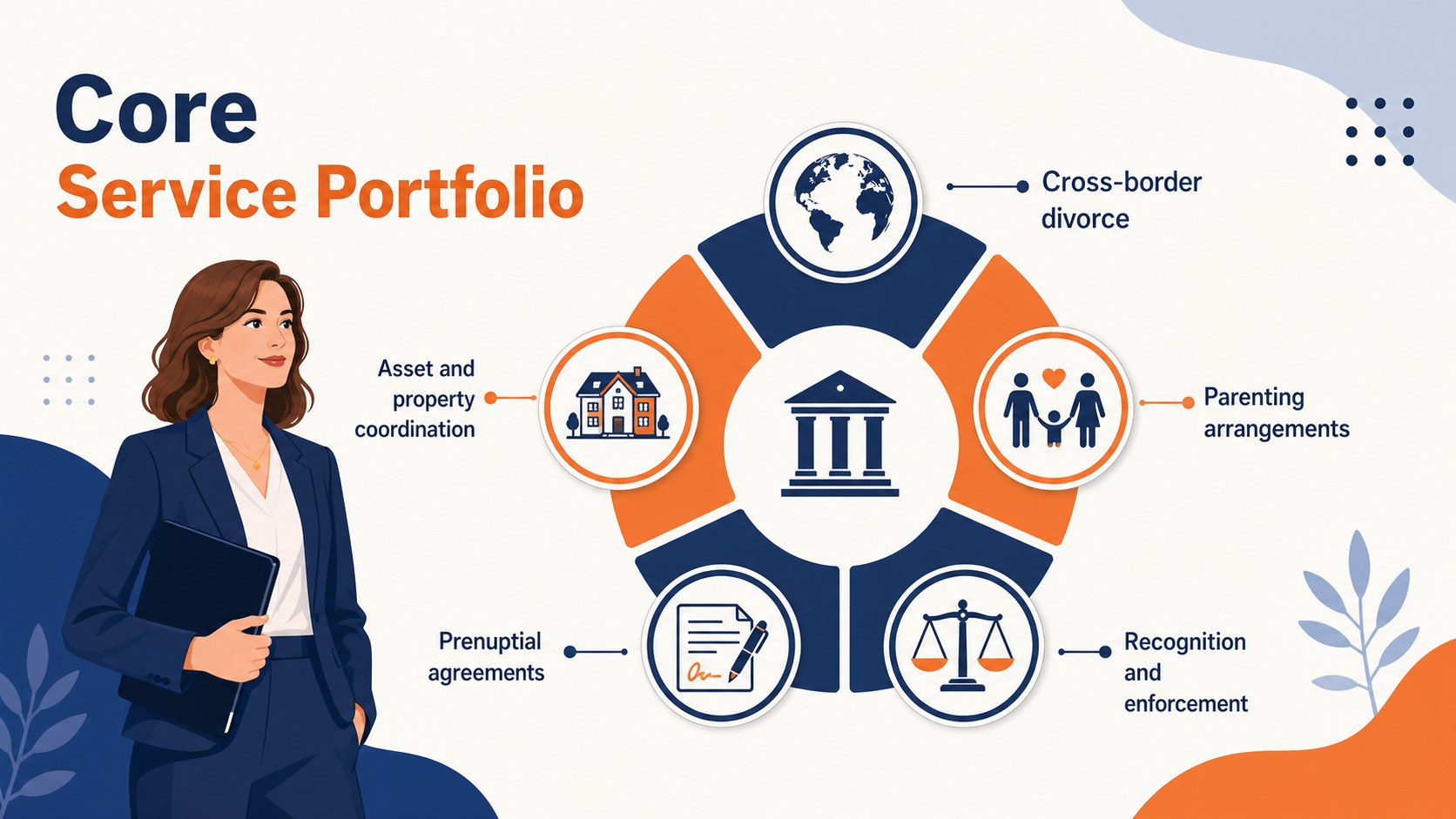
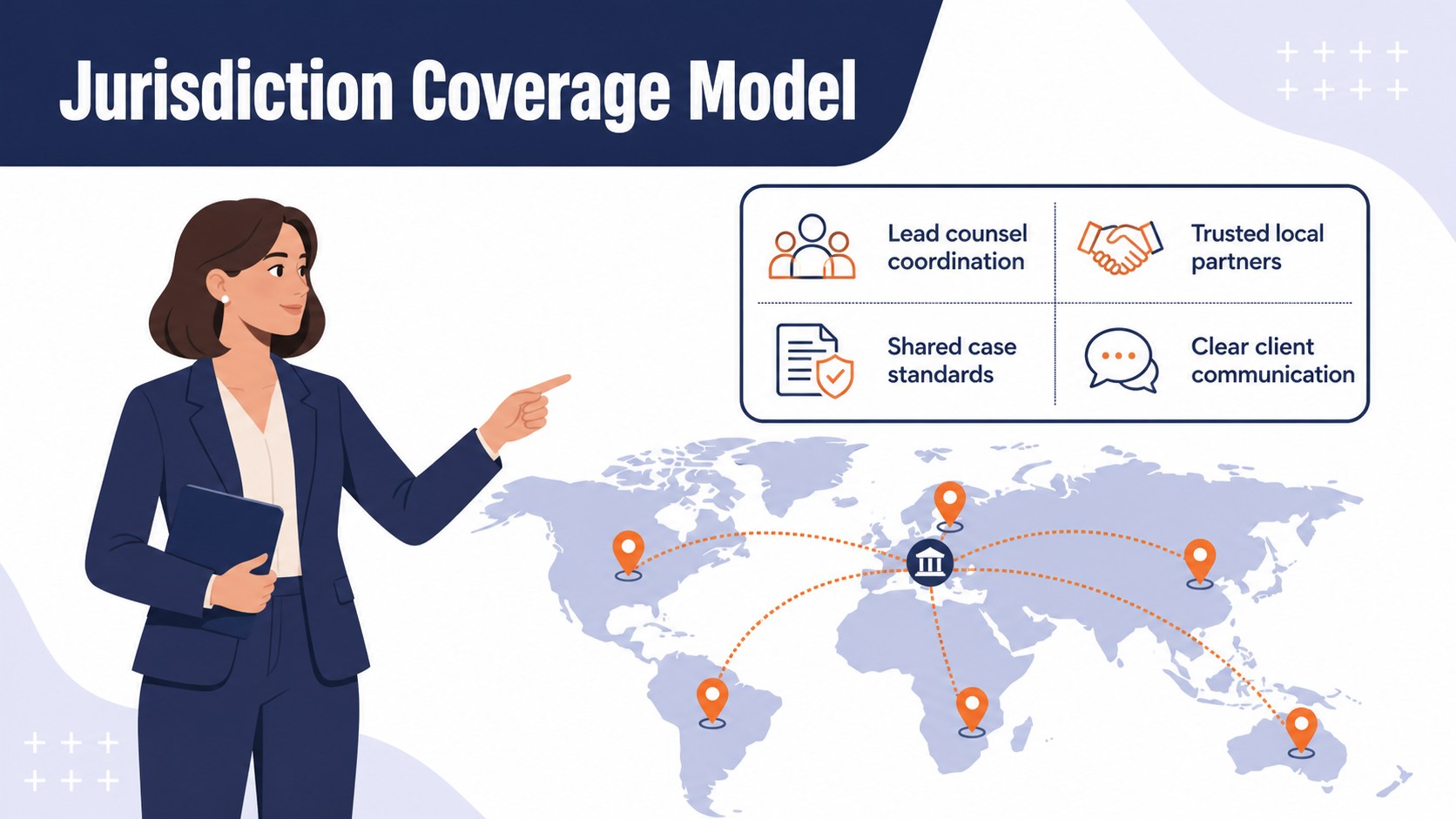
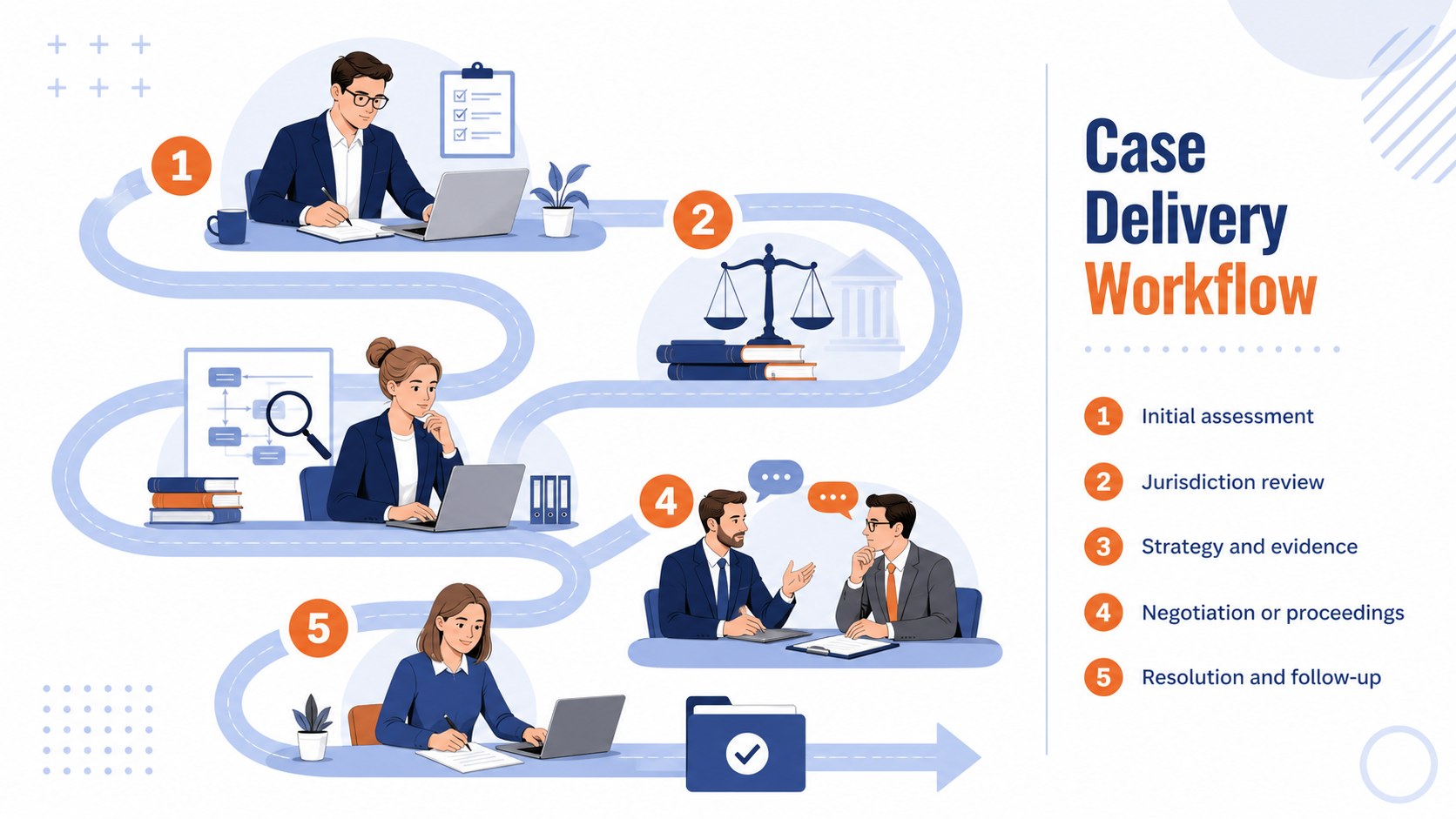
The deck includes layouts for an executive summary, divorce law firm market analysis, client profiles, service packages, jurisdiction coverage, competitive positioning, marketing channels, case workflows, staffing, technology, financial forecasts, risks, and an implementation timeline. Charts, process diagrams, comparison tables, and illustrated scenes create a balanced format for both strategic discussion and data-led decision-making.
Designed for managing partners, family law attorneys, legal consultants, practice managers, and business development teams, this template supports internal planning, partnership meetings, funding conversations, and regional expansion proposals. It is also useful when developing an international family law client acquisition strategy or presenting a multijurisdictional family law strategy to stakeholders. Every slide can be edited in PowerPoint or Google Slides, allowing teams to update wording, figures, colors, and imagery while retaining the distinctive blue and orange design system.
Perfect for: law firm partner strategy meeting; cross-border practice expansion proposal; legal services funding presentation; family law market review; annual practice planning; business development workshop.
Frequently asked questions
Can I edit this template in PowerPoint and Google Slides? Yes. The slide layouts, text, colors, charts, and visual elements can be edited in PowerPoint and Google Slides. Some fonts or effects may vary slightly between the two platforms.
Practical details
Yes. The slide layouts, text, colors, charts, and visual elements can be edited in PowerPoint and Google Slides. Some fonts or effects may vary slightly between the two platforms.
Replace the sample market, regulatory, and service information with details from the countries or regions your practice serves. You can also revise the jurisdiction map, workflow, and risk sections to reflect local procedures.
Yes. Update the sample figures with your revenue assumptions, case volumes, staffing costs, and growth targets. Review all formulas and labels after editing to ensure the charts accurately represent your data.
The professional illustrated style works well for internal planning and partner presentations. Remove placeholder content, add any required confidentiality notice, and confirm that sensitive client information is anonymized before sharing.
Keep exploring
15Build an engaging World UFO Day session with this flying saucer history lesson deck, featuring retro green-and-brown slides for PowerPoint and Google Slides.
 15
15Plan a lively animal-learning journey with this jungle zoo adventure lesson deck, ready to customize in PowerPoint and Google Slides for young learners.
 16
16Turn environmental research into a clear story with a Watercolor Ecology Presentation Theme for PowerPoint and Google Slides in calming green and blue.
 16
16Build focused fashion, literature, and humanities presentations with the Red Triangle Editorial Theme, editable in PowerPoint and Google Slides.
 15
15Turn streaming stats, favorite tracks, and concert highlights into a bold annual listening recap slide deck for PowerPoint and Google Slides.
 15
15Turn highlights, milestones, and favorite moments into a colorful year in review slide deck with bold 3D graphics for PowerPoint and Google Slides.
 3
3Build a credible endorsement with Standout Colleague Recommendation Letter Slides, featuring colorful prompts for skills, achievements, and team impact.
 4
4Build clear beginner sessions with an ice hockey fundamentals training deck for coaches, PE teachers, and clubs, ready for PowerPoint and Google Slides.