
 15
15presentation
Flying Saucer History Lesson Deck
Build an engaging World UFO Day session with this flying saucer history lesson deck, featuring retro green-and-brown slides for PowerPoint and Google Slides.
Google SlidesPowerPoint
presentation · English
Build a polished creator content strategy theme for campaign planning, audience insights, and growth reports in PowerPoint or Google Slides.

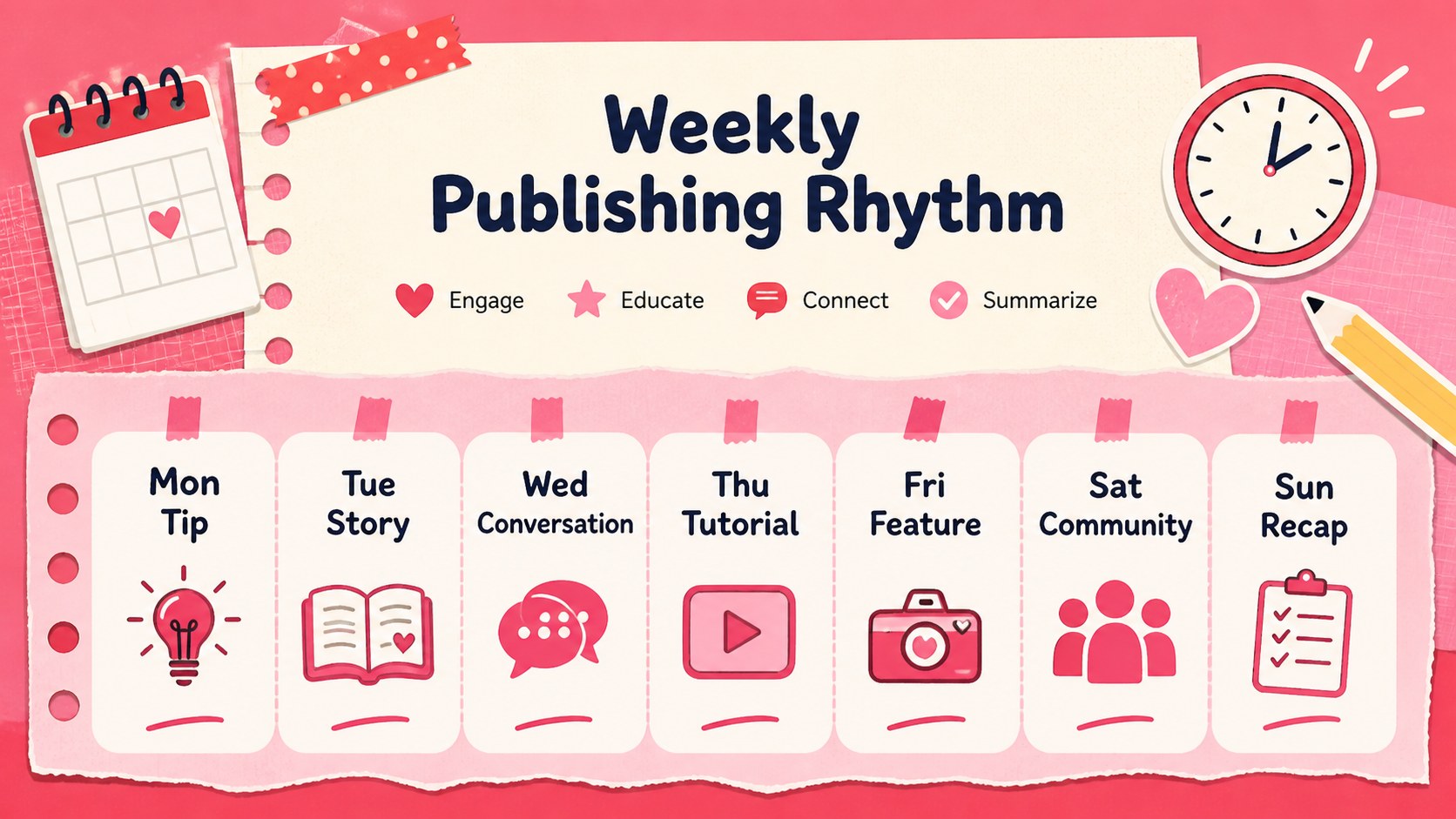
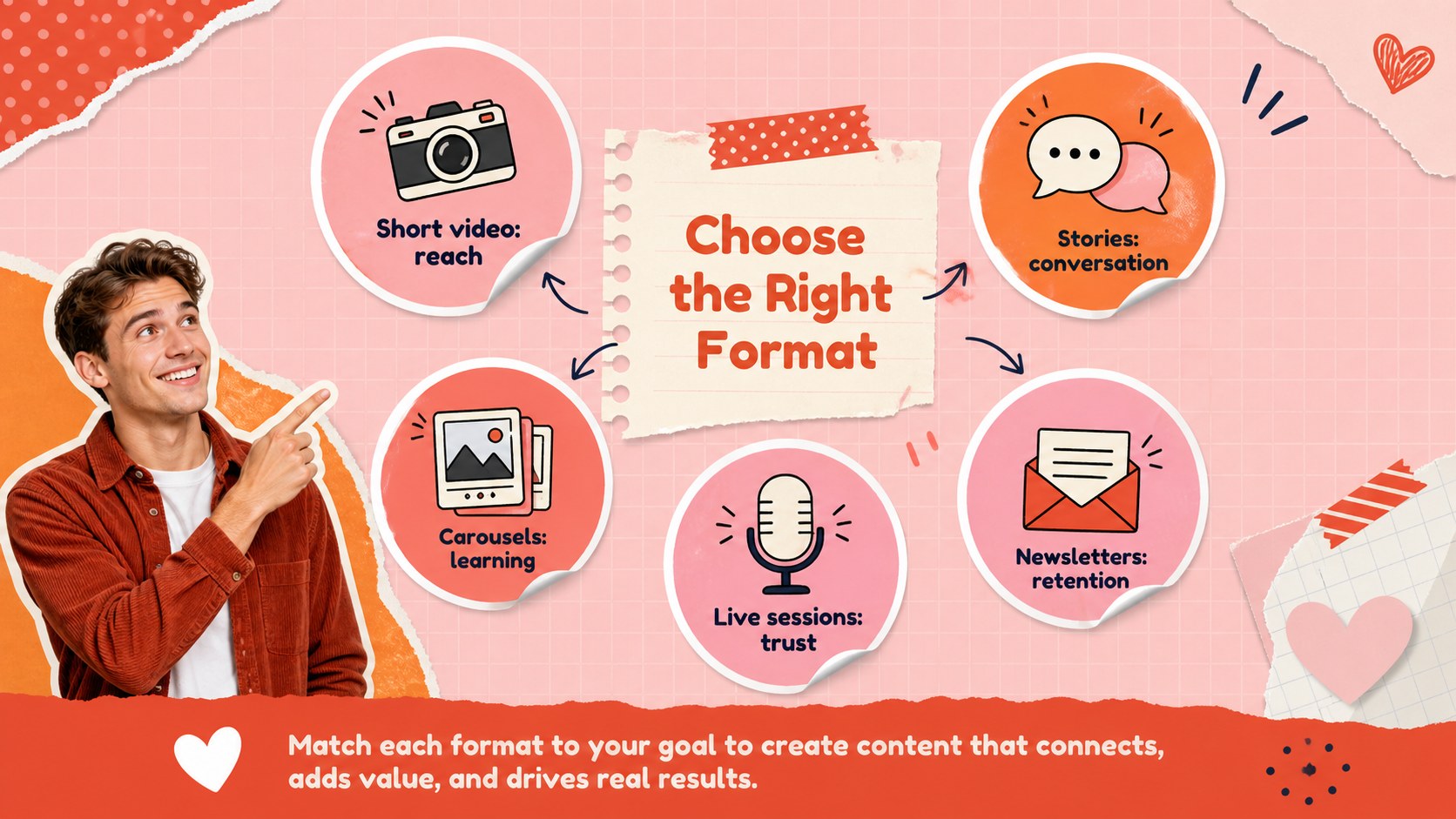
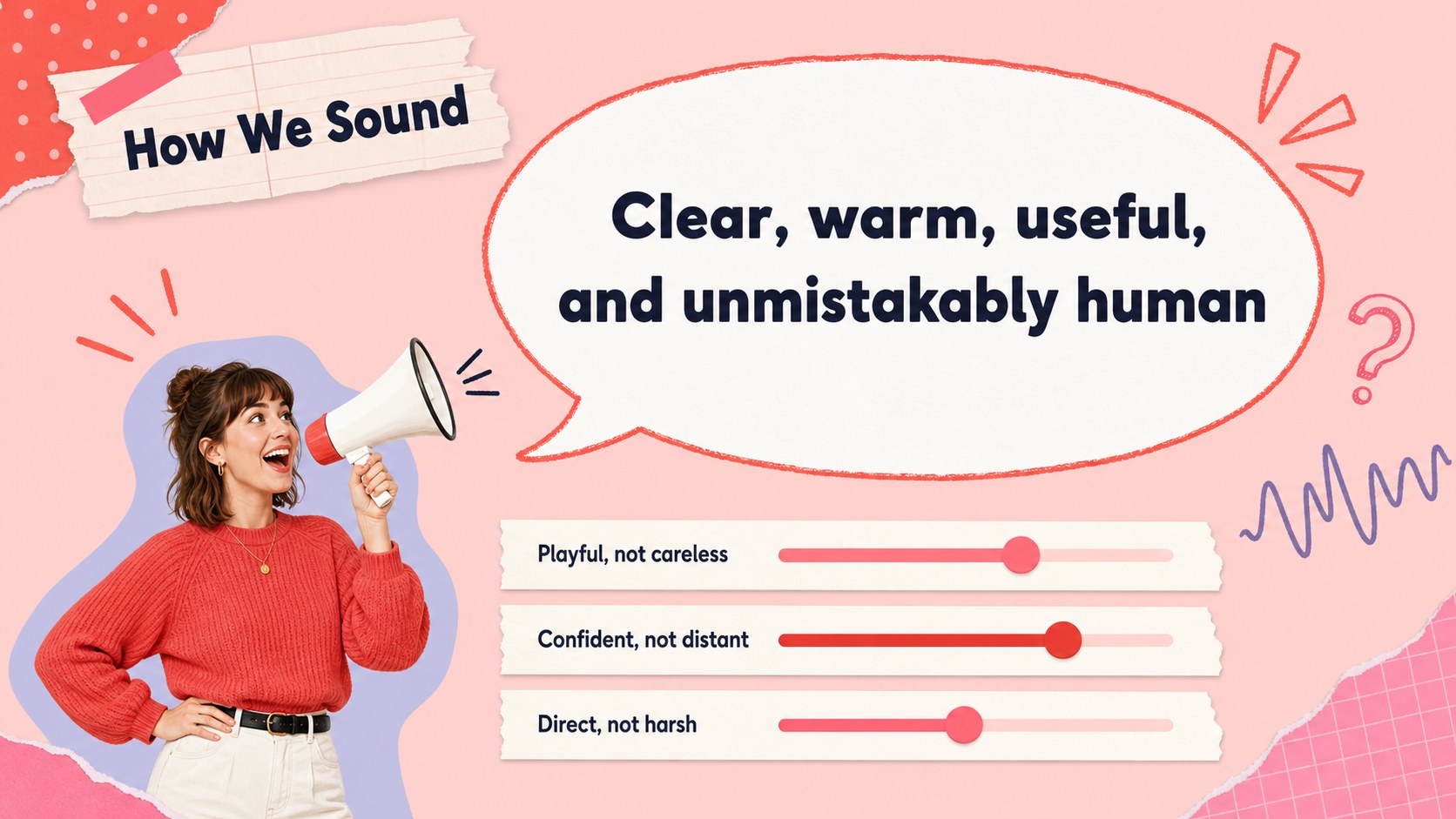
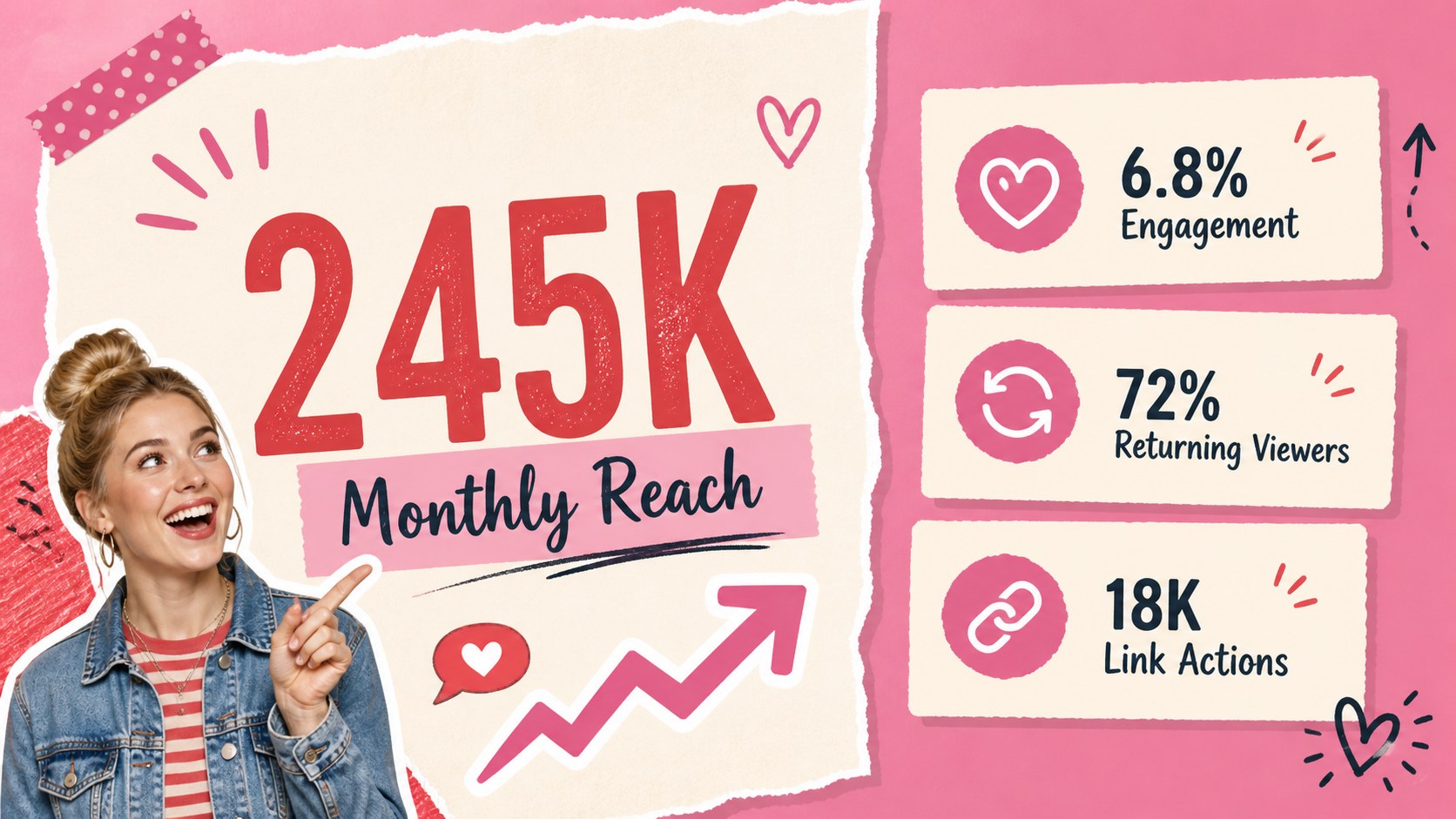
Design notes
The Creator Content Strategy Theme gives influencers, independent creators, and marketing teams a bright way to organize ideas and communicate a clear online presence. Its colorful pink and red scrapbook style brings personality to planning sessions while keeping campaign details, audience insights, and performance updates easy to follow.
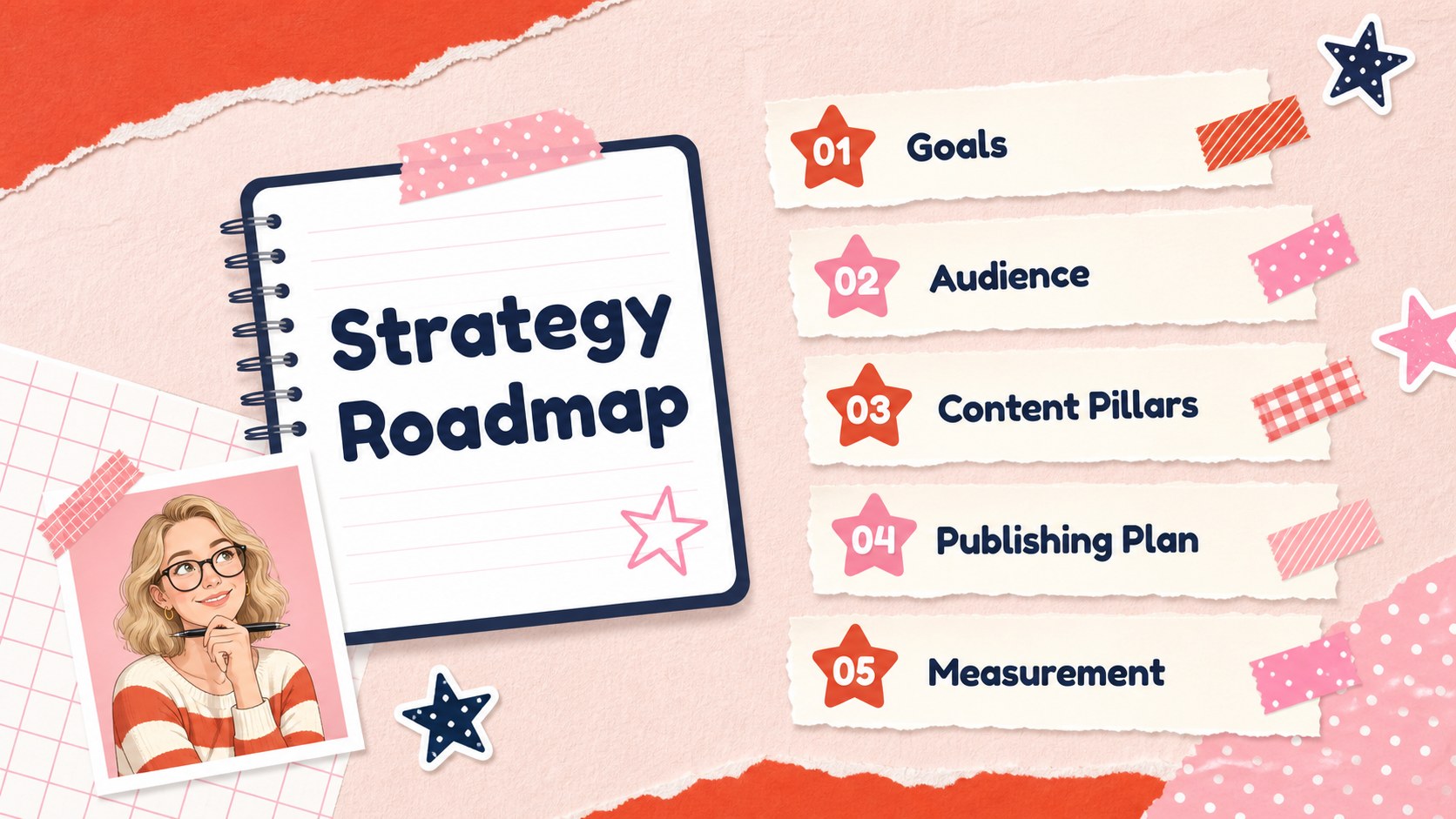
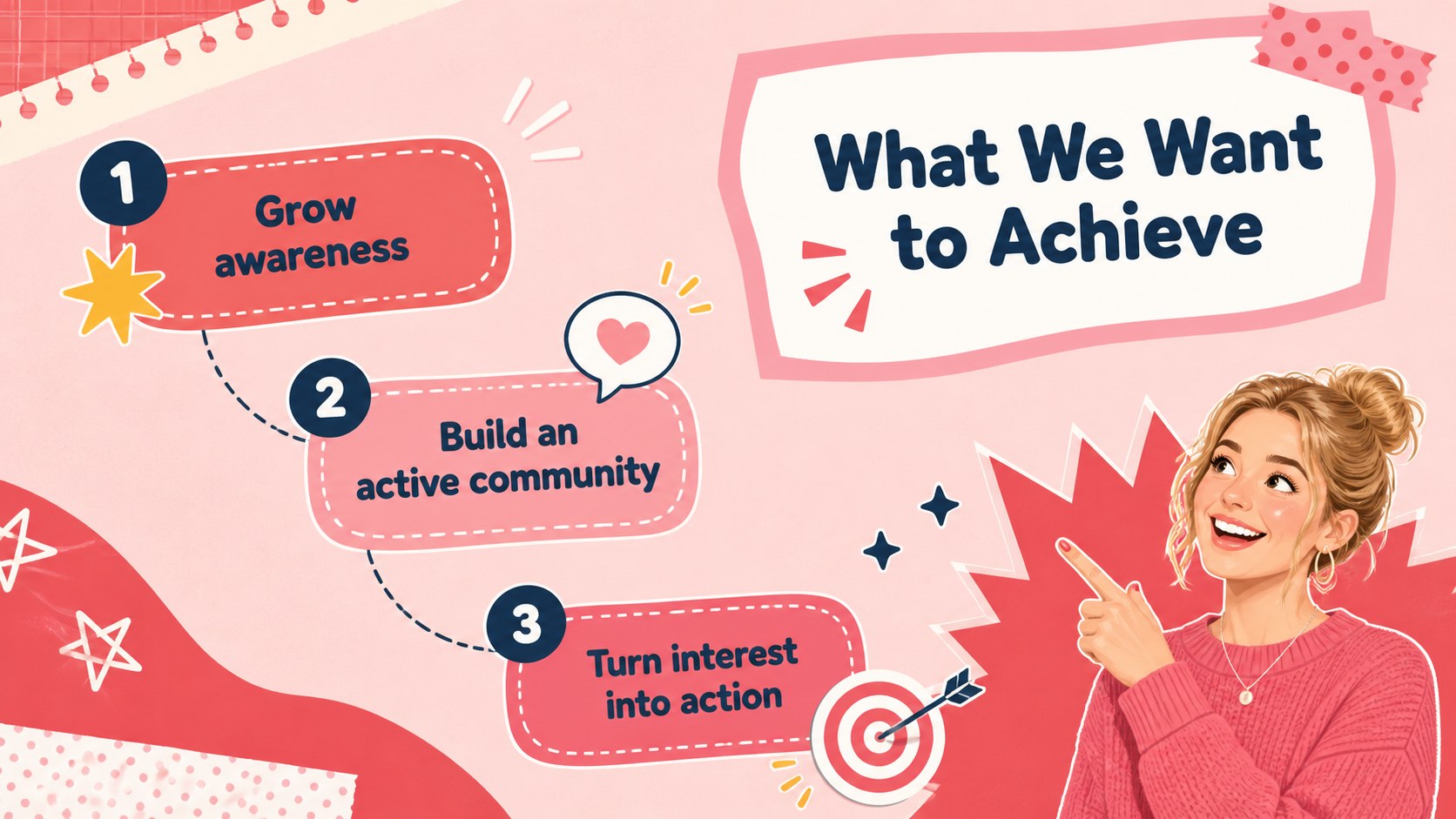
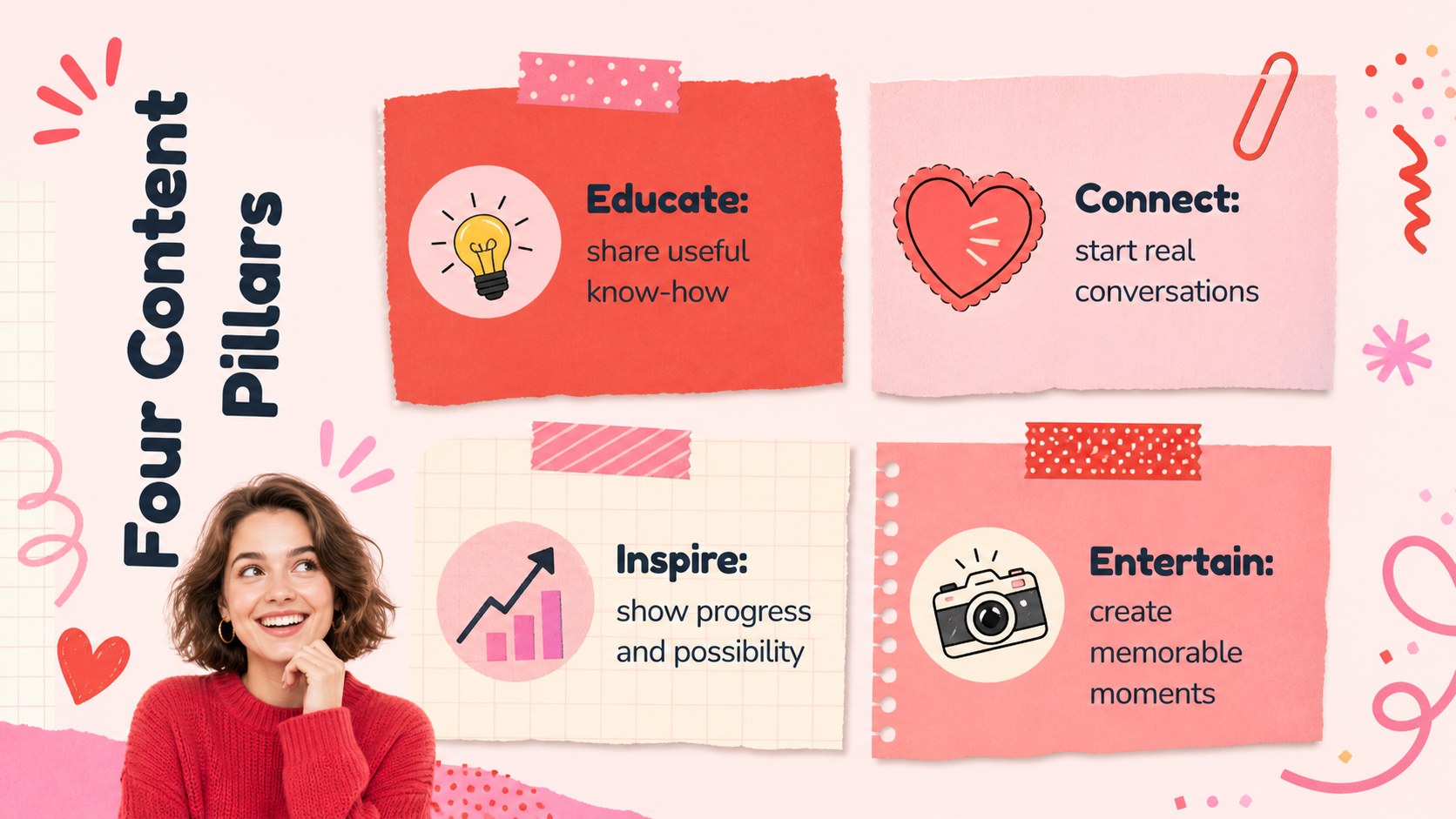
Use the 16-slide deck as a social media content planning presentation, an influencer media kit presentation, or a visual briefing for a creator brand campaign. Ready-made layouts cover objectives, content pillars, audience profiles, posting schedules, collaboration concepts, channel statistics, campaign milestones, team roles, and next steps. Photo frames, playful illustrations, bold labels, charts, and editable text areas make it simple to balance creative storytelling with useful information.
This creator content strategy theme is designed for lifestyle creators, social media managers, personal brand consultants, small agencies, and marketing students. Every slide can be adjusted in PowerPoint or Google Slides, including the wording, photos, colors, type, icons, and page order. Keep the energetic red, pink, and multicolor palette for a cheerful scrapbook look, or adapt the accents to match a personal identity or campaign. The widescreen format works well for live presentations, remote meetings, class projects, partnership proposals, and exported PDF reports.
Perfect for: monthly content planning; creator partnership proposal; audience growth review; personal brand workshop; social campaign briefing.
Frequently asked questions
Can I edit every part of this creator strategy deck? Yes. Text, photos, colors, charts, icons, and layout elements can be edited to suit your content plan or personal identity.
Practical details
Yes. Text, photos, colors, charts, icons, and layout elements can be edited to suit your content plan or personal identity.
The template is designed for PowerPoint and Google Slides. Both platforms support the widescreen layouts and standard editing features used throughout the deck.
Replace the sample images and wording, then update the accent colors and typography to reflect your visual identity. You can also duplicate, remove, or reorder slides to fit a specific campaign.
Yes. Add your audience profile, channel metrics, collaboration options, previous campaign results, and contact details to create a focused media kit for prospective partners.
Keep exploring
15Build an engaging World UFO Day session with this flying saucer history lesson deck, featuring retro green-and-brown slides for PowerPoint and Google Slides.
 15
15Plan a lively animal-learning journey with this jungle zoo adventure lesson deck, ready to customize in PowerPoint and Google Slides for young learners.
 16
16Turn environmental research into a clear story with a Watercolor Ecology Presentation Theme for PowerPoint and Google Slides in calming green and blue.
 16
16Build focused fashion, literature, and humanities presentations with the Red Triangle Editorial Theme, editable in PowerPoint and Google Slides.
 15
15Turn streaming stats, favorite tracks, and concert highlights into a bold annual listening recap slide deck for PowerPoint and Google Slides.
 15
15Turn highlights, milestones, and favorite moments into a colorful year in review slide deck with bold 3D graphics for PowerPoint and Google Slides.
 3
3Build a credible endorsement with Standout Colleague Recommendation Letter Slides, featuring colorful prompts for skills, achievements, and team impact.
 4
4Build clear beginner sessions with an ice hockey fundamentals training deck for coaches, PE teachers, and clubs, ready for PowerPoint and Google Slides.