
 15
15presentation
Flying Saucer History Lesson Deck
Build an engaging World UFO Day session with this flying saucer history lesson deck, featuring retro green-and-brown slides for PowerPoint and Google Slides.
Google SlidesPowerPoint
presentation · English
Present your creative journey with a flexible creative portfolio introduction deck featuring gray and purple visuals, editable layouts, and polished story…

Design notes
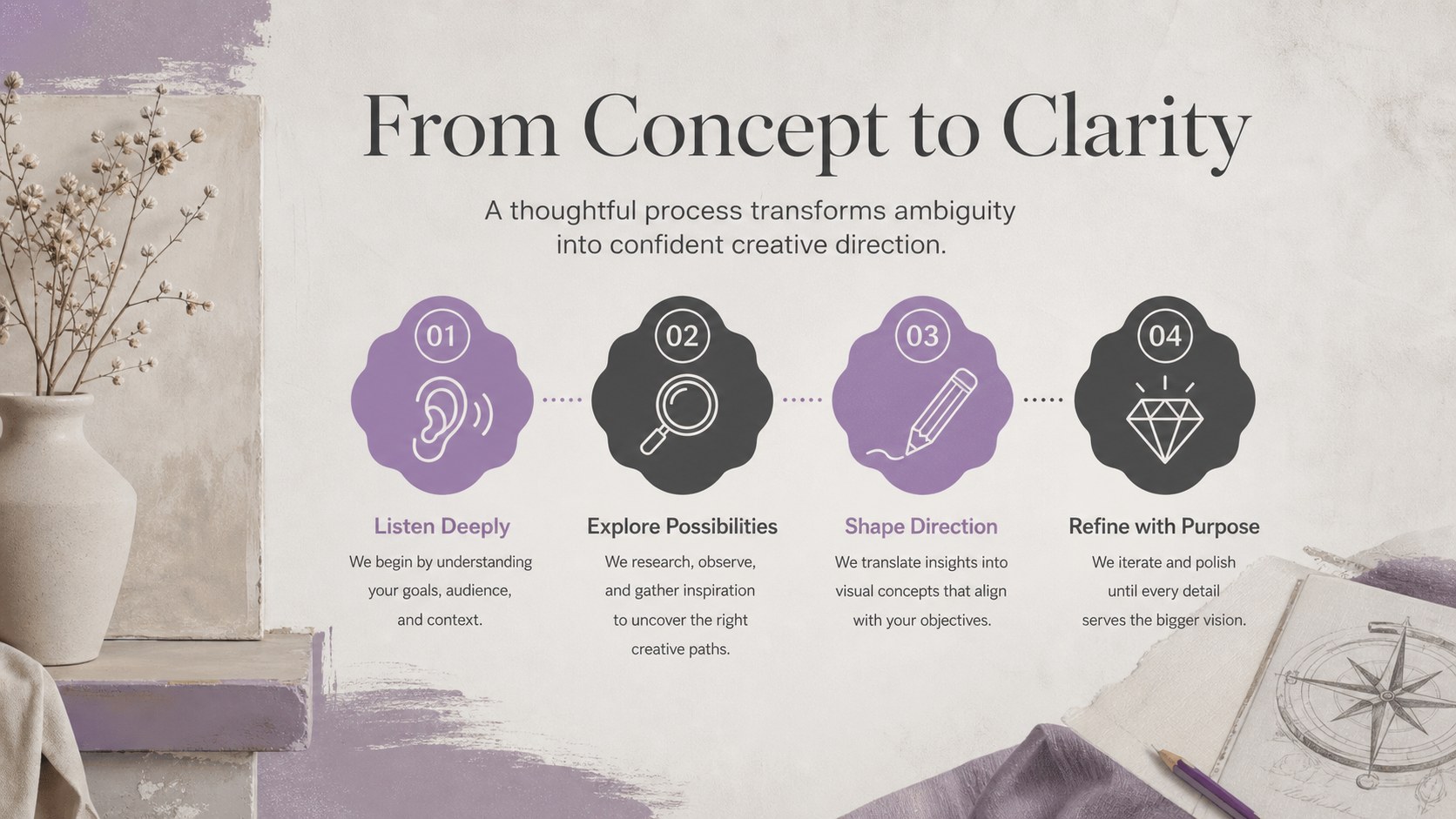
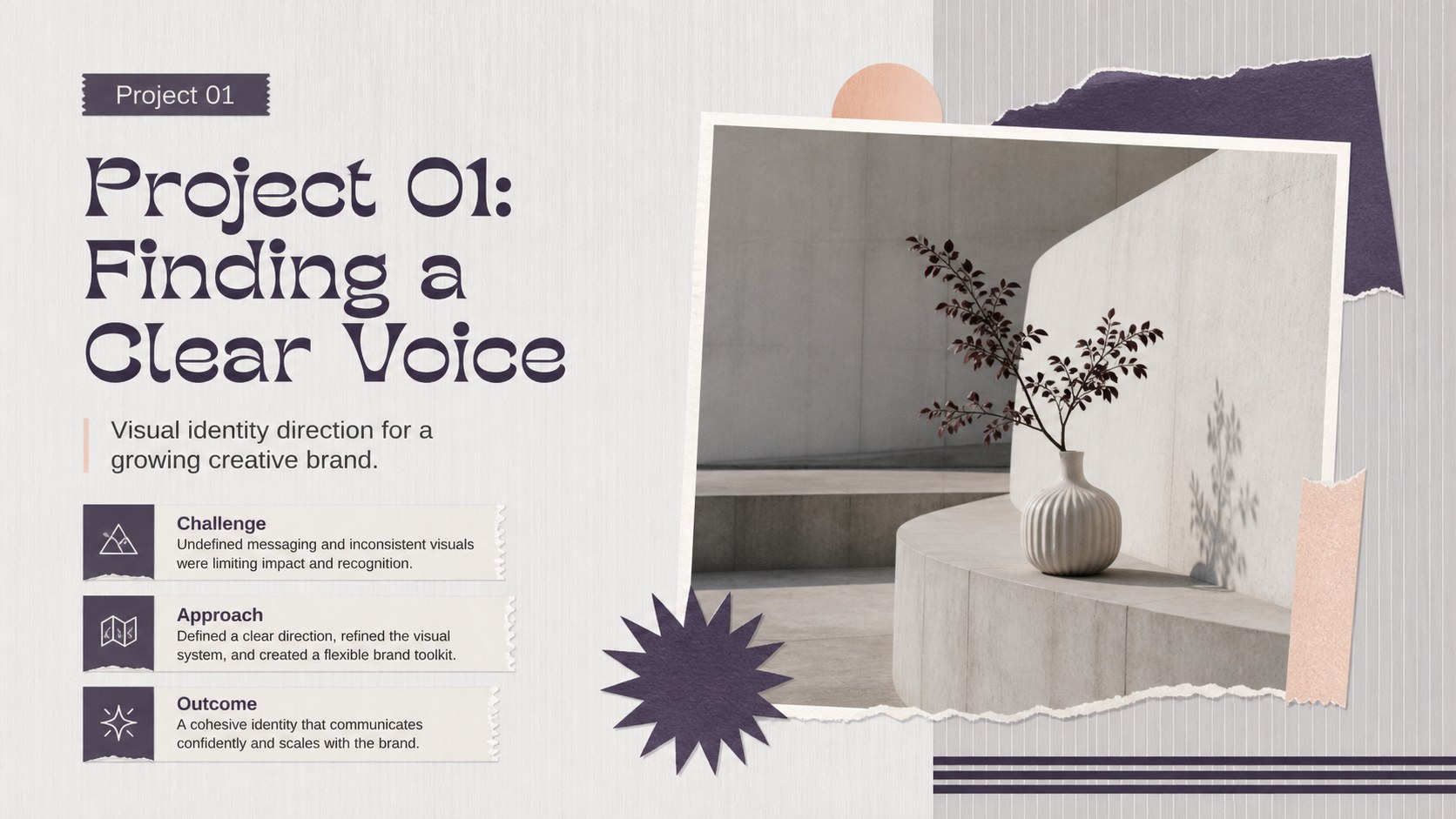
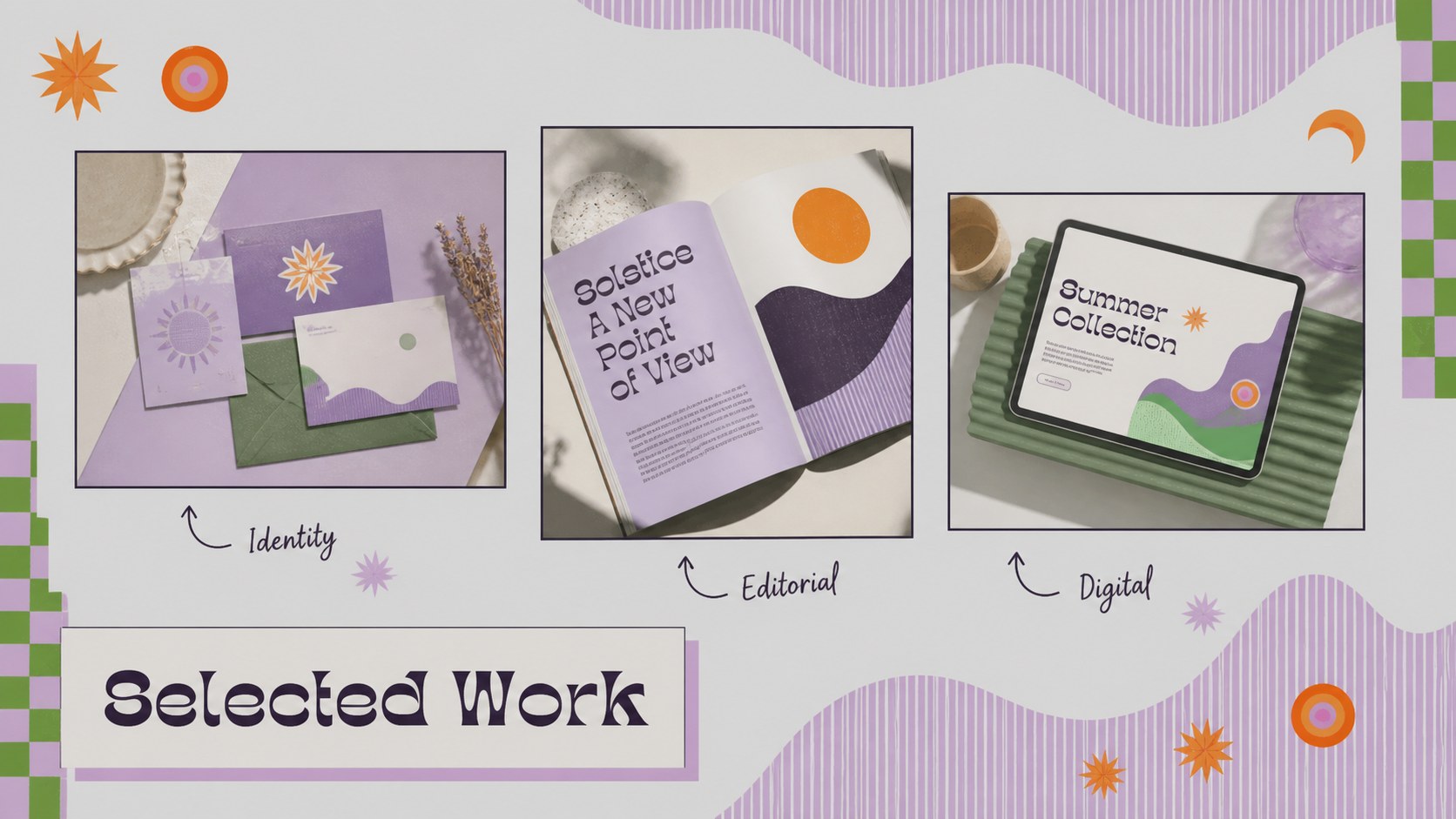
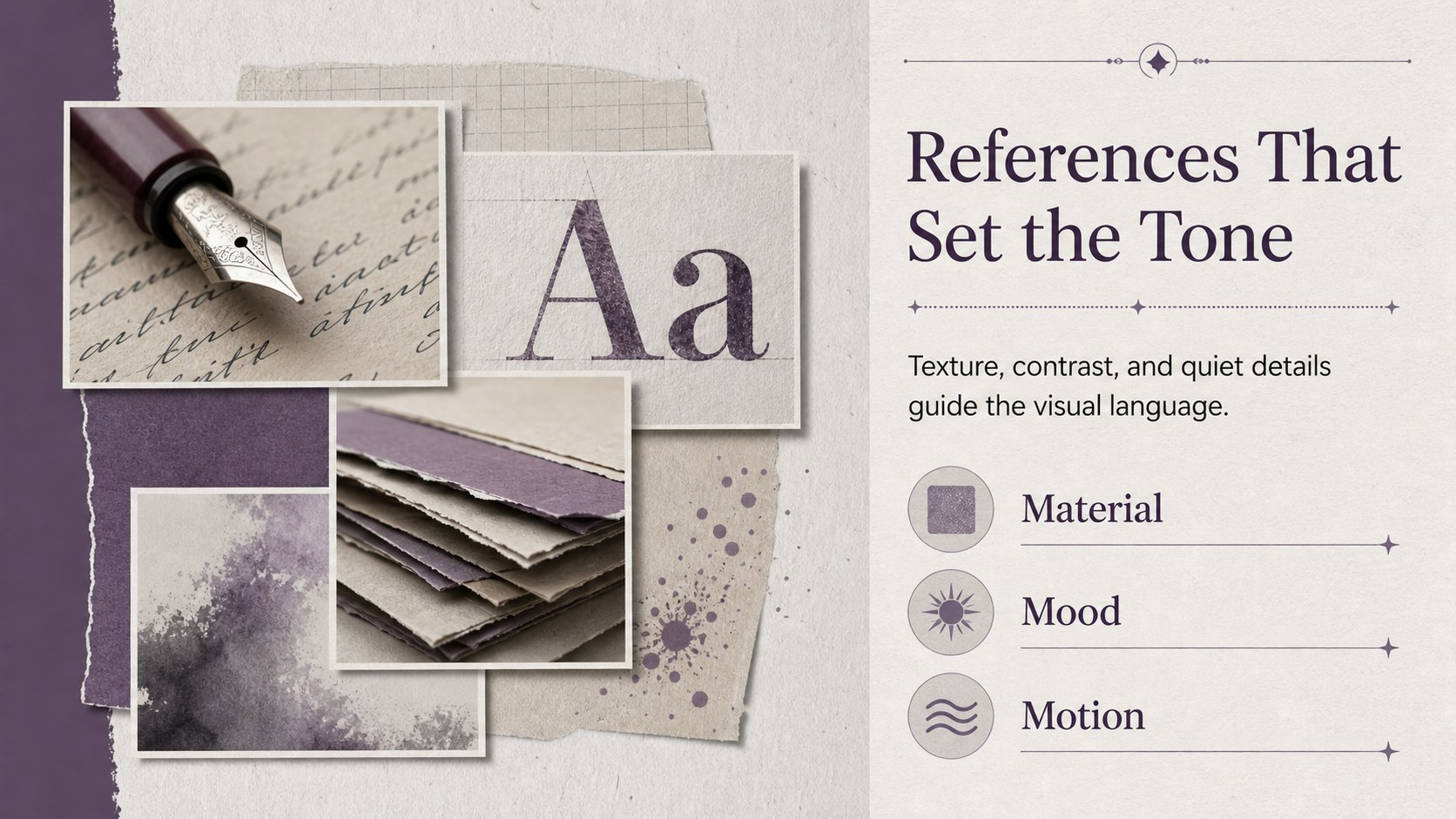
Shape a confident first impression with this creative portfolio introduction deck, designed to help artists, designers, photographers, and other makers present their work with clarity. Its restrained gray and purple palette, fine line details, and minimal illustrated styling keep attention on your ideas while giving the presentation a distinctive editorial feel. Use the layouts to connect your background, creative approach, selected projects, and future direction into one memorable narrative.
Inside, you will find 15 flexible 16:9 slides for an opening statement, profile overview, skills, process, project highlights, visual references, results, testimonials, and a closing contact page. The structure works equally well as an artist portfolio presentation for clients, a creative self introduction slides deck for interviews, or a minimal portfolio pitch deck for a collaboration meeting. Replace the sample copy, images, charts, and illustrations, PowerPoint, or Google Slides. Adjust colors and type while preserving the balanced visual system, or mix layouts to build an editable art portfolio slides presentation that feels personal and current. The deck is suitable for freelance proposals, studio reviews, classroom critiques, and online portfolio walkthroughs.
Perfect for: freelance client proposal; creative job interview; artist studio review; design school critique; agency collaboration pitch.
Frequently asked questions
Can I edit this deck without design experience? Yes. The layouts are built for straightforward editing, with replaceable text, images, shapes, and charts. You can keep the existing visual structure or adapt each slide to your own portfolio.
Which presentation platforms are supported? The template is designed for and can be exported to PowerPoint or saved to Google Slides. Export options may vary slightly depending on the features used in the file.
Practical details
Yes. The layouts are built for straightforward editing, with replaceable text, images, shapes, and charts. You can keep the existing visual structure or adapt each slide to your own portfolio.
The template is designed for and can be exported to PowerPoint or saved to Google Slides. Export options may vary slightly depending on the features used in the file.
Yes. Update the document colors and font settings to match your personal brand while retaining the original visual rhythm. The line illustrations and spacious layouts also work well with a different accent color.
Start with a concise profile, then show your skills, working process, selected projects, and measurable or visual outcomes. Finish with a clear contact or collaboration invitation so viewers know what to do next.
Keep exploring
15Build an engaging World UFO Day session with this flying saucer history lesson deck, featuring retro green-and-brown slides for PowerPoint and Google Slides.
 15
15Plan a lively animal-learning journey with this jungle zoo adventure lesson deck, ready to customize in PowerPoint and Google Slides for young learners.
 16
16Turn environmental research into a clear story with a Watercolor Ecology Presentation Theme for PowerPoint and Google Slides in calming green and blue.
 16
16Build focused fashion, literature, and humanities presentations with the Red Triangle Editorial Theme, editable in PowerPoint and Google Slides.
 15
15Turn streaming stats, favorite tracks, and concert highlights into a bold annual listening recap slide deck for PowerPoint and Google Slides.
 15
15Turn highlights, milestones, and favorite moments into a colorful year in review slide deck with bold 3D graphics for PowerPoint and Google Slides.
 3
3Build a credible endorsement with Standout Colleague Recommendation Letter Slides, featuring colorful prompts for skills, achievements, and team impact.
 4
4Build clear beginner sessions with an ice hockey fundamentals training deck for coaches, PE teachers, and clubs, ready for PowerPoint and Google Slides.