
 15
15presentation
Flying Saucer History Lesson Deck
Build an engaging World UFO Day session with this flying saucer history lesson deck, featuring retro green-and-brown slides for PowerPoint and Google Slides.
Google SlidesPowerPoint
presentation · English
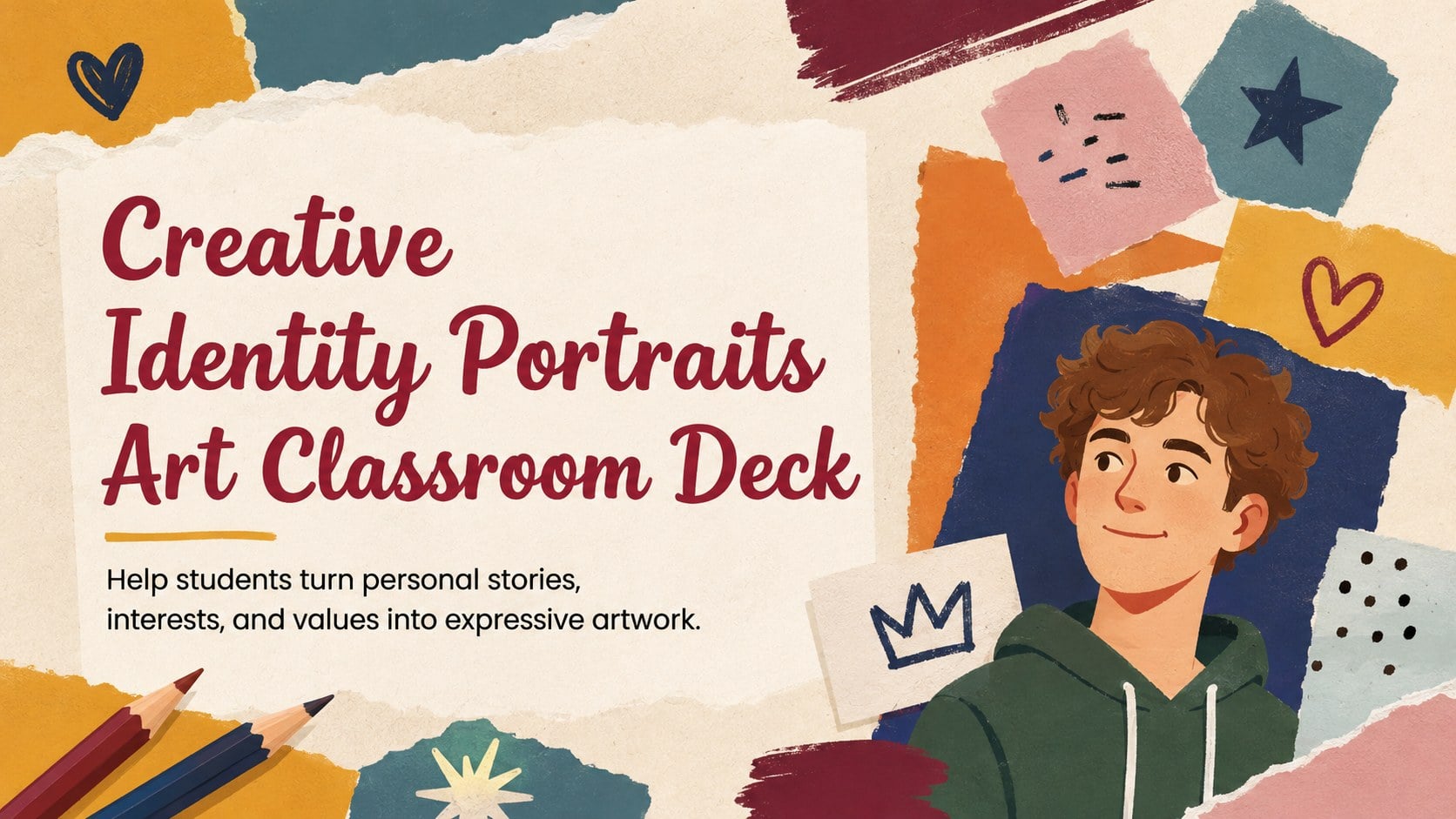
Guide meaningful art activities with the Creative Identity Portraits Art Classroom Deck, an editable resource for PowerPoint and Google Slides.
Design notes
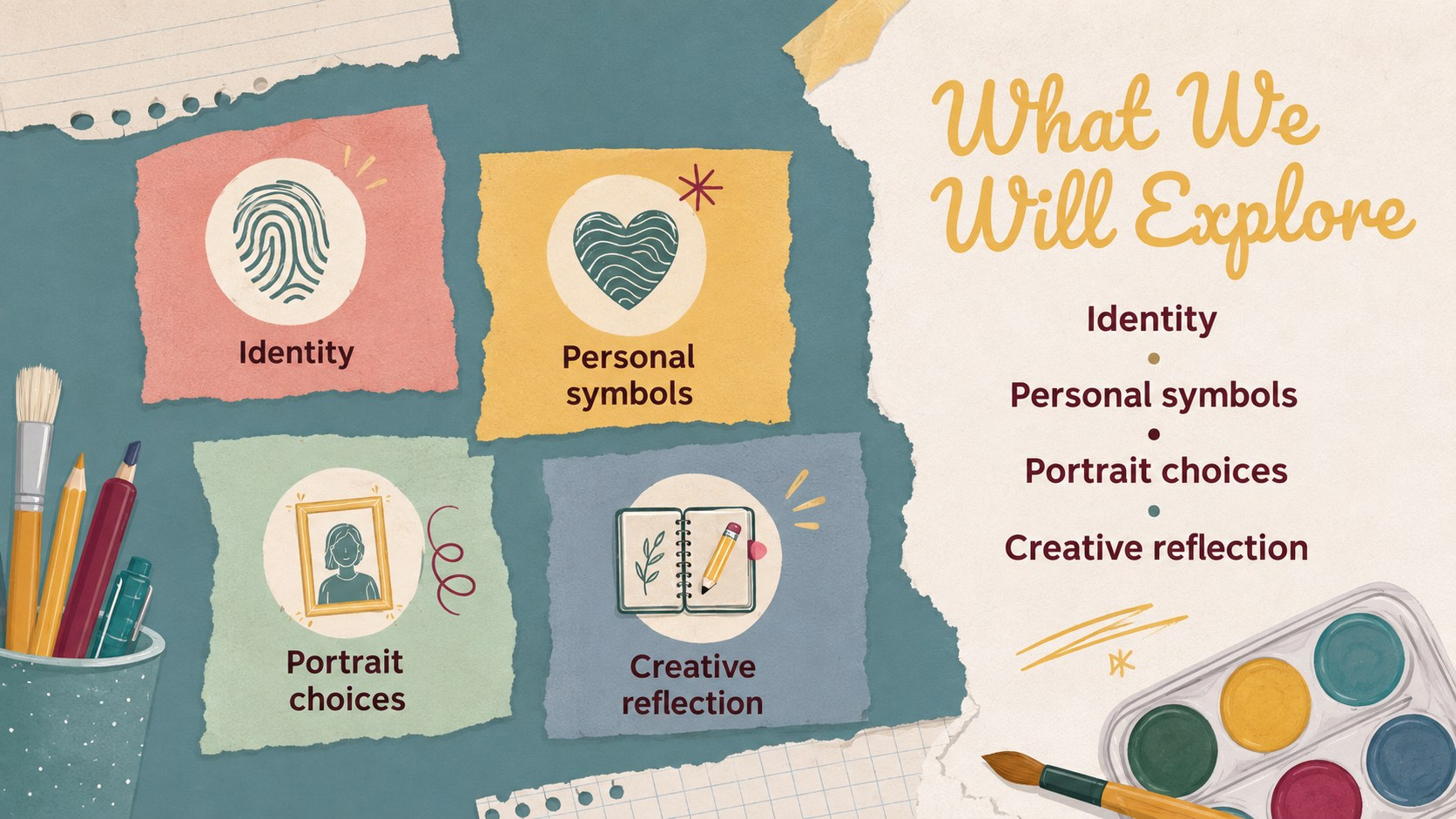
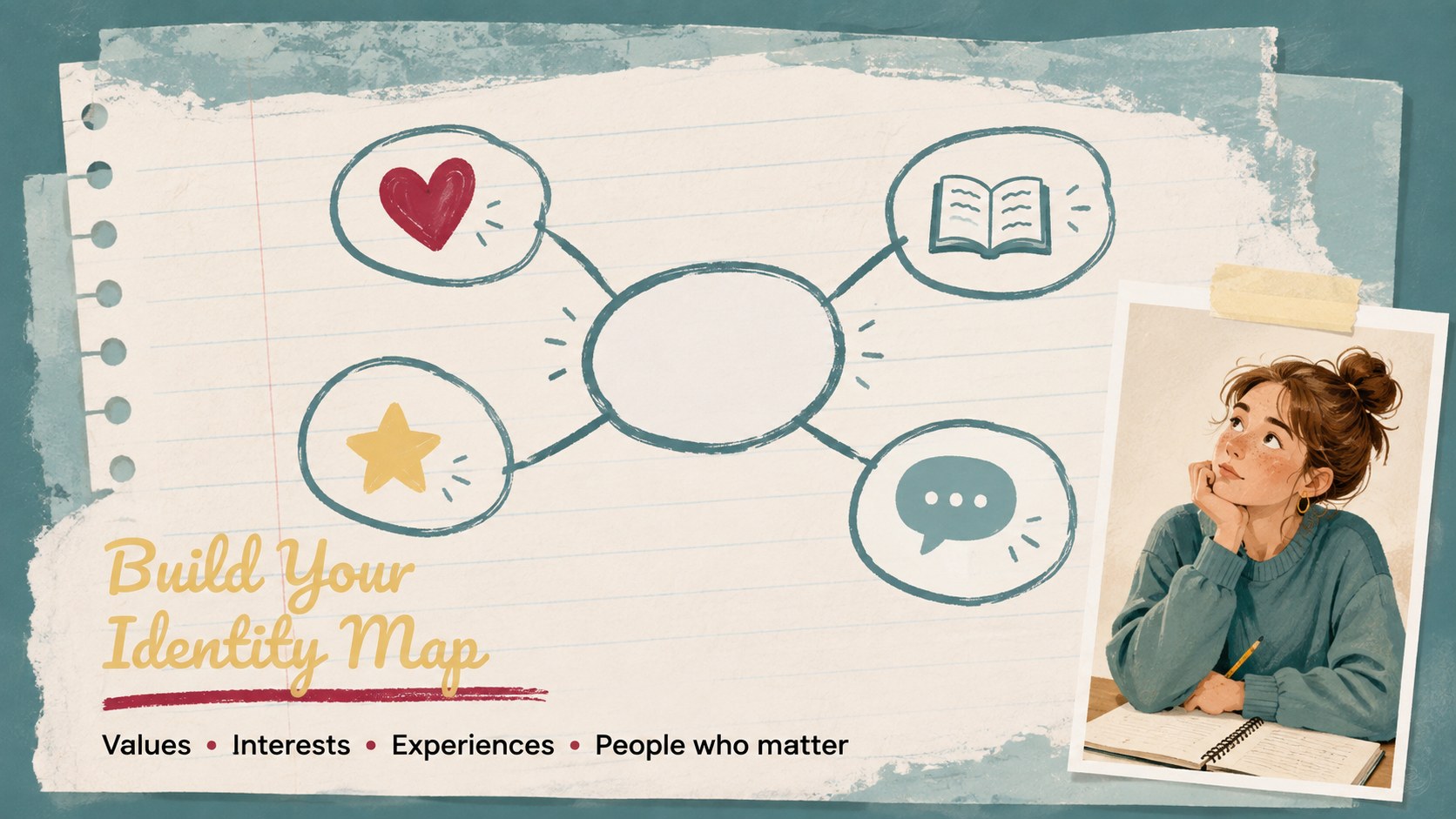
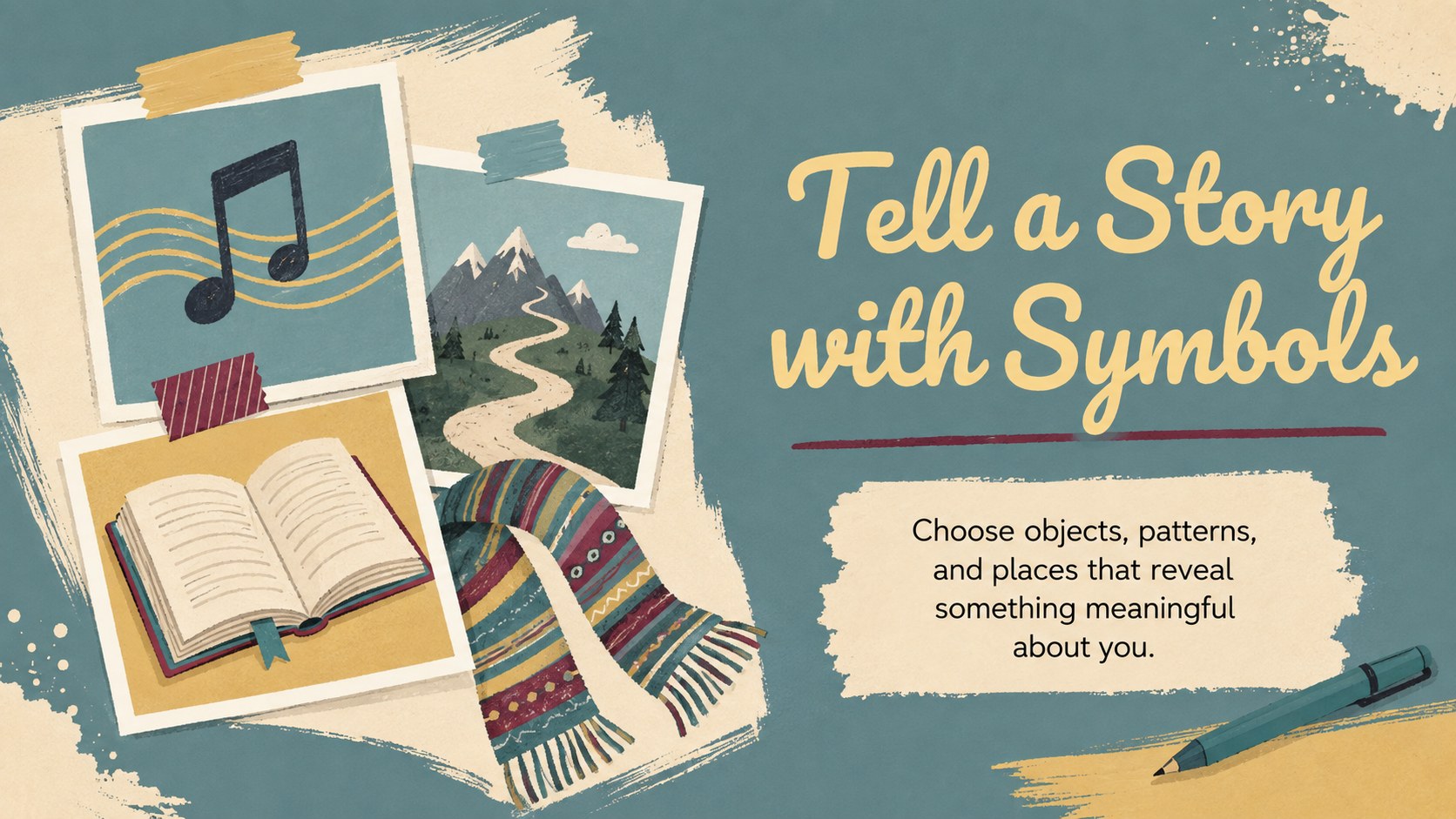
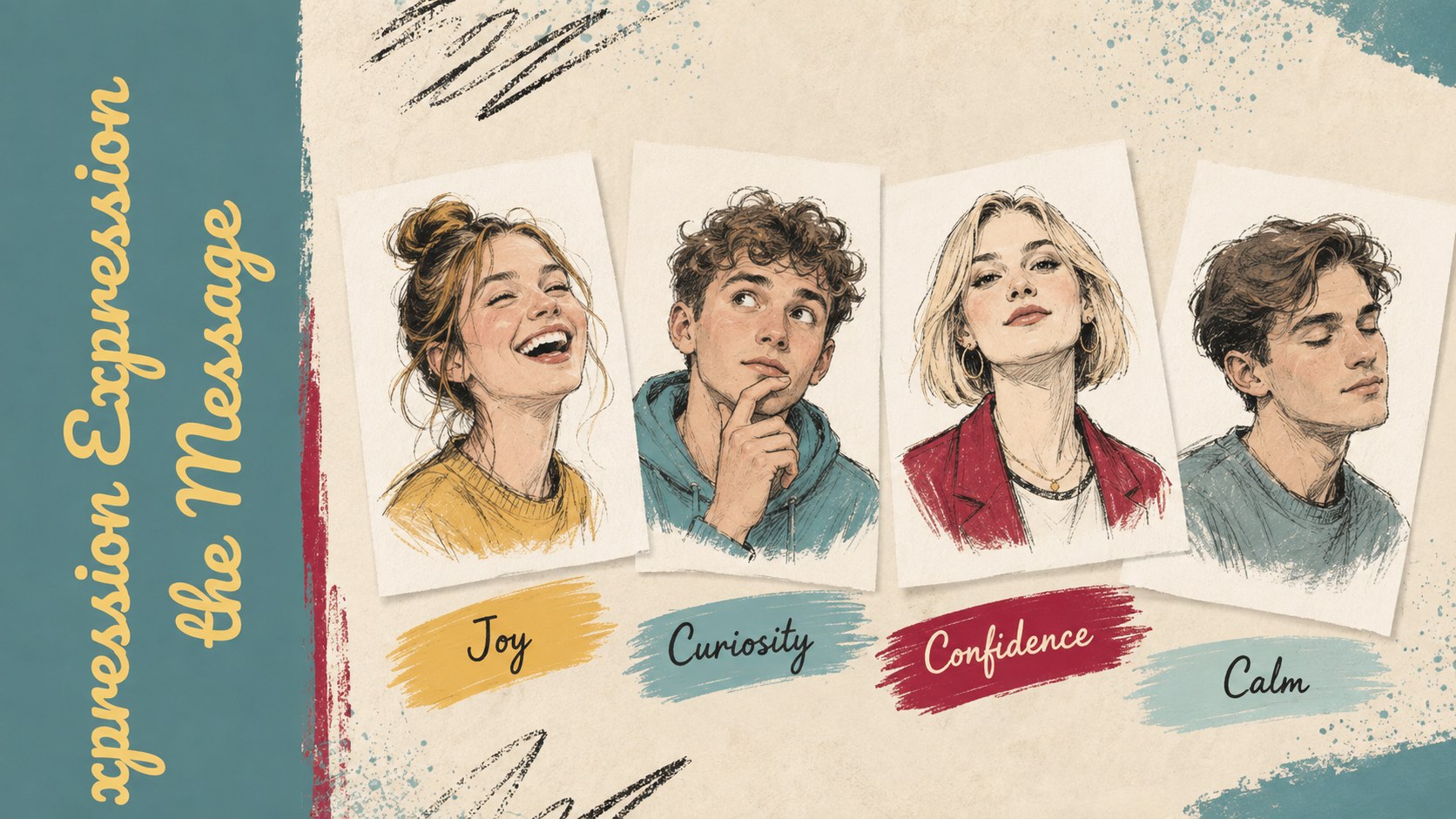
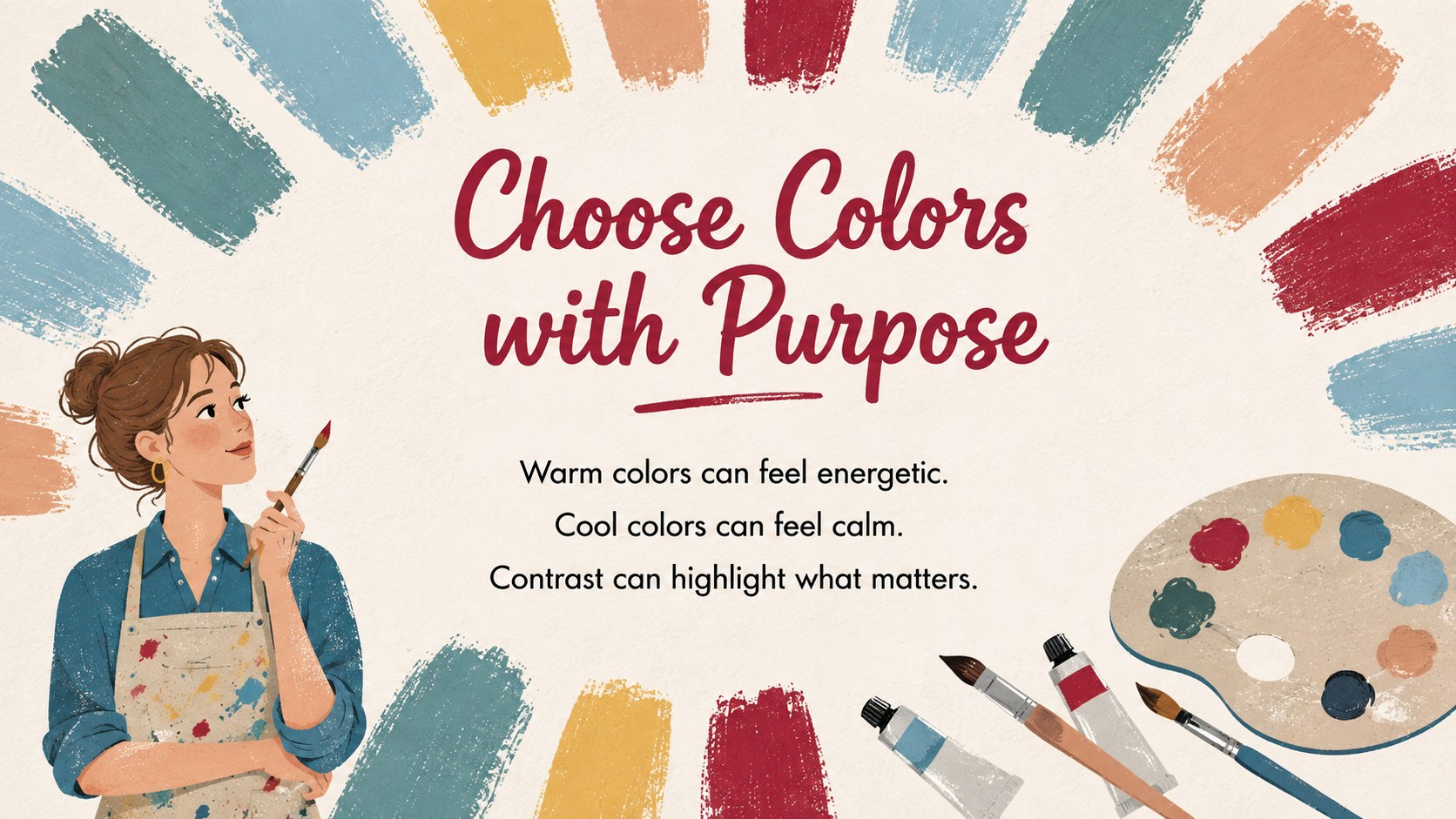
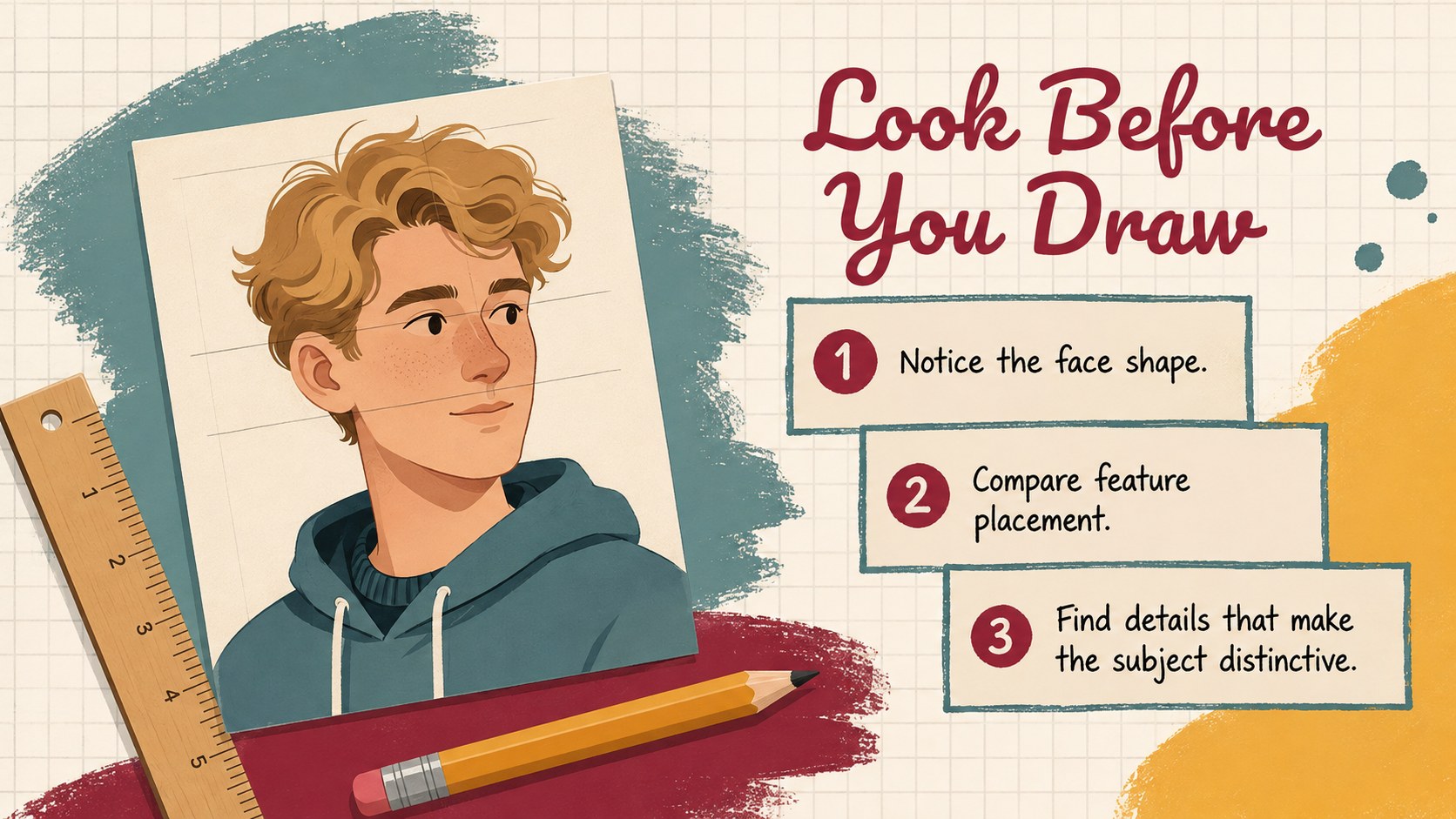
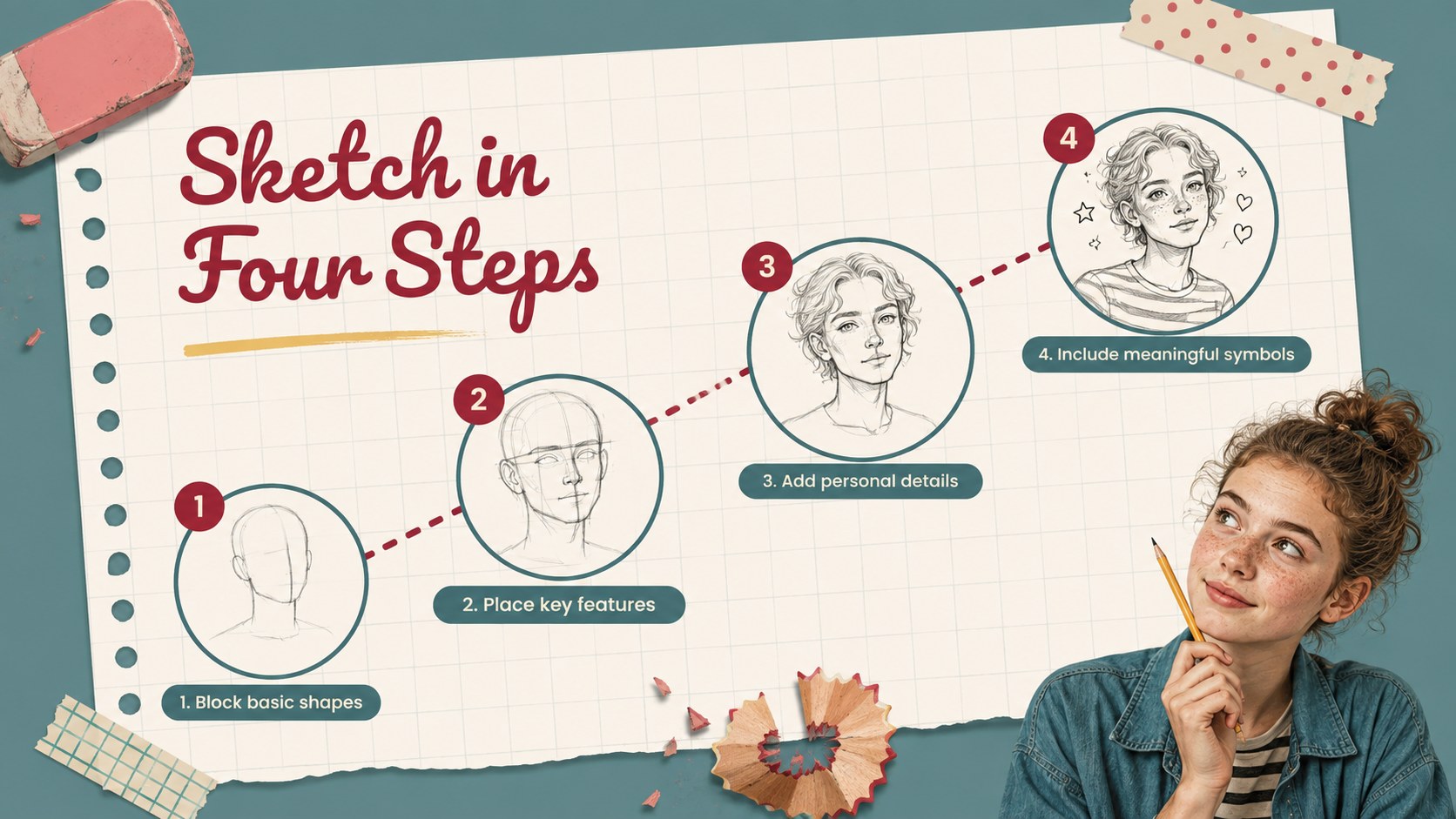
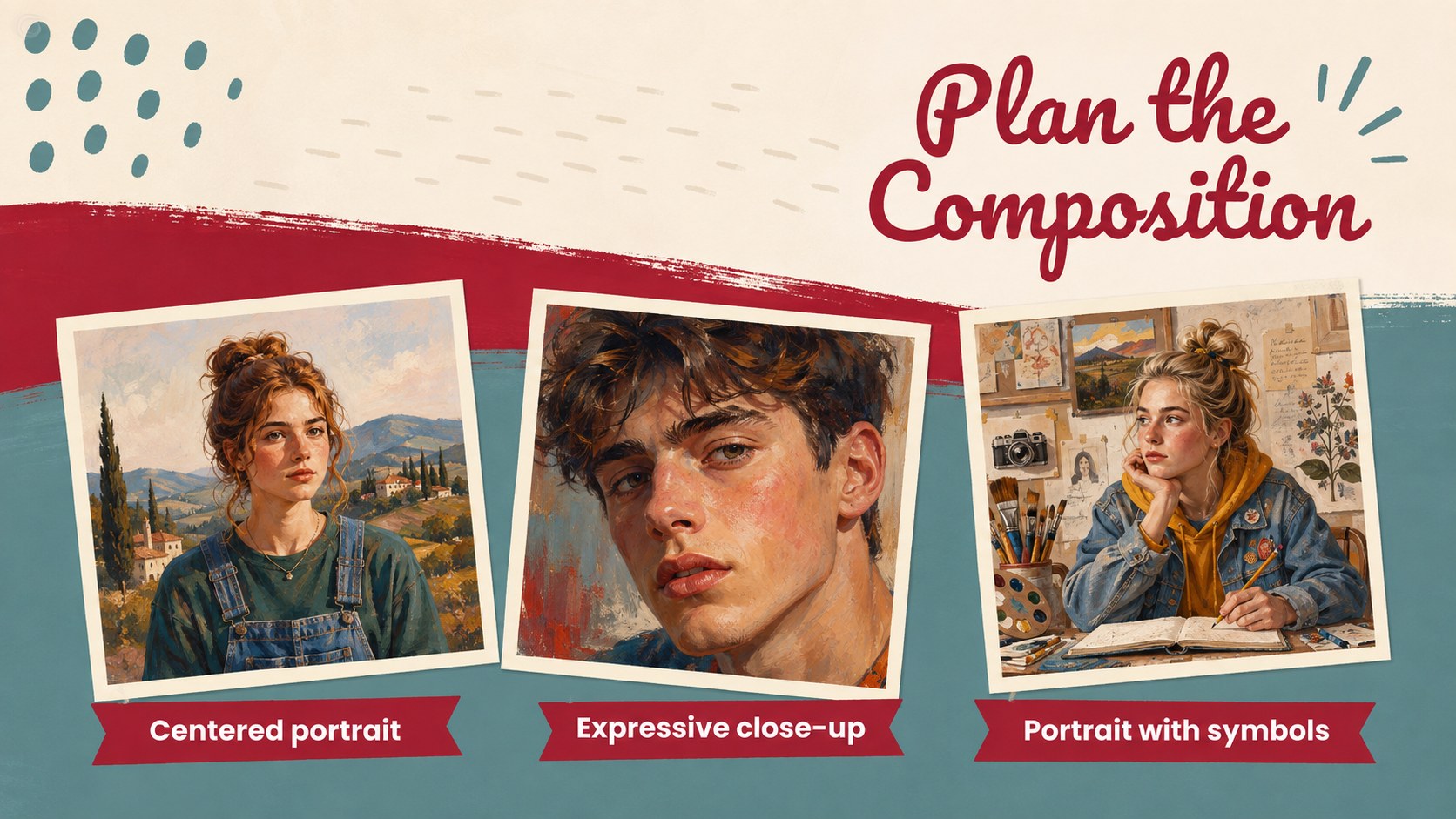
The Creative Identity Portraits Art Classroom Deck gives educators a lively, structured way to connect portrait making with personal reflection. Designed as a self portrait art lesson for middle school and upper elementary learners, it invites students to consider the experiences, values, relationships, and interests that shape who they are. Colorful illustrations, paper-inspired textures, and playful art materials create a welcoming atmosphere without distracting from the lesson.
Inside, teachers will find prompts for identity mapping, visual symbolism, facial expression, color choices, composition planning, sketch development, peer feedback, and final reflection. The sequence supports both short workshops and multi-session expressive portrait drawing activities. Editable layouts make it easy to add class examples, adjust instructions, simplify vocabulary, or extend the project with writing and discussion tasks.
Use this identity exploration presentation for students in visual arts, advisory, social studies, psychology, or interdisciplinary classroom projects. It works especially well for beginning-of-term community building, identity units, portfolio development, and student exhibitions. Every slide can be customized in PowerPoint or Google Slides, allowing teachers to adapt the pacing, imagery, and assessment criteria while preserving a cohesive, energetic design.
Perfect for: middle school portrait lesson; beginning-of-term identity activity; visual symbolism workshop; student art portfolio project; classroom gallery critique; interdisciplinary identity unit.
Frequently asked questions
Can I edit the lesson instructions and activity prompts? Yes. All headings, directions, reflection questions, and activity layouts can be edited to match your curriculum, student age group, and available class time.
Practical details
Yes. All headings, directions, reflection questions, and activity layouts can be edited to match your curriculum, student age group, and available class time.
The deck is designed for PowerPoint and Google Slides. You can present it digitally, share it with students, or export selected activity slides for printing.
Yes. Replace the example images with scanned drawings, photographs of artwork, or digital illustrations, then adjust the frames and captions to fit.
It can be adapted for upper elementary classes by shortening the reflection prompts and simplifying the vocabulary. The visual activities and step-by-step structure already support learners with different experience levels.
Keep exploring
15Build an engaging World UFO Day session with this flying saucer history lesson deck, featuring retro green-and-brown slides for PowerPoint and Google Slides.
 15
15Plan a lively animal-learning journey with this jungle zoo adventure lesson deck, ready to customize in PowerPoint and Google Slides for young learners.
 16
16Turn environmental research into a clear story with a Watercolor Ecology Presentation Theme for PowerPoint and Google Slides in calming green and blue.
 16
16Build focused fashion, literature, and humanities presentations with the Red Triangle Editorial Theme, editable in PowerPoint and Google Slides.
 15
15Turn streaming stats, favorite tracks, and concert highlights into a bold annual listening recap slide deck for PowerPoint and Google Slides.
 15
15Turn highlights, milestones, and favorite moments into a colorful year in review slide deck with bold 3D graphics for PowerPoint and Google Slides.
 3
3Build a credible endorsement with Standout Colleague Recommendation Letter Slides, featuring colorful prompts for skills, achievements, and team impact.
 4
4Build clear beginner sessions with an ice hockey fundamentals training deck for coaches, PE teachers, and clubs, ready for PowerPoint and Google Slides.