
 15
15presentation
Flying Saucer History Lesson Deck
Build an engaging World UFO Day session with this flying saucer history lesson deck, featuring retro green-and-brown slides for PowerPoint and Google Slides.
Google SlidesPowerPoint
presentation · English
Shape a persuasive countryside destination marketing deck with green minimalist slides for local attractions, responsible travel, and campaign results.
Design notes
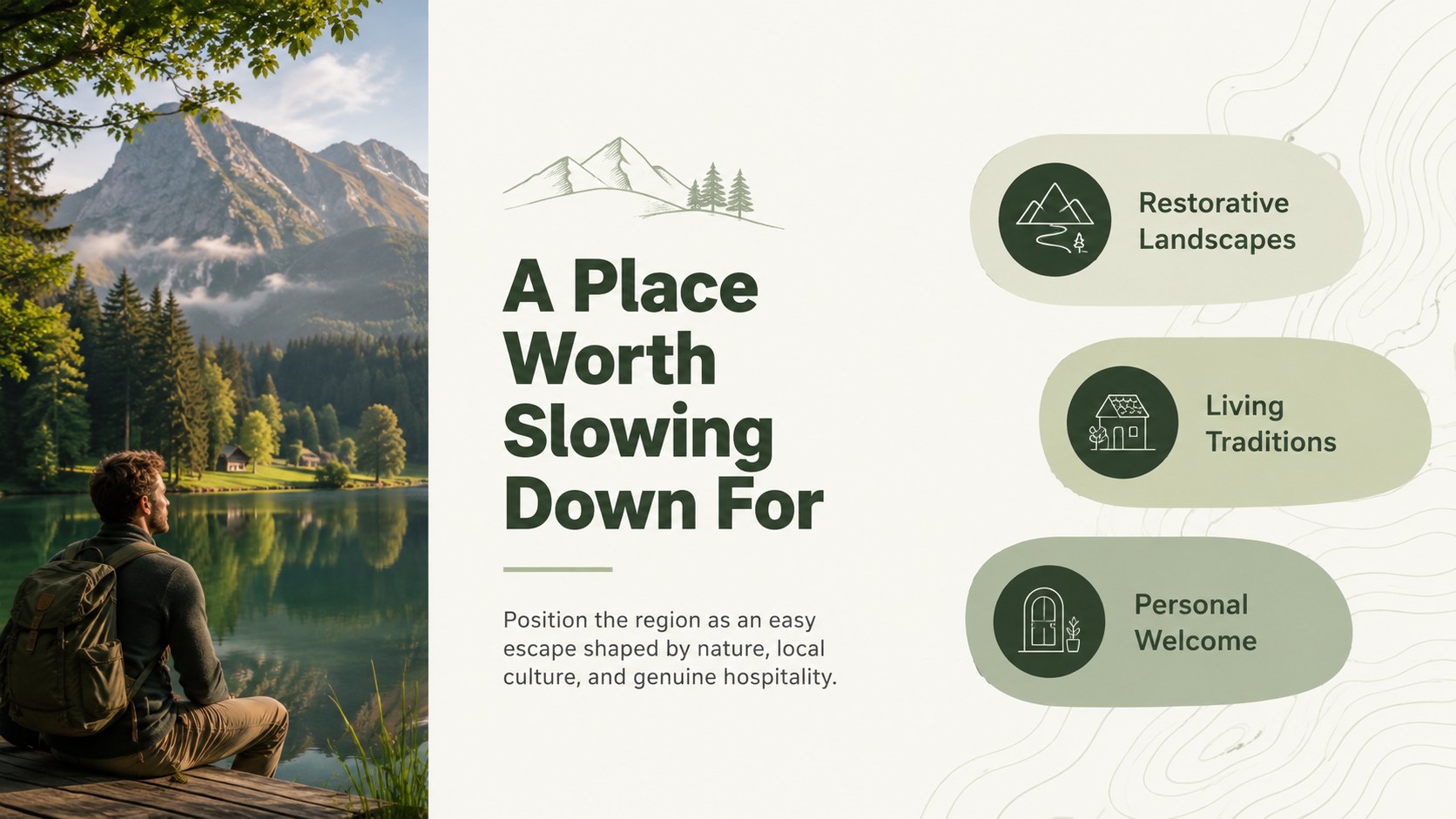
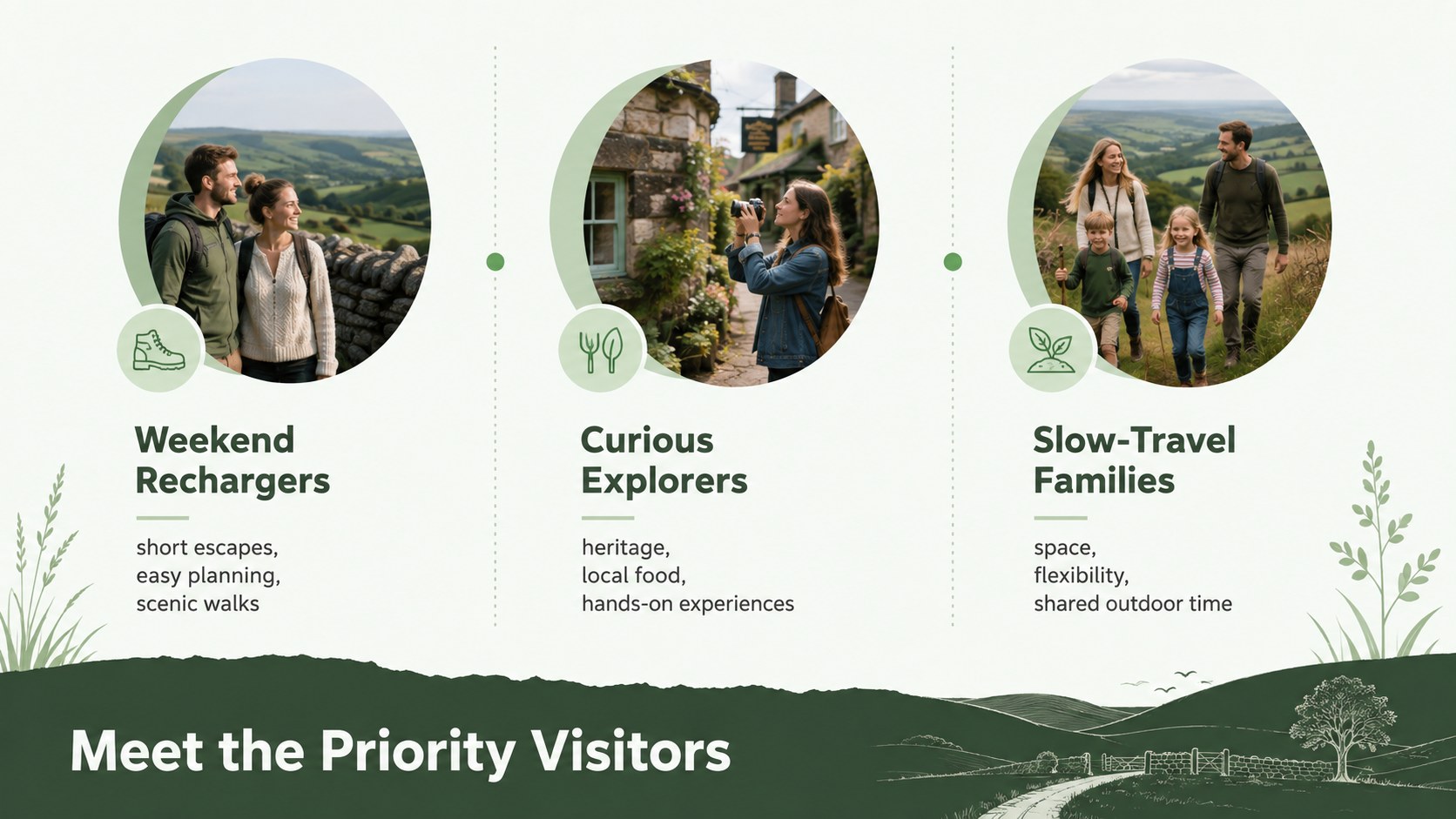
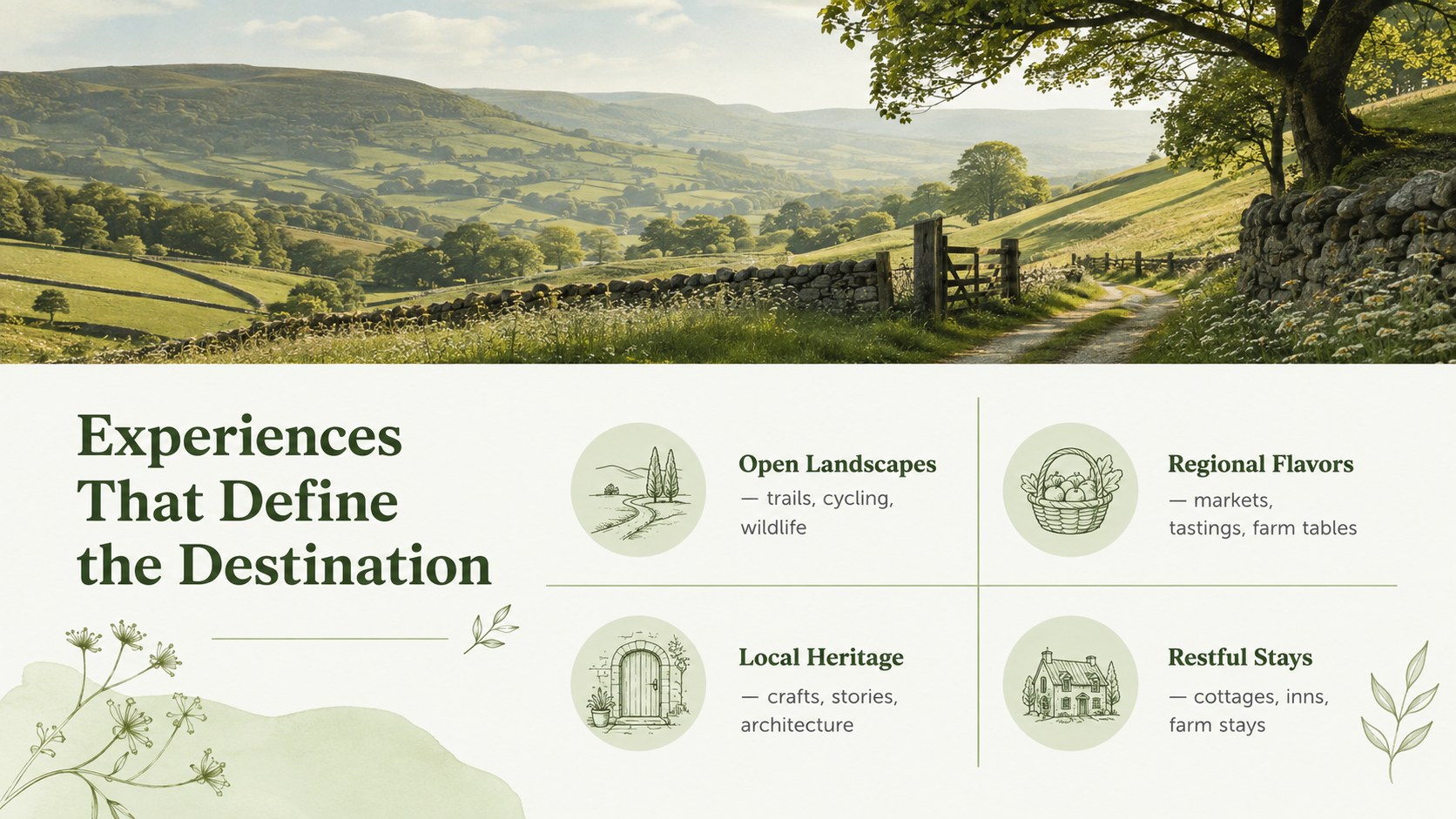
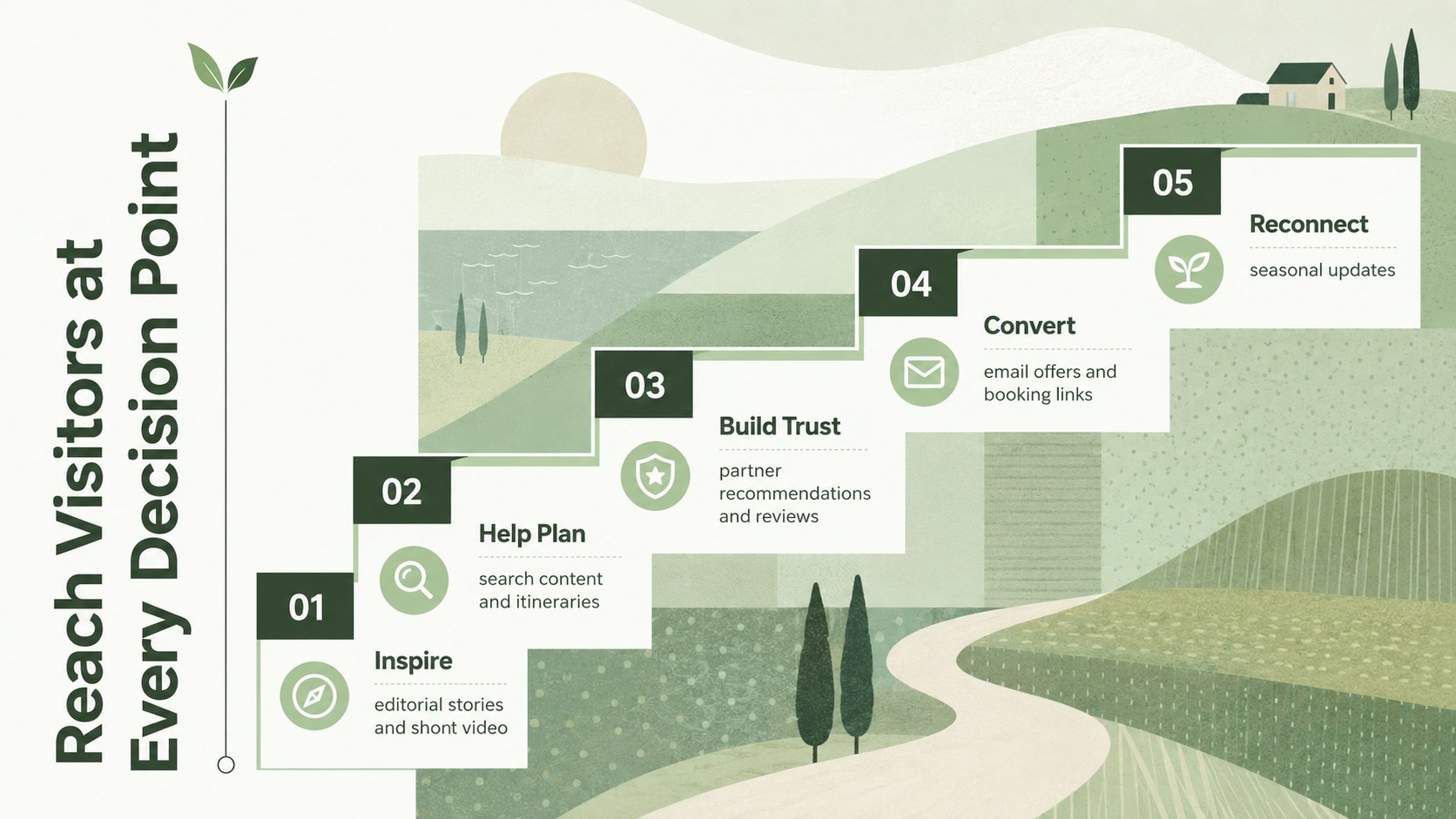
Turn regional character into a focused visitor story with this countryside destination marketing deck. Its fresh green palette and minimalist design provide a calm, professional setting for positioning a rural area, introducing memorable experiences, and showing how a campaign can attract thoughtful travelers. Use it to create a rural travel promotion presentation that feels authentic rather than overly commercial.
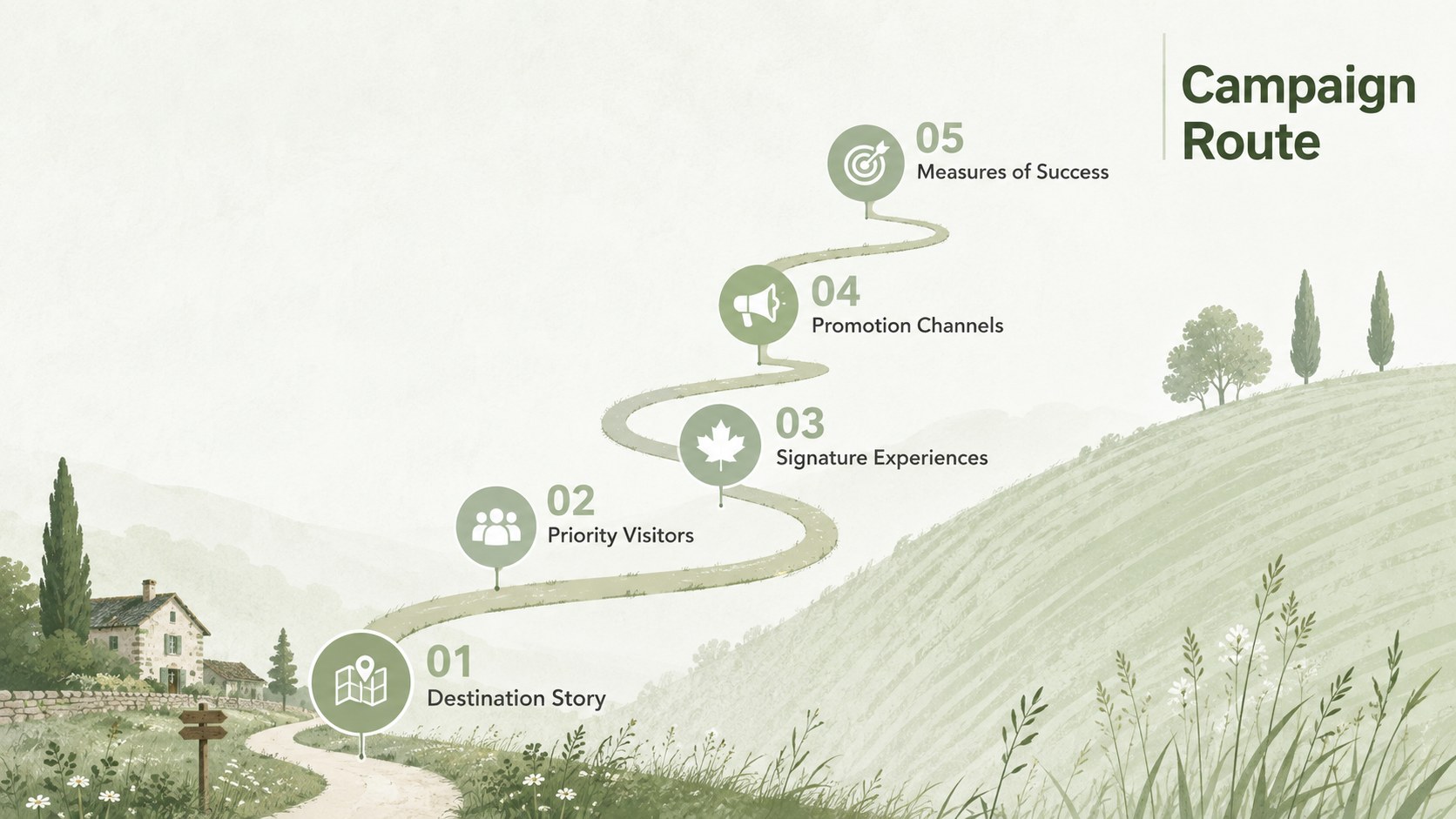
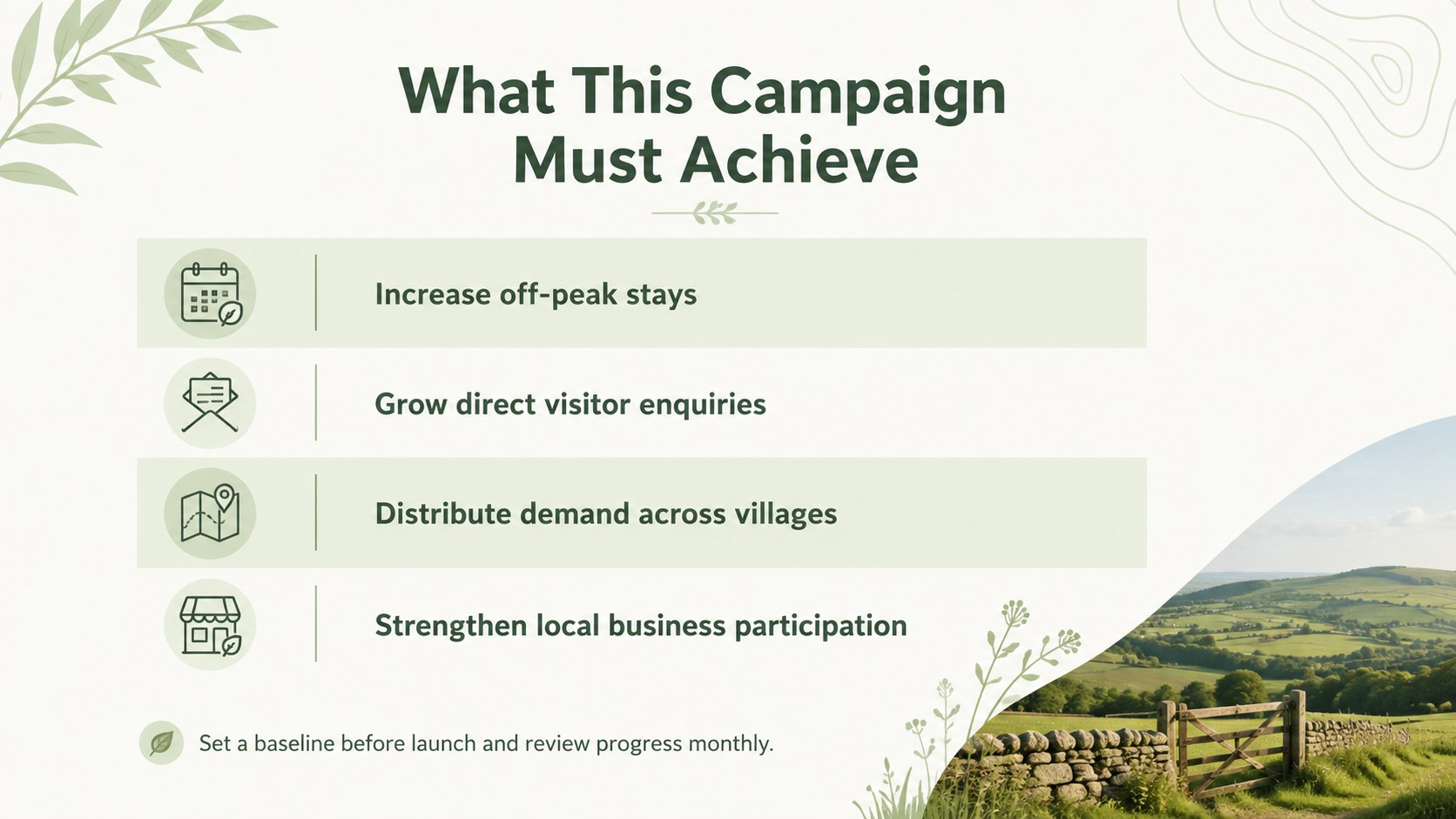
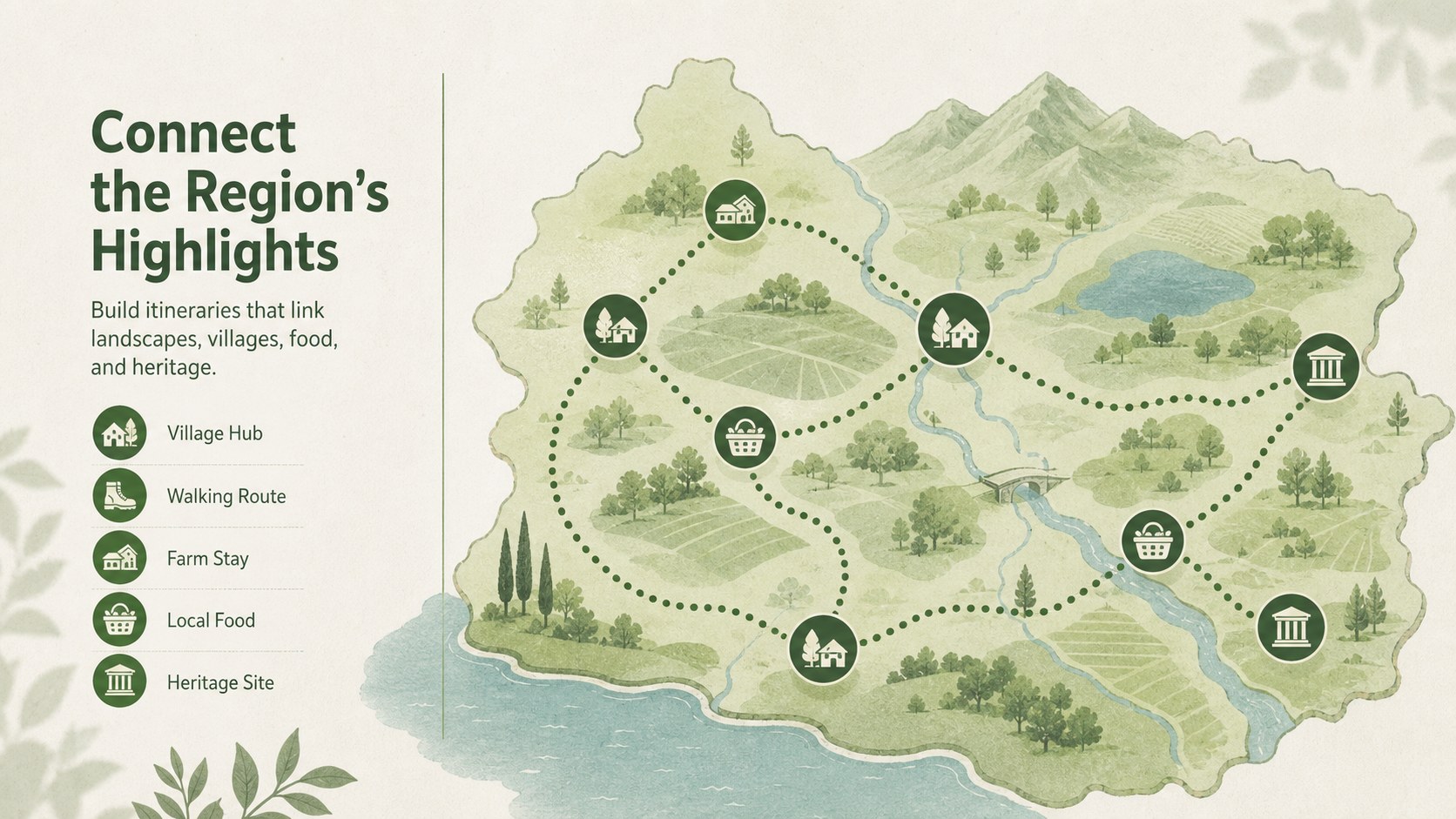
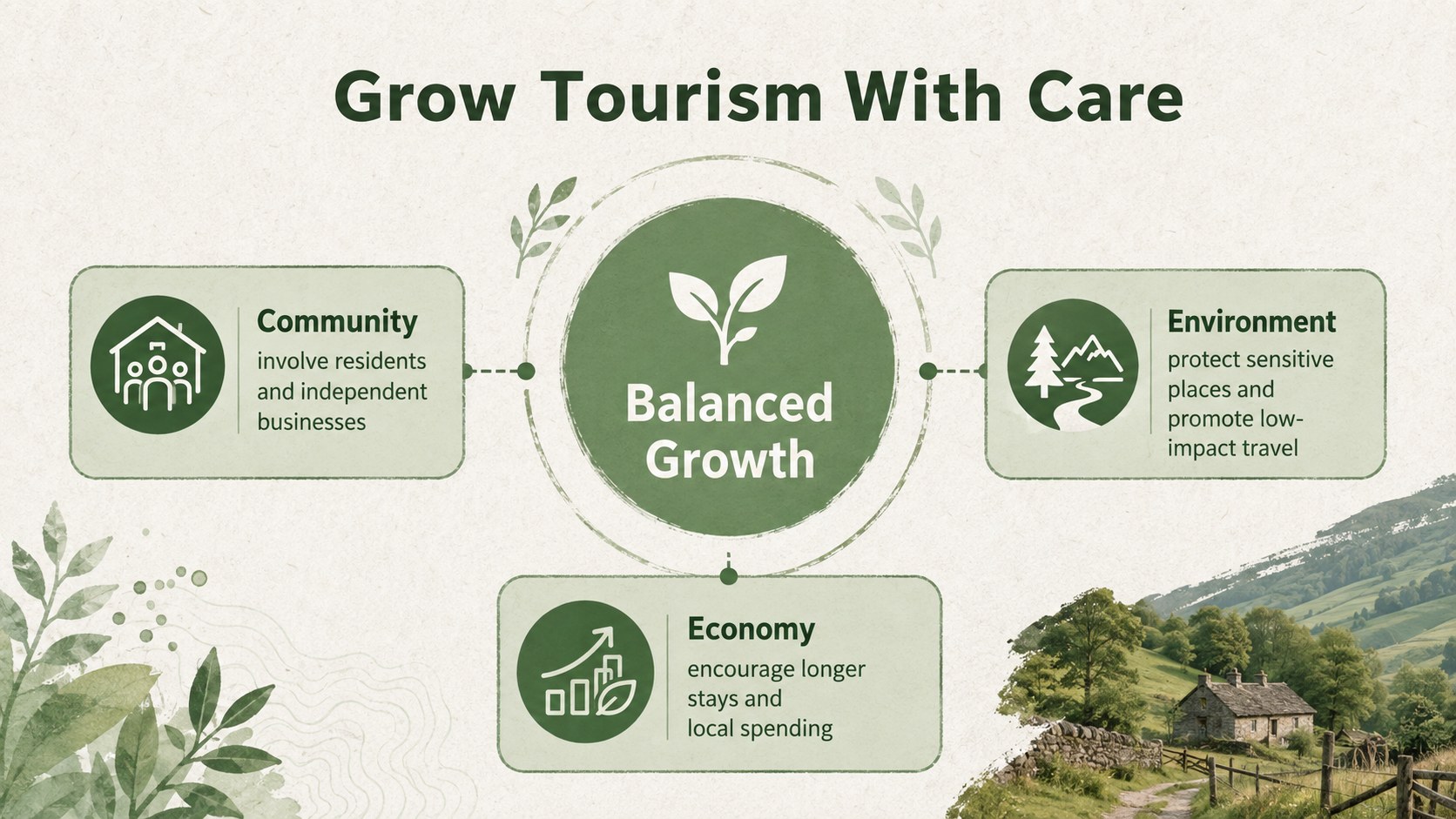
The deck includes layouts for destination positioning, audience profiles, campaign goals, local attractions, community partnerships, content channels, seasonal planning, sustainability commitments, budget allocation, and performance reporting. Maps, timelines, comparison tables, image-led pages, and editable charts help organize both creative ideas and practical decisions. Every slide can be adapted in PowerPoint or Google Slides, including the colors, typography, photography, icons, and data.
These local tourism marketing slides are suited to destination marketers, regional tourism boards, municipal teams, travel consultants, hospitality groups, and community organizations. They can support a countryside tourism strategy template for stakeholder meetings, funding proposals, campaign launches, or post-campaign reviews. Whether the goal is to promote farm stays, walking routes, heritage villages, regional food, or low-impact escapes, the presentation keeps the narrative clear and visually consistent while leaving room for each destination's distinct identity.
Perfect for: regional visitor campaign launch; tourism board strategy meeting; community partnership proposal; sustainable travel promotion; seasonal attraction campaign; destination performance review.
Frequently asked questions
Can I edit this presentation in PowerPoint and Google Slides? Yes. The layouts, text, colors, images, icons, and charts can be customized in PowerPoint or Google Slides. Font substitutions may vary slightly between platforms.
Practical details
Yes. The layouts, text, colors, images, icons, and charts can be customized in PowerPoint or Google Slides. Font substitutions may vary slightly between platforms.
Yes. Replace the sample destination names, photography, map details, attractions, and campaign data with local material. The green minimalist system is flexible enough to support different regional identities.
Yes. It includes editable pages for key metrics, channel performance, budget distribution, and next steps. You can simplify or expand these sections to match the data available.
Update the theme colors and typography through the presentation's master or theme settings, then replace the sample imagery with licensed destination photography. Keep generous spacing and a limited color range to preserve the minimalist character.
Keep exploring
15Build an engaging World UFO Day session with this flying saucer history lesson deck, featuring retro green-and-brown slides for PowerPoint and Google Slides.
 15
15Plan a lively animal-learning journey with this jungle zoo adventure lesson deck, ready to customize in PowerPoint and Google Slides for young learners.
 16
16Turn environmental research into a clear story with a Watercolor Ecology Presentation Theme for PowerPoint and Google Slides in calming green and blue.
 16
16Build focused fashion, literature, and humanities presentations with the Red Triangle Editorial Theme, editable in PowerPoint and Google Slides.
 15
15Turn streaming stats, favorite tracks, and concert highlights into a bold annual listening recap slide deck for PowerPoint and Google Slides.
 15
15Turn highlights, milestones, and favorite moments into a colorful year in review slide deck with bold 3D graphics for PowerPoint and Google Slides.
 3
3Build a credible endorsement with Standout Colleague Recommendation Letter Slides, featuring colorful prompts for skills, achievements, and team impact.
 4
4Build clear beginner sessions with an ice hockey fundamentals training deck for coaches, PE teachers, and clubs, ready for PowerPoint and Google Slides.