
 15
15presentation
Flying Saucer History Lesson Deck
Build an engaging World UFO Day session with this flying saucer history lesson deck, featuring retro green-and-brown slides for PowerPoint and Google Slides.
Google SlidesPowerPoint
presentation · English
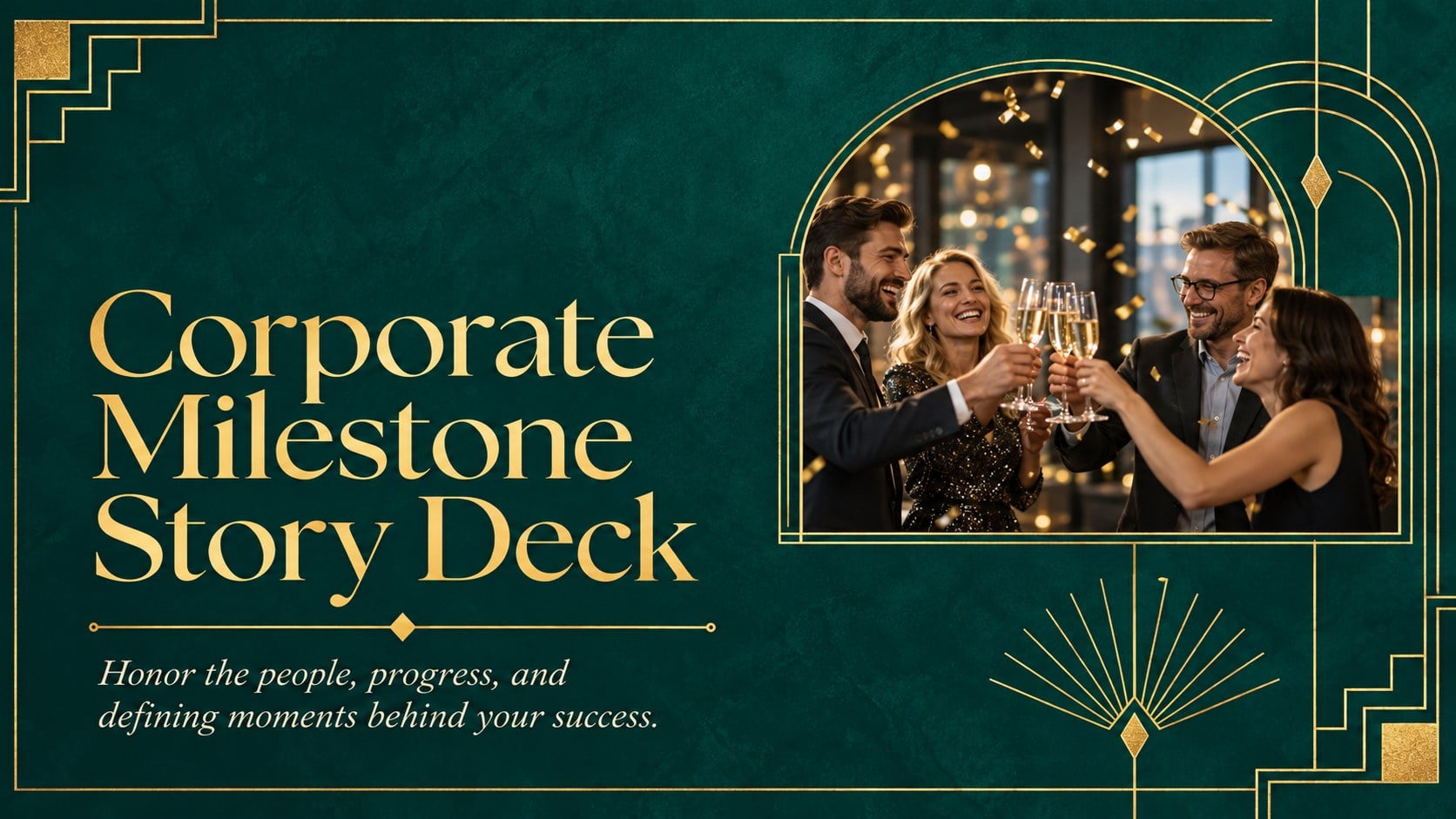
Build a polished corporate milestone story deck for sharing company history, team recognition, achievements, and future plans in PowerPoint or Google Slides.





Design notes
Honor years of progress with a corporate milestone story deck designed to bring your organization’s history, achievements, and people into one polished narrative. Rich green backgrounds, refined gold details, vintage-inspired geometry, and elegant typography create a formal atmosphere suited to a meaningful business occasion.
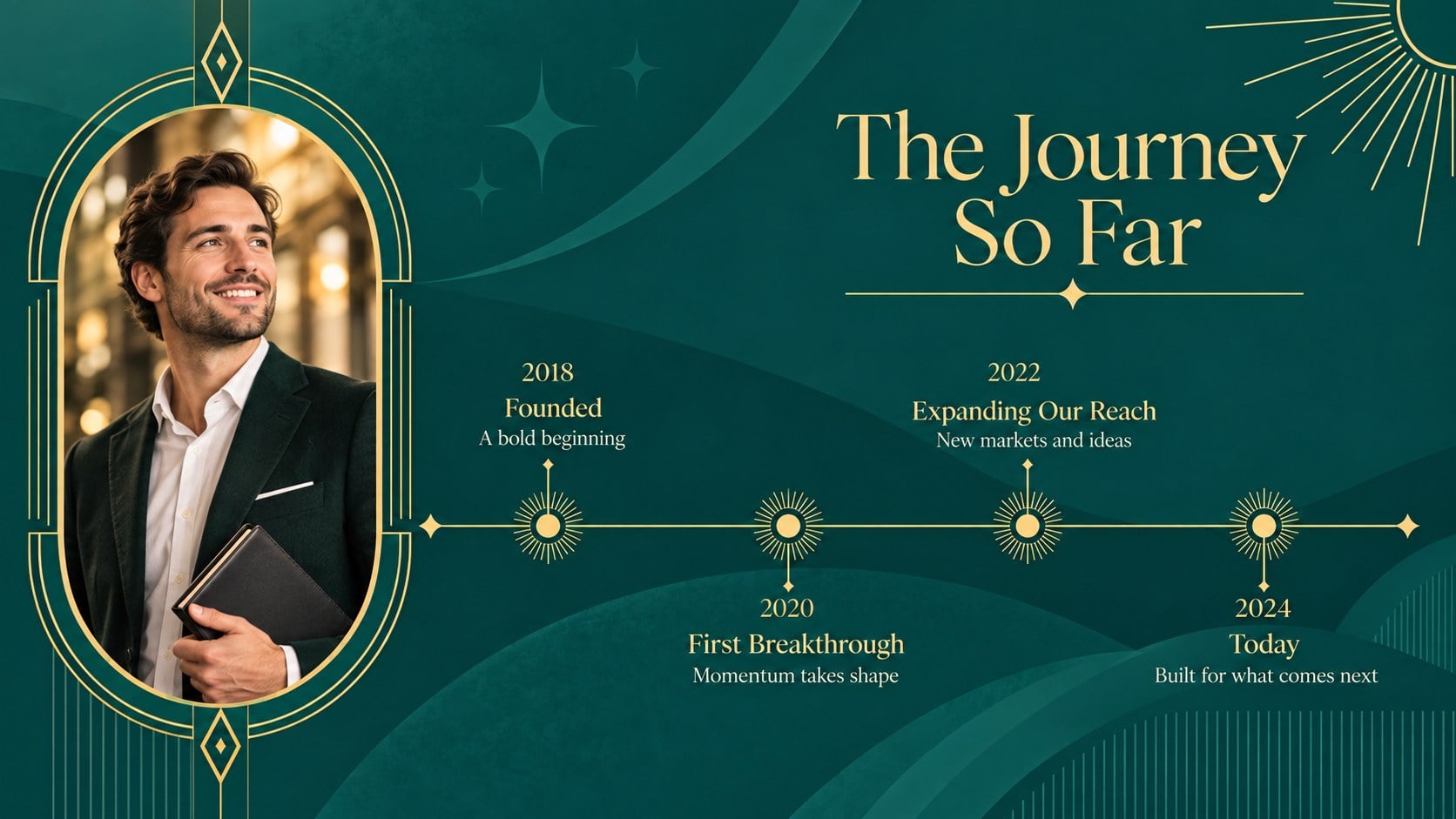
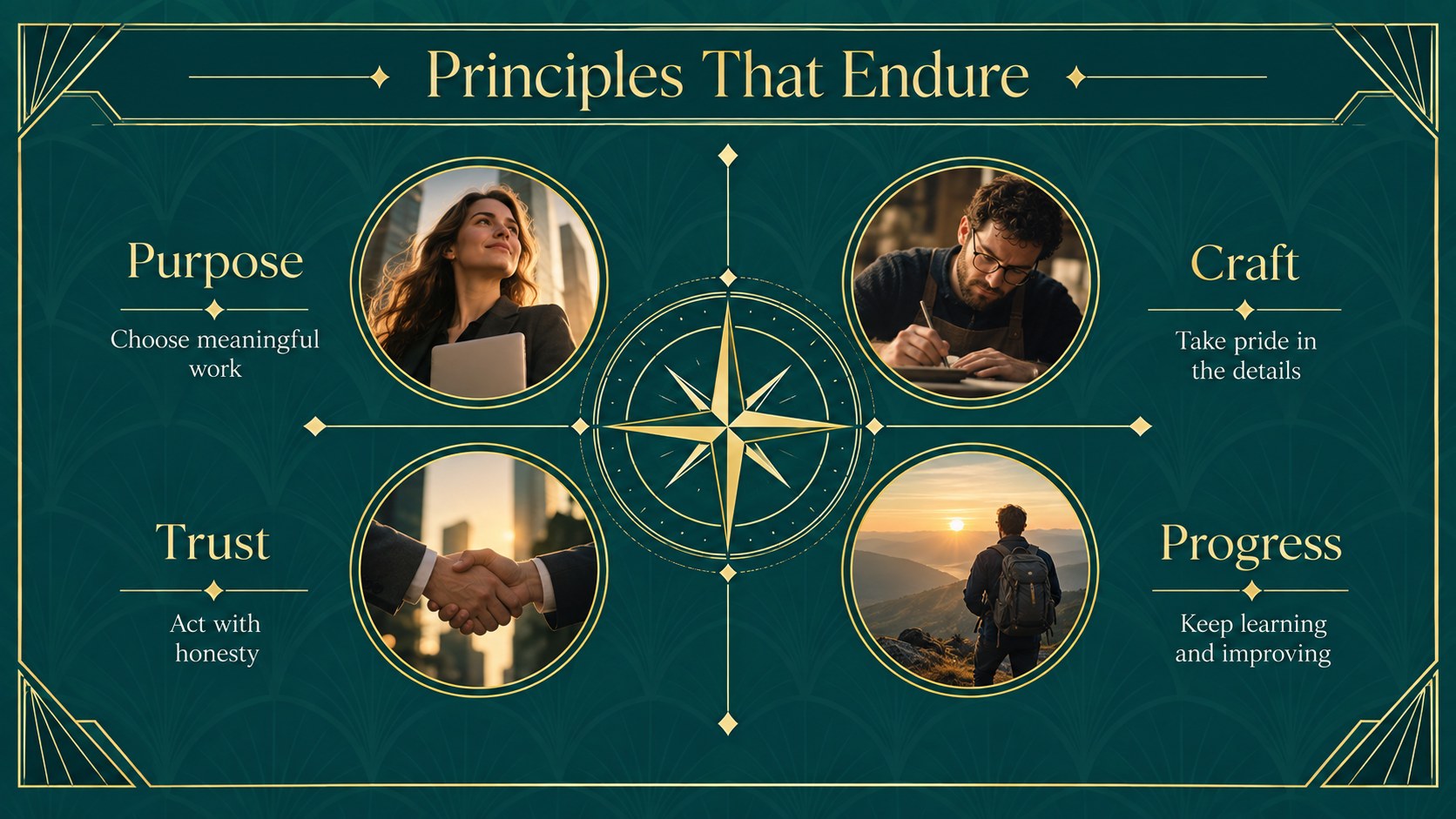
This corporate milestone presentation includes layouts for an opening message, agenda, company history timeline, defining moments, growth statistics, major projects, employee recognition, customer impact, leadership reflections, event details, and future priorities. Use the visual storytelling structure to balance archival photographs, concise copy, quotations, charts, and key dates without overcrowding the slides. Every layout can be edited in PowerPoint or Google Slides, including text, colors, images, shapes, and data.
The deck is built for founders, executives, communications teams, event planners, and people leaders preparing an annual gathering or landmark celebration. It works equally well as a business anniversary presentation template for an internal ceremony, an executive keynote, or a client-facing recap. Add team portraits to the employee recognition anniversary slides, map pivotal decisions in the company history timeline deck, and close with a clear vision for the next chapter. The 16:9 format is ready for conference screens, meeting rooms, virtual presentations, and commemorative exports.
Perfect for: company milestone ceremony; executive anniversary keynote; employee recognition event; business history presentation; client appreciation gathering; future vision announcement.
Frequently asked questions
Can I edit this deck in PowerPoint and Google Slides? Yes. The layouts, text, colors, images, and shapes can be customized in both PowerPoint and Google Slides. Some fonts or transitions may vary slightly between the two platforms.
Practical details
Yes. The layouts, text, colors, images, and shapes can be customized in both PowerPoint and Google Slides. Some fonts or transitions may vary slightly between the two platforms.
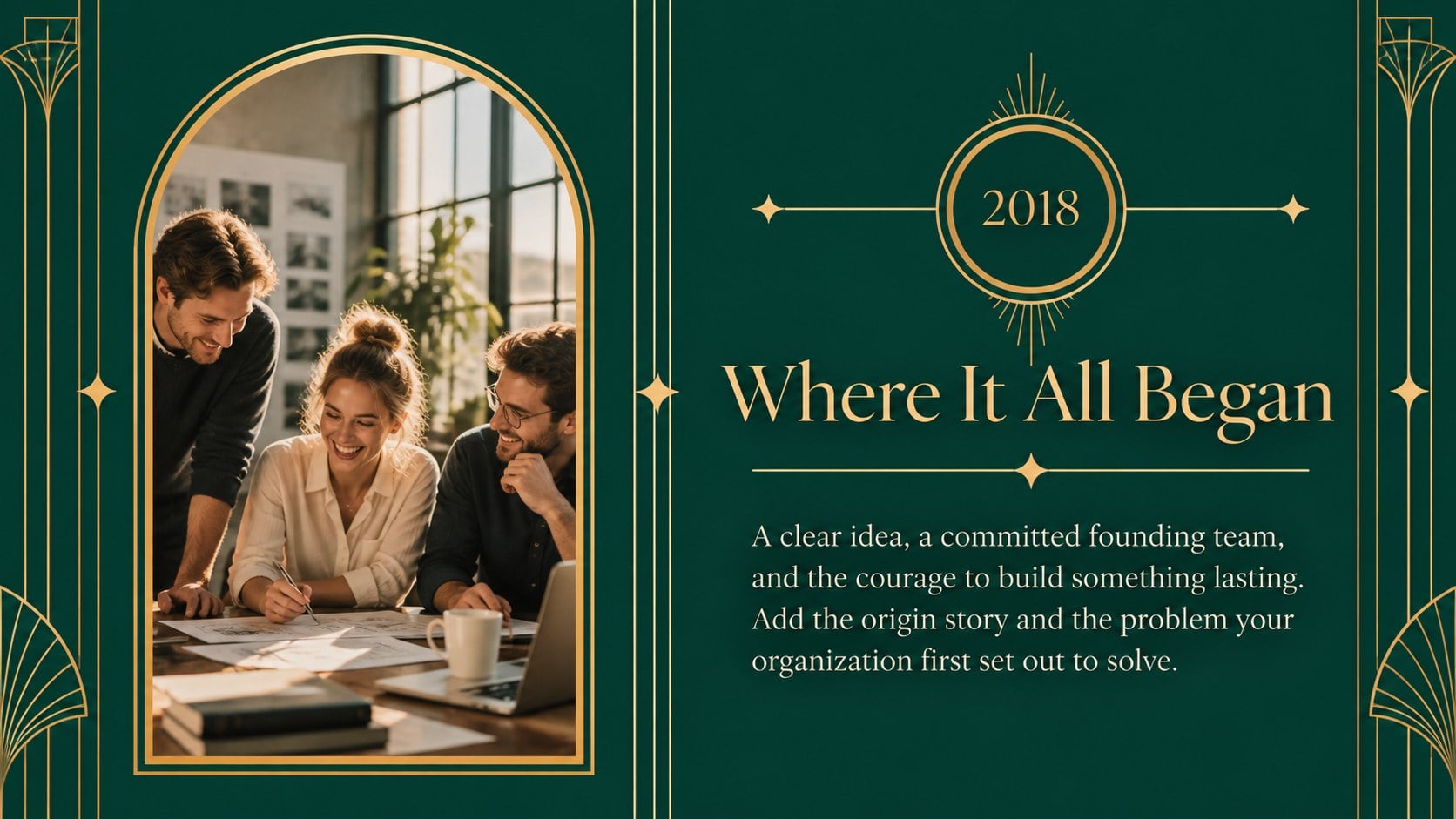
Replace the sample dates and milestones with your own founding story, product launches, expansions, awards, and turning points. Add archival photographs or brand-approved images to make the timeline specific to your organization.
Yes. Update the theme colors to match your brand while preserving sufficient contrast between text and backgrounds. Gold accents can also be replaced with another highlight color used in your identity system.
Yes. Its 16:9 format works well on conference screens, meeting-room displays, and virtual presentation platforms. Speaker notes can be added in PowerPoint or Google Slides for executive remarks and event cues.
Keep exploring
15Build an engaging World UFO Day session with this flying saucer history lesson deck, featuring retro green-and-brown slides for PowerPoint and Google Slides.
 15
15Plan a lively animal-learning journey with this jungle zoo adventure lesson deck, ready to customize in PowerPoint and Google Slides for young learners.
 16
16Turn environmental research into a clear story with a Watercolor Ecology Presentation Theme for PowerPoint and Google Slides in calming green and blue.
 16
16Build focused fashion, literature, and humanities presentations with the Red Triangle Editorial Theme, editable in PowerPoint and Google Slides.
 15
15Turn streaming stats, favorite tracks, and concert highlights into a bold annual listening recap slide deck for PowerPoint and Google Slides.
 15
15Turn highlights, milestones, and favorite moments into a colorful year in review slide deck with bold 3D graphics for PowerPoint and Google Slides.
 3
3Build a credible endorsement with Standout Colleague Recommendation Letter Slides, featuring colorful prompts for skills, achievements, and team impact.
 4
4Build clear beginner sessions with an ice hockey fundamentals training deck for coaches, PE teachers, and clubs, ready for PowerPoint and Google Slides.