
 15
15presentation
Flying Saucer History Lesson Deck
Build an engaging World UFO Day session with this flying saucer history lesson deck, featuring retro green-and-brown slides for PowerPoint and Google Slides.
Google SlidesPowerPoint
presentation · English
Present merger logic, valuation, synergies, and integration priorities with a corporate deal strategy deck for PowerPoint and Google Slides.





Design notes
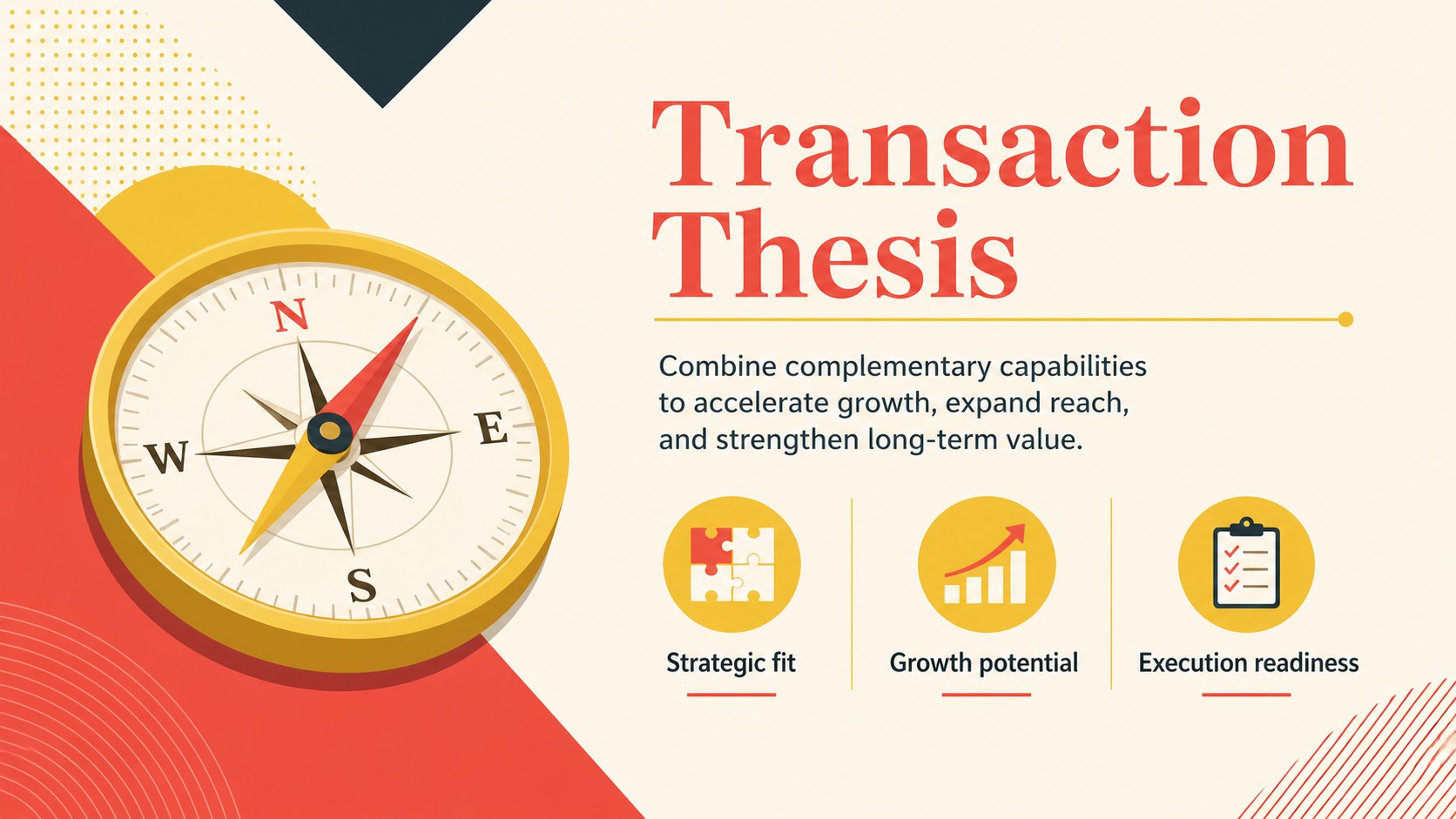
Clear transaction decisions depend on a story that connects strategic rationale with credible financial and operational evidence. This corporate deal strategy deck gives business leaders a structured way to explain an acquisition, merger, or partnership without overwhelming the audience. Bold red and yellow accents, simple illustrations, and clean layouts create an energetic but professional visual style.
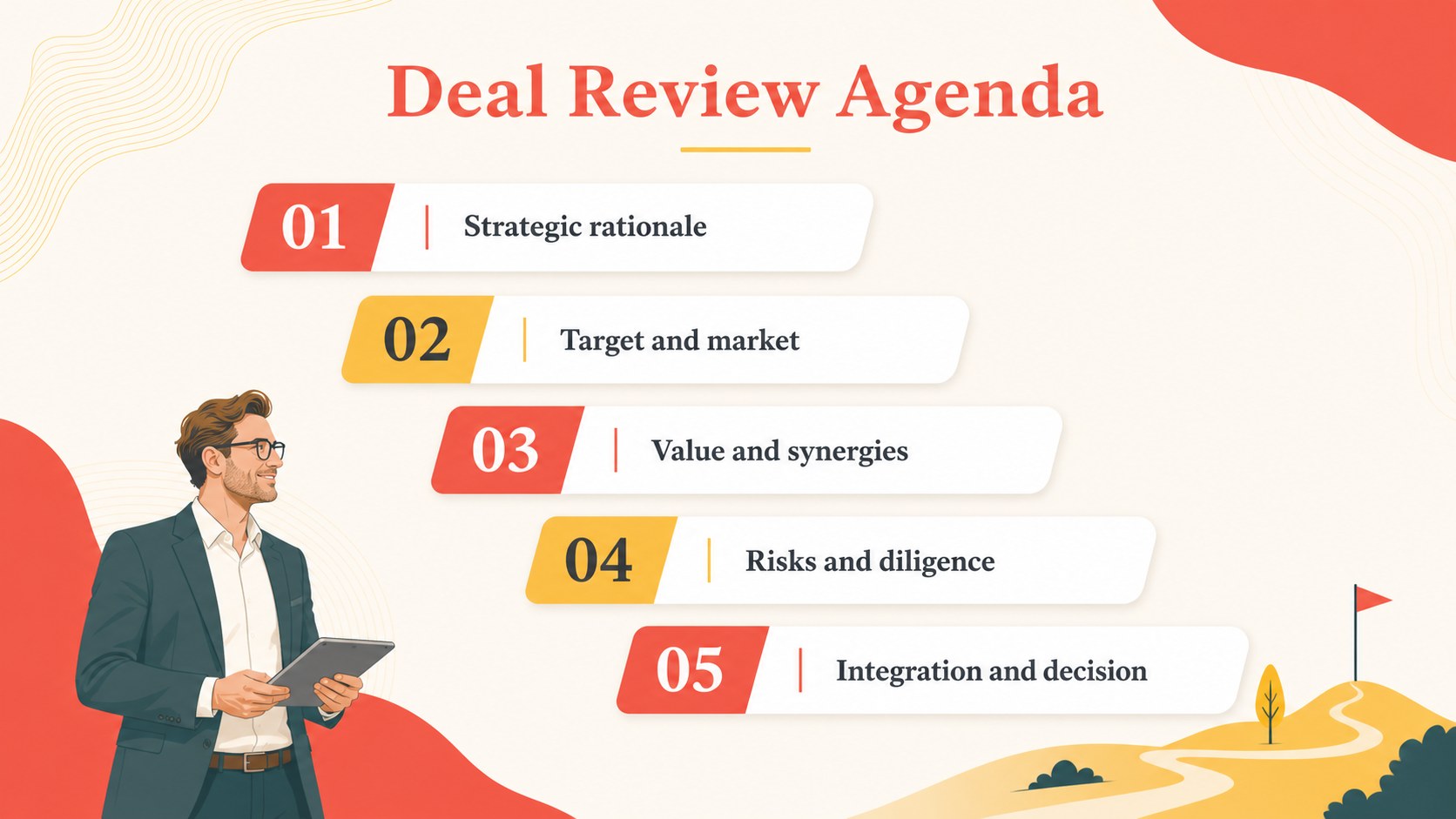
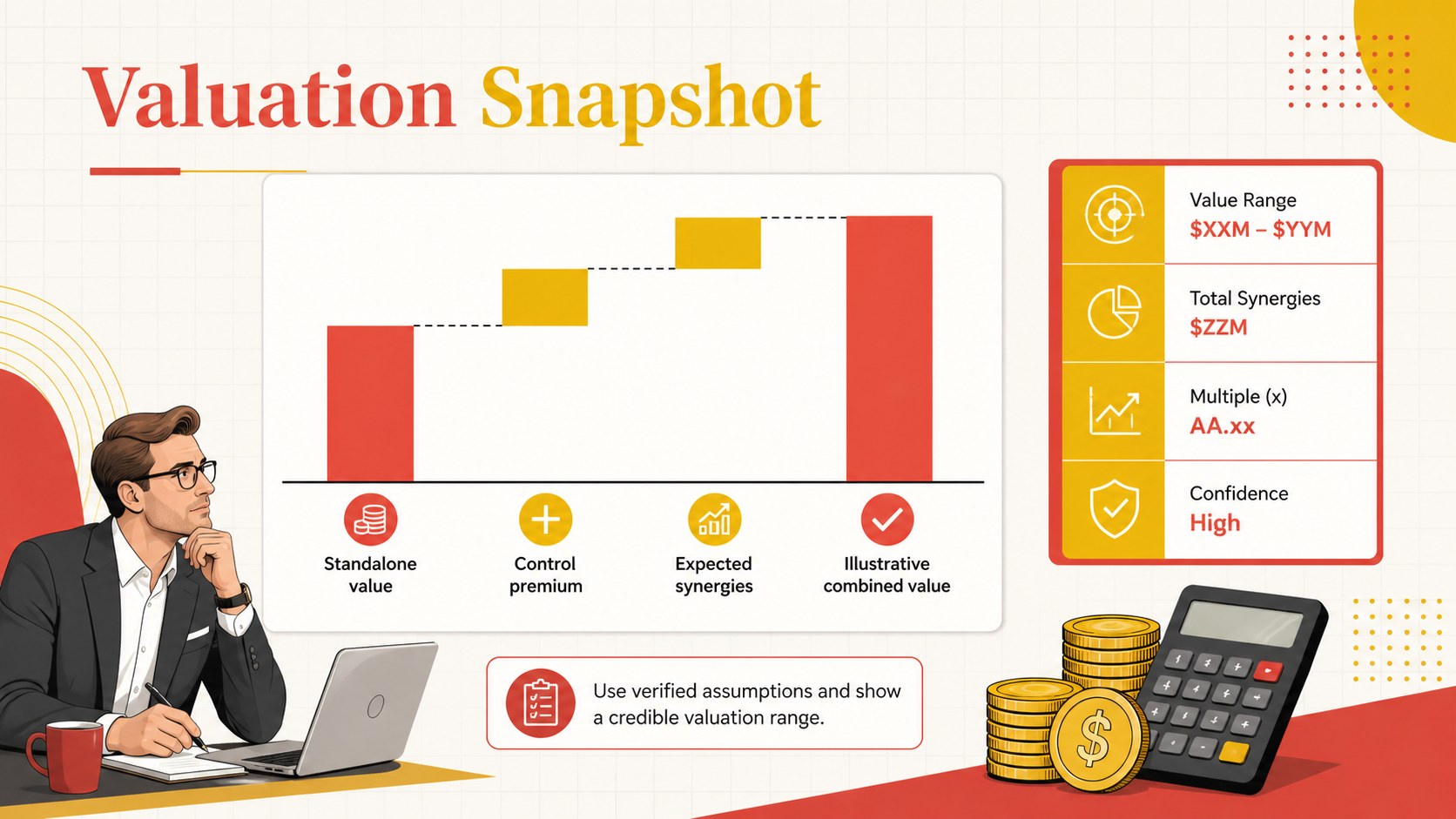
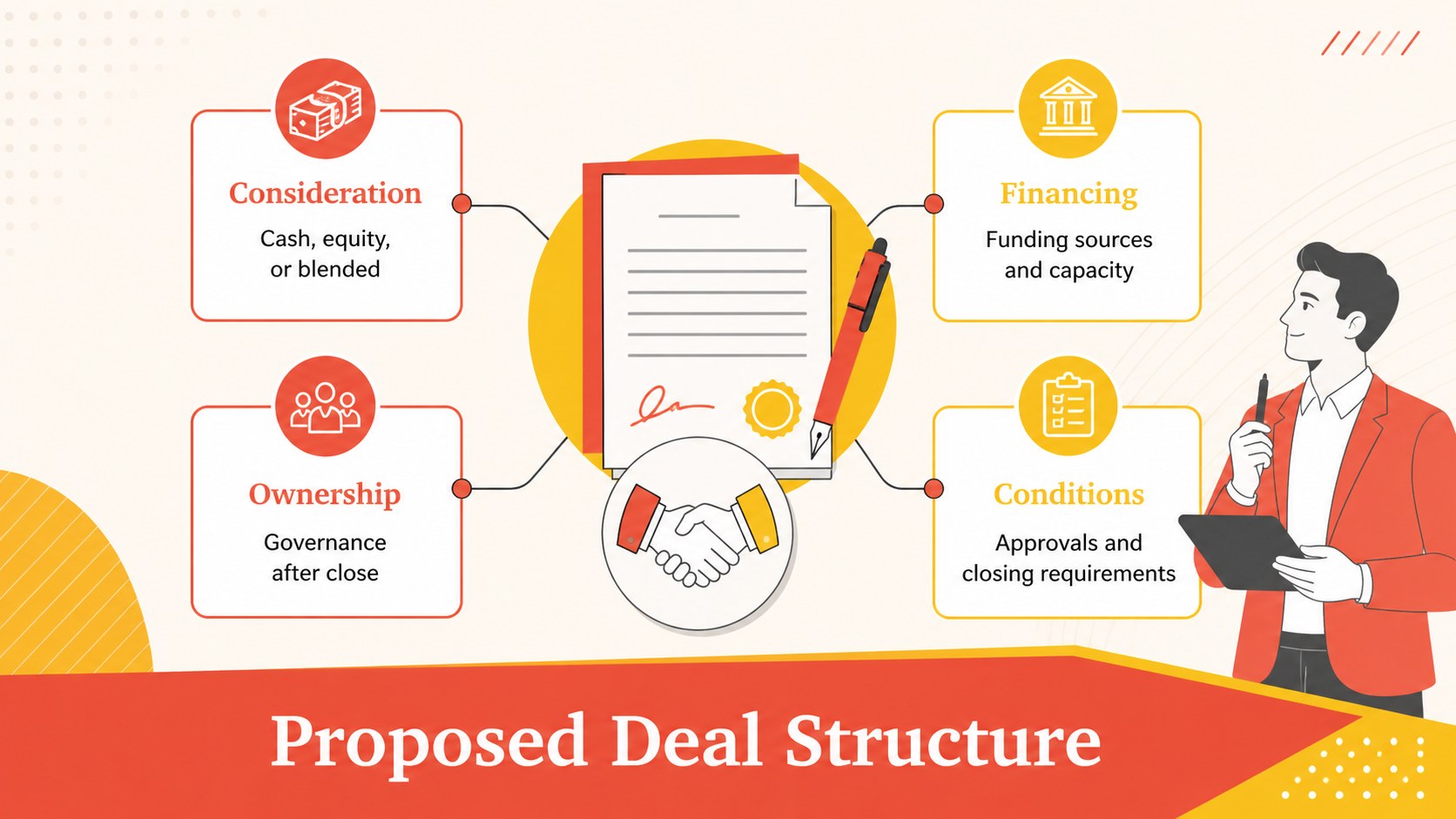
The 15-slide framework covers the transaction thesis, agenda, strategic rationale, target profile, market fit, valuation, projected synergies, deal structure, due diligence, risk analysis, integration planning, stakeholder communication, and decision criteria. Use the layouts as a merger synergy analysis presentation, a concise due diligence findings presentation, or a set of post merger integration roadmap slides. Charts, timelines, matrices, process diagrams, and comparison layouts help turn dense information into clear discussion points.
Designed for corporate development teams, consultants, founders, finance leaders, and executives, the deck works for board reviews, investor updates, internal planning sessions, and transaction workshops. Every slide can be adapted in PowerPoint or Google Slides by changing text, colors, illustrations, charts, and section order. Replace the sample figures with verified deal data, apply your organization’s typography, and adjust the level of detail for strategic, financial, or operational audiences.
Perfect for: board transaction approval; acquisition strategy workshop; investor deal briefing; due diligence review; post-merger integration planning.
Frequently asked questions
Can I edit this deck in PowerPoint and Google Slides? Yes. The slide layouts, text, colors, charts, and graphic elements can be customized in PowerPoint or Google Slides. Font rendering and spacing should be checked after importing the file into your preferred platform.
Practical details
Yes. The slide layouts, text, colors, charts, and graphic elements can be customized in PowerPoint or Google Slides. Font rendering and spacing should be checked after importing the file into your preferred platform.
Replace the sample language and figures with verified information about the target, valuation, synergies, risks, and integration plan. Remove any sections that are not relevant to the transaction stage or audience.
Yes. Update the red and yellow accents through the presentation theme or by editing individual shapes and illustrations. Maintain strong contrast between text, backgrounds, charts, and highlighted figures.
The layouts can be used for internal reviews, but confidentiality controls depend on how the finished file is stored and shared. Remove placeholder content, restrict access, and follow your organization’s data-handling policies.
Keep exploring
15Build an engaging World UFO Day session with this flying saucer history lesson deck, featuring retro green-and-brown slides for PowerPoint and Google Slides.
 15
15Plan a lively animal-learning journey with this jungle zoo adventure lesson deck, ready to customize in PowerPoint and Google Slides for young learners.
 16
16Turn environmental research into a clear story with a Watercolor Ecology Presentation Theme for PowerPoint and Google Slides in calming green and blue.
 16
16Build focused fashion, literature, and humanities presentations with the Red Triangle Editorial Theme, editable in PowerPoint and Google Slides.
 15
15Turn streaming stats, favorite tracks, and concert highlights into a bold annual listening recap slide deck for PowerPoint and Google Slides.
 15
15Turn highlights, milestones, and favorite moments into a colorful year in review slide deck with bold 3D graphics for PowerPoint and Google Slides.
 3
3Build a credible endorsement with Standout Colleague Recommendation Letter Slides, featuring colorful prompts for skills, achievements, and team impact.
 4
4Build clear beginner sessions with an ice hockey fundamentals training deck for coaches, PE teachers, and clubs, ready for PowerPoint and Google Slides.