
 15
15presentation
Flying Saucer History Lesson Deck
Build an engaging World UFO Day session with this flying saucer history lesson deck, featuring retro green-and-brown slides for PowerPoint and Google Slides.
Google SlidesPowerPoint
presentation · English
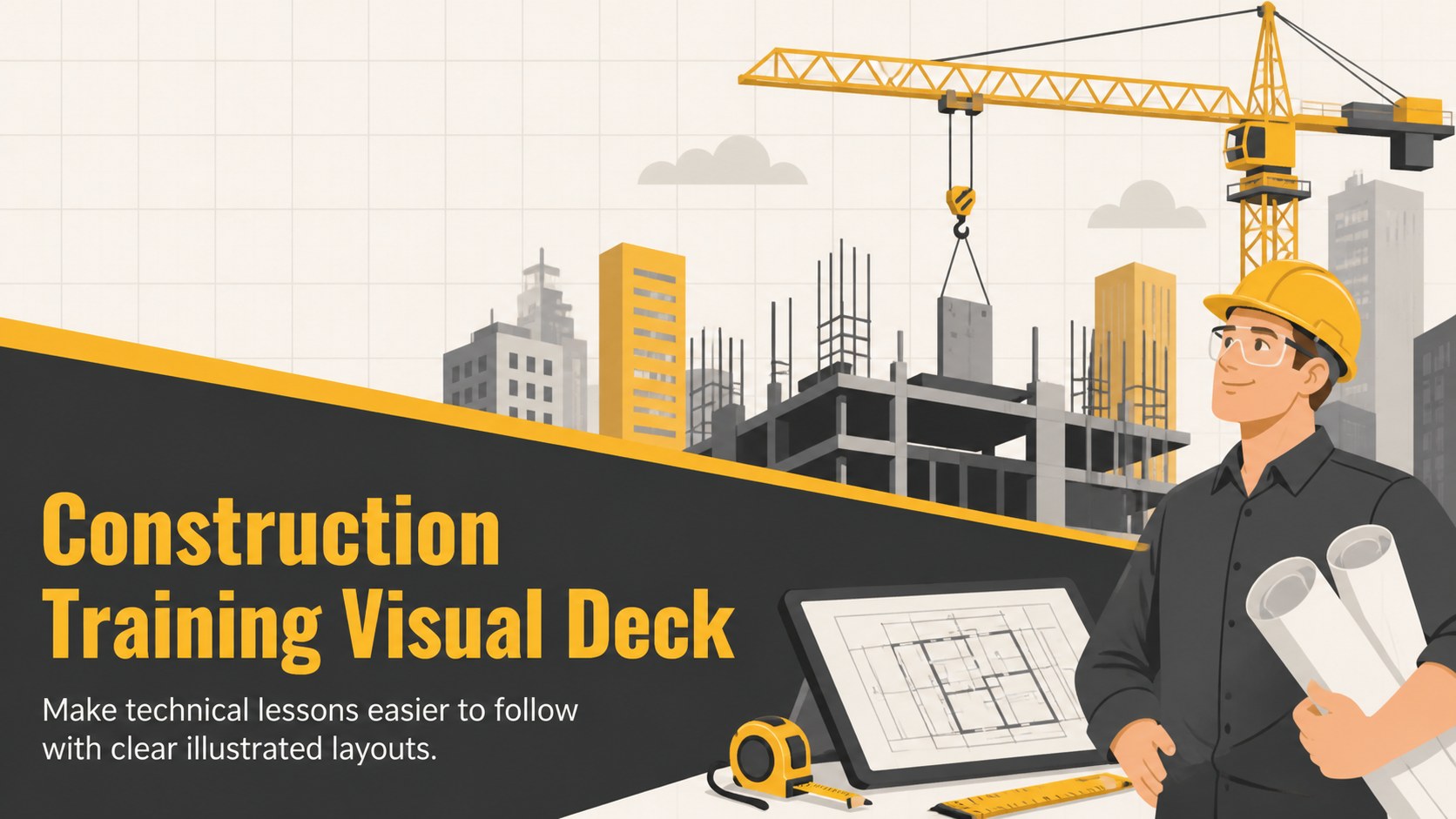
Teach jobsite fundamentals with a construction training visual deck featuring illustrated layouts for safety briefings, building plans, and trade courses.

Design notes
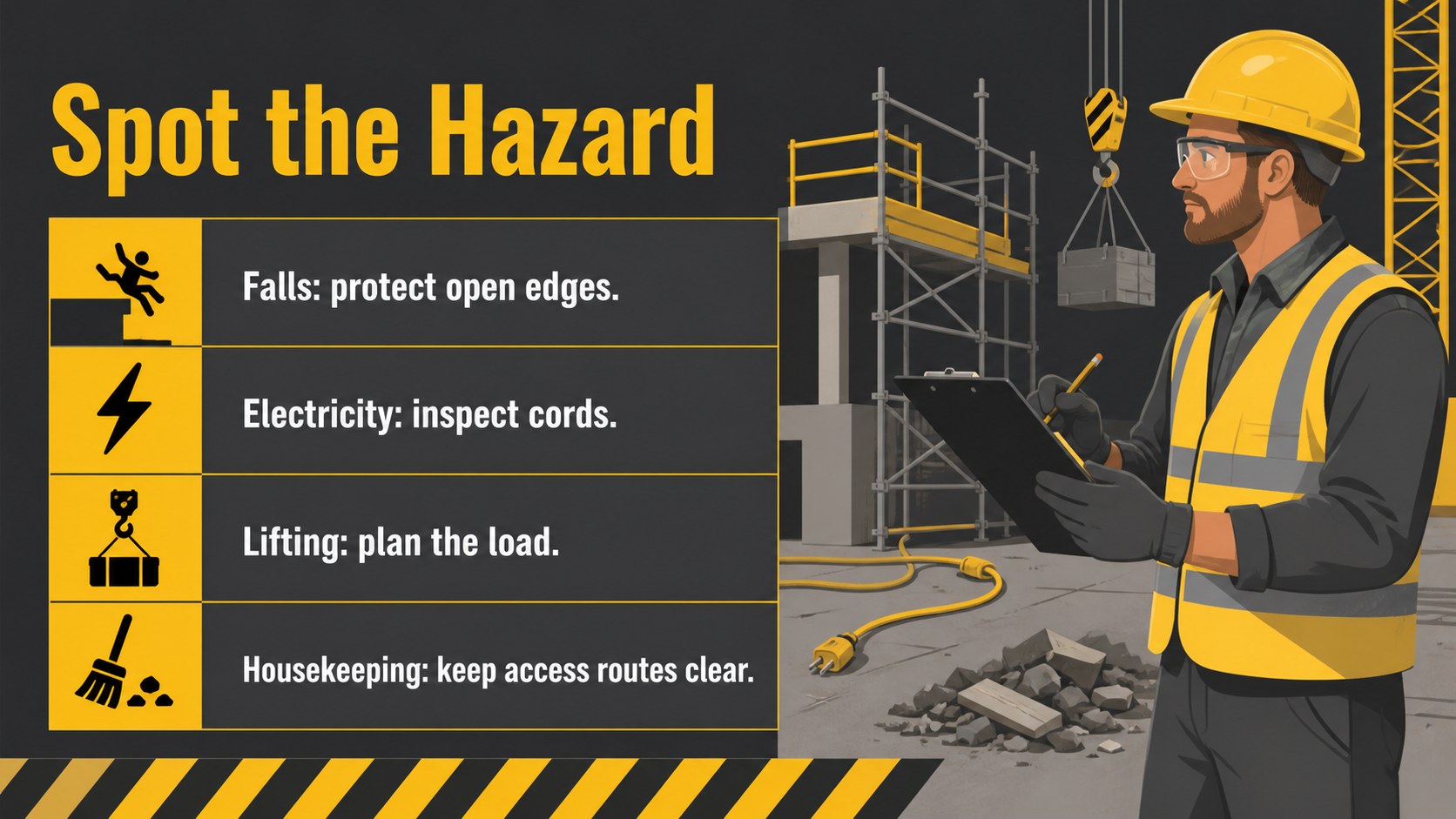
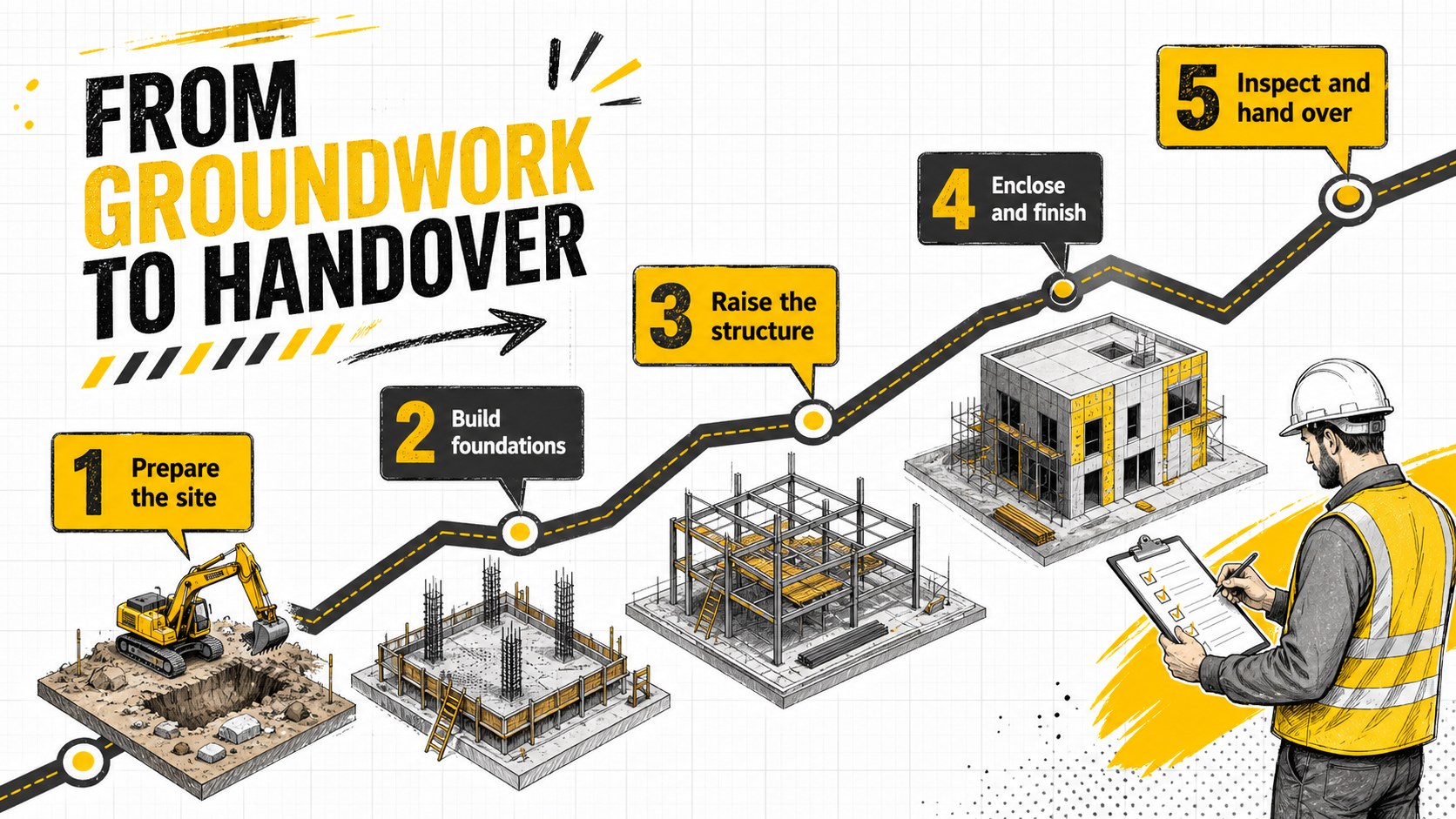
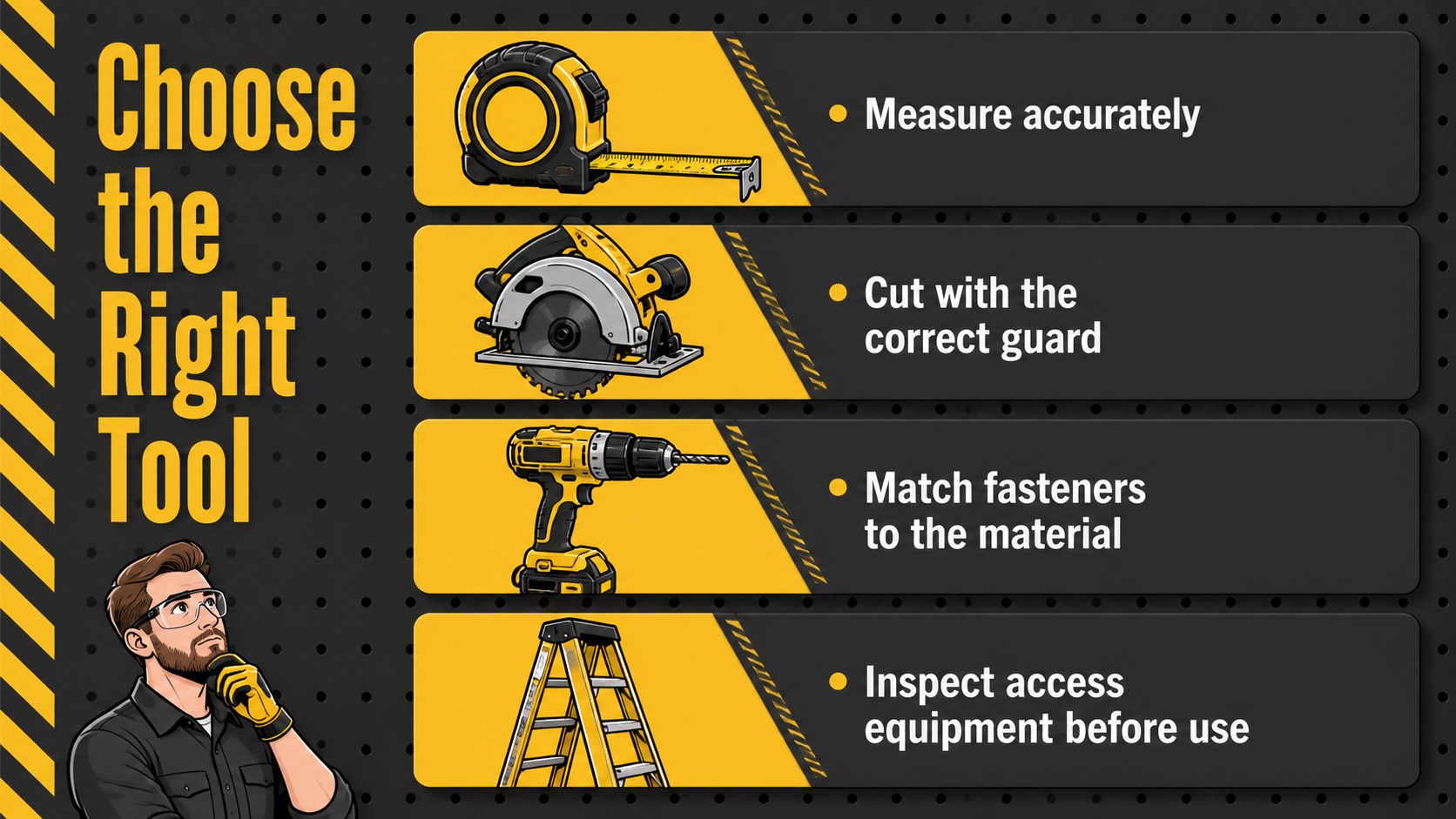
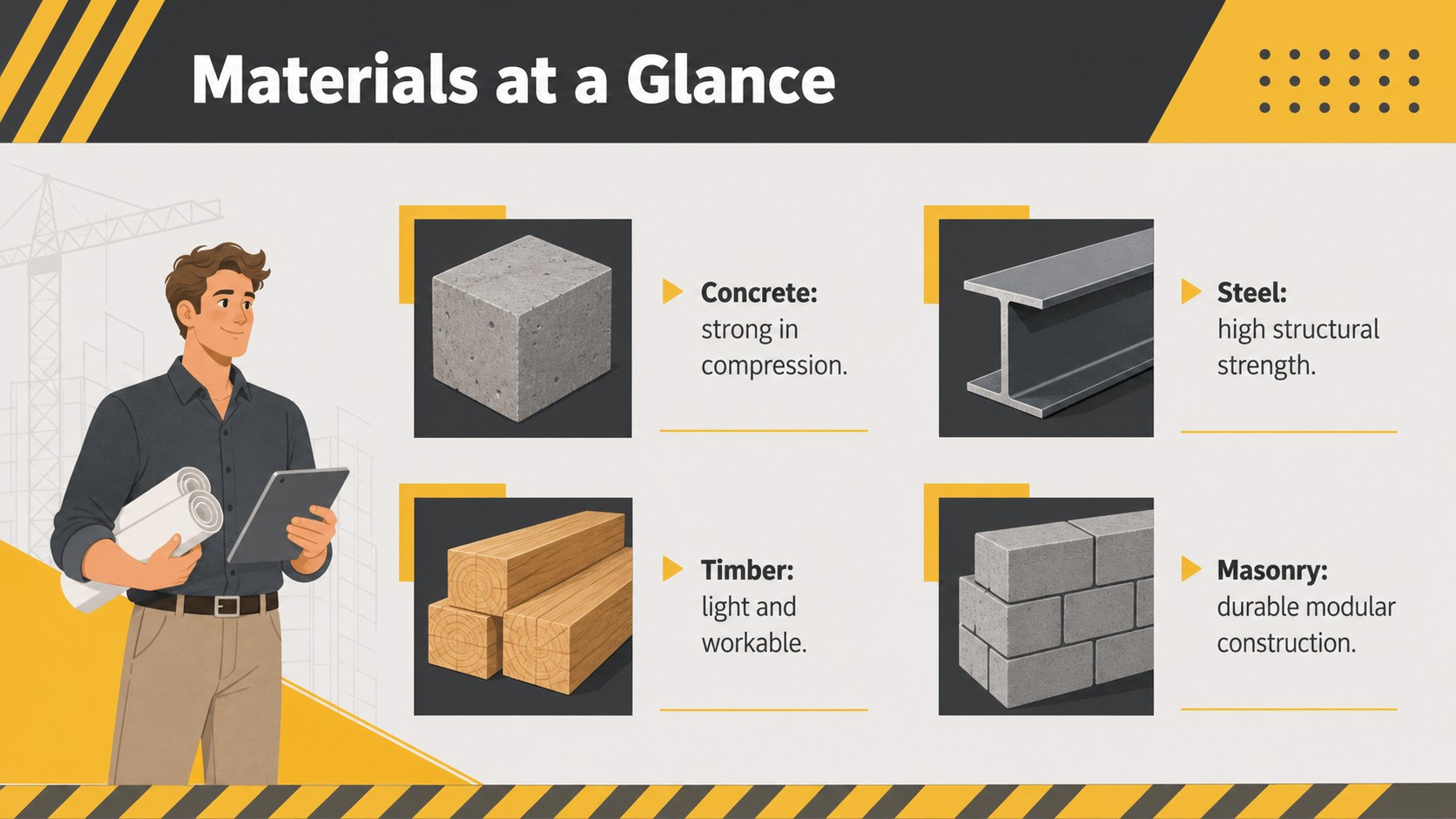
Turn complex building concepts into approachable lessons with the Construction Training Visual Deck. Its bold gray-and-yellow palette, friendly illustrations, and structured layouts help presenters explain technical information without overwhelming learners. The visual system works especially well for vocational classrooms, employee onboarding, and short professional development sessions.
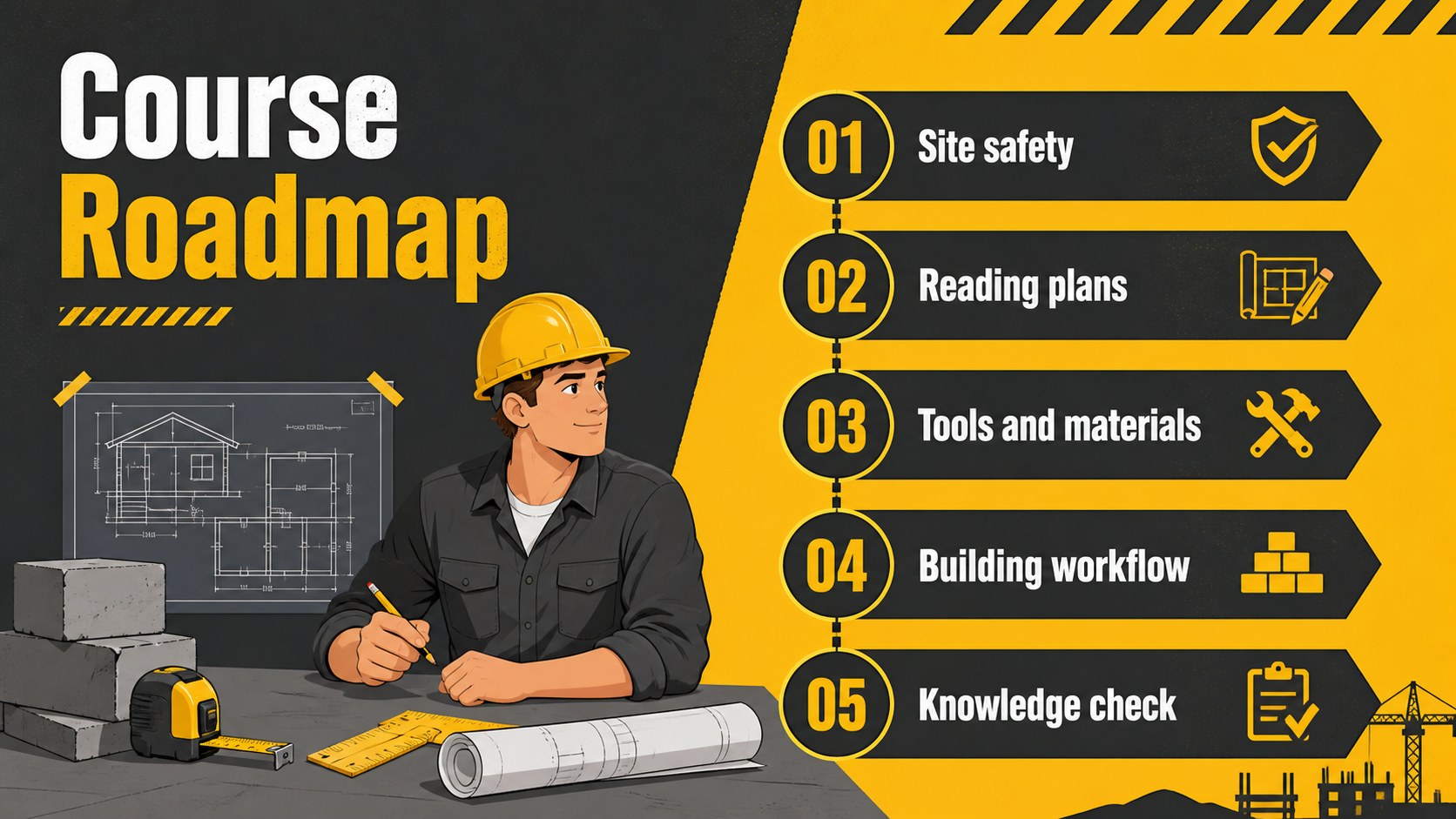
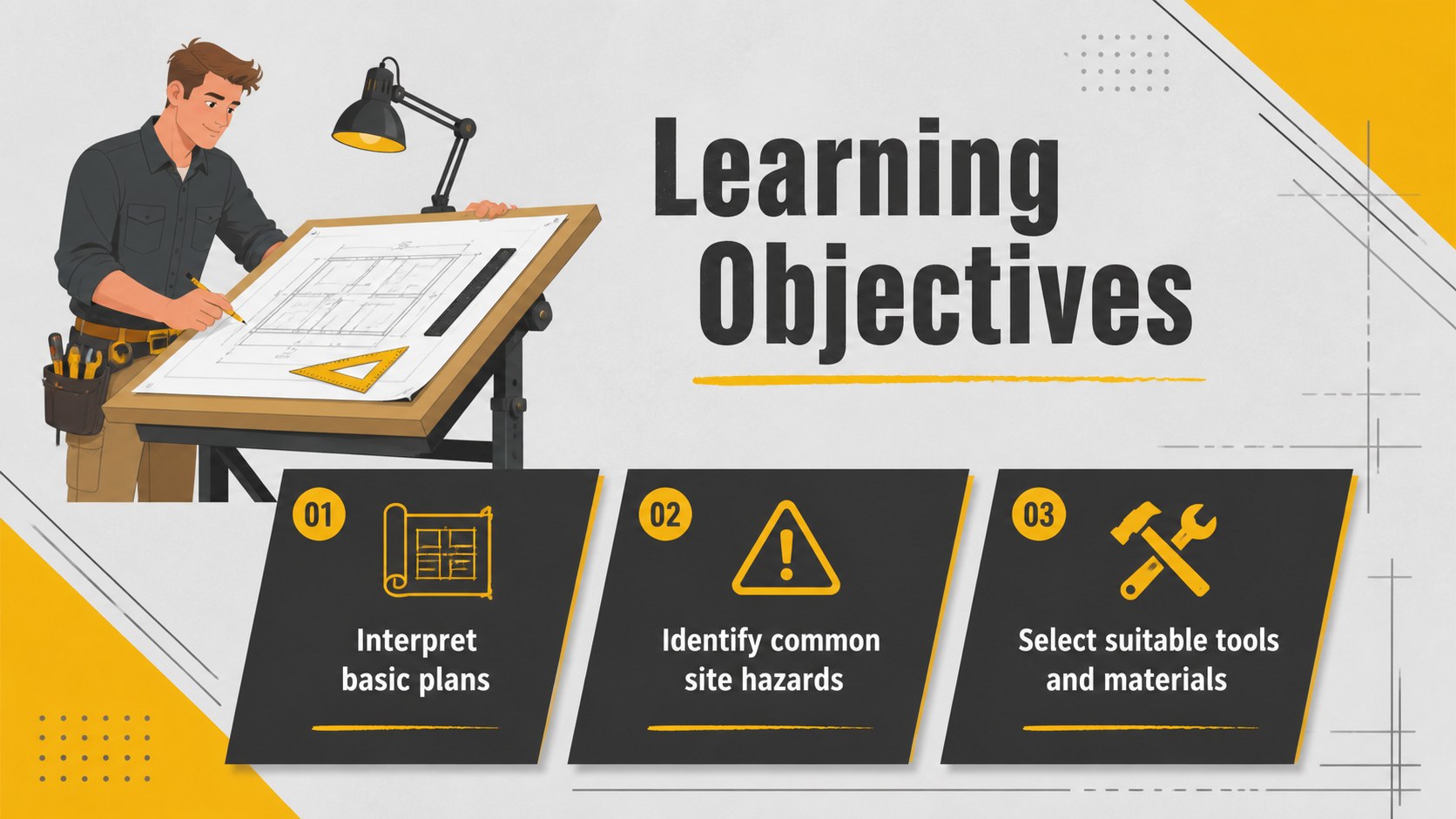
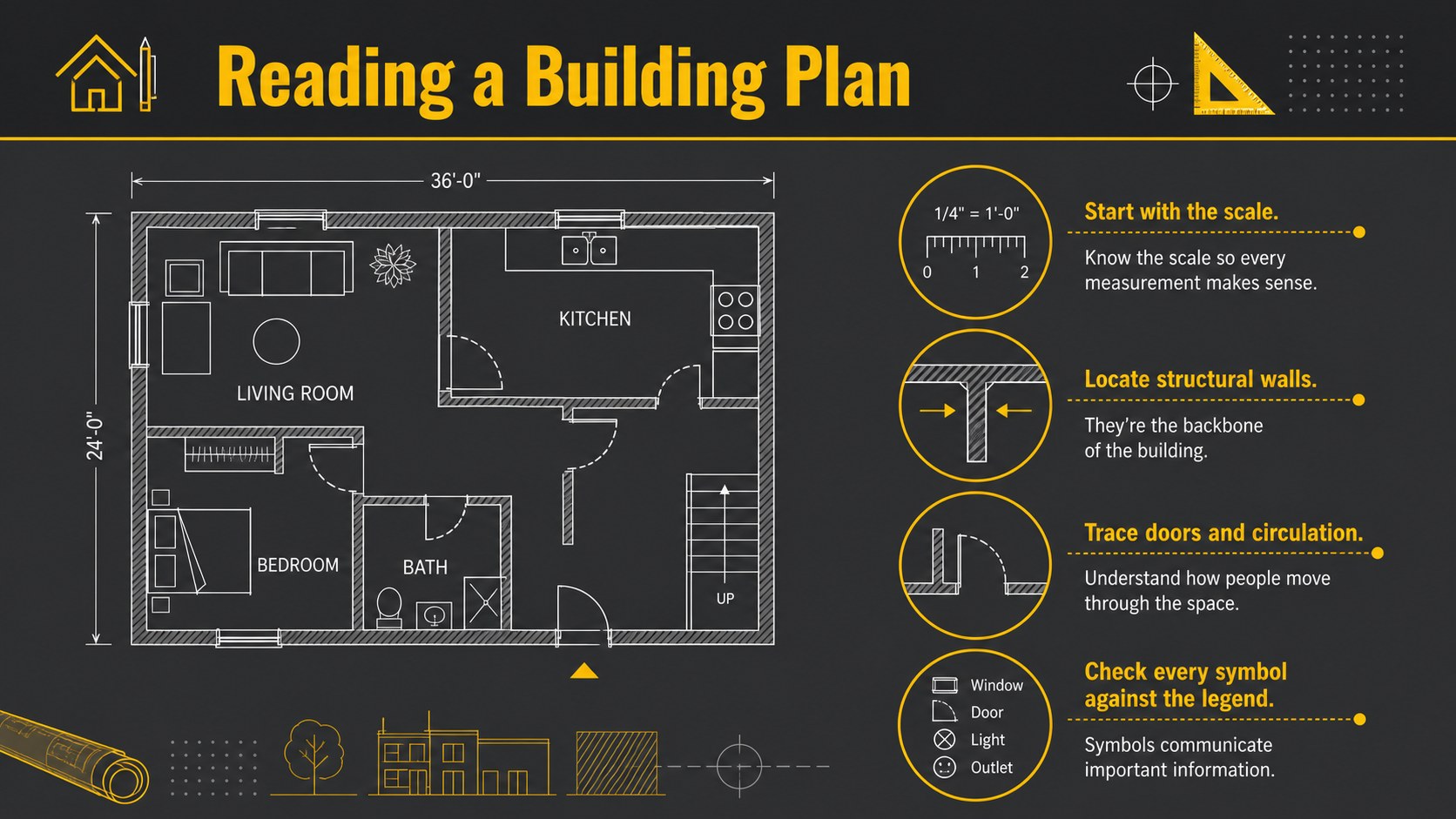
Inside, you will find adaptable layouts for course objectives, construction process diagrams, building plan explanations, equipment checklists, safety procedures, material comparisons, timelines, and knowledge reviews. Use it as a jobsite safety training presentation, an architecture classroom slide deck, or a construction project orientation template. Charts, icons, image frames, and callout areas make it easy to balance practical details with memorable visual examples.
The deck is designed for architecture educators, trade instructors, construction managers, safety coordinators, engineering trainers, and real estate development teams. Every slide can be edited in Google Slides or PowerPoint, including colors, type, illustrations, and page order. Open Sans and Oswald provide a clear instructional hierarchy, while yellow accents draw attention to critical actions and key terms. Add company procedures, course exercises, photographs, or speaker notes to create a polished learning resource for beginners or experienced crews.
Perfect for: trade school building lesson; jobsite safety briefing; new crew orientation; architecture classroom lecture; construction process workshop; equipment handling course.
Frequently asked questions
Can I customize the construction illustrations and colors? Yes. Replace the illustrations, photos, icons, fonts, and text with your own course material. The gray-and-yellow palette can also be adjusted to match an organization, school, or project.
Practical details
Yes. Replace the illustrations, photos, icons, fonts, and text with your own course material. The gray-and-yellow palette can also be adjusted to match an organization, school, or project.
The template is designed for Google Slides, Microsoft PowerPoint. Some animations or font substitutions may vary slightly between platforms, so review the final deck before presenting.
Yes. The layouts support hazard explanations, personal protective equipment checklists, site rules, process diagrams, and review questions. Always replace sample content with procedures that match current regulations and the specific worksite.
Keep each slide focused on one task, use the illustrated callouts for key actions, and replace technical jargon with short definitions. Add photographs or diagrams from the relevant trade to connect concepts with real working conditions.
Keep exploring
15Build an engaging World UFO Day session with this flying saucer history lesson deck, featuring retro green-and-brown slides for PowerPoint and Google Slides.
 15
15Plan a lively animal-learning journey with this jungle zoo adventure lesson deck, ready to customize in PowerPoint and Google Slides for young learners.
 16
16Turn environmental research into a clear story with a Watercolor Ecology Presentation Theme for PowerPoint and Google Slides in calming green and blue.
 16
16Build focused fashion, literature, and humanities presentations with the Red Triangle Editorial Theme, editable in PowerPoint and Google Slides.
 15
15Turn streaming stats, favorite tracks, and concert highlights into a bold annual listening recap slide deck for PowerPoint and Google Slides.
 15
15Turn highlights, milestones, and favorite moments into a colorful year in review slide deck with bold 3D graphics for PowerPoint and Google Slides.
 3
3Build a credible endorsement with Standout Colleague Recommendation Letter Slides, featuring colorful prompts for skills, achievements, and team impact.
 4
4Build clear beginner sessions with an ice hockey fundamentals training deck for coaches, PE teachers, and clubs, ready for PowerPoint and Google Slides.