
 15
15presentation
Flying Saucer History Lesson Deck
Build an engaging World UFO Day session with this flying saucer history lesson deck, featuring retro green-and-brown slides for PowerPoint and Google Slides.
Google SlidesPowerPoint
presentation · English
Build voter confidence with a congressional candidate strategy deck for presenting policy priorities, outreach plans, fundraising goals, and key messages.



Design notes
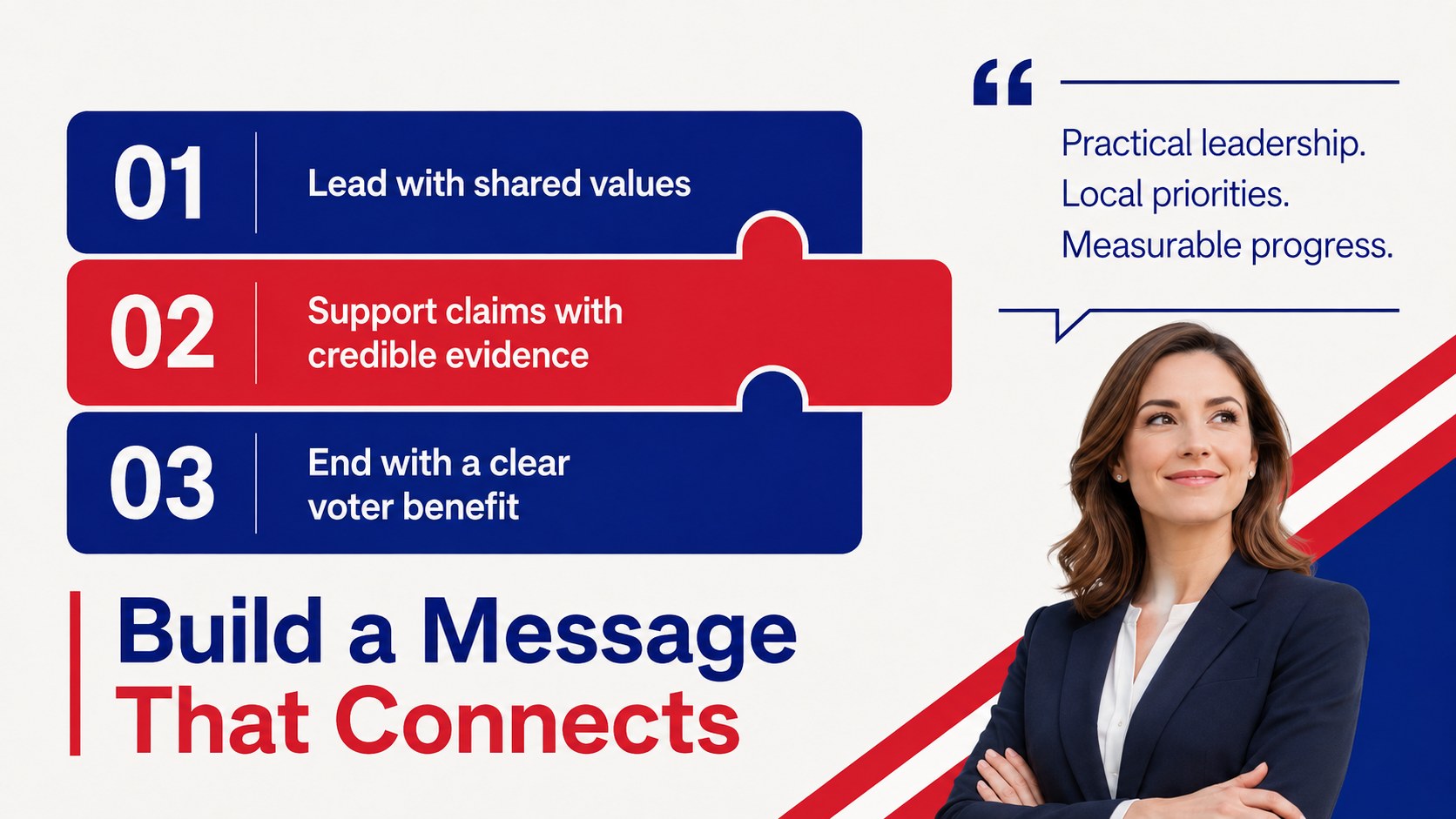
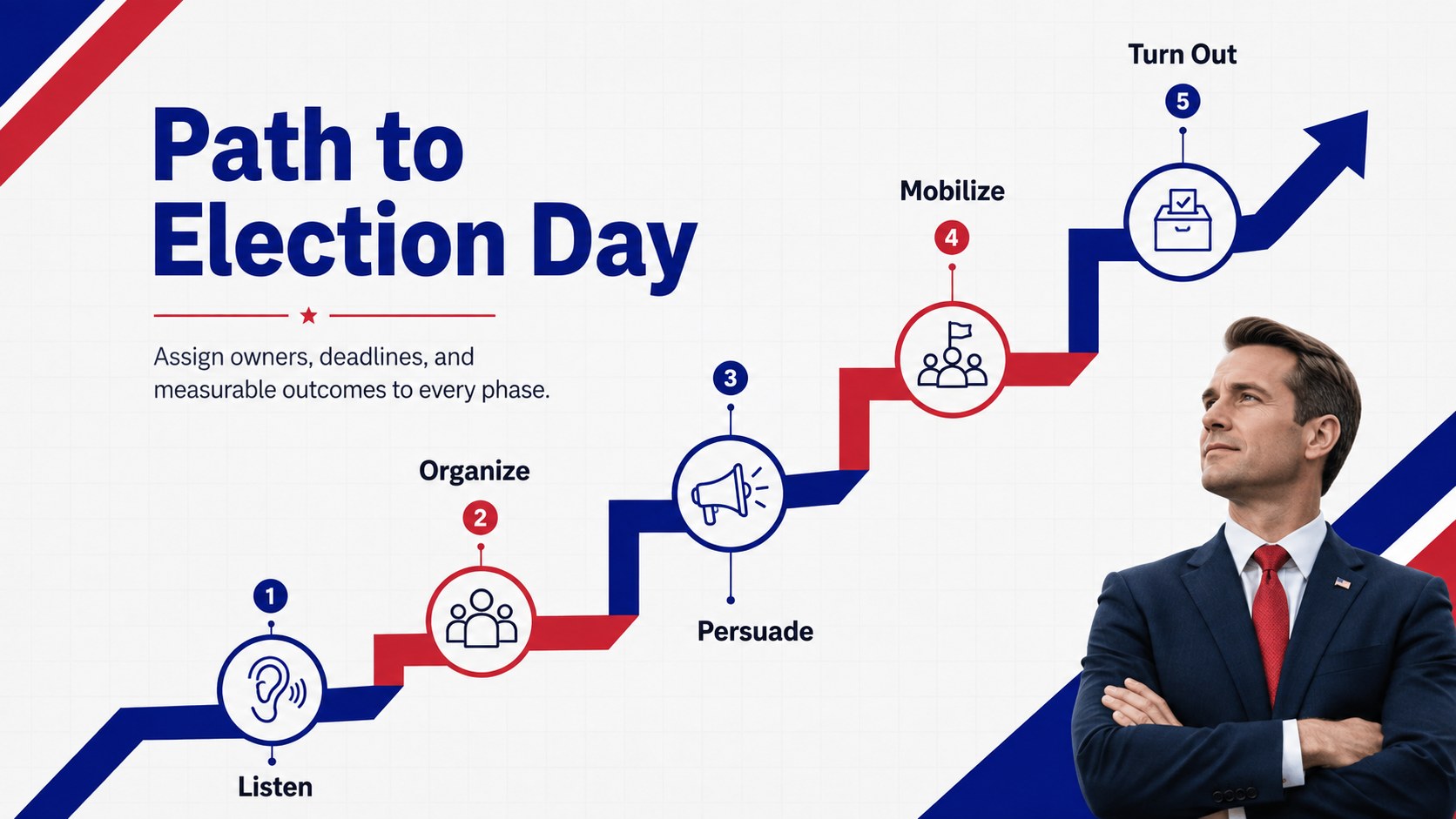
Turn campaign ideas into a focused narrative with the Congressional Candidate Strategy Deck. Its clean geometric layouts and confident blue, white, and red palette help political teams communicate a candidate's vision without overwhelming voters, volunteers, donors, or community partners.
Inside, you will find adaptable layouts for a campaign overview, candidate biography, district profile, voter concerns, policy pillars, message development, outreach channels, fundraising, event planning, and performance metrics. Use it as a congressional policy platform deck for public briefings or as a voter outreach planning presentation during internal strategy sessions. Timelines, comparison layouts, charts, and concise talking-point pages make complex plans easier to scan and discuss.
The template is designed for campaign managers, political consultants, communications teams, advocacy professionals, field organizers, and candidates preparing for congressional races. It can also support campaign launch meetings, volunteer training, donor conversations, endorsement briefings, and town hall preparation. Every slide is editable in PowerPoint and Google Slides, allowing teams to update typography, colors, photographs, data, and messaging for a specific district. The simple modern design maintains a professional tone while leaving enough visual flexibility for candidate photography, local issues, and campaign fundraising pitch slides.
Perfect for: campaign launch meeting; candidate policy briefing; voter outreach planning; donor fundraising presentation; volunteer strategy session; town hall preparation.
Frequently asked questions
Can I edit this template in PowerPoint and Google Slides? Yes. All layouts, text blocks, colors, charts, and image placeholders can be edited in PowerPoint or Google Slides. Some font spacing or transitions may require minor adjustment when moving between platforms.
Practical details
Yes. All layouts, text blocks, colors, charts, and image placeholders can be edited in PowerPoint or Google Slides. Some font spacing or transitions may require minor adjustment when moving between platforms.
Replace the sample district data, voter priorities, policy points, and photographs with locally relevant material. You can also apply the candidate's campaign colors while retaining the deck's clear visual hierarchy.
Yes. Use the narrative and policy slides for public presentations, then adapt the timeline, outreach, fundraising, and metrics layouts for internal planning. Remove sensitive operational details before sharing a public version.
Yes. The deck includes layouts suited to charts, comparisons, targets, and progress indicators. Verify every figure and cite an appropriate source when presenting polling, demographic, or financial information.
Keep exploring
15Build an engaging World UFO Day session with this flying saucer history lesson deck, featuring retro green-and-brown slides for PowerPoint and Google Slides.
 15
15Plan a lively animal-learning journey with this jungle zoo adventure lesson deck, ready to customize in PowerPoint and Google Slides for young learners.
 16
16Turn environmental research into a clear story with a Watercolor Ecology Presentation Theme for PowerPoint and Google Slides in calming green and blue.
 16
16Build focused fashion, literature, and humanities presentations with the Red Triangle Editorial Theme, editable in PowerPoint and Google Slides.
 15
15Turn streaming stats, favorite tracks, and concert highlights into a bold annual listening recap slide deck for PowerPoint and Google Slides.
 15
15Turn highlights, milestones, and favorite moments into a colorful year in review slide deck with bold 3D graphics for PowerPoint and Google Slides.
 3
3Build a credible endorsement with Standout Colleague Recommendation Letter Slides, featuring colorful prompts for skills, achievements, and team impact.
 4
4Build clear beginner sessions with an ice hockey fundamentals training deck for coaches, PE teachers, and clubs, ready for PowerPoint and Google Slides.