
 15
15presentation
Flying Saucer History Lesson Deck
Build an engaging World UFO Day session with this flying saucer history lesson deck, featuring retro green-and-brown slides for PowerPoint and Google Slides.
Google SlidesPowerPoint
presentation · English
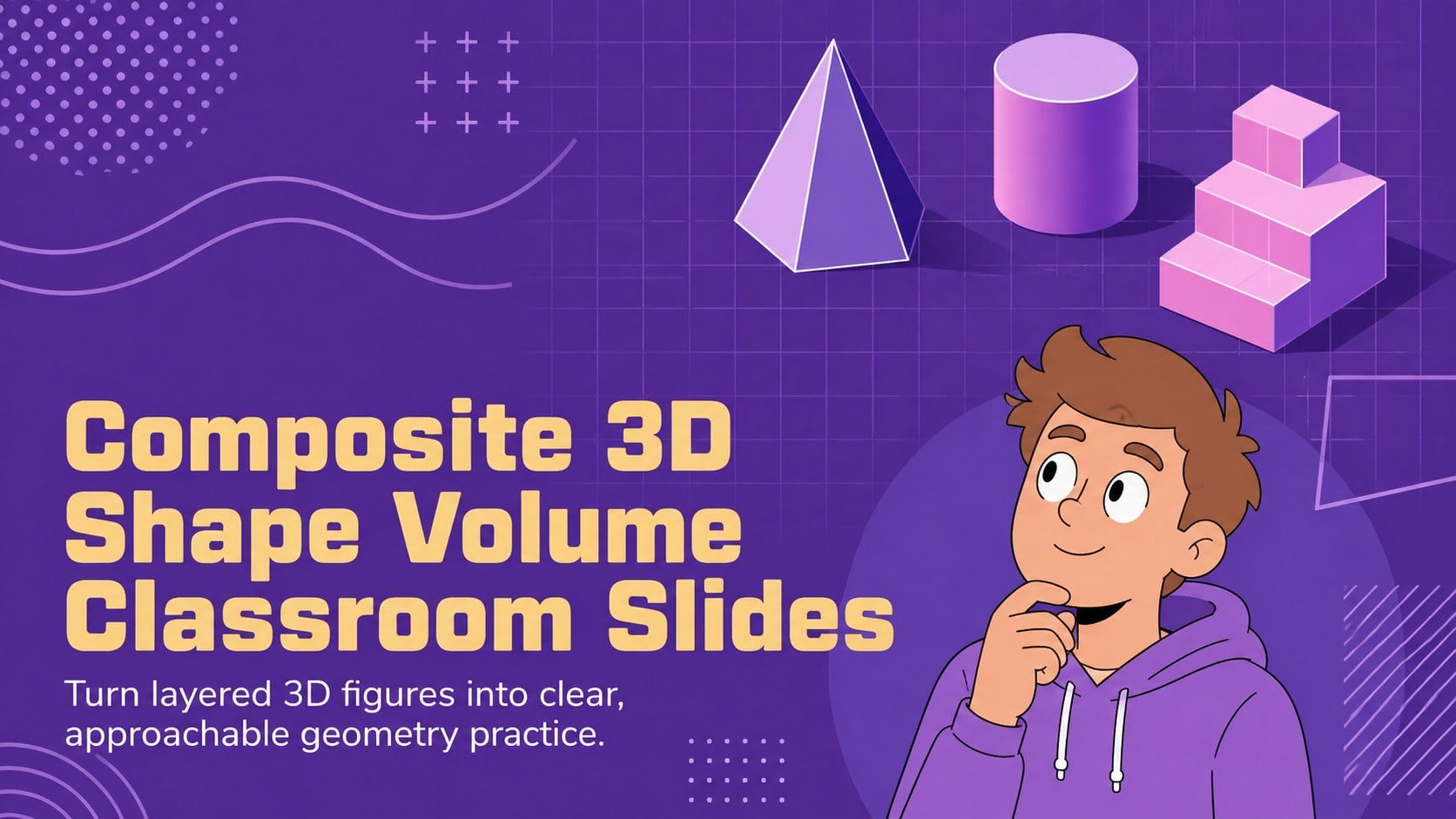
Teach complex geometry clearly with Composite 3D Shape Volume Classroom Slides, featuring visual examples and editable practice for secondary students.
Design notes
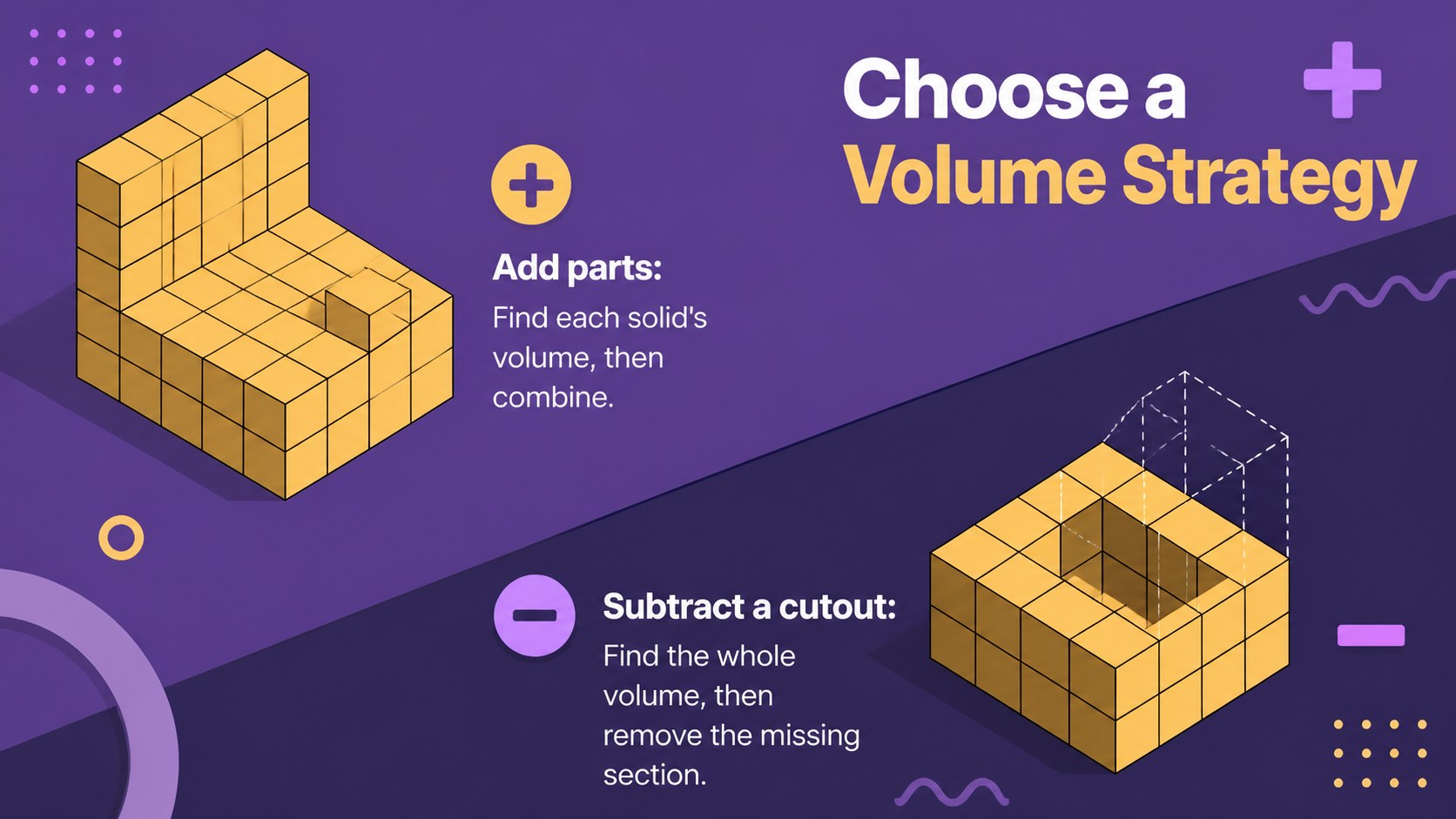
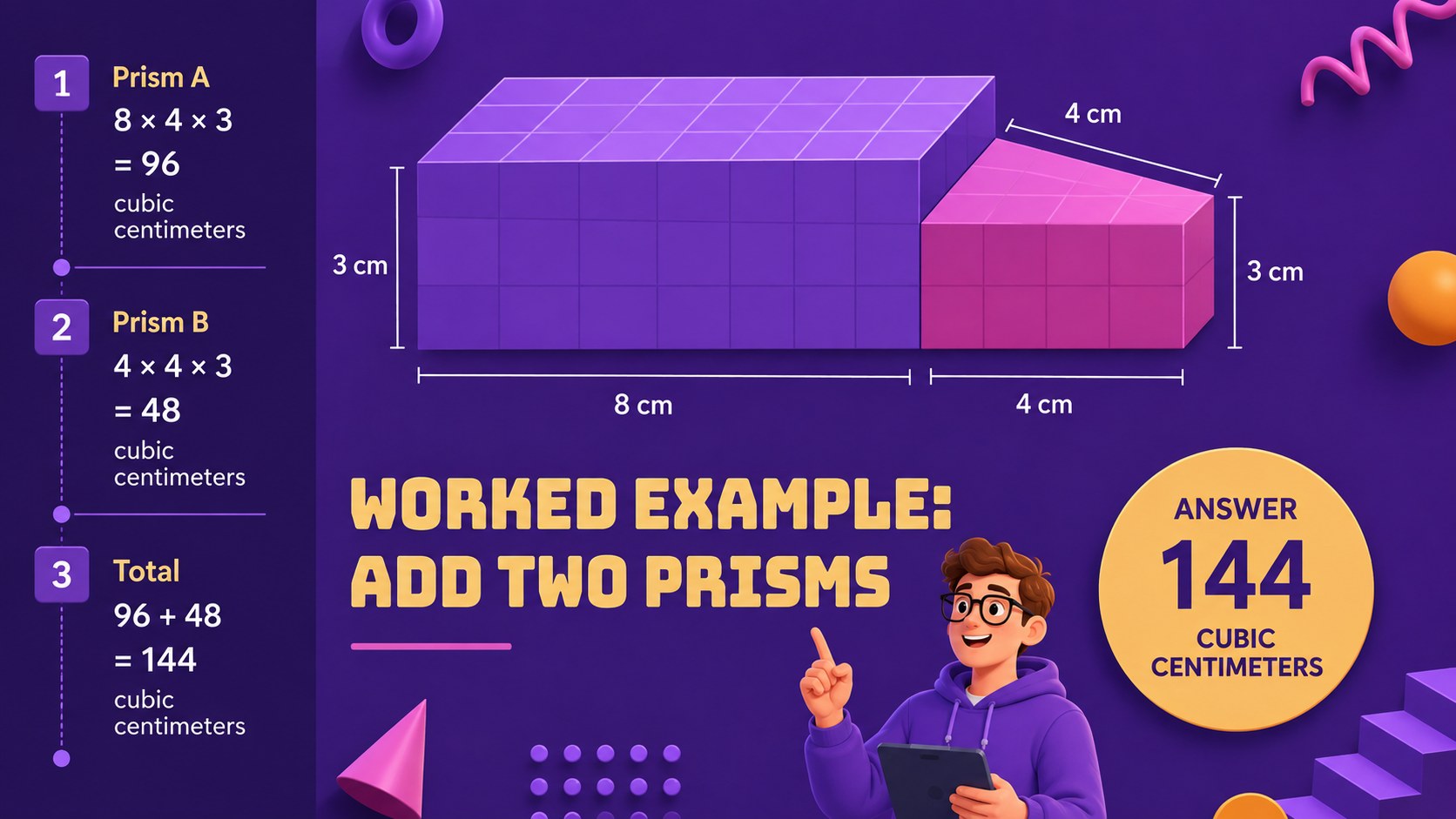
Composite 3D Shape Volume Classroom Slides give secondary geometry teachers a visual, structured way to explain how several solids combine into one figure. The purple illustrated design keeps the material approachable while diagrams, formulas, and worked examples make each calculation easier to follow. Use the deck when introducing the topic, reviewing prior knowledge, or showing students how to teach volume of composite solids through repeatable steps.
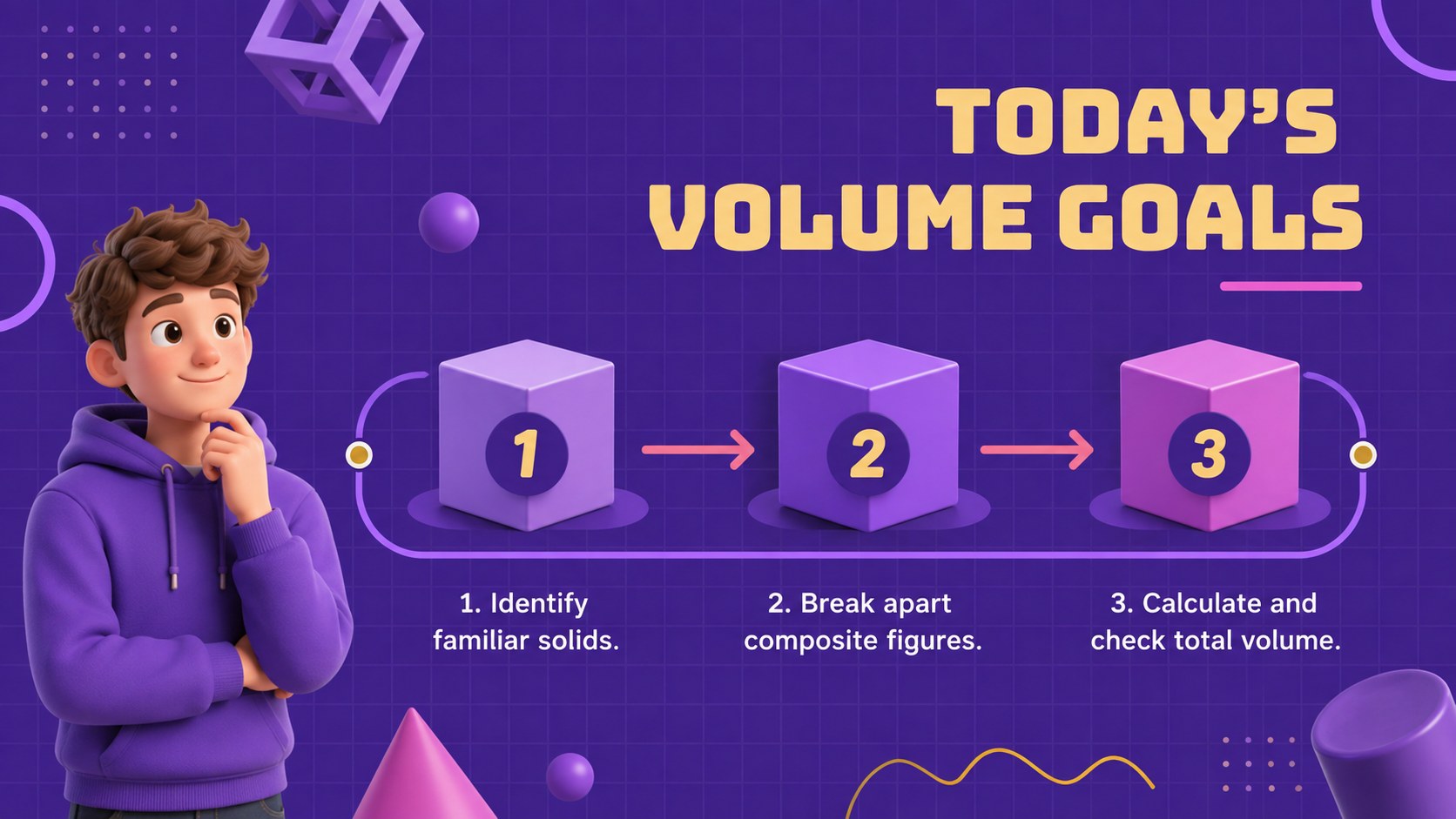
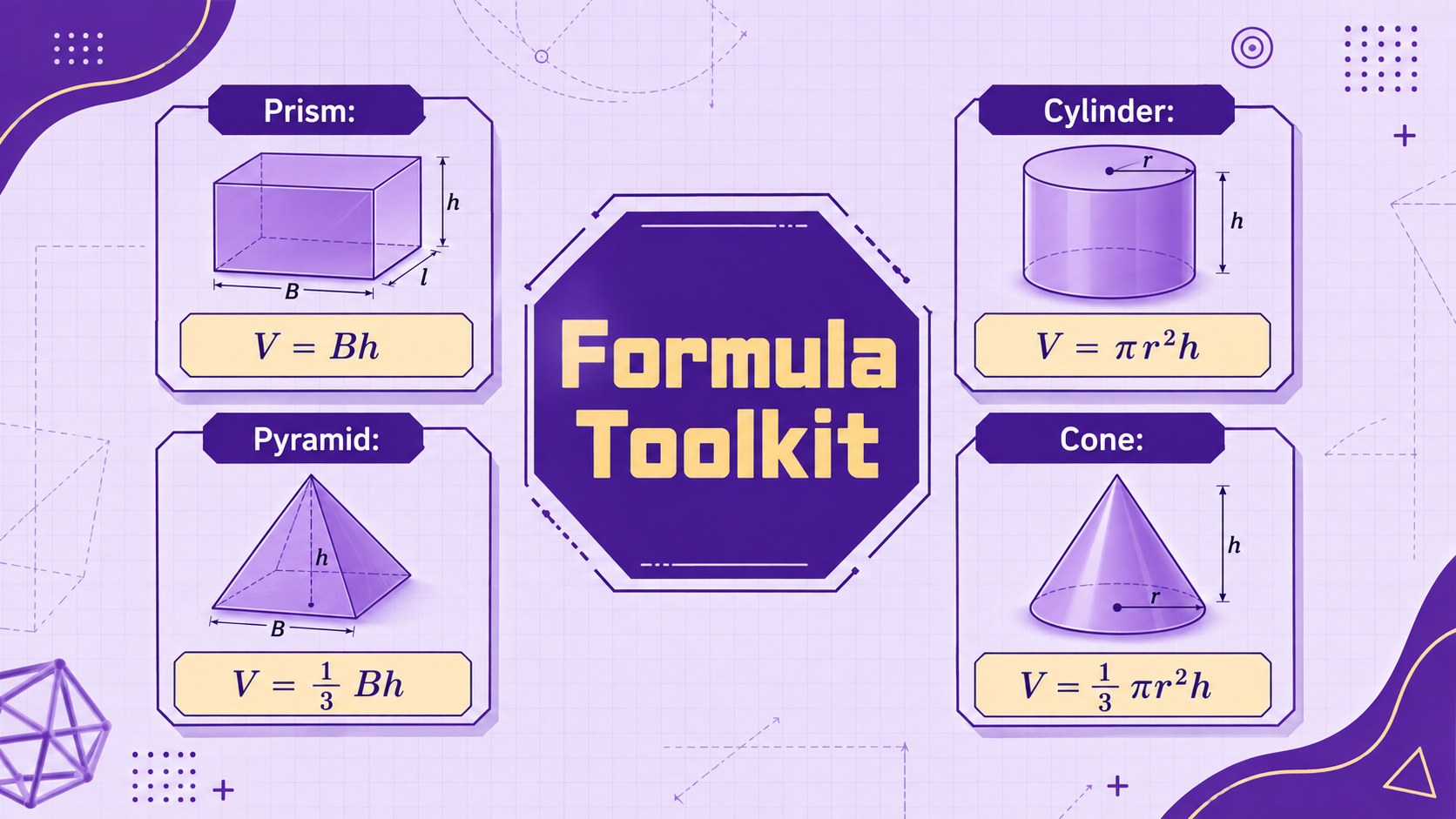
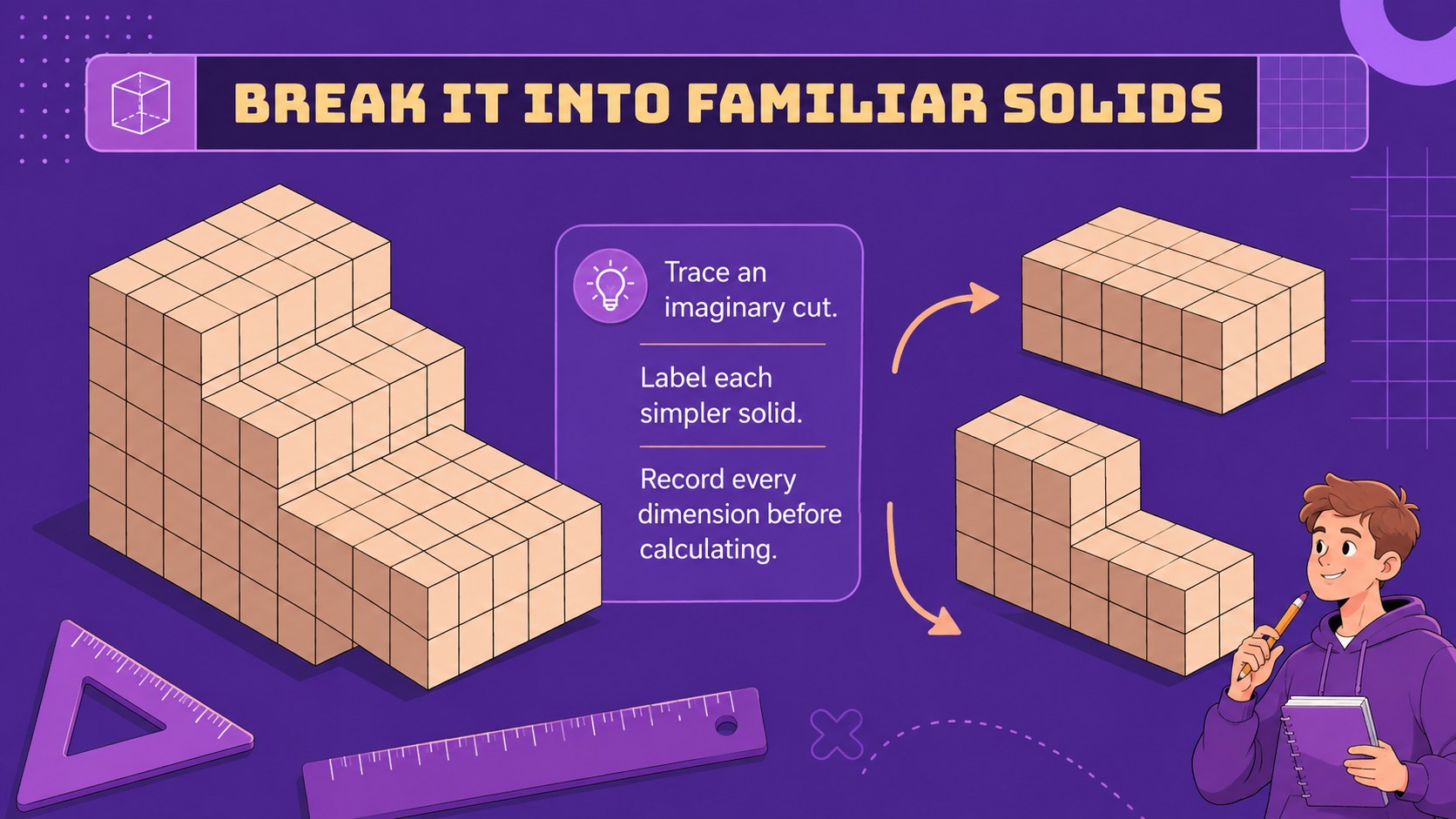
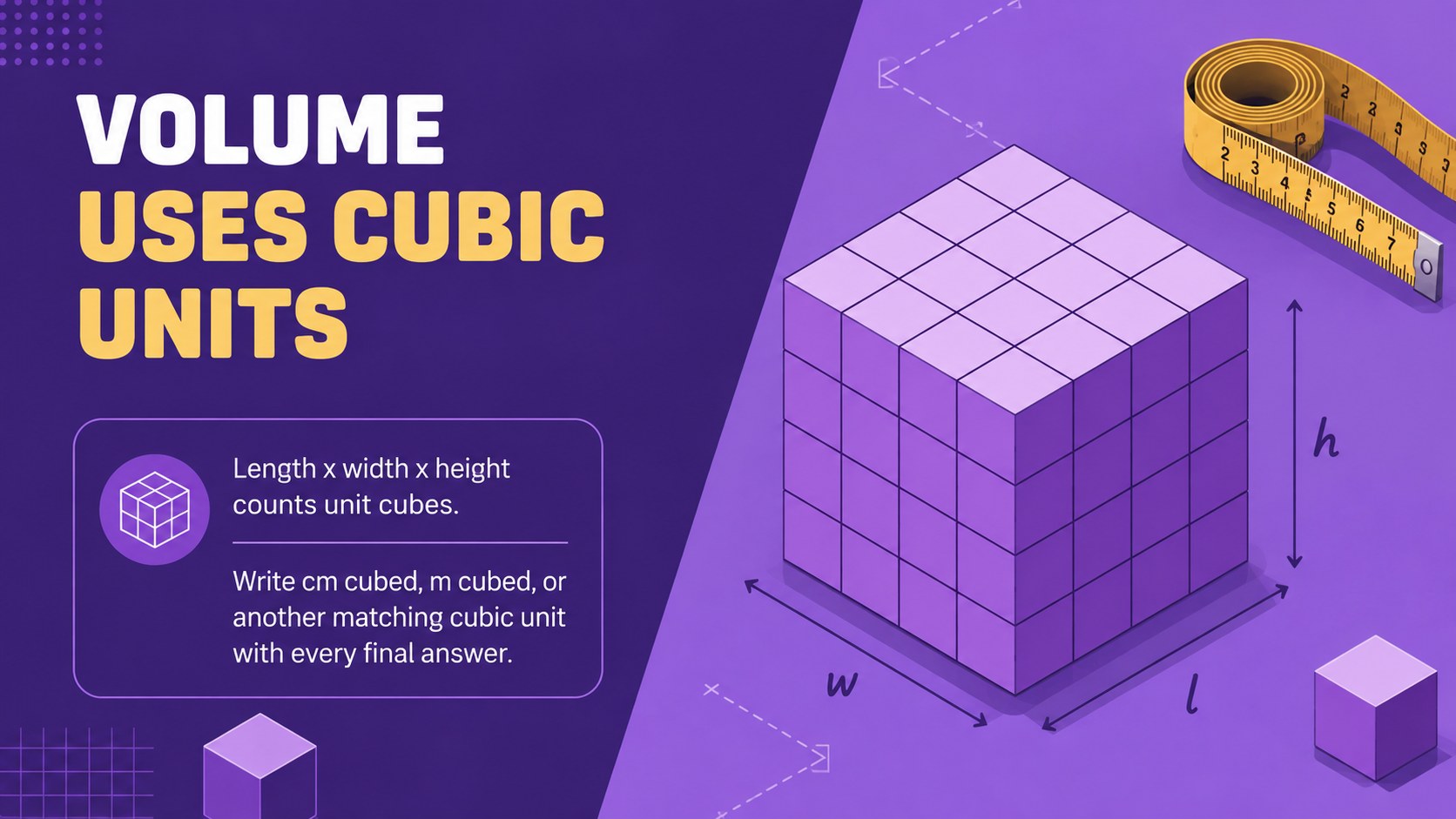
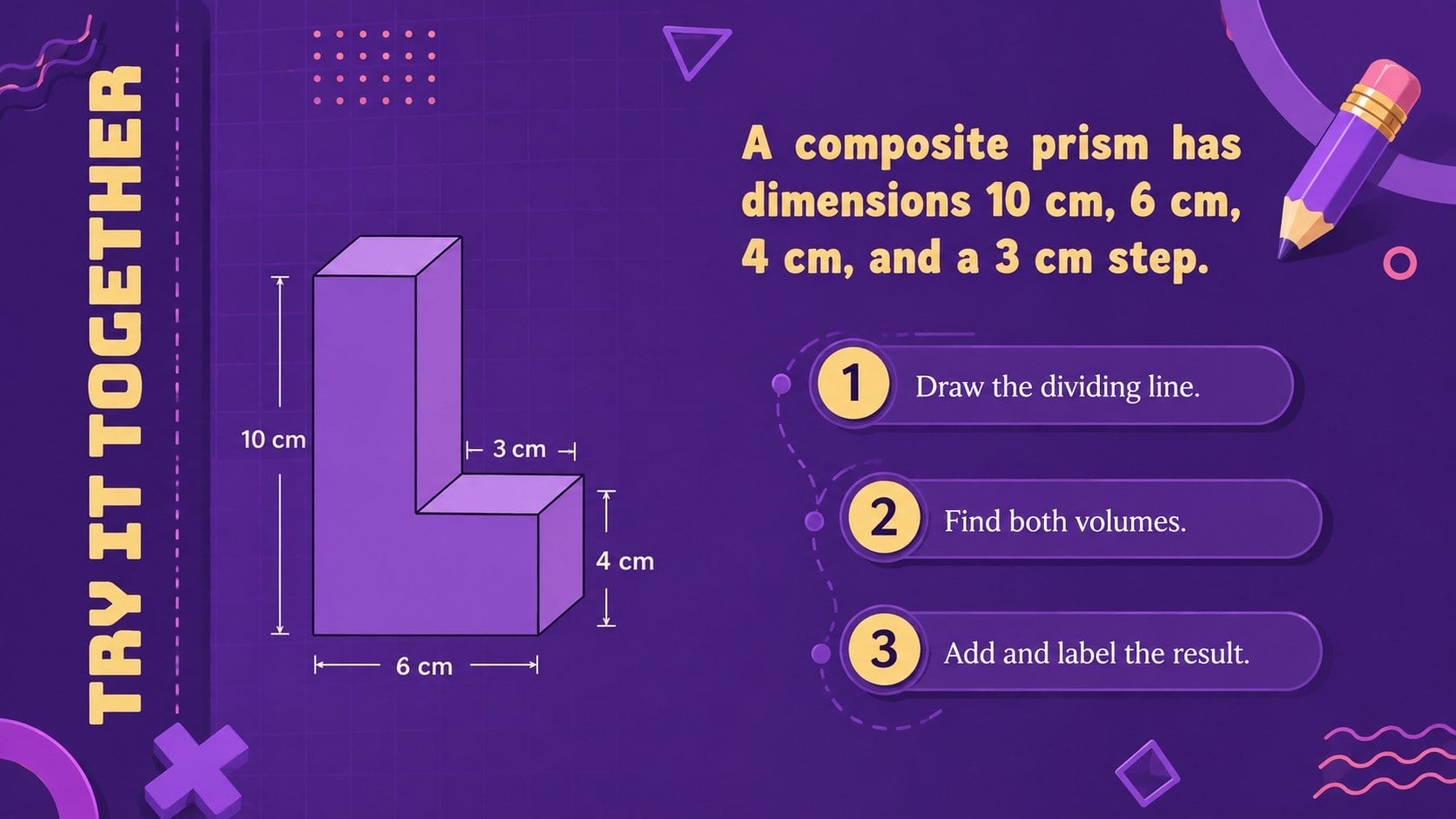
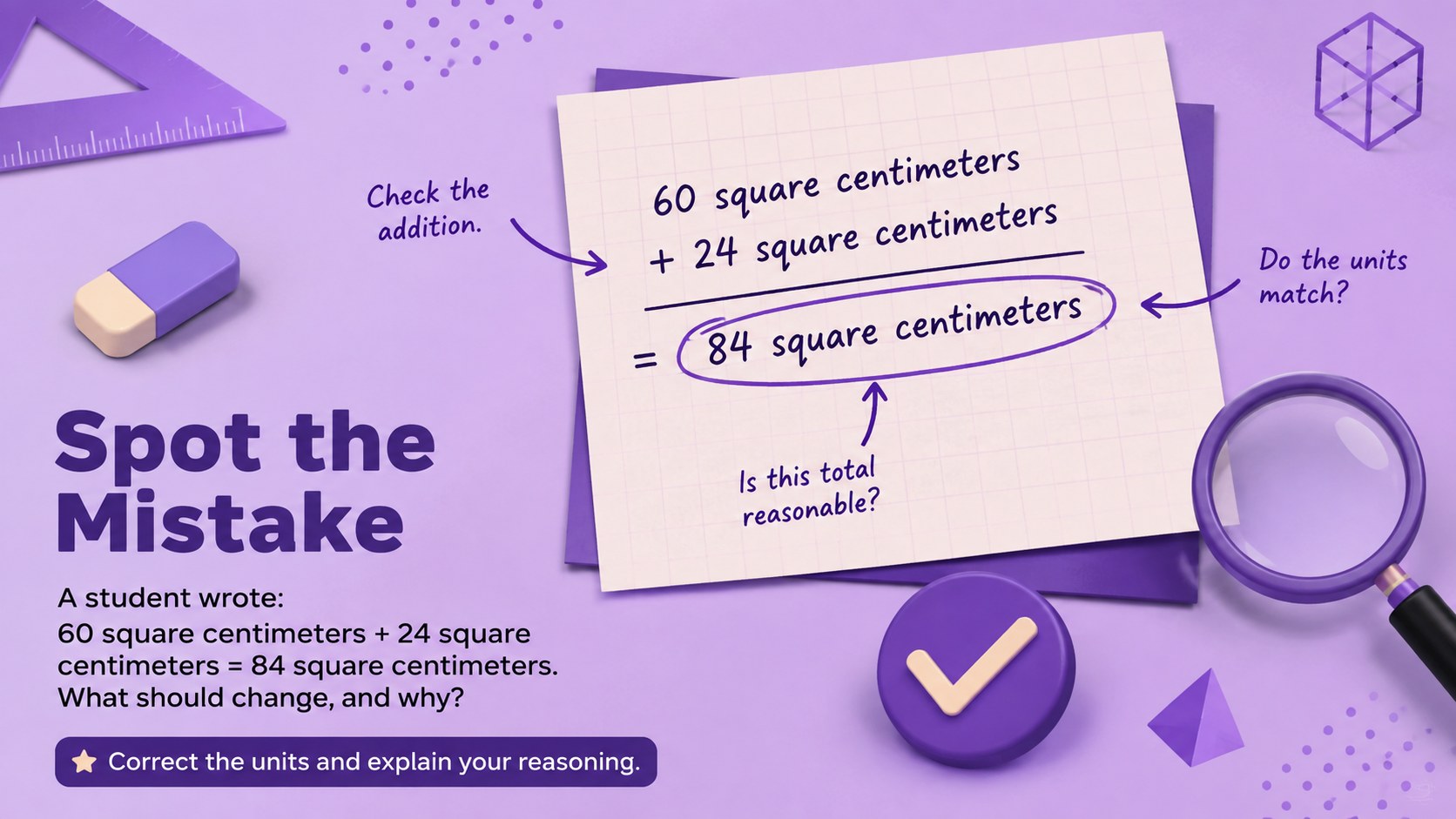
The 13-slide sequence includes learning goals, a review of common solid-volume formulas, decomposition strategies, addition and subtraction methods, unit reminders, guided examples, error analysis, real-world applications, independent questions, and an exit ticket. The composite volume practice slides balance concise explanations with space for teacher modeling and student participation. Every layout is editable, so dimensions, equations, prompts, colors, and illustrations can be adjusted for your curriculum.
Designed as an editable high school geometry presentation, this resource works well for classroom instruction, small-group intervention, tutoring, homework review, and test preparation. Teachers can open it in PowerPoint or Google Slides, duplicate practice pages, reveal solutions gradually, and add animations where useful. The geometric illustrations and energetic purple palette preserve a friendly academic tone without distracting from the mathematics.
Perfect for: high school geometry lesson; composite solids guided practice; small-group math intervention; geometry test review; student tutoring session.
Frequently asked questions
Can I edit the examples and measurements? Yes. You can replace dimensions, formulas, diagrams, instructions, and answer values to match your lesson sequence or difficulty level.
Practical details
Yes. You can replace dimensions, formulas, diagrams, instructions, and answer values to match your lesson sequence or difficulty level.
The template is designed for PowerPoint and Google Slides. Formatting may vary slightly by platform, so review equations and line breaks after importing.
Yes. Duplicate practice layouts, simplify the composite figures, add scaffolding prompts, or remove solution steps for more independent work.
Yes. The sequence provides guided calculations, error analysis, real-world problems, independent practice, and a short exit ticket.
Keep exploring
15Build an engaging World UFO Day session with this flying saucer history lesson deck, featuring retro green-and-brown slides for PowerPoint and Google Slides.
 15
15Plan a lively animal-learning journey with this jungle zoo adventure lesson deck, ready to customize in PowerPoint and Google Slides for young learners.
 16
16Turn environmental research into a clear story with a Watercolor Ecology Presentation Theme for PowerPoint and Google Slides in calming green and blue.
 16
16Build focused fashion, literature, and humanities presentations with the Red Triangle Editorial Theme, editable in PowerPoint and Google Slides.
 15
15Turn streaming stats, favorite tracks, and concert highlights into a bold annual listening recap slide deck for PowerPoint and Google Slides.
 15
15Turn highlights, milestones, and favorite moments into a colorful year in review slide deck with bold 3D graphics for PowerPoint and Google Slides.
 3
3Build a credible endorsement with Standout Colleague Recommendation Letter Slides, featuring colorful prompts for skills, achievements, and team impact.
 4
4Build clear beginner sessions with an ice hockey fundamentals training deck for coaches, PE teachers, and clubs, ready for PowerPoint and Google Slides.