
 15
15presentation
Flying Saucer History Lesson Deck
Build an engaging World UFO Day session with this flying saucer history lesson deck, featuring retro green-and-brown slides for PowerPoint and Google Slides.
Google SlidesPowerPoint
presentation · English
Run a focused competitive SWOT mapping workshop with bold yellow and black slides for clear comparisons, strategic priorities, and team decisions.



Design notes
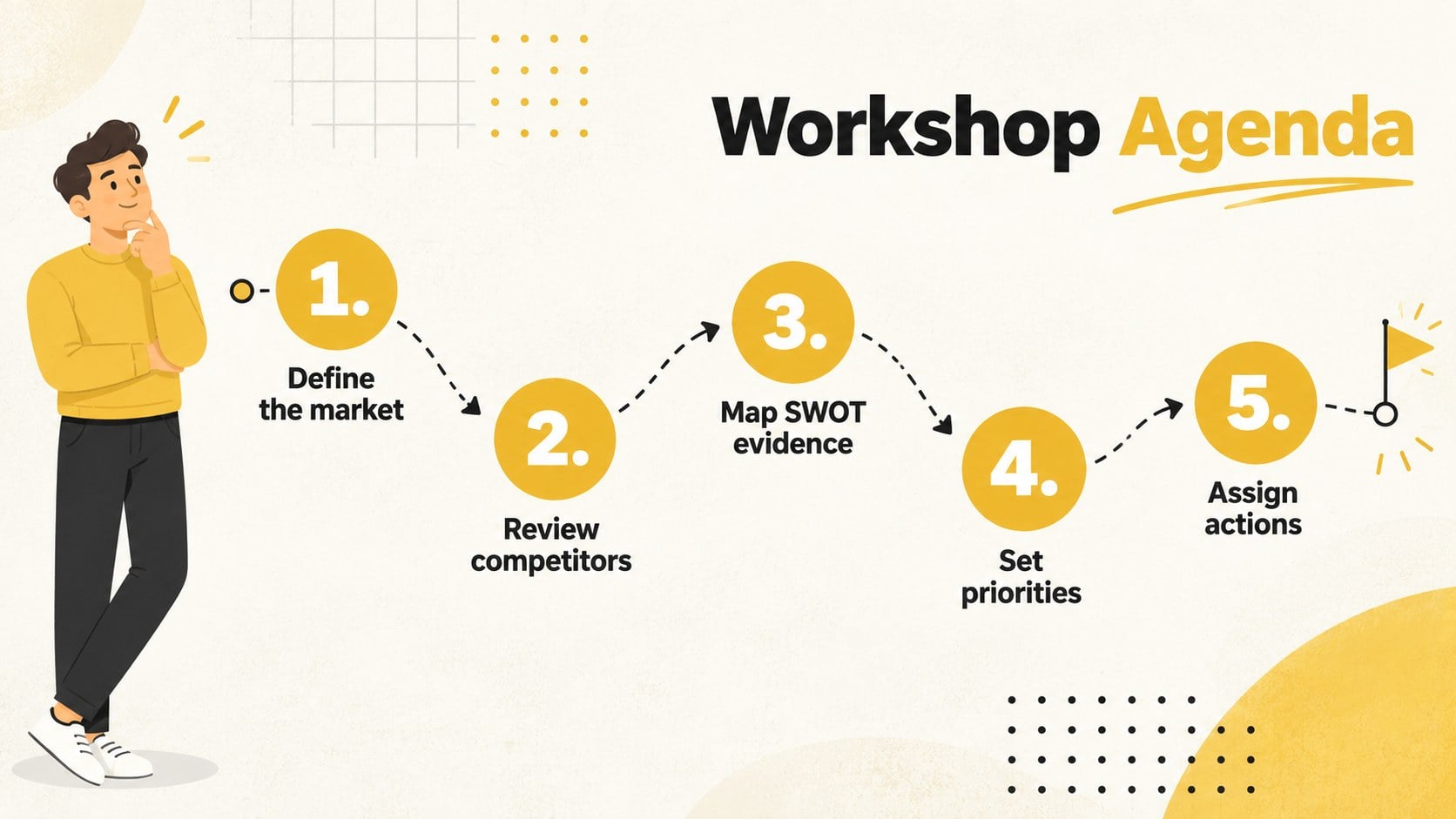
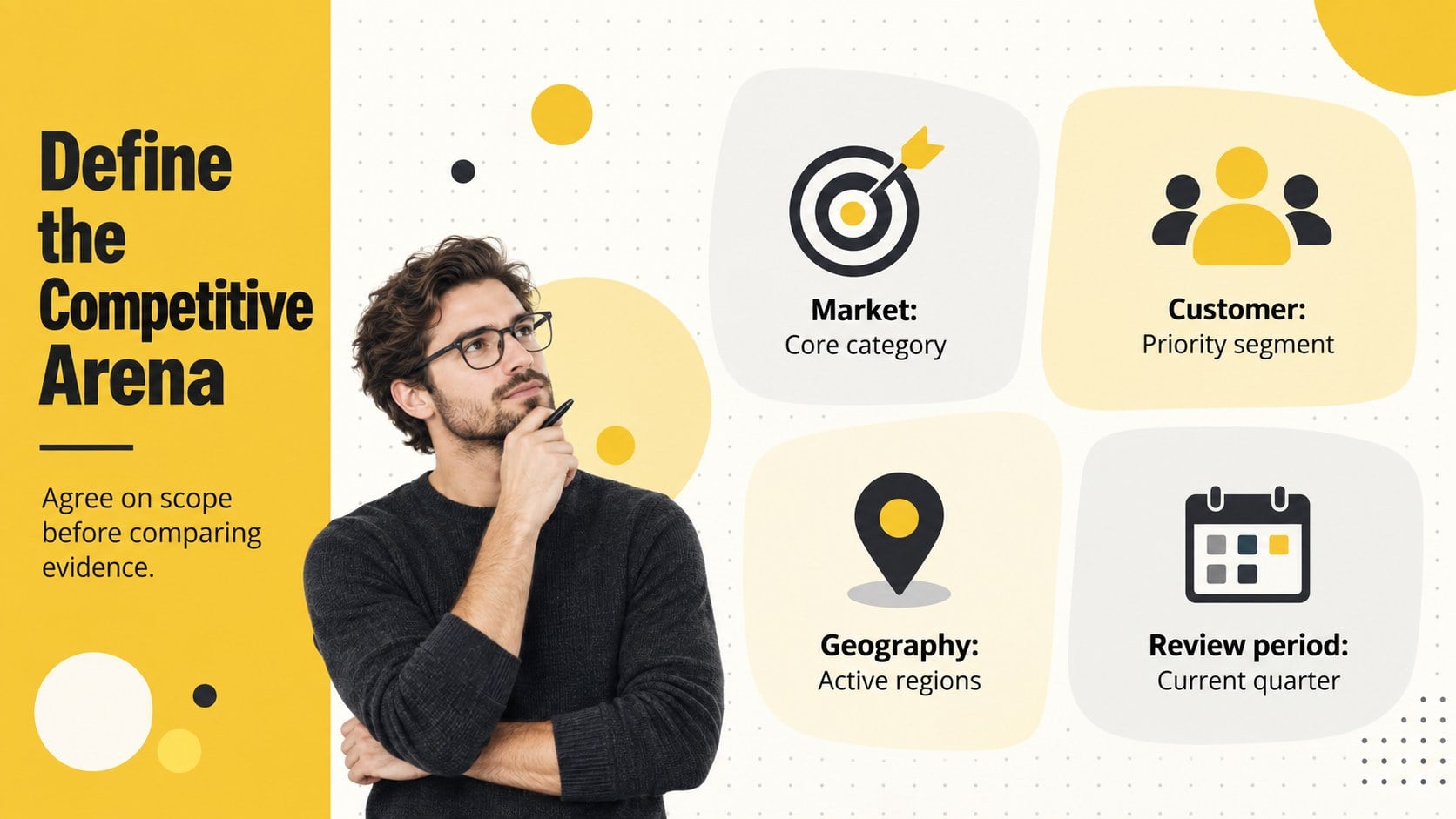
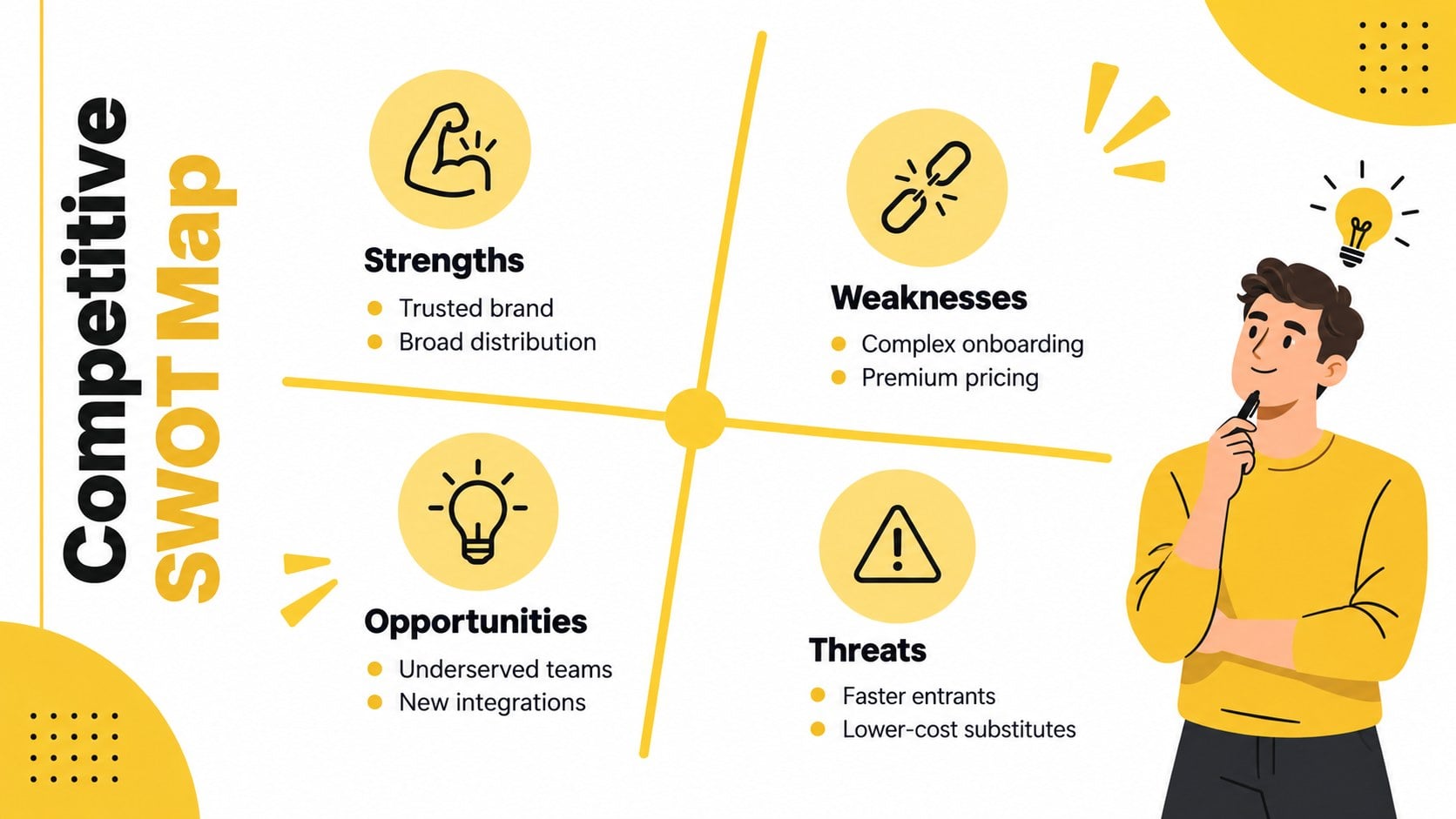
Lead a competitive SWOT mapping workshop that turns scattered market observations into an organized strategy discussion. Designed for PowerPoint and Google Slides, this bold yellow and black presentation uses clean typography, abstract shapes, and structured layouts to keep attention on evidence, comparisons, and decisions.
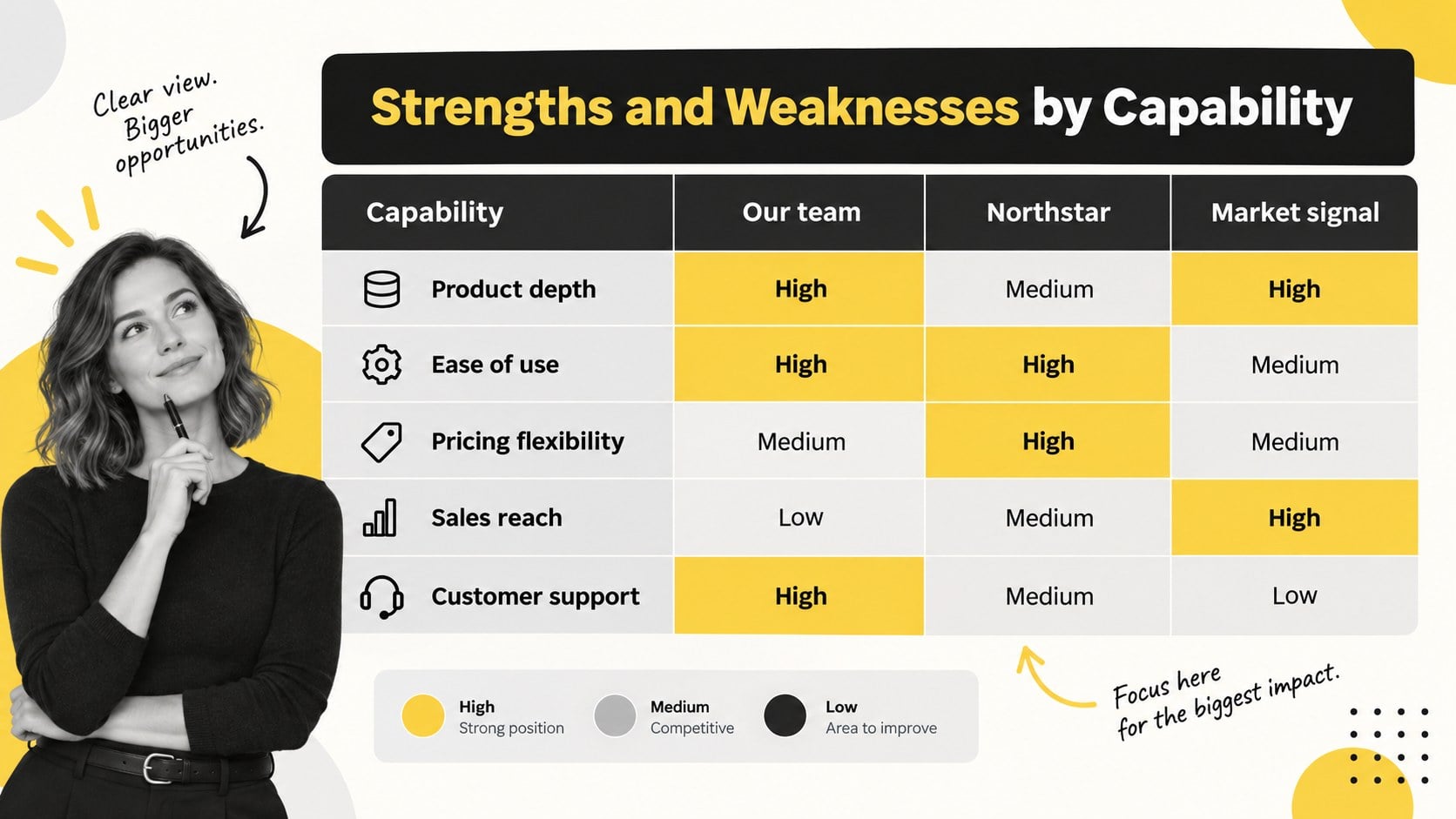
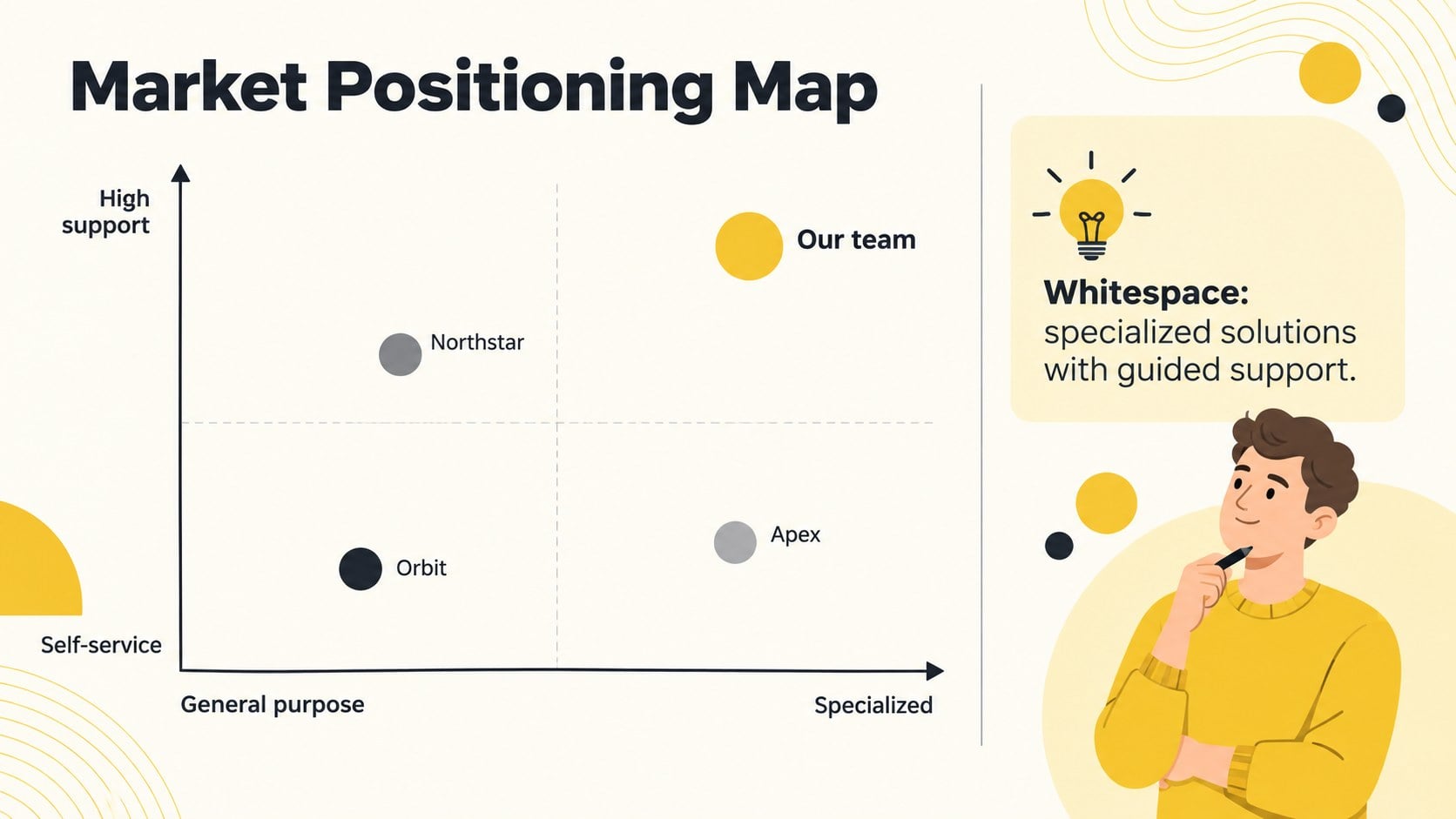
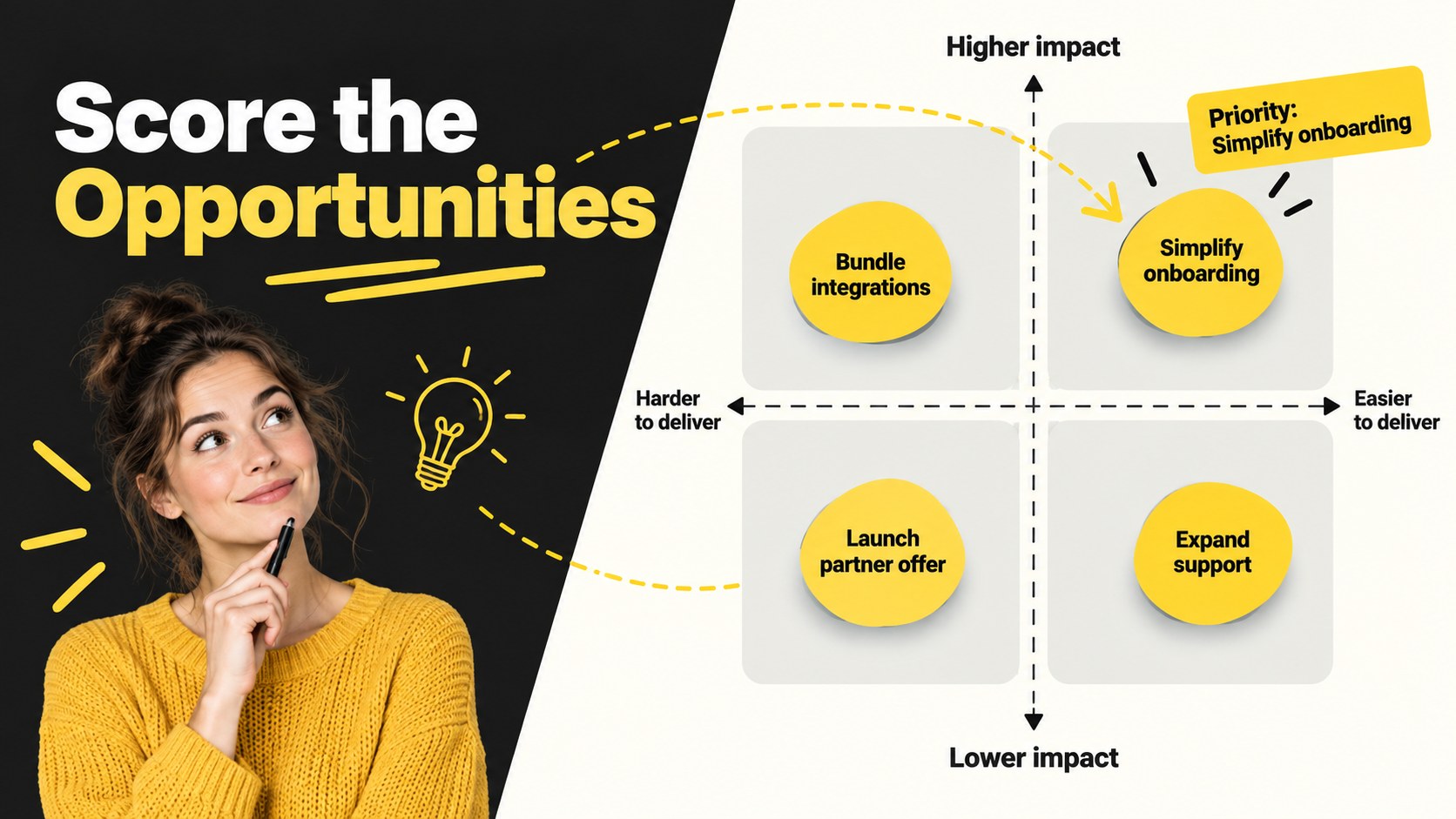
The deck includes an agenda, competitor profiles, a four-quadrant SWOT matrix, side-by-side capability comparisons, market positioning, opportunity scoring, threat prioritization, and an action roadmap. Dedicated slides for assumptions, evidence sources, and strategic implications help teams move beyond surface-level observations. Use the competitor strengths and weaknesses template to document meaningful differences, then apply the competitive landscape SWOT framework to identify where your organization can defend, improve, or grow.
This presentation is suited to strategy teams, founders, product marketers, consultants, sales leaders, and business students. It works equally well for a live planning session, a quarterly market review, or an executive recommendation meeting. Every slide can be adapted with your own competitor names, research findings, charts, priorities, and brand typography. The clear workshop sequence also makes the deck useful as a SWOT analysis facilitation guide for collaborative sessions, helping participants evaluate evidence consistently and leave with named owners, measurable actions, and agreed review dates.
Perfect for: quarterly competitor review; product strategy workshop; market entry planning; executive strategy briefing; sales positioning session; business school case analysis.
Frequently asked questions
Can I edit the SWOT categories and competitor names? Yes. All headings, labels, matrices, and competitor profiles can be edited in PowerPoint or Google Slides. You can also duplicate sections when your workshop covers several rivals.
Practical details
Yes. All headings, labels, matrices, and competitor profiles can be edited in PowerPoint or Google Slides. You can also duplicate sections when your workshop covers several rivals.
The deck is designed for Microsoft PowerPoint and Google Slides. Standard text, shape, table, and chart elements remain editable on both platforms.
Replace the accent colors through the presentation theme or recolor individual shapes. For consistent results, keep one high-contrast accent for priorities and use black, white, and neutral gray for supporting information.
Gather verified information about competitor products, pricing, positioning, customer feedback, distribution, and recent market activity. Record sources and dates so participants can distinguish evidence from assumptions.
Keep exploring
15Build an engaging World UFO Day session with this flying saucer history lesson deck, featuring retro green-and-brown slides for PowerPoint and Google Slides.
 15
15Plan a lively animal-learning journey with this jungle zoo adventure lesson deck, ready to customize in PowerPoint and Google Slides for young learners.
 16
16Turn environmental research into a clear story with a Watercolor Ecology Presentation Theme for PowerPoint and Google Slides in calming green and blue.
 16
16Build focused fashion, literature, and humanities presentations with the Red Triangle Editorial Theme, editable in PowerPoint and Google Slides.
 15
15Turn streaming stats, favorite tracks, and concert highlights into a bold annual listening recap slide deck for PowerPoint and Google Slides.
 15
15Turn highlights, milestones, and favorite moments into a colorful year in review slide deck with bold 3D graphics for PowerPoint and Google Slides.
 3
3Build a credible endorsement with Standout Colleague Recommendation Letter Slides, featuring colorful prompts for skills, achievements, and team impact.
 4
4Build clear beginner sessions with an ice hockey fundamentals training deck for coaches, PE teachers, and clubs, ready for PowerPoint and Google Slides.