
 15
15presentation
Flying Saucer History Lesson Deck
Build an engaging World UFO Day session with this flying saucer history lesson deck, featuring retro green-and-brown slides for PowerPoint and Google Slides.
Google SlidesPowerPoint
presentation · English
Build sharper pricing decisions with a competitive price benchmarking toolkit for PowerPoint and Google Slides, featuring clear charts and comparison layouts.

Design notes
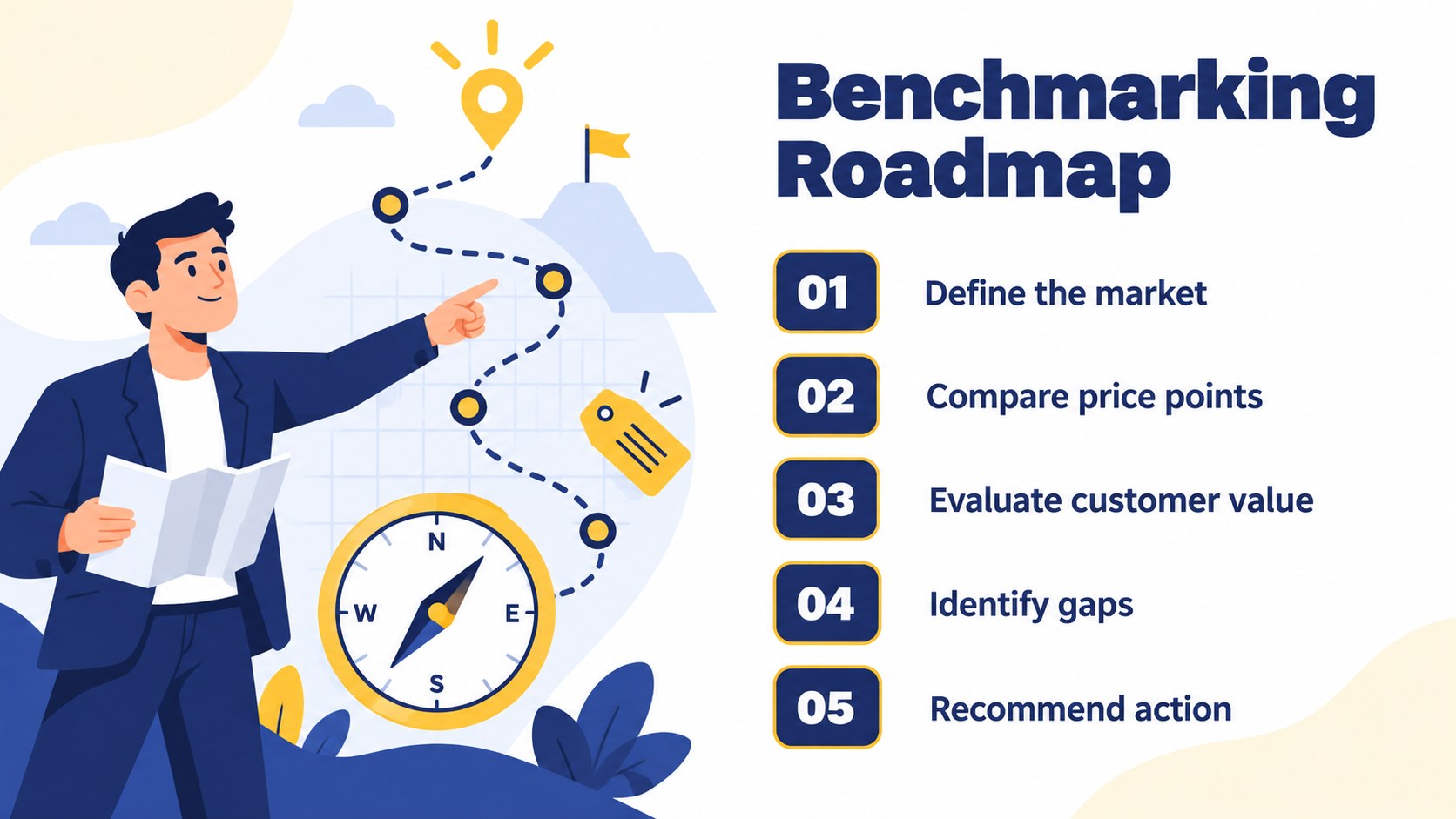
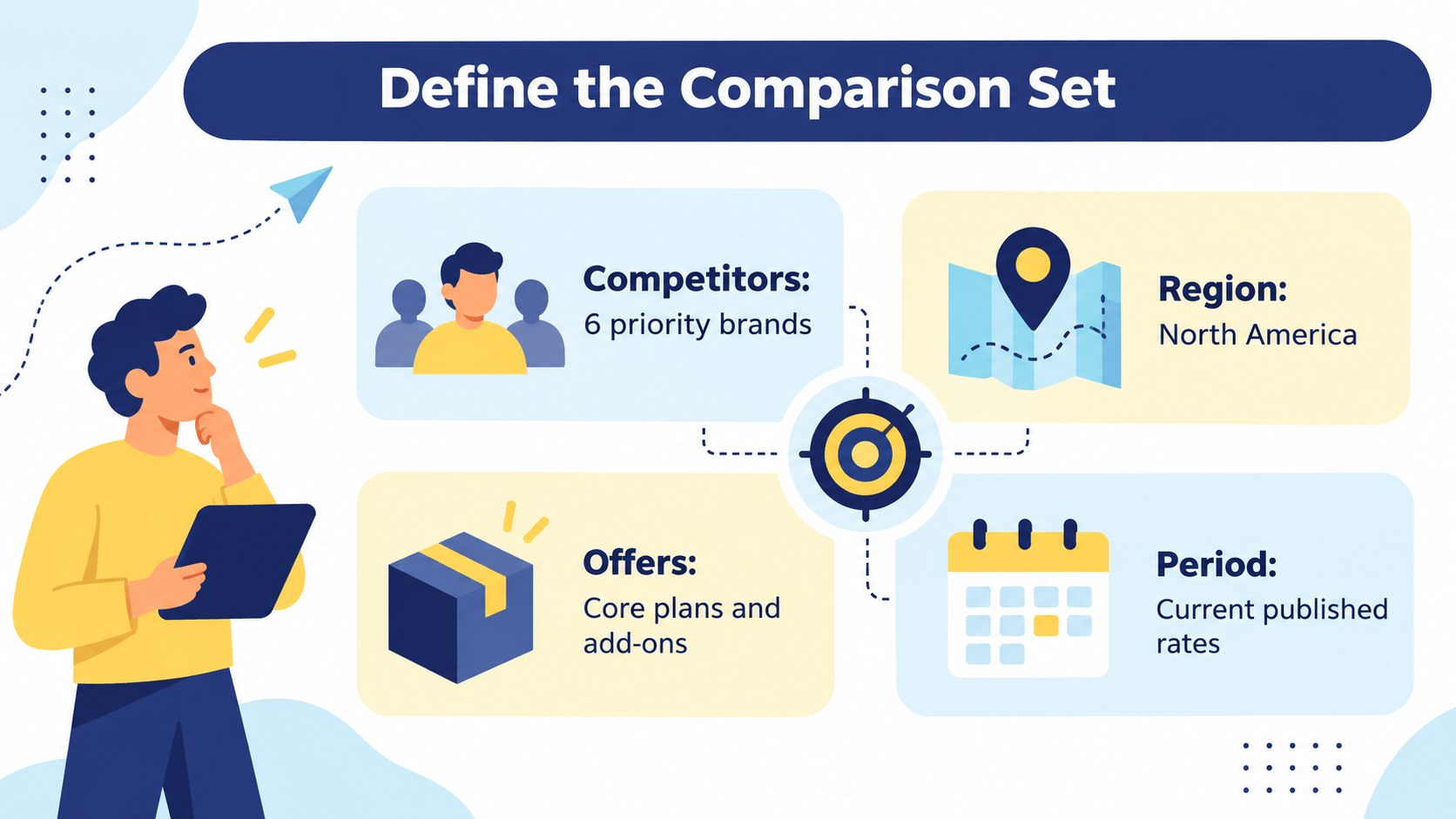
Make market comparisons easier to understand with this competitive price benchmarking toolkit for PowerPoint and Google Slides. Its crisp blue, yellow, and white illustrated design gives pricing research a professional structure without making detailed figures feel overwhelming. Use the layouts to organize competitor rates, compare packages, reveal pricing gaps, and connect market evidence to a practical recommendation.
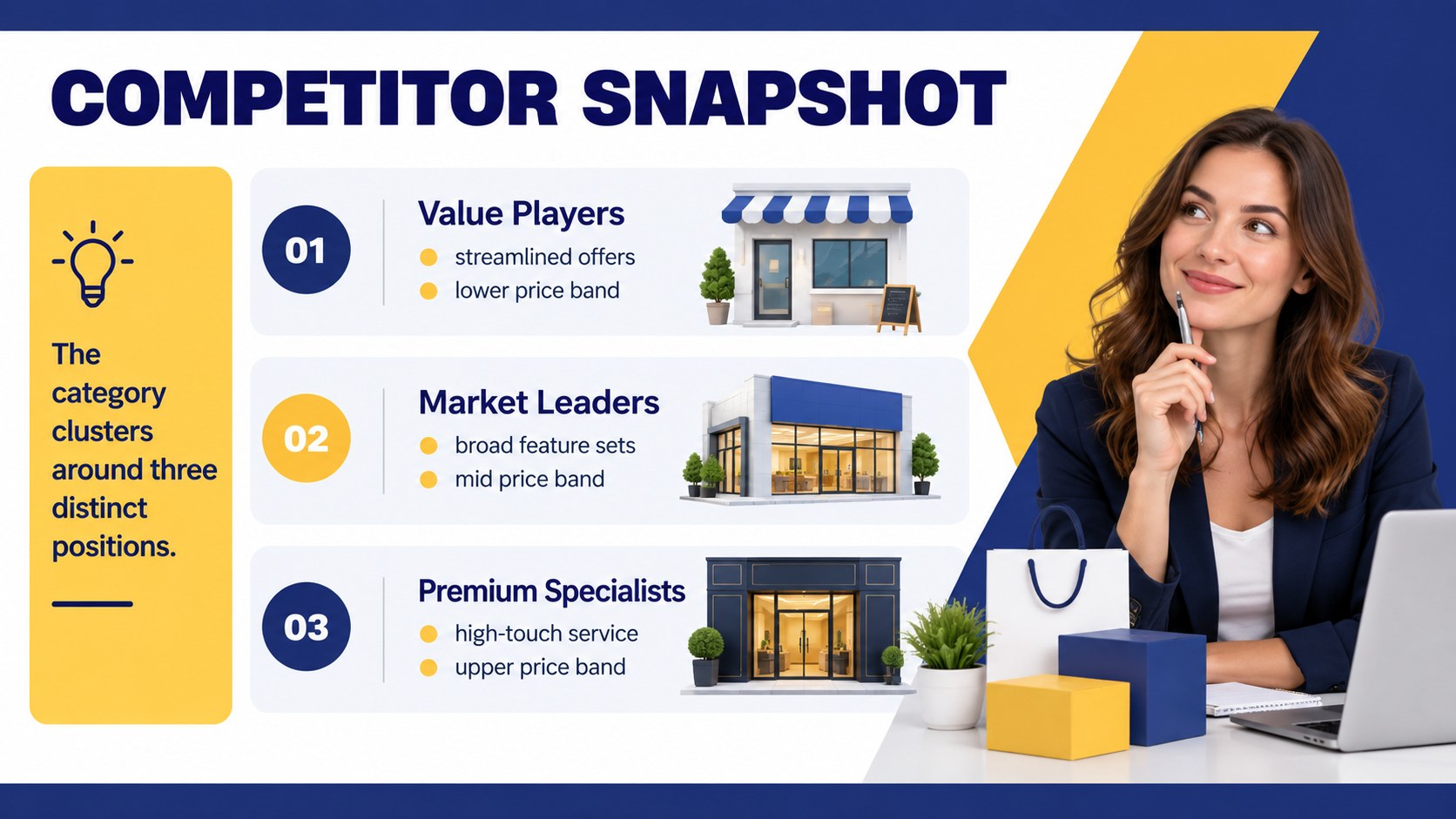
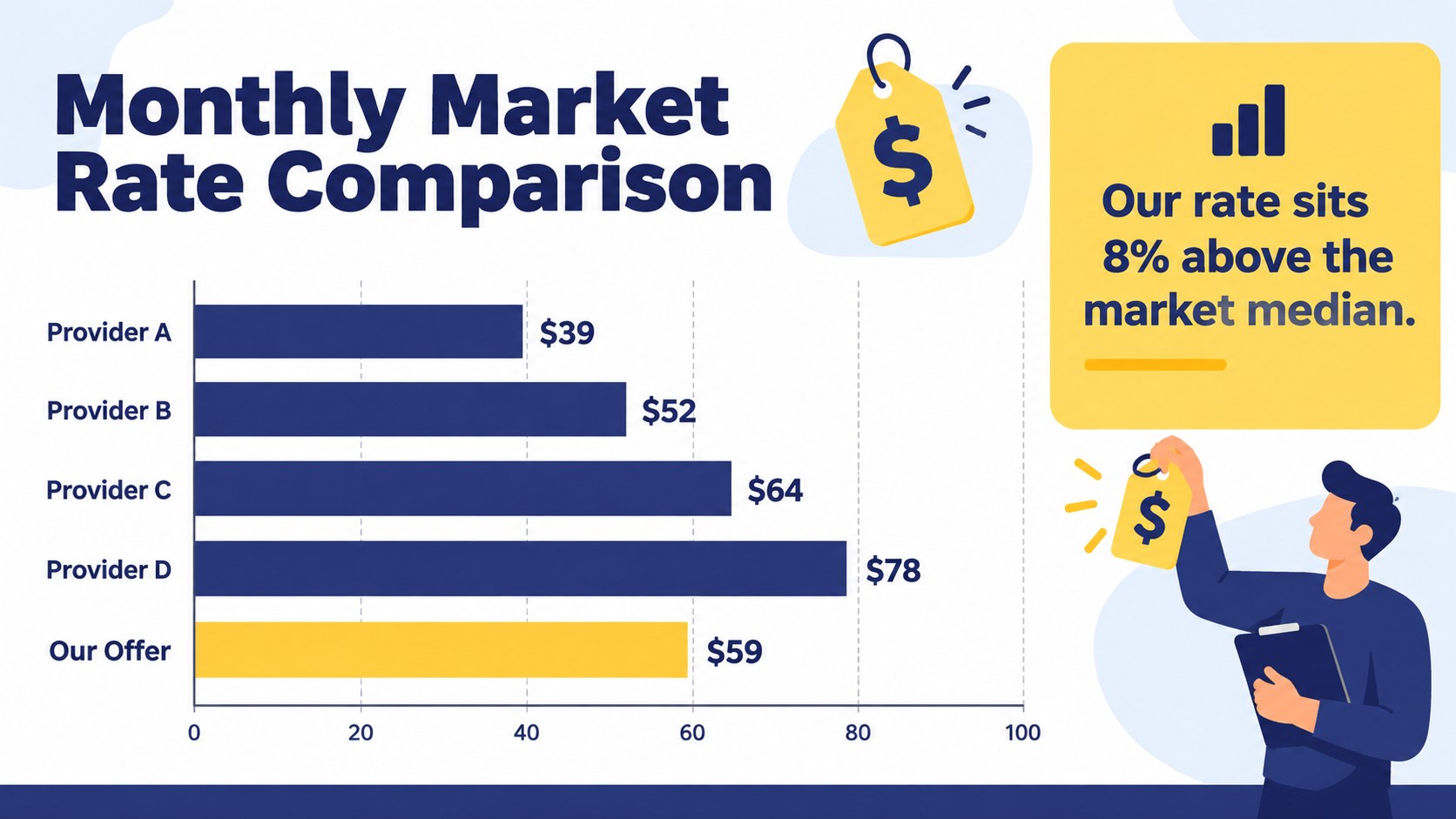
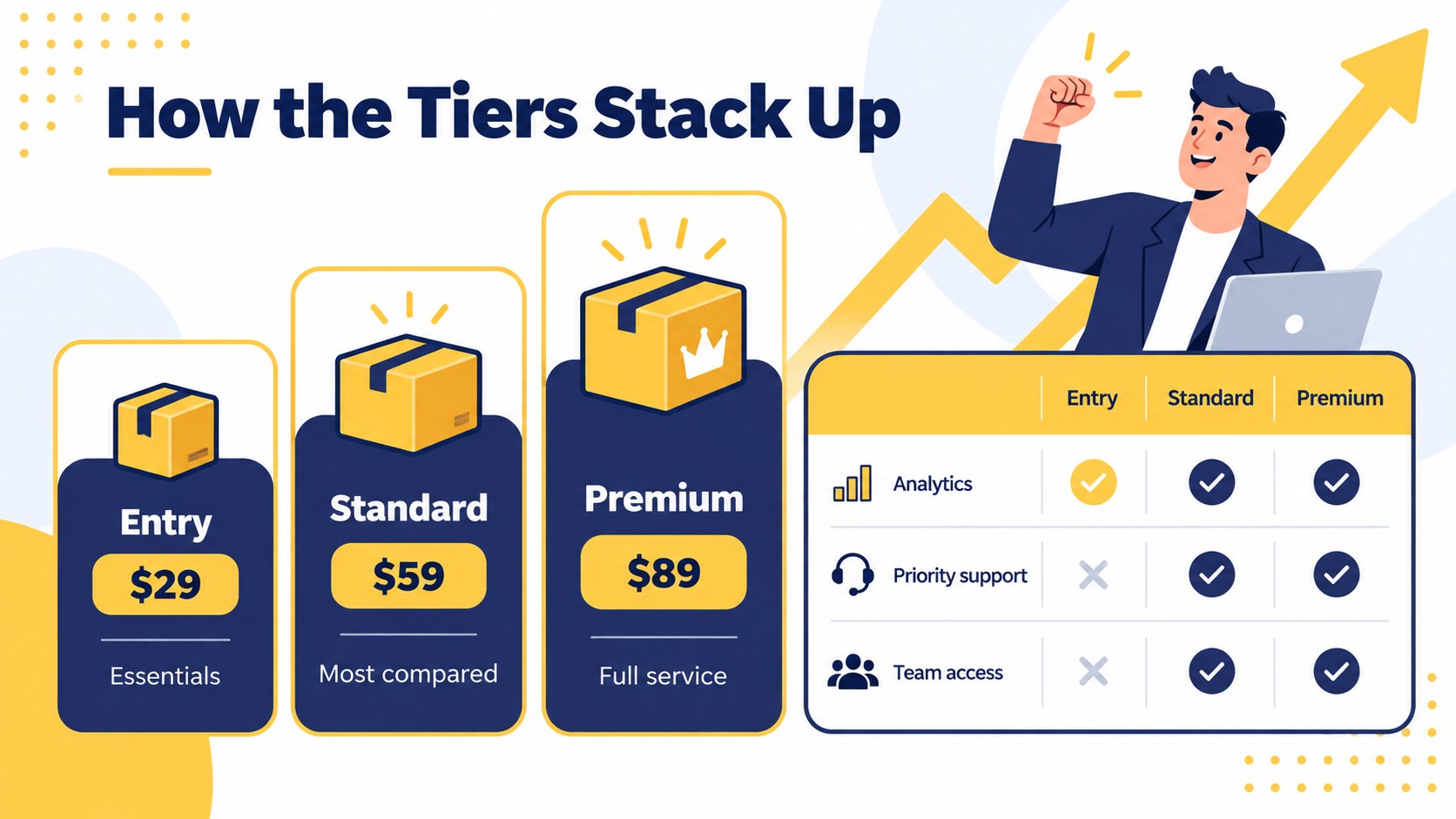
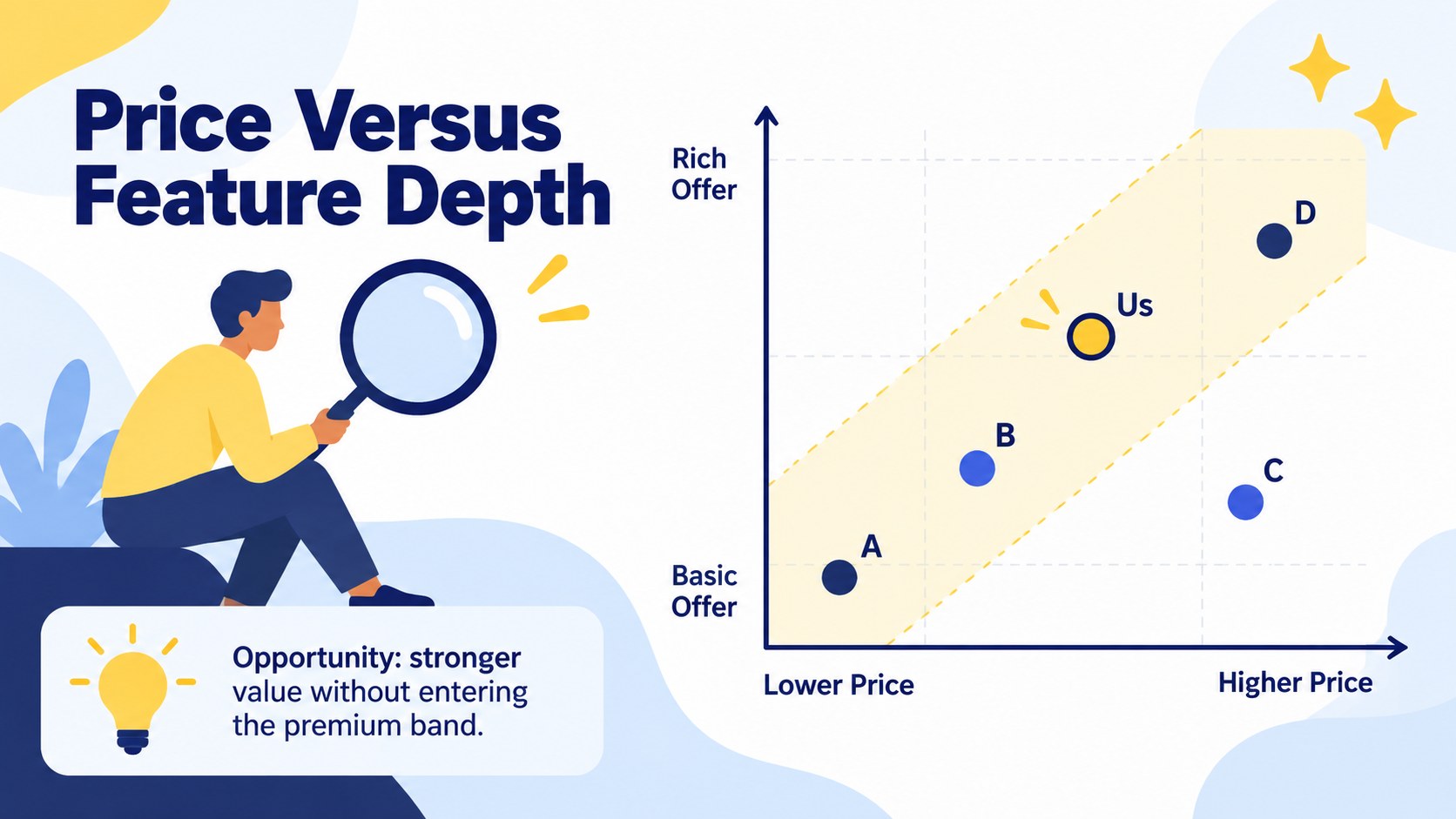
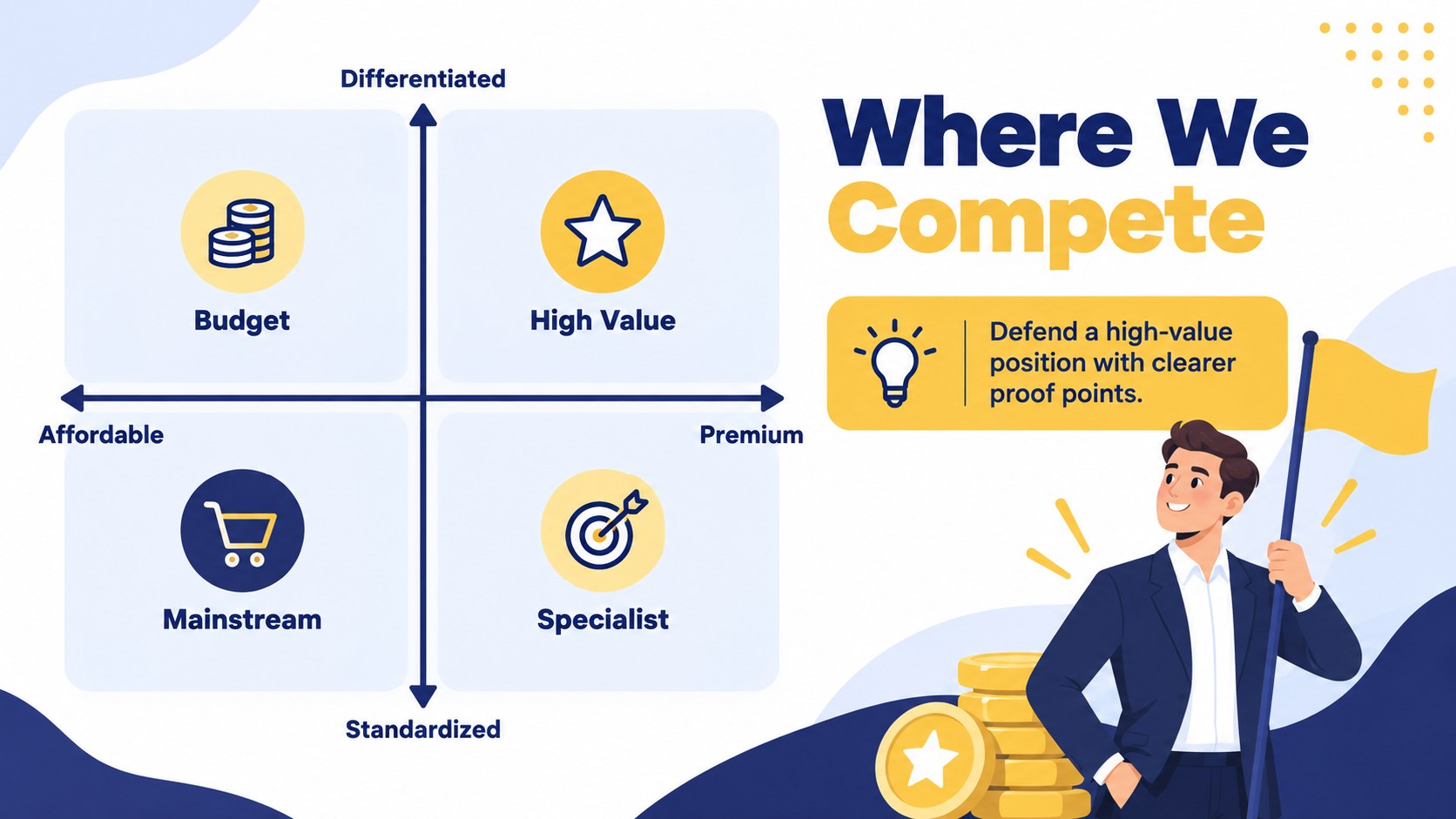
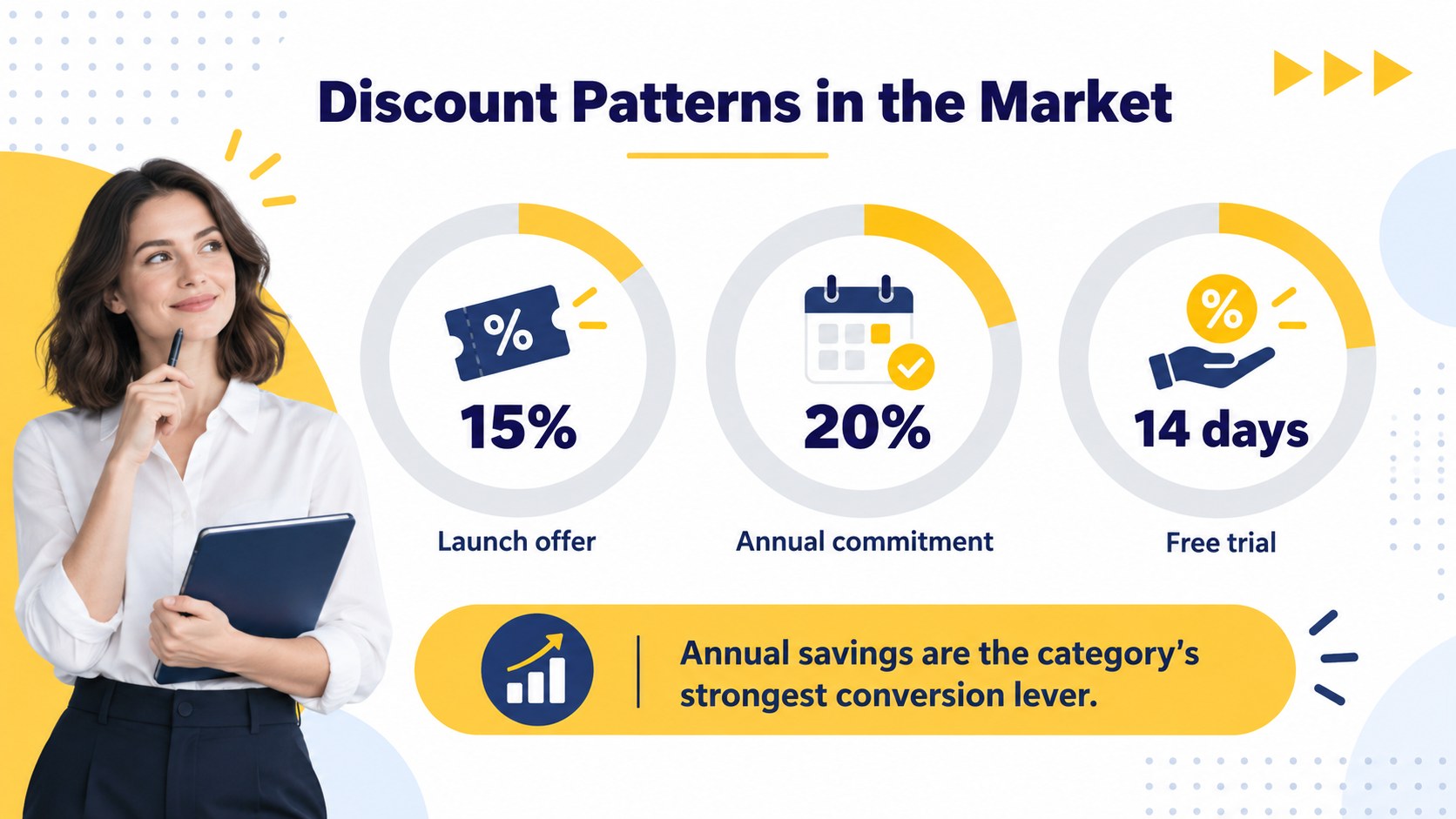
The 15-slide deck includes an agenda, research scope, competitor snapshot, market rate comparison, product tier matrix, feature-versus-price chart, pricing position map, discount review, trend dashboard, customer value assessment, opportunity summary, action plan, and closing slide. Flexible tables, charts, callouts, and visual markers make it suitable for a market rate comparison slide deck or a focused pricing gap analysis template. Replace the sample figures, adjust the labels, and apply your own fonts or brand colors while preserving the energetic illustrated character.
Designed for product marketers, pricing analysts, founders, consultants, sales leaders, and strategy teams, the toolkit supports executive reviews, planning workshops, client presentations, and launch discussions. It can also serve as a B2B pricing benchmark deck when teams need to compare subscription plans, service packages, or contract rates. Every slide uses a widescreen 16:9 format and remains editable in both supported presentation platforms, making it straightforward to tailor the story for different markets, audiences, and decision-making contexts.
Perfect for: quarterly pricing review; new product launch planning; consulting client analysis; subscription tier comparison; sales strategy workshop.
Frequently asked questions
Can I edit the charts and pricing tables? Yes. The charts, tables, labels, colors, and comparison fields are editable, so you can replace the sample content with your own market data. You can also duplicate or remove sections to match the depth of your research.
Practical details
Yes. The charts, tables, labels, colors, and comparison fields are editable, so you can replace the sample content with your own market data. You can also duplicate or remove sections to match the depth of your research.
The toolkit is designed for Microsoft PowerPoint and Google Slides. Layouts use a 16:9 widescreen format for consistent display in meetings, shared links, and exported files.
Replace the sample logo area with your own identity, apply your brand fonts and colors, and update the competitor labels. Keep the chart scales and units consistent so comparisons remain accurate and easy to interpret.
The layouts work with subscriptions, product tiers, service packages, retail prices, usage-based plans, and contract rates. Tables and axes can be relabeled for monthly, annual, per-unit, or custom pricing structures.
Keep exploring
15Build an engaging World UFO Day session with this flying saucer history lesson deck, featuring retro green-and-brown slides for PowerPoint and Google Slides.
 15
15Plan a lively animal-learning journey with this jungle zoo adventure lesson deck, ready to customize in PowerPoint and Google Slides for young learners.
 16
16Turn environmental research into a clear story with a Watercolor Ecology Presentation Theme for PowerPoint and Google Slides in calming green and blue.
 16
16Build focused fashion, literature, and humanities presentations with the Red Triangle Editorial Theme, editable in PowerPoint and Google Slides.
 15
15Turn streaming stats, favorite tracks, and concert highlights into a bold annual listening recap slide deck for PowerPoint and Google Slides.
 15
15Turn highlights, milestones, and favorite moments into a colorful year in review slide deck with bold 3D graphics for PowerPoint and Google Slides.
 3
3Build a credible endorsement with Standout Colleague Recommendation Letter Slides, featuring colorful prompts for skills, achievements, and team impact.
 4
4Build clear beginner sessions with an ice hockey fundamentals training deck for coaches, PE teachers, and clubs, ready for PowerPoint and Google Slides.