
 15
15presentation
Flying Saucer History Lesson Deck
Build an engaging World UFO Day session with this flying saucer history lesson deck, featuring retro green-and-brown slides for PowerPoint and Google Slides.
Google SlidesPowerPoint
presentation · English
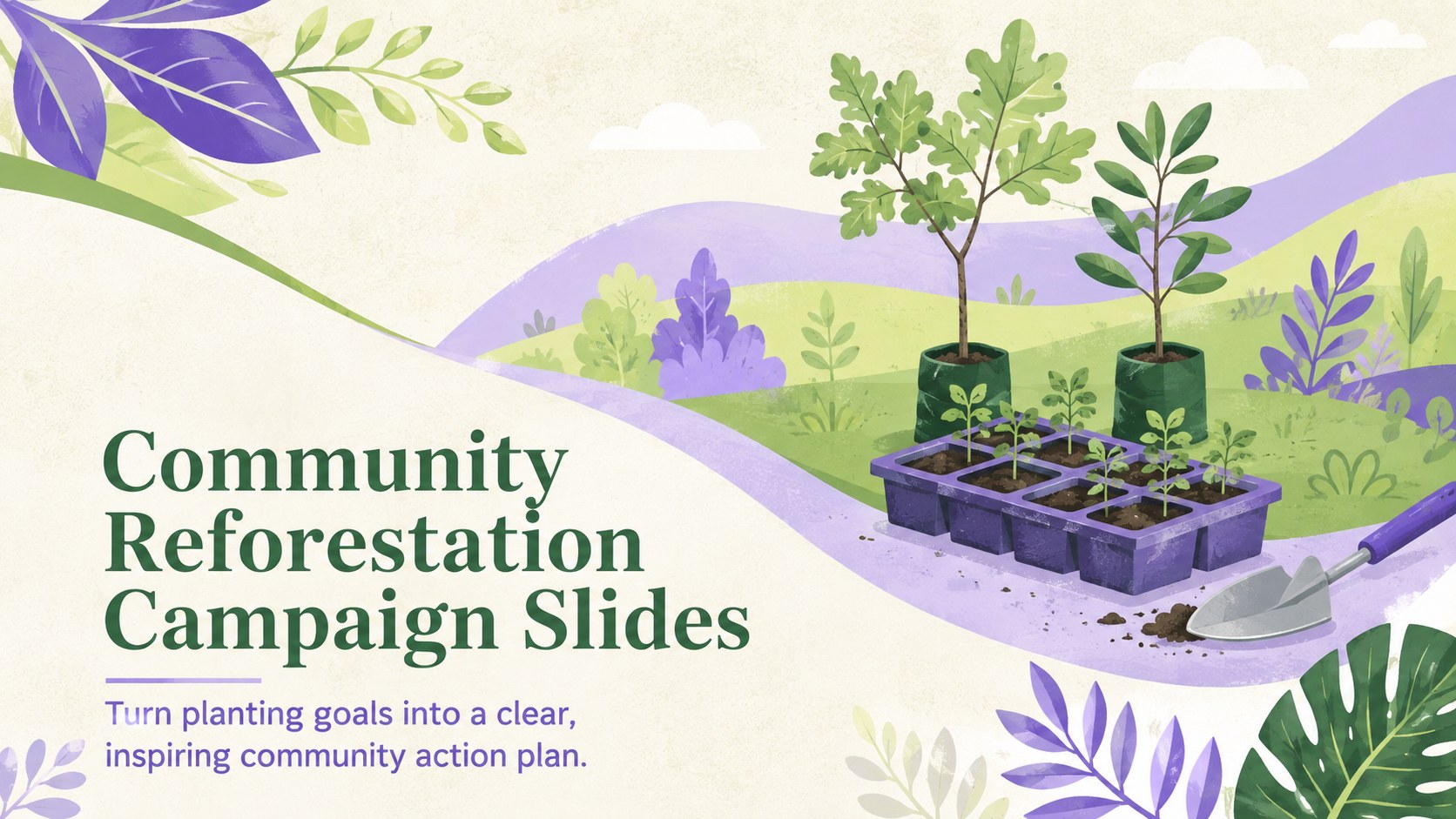
Mobilize volunteers and sponsors with community reforestation campaign slides, using fresh green, purple, and pastel visuals for PowerPoint and Google Slides.
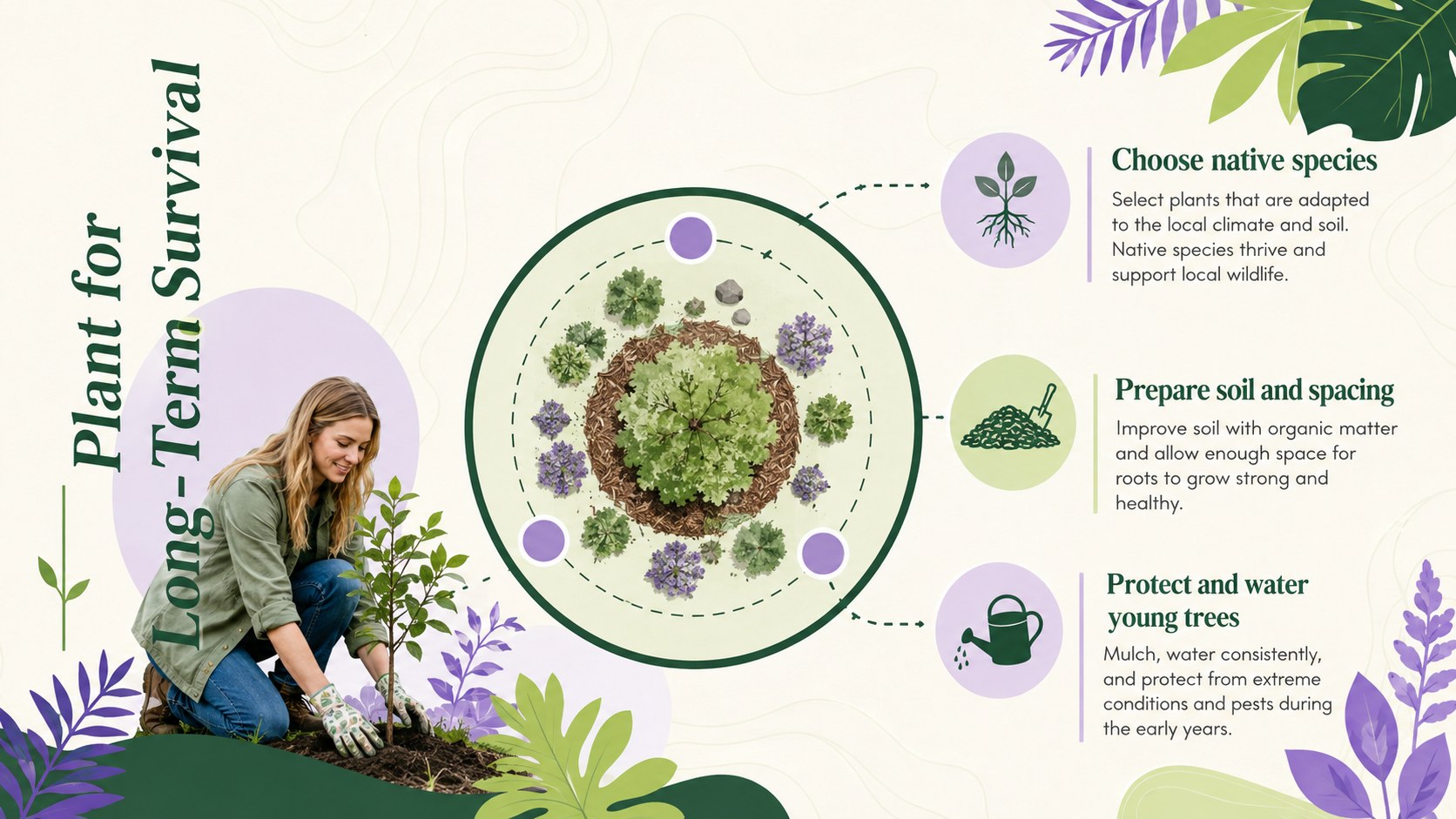
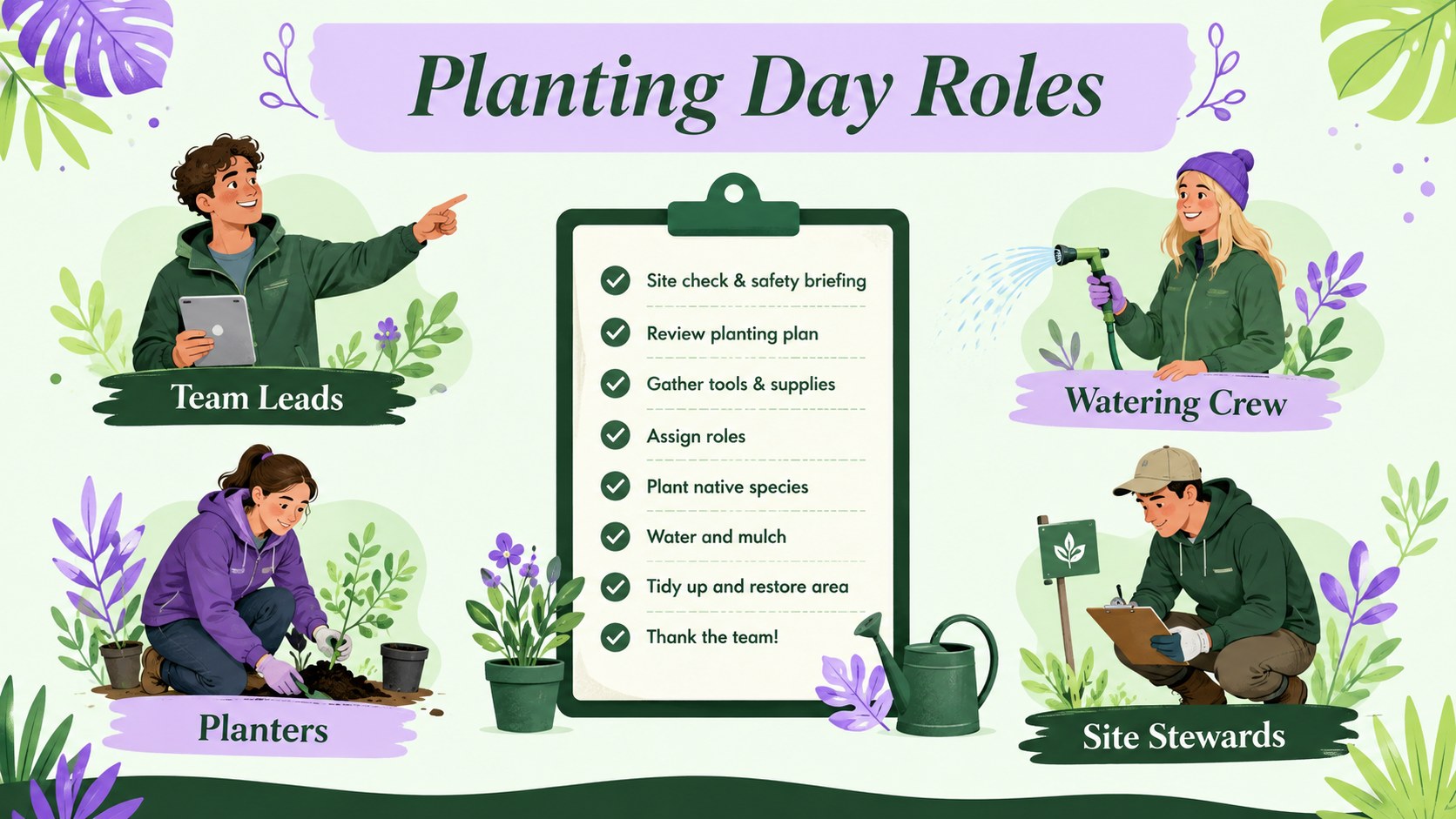
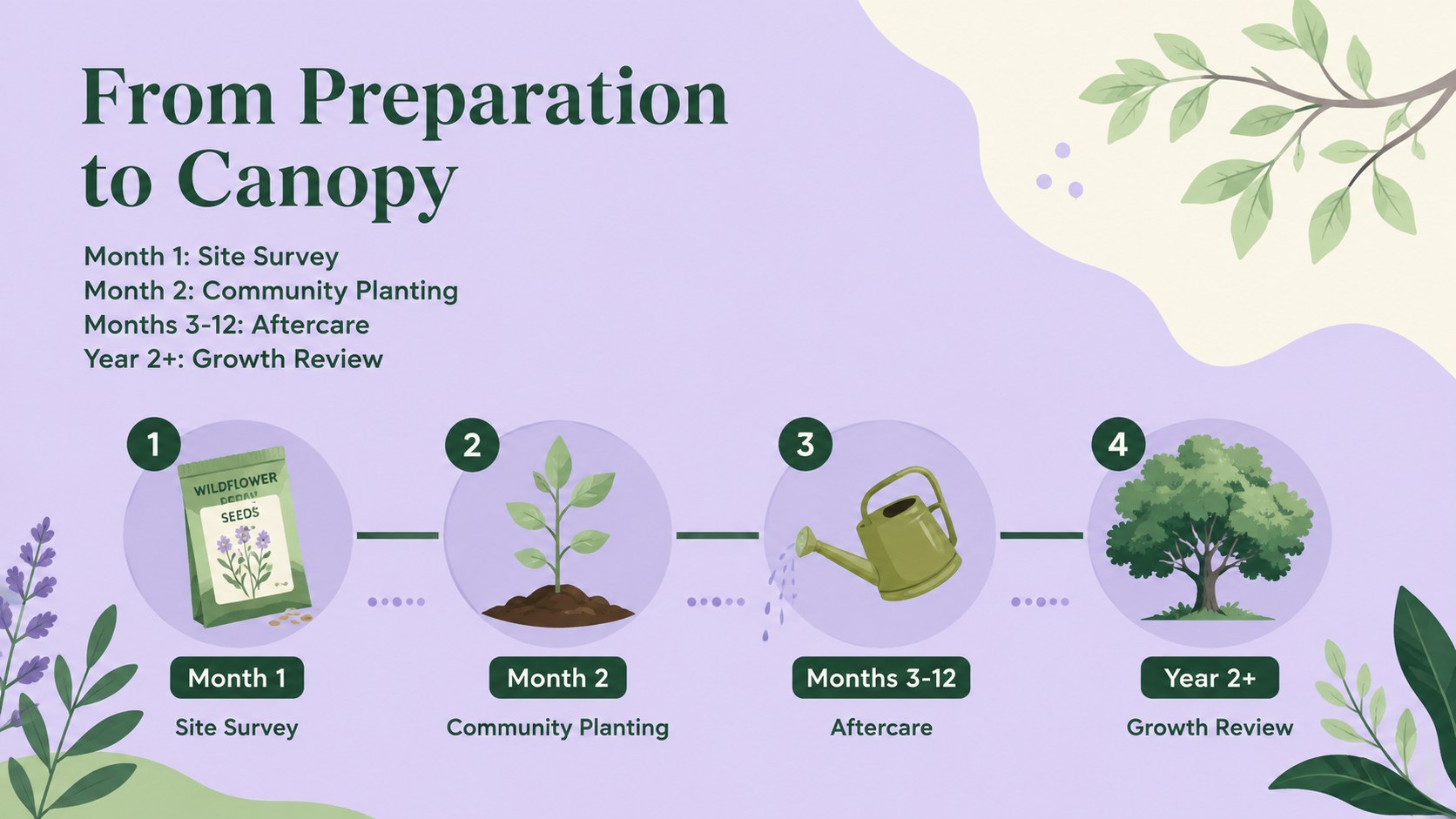
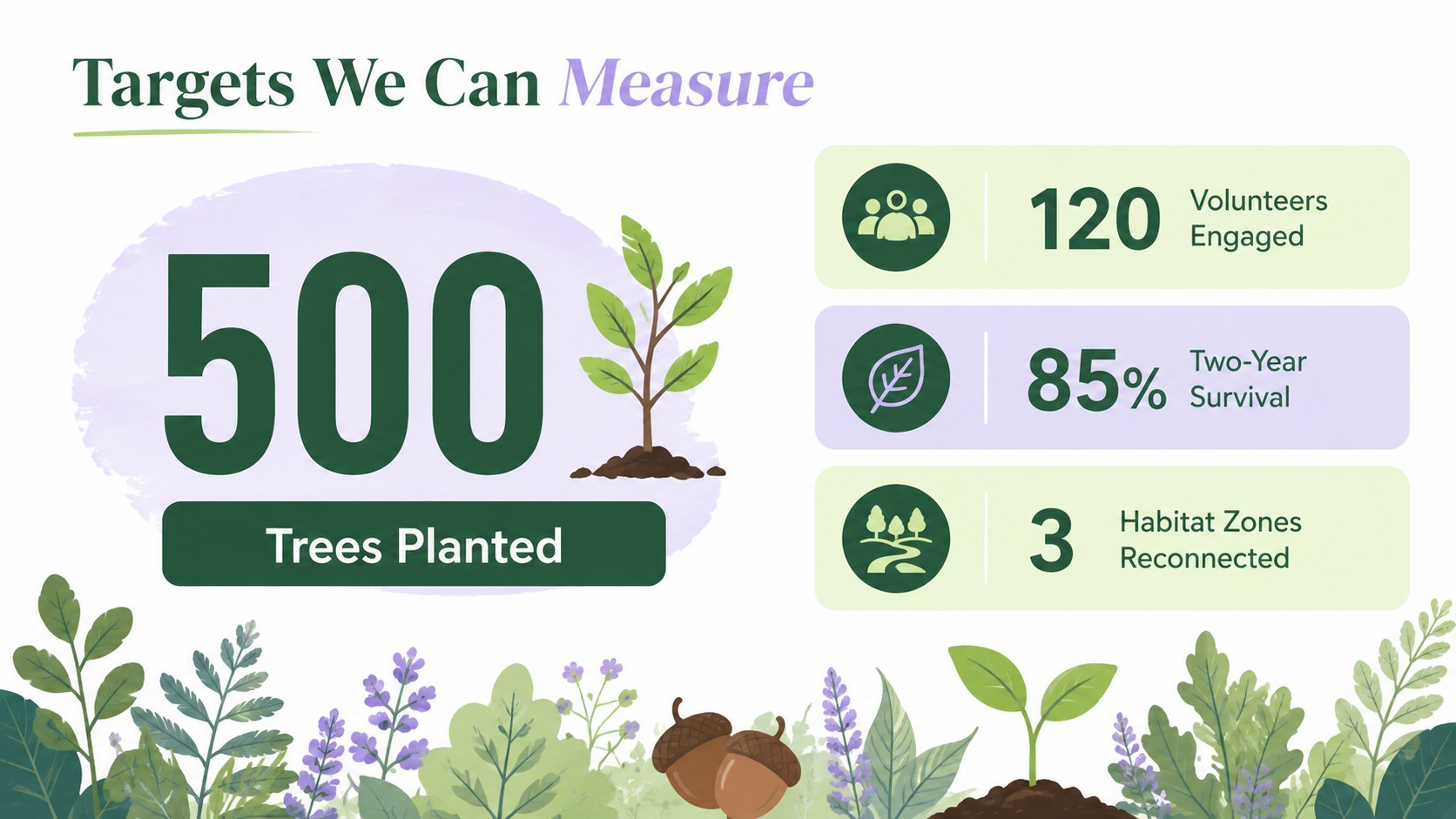
Design notes
Build support for local environmental work with community reforestation campaign slides designed to turn an ambitious goal into a practical story. Fresh green, purple, and pastel colors complement minimalist botanical illustrations, creating a welcoming visual style that feels modern without distracting from your message. Every layout is editable in PowerPoint and Google Slides.
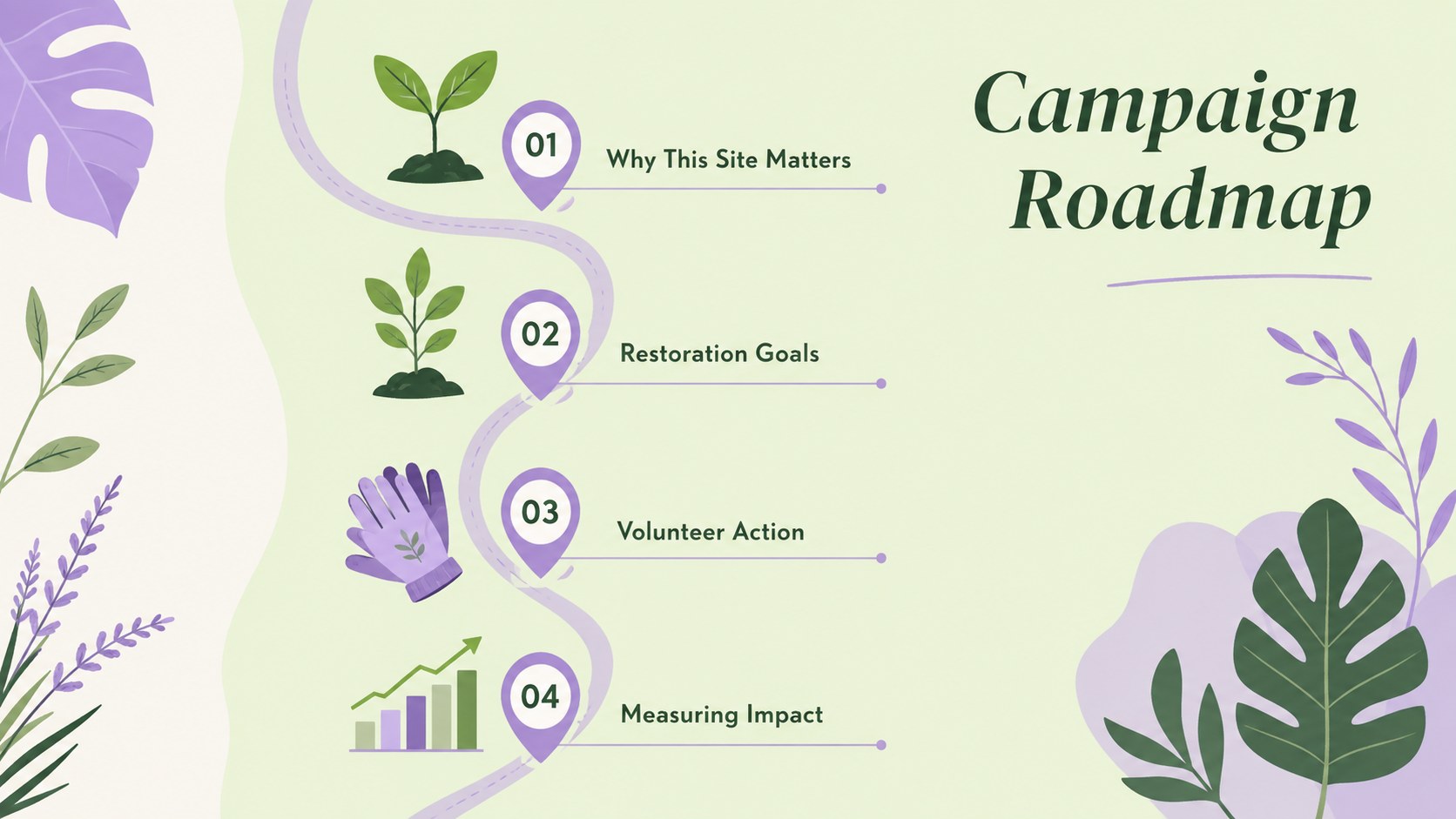
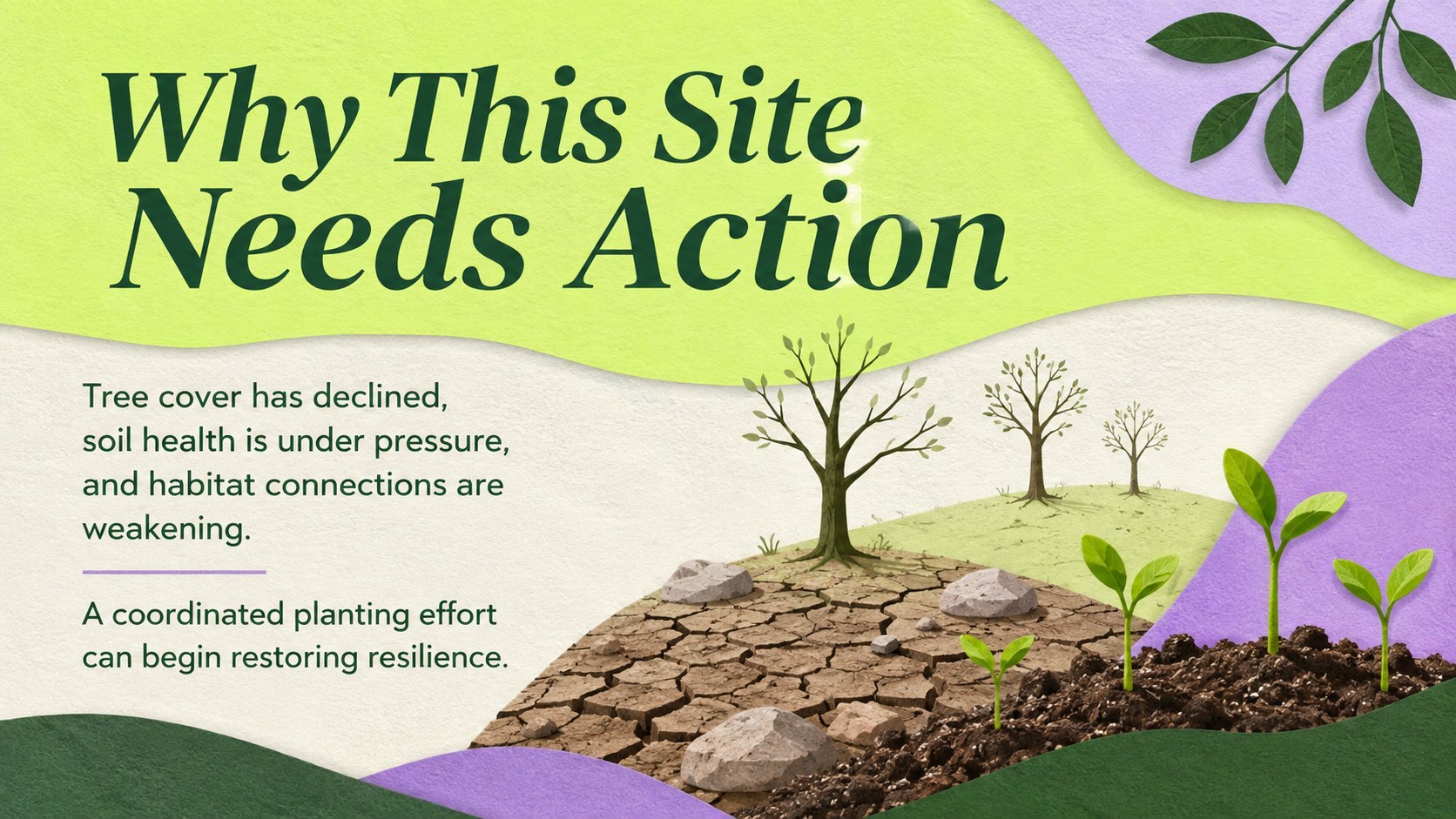
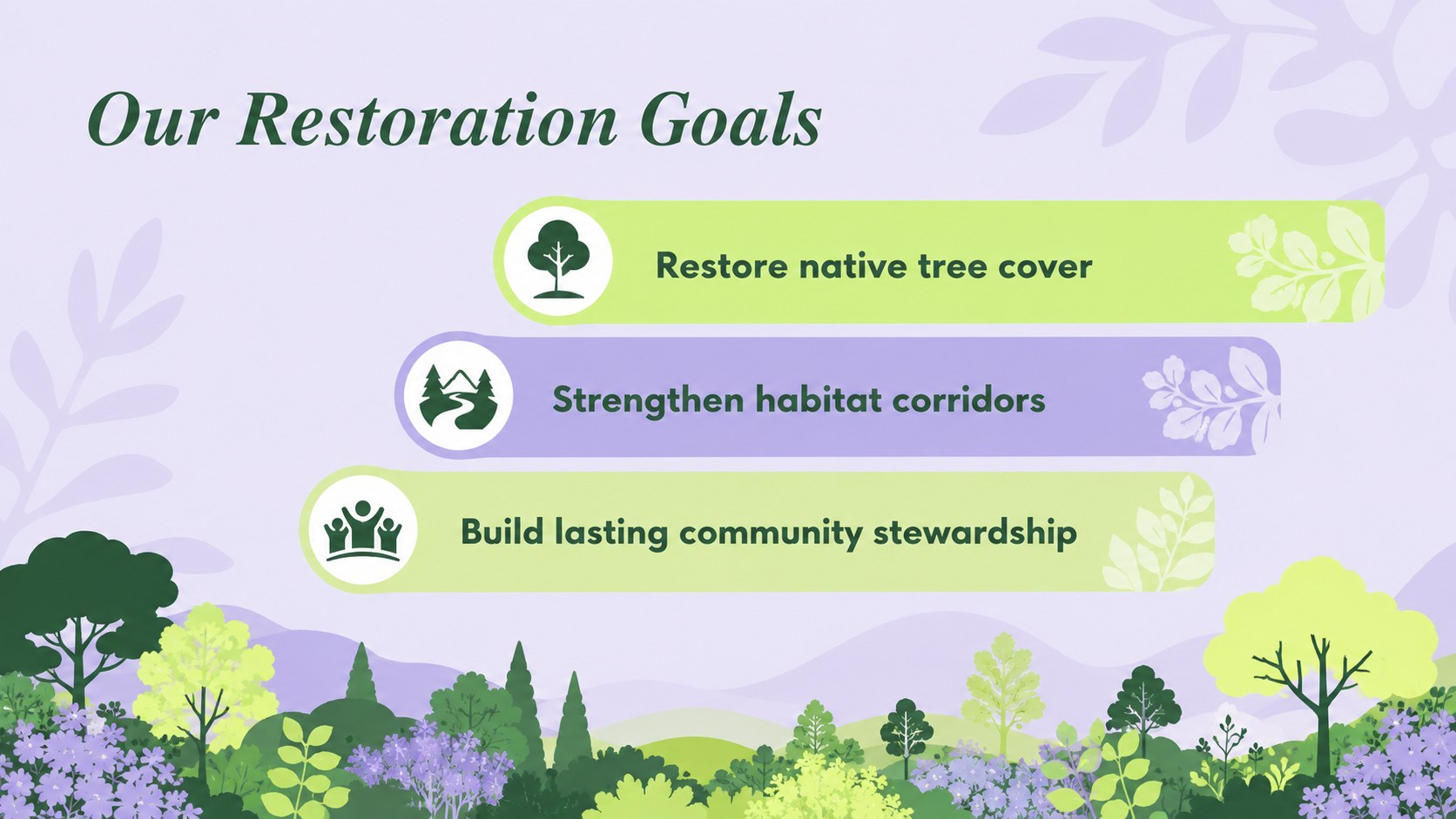
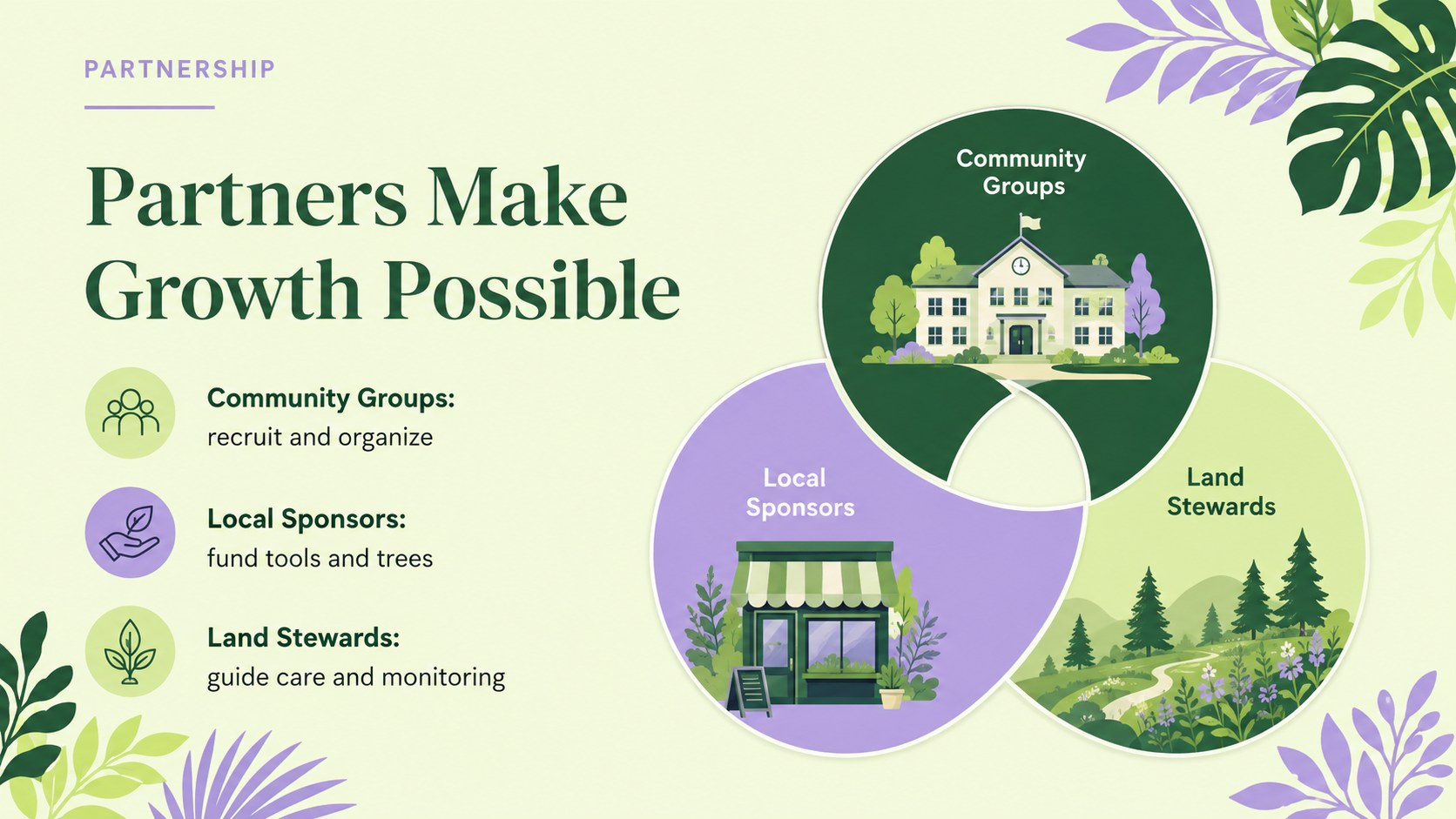
Use the deck to introduce a planting site, explain ecological challenges, set restoration targets, and present a volunteer tree planting proposal. Flexible layouts accommodate campaign timelines, impact statistics, partnership details, donation needs, and community outreach plans. You can also adapt the included visual structure into an urban forest restoration presentation or a nonprofit tree planting pitch for sponsors and local decision-makers.
This presentation is suited to environmental nonprofits, schools, neighborhood associations, municipal teams, conservation groups, and corporate volunteer coordinators. Replace the sample wording, adjust colors, add project photography, and revise charts to reflect local species and measurable outcomes. Whether you are recruiting volunteers, seeking funding, teaching students, or reporting progress, the deck provides a coherent framework for connecting tree planting with long-term community benefits.
Perfect for: volunteer recruitment campaign; tree planting sponsorship pitch; school conservation project; municipal reforestation briefing; nonprofit impact report.
Frequently asked questions
Can I edit these slides in PowerPoint and Google Slides? Yes. The layouts, text, colors, charts, and image areas can be edited in PowerPoint or Google Slides. Font availability may vary by platform, so review text wrapping after opening the file.
Practical details
Yes. The layouts, text, colors, charts, and image areas can be edited in PowerPoint or Google Slides. Font availability may vary by platform, so review text wrapping after opening the file.
Replace the sample goals, timeline, species information, and impact figures with details from your project. Add photographs of the planting site and use local maps or partner logos where appropriate.
Yes. Adapt the budget, partnership, impact, and call-to-action slides into a nonprofit tree planting pitch. Include specific funding levels and measurable outcomes so prospective sponsors understand what their support will accomplish.
Yes. Teachers and student groups can simplify the project language and use the visual layouts to explain forest recovery, biodiversity, and community stewardship. The softer palette works well for both classroom presentations and public events.
Keep exploring
15Build an engaging World UFO Day session with this flying saucer history lesson deck, featuring retro green-and-brown slides for PowerPoint and Google Slides.
 15
15Plan a lively animal-learning journey with this jungle zoo adventure lesson deck, ready to customize in PowerPoint and Google Slides for young learners.
 16
16Turn environmental research into a clear story with a Watercolor Ecology Presentation Theme for PowerPoint and Google Slides in calming green and blue.
 16
16Build focused fashion, literature, and humanities presentations with the Red Triangle Editorial Theme, editable in PowerPoint and Google Slides.
 15
15Turn streaming stats, favorite tracks, and concert highlights into a bold annual listening recap slide deck for PowerPoint and Google Slides.
 15
15Turn highlights, milestones, and favorite moments into a colorful year in review slide deck with bold 3D graphics for PowerPoint and Google Slides.
 3
3Build a credible endorsement with Standout Colleague Recommendation Letter Slides, featuring colorful prompts for skills, achievements, and team impact.
 4
4Build clear beginner sessions with an ice hockey fundamentals training deck for coaches, PE teachers, and clubs, ready for PowerPoint and Google Slides.