
 15
15presentation
Flying Saucer History Lesson Deck
Build an engaging World UFO Day session with this flying saucer history lesson deck, featuring retro green-and-brown slides for PowerPoint and Google Slides.
Google SlidesPowerPoint
presentation · English
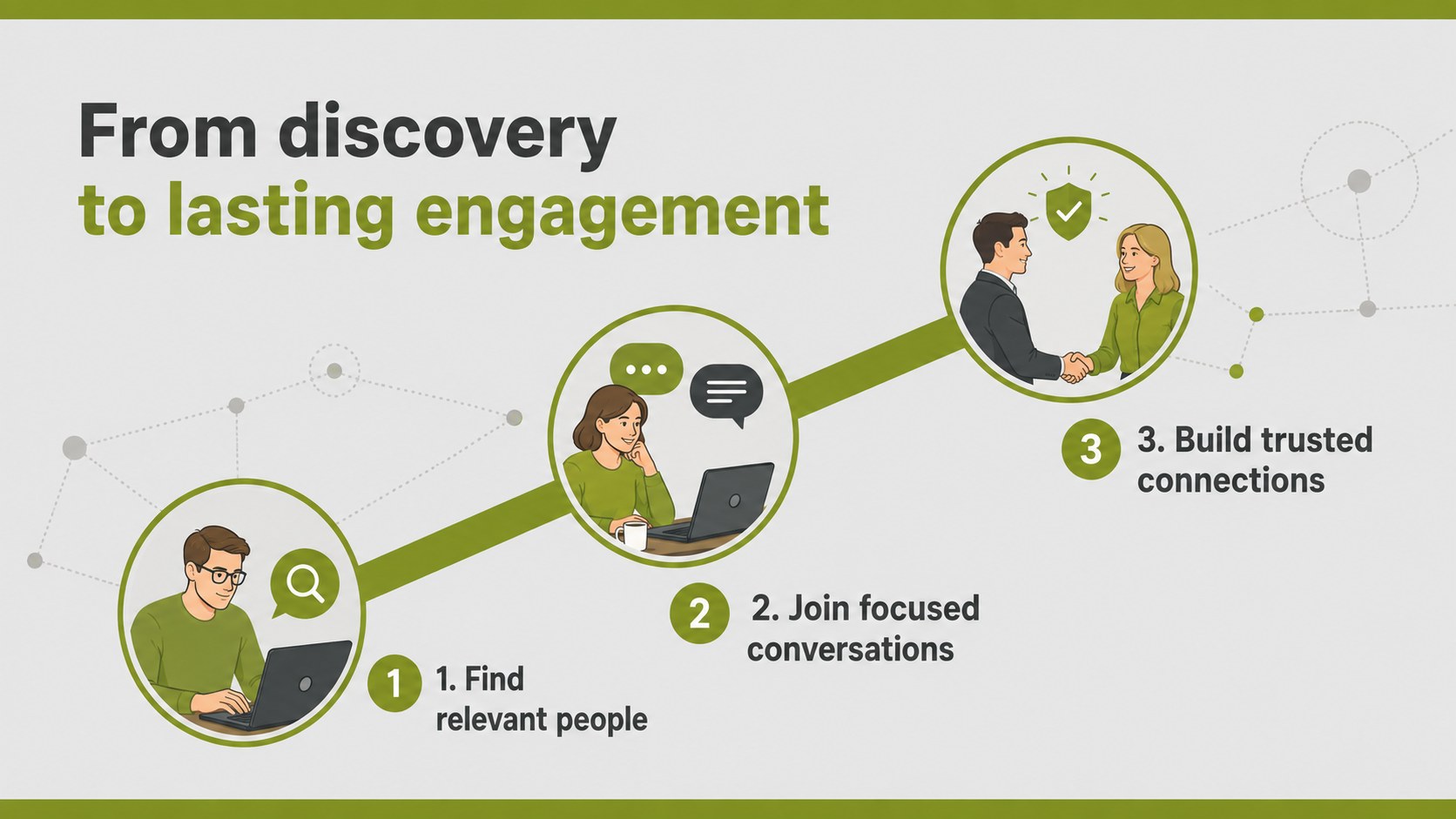
Build investor confidence with a community platform investor story deck that clarifies audience growth, network value, revenue plans, and market opportunity.

Design notes
Present the commercial potential behind your online community with a community platform investor story deck designed for clear, persuasive conversations. Its restrained grey-and-green palette, clean typography, and original line illustrations give emerging technology concepts a professional identity without making the slides feel overly corporate.
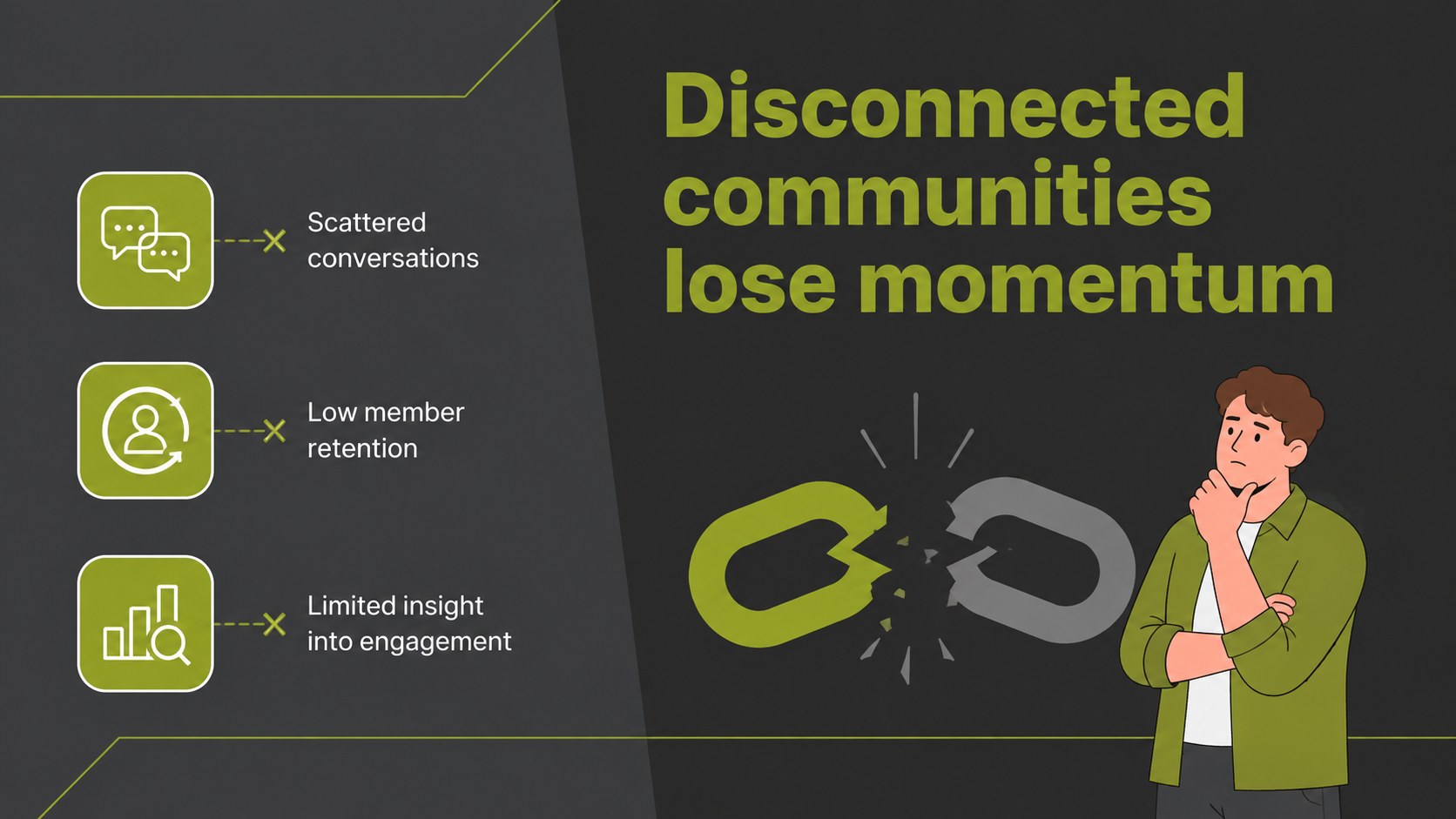
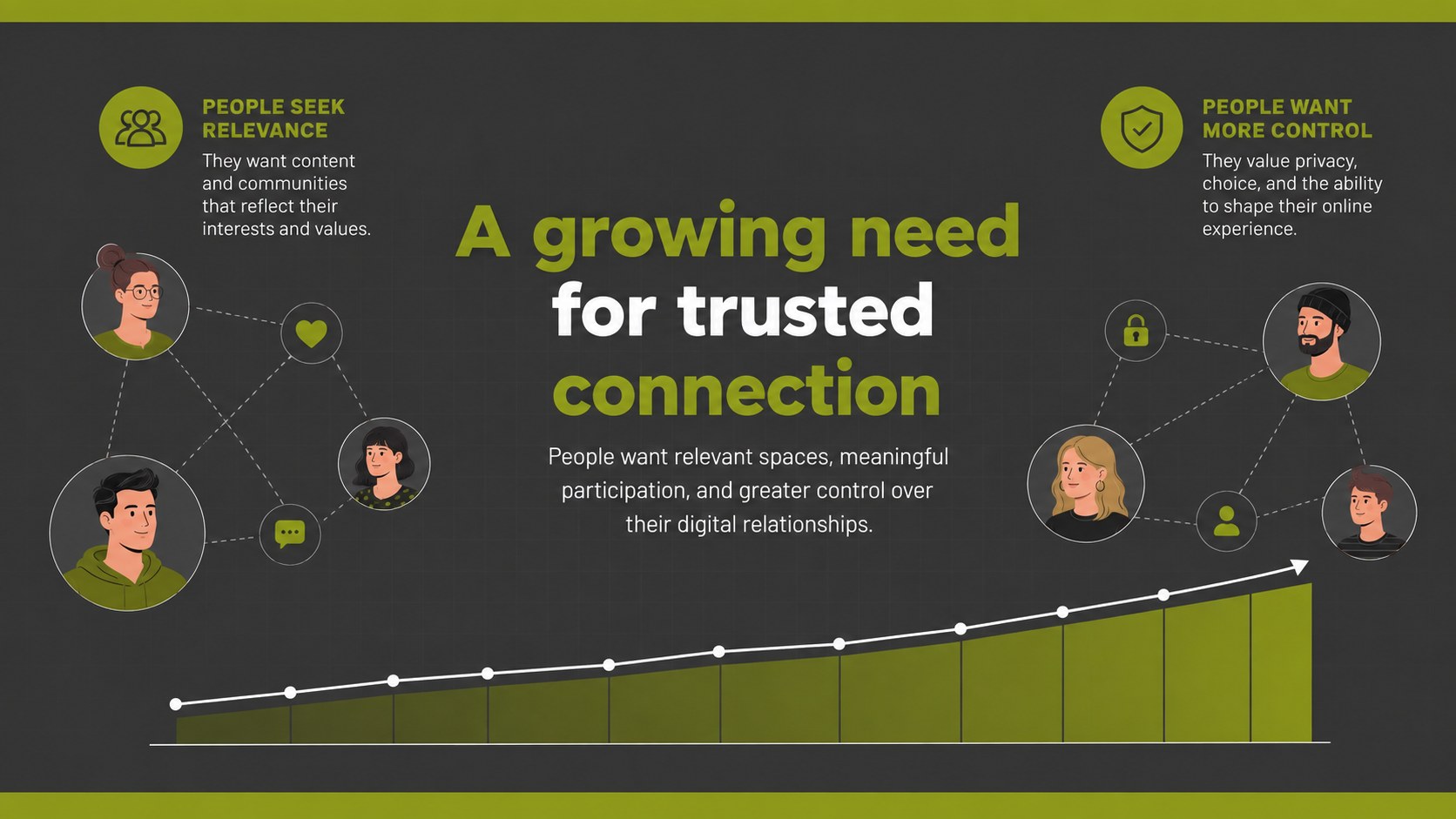
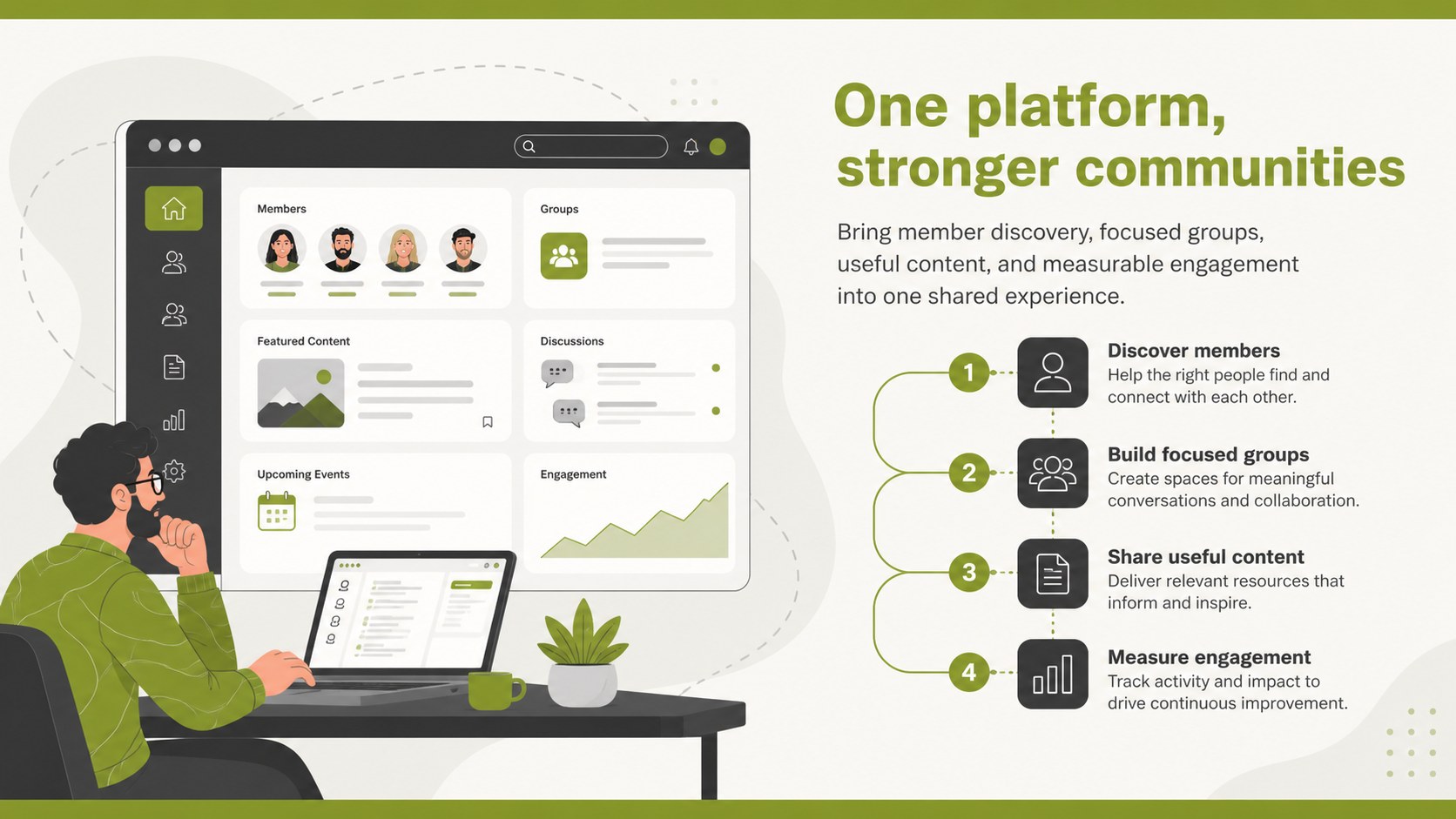
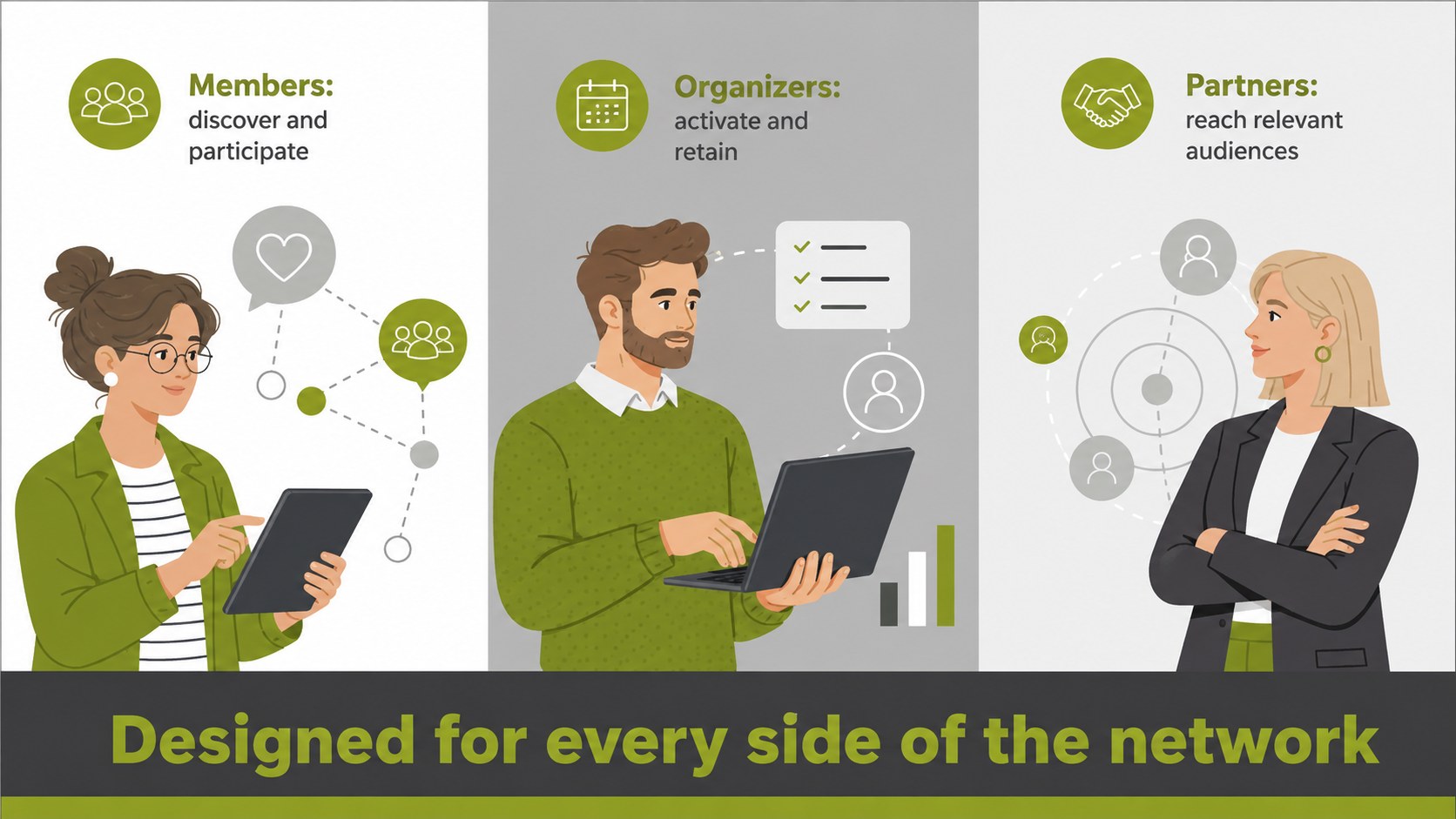
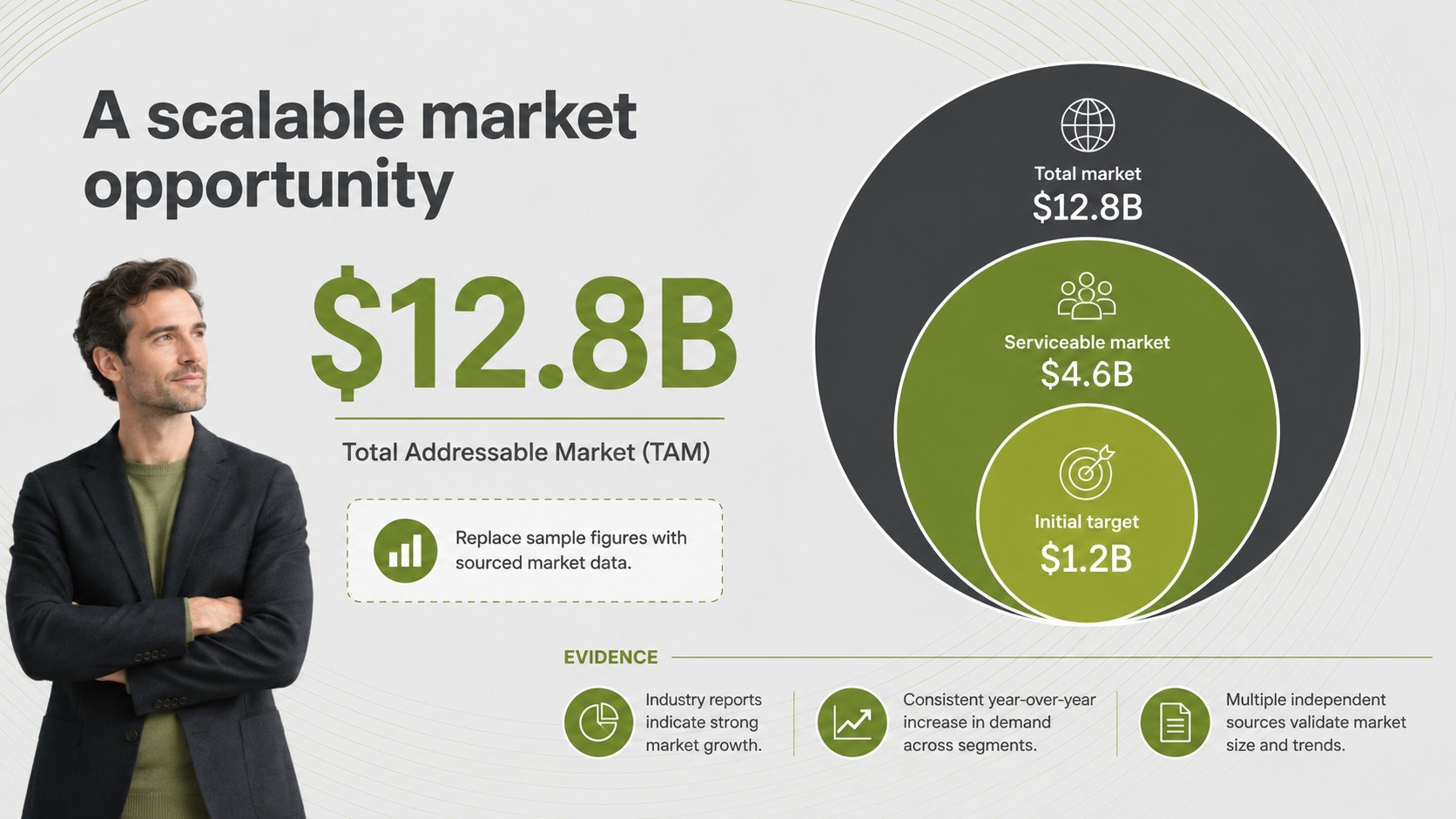
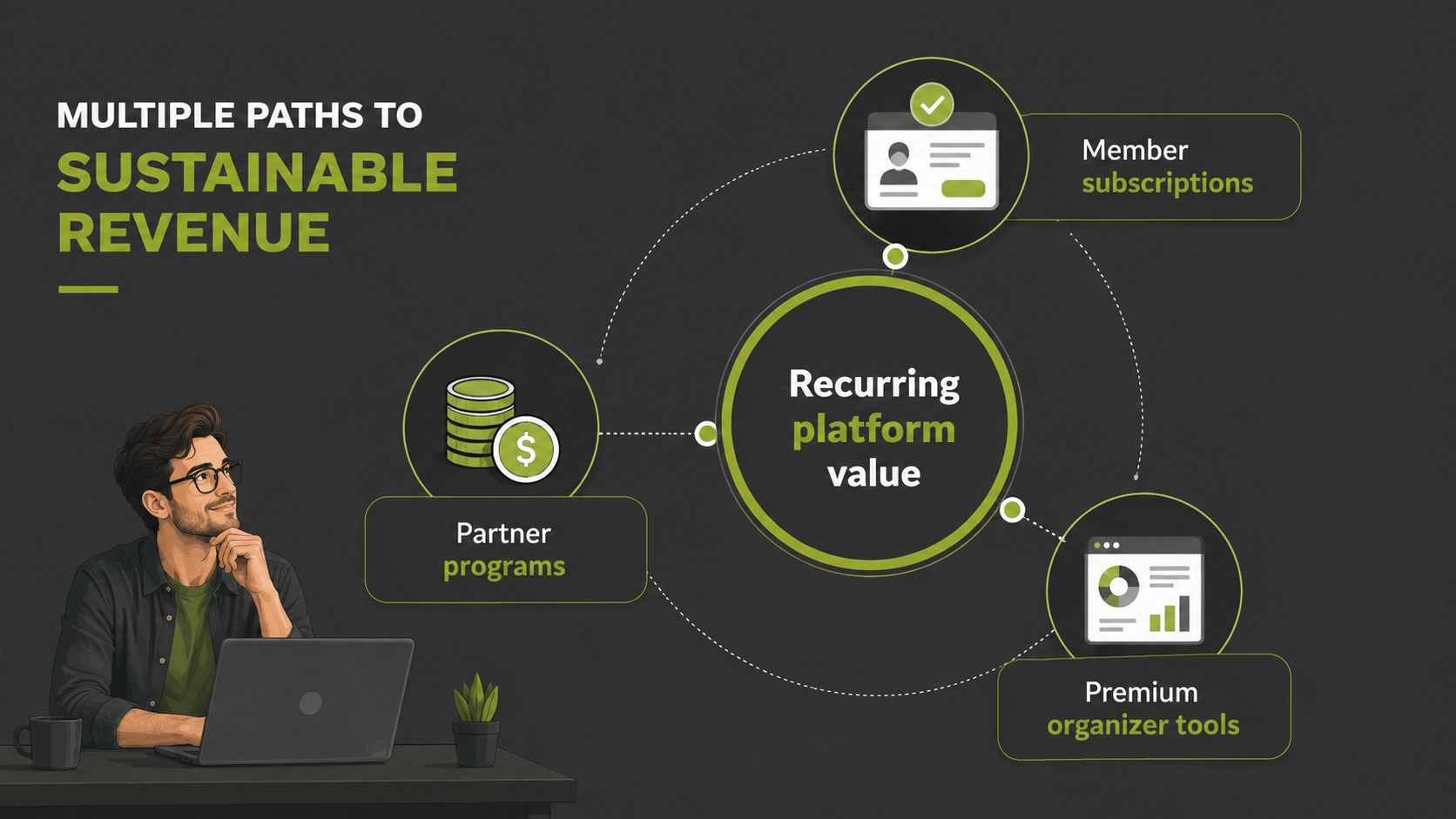
The deck provides structured layouts for the user problem, platform solution, target audience, market opportunity, business model, traction, acquisition strategy, competitive position, product roadmap, and funding case. Use the visual process diagrams, comparison layouts, timelines, and data-ready charts to shape a complete community platform investor presentation. Every element can be edited in PowerPoint or Google Slides, including colors, icons, text, charts, and supporting graphics. Archivo and Open Sans maintain a modern, highly readable look across screen presentations and exported documents.
This template suits startup founders, product leaders, innovation teams, and agencies preparing a social app funding proposal or refining online network business model slides. It also works for internal strategy reviews, accelerator demo days, partnership meetings, and early-stage stakeholder briefings. Replace the sample messaging with your metrics, customer evidence, monetization plan, and product vision to create a focused story that explains why the network matters, how it can grow, and where investment will make the greatest impact.
Perfect for: startup investor pitch; accelerator demo day; social app funding proposal; platform strategy review; partnership presentation.
Frequently asked questions
Can I edit every element in this presentation? Yes. Text, colors, illustrations, icons, charts, and layout elements can be adjusted to match your platform and investment narrative.
Practical details
Yes. Text, colors, illustrations, icons, charts, and layout elements can be adjusted to match your platform and investment narrative.
The deck is designed for PowerPoint and Google Slides. Review fonts and chart formatting after importing to ensure visual consistency.
Replace the sample content with verified user metrics, market evidence, revenue assumptions, milestones, and a specific funding request. Keep each slide focused on one claim and support it with concise data.
Yes. The problem, audience, business model, growth, and roadmap layouts also work for leadership reviews, product planning, and partnership discussions.
Keep exploring
15Build an engaging World UFO Day session with this flying saucer history lesson deck, featuring retro green-and-brown slides for PowerPoint and Google Slides.
 15
15Plan a lively animal-learning journey with this jungle zoo adventure lesson deck, ready to customize in PowerPoint and Google Slides for young learners.
 16
16Turn environmental research into a clear story with a Watercolor Ecology Presentation Theme for PowerPoint and Google Slides in calming green and blue.
 16
16Build focused fashion, literature, and humanities presentations with the Red Triangle Editorial Theme, editable in PowerPoint and Google Slides.
 15
15Turn streaming stats, favorite tracks, and concert highlights into a bold annual listening recap slide deck for PowerPoint and Google Slides.
 15
15Turn highlights, milestones, and favorite moments into a colorful year in review slide deck with bold 3D graphics for PowerPoint and Google Slides.
 3
3Build a credible endorsement with Standout Colleague Recommendation Letter Slides, featuring colorful prompts for skills, achievements, and team impact.
 4
4Build clear beginner sessions with an ice hockey fundamentals training deck for coaches, PE teachers, and clubs, ready for PowerPoint and Google Slides.