
 15
15presentation
Flying Saucer History Lesson Deck
Build an engaging World UFO Day session with this flying saucer history lesson deck, featuring retro green-and-brown slides for PowerPoint and Google Slides.
Google SlidesPowerPoint
presentation · English
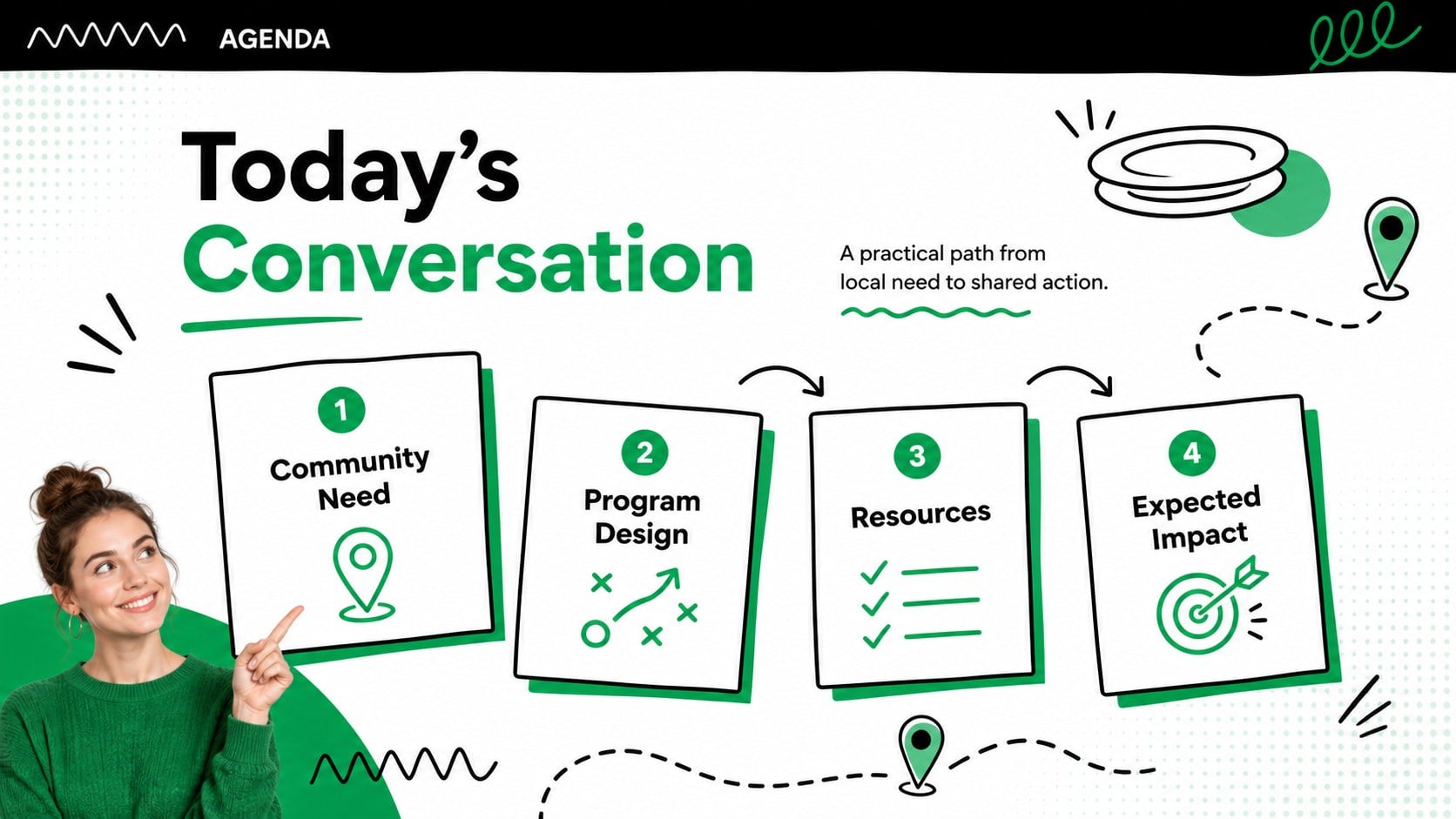
Plan, explain, and promote local food relief with a community meal outreach deck featuring playful green, white, and black slides for nonprofits.

Design notes
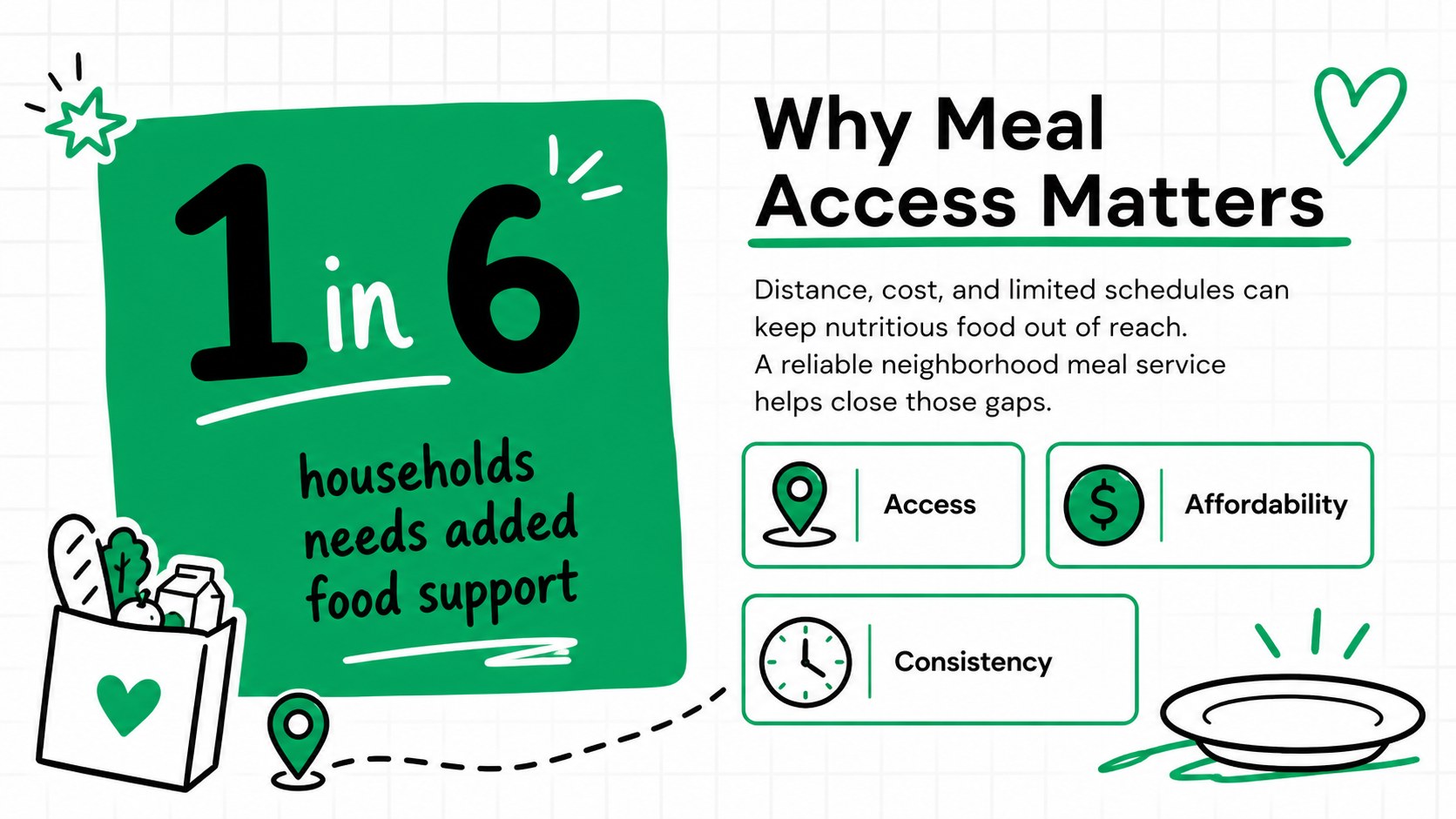
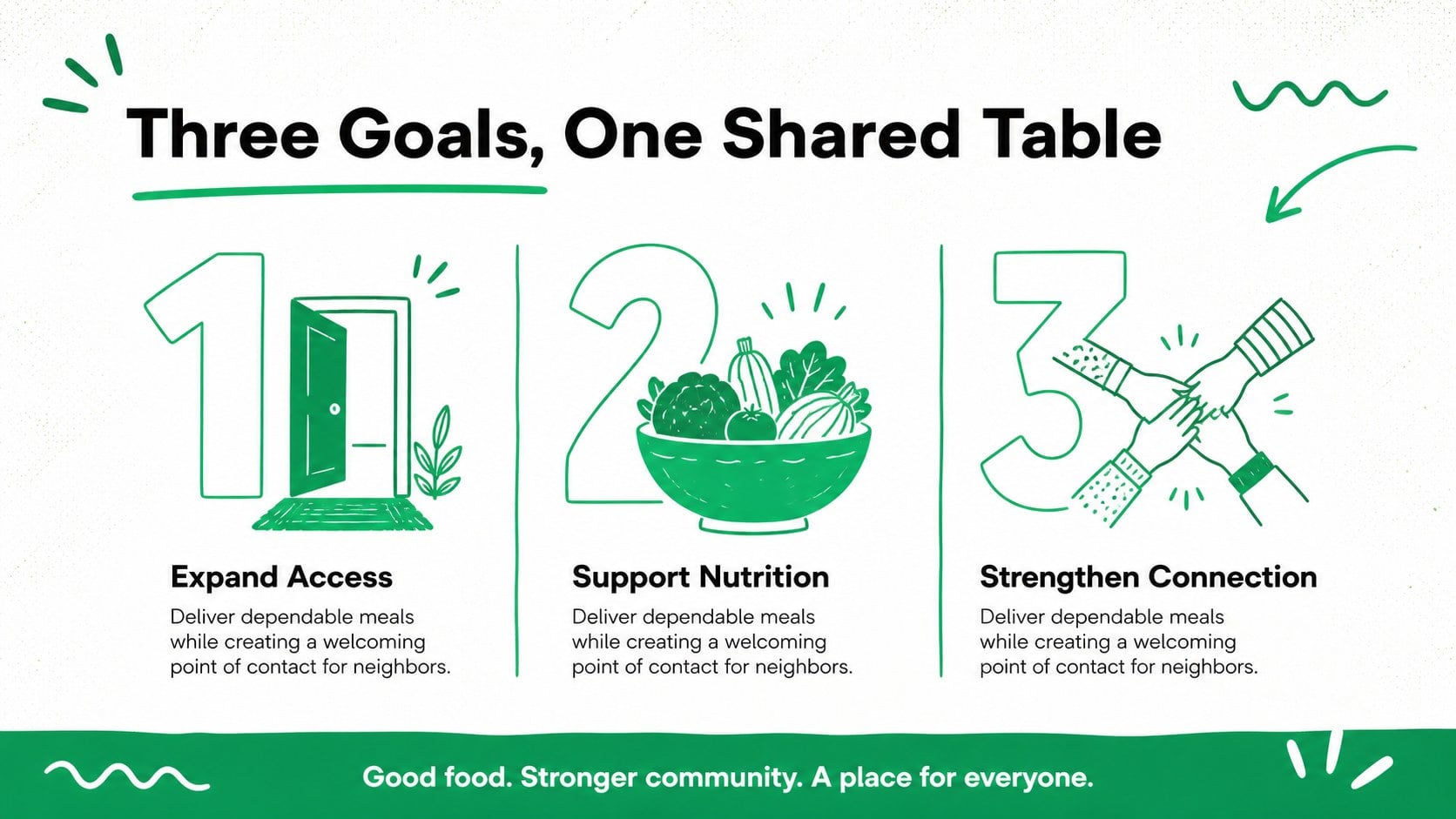
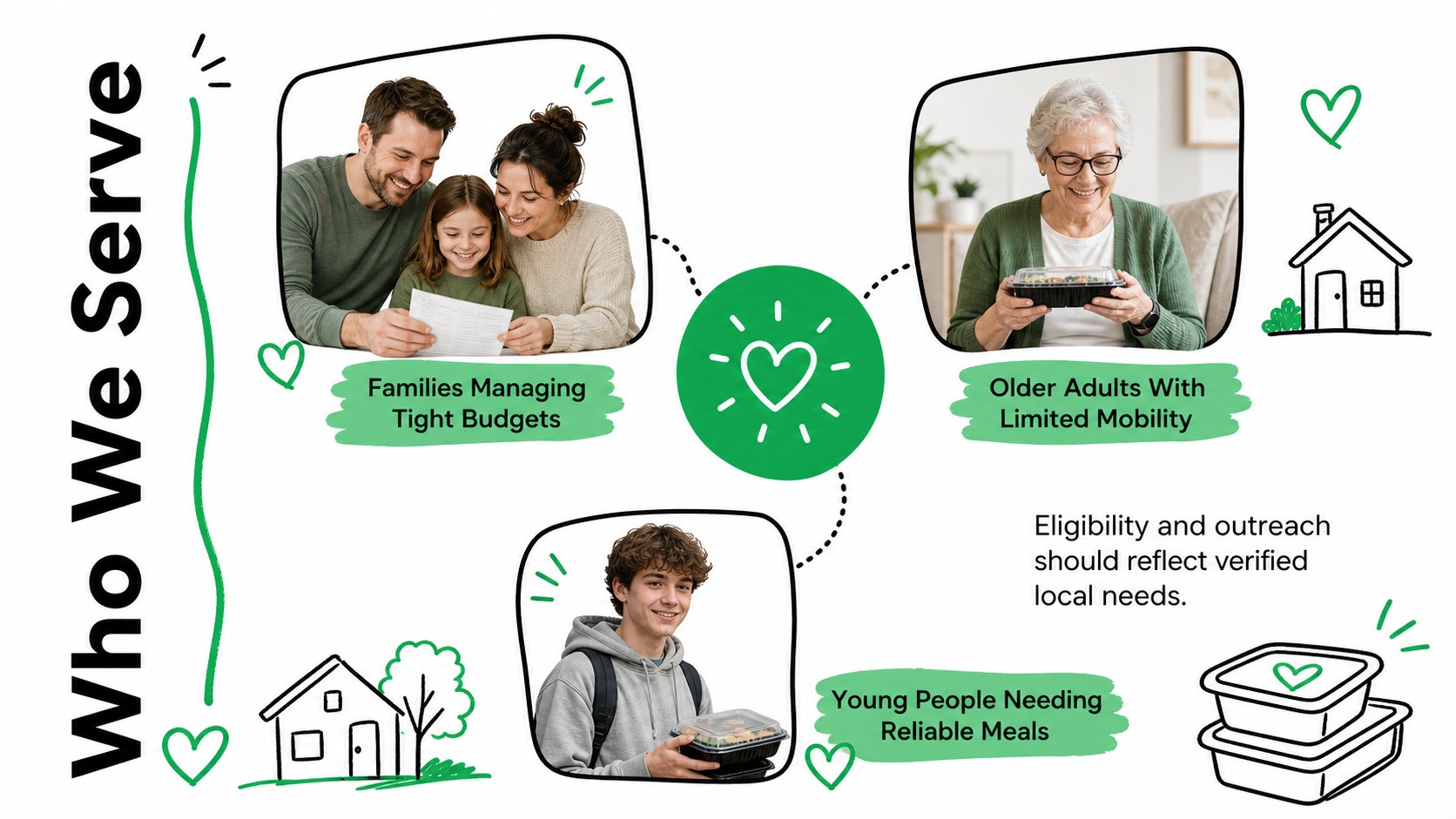
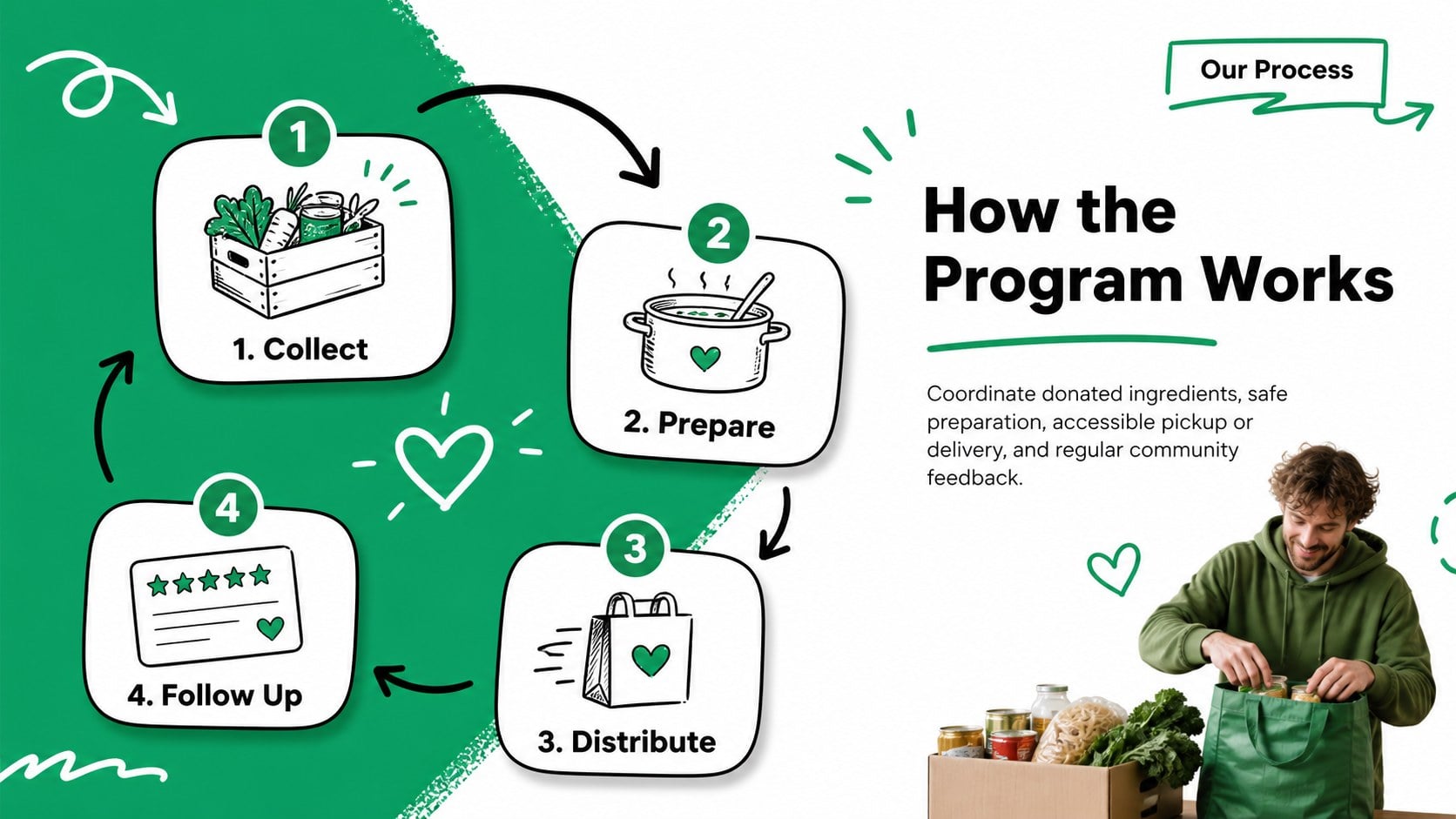
Turn a food relief initiative into a focused, persuasive story with this community meal outreach deck. Playful hand-drawn lines, bold shapes, and a fresh green, white, and black palette give serious nonprofit information an approachable visual identity. Use it to introduce your mission, explain local food access challenges, and show supporters how each contribution can help.
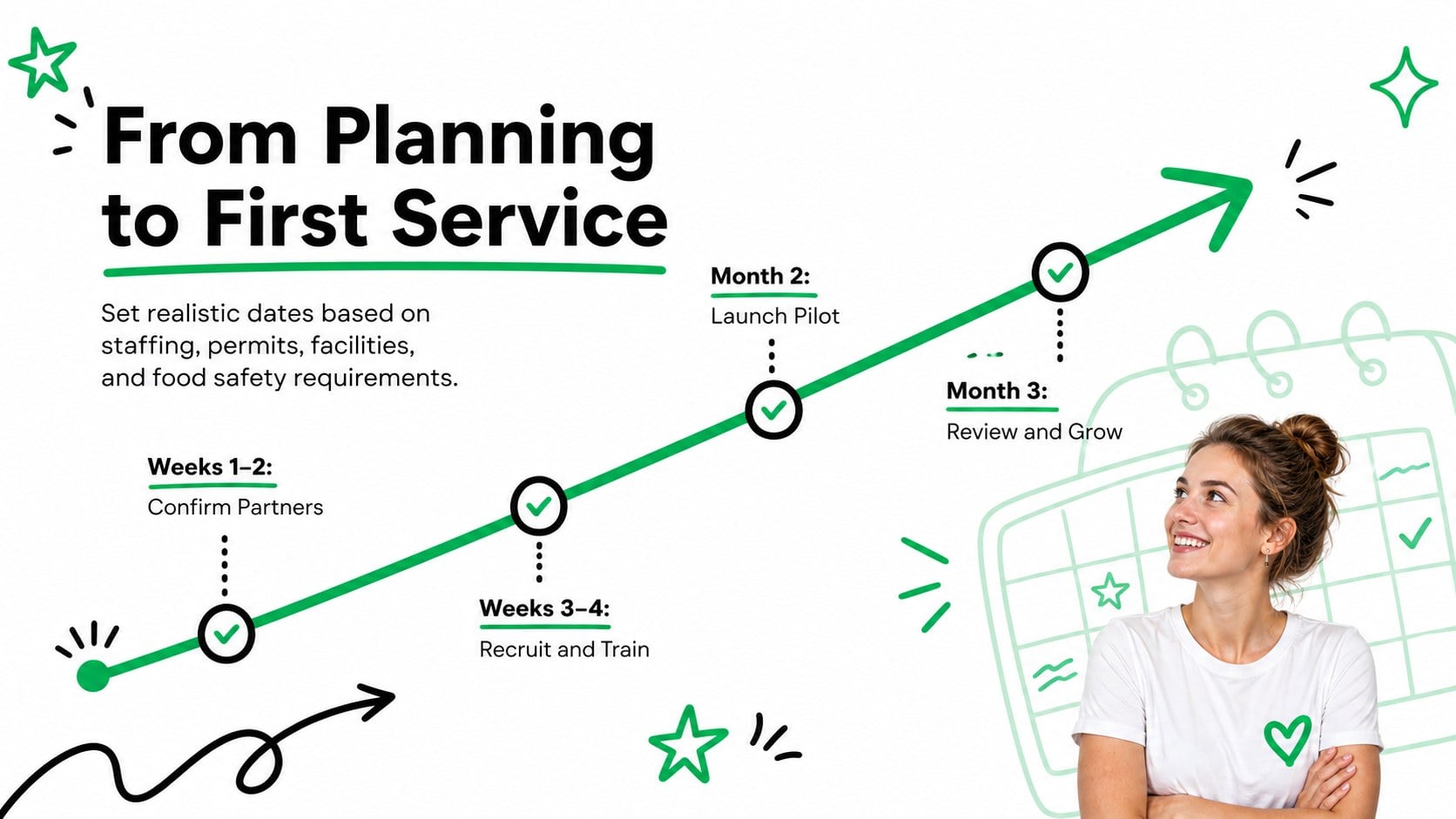
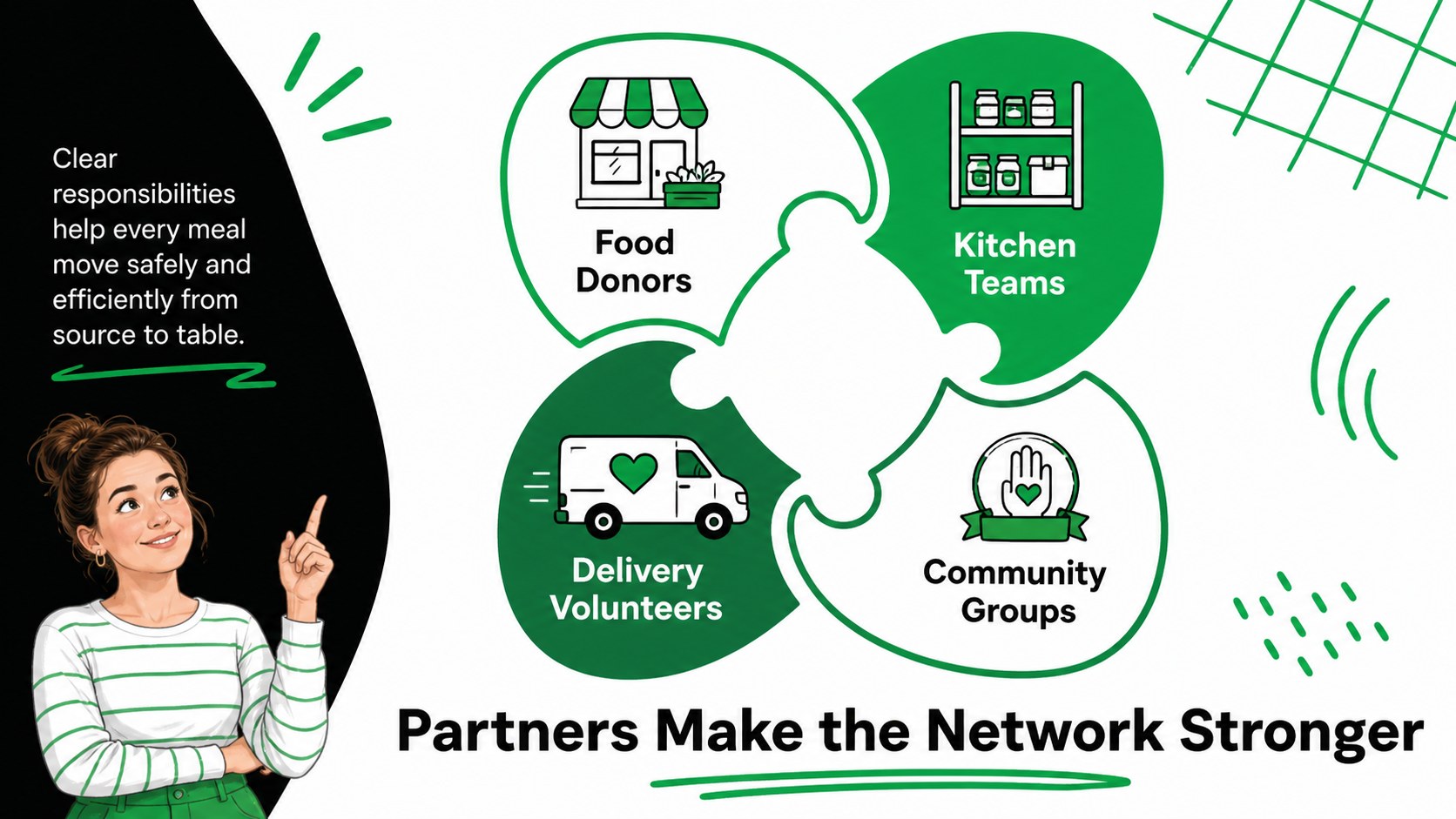
The deck includes layouts for program goals, community needs, service models, meal plans, partner roles, volunteer opportunities, budgets, timelines, and impact reporting. Charts, figures, and editable content blocks make it suitable as a nonprofit food assistance presentation or a charity meal campaign slides resource. Every page can be adapted with your organization’s statistics, photography, contact details, and calls to action.
Designed for food banks, community kitchens, faith groups, schools, mutual aid teams, and nonprofit coordinators, this community feeding program template supports sponsor briefings, volunteer orientations, fundraising meetings, and public awareness events. Edit it in PowerPoint or Google Slides, adjust the green accents to match your identity, and replace the sample text with local data. The result is a cohesive presentation that can move naturally from the problem and proposed response to measurable outcomes and practical next steps.
Perfect for: food bank fundraising meeting; community kitchen proposal; volunteer orientation; sponsor impact briefing; meal program launch; food insecurity awareness event.
Frequently asked questions
Can I edit this deck in PowerPoint and Google Slides? Yes. The layouts, text, colors, shapes, and charts can be edited in PowerPoint or Google Slides. Some fonts or transitions may vary slightly between the two platforms.
Practical details
Yes. The layouts, text, colors, shapes, and charts can be edited in PowerPoint or Google Slides. Some fonts or transitions may vary slightly between the two platforms.
Replace the sample figures with local food access data, update the program timeline, and add your own partner or sponsor information. You can also recolor the green accents while retaining the playful doodle style.
Yes. The deck includes space for funding needs, resource allocation, expected outcomes, and clear calls to action. Add verified costs and measurable targets before presenting to donors or sponsors.
Yes. Image areas can hold original program photography, while editable chart layouts can communicate meals served, volunteer participation, budgets, or outcome projections. Use photos with appropriate consent and credit.
Keep exploring
15Build an engaging World UFO Day session with this flying saucer history lesson deck, featuring retro green-and-brown slides for PowerPoint and Google Slides.
 15
15Plan a lively animal-learning journey with this jungle zoo adventure lesson deck, ready to customize in PowerPoint and Google Slides for young learners.
 16
16Turn environmental research into a clear story with a Watercolor Ecology Presentation Theme for PowerPoint and Google Slides in calming green and blue.
 16
16Build focused fashion, literature, and humanities presentations with the Red Triangle Editorial Theme, editable in PowerPoint and Google Slides.
 15
15Turn streaming stats, favorite tracks, and concert highlights into a bold annual listening recap slide deck for PowerPoint and Google Slides.
 15
15Turn highlights, milestones, and favorite moments into a colorful year in review slide deck with bold 3D graphics for PowerPoint and Google Slides.
 3
3Build a credible endorsement with Standout Colleague Recommendation Letter Slides, featuring colorful prompts for skills, achievements, and team impact.
 4
4Build clear beginner sessions with an ice hockey fundamentals training deck for coaches, PE teachers, and clubs, ready for PowerPoint and Google Slides.