
 4
4document
Clinical Wound Evaluation Slides for Nurses
Document wound findings, treatment decisions, and healing progress with clinical wound evaluation slides for nurses in PowerPoint and Google Slides.
Google Docs
document · English
Keep HOA discussions focused with a community association meeting planner for PowerPoint and Google Slides, built for clear updates, decisions, and action…
Design notes
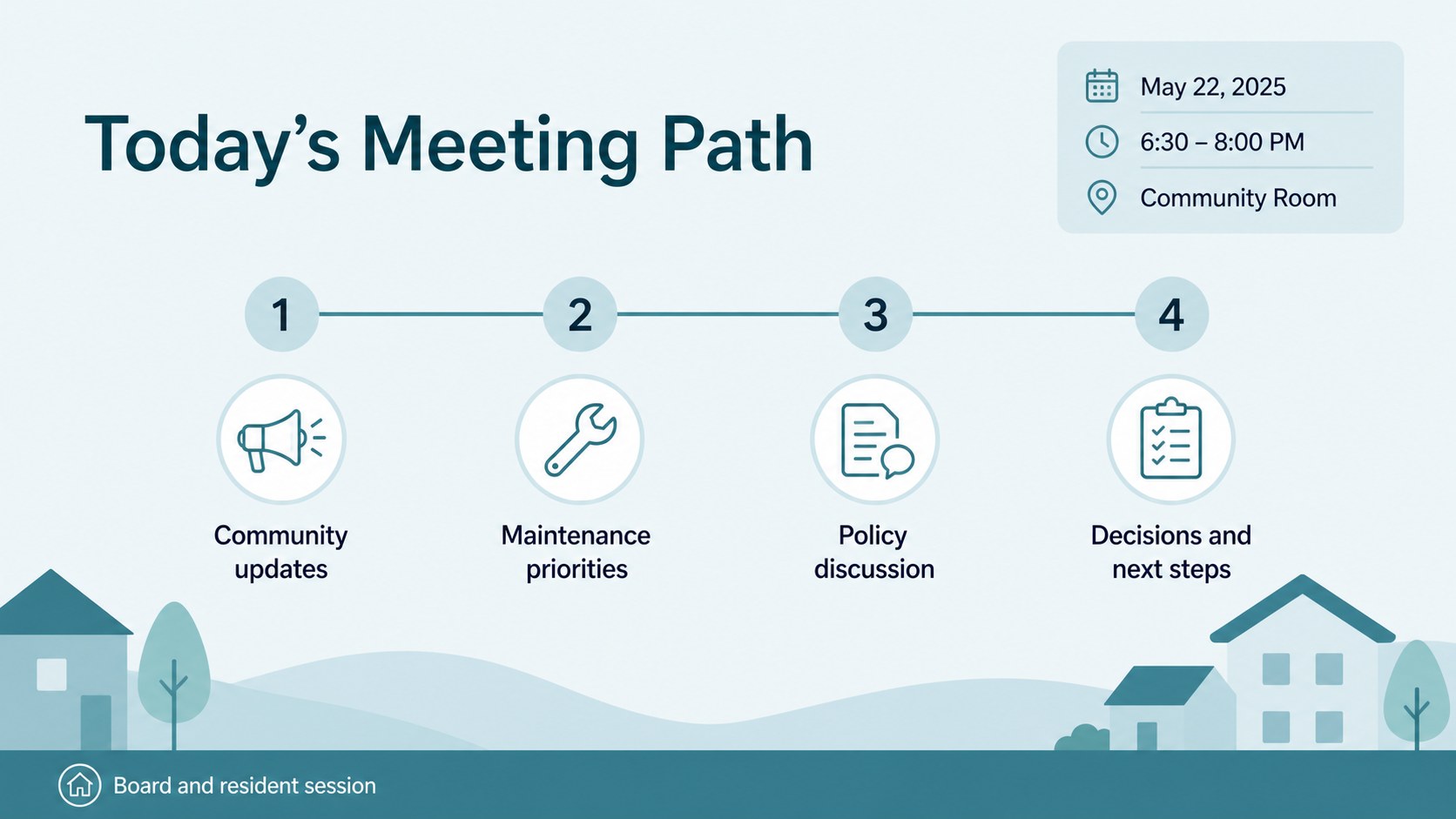
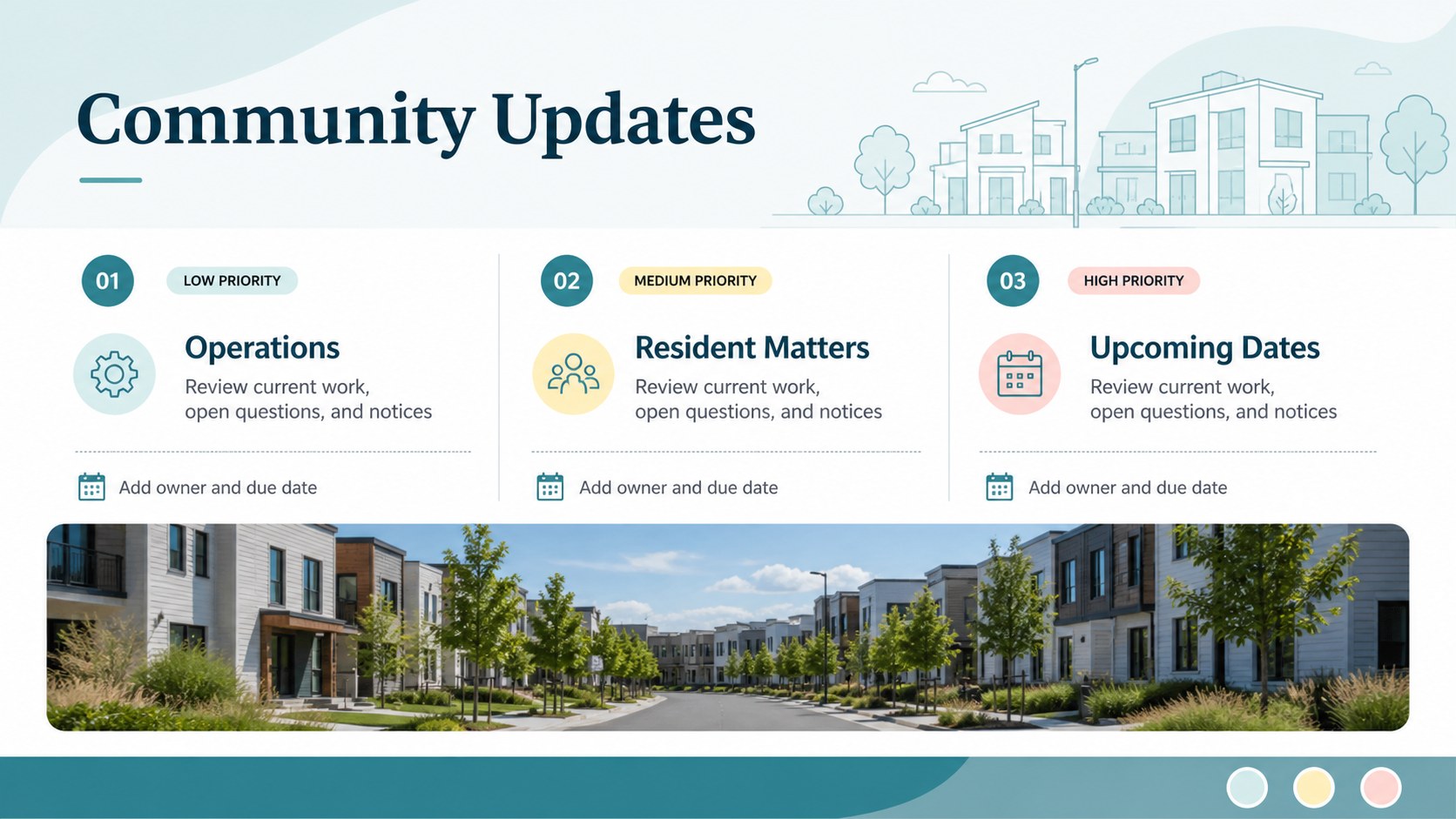
Keep neighborhood association meetings focused with a community association meeting planner designed for practical board and resident communication. Its clean blue and pastel styling creates a calm, approachable setting for financial updates, maintenance concerns, policy discussions, and upcoming activities. Use the layout to establish priorities before the meeting begins and leave each attendee with a clear understanding of what happens next.
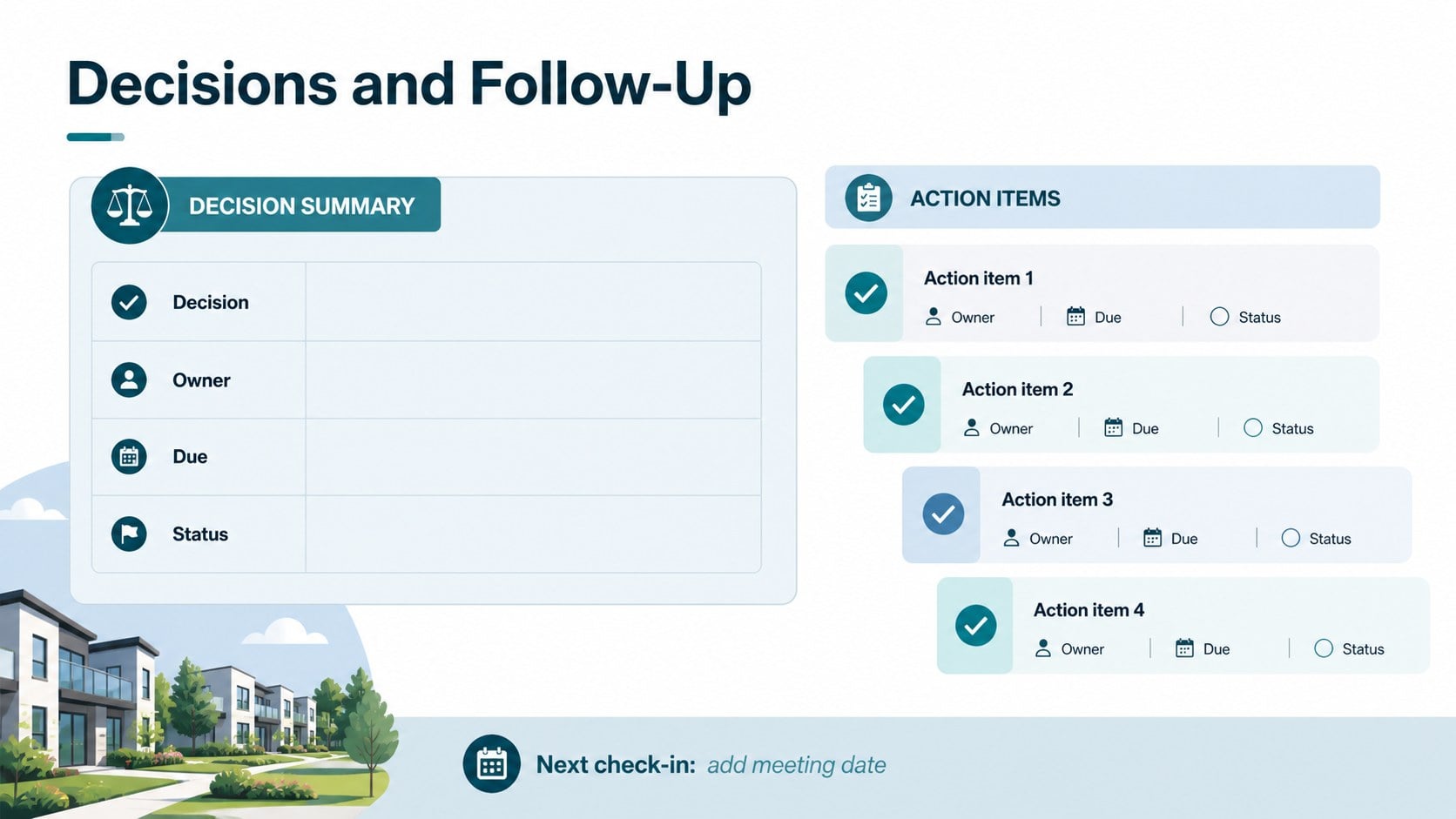
Inside, you will find a polished cover, meeting overview, discussion agenda, decision and action-item sections, plus space for notes and follow-up owners. The structure works well for an HOA board meeting agenda, a committee session, or a monthly resident update. Rearrange sections, add property photos or charts, and adjust the text to match your association's needs.
This editable HOA meeting planner is suitable for board presidents, property managers, committee chairs, and volunteer coordinators. It is available for PowerPoint and Google Slides, making it simple to present in person, share with remote participants, or send as a post-meeting reference. Use it for recurring meetings, special sessions, annual planning, or issue-focused discussions while keeping the visual system consistent from start to finish.
Perfect for: monthly HOA board meeting; resident information session; property maintenance committee meeting; annual association planning; special policy discussion.
Frequently asked questions
Can I edit the community association meeting planner? Yes. You can change the headings, agenda items, notes, colors, and supporting visuals to fit your association. Duplicate or remove sections as the meeting format evolves.
Practical details
Yes. You can change the headings, agenda items, notes, colors, and supporting visuals to fit your association. Duplicate or remove sections as the meeting format evolves.
The template is designed for Microsoft PowerPoint and Google Slides. You can present it live, share it with board members, or export a finished version for residents.
Yes. The blue and pastel palette can be adjusted to match your association's visual identity while preserving the template's organized look. Fonts, shapes, and accent colors can also be modified.
Yes. The flexible agenda structure works for board meetings, landscaping or maintenance committees, resident updates, and special planning sessions. Add the sections and action owners that each group needs.
Keep exploring
4Document wound findings, treatment decisions, and healing progress with clinical wound evaluation slides for nurses in PowerPoint and Google Slides.
 4
4Turn recurring updates into clear decisions with a weekly operations status briefing for PowerPoint and Google Slides, covering progress, risks, and priorities.
 4
4Turn recurring check-ins into focused decisions with a weekly leadership update deck for KPIs, priorities, blockers, owners, and next actions.
 4
4Use veterinary surgery consent form slides to explain procedures, anesthesia, risks, costs, and emergency decisions clearly before client approval.
 4
4Organize objectives, activities, and daily notes with this weekly classroom planner for teachers, editable in PowerPoint and Google Slides for easy prep.
 4
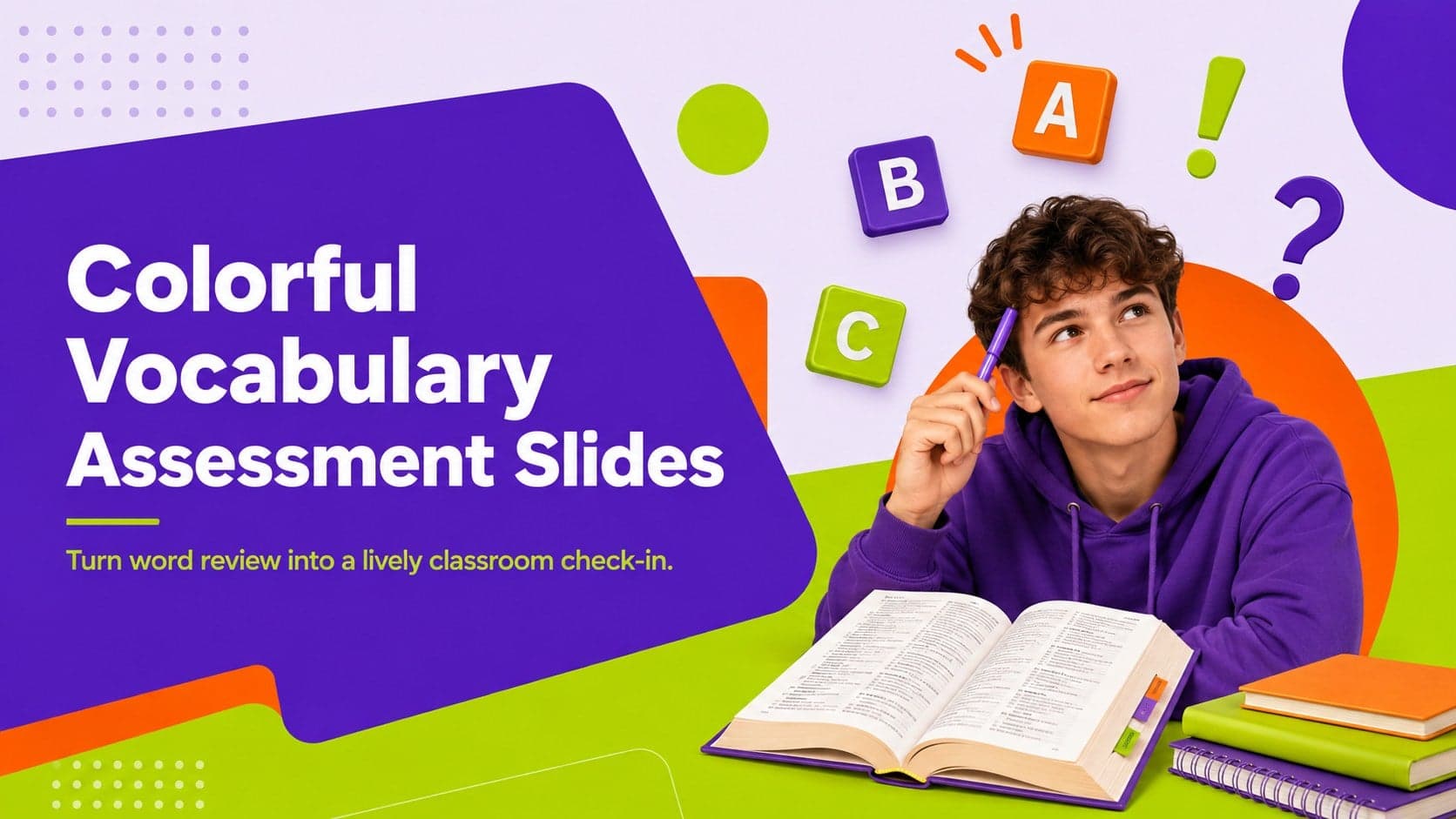
4Create colorful vocabulary assessment slides for lively word checks, review games, and classroom practice in PowerPoint or Google Slides. Easy to personalize.
 4
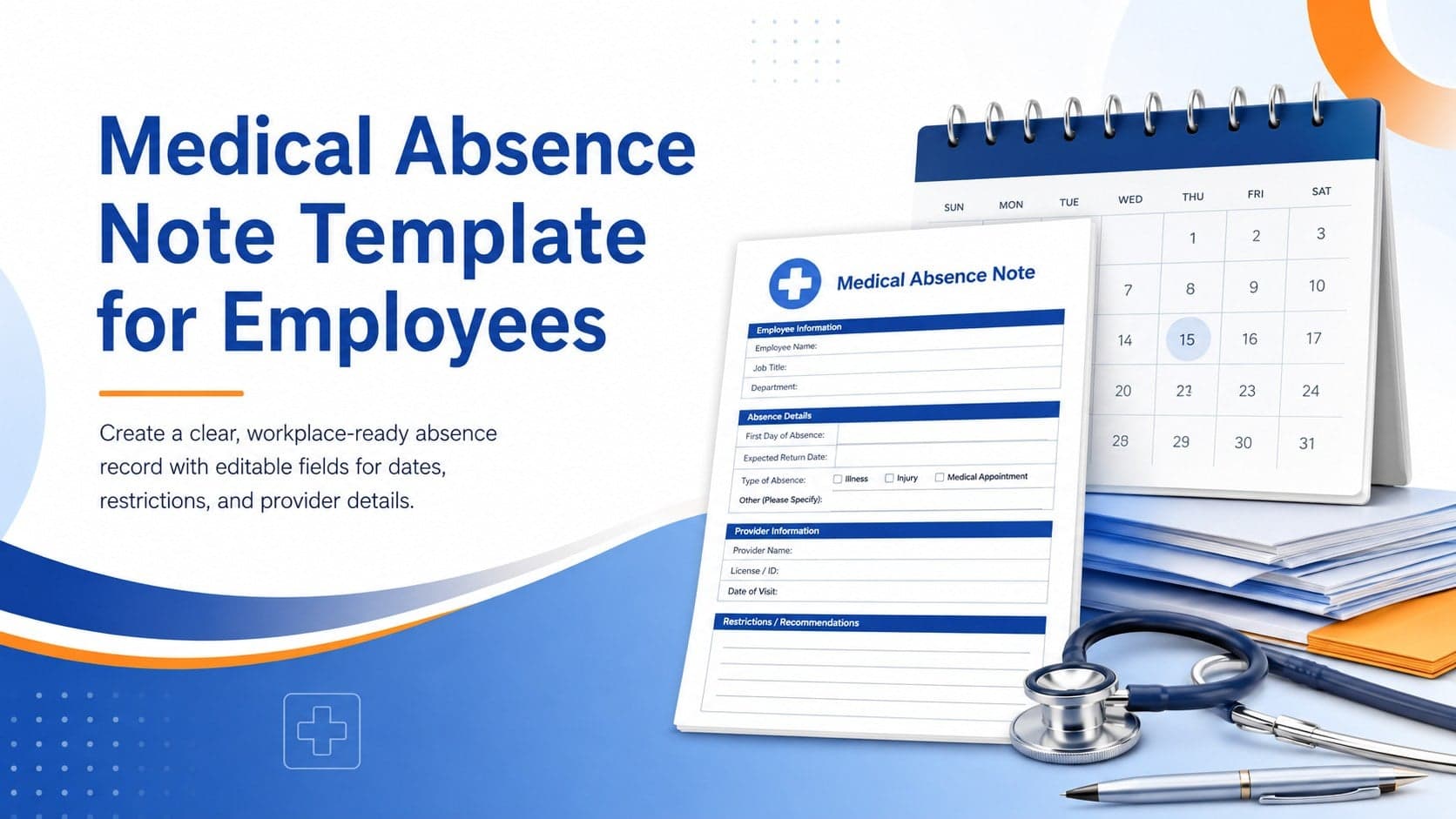
4Prepare a clear medical absence note template for employee records, with editable fields and polished blue-orange slides for PowerPoint and Google Slides.
 4
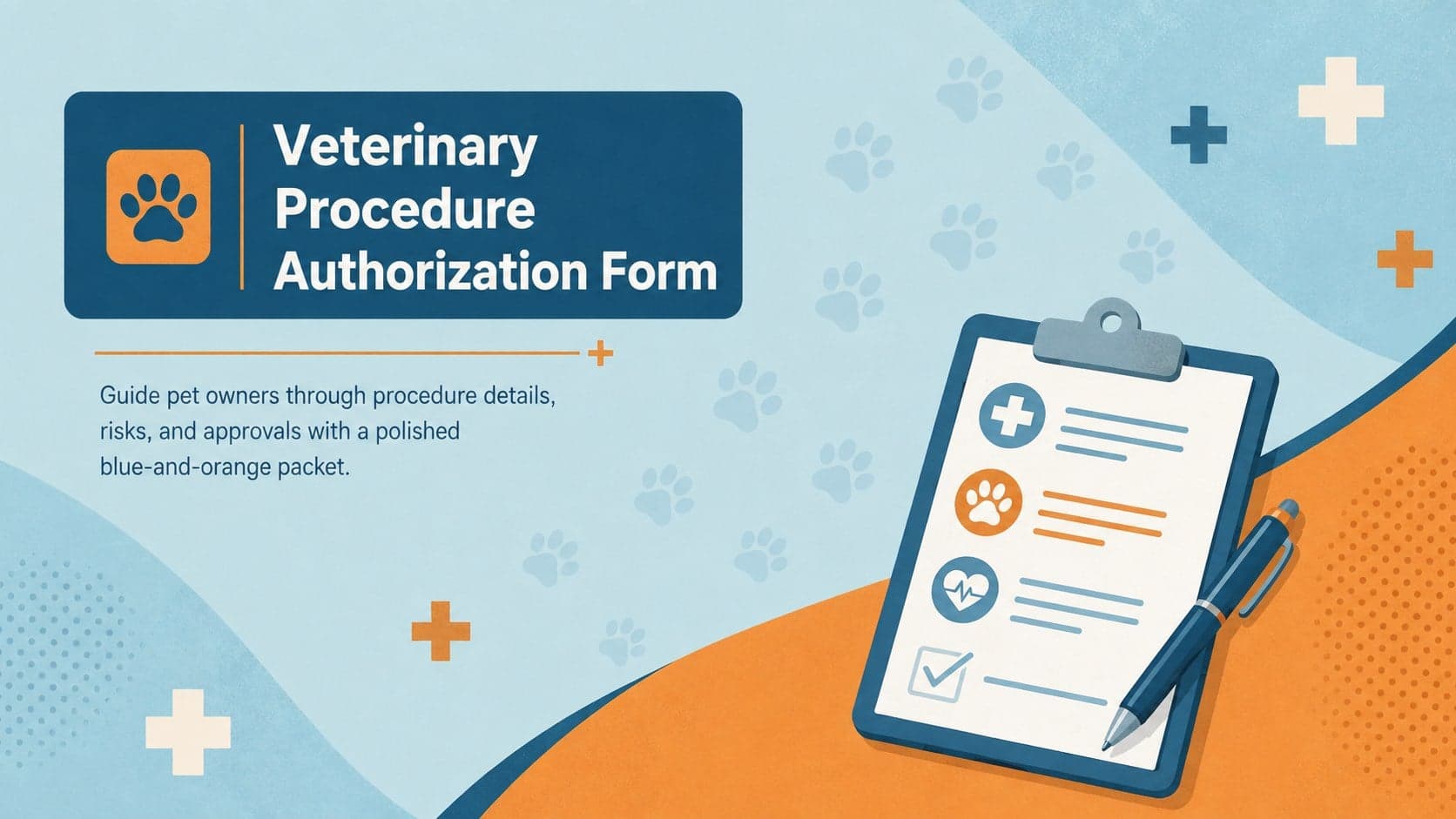
4Prepare pet owners for treatment with a veterinary procedure authorization form covering risks, medication, contacts, and approval details.