
 15
15presentation
Flying Saucer History Lesson Deck
Build an engaging World UFO Day session with this flying saucer history lesson deck, featuring retro green-and-brown slides for PowerPoint and Google Slides.
Google SlidesPowerPoint
presentation · English
Build punctuation confidence with Comma and Apostrophe Practice Sheets featuring editable classroom exercises for PowerPoint and Google Slides.
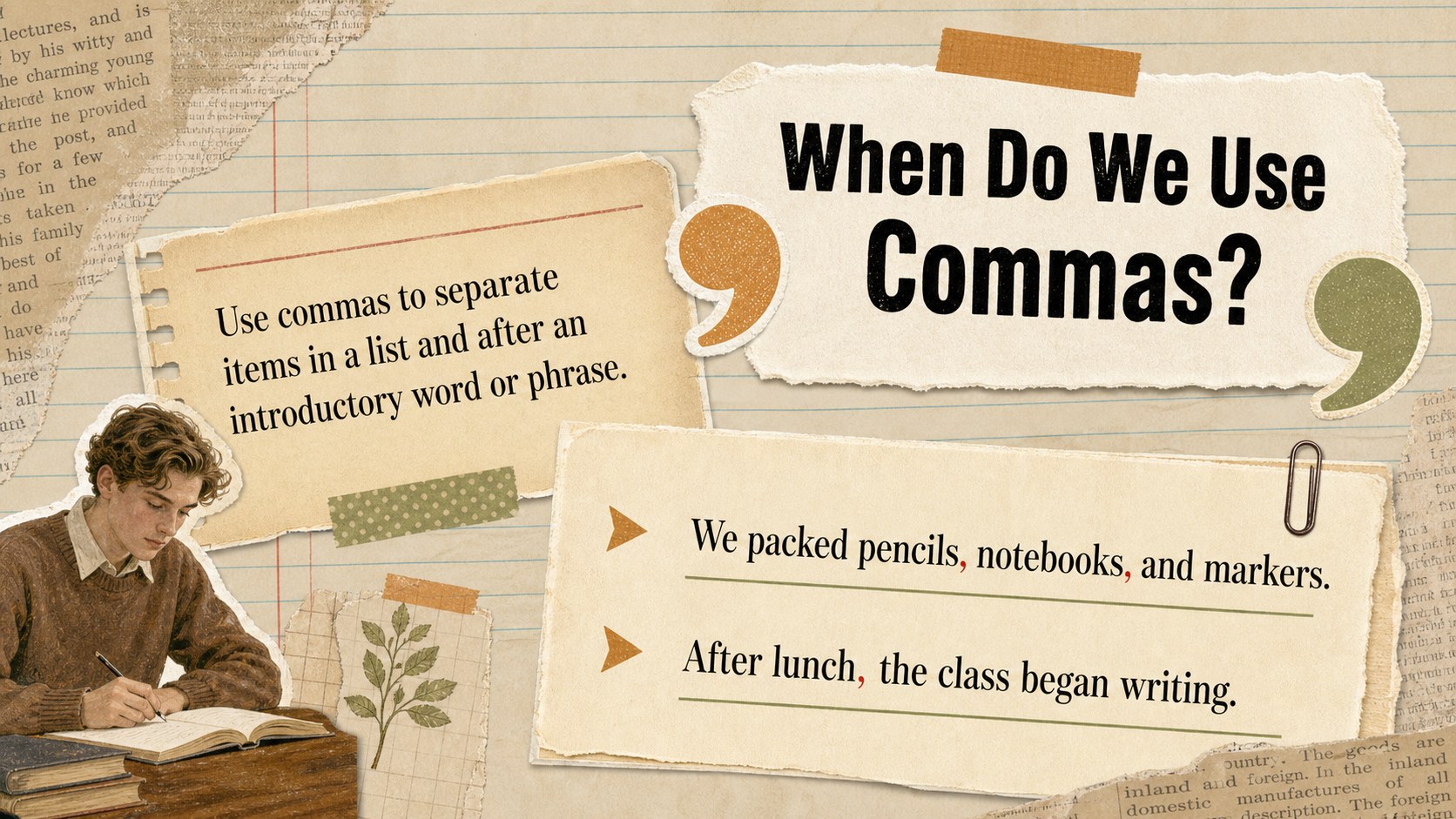
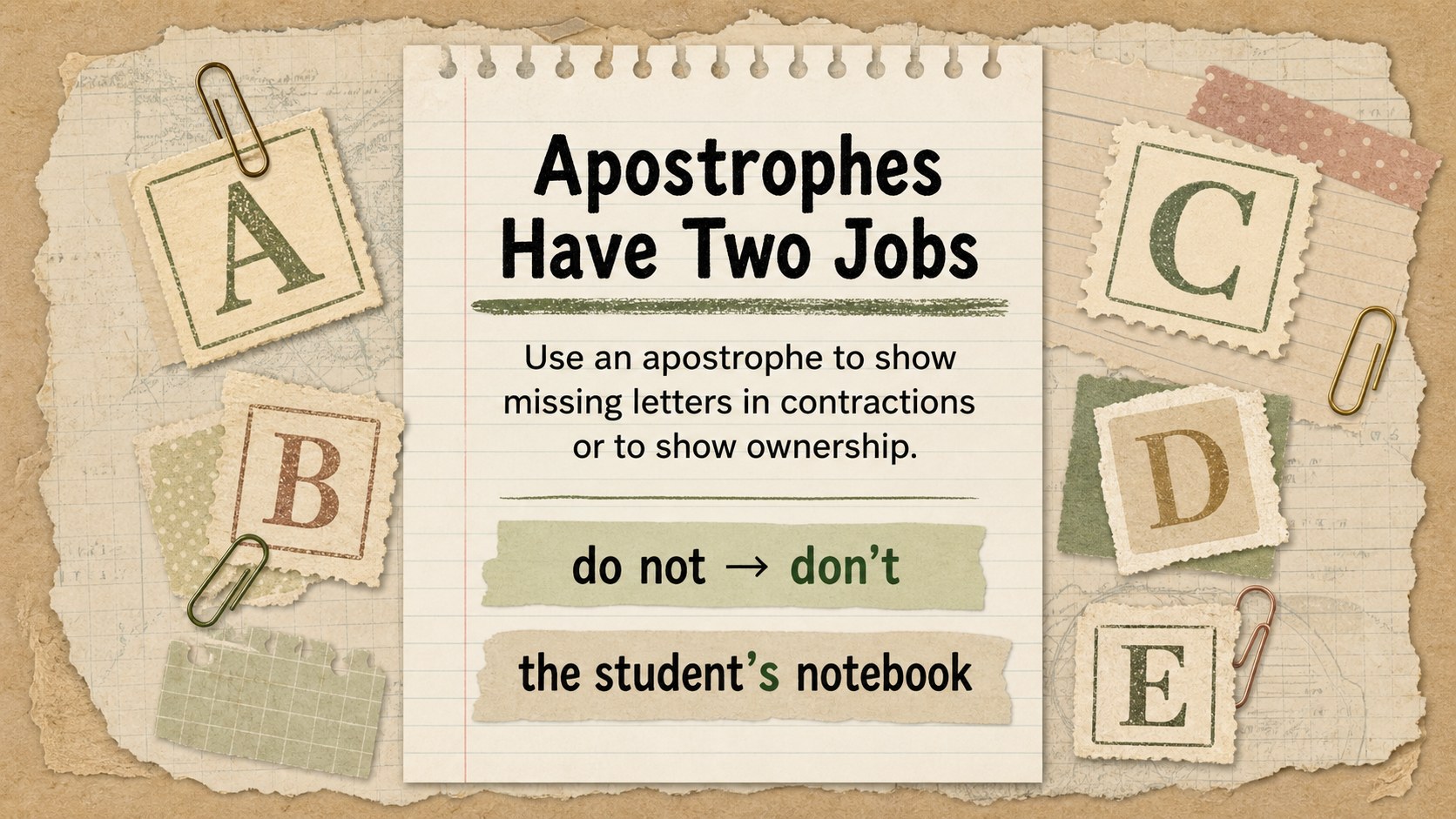
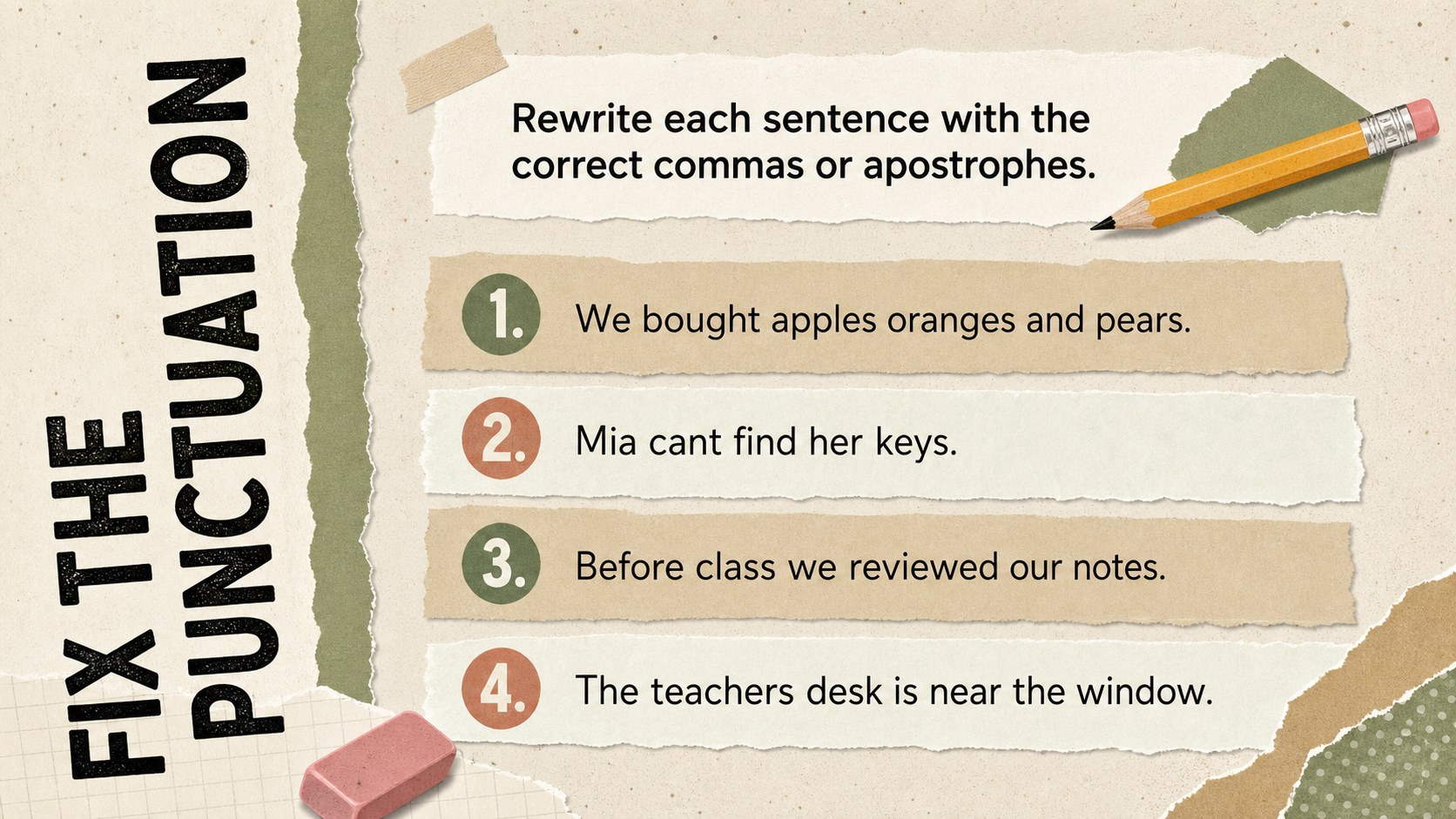
Design notes
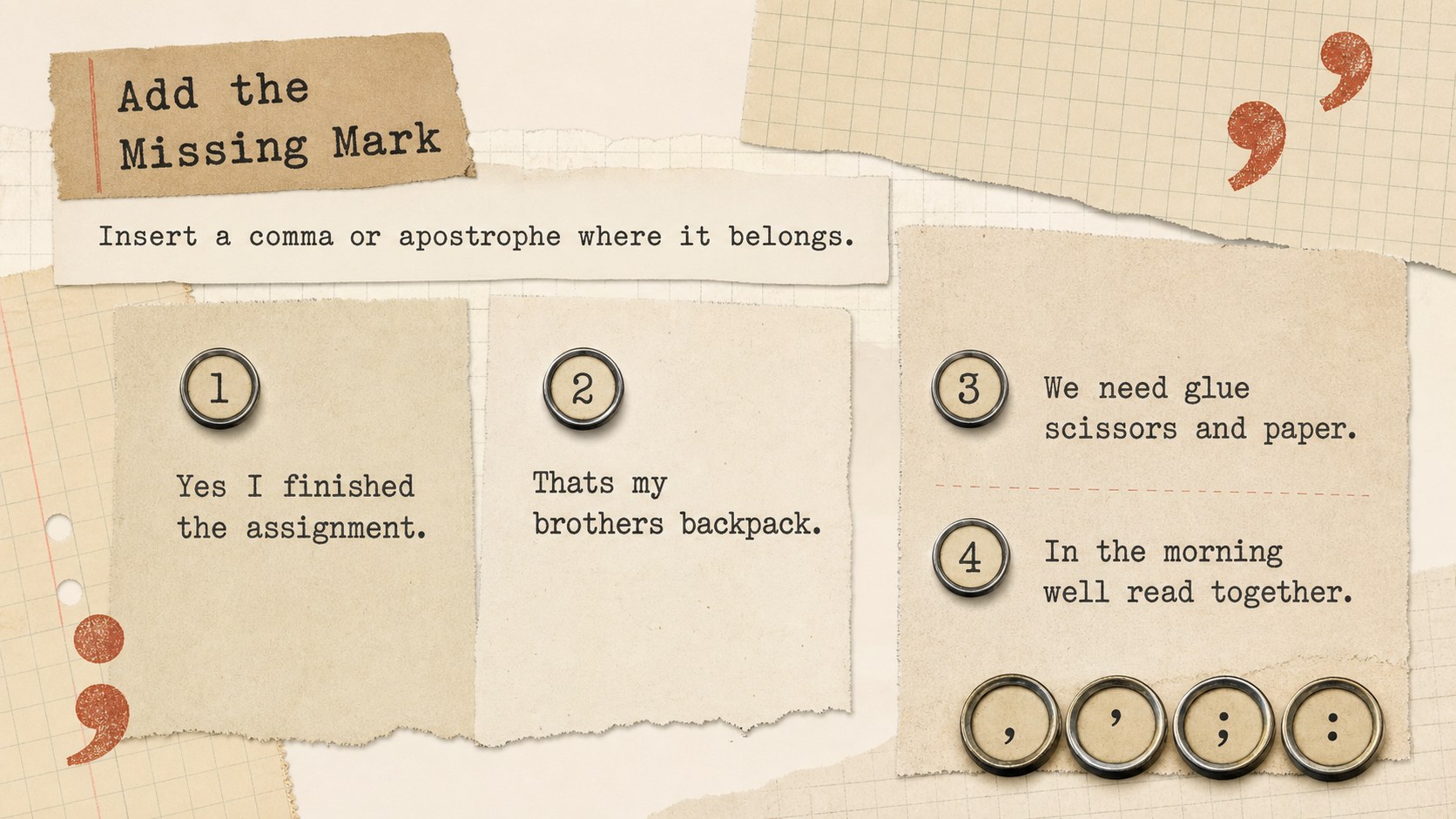
Build stronger writing habits with Comma and Apostrophe Practice Sheets designed for clear, focused punctuation review. The vintage collage aesthetic combines layered paper textures, cutout-inspired details, and a calm neutral palette, giving each activity a creative classroom feel without distracting from the lesson.
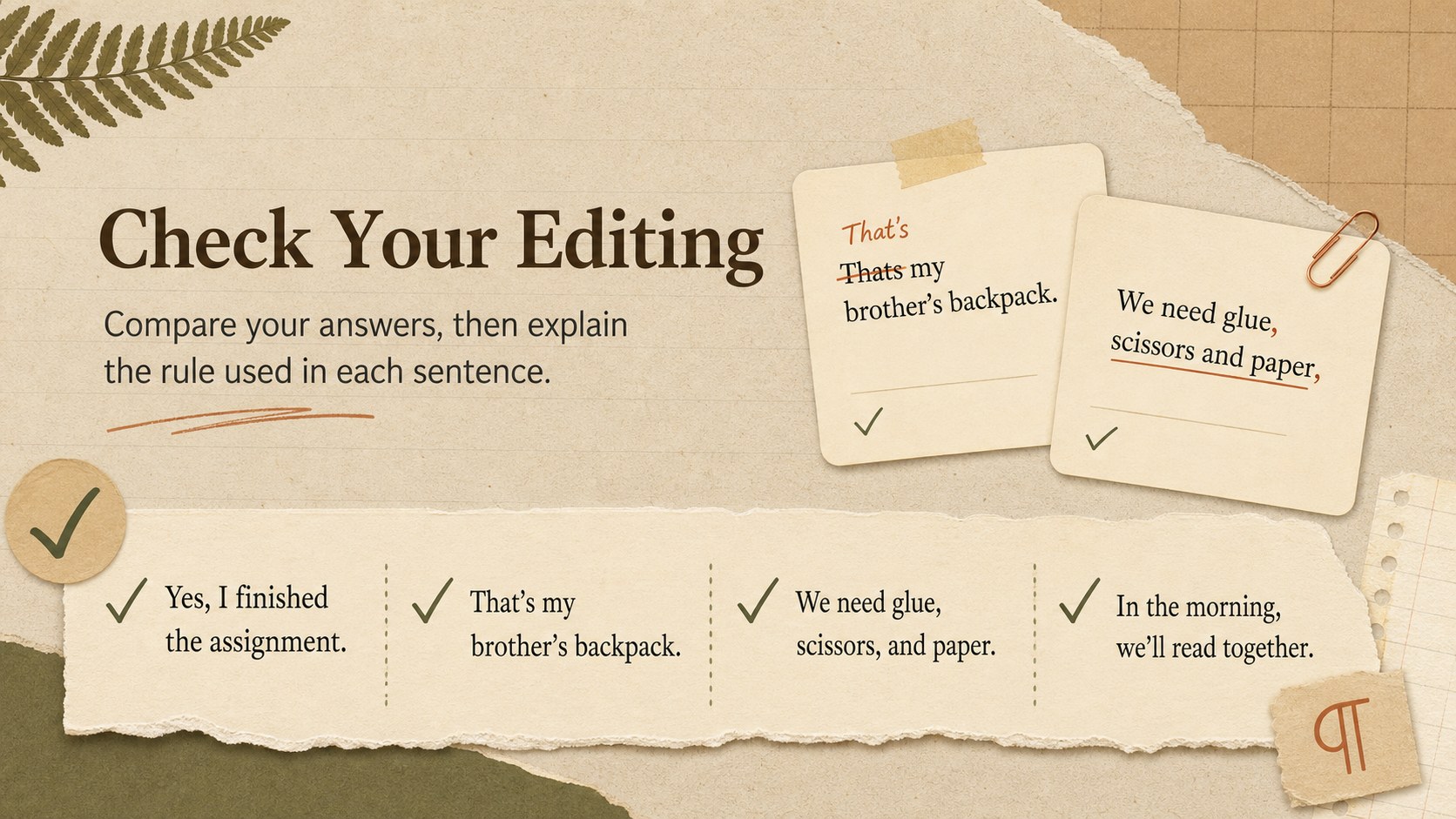
Inside, learners will find concise rules, sentence correction tasks, fill-in-the-blank questions, editing challenges, and short writing prompts. The activities cover commas in lists and introductory phrases, apostrophes in contractions, and apostrophes for singular and plural possession. Teachers can use the deck as an editable commas and apostrophes worksheet, present it for whole-class instruction, or assign individual pages as independent practice. It also works well as punctuation practice for middle school learners who need a structured refresher.
These slides are suited to English language arts lessons, homeschool sessions, tutoring, test preparation, and writing intervention. Each page can be customized in PowerPoint or Google Slides, allowing educators to replace examples, adjust difficulty, add instructions, or adapt tasks for different grade levels. Use the answer-review slide for group discussion or duplicate activity layouts to create extra questions. Whether learners are reviewing foundational grammar or completing a comma and apostrophe editing exercise, the deck offers a practical way to connect punctuation rules with real sentences.
Perfect for: middle school grammar lesson; punctuation review station; homeschool writing practice; English tutoring session; test preparation activity.
Frequently asked questions
Can I edit the questions and examples? Yes. All headings, instructions, sentences, and answer choices can be changed in PowerPoint or Google Slides. You can also duplicate activity pages to add more practice questions.
Practical details
Yes. All headings, instructions, sentences, and answer choices can be changed in PowerPoint or Google Slides. You can also duplicate activity pages to add more practice questions.
The template is designed for Microsoft PowerPoint and Google Slides. Open it in either platform to edit the text, rearrange elements, and present or print the activities.
Yes. Export selected slides as PDF files and choose the print settings that fit your paper size. Review the printer preview first if you need margins for handwritten answers.
Replace the sample sentences with shorter or more complex examples and add optional hints where needed. You can also separate comma and apostrophe tasks for focused practice.
Keep exploring
15Build an engaging World UFO Day session with this flying saucer history lesson deck, featuring retro green-and-brown slides for PowerPoint and Google Slides.
 15
15Plan a lively animal-learning journey with this jungle zoo adventure lesson deck, ready to customize in PowerPoint and Google Slides for young learners.
 16
16Turn environmental research into a clear story with a Watercolor Ecology Presentation Theme for PowerPoint and Google Slides in calming green and blue.
 16
16Build focused fashion, literature, and humanities presentations with the Red Triangle Editorial Theme, editable in PowerPoint and Google Slides.
 15
15Turn streaming stats, favorite tracks, and concert highlights into a bold annual listening recap slide deck for PowerPoint and Google Slides.
 15
15Turn highlights, milestones, and favorite moments into a colorful year in review slide deck with bold 3D graphics for PowerPoint and Google Slides.
 3
3Build a credible endorsement with Standout Colleague Recommendation Letter Slides, featuring colorful prompts for skills, achievements, and team impact.
 4
4Build clear beginner sessions with an ice hockey fundamentals training deck for coaches, PE teachers, and clubs, ready for PowerPoint and Google Slides.