
 15
15presentation
Flying Saucer History Lesson Deck
Build an engaging World UFO Day session with this flying saucer history lesson deck, featuring retro green-and-brown slides for PowerPoint and Google Slides.
Google SlidesPowerPoint
presentation · English
Build a polished combat sports bulletin deck for event updates, fighter profiles, rankings, and sponsor news in PowerPoint or Google Slides.

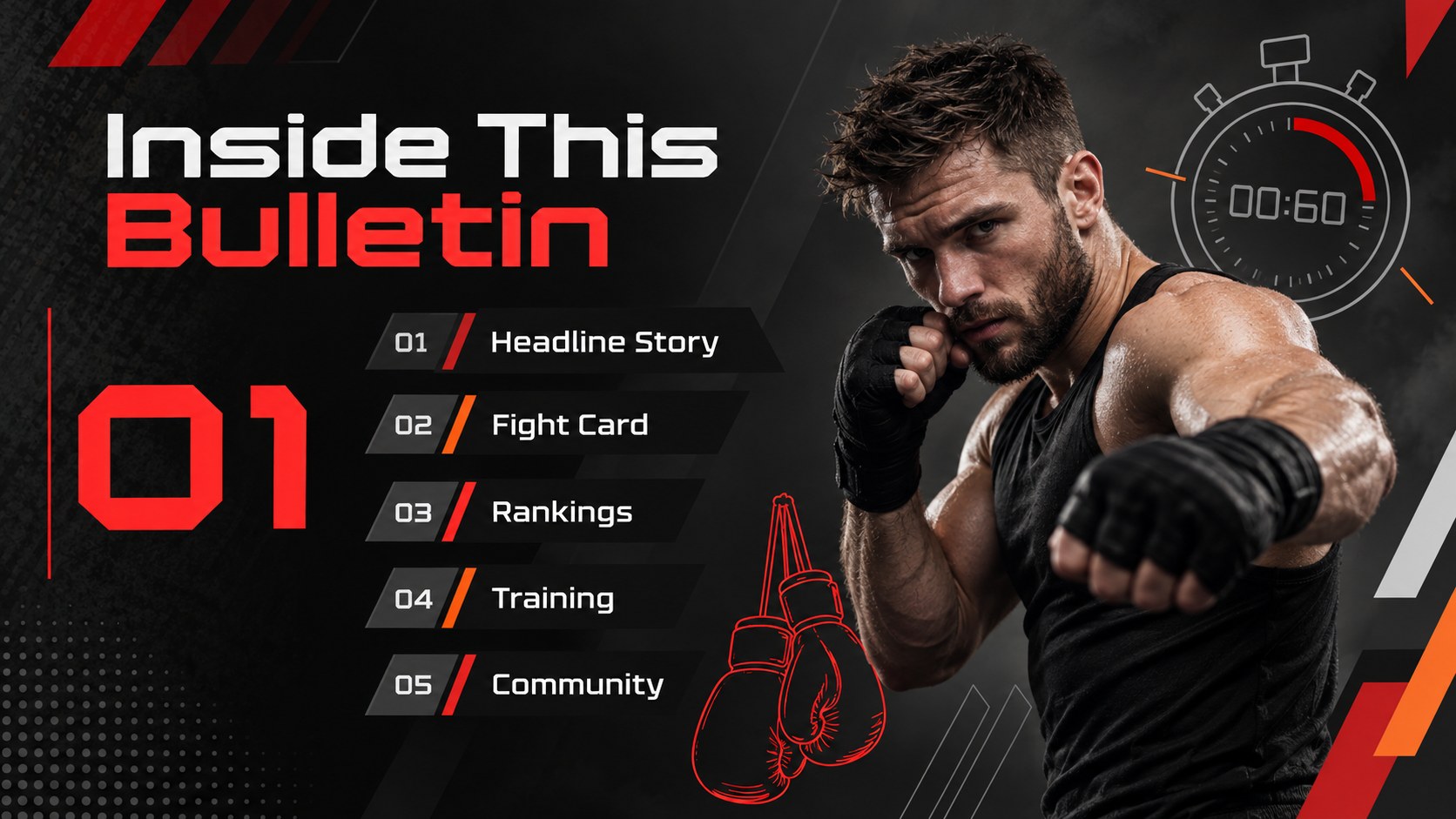

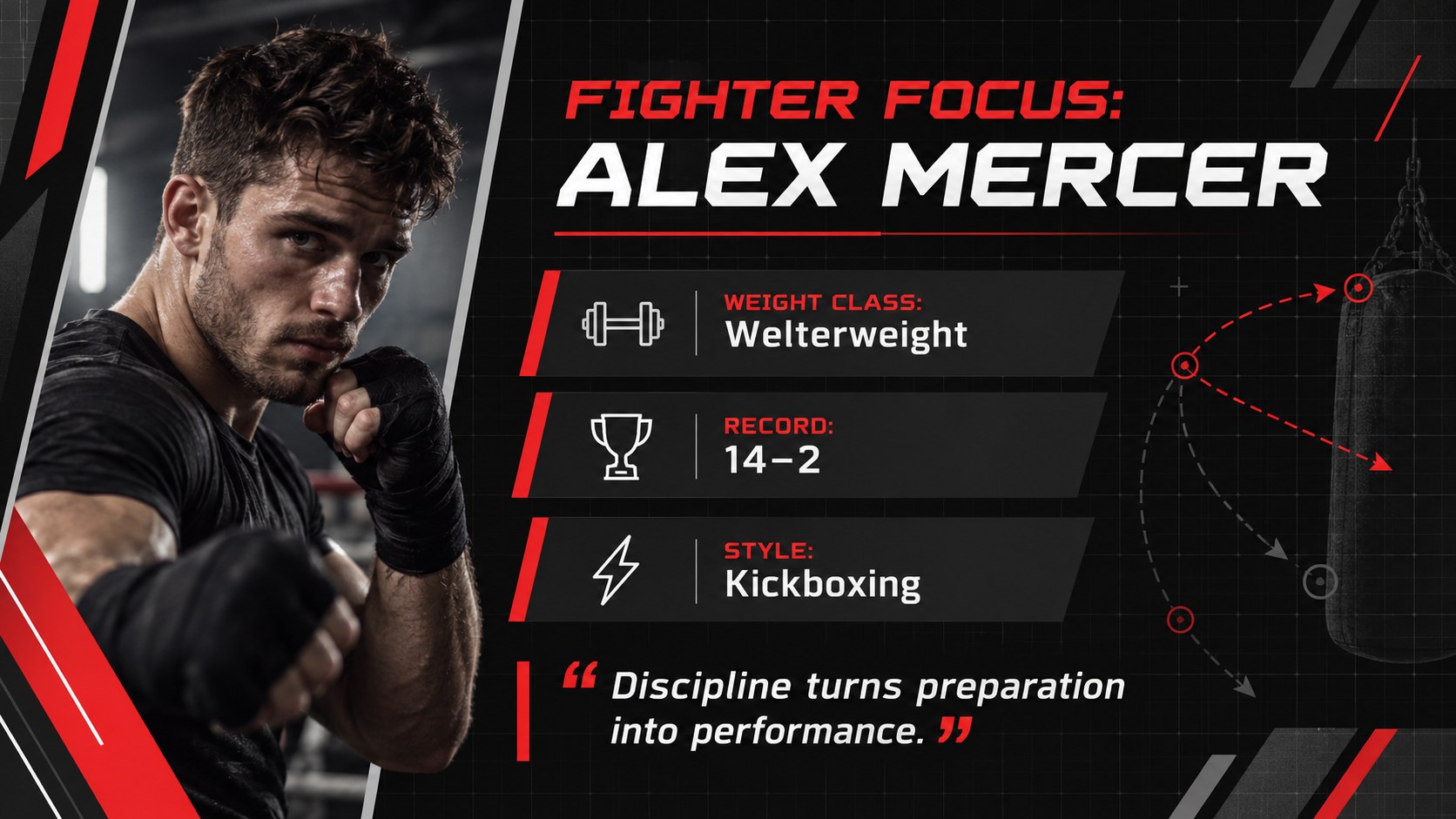
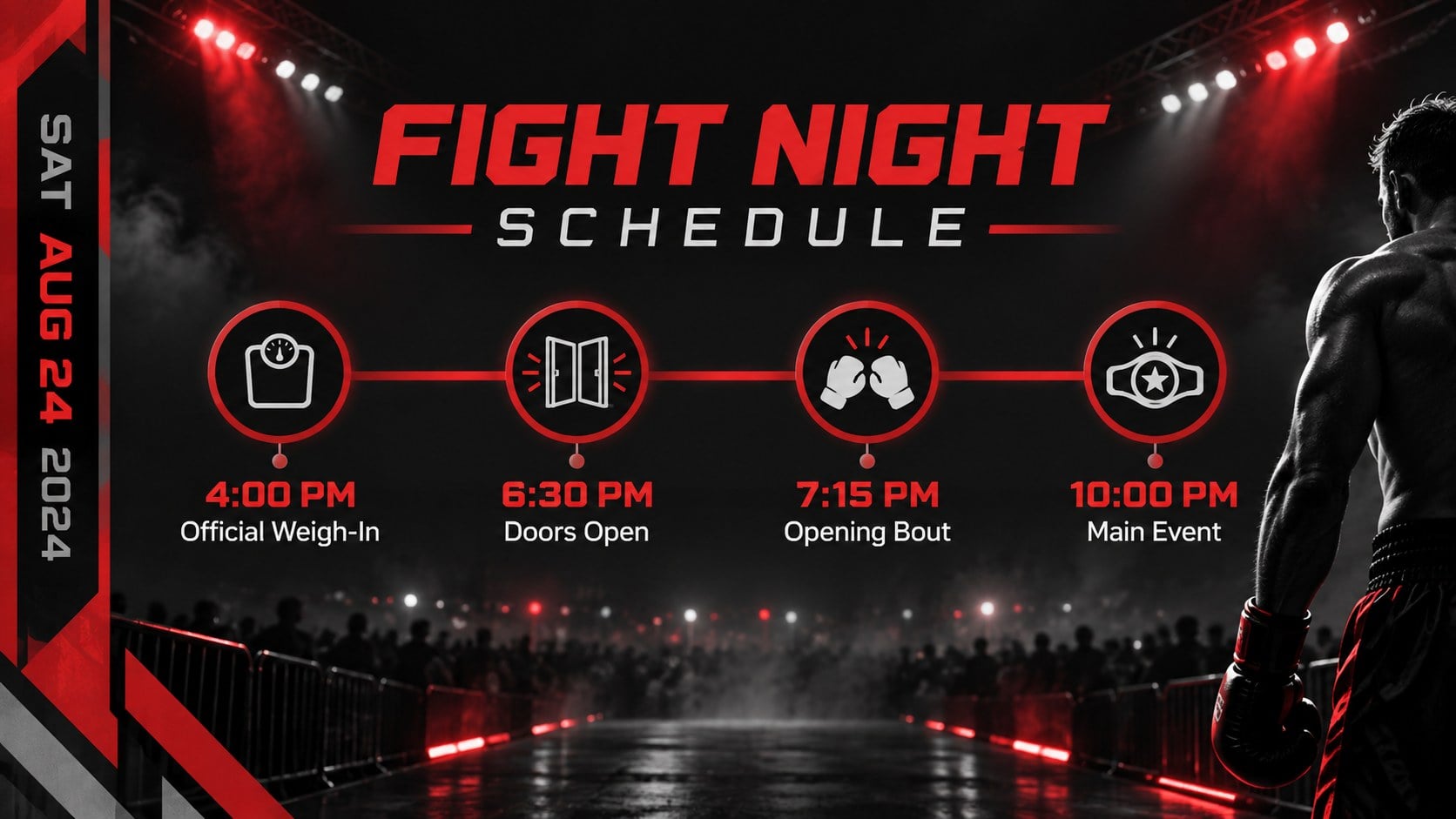

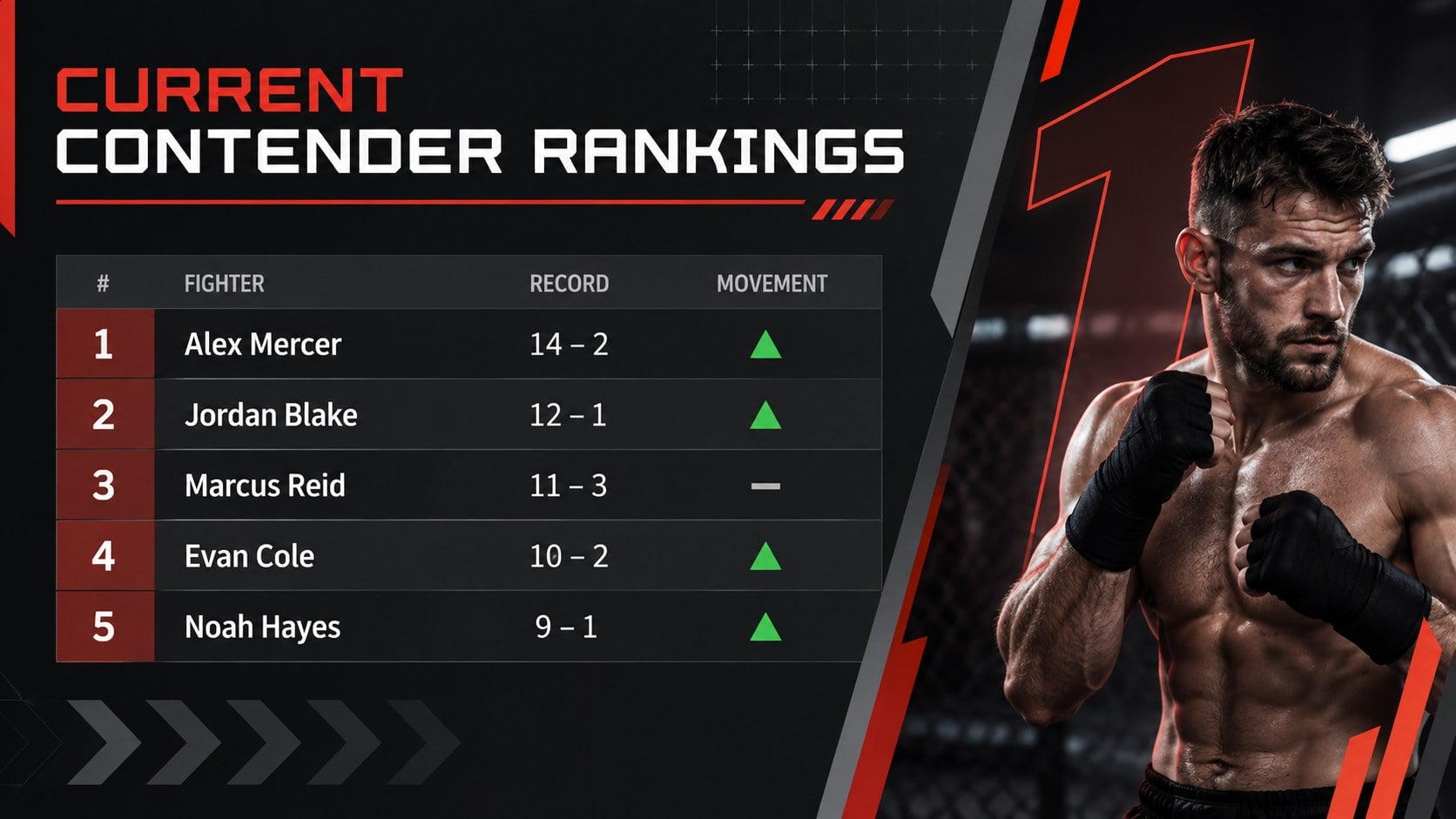


Design notes
Keep fans, athletes, sponsors, and staff informed with a combat sports bulletin deck built for clear, high-impact communication. Its modern black palette, strong typography, and angular geometric details capture the intensity of competition without sacrificing readability. Use the layouts to publish event announcements, fighter updates, training news, rankings, ticket information, or promotional results.
Inside are 15 editable 16:9 layouts covering a bulletin cover, issue overview, headline story, fighter profile, event schedule, match card, ranking table, training feature, performance statistics, sponsor spotlight, community news, promotional timeline, audience metrics, upcoming events, and a closing contact page. Charts, image areas, text blocks, and graphic accents can be adapted to match your organization. The deck works especially well as a martial arts newsletter presentation, a boxing event update template, or an MMA promotion news deck.
Designed for sports marketers, gym owners, event organizers, coaches, and communications teams, this template supports recurring updates as well as one-off campaign briefings. Edit the slides in PowerPoint or Google Slides, replace the sample copy, insert original photography, and adjust the black-led palette with your team colors. The structured layouts help you share detailed information while maintaining the fast, confident visual character expected from combat sports media.
Perfect for: fight night event announcement; monthly martial arts gym update; fighter ranking report; sponsor and partner briefing; tournament results recap; combat sports marketing campaign.
Frequently asked questions
Can I edit this deck in PowerPoint and Google Slides? Yes. Every slide is designed for editing in PowerPoint and Google Slides, including text, colors, images, tables, and charts. Minor font spacing may vary between platforms.
Practical details
Yes. Every slide is designed for editing in PowerPoint and Google Slides, including text, colors, images, tables, and charts. Minor font spacing may vary between platforms.
Replace the sample headlines and photographs, then apply your organization’s accent colors and preferred fonts. You can also duplicate recurring layouts for additional fighters, events, or news items.
Yes. The modular layouts can be reused for weekly, monthly, or event-based bulletins. Update the issue details, reorder the sections, and remove any pages that are not needed.
Yes. Editable tables, chart areas, and stat blocks are included for records, rankings, audience figures, and campaign results. Replace the sample values and update labels to fit your competition format.
Keep exploring
15Build an engaging World UFO Day session with this flying saucer history lesson deck, featuring retro green-and-brown slides for PowerPoint and Google Slides.
 15
15Plan a lively animal-learning journey with this jungle zoo adventure lesson deck, ready to customize in PowerPoint and Google Slides for young learners.
 16
16Turn environmental research into a clear story with a Watercolor Ecology Presentation Theme for PowerPoint and Google Slides in calming green and blue.
 16
16Build focused fashion, literature, and humanities presentations with the Red Triangle Editorial Theme, editable in PowerPoint and Google Slides.
 15
15Turn streaming stats, favorite tracks, and concert highlights into a bold annual listening recap slide deck for PowerPoint and Google Slides.
 15
15Turn highlights, milestones, and favorite moments into a colorful year in review slide deck with bold 3D graphics for PowerPoint and Google Slides.
 3
3Build a credible endorsement with Standout Colleague Recommendation Letter Slides, featuring colorful prompts for skills, achievements, and team impact.
 4
4Build clear beginner sessions with an ice hockey fundamentals training deck for coaches, PE teachers, and clubs, ready for PowerPoint and Google Slides.