
 15
15presentation
Flying Saucer History Lesson Deck
Build an engaging World UFO Day session with this flying saucer history lesson deck, featuring retro green-and-brown slides for PowerPoint and Google Slides.
Google SlidesPowerPoint
presentation · English
Build a colorful digital campaign strategy deck for client pitches, channel planning, KPI reviews, and team alignment in PowerPoint or Google Slides.




Design notes
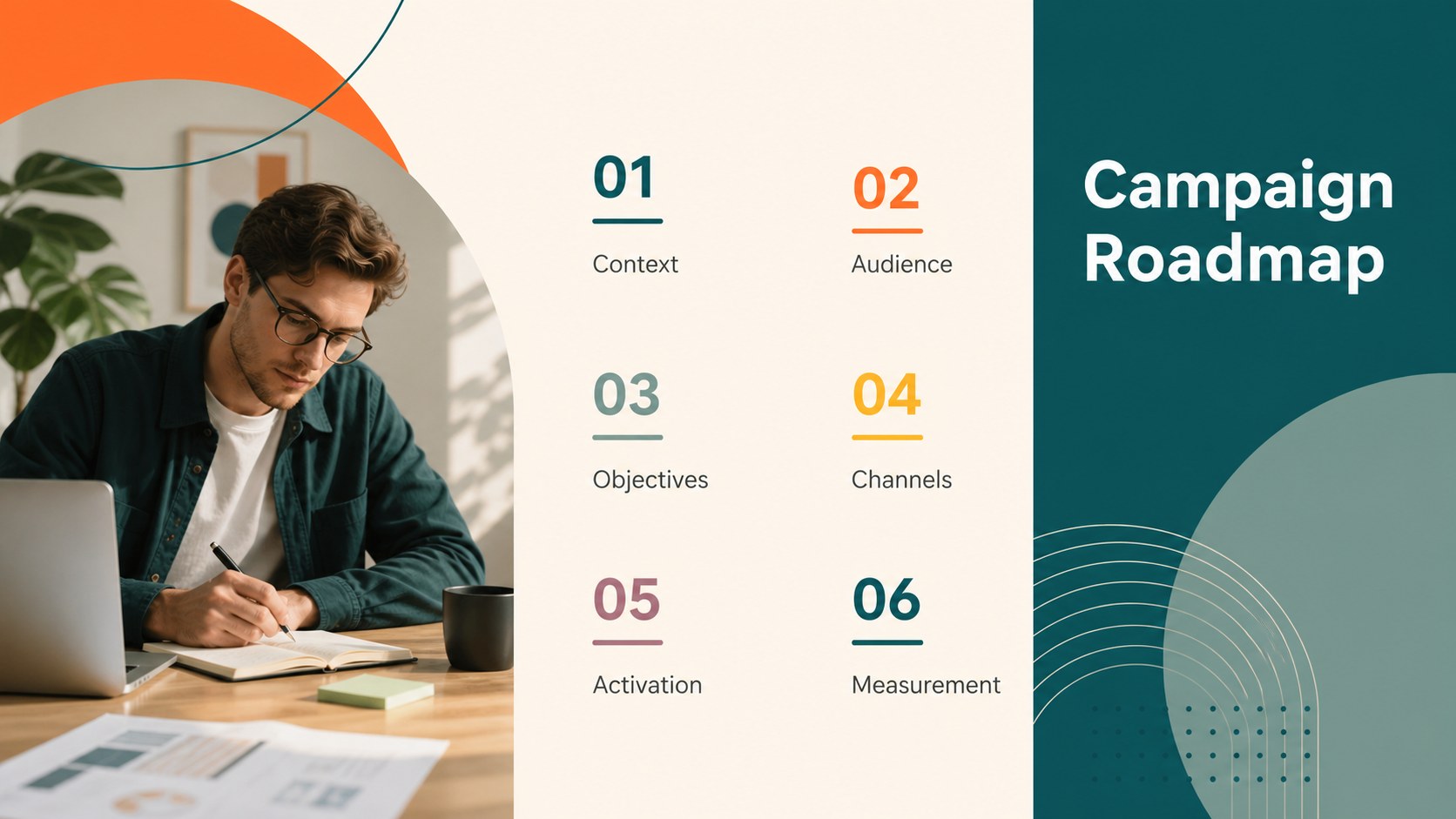
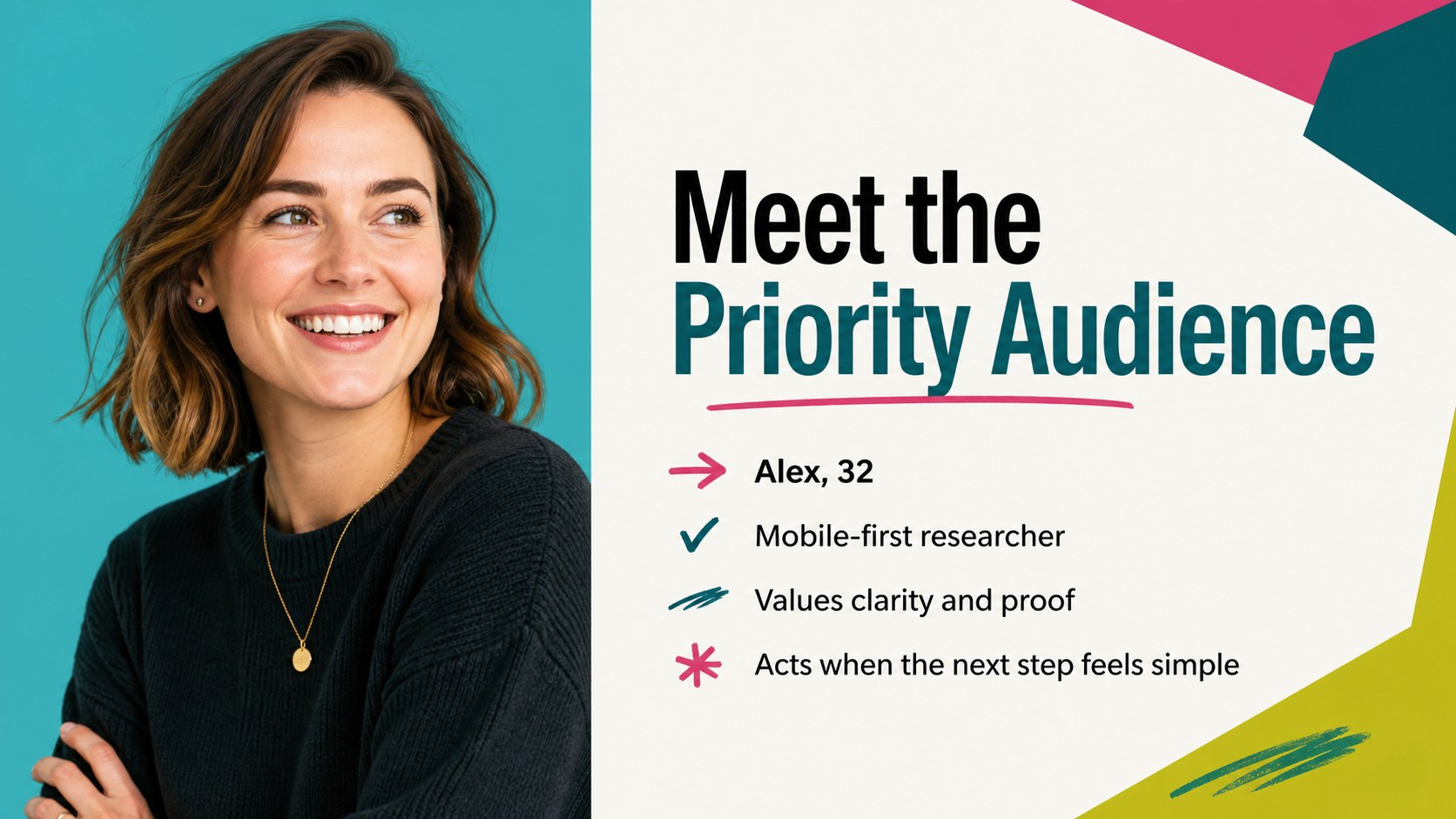
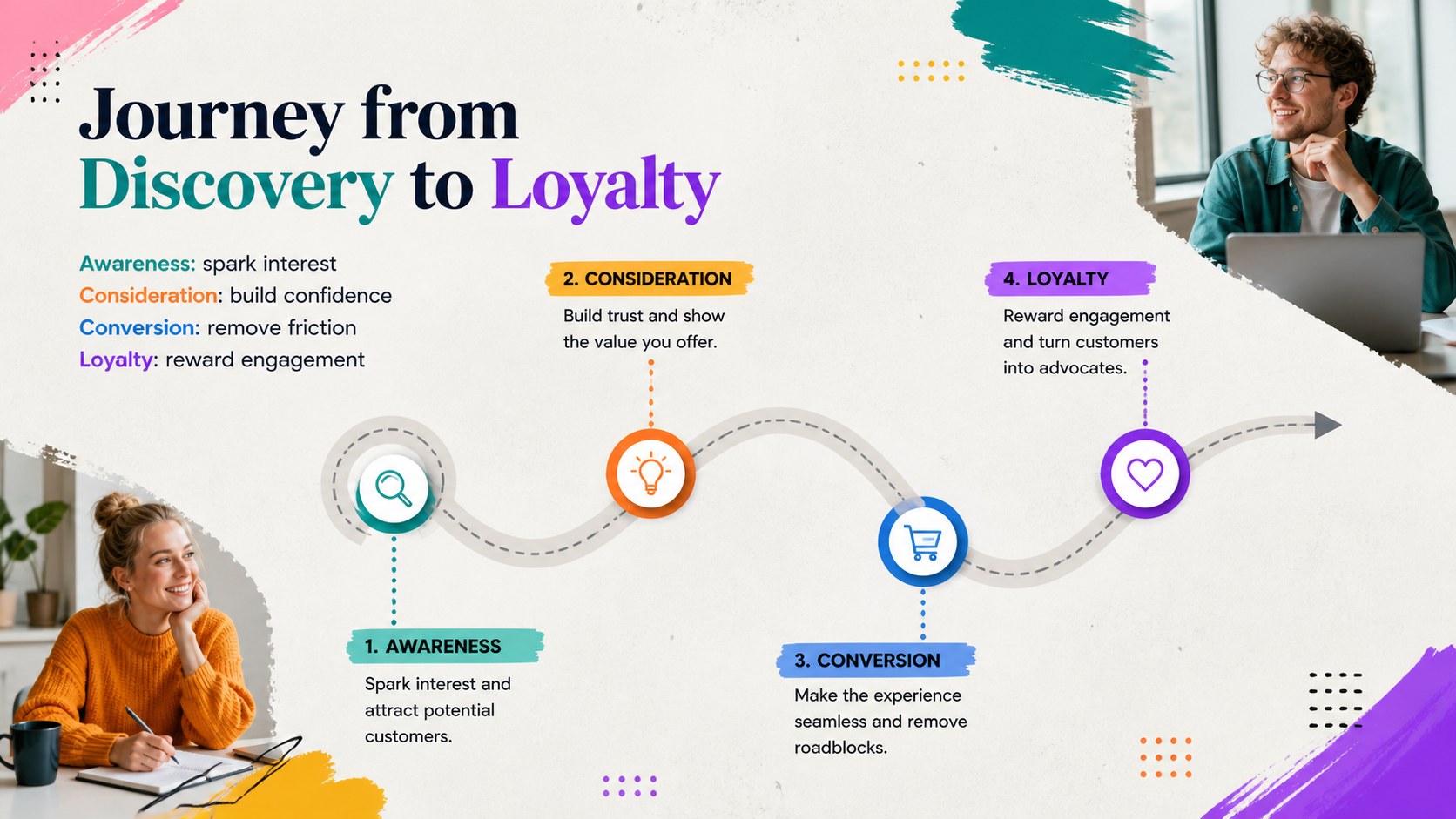
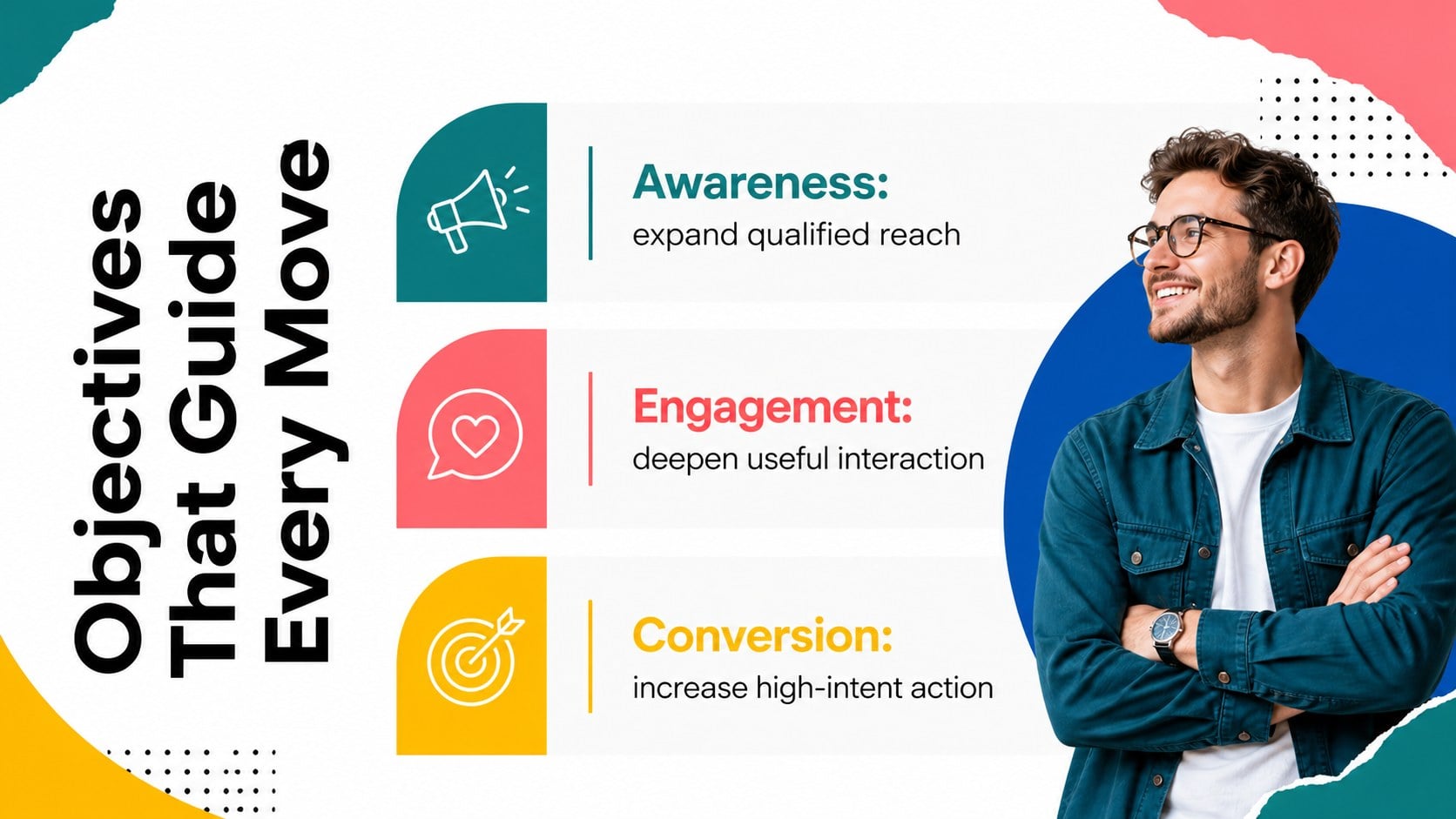
Bring structure and energy to your next marketing presentation with the Colorful Digital Campaign Strategy Deck. Designed for modern campaign planning, it combines bold color, editorial photography, clean typography, and fluid geometric accents to help complex ideas feel clear. Use it to explain objectives, audience insights, channel choices, creative direction, budgets, and expected results without crowding the screen.
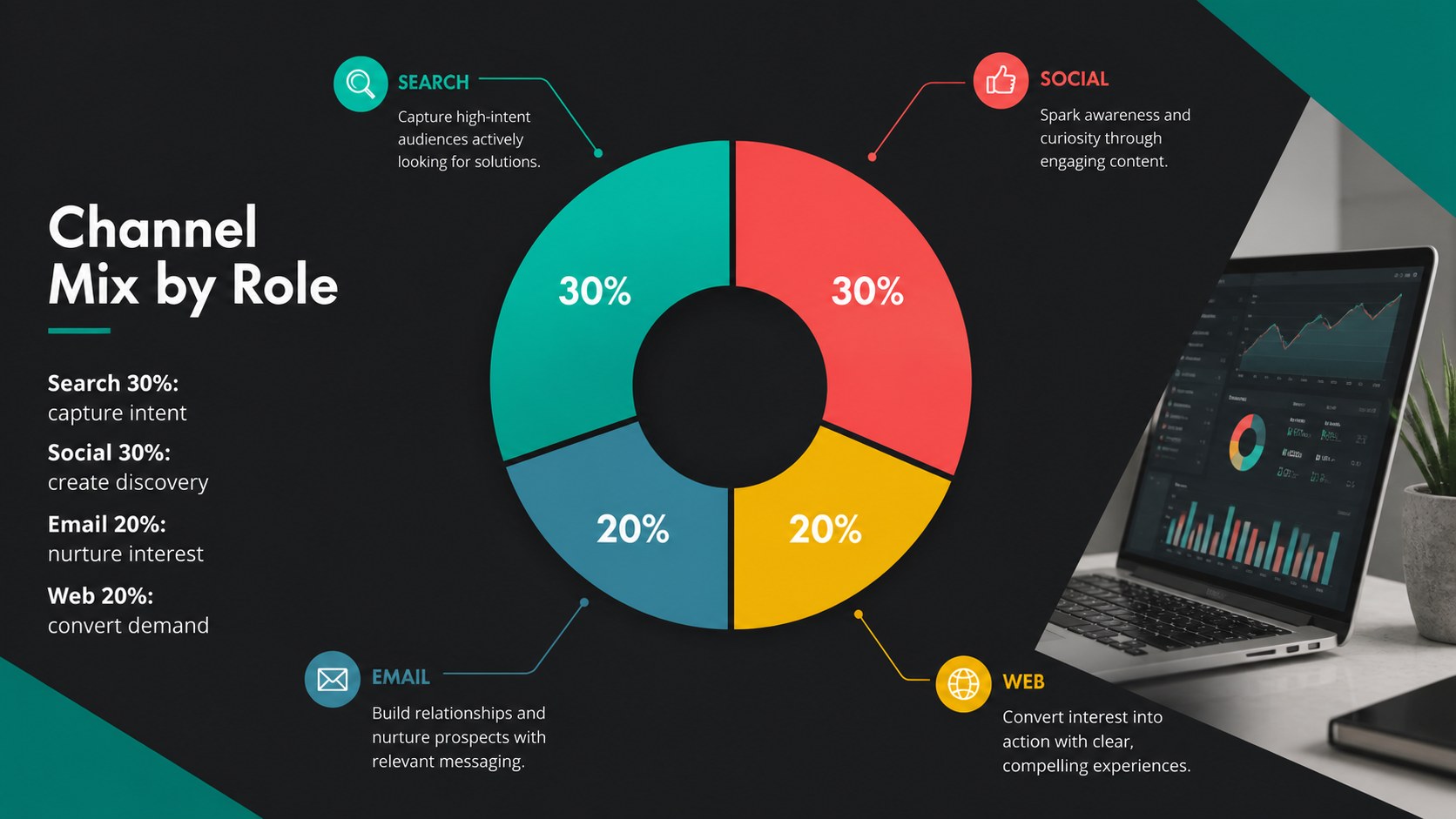
The 16-slide layout includes a campaign overview, agenda, market context, audience profiles, customer journey, content pillars, channel mix, publishing timeline, budget allocation, KPI dashboard, optimization cycle, and next steps. Flexible chart, table, timeline, and image layouts make it a practical multichannel marketing campaign presentation as well as a digital marketing roadmap slide deck. Every page can be adapted with your own copy, photos, colors, metrics, and campaign assets.
This template is built for agency strategists, in-house marketing teams, social media managers, consultants, brand leads, and small business owners. It works equally well for a marketing agency client proposal, an internal planning workshop, a quarterly campaign review, or a launch briefing. Edit the slides in PowerPoint or Google Slides, rearrange sections to match your workflow, and duplicate layouts when you need additional detail. The cohesive visual system keeps strategy, creative concepts, and performance data connected from the opening statement through the final action plan.
Perfect for: marketing agency client proposal; multichannel campaign planning; product launch briefing; quarterly campaign review; content strategy workshop; digital marketing roadmap.
Frequently asked questions
Can I edit every element in this presentation? Yes. Text, colors, photos, shapes, charts, and section order can be customized to match your campaign and visual identity. You can also duplicate or remove layouts as your presentation changes.
Practical details
Yes. Text, colors, photos, shapes, charts, and section order can be customized to match your campaign and visual identity. You can also duplicate or remove layouts as your presentation changes.
The deck is designed for PowerPoint and Google Slides. Minor font or image adjustments may be needed when moving between platforms, depending on the fonts installed on your device.
Replace the sample palette with your brand colors, apply your preferred typefaces, and swap the editorial images for campaign photography. Keep the established spacing and hierarchy to preserve the deck's polished visual rhythm.
Yes. It includes editable structures for KPIs, channel allocation, budgets, timelines, audience insights, and performance comparisons. Replace the sample figures with verified campaign data before presenting.
Keep exploring
15Build an engaging World UFO Day session with this flying saucer history lesson deck, featuring retro green-and-brown slides for PowerPoint and Google Slides.
 15
15Plan a lively animal-learning journey with this jungle zoo adventure lesson deck, ready to customize in PowerPoint and Google Slides for young learners.
 16
16Turn environmental research into a clear story with a Watercolor Ecology Presentation Theme for PowerPoint and Google Slides in calming green and blue.
 16
16Build focused fashion, literature, and humanities presentations with the Red Triangle Editorial Theme, editable in PowerPoint and Google Slides.
 15
15Turn streaming stats, favorite tracks, and concert highlights into a bold annual listening recap slide deck for PowerPoint and Google Slides.
 15
15Turn highlights, milestones, and favorite moments into a colorful year in review slide deck with bold 3D graphics for PowerPoint and Google Slides.
 3
3Build a credible endorsement with Standout Colleague Recommendation Letter Slides, featuring colorful prompts for skills, achievements, and team impact.
 4
4Build clear beginner sessions with an ice hockey fundamentals training deck for coaches, PE teachers, and clubs, ready for PowerPoint and Google Slides.