
 15
15presentation
Flying Saucer History Lesson Deck
Build an engaging World UFO Day session with this flying saucer history lesson deck, featuring retro green-and-brown slides for PowerPoint and Google Slides.
Google SlidesPowerPoint
presentation · English
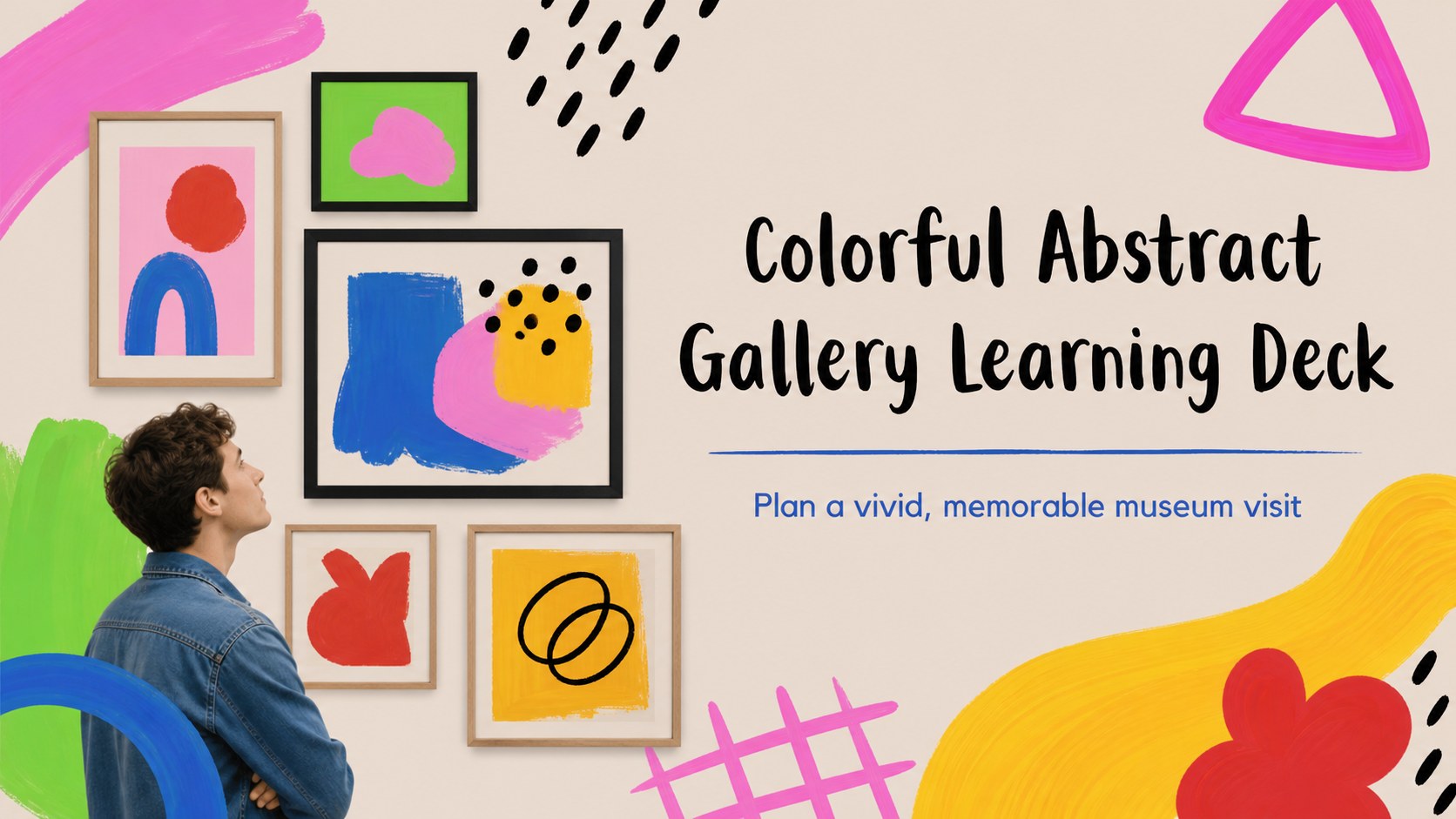
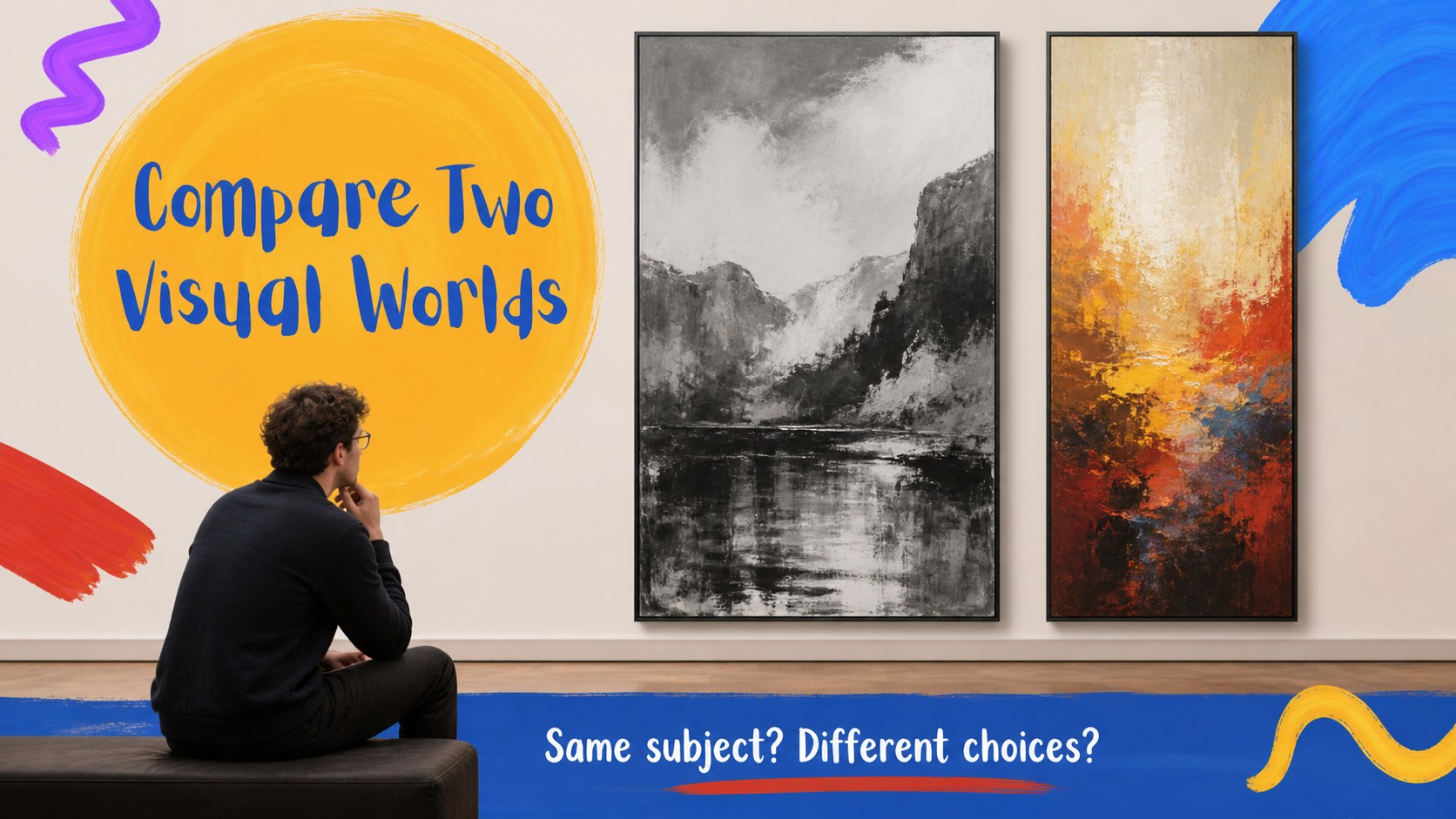
Build an engaging museum visit lesson with this abstract gallery learning deck, featuring vivid painterly layouts for artists, artworks, and student…
Design notes
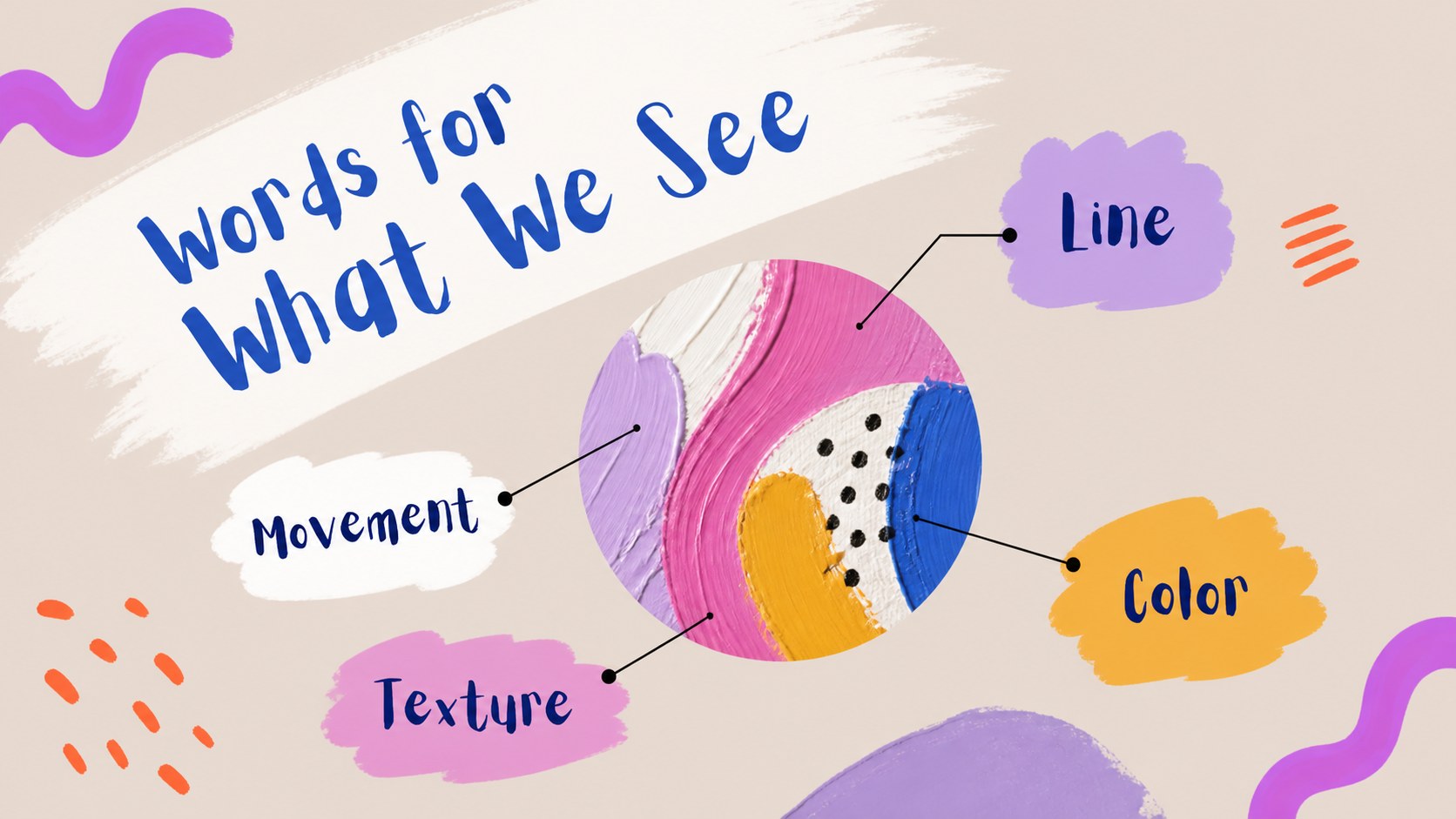
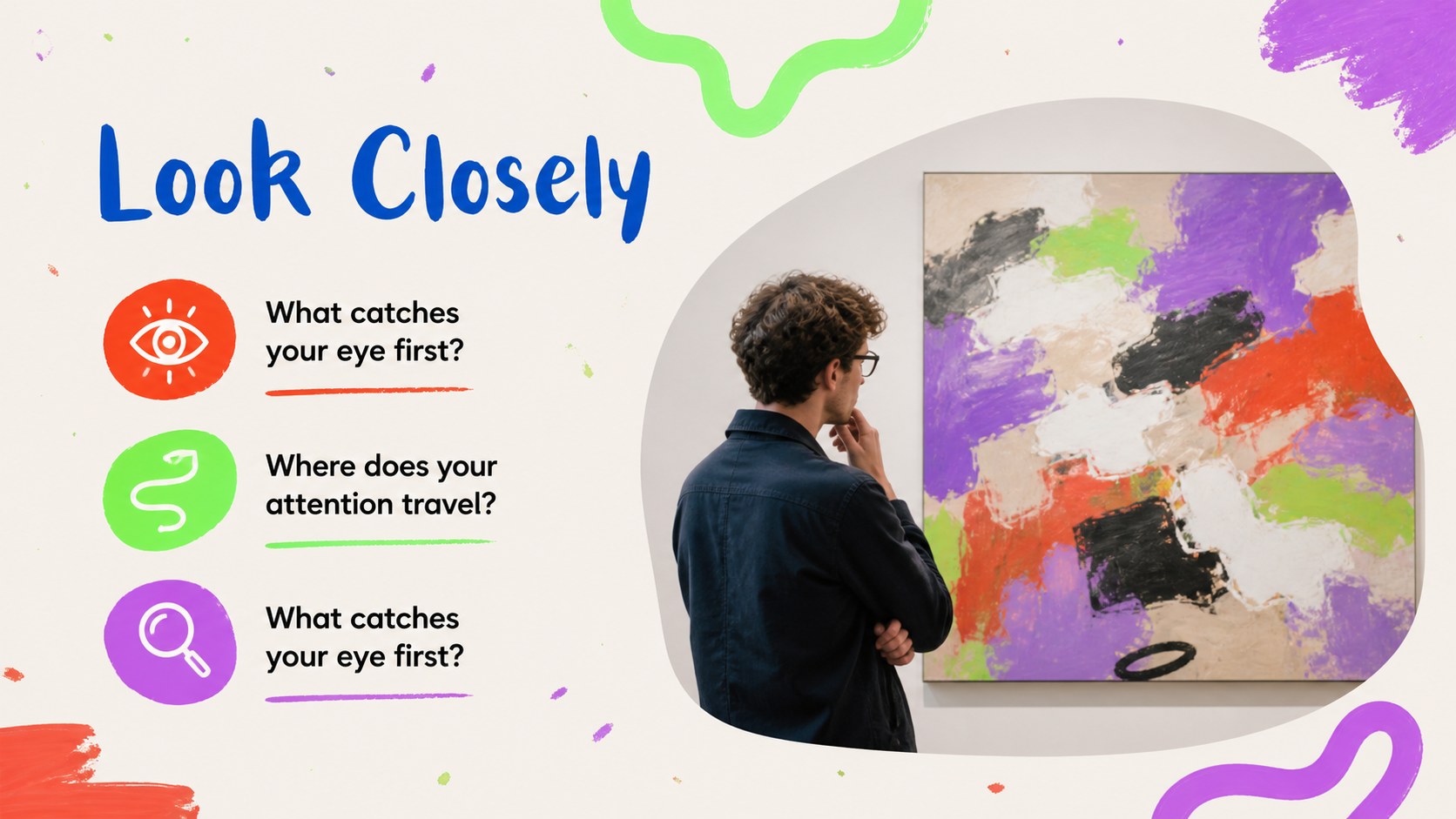
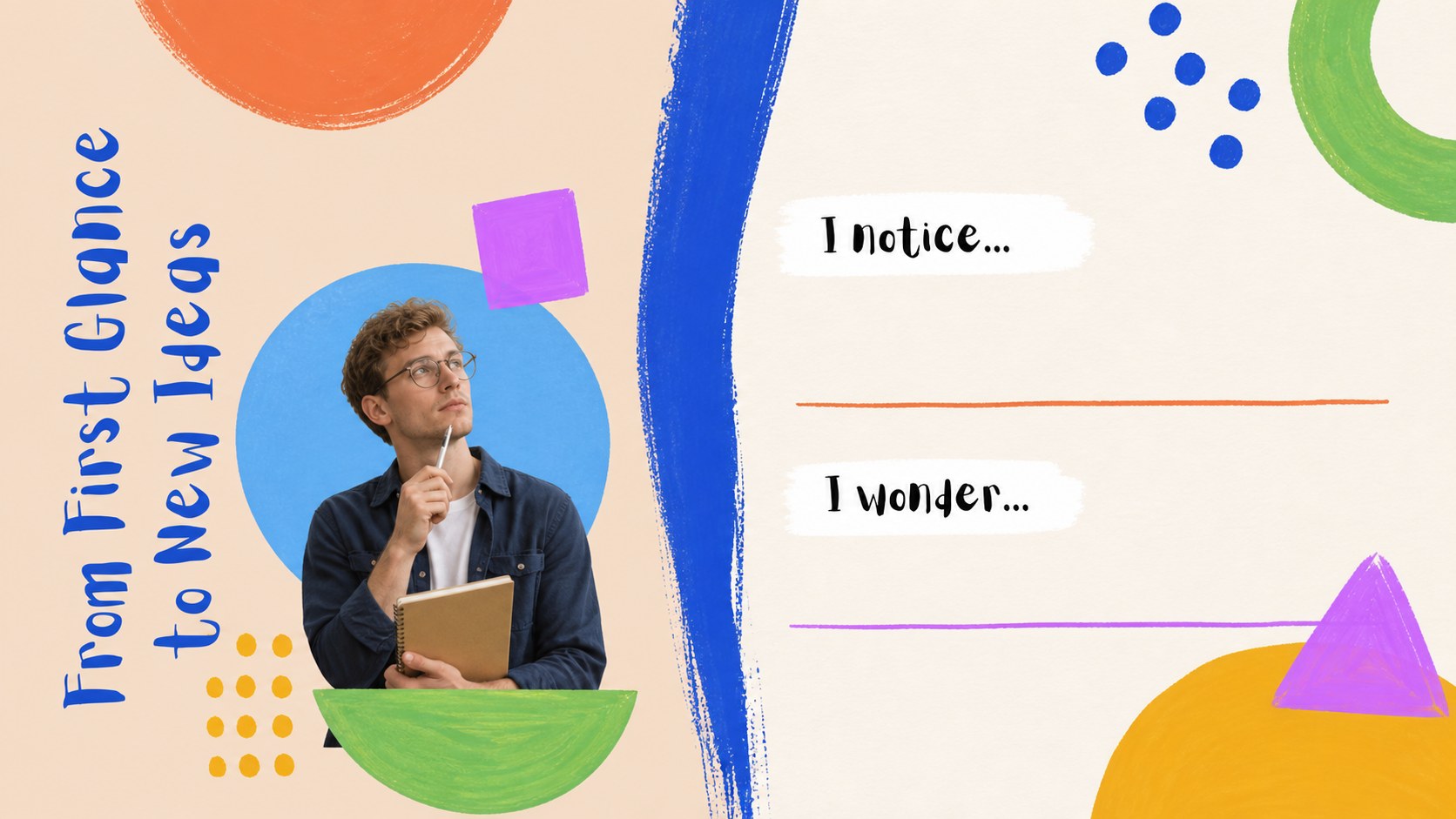
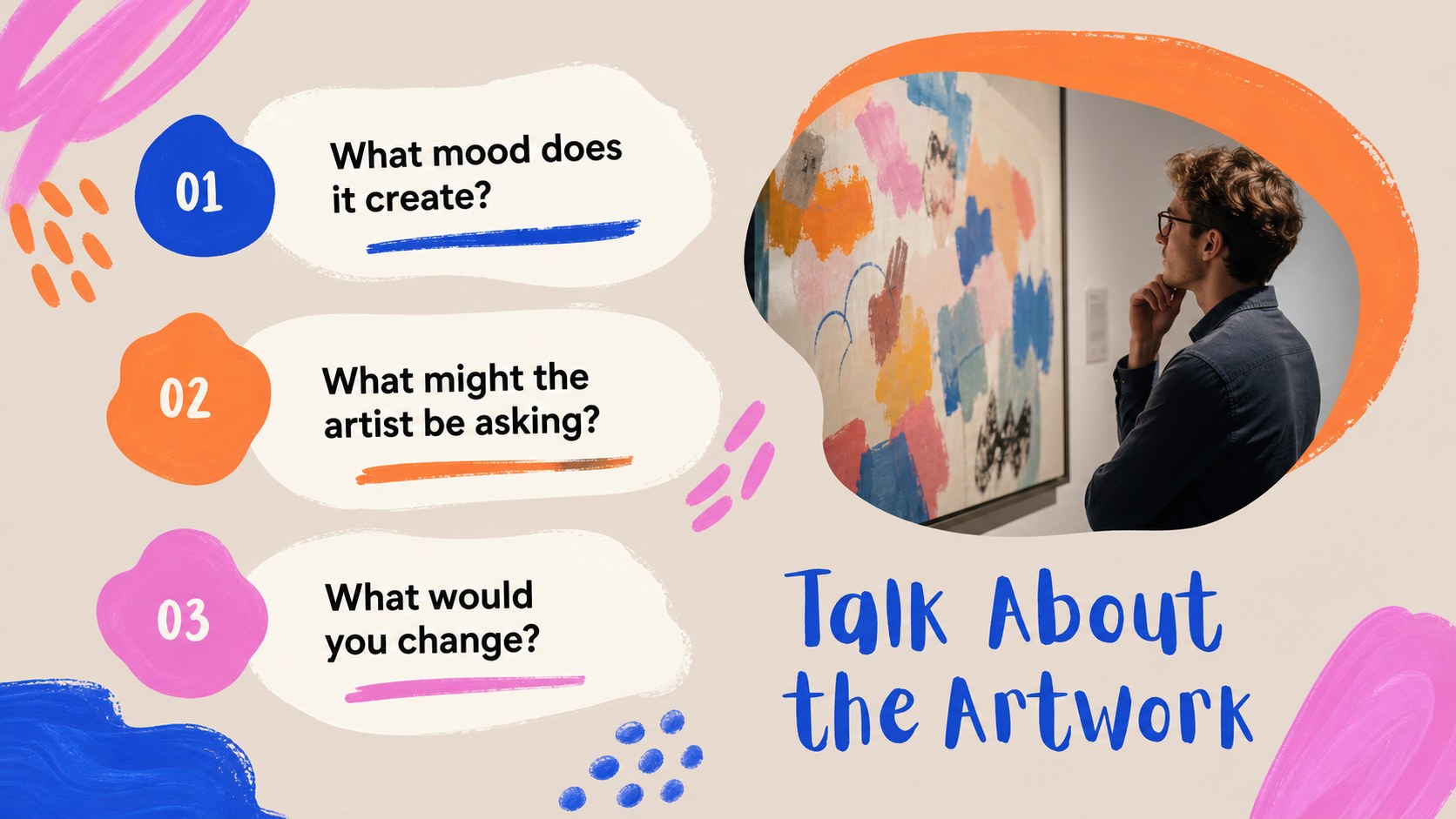
Make every gallery visit easier to plan and more memorable to discuss with this abstract gallery learning deck. Designed around vivid brush textures, expressive color, and playful composition, it gives teachers a visually rich way to introduce artists, frame looking activities, and help students respond to artworks. Use the deck as an art museum field trip presentation, a classroom preview, or a follow-up reflection activity.
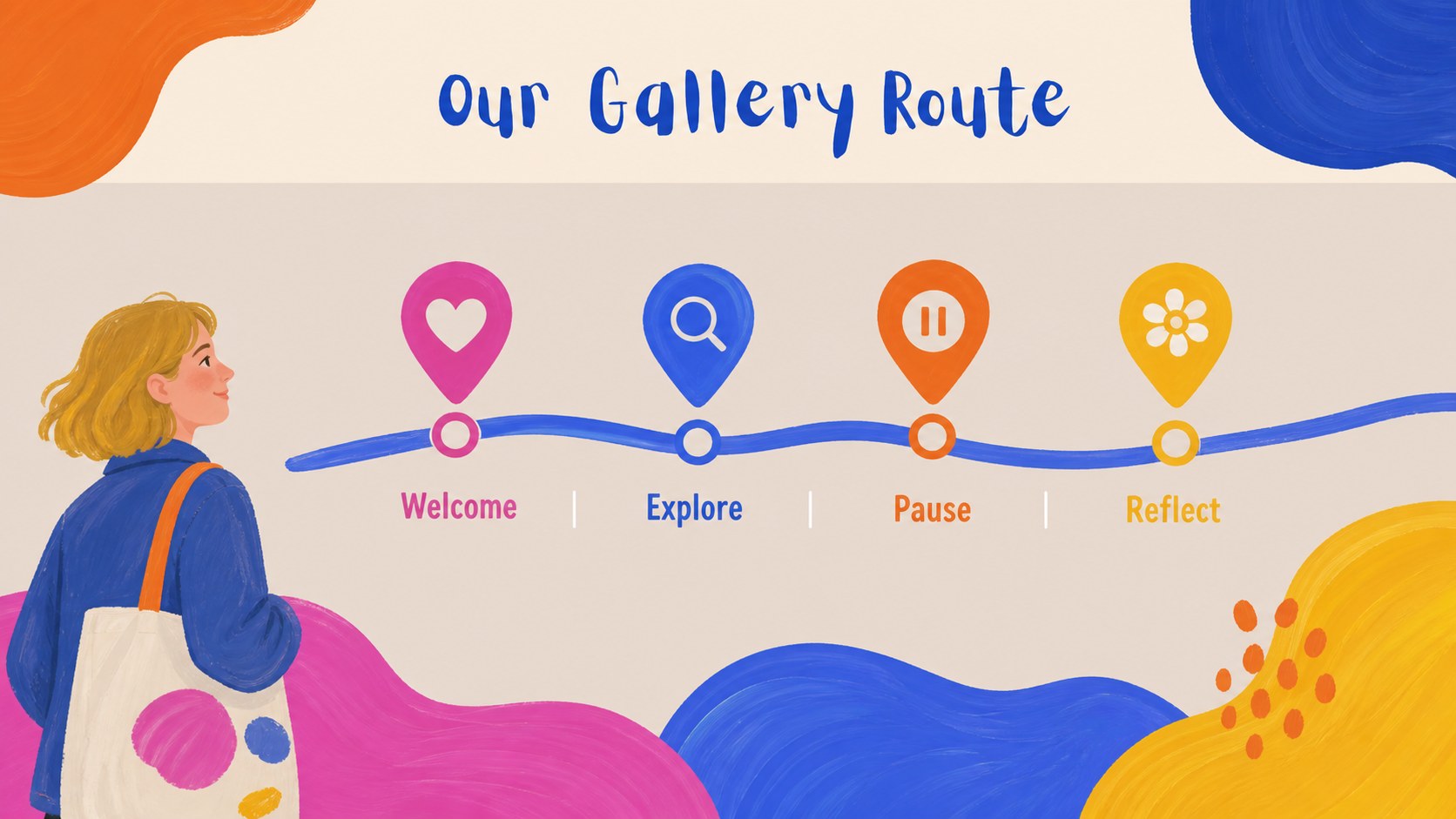
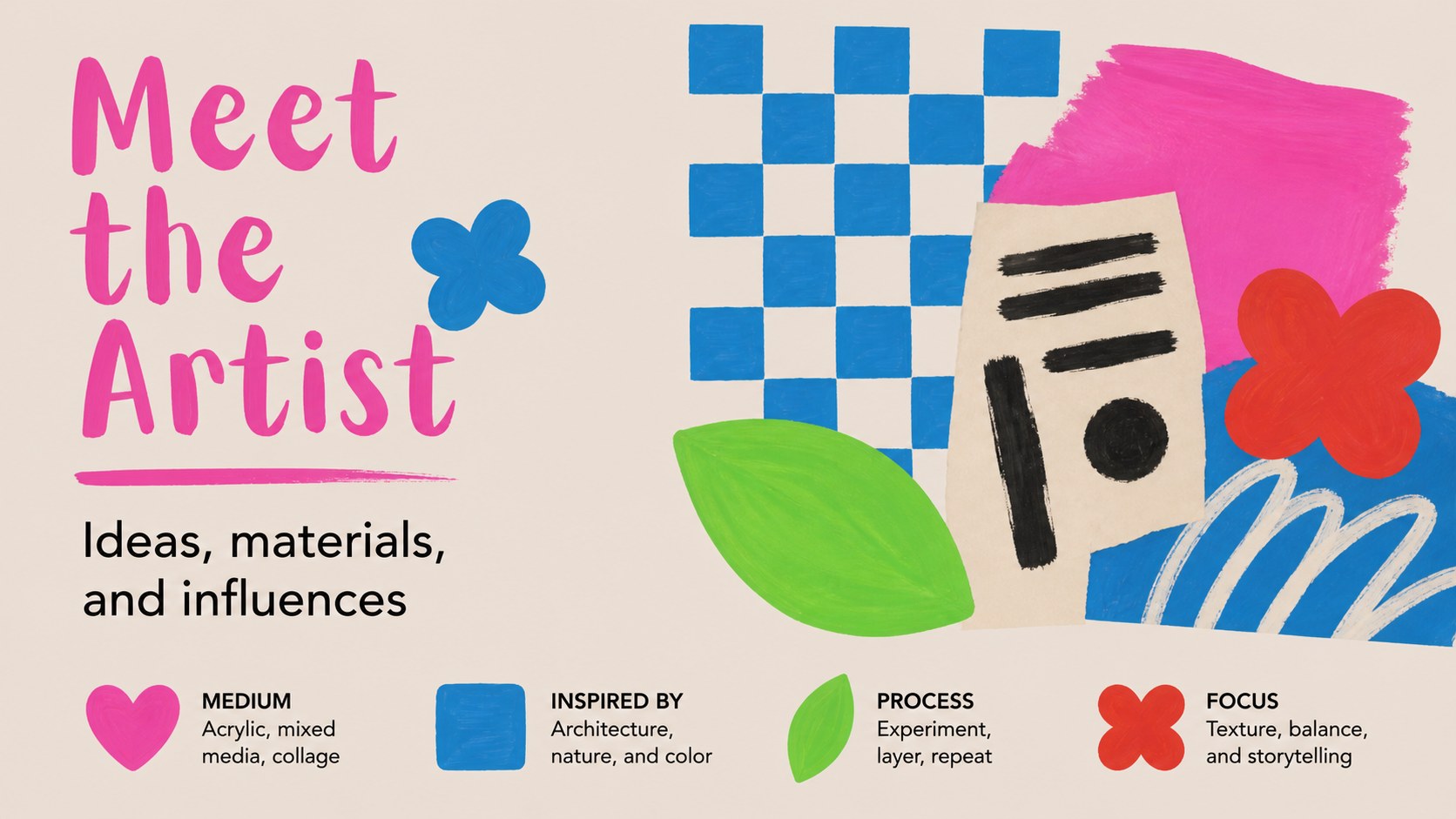
Inside, you will find more than 25 editable layouts for trip objectives, artist profiles, artwork close readings, vocabulary, observation prompts, discussion questions, schedules, and student takeaways. Image spaces, quote layouts, comparison slides, and simple data visuals make it easy to combine factual information with creative interpretation. The painterly visual system keeps the subject energetic while leaving enough structure for clear teaching.
This resource is suited to elementary and secondary educators, museum educators, art clubs, homeschool groups, and creative learning coordinators. It also works well for a gallery visit presentation shared with families or school administrators. Edit, then export to PowerPoint or Google Slides when you need a classroom handout, presentation file, or collaborative planning copy.
Perfect for: pre-trip classroom briefing; museum educator workshop; student artwork analysis; gallery reflection session; school arts program planning.
Frequently asked questions
Can I edit this deck? Yes. The layouts are designed for editing, including text, images, colors, shapes, and page animations. You can start with the existing structure and adapt it to your museum visit or lesson plan.
Practical details
Yes. The layouts are designed for editing, including text, images, colors, shapes, and page animations. You can start with the existing structure and adapt it to your museum visit or lesson plan.
Yes. Open the design and export it as a PowerPoint file, or save an editable copy to Google Drive for Google Slides. Some -specific animations and media may change during export.
Replace the sample artwork references with the artists, exhibits, and vocabulary relevant to your destination. You can also adjust the schedule, observation prompts, discussion questions, and student reflection pages.
The deck can support elementary, secondary, and informal learning settings because every slide is editable. Simplify the language for younger learners or add deeper context and comparison prompts for older students.
Keep exploring
15Build an engaging World UFO Day session with this flying saucer history lesson deck, featuring retro green-and-brown slides for PowerPoint and Google Slides.
 15
15Plan a lively animal-learning journey with this jungle zoo adventure lesson deck, ready to customize in PowerPoint and Google Slides for young learners.
 16
16Turn environmental research into a clear story with a Watercolor Ecology Presentation Theme for PowerPoint and Google Slides in calming green and blue.
 16
16Build focused fashion, literature, and humanities presentations with the Red Triangle Editorial Theme, editable in PowerPoint and Google Slides.
 15
15Turn streaming stats, favorite tracks, and concert highlights into a bold annual listening recap slide deck for PowerPoint and Google Slides.
 15
15Turn highlights, milestones, and favorite moments into a colorful year in review slide deck with bold 3D graphics for PowerPoint and Google Slides.
 3
3Build a credible endorsement with Standout Colleague Recommendation Letter Slides, featuring colorful prompts for skills, achievements, and team impact.
 4
4Build clear beginner sessions with an ice hockey fundamentals training deck for coaches, PE teachers, and clubs, ready for PowerPoint and Google Slides.