
 15
15presentation
Flying Saucer History Lesson Deck
Build an engaging World UFO Day session with this flying saucer history lesson deck, featuring retro green-and-brown slides for PowerPoint and Google Slides.
Google SlidesPowerPoint
presentation · English
Use this colorectal cancer education deck to explain risk, warning signs, screening, diagnosis, and care through clear green, white, and grey slides.

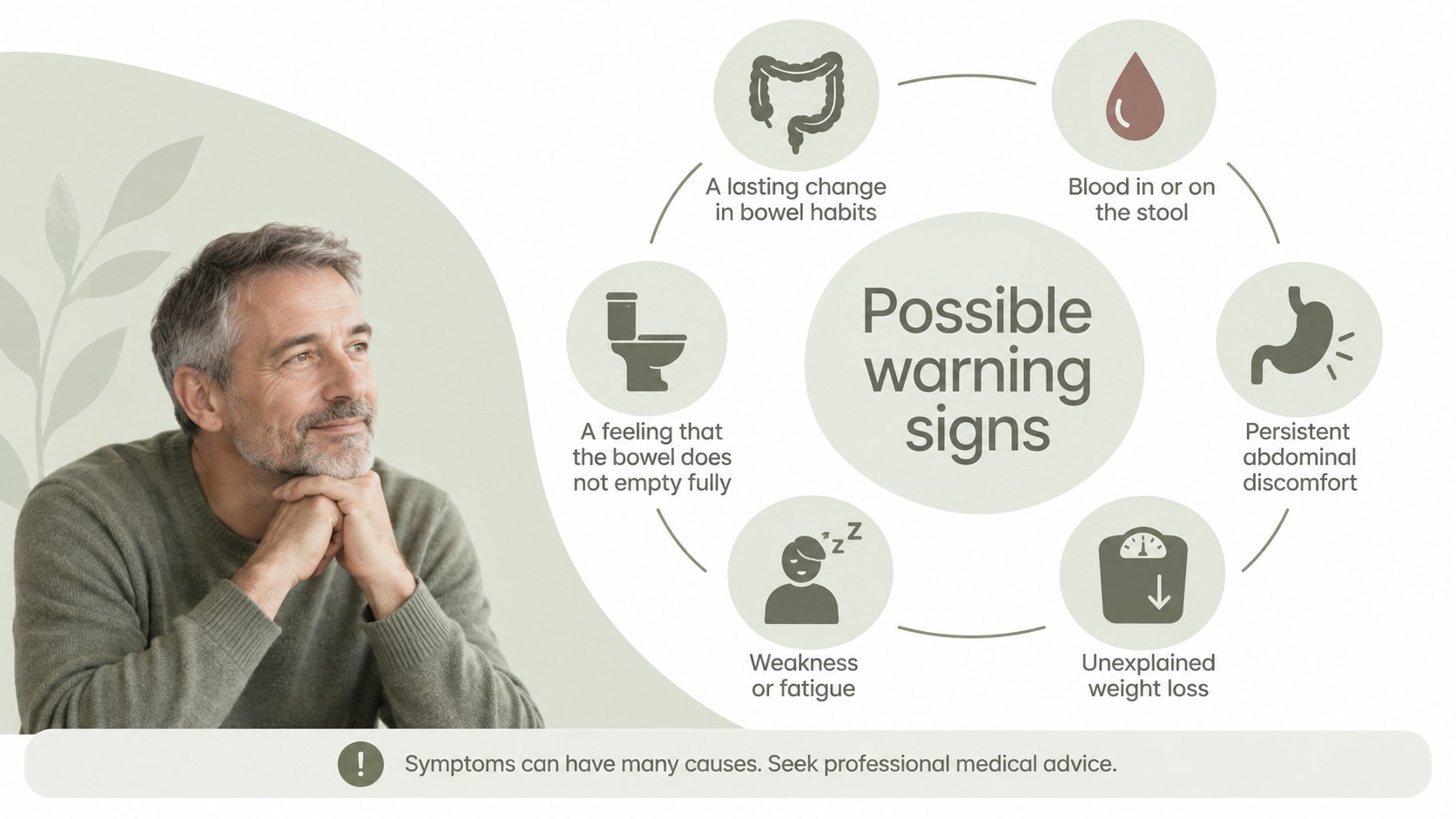
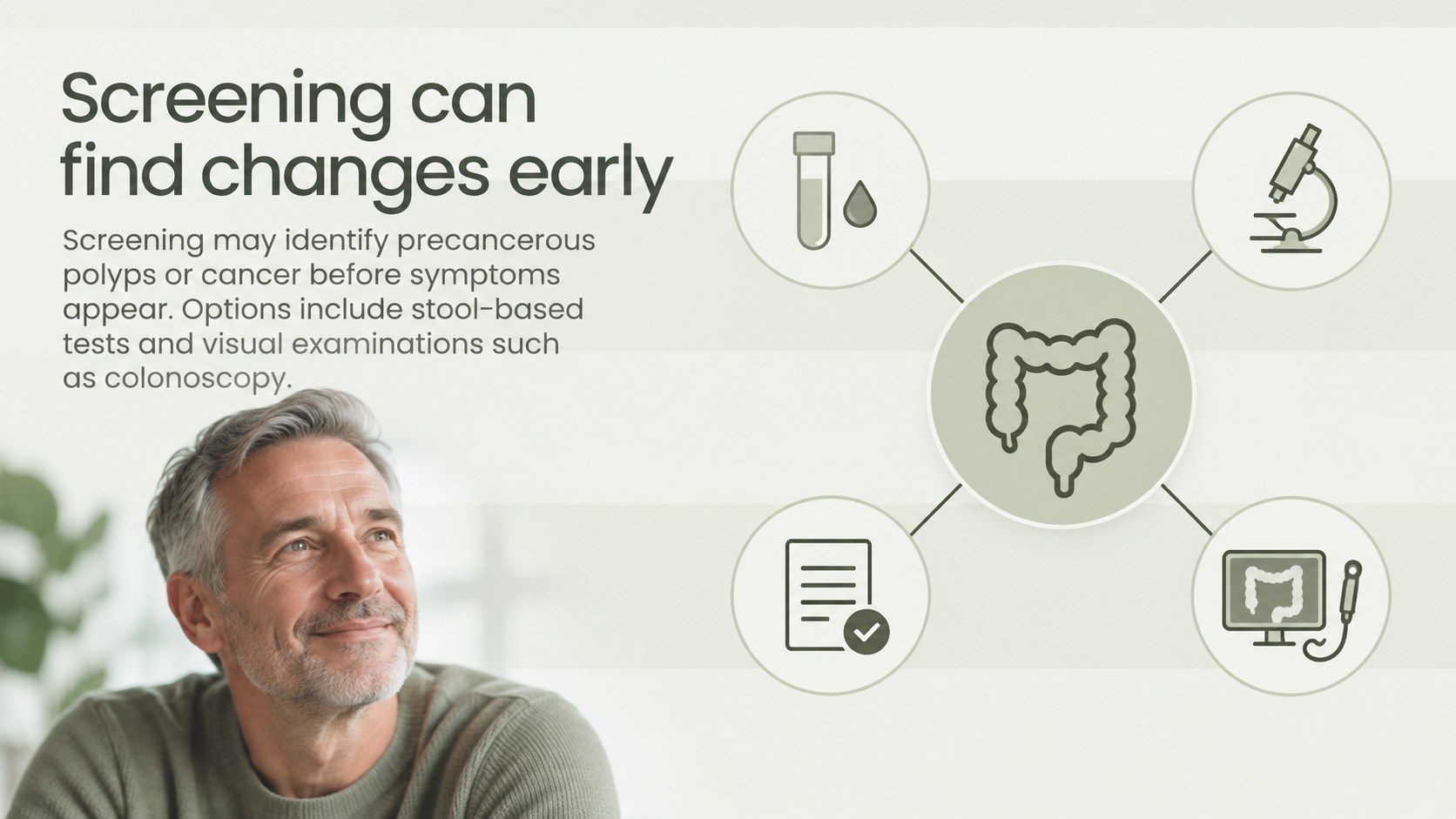
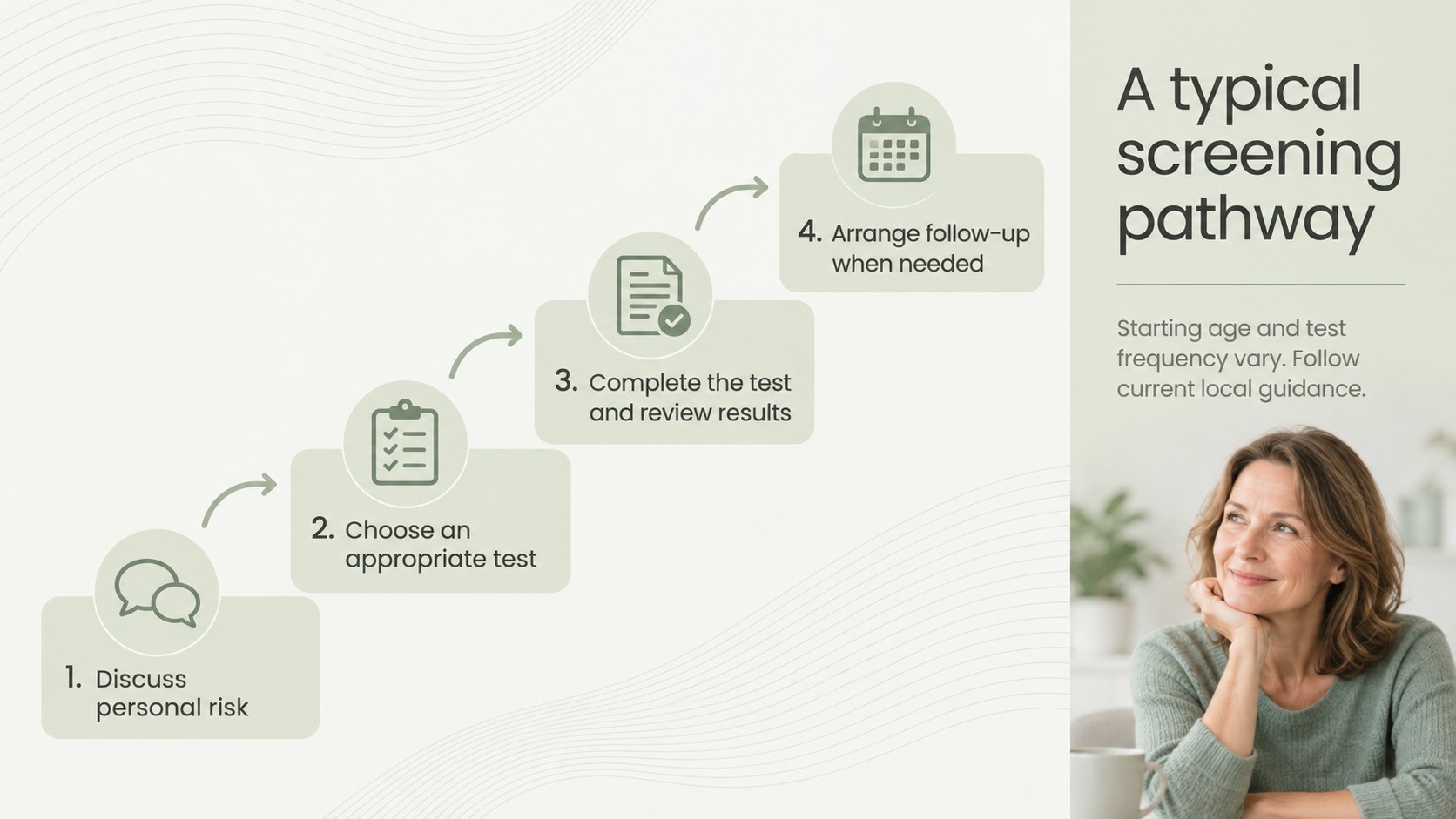

Design notes
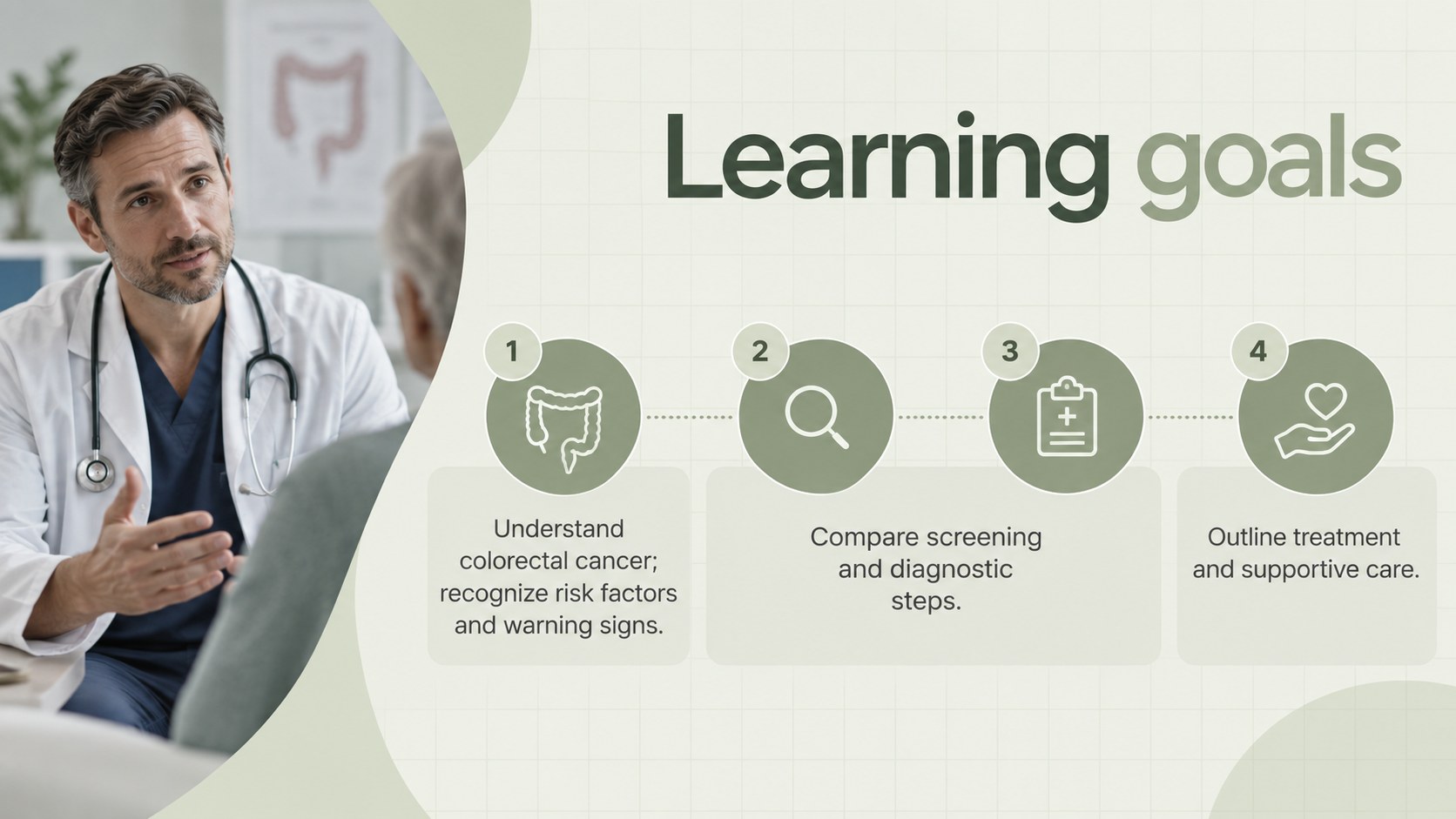
Build a calm, credible lesson with this colorectal cancer education deck, designed to turn a complex health topic into a logical visual sequence. Its restrained green, white, and grey palette creates a professional setting while keeping medical information readable and approachable.
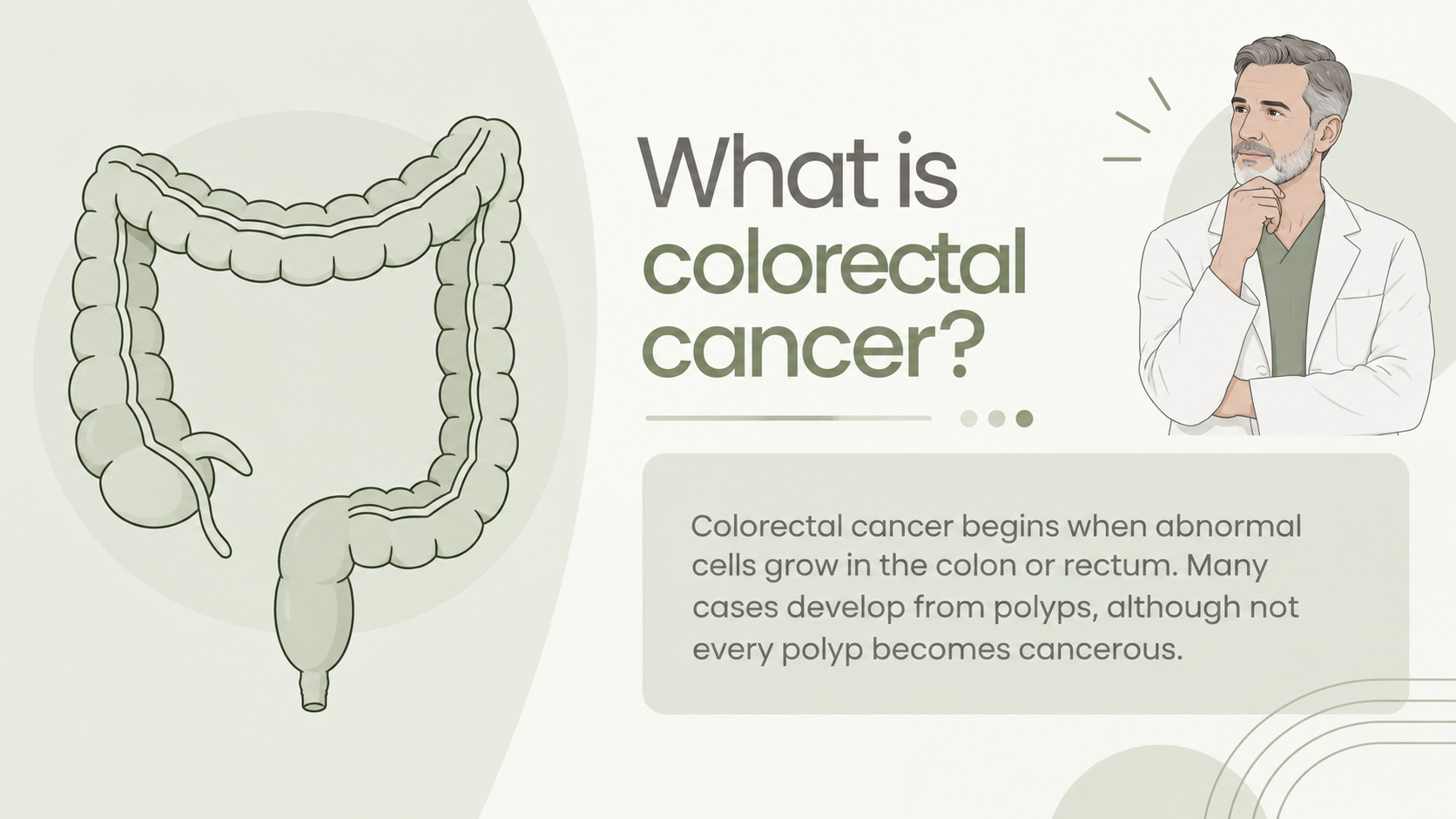
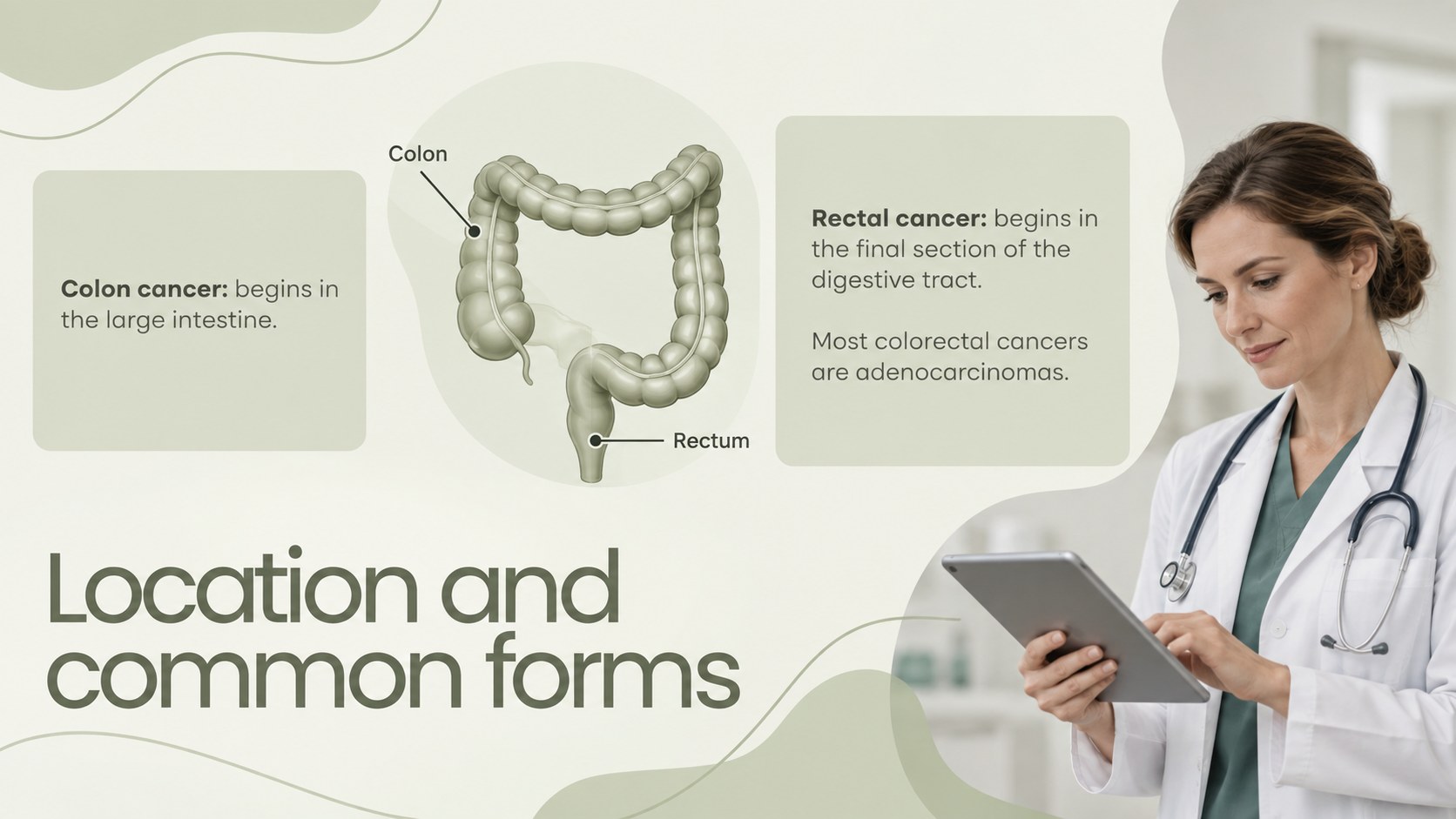
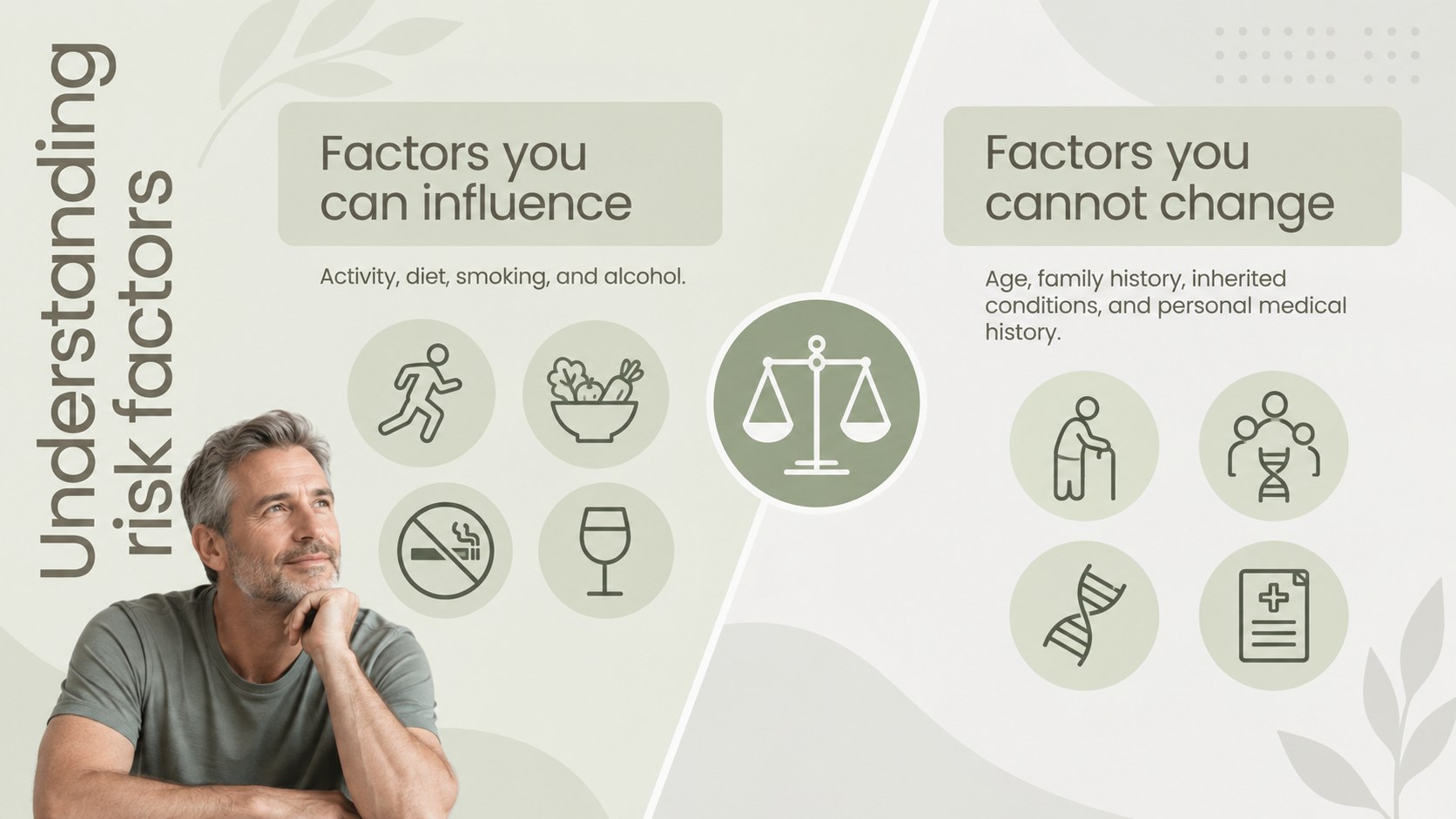
The 15-slide deck covers colorectal anatomy, common cancer types, modifiable and non-modifiable risk factors, possible warning signs, screening methods, diagnosis, staging, treatment pathways, supportive care, and prevention. Dedicated layouts for comparisons, process diagrams, discussion prompts, and key takeaways help you organize detailed material without overcrowding the screen. Use the colorectal cancer screening slides to introduce testing options while reminding viewers to follow current regional guidance.
Created for health educators, nursing and medical instructors, nonprofit teams, clinicians, and community outreach leaders, the template can support a classroom lecture, professional training session, or colon cancer awareness presentation. Every element is editable in PowerPoint and Google Slides, including headings, colors, charts, icons, and image placeholders. Adapt the terminology and depth for students, patients, caregivers, or the general public. The clean typography and consistent hierarchy also make this a practical bowel cancer teaching presentation for audiences that need information delivered sensitively and clearly. Add verified local statistics, clinical references, and organization-specific contact details before presenting.
Perfect for: community screening awareness session; nursing school oncology lesson; patient and caregiver education; public health staff training; medical classroom lecture.
Frequently asked questions
Can I edit the deck in PowerPoint and Google Slides? Yes. The layouts, text, colors, charts, icons, and image placeholders can be edited in PowerPoint and Google Slides. Some fonts or transition effects may vary slightly between platforms.
Practical details
Yes. The layouts, text, colors, charts, icons, and image placeholders can be edited in PowerPoint and Google Slides. Some fonts or transition effects may vary slightly between platforms.
Yes. Replace clinical terminology with plain-language explanations, shorten dense sections, and add local support resources. You can also rearrange the slides to focus on screening, prevention, or treatment.
Yes. The deck includes flexible content and data layouts for regional recommendations, incidence figures, and referral information. Verify all medical details against current guidance before presenting.
No. It is an educational presentation framework rather than a diagnostic or treatment resource. Content should be reviewed by a qualified healthcare professional and tailored to the intended audience.
Keep exploring
15Build an engaging World UFO Day session with this flying saucer history lesson deck, featuring retro green-and-brown slides for PowerPoint and Google Slides.
 15
15Plan a lively animal-learning journey with this jungle zoo adventure lesson deck, ready to customize in PowerPoint and Google Slides for young learners.
 16
16Turn environmental research into a clear story with a Watercolor Ecology Presentation Theme for PowerPoint and Google Slides in calming green and blue.
 16
16Build focused fashion, literature, and humanities presentations with the Red Triangle Editorial Theme, editable in PowerPoint and Google Slides.
 15
15Turn streaming stats, favorite tracks, and concert highlights into a bold annual listening recap slide deck for PowerPoint and Google Slides.
 15
15Turn highlights, milestones, and favorite moments into a colorful year in review slide deck with bold 3D graphics for PowerPoint and Google Slides.
 3
3Build a credible endorsement with Standout Colleague Recommendation Letter Slides, featuring colorful prompts for skills, achievements, and team impact.
 4
4Build clear beginner sessions with an ice hockey fundamentals training deck for coaches, PE teachers, and clubs, ready for PowerPoint and Google Slides.