
 15
15presentation
Flying Saucer History Lesson Deck
Build an engaging World UFO Day session with this flying saucer history lesson deck, featuring retro green-and-brown slides for PowerPoint and Google Slides.
Google SlidesPowerPoint
presentation · English
Make visual art concepts easier to teach with Color Wheel Basics Classroom Slides, featuring editable activities for PowerPoint and Google Slides.
Design notes
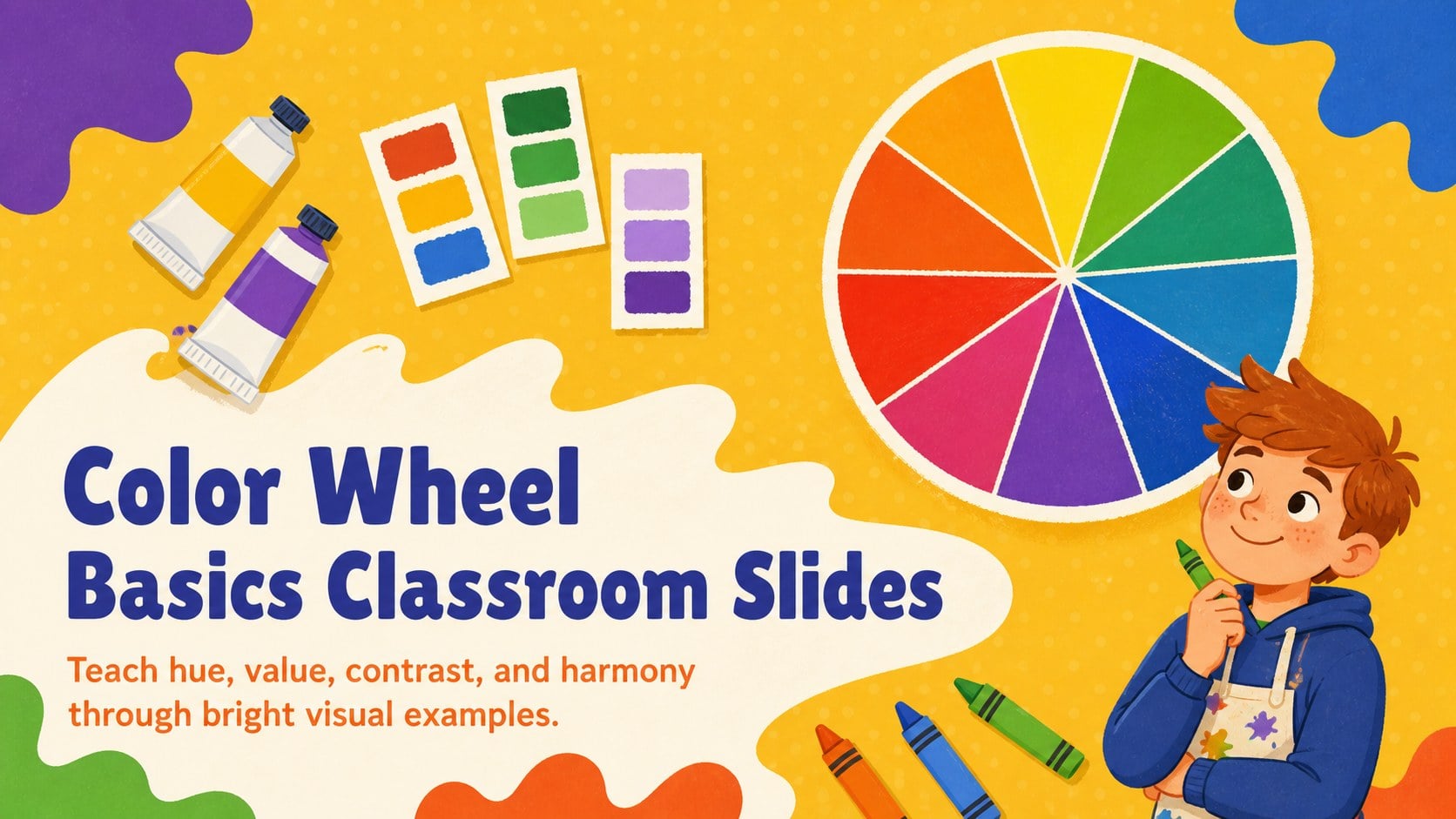
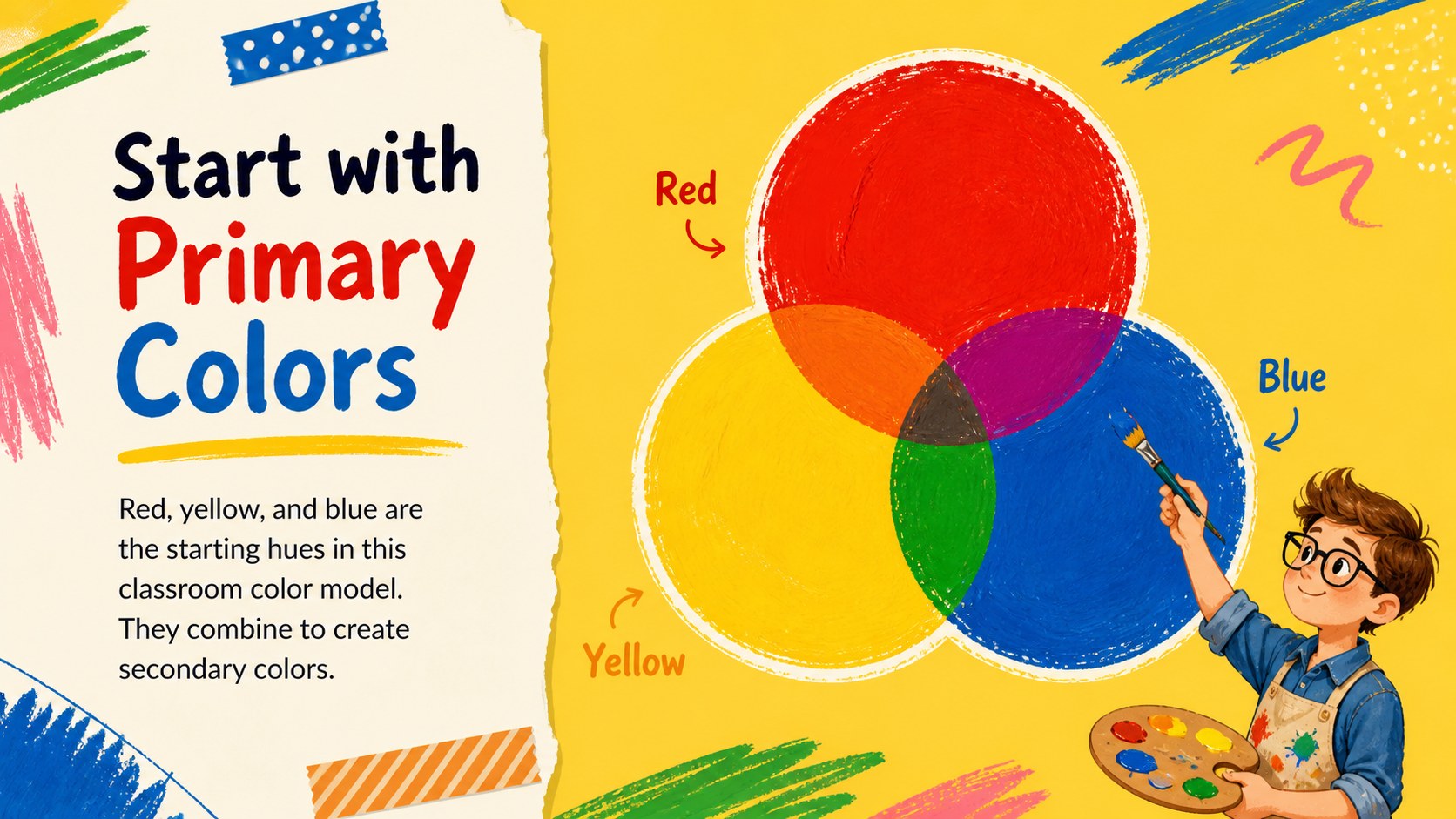
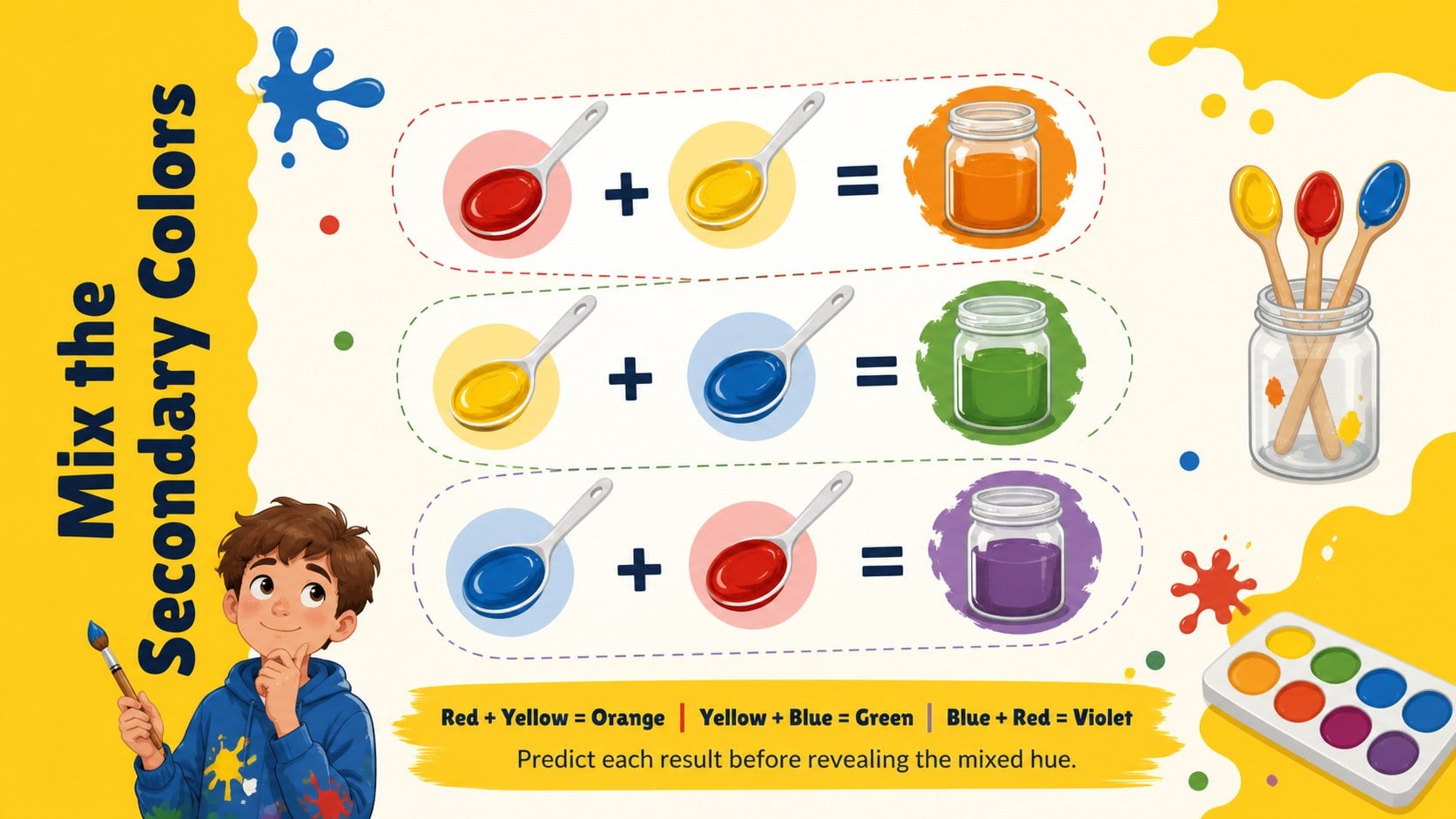
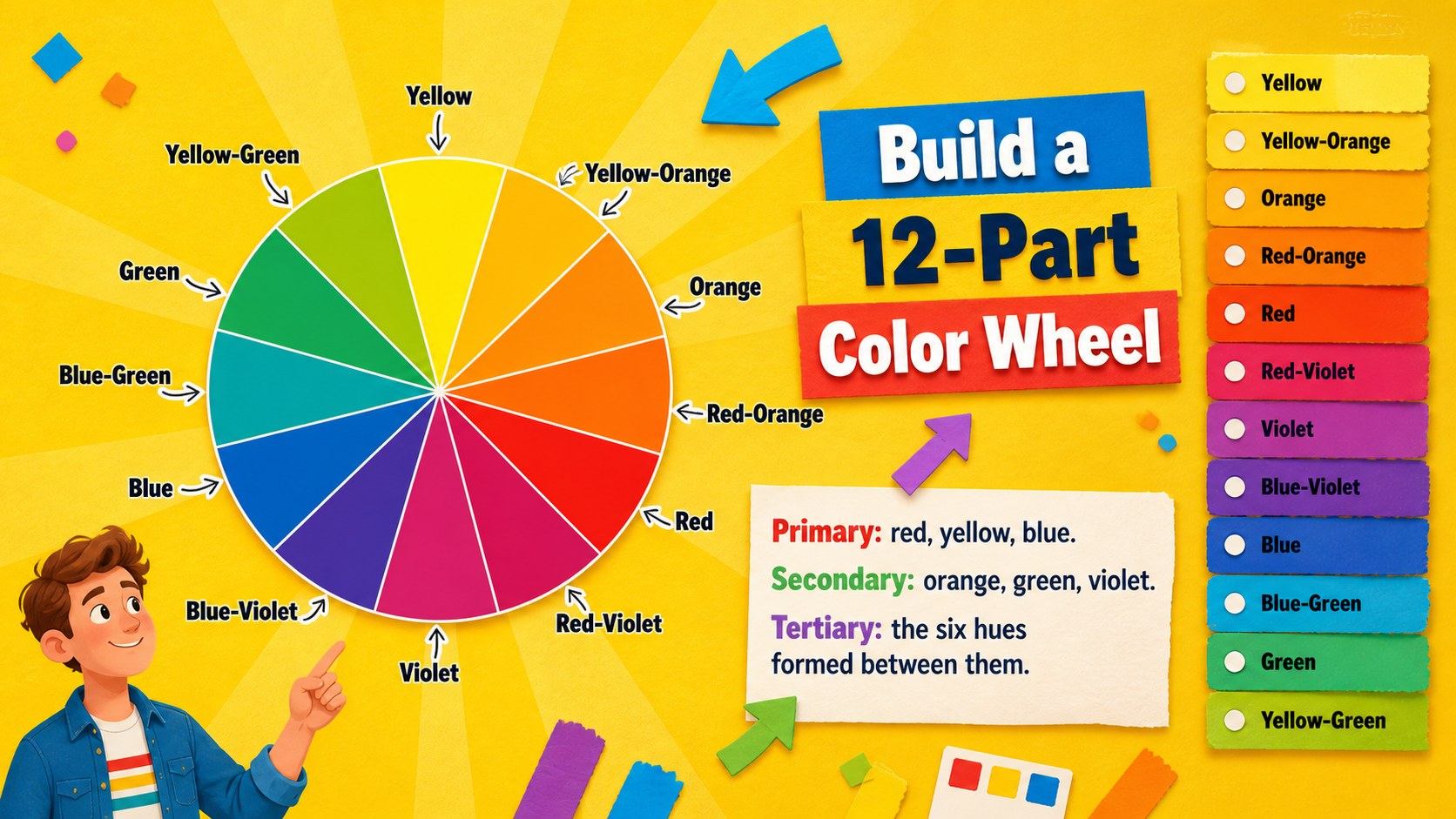
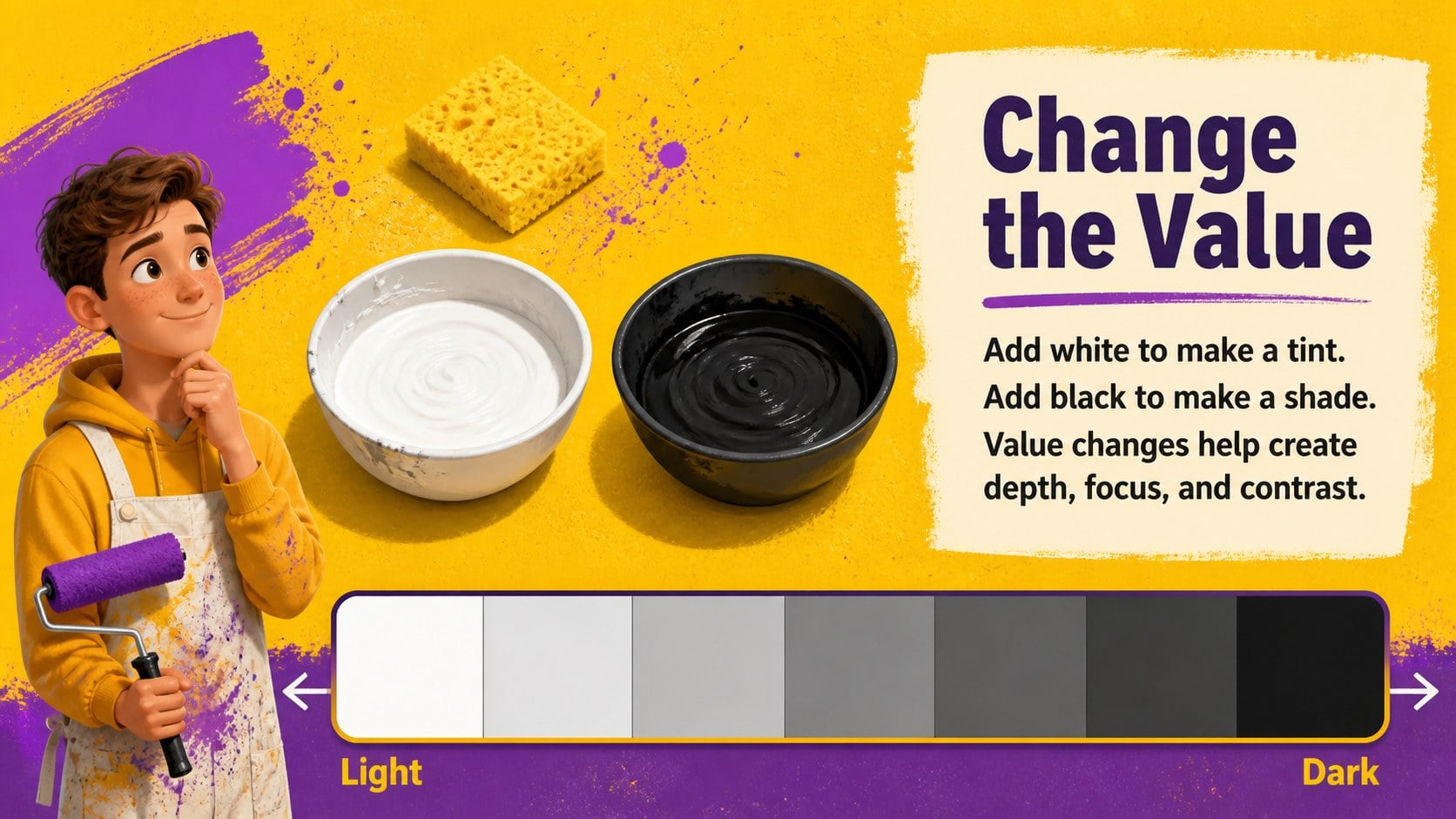
Color Wheel Basics Classroom Slides give educators a lively, visual way to explain how colors relate, mix, and communicate. Designed for PowerPoint and Google Slides, this illustrated yellow template balances playful artwork with clear classroom structure. Use it to introduce primary, secondary, and tertiary colors before moving into temperature, value, contrast, and practical palette choices.
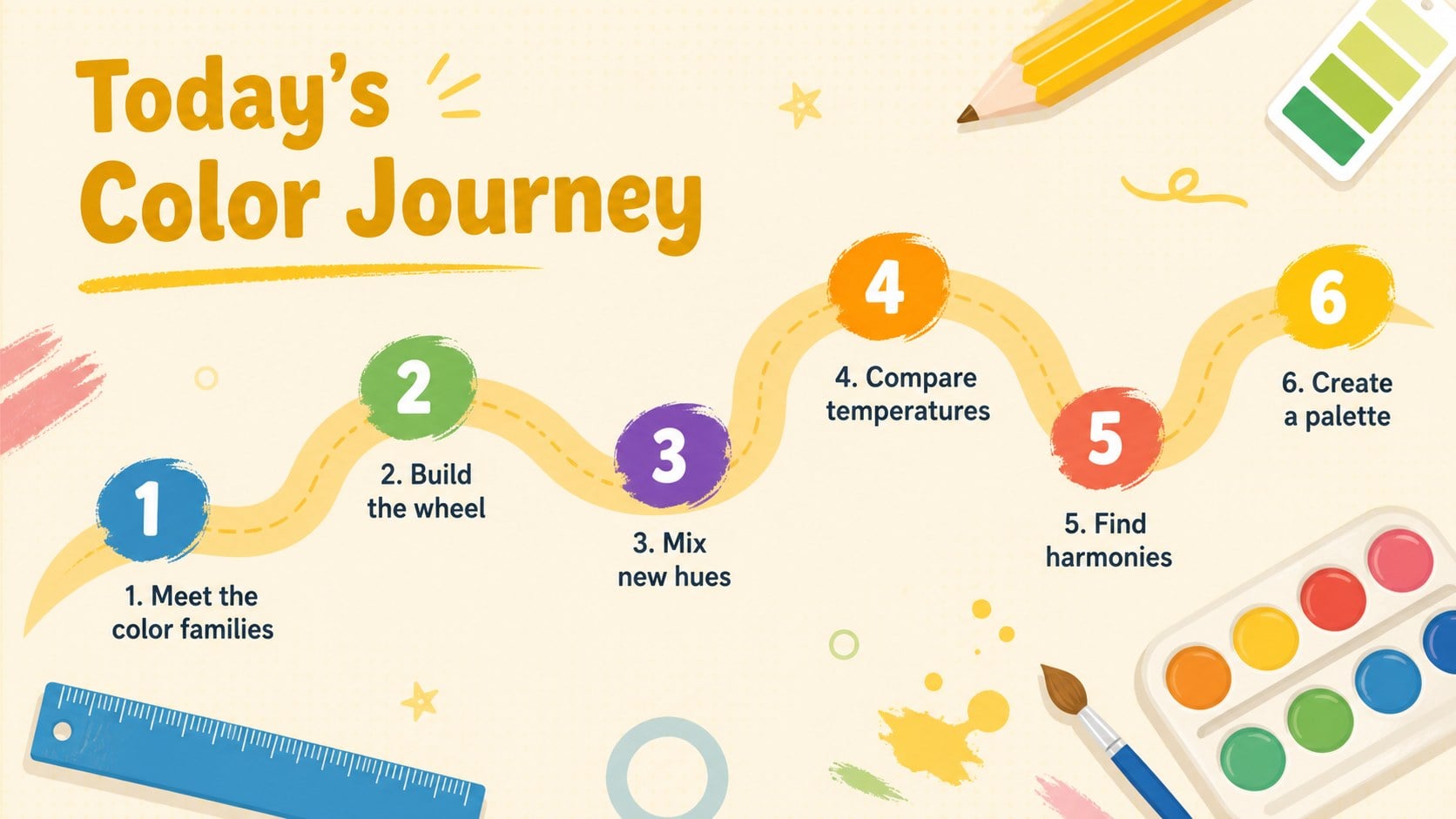
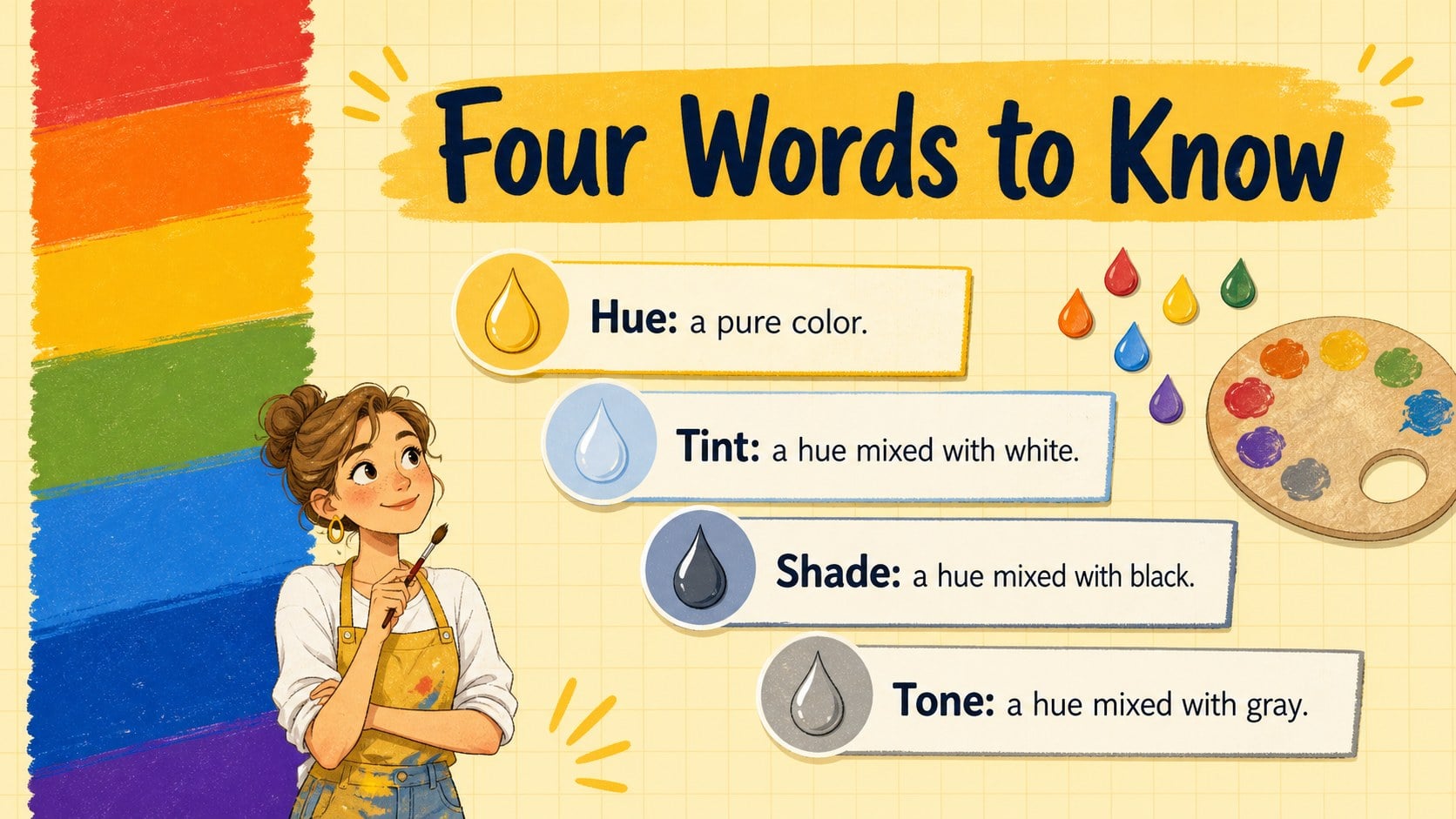
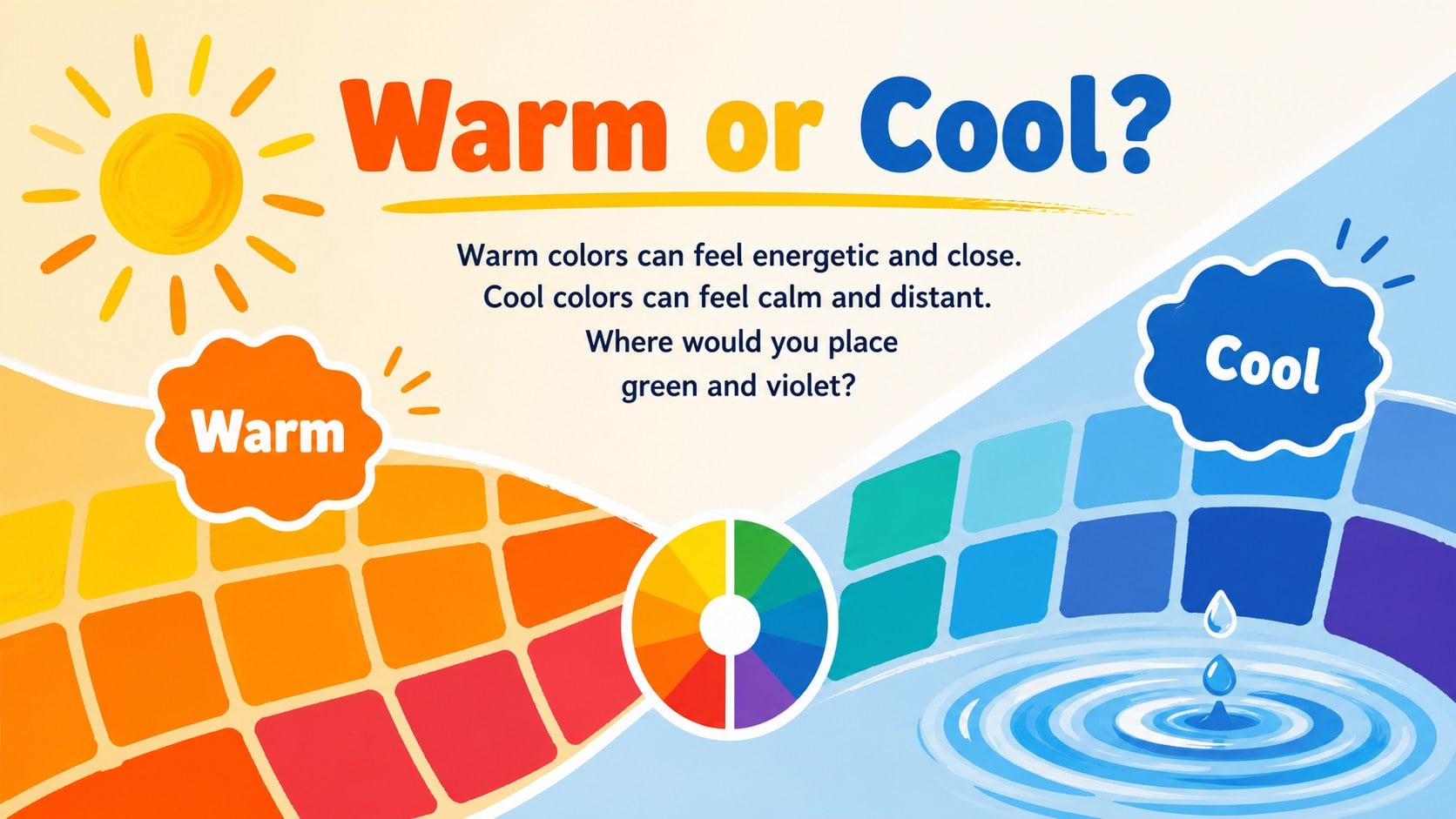
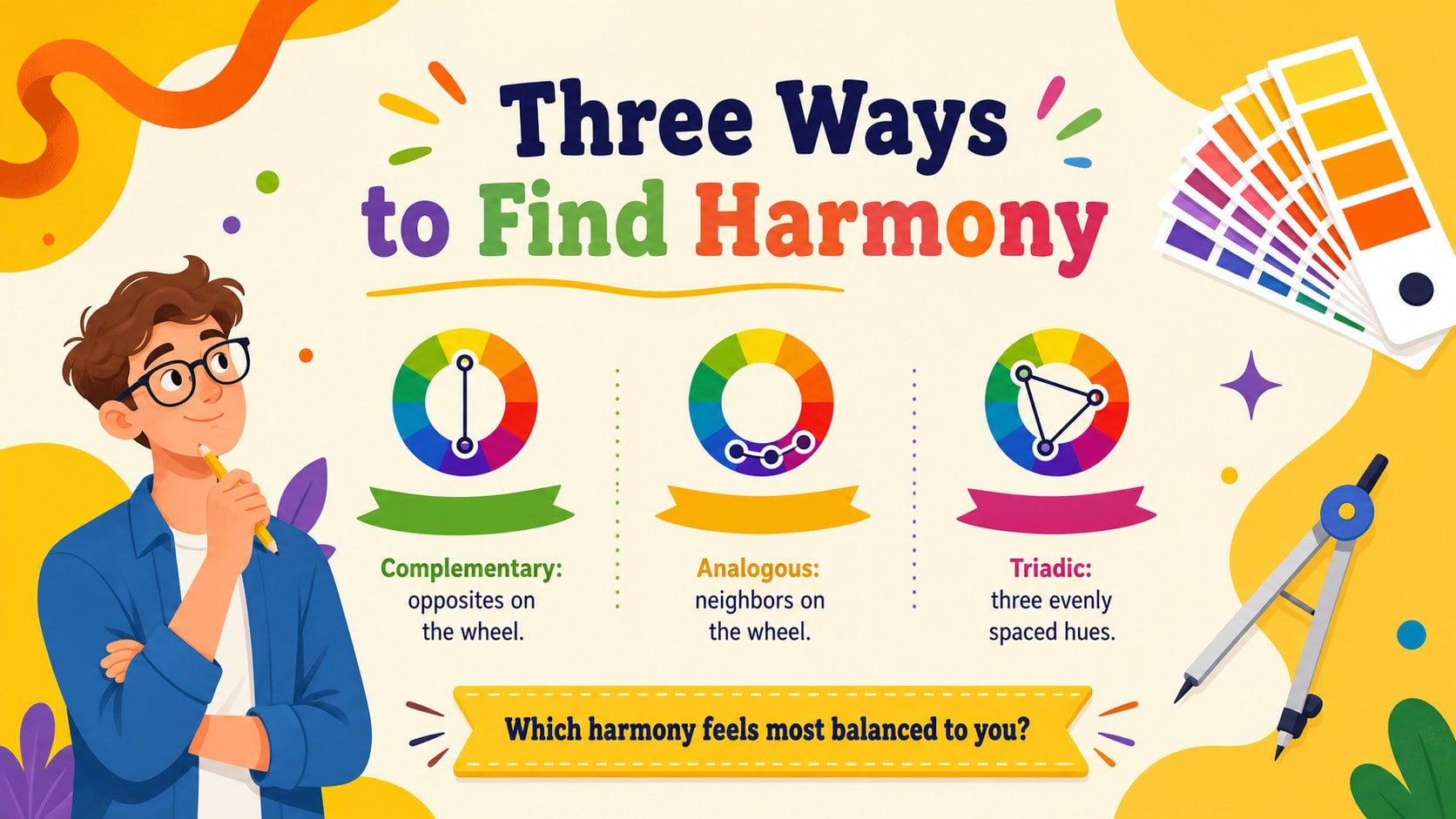
The deck includes a lesson roadmap, labeled color wheel, mixing examples, warm and cool color comparisons, harmony guides, mood associations, and short student activities. A color wheel lesson for middle school can use the full sequence, while elementary classes can focus on the simpler identification and mixing tasks. Editable diagrams and text areas also make this a practical primary secondary tertiary colors slides resource for different grade levels.
Art teachers, classroom educators, workshop leaders, and homeschool instructors can adapt the examples to match their learning goals. The warm and cool colors classroom presentation section supports discussion, while palette challenges invite students to apply what they have learned. Change the wording, rearrange activities, add artwork, or adjust the illustrated accents without losing the cheerful yellow and multicolor design. Whether you are planning an introductory art unit, reviewing visual elements, or connecting color choices to design projects, this deck keeps the material organized, approachable, and ready for participation.
Perfect for: middle school color wheel lesson; elementary art class introduction; color mixing workshop; visual design fundamentals class; homeschool art unit.
Frequently asked questions
Can I edit the color wheel and lesson activities? Yes. The labels, examples, activity instructions, shapes, and color swatches can be edited to fit your curriculum. You can also duplicate or remove slides to create a shorter lesson.
Practical details
Yes. The labels, examples, activity instructions, shapes, and color swatches can be edited to fit your curriculum. You can also duplicate or remove slides to create a shorter lesson.
The template is designed for Microsoft PowerPoint and Google Slides. Upload the file to Google Drive for browser-based editing or open it directly in PowerPoint.
Yes. Simplify the vocabulary and focus on recognition activities for younger learners, or add analysis and palette-building tasks for older students. The modular lesson structure supports both approaches.
Replace the sample artwork, update fonts, and adjust accent colors while retaining the bright yellow foundation. Keep strong contrast between text and backgrounds so diagrams remain easy to read in a classroom.
Keep exploring
15Build an engaging World UFO Day session with this flying saucer history lesson deck, featuring retro green-and-brown slides for PowerPoint and Google Slides.
 15
15Plan a lively animal-learning journey with this jungle zoo adventure lesson deck, ready to customize in PowerPoint and Google Slides for young learners.
 16
16Turn environmental research into a clear story with a Watercolor Ecology Presentation Theme for PowerPoint and Google Slides in calming green and blue.
 16
16Build focused fashion, literature, and humanities presentations with the Red Triangle Editorial Theme, editable in PowerPoint and Google Slides.
 15
15Turn streaming stats, favorite tracks, and concert highlights into a bold annual listening recap slide deck for PowerPoint and Google Slides.
 15
15Turn highlights, milestones, and favorite moments into a colorful year in review slide deck with bold 3D graphics for PowerPoint and Google Slides.
 3
3Build a credible endorsement with Standout Colleague Recommendation Letter Slides, featuring colorful prompts for skills, achievements, and team impact.
 4
4Build clear beginner sessions with an ice hockey fundamentals training deck for coaches, PE teachers, and clubs, ready for PowerPoint and Google Slides.