
 15
15presentation
Flying Saucer History Lesson Deck
Build an engaging World UFO Day session with this flying saucer history lesson deck, featuring retro green-and-brown slides for PowerPoint and Google Slides.
Google SlidesPowerPoint
presentation · English
Plan vivid Colombia journeys with Colombia travel itinerary slides in a bright yellow-and-white doodle style for tour pitches, destination briefings, and…




Design notes
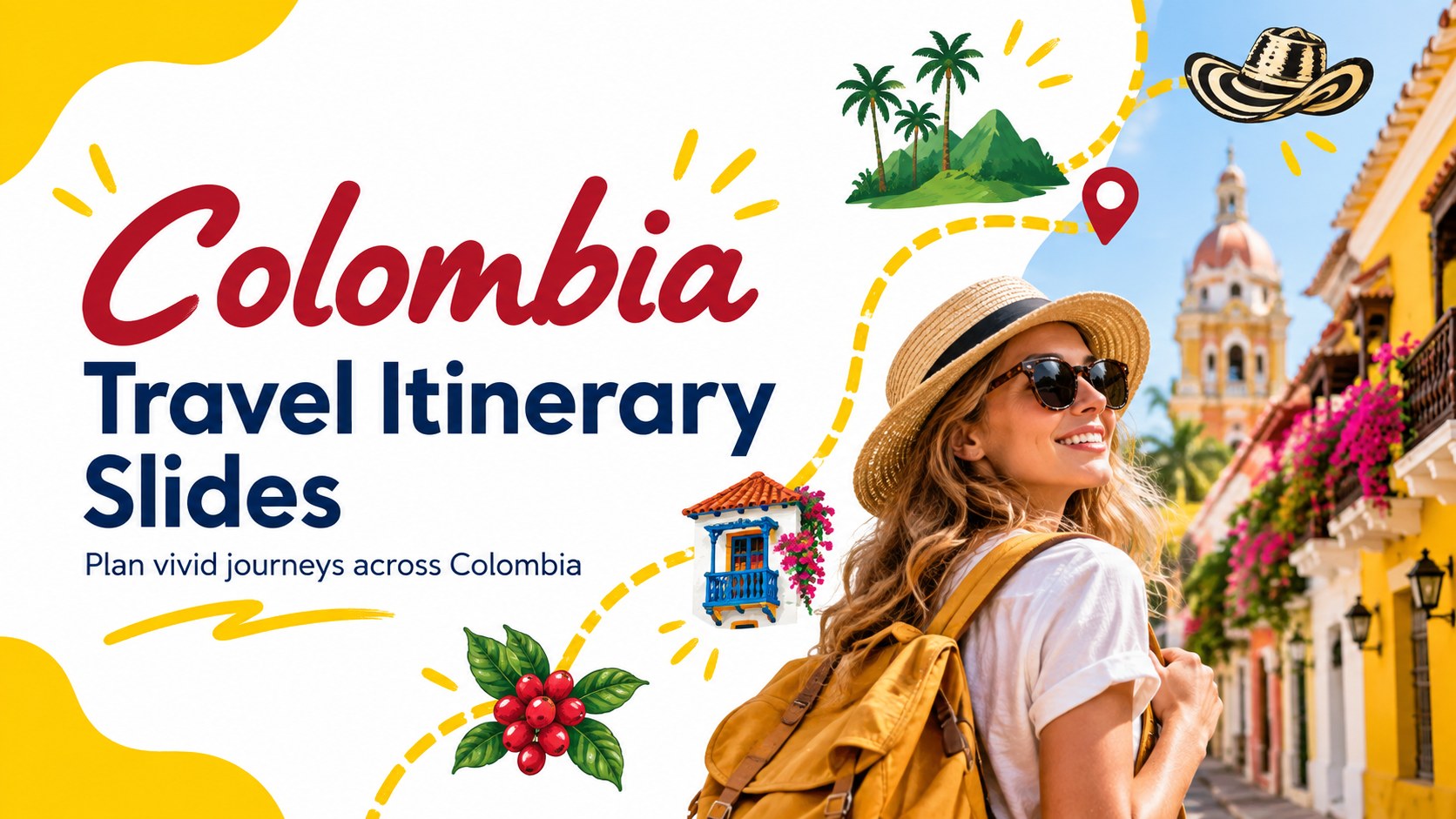
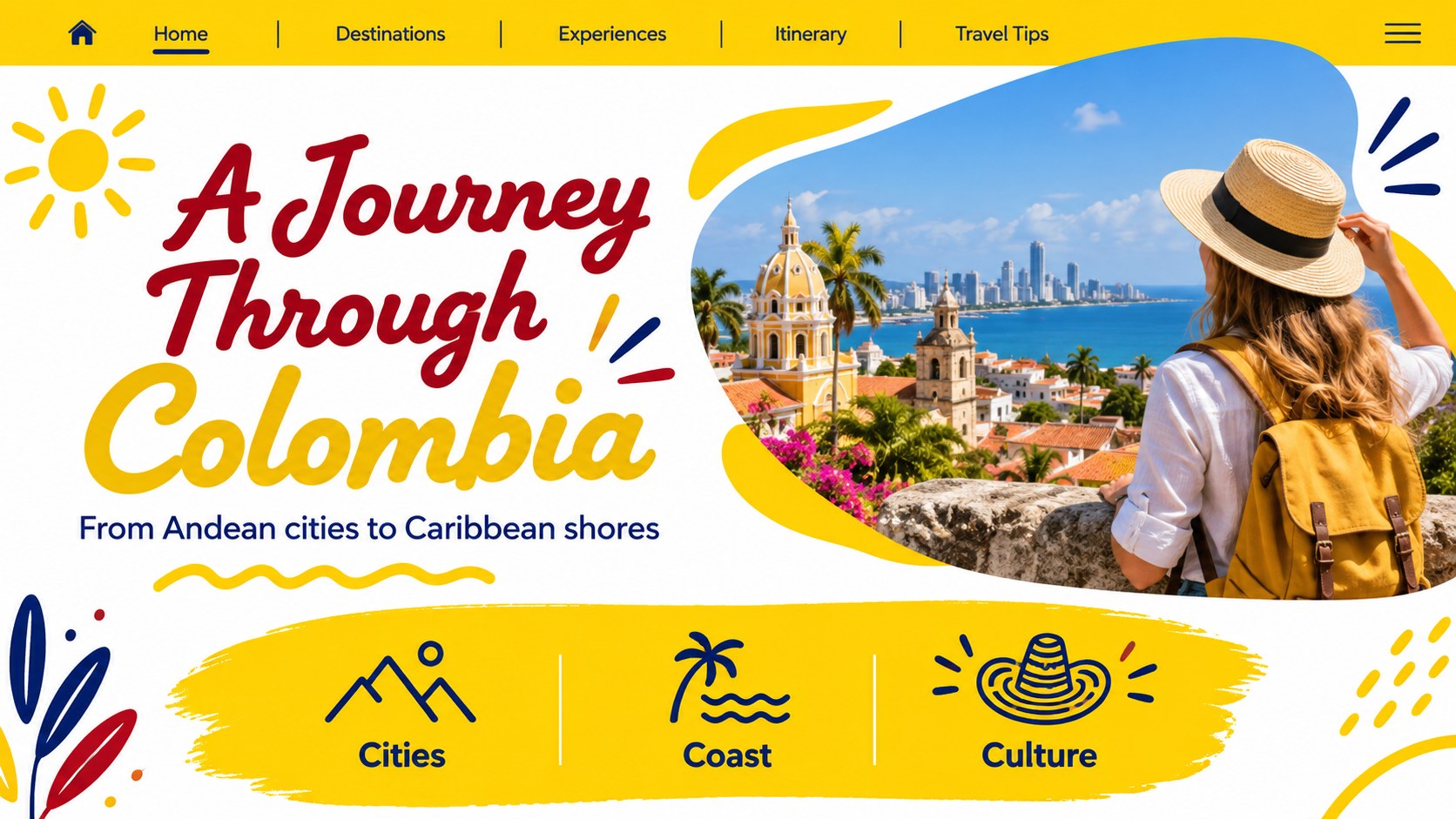
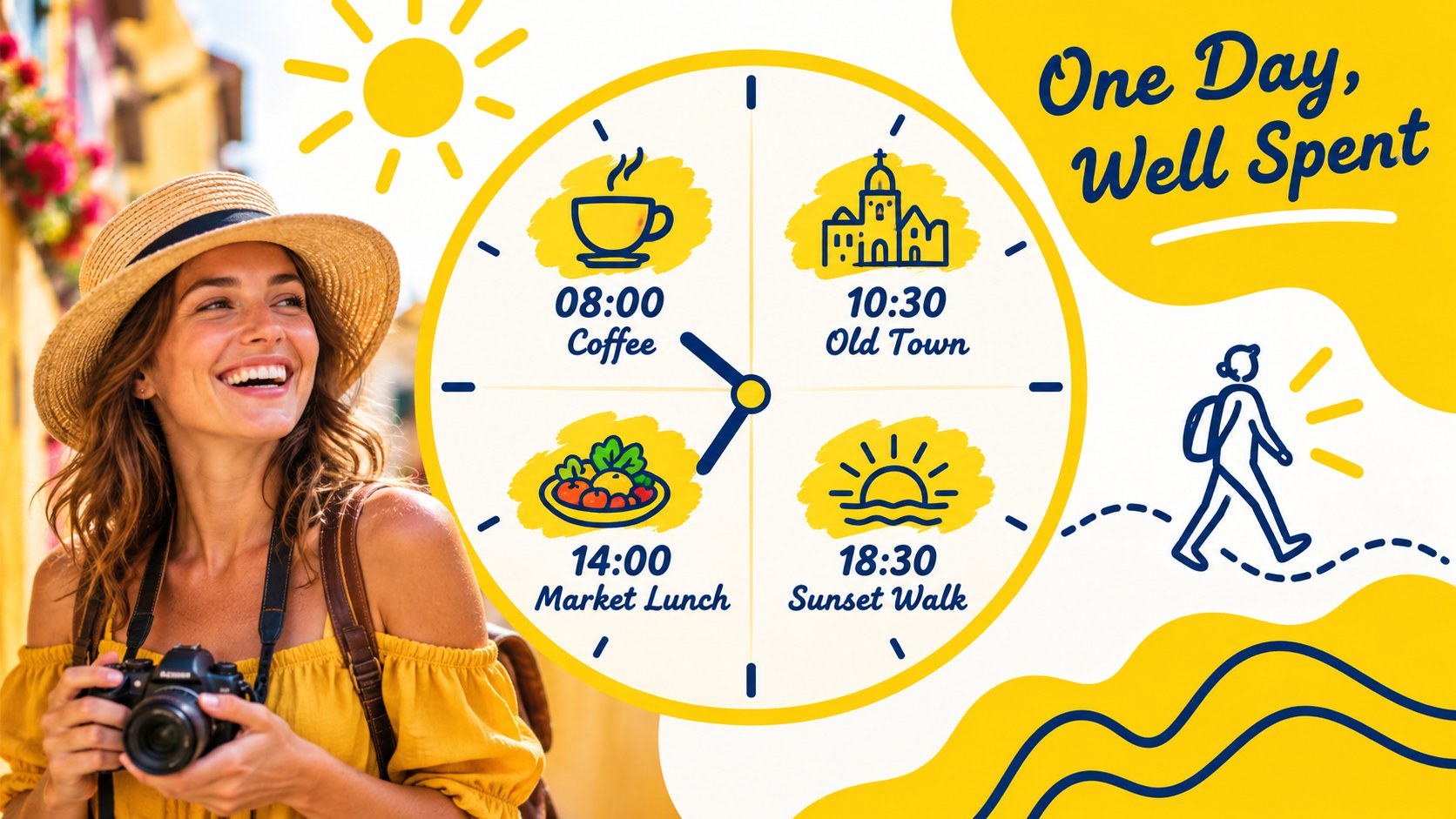
Bring Colombia's landscapes, cities, and cultural highlights into a lively visual story with Colombia travel itinerary slides. The bright yellow-and-white doodle aesthetic gives travel planners, hospitality teams, and destination marketers a friendly way to present routes, experiences, and tour packages.
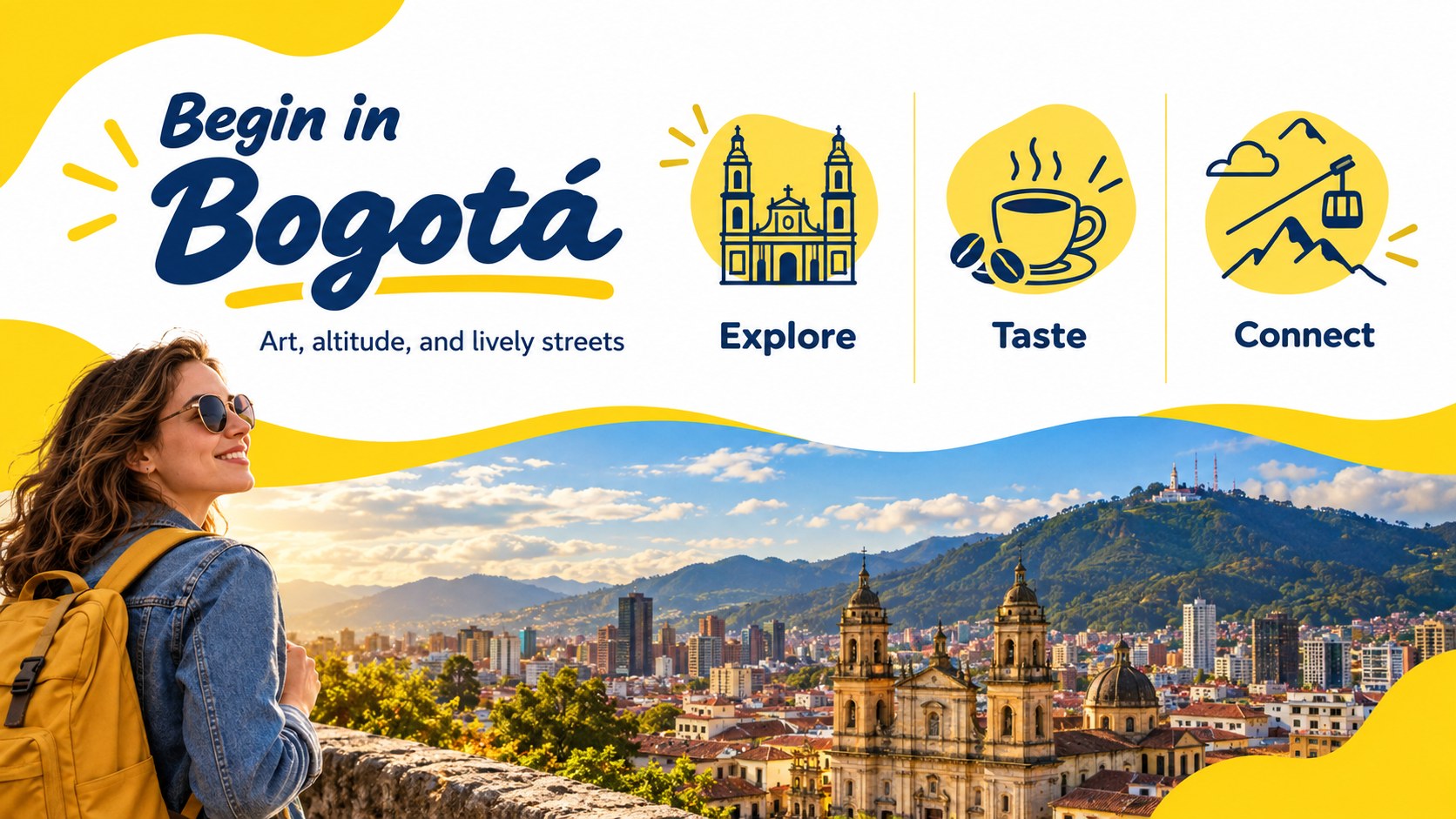
Inside, you will find 22 editable 16:9 layouts for destination overviews, daily schedules, attraction spotlights, travel tips, package comparisons, maps, photo features, and closing calls to action. Use the layouts to build Colombia itinerary presentation slides, shape a persuasive tour package sales deck, or prepare a concise Colombia destination briefing for partners and clients. Charts, frames, lines, and simple graphic elements help organize practical details without losing the energy of the destination.
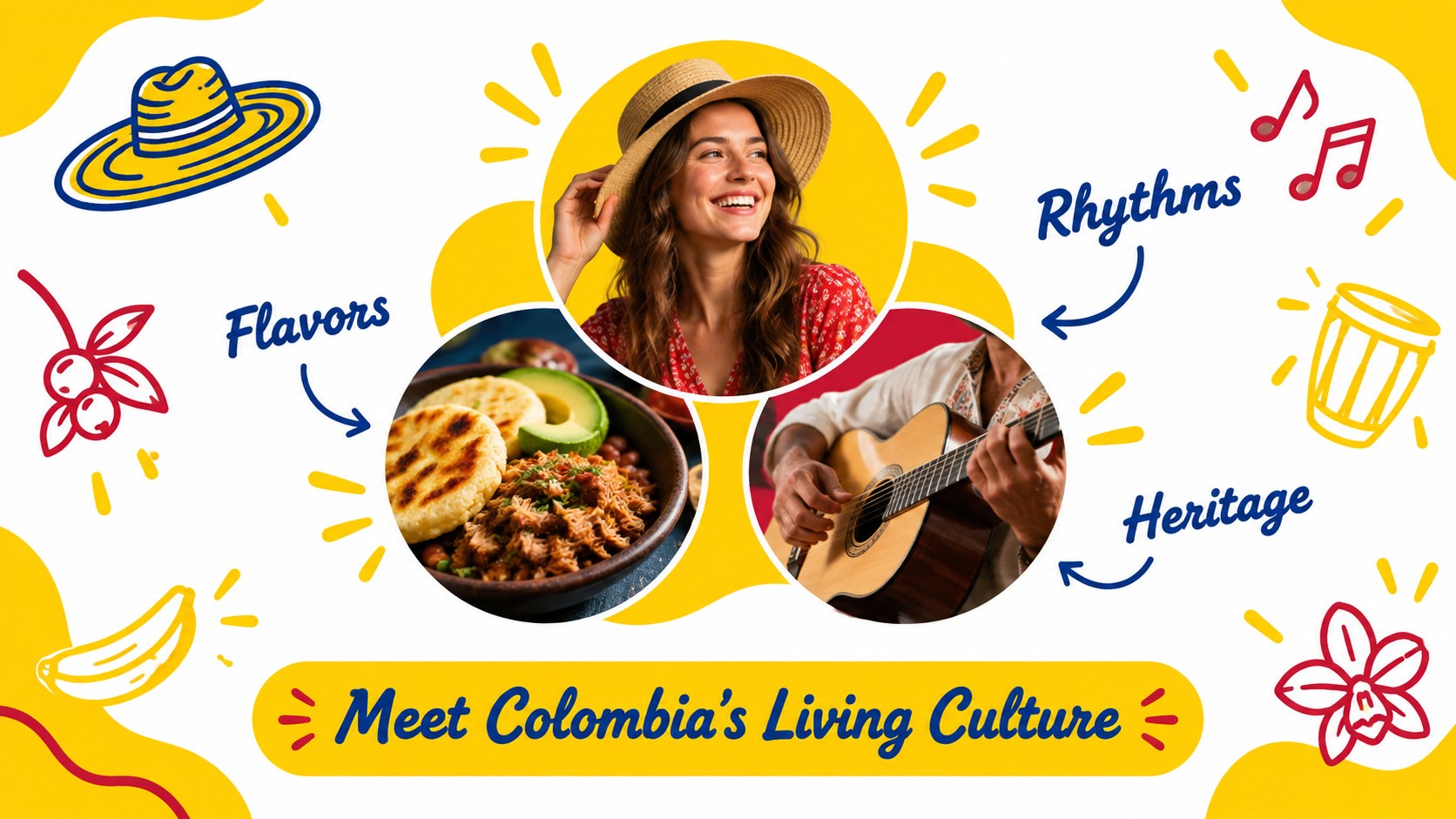
The template works in PowerPoint and Google Slides, making it easy to adjust colors, copy, imagery, and brand details for different audiences. It suits travel agencies introducing new routes, tour operators selling guided experiences, hotels promoting local excursions, and educators creating an engaging geography or culture presentation. The yellow-and-white palette, abstract doodle accents, and upbeat composition keep the deck approachable while leaving room for your own photography and itinerary information.
Perfect for: travel agency route proposal; guided tour package pitch; hotel excursion briefing; Colombia geography lesson; destination marketing meeting.
Frequently asked questions
Can I edit these slides in PowerPoint? Yes. The template is designed for PowerPoint and includes editable text, shapes, layouts, and visual elements. Replace the sample copy and images with your own itinerary details and brand assets.
Practical details
Yes. The template is designed for PowerPoint and includes editable text, shapes, layouts, and visual elements. Replace the sample copy and images with your own itinerary details and brand assets.
Yes, you can open and customize the presentation in Google Slides. Check each layout after importing to confirm that fonts, spacing, and image crops match your preferred presentation setup.
Absolutely. Reorder the itinerary layouts, add destinations, and swap the sample visuals for locations such as Bogotá, Medellín, Cartagena, or the Coffee Region. The yellow-and-white palette can remain intact while the content changes.
Use it for route maps, daily schedules, activity descriptions, package pricing, travel tips, audience profiles, and destination highlights. It can support both customer-facing tour pitches and internal hospitality planning.
Keep exploring
15Build an engaging World UFO Day session with this flying saucer history lesson deck, featuring retro green-and-brown slides for PowerPoint and Google Slides.
 15
15Plan a lively animal-learning journey with this jungle zoo adventure lesson deck, ready to customize in PowerPoint and Google Slides for young learners.
 16
16Turn environmental research into a clear story with a Watercolor Ecology Presentation Theme for PowerPoint and Google Slides in calming green and blue.
 16
16Build focused fashion, literature, and humanities presentations with the Red Triangle Editorial Theme, editable in PowerPoint and Google Slides.
 15
15Turn streaming stats, favorite tracks, and concert highlights into a bold annual listening recap slide deck for PowerPoint and Google Slides.
 15
15Turn highlights, milestones, and favorite moments into a colorful year in review slide deck with bold 3D graphics for PowerPoint and Google Slides.
 3
3Build a credible endorsement with Standout Colleague Recommendation Letter Slides, featuring colorful prompts for skills, achievements, and team impact.
 4
4Build clear beginner sessions with an ice hockey fundamentals training deck for coaches, PE teachers, and clubs, ready for PowerPoint and Google Slides.