
 15
15presentation
Flying Saucer History Lesson Deck
Build an engaging World UFO Day session with this flying saucer history lesson deck, featuring retro green-and-brown slides for PowerPoint and Google Slides.
Google SlidesPowerPoint
presentation · English
Build a polished college soccer recruitment portfolio with bold blue and green slides for player bios, season stats, coach notes, and team events.

Design notes
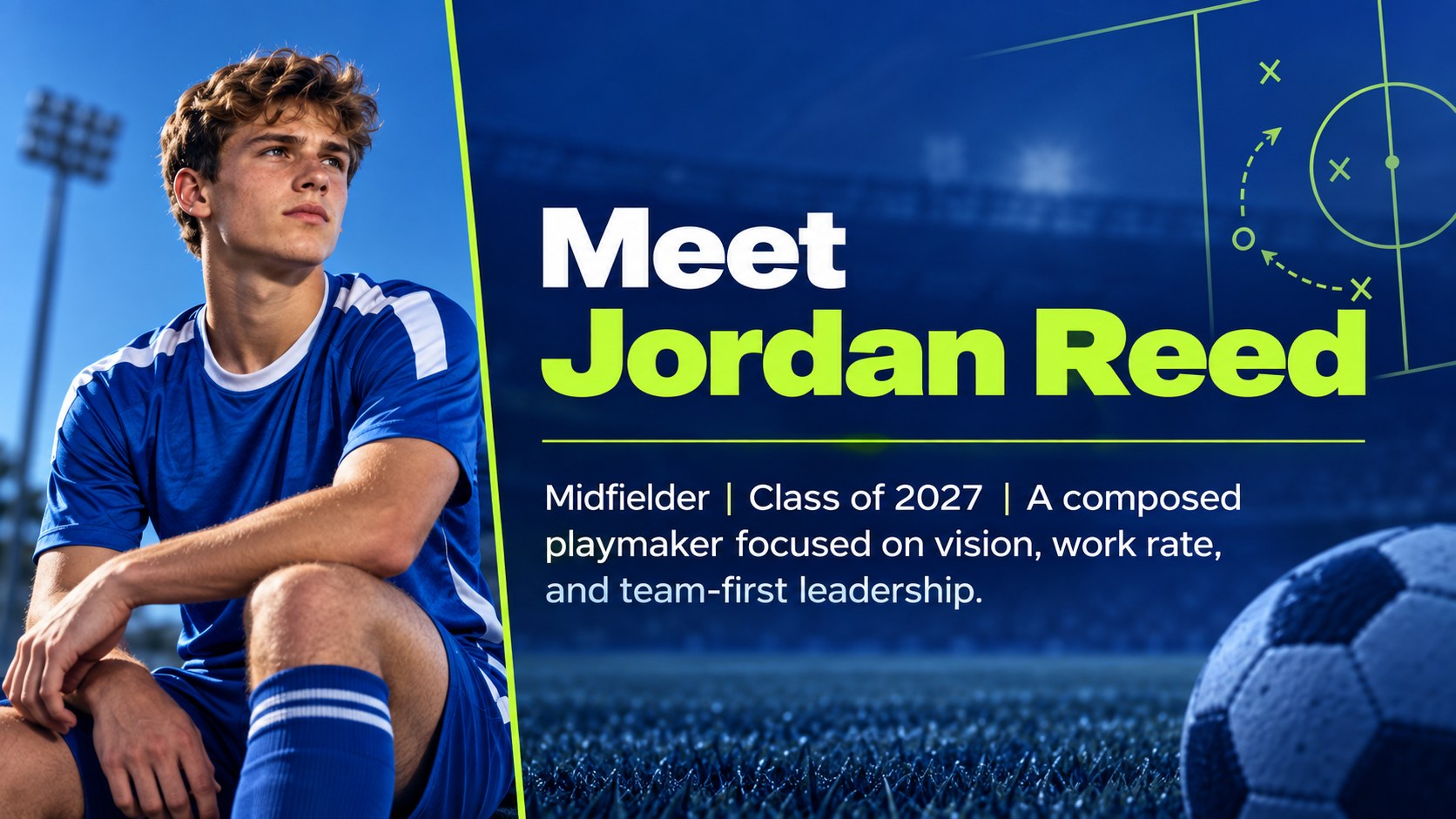
Build a memorable college soccer recruitment portfolio that presents athletic ability, academic goals, and personal character in one cohesive story. Designed with bold typography, energetic blue and green gradients, and modern sports-inspired details, this deck gives every player a clear platform for sharing accomplishments without overwhelming the audience.
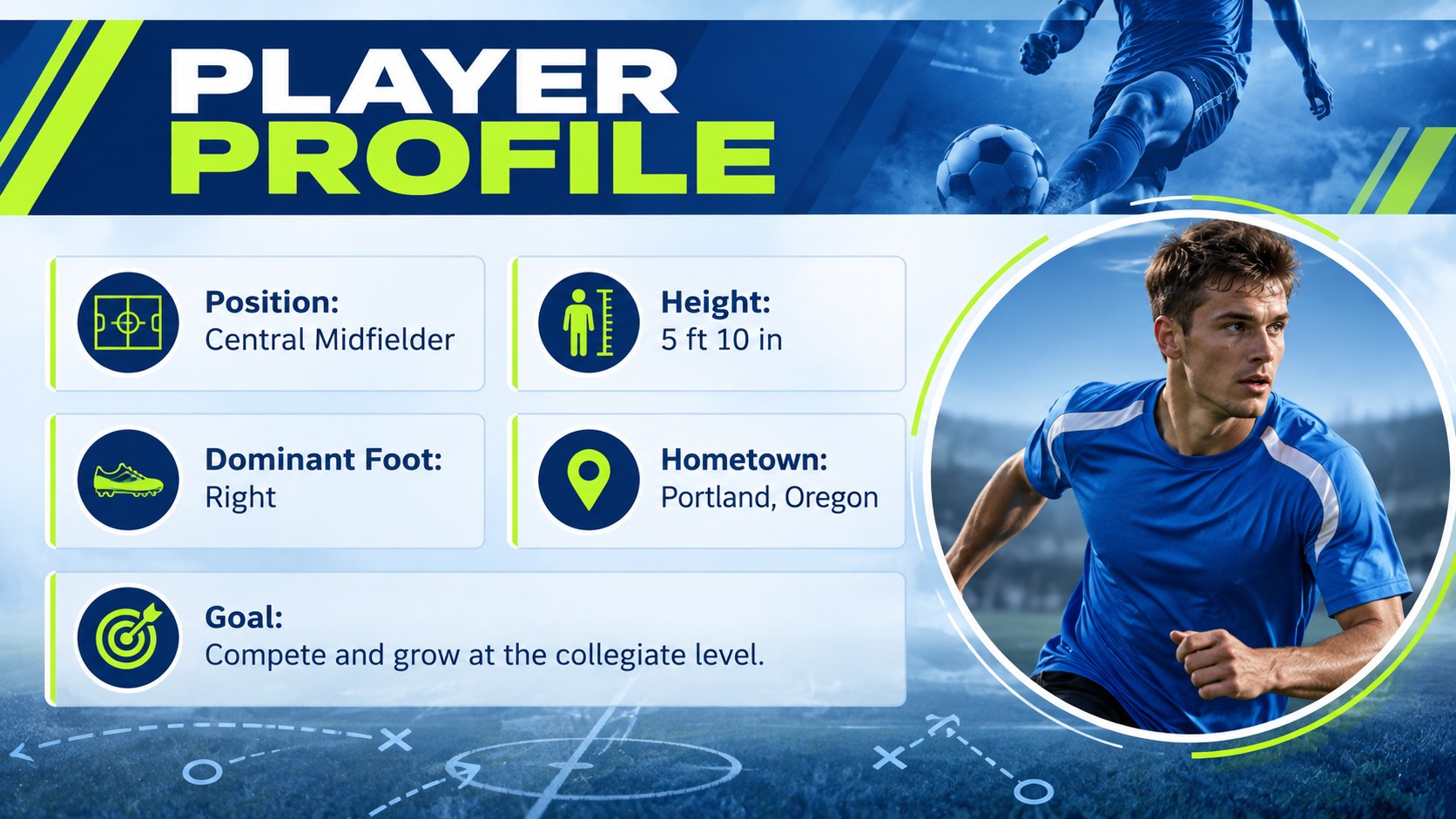
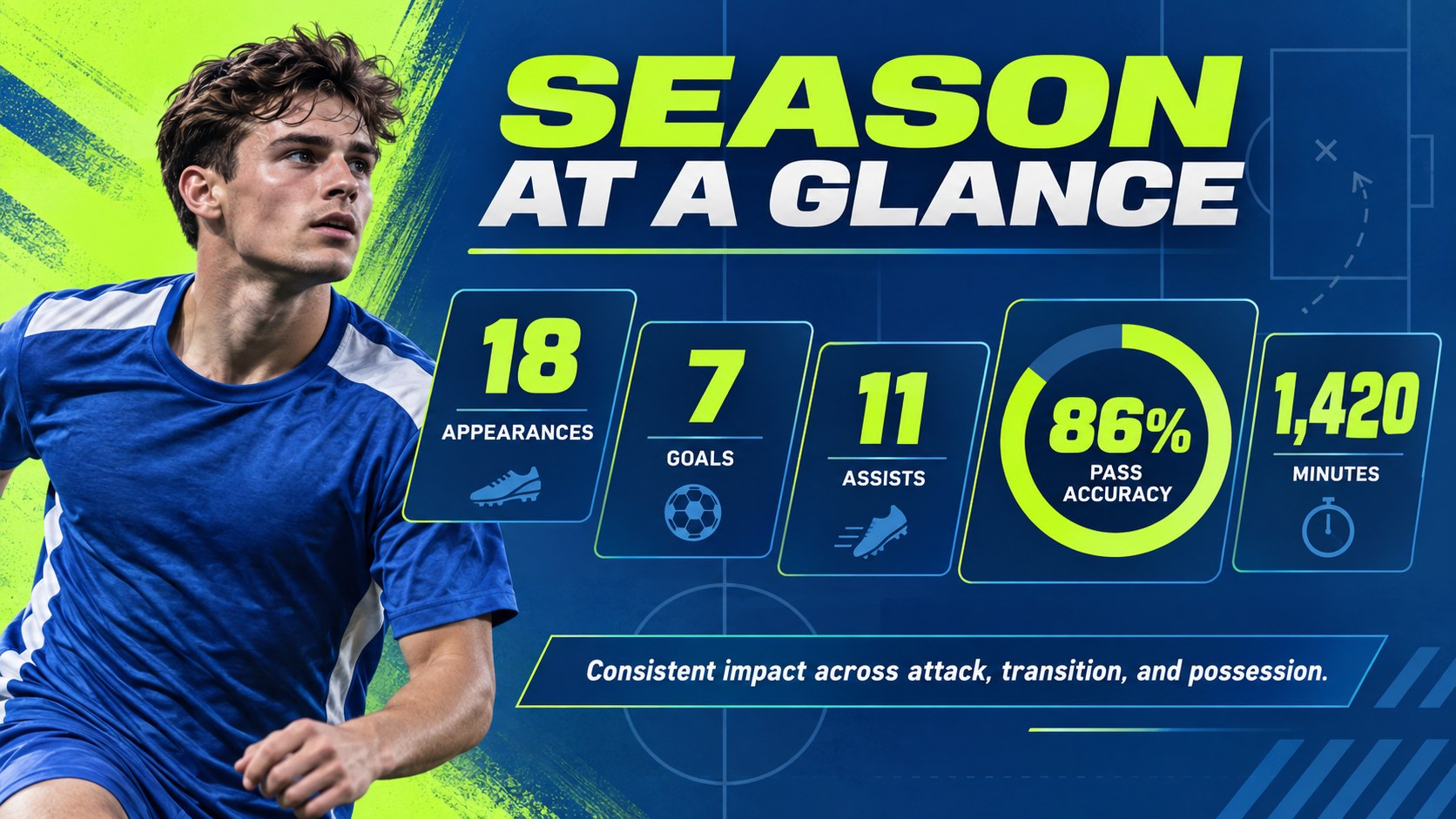
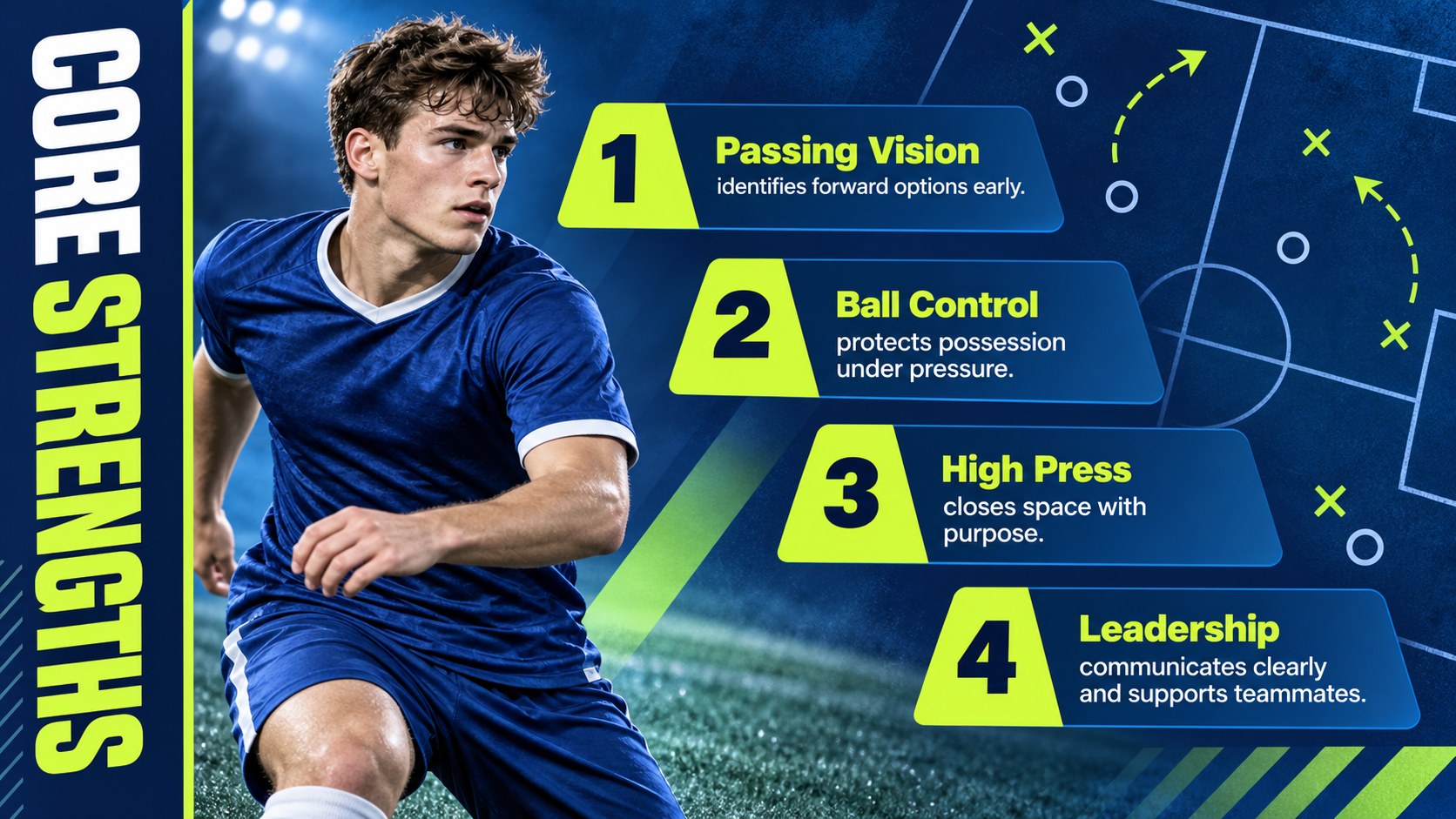
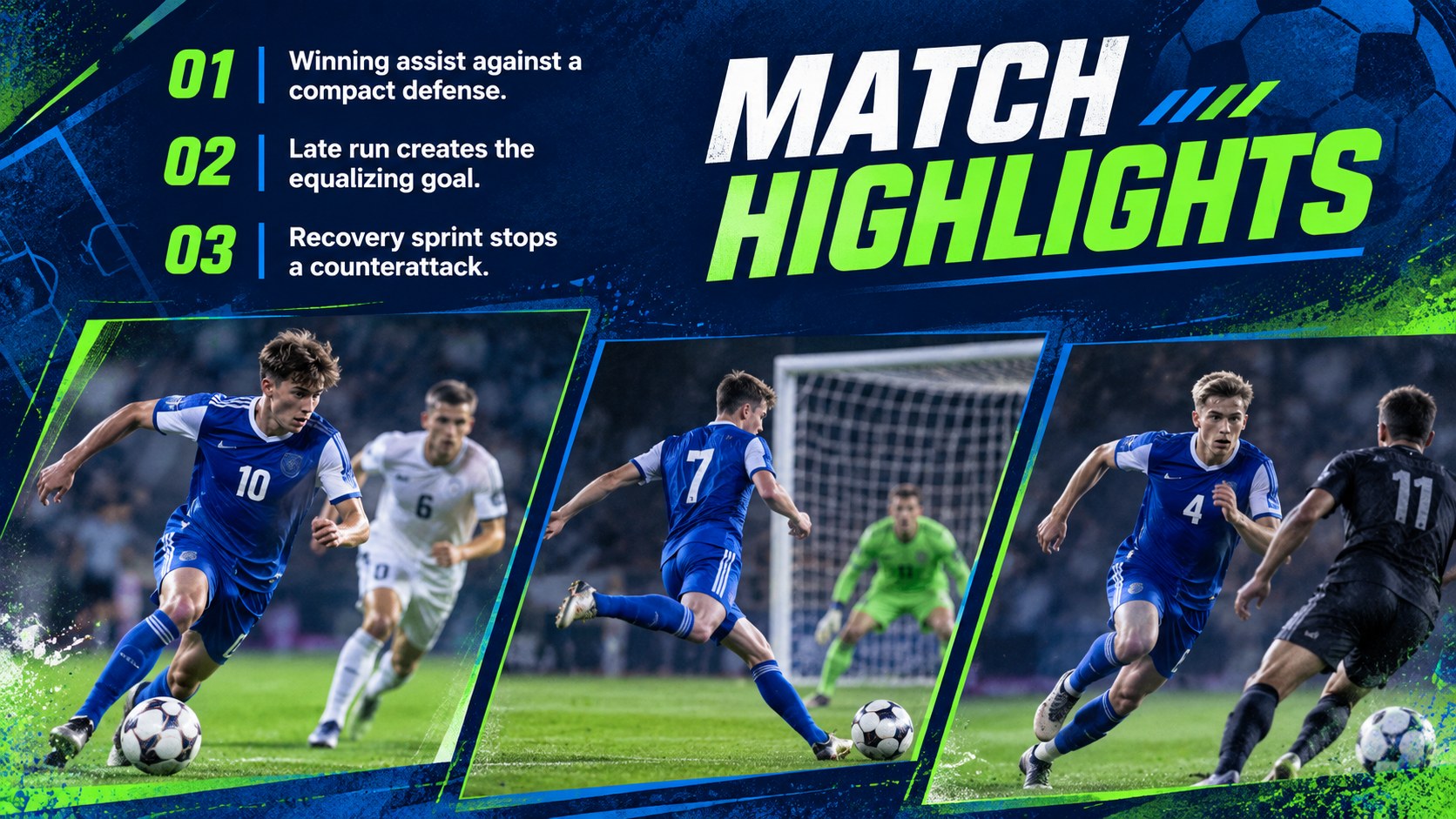
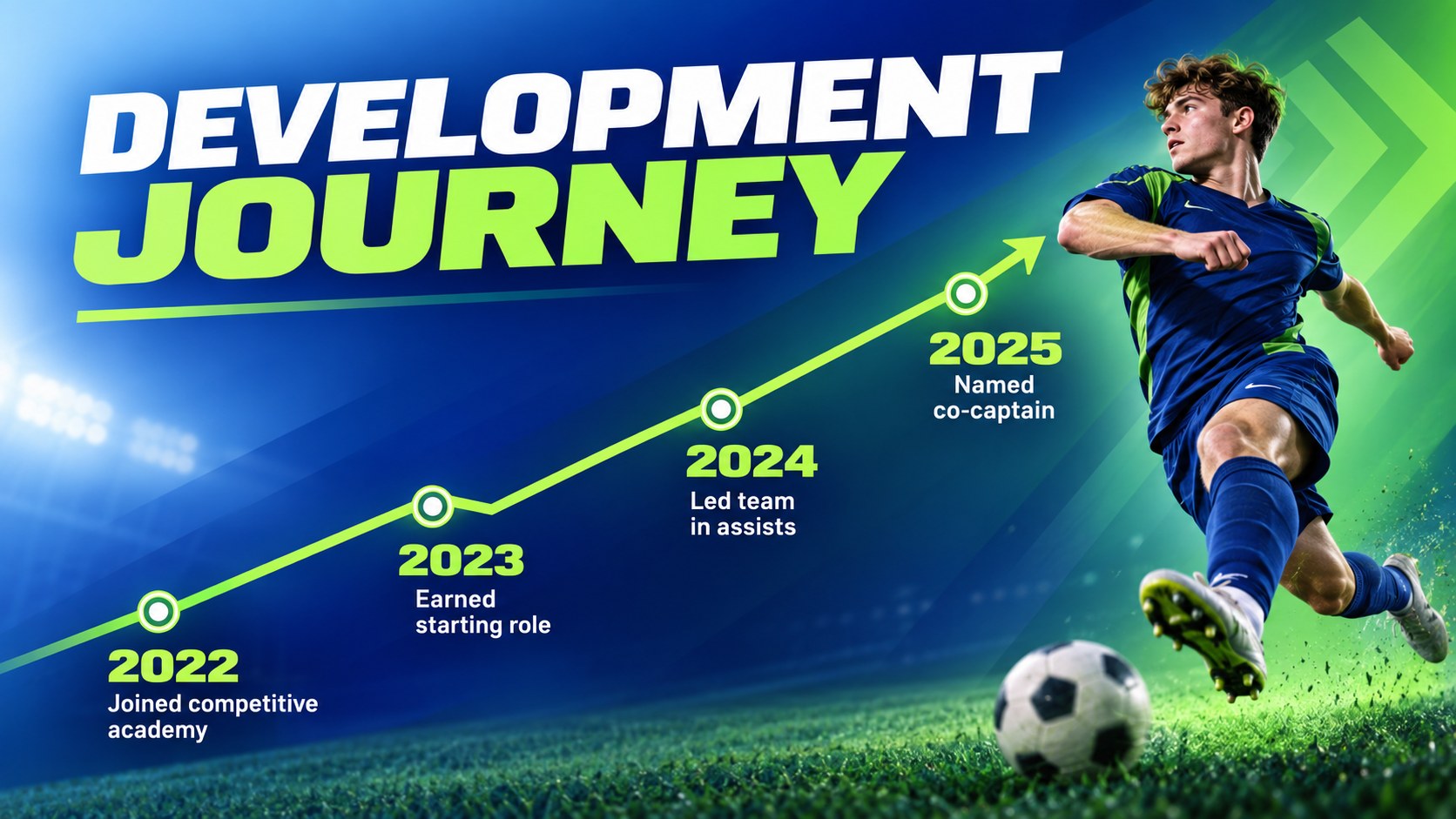
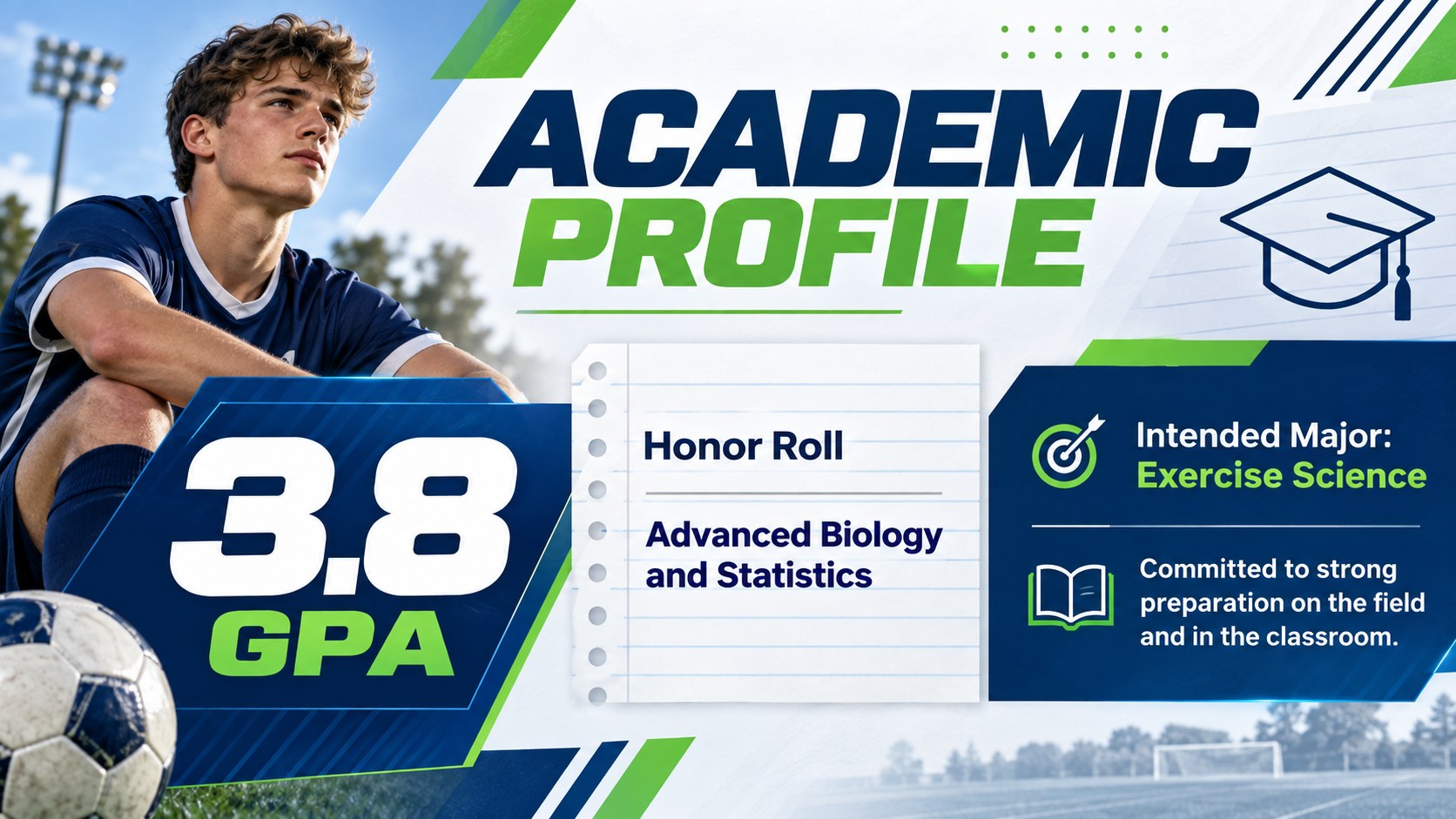
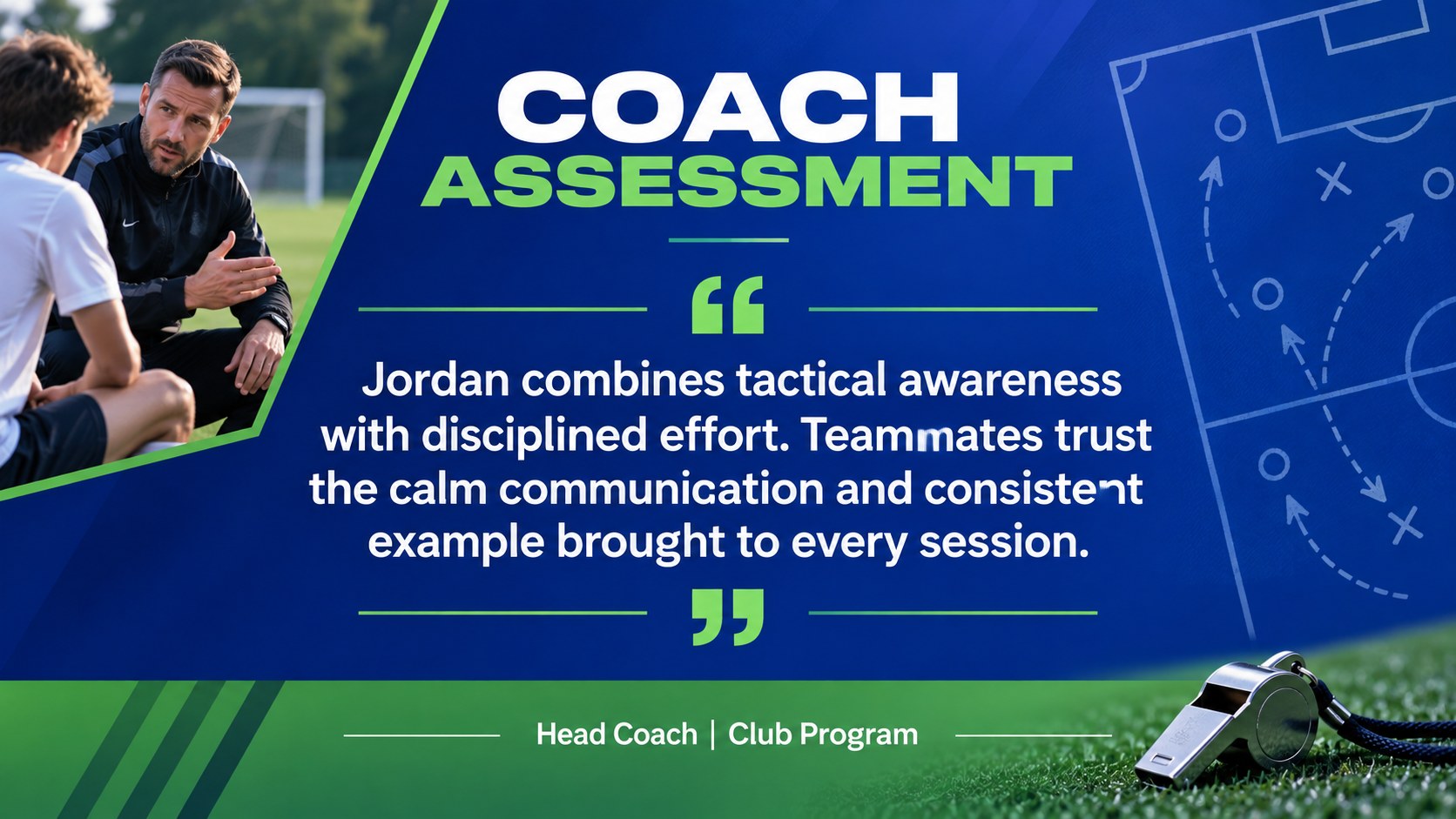
The 15-slide collection includes a striking cover, player introduction, personal profile, season statistics, key strengths, match highlights, development timeline, academic record, coach assessment, team contribution, goals, contact details, and closing page. Flexible photo areas, editable charts, concise text blocks, and visual performance indicators make it easy to create a college athlete recruiting presentation for an individual prospect or an entire squad. Use the soccer player portfolio template to balance measurable results with leadership qualities and personal motivation.
This deck is suited to student-athletes preparing for recruitment conversations, coaches introducing their roster, families organizing scholarship materials, and athletic departments recognizing player progress. It can also become a team banquet player spotlight or a compact digital handout for tournaments and scouting events. Every element can be adjusted in PowerPoint or Google Slides, including colors, fonts, photos, statistics, and section order, while preserving the confident blue-and-green visual style.
Perfect for: college recruitment outreach; soccer scholarship application; team roster introduction; scouting event profile; season awards banquet; athlete development review.
Frequently asked questions
Can I edit the player statistics and charts? Yes. All statistics, labels, charts, and performance indicators can be updated with each player's current data. You can also duplicate sections to compare multiple seasons or positions.
Practical details
Yes. All statistics, labels, charts, and performance indicators can be updated with each player's current data. You can also duplicate sections to compare multiple seasons or positions.
The template is designed for PowerPoint and Google Slides. Text, images, colors, and layout elements remain editable in both platforms.
Yes. Duplicate the profile and statistics layouts for each athlete, then use the roster and team contribution pages to connect the individual profiles. The slide order can be adjusted to suit a full squad presentation.
Replace the default colors with your school or club palette, then add official player photography and updated typefaces. Keep strong contrast between backgrounds and statistics so the information remains easy to scan.
Keep exploring
15Build an engaging World UFO Day session with this flying saucer history lesson deck, featuring retro green-and-brown slides for PowerPoint and Google Slides.
 15
15Plan a lively animal-learning journey with this jungle zoo adventure lesson deck, ready to customize in PowerPoint and Google Slides for young learners.
 16
16Turn environmental research into a clear story with a Watercolor Ecology Presentation Theme for PowerPoint and Google Slides in calming green and blue.
 16
16Build focused fashion, literature, and humanities presentations with the Red Triangle Editorial Theme, editable in PowerPoint and Google Slides.
 15
15Turn streaming stats, favorite tracks, and concert highlights into a bold annual listening recap slide deck for PowerPoint and Google Slides.
 15
15Turn highlights, milestones, and favorite moments into a colorful year in review slide deck with bold 3D graphics for PowerPoint and Google Slides.
 3
3Build a credible endorsement with Standout Colleague Recommendation Letter Slides, featuring colorful prompts for skills, achievements, and team impact.
 4
4Build clear beginner sessions with an ice hockey fundamentals training deck for coaches, PE teachers, and clubs, ready for PowerPoint and Google Slides.