
 15
15presentation
Flying Saucer History Lesson Deck
Build an engaging World UFO Day session with this flying saucer history lesson deck, featuring retro green-and-brown slides for PowerPoint and Google Slides.
Google SlidesPowerPoint
presentation · English
Use this College Enrollment Orientation Deck to explain programs, campus life, entry requirements, and application steps with polished red-and-grey visuals.


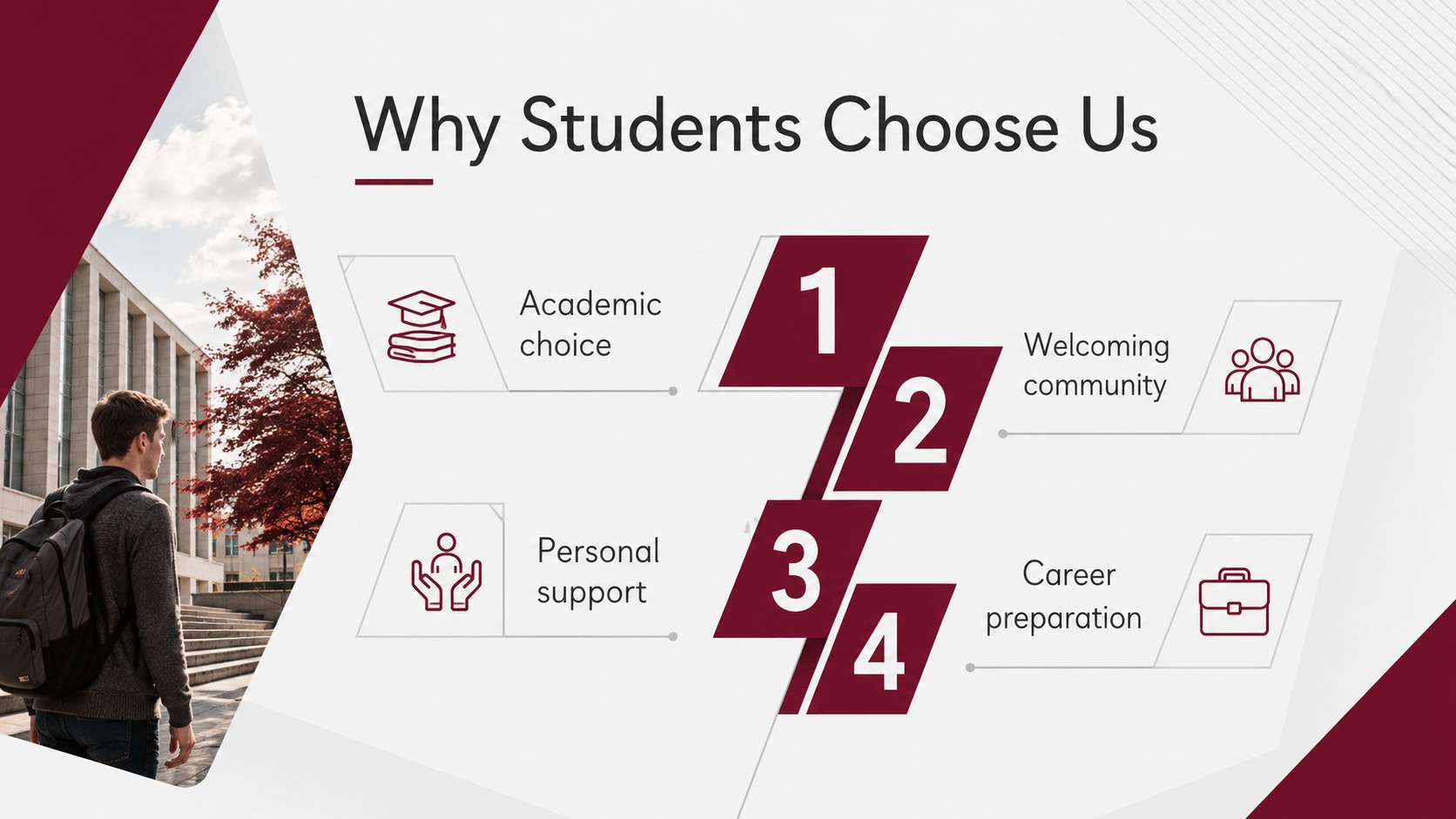

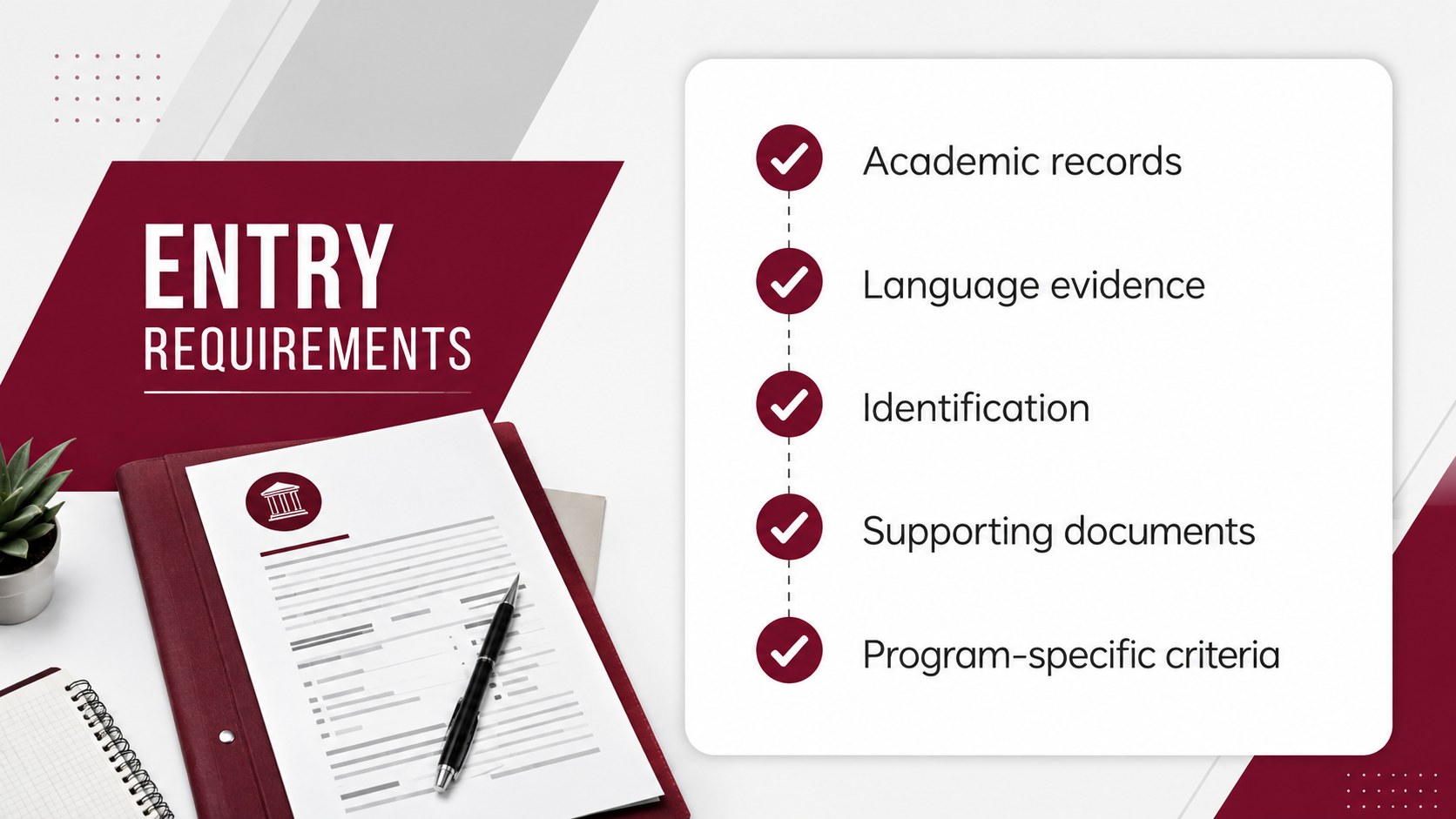
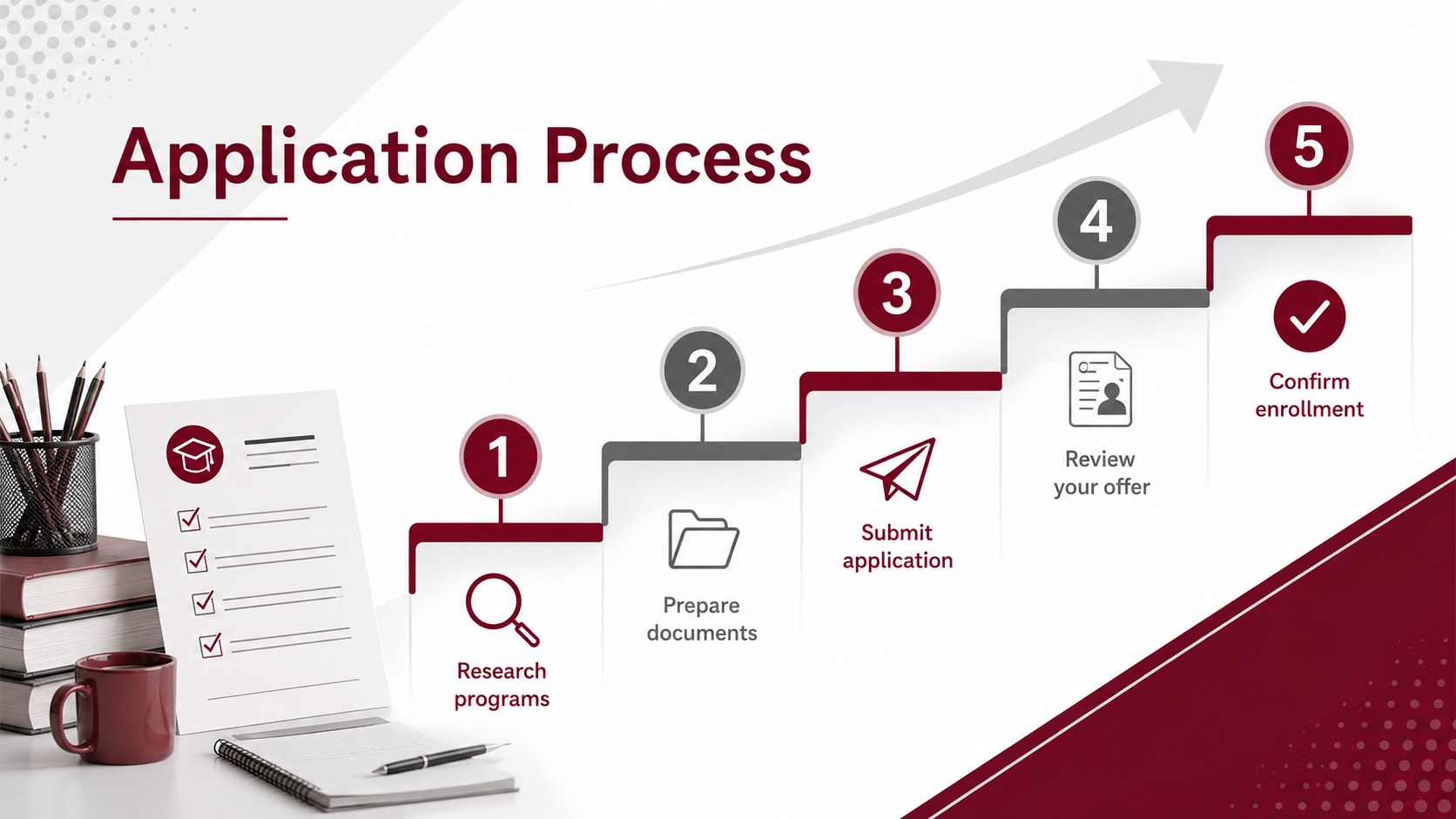



Design notes
Make the path from initial interest to enrollment easier to understand with the College Enrollment Orientation Deck. Designed for admissions teams, academic departments, school counselors, and recruitment staff, this polished presentation organizes essential information for prospective students and their families. Its crisp white backgrounds, grey geometric details, and confident red accents create a formal yet welcoming look.
The 13-slide layout covers institutional highlights, study programs, entry requirements, the application timeline, campus facilities, student services, tuition support, important deadlines, and contact details. Use it as a college application process presentation at open days, information sessions, counselor meetings, or online recruitment events. Clearly structured content areas also make these campus orientation slides for students easy to scan during live presentations.
Every slide can be edited in PowerPoint or Google Slides. Replace sample wording, adjust colors, add campus photography, update dates, and insert your institution's own charts or statistics. The widescreen format provides ample room for concise explanations without making the presentation feel crowded. Whether you need a higher education admissions template for a single department or an institution-wide overview, this deck offers a consistent framework for communicating requirements, opportunities, and practical next steps.
Perfect for: college open day presentation; prospective student webinar; admissions counselor briefing; campus orientation session; academic program overview.
Frequently asked questions
Can I edit this deck in PowerPoint and Google Slides? Yes. All text, colors, images, shapes, and layouts can be adjusted in PowerPoint or Google Slides while preserving the widescreen format.
Practical details
Yes. All text, colors, images, shapes, and layouts can be adjusted in PowerPoint or Google Slides while preserving the widescreen format.
Replace the sample copy with your entry requirements, program details, deadlines, fees, and contact information. You can also add original campus photography and apply your institution's approved fonts and colors.
Yes. Delete sections that do not apply, duplicate useful layouts, or reorder the slides to match your admissions event agenda.
Yes. The layouts include space for key statistics, milestone timelines, comparison points, and deadline information that can be updated with your own data.
Keep exploring
15Build an engaging World UFO Day session with this flying saucer history lesson deck, featuring retro green-and-brown slides for PowerPoint and Google Slides.
 15
15Plan a lively animal-learning journey with this jungle zoo adventure lesson deck, ready to customize in PowerPoint and Google Slides for young learners.
 16
16Turn environmental research into a clear story with a Watercolor Ecology Presentation Theme for PowerPoint and Google Slides in calming green and blue.
 16
16Build focused fashion, literature, and humanities presentations with the Red Triangle Editorial Theme, editable in PowerPoint and Google Slides.
 15
15Turn streaming stats, favorite tracks, and concert highlights into a bold annual listening recap slide deck for PowerPoint and Google Slides.
 15
15Turn highlights, milestones, and favorite moments into a colorful year in review slide deck with bold 3D graphics for PowerPoint and Google Slides.
 3
3Build a credible endorsement with Standout Colleague Recommendation Letter Slides, featuring colorful prompts for skills, achievements, and team impact.
 4
4Build clear beginner sessions with an ice hockey fundamentals training deck for coaches, PE teachers, and clubs, ready for PowerPoint and Google Slides.