
 15
15presentation
Flying Saucer History Lesson Deck
Build an engaging World UFO Day session with this flying saucer history lesson deck, featuring retro green-and-brown slides for PowerPoint and Google Slides.
Google SlidesPowerPoint
presentation · English
Plan polished project updates with a collaborative work presentation planner featuring warm beige layouts, original team illustrations, and editable slides.

Design notes
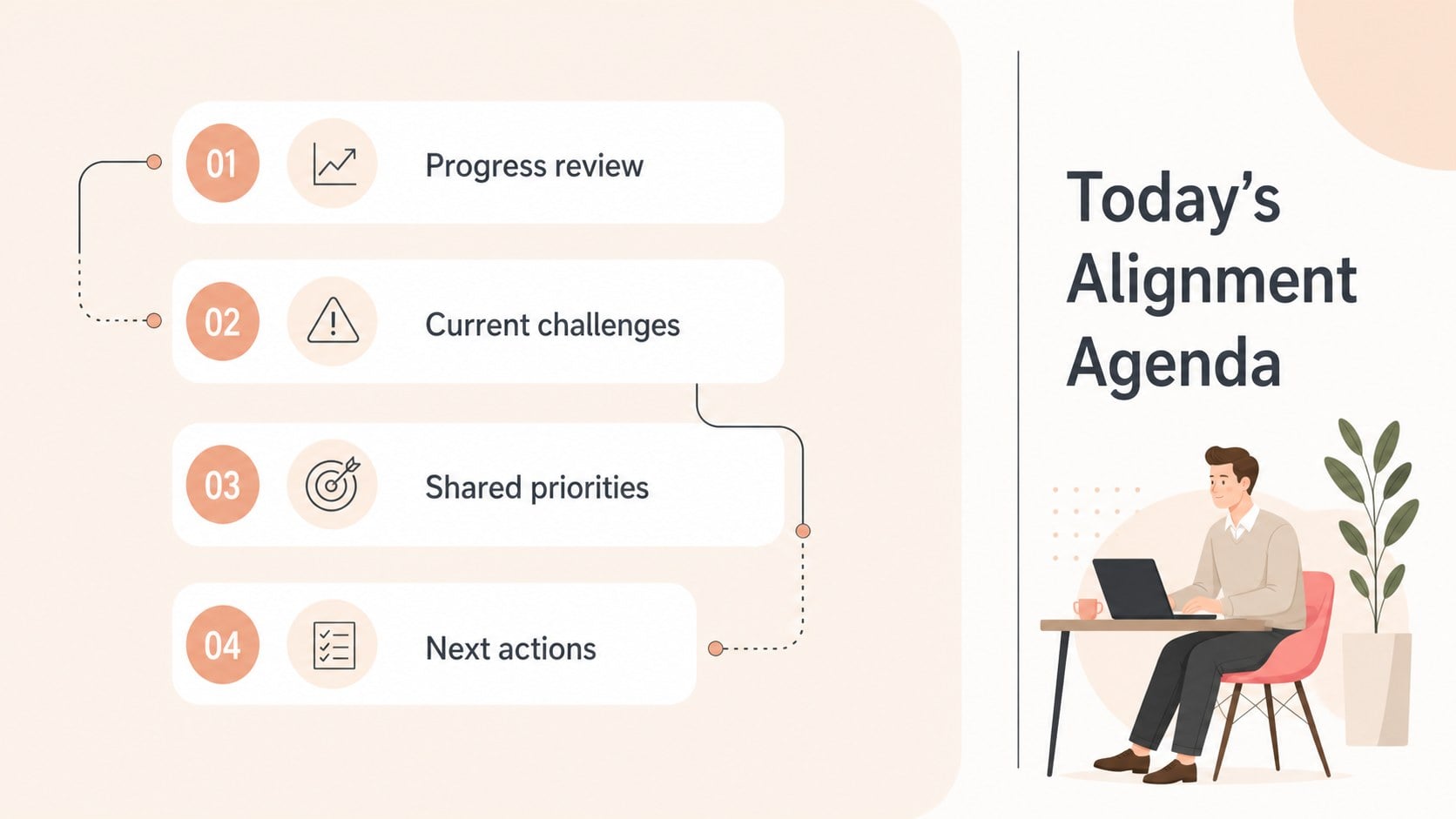
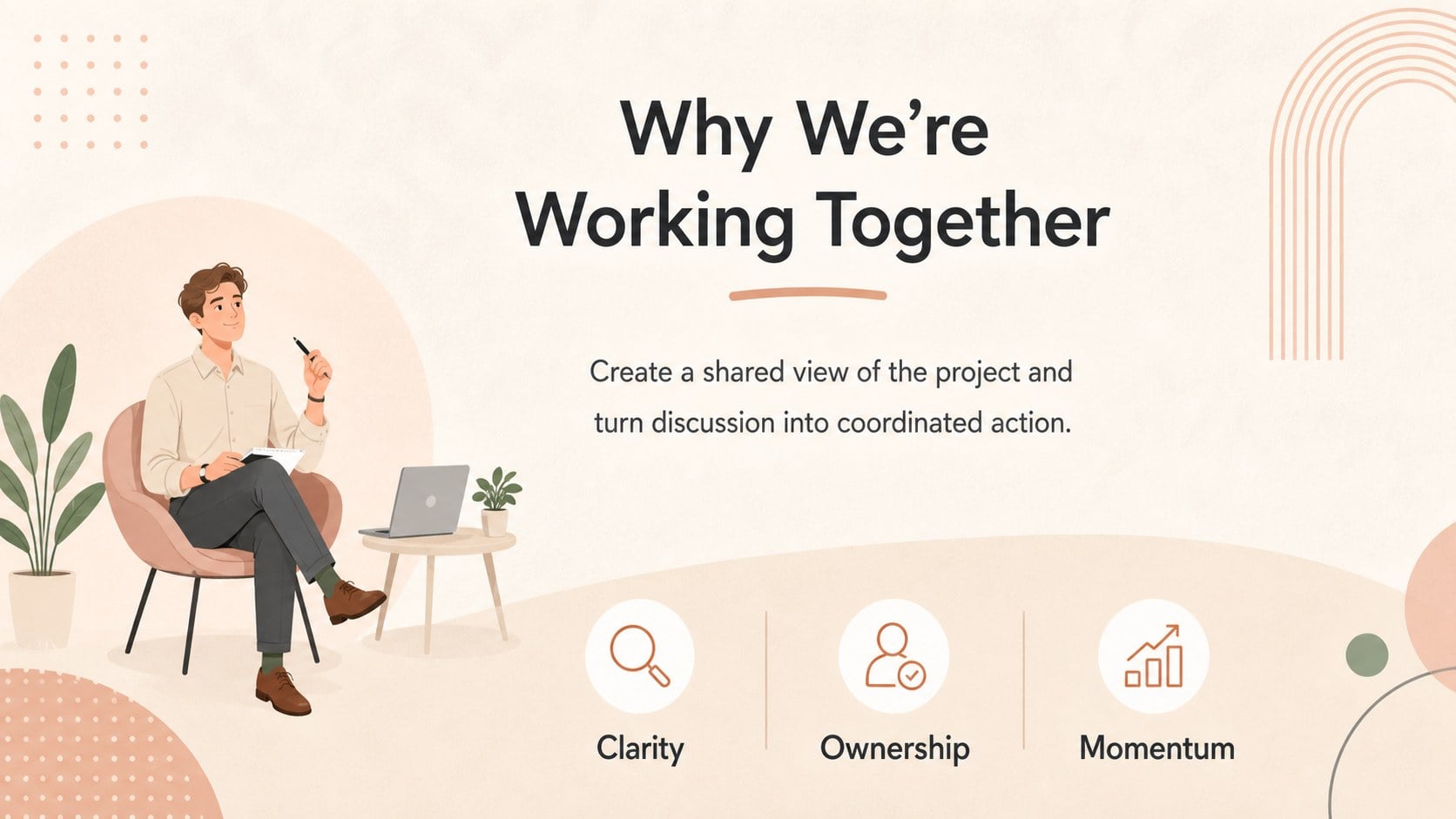
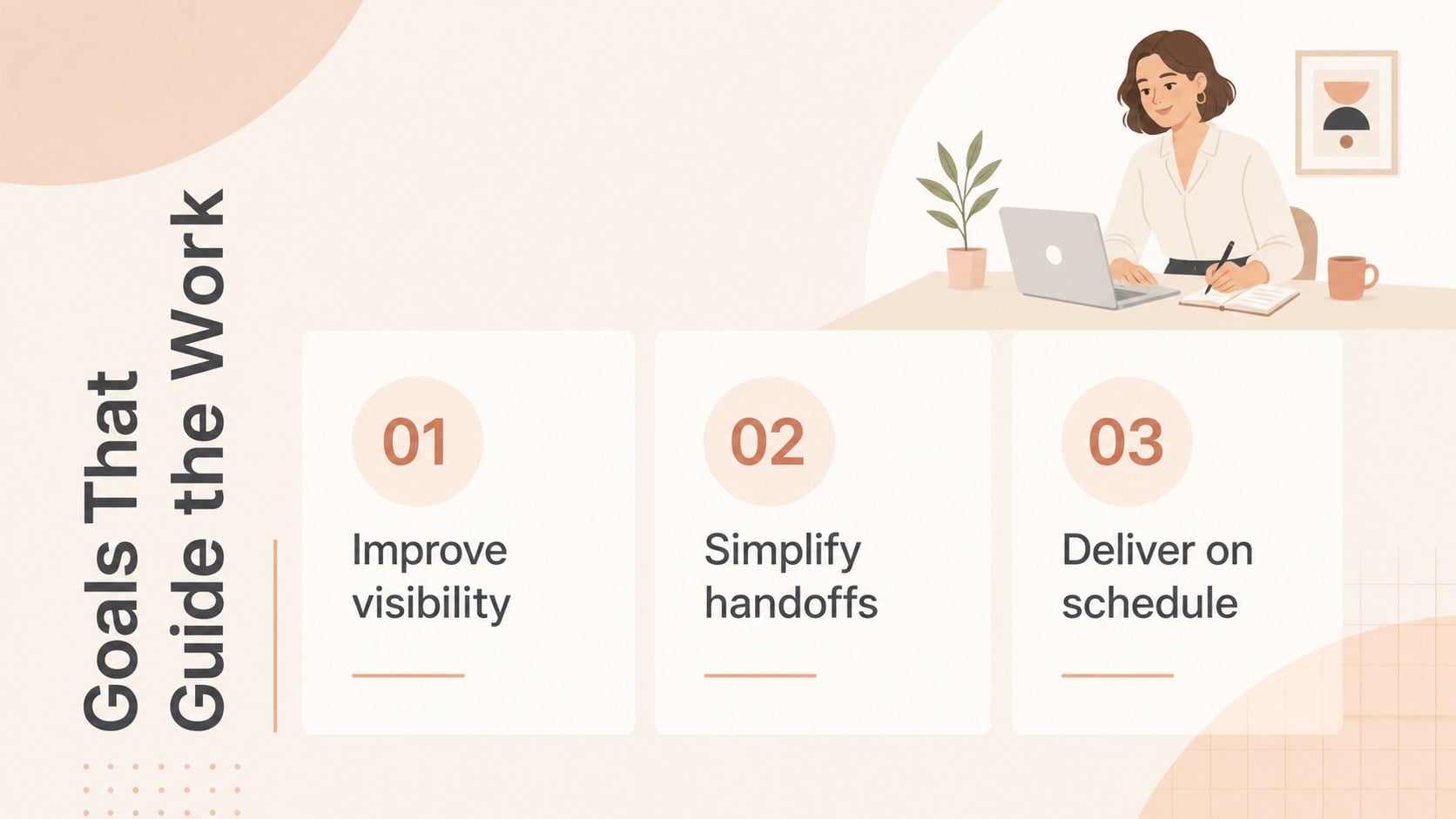
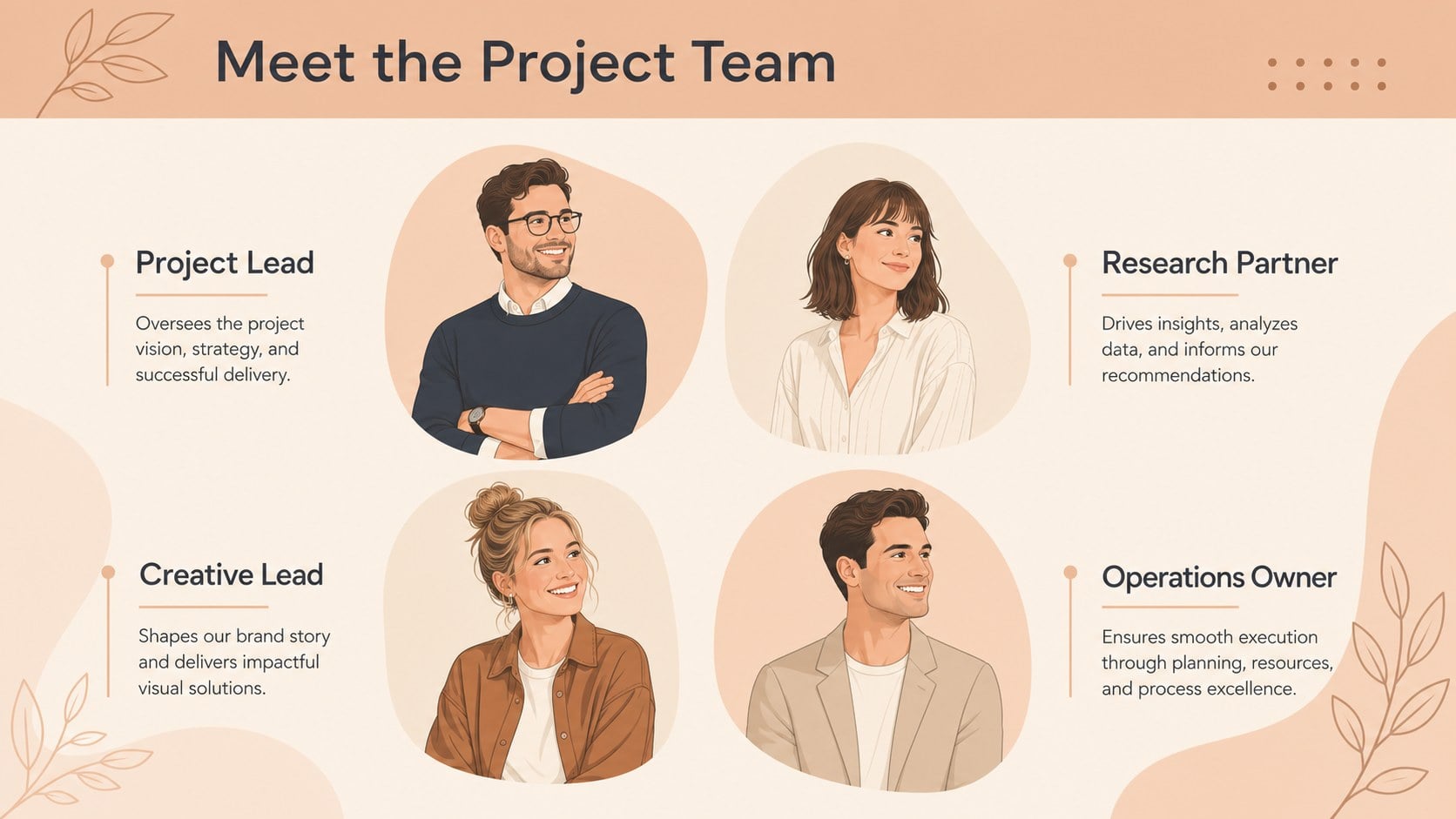
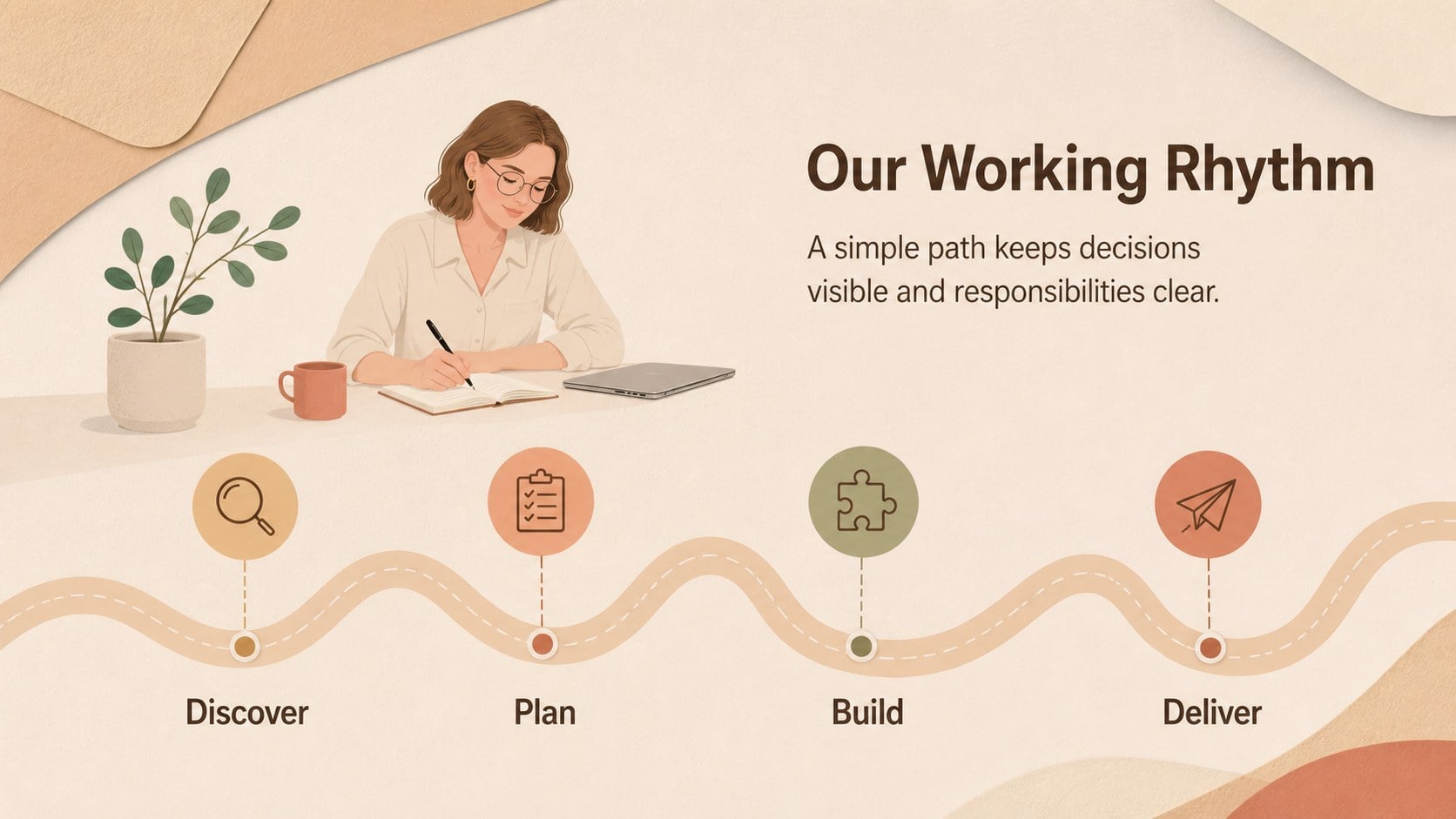
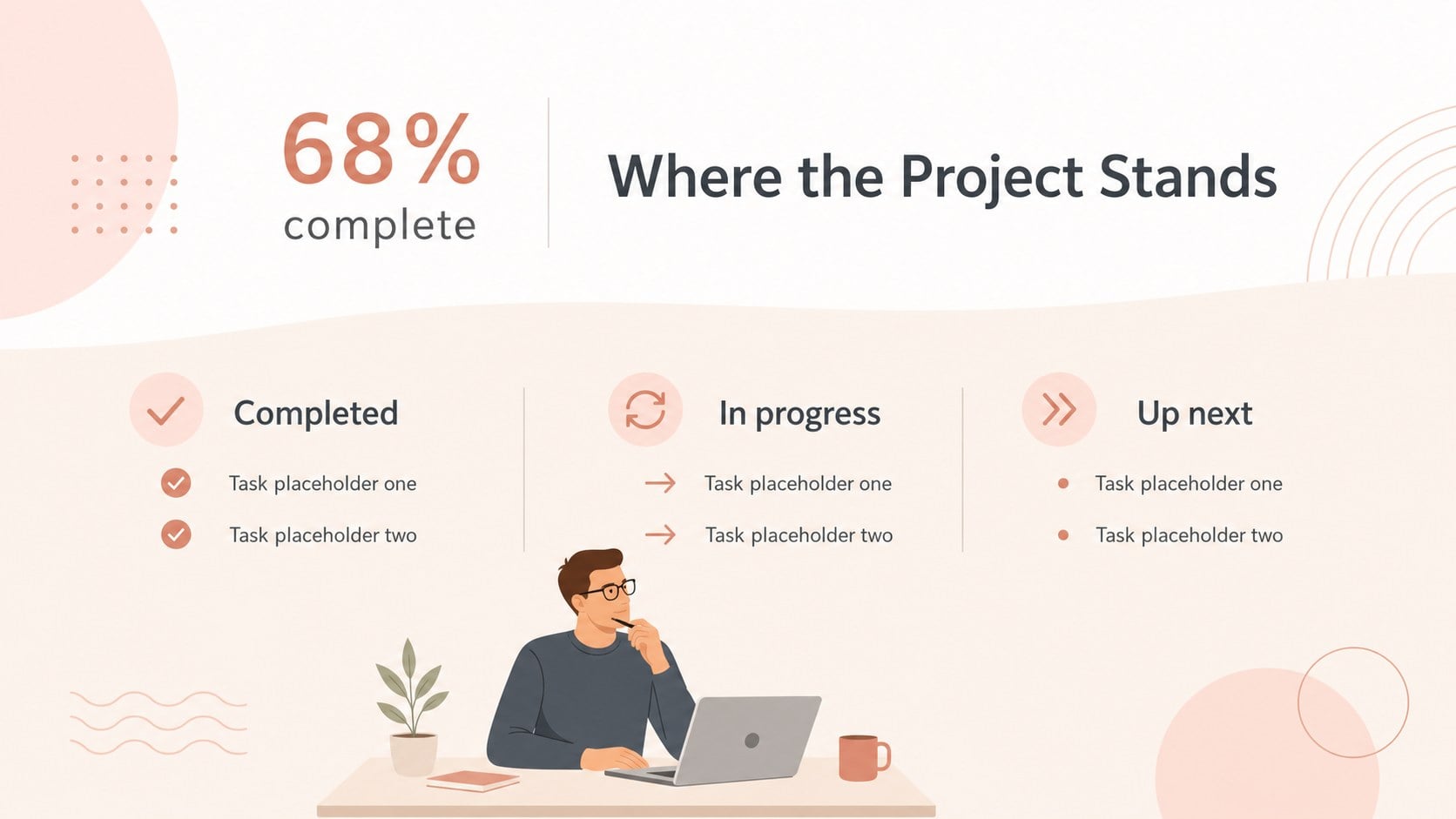
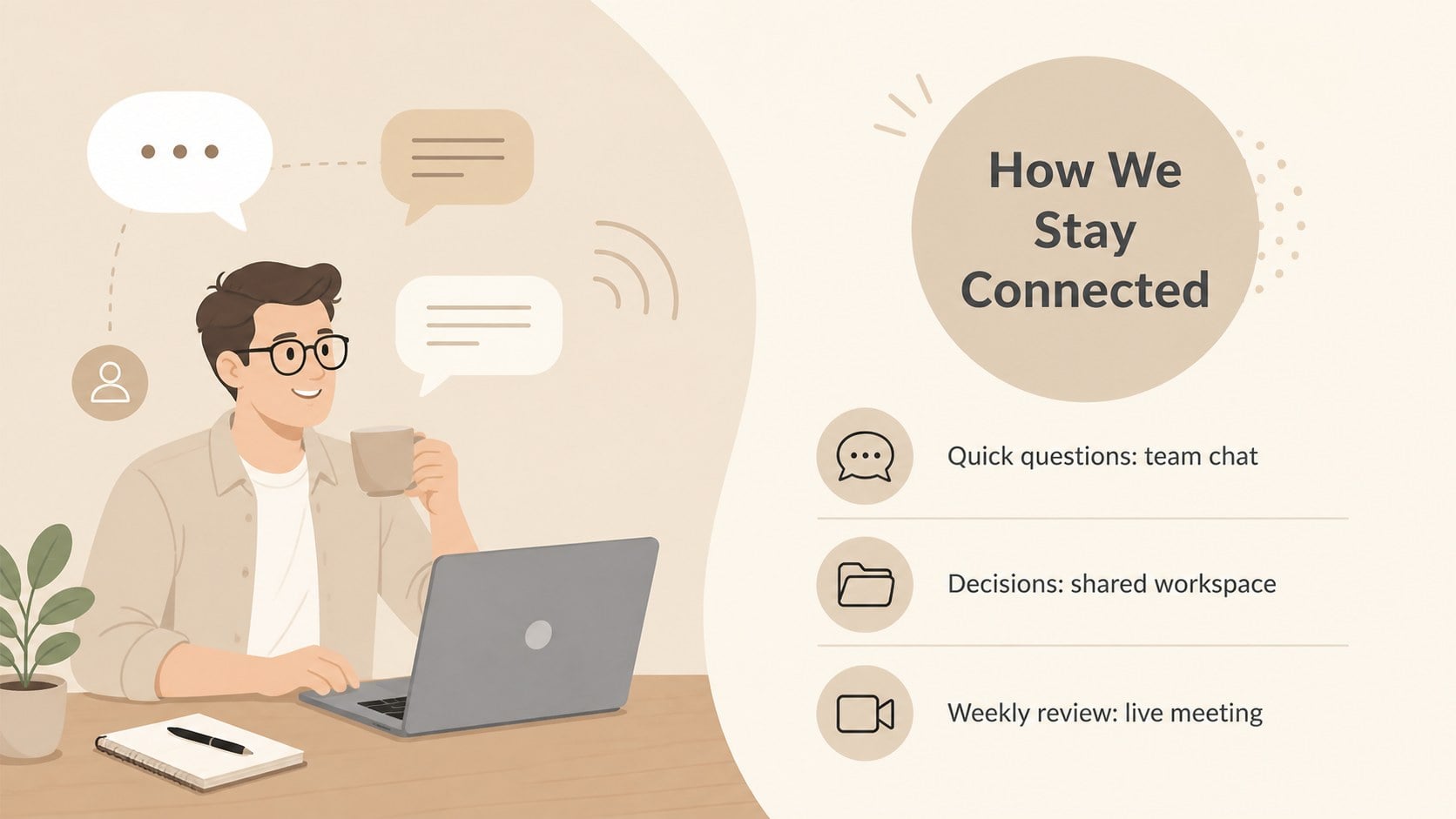
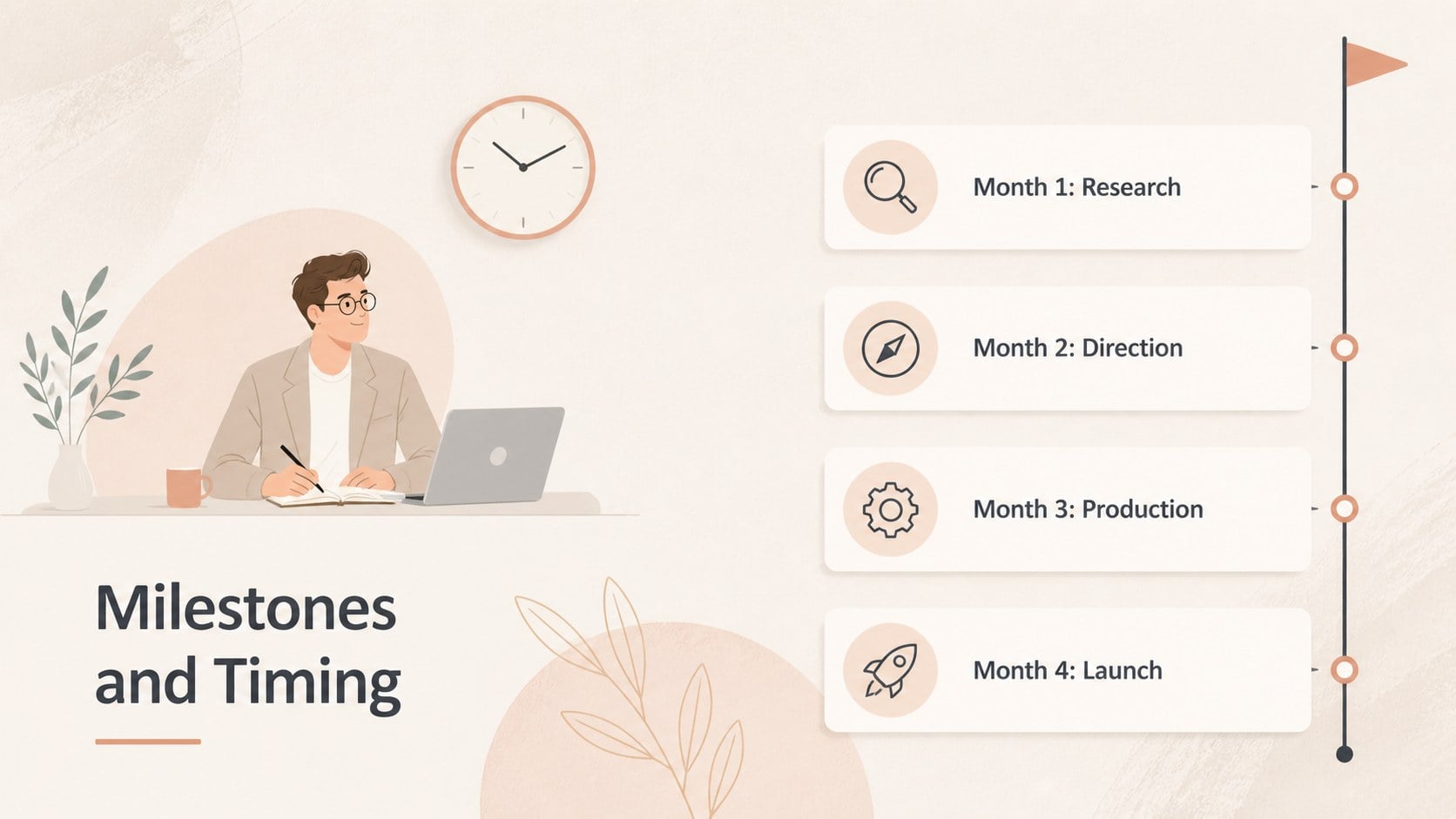
Turn scattered ideas into a clear, engaging story with this collaborative work presentation planner. Its warm beige palette, refined typography, and original workplace illustrations create a calm visual setting for sharing progress, explaining decisions, and aligning people around the next steps. Every layout is editable in PowerPoint and Google Slides.
Inside, you will find 16 coordinated layouts for agendas, project goals, team introductions, timelines, process explanations, data summaries, priorities, and closing remarks. Charts, diagrams, icon areas, and image placeholders make it easy to adapt the deck without rebuilding its visual system. Use the illustrated team meeting slides as designed, or replace the artwork, colors, and text to suit your organization.
This collaborative project update deck is suited to managers, consultants, educators, nonprofit teams, and creative professionals who need polished communication without a rigid corporate look. It also works as a remote team presentation template for planning sessions, campaign reviews, onboarding meetings, and workshop recaps. The minimal composition keeps information easy to scan, while the friendly character artwork adds personality without distracting from your message. Whether you are presenting quarterly results or mapping a new initiative, the flexible layouts help your audience understand what matters, who is involved, and what happens next.
Perfect for: weekly project status meeting; team planning workshop; remote collaboration update; employee onboarding session; campaign performance review; department goal presentation.
Frequently asked questions
Which presentation platforms support this template? The deck is designed for PowerPoint and Google Slides. You can edit the layouts, present online, or export a finished version using the options available in either platform.
Practical details
The deck is designed for PowerPoint and Google Slides. You can edit the layouts, present online, or export a finished version using the options available in either platform.
Yes. Backgrounds, accents, charts, icons, and text colors can be changed to match your organization or project while preserving the original layout structure.
The text, shapes, diagrams, charts, and image areas are editable. Illustration handling may vary by file format, but the artwork can be repositioned, resized, or replaced with your own visuals.
Use the layouts for project updates, planning workshops, onboarding, campaign reviews, team introductions, or goal-setting sessions. The multipurpose structure also supports educational and nonprofit presentations.
Keep exploring
15Build an engaging World UFO Day session with this flying saucer history lesson deck, featuring retro green-and-brown slides for PowerPoint and Google Slides.
 15
15Plan a lively animal-learning journey with this jungle zoo adventure lesson deck, ready to customize in PowerPoint and Google Slides for young learners.
 16
16Turn environmental research into a clear story with a Watercolor Ecology Presentation Theme for PowerPoint and Google Slides in calming green and blue.
 16
16Build focused fashion, literature, and humanities presentations with the Red Triangle Editorial Theme, editable in PowerPoint and Google Slides.
 15
15Turn streaming stats, favorite tracks, and concert highlights into a bold annual listening recap slide deck for PowerPoint and Google Slides.
 15
15Turn highlights, milestones, and favorite moments into a colorful year in review slide deck with bold 3D graphics for PowerPoint and Google Slides.
 3
3Build a credible endorsement with Standout Colleague Recommendation Letter Slides, featuring colorful prompts for skills, achievements, and team impact.
 4
4Build clear beginner sessions with an ice hockey fundamentals training deck for coaches, PE teachers, and clubs, ready for PowerPoint and Google Slides.