
 15
15presentation
Flying Saucer History Lesson Deck
Build an engaging World UFO Day session with this flying saucer history lesson deck, featuring retro green-and-brown slides for PowerPoint and Google Slides.
Google SlidesPowerPoint
presentation · English
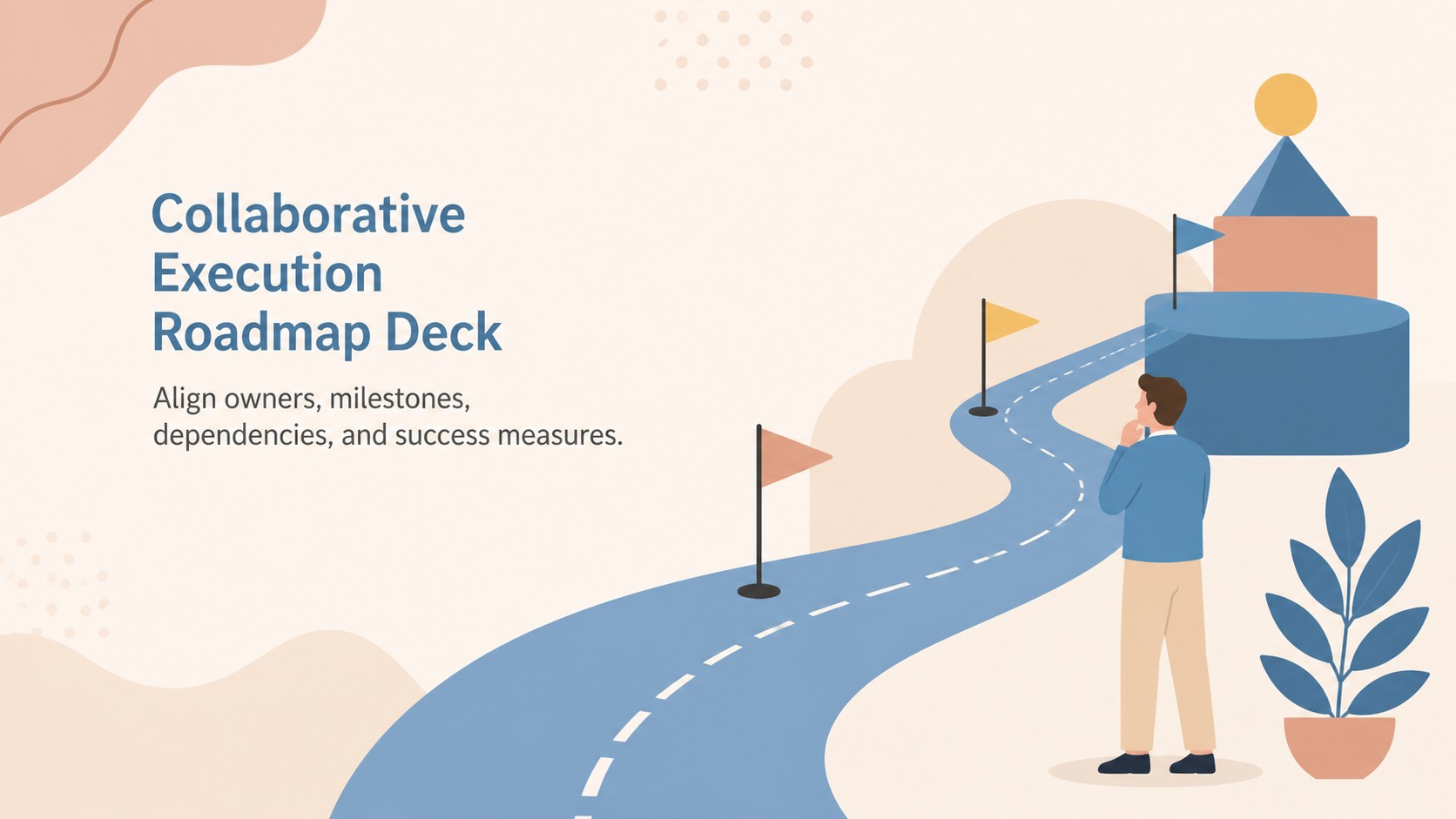
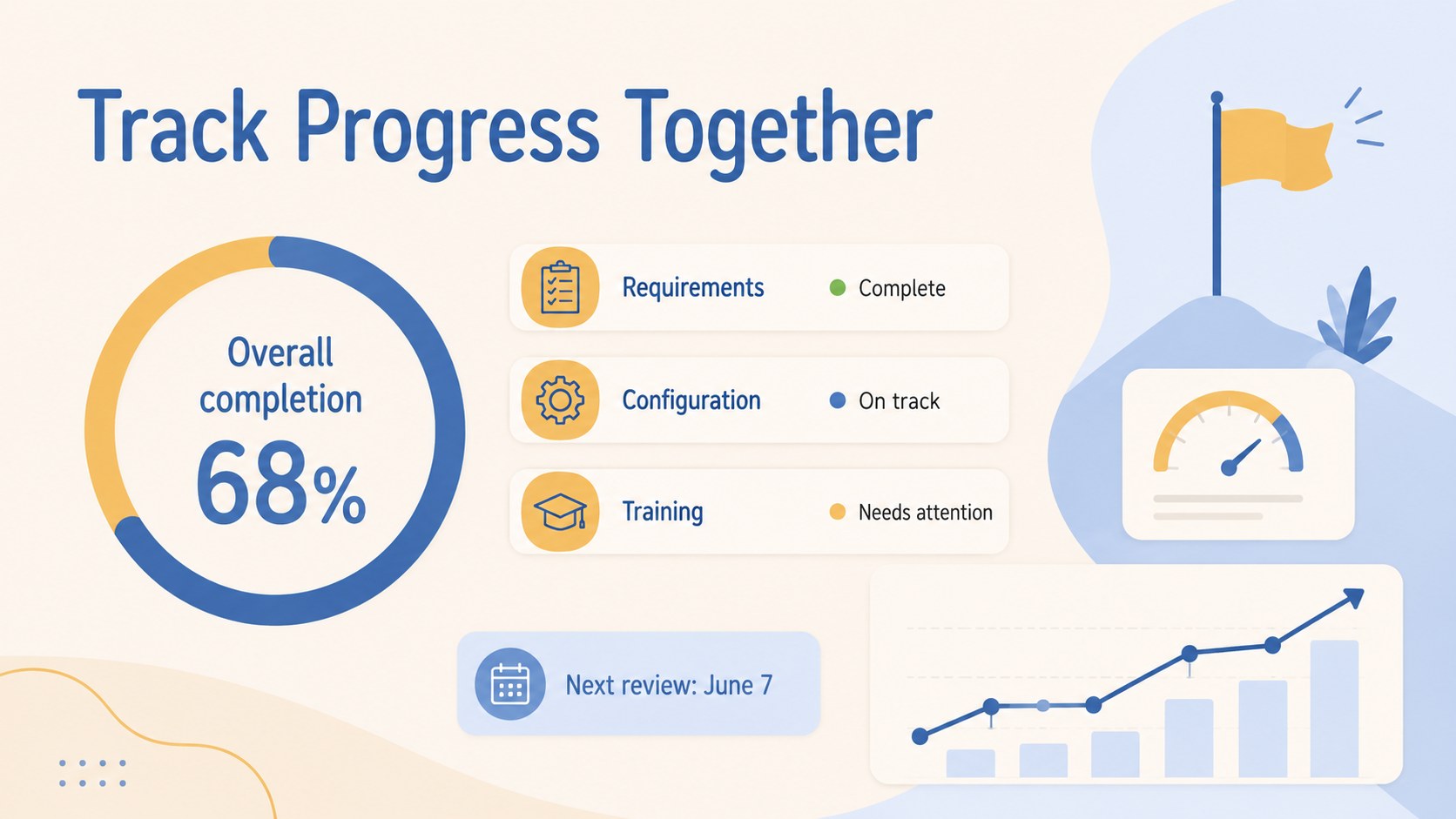
Turn shared goals into accountable next steps with this Collaborative Execution Roadmap for PowerPoint and Google Slides, styled in calm beige and blue.
Design notes
The Collaborative Execution Roadmap Deck helps teams turn a shared objective into coordinated, measurable work. Its illustrated beige and blue design creates a calm setting for reviewing responsibilities, deadlines, dependencies, and expected outcomes without making the meeting feel overly formal. Edit every slide in PowerPoint or Google Slides to reflect your project, partnership, or customer journey.
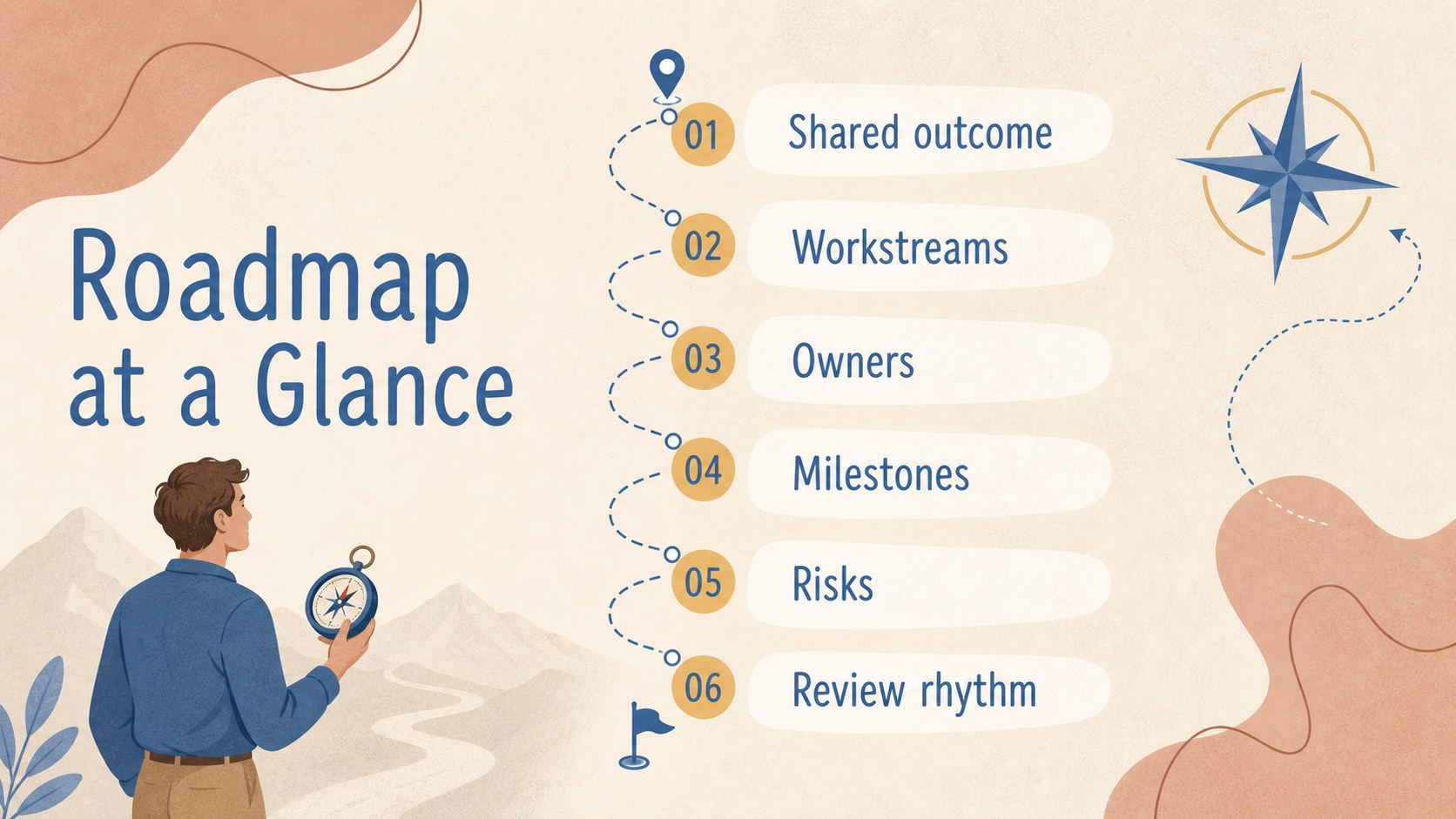
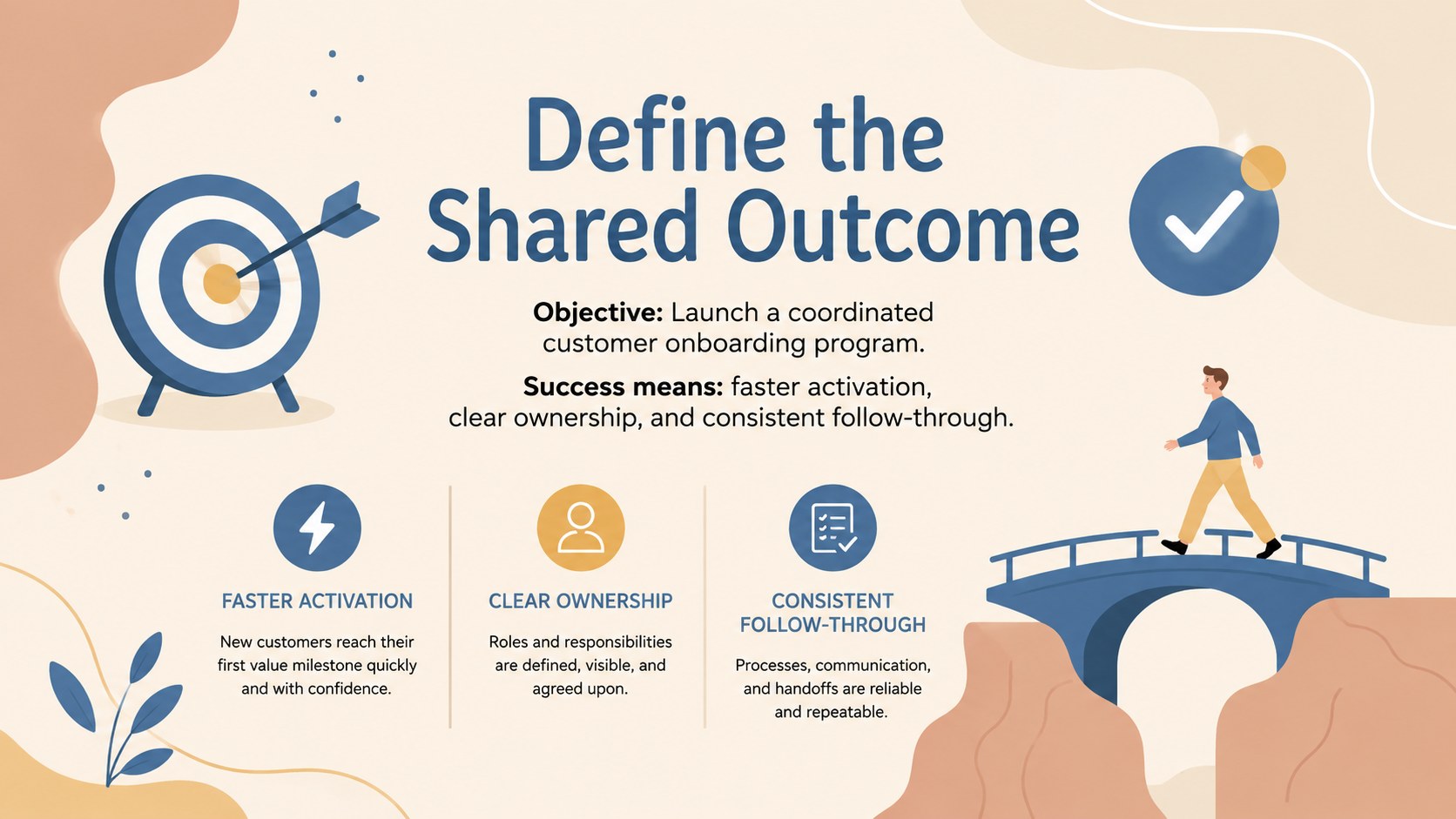
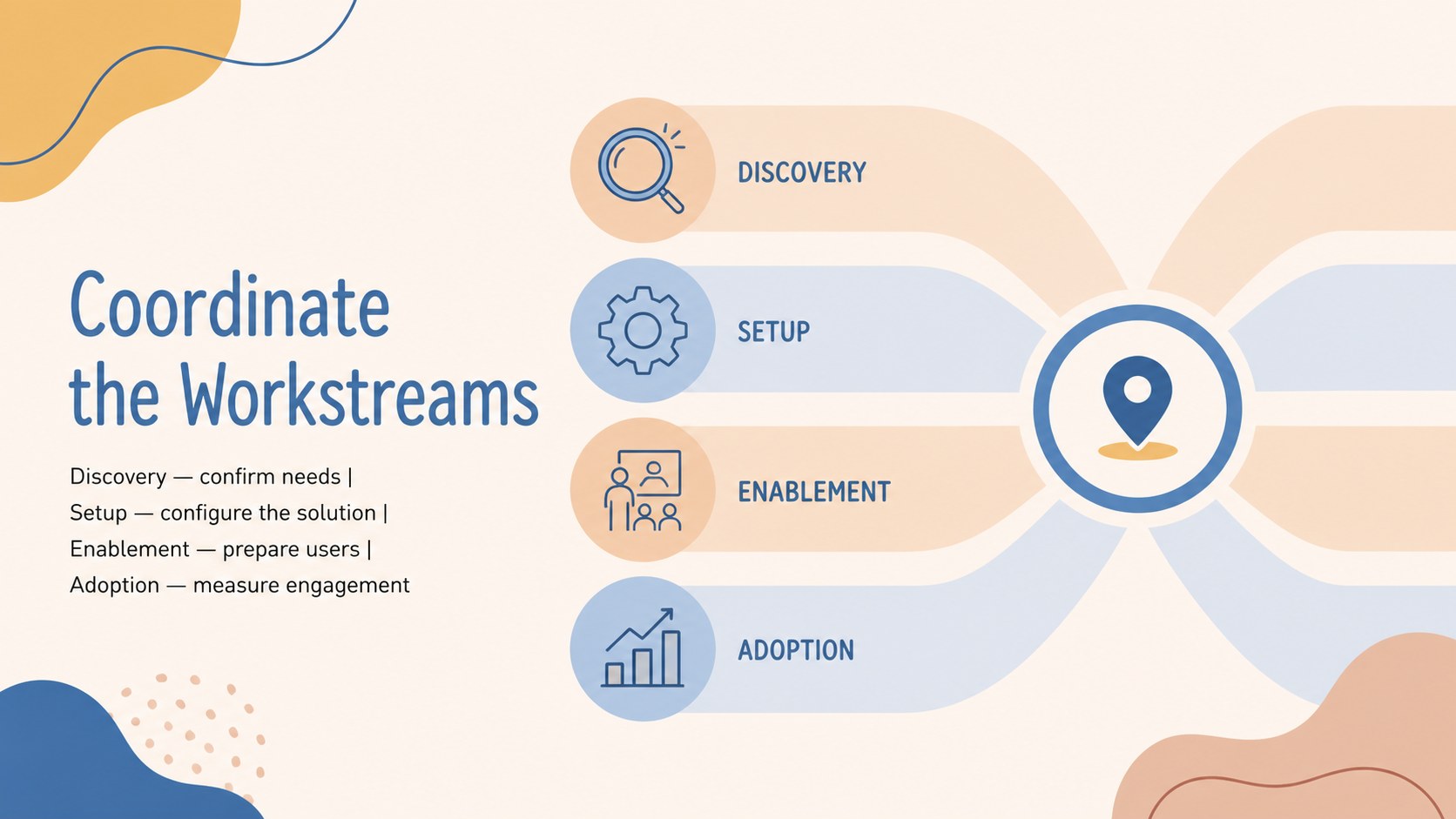
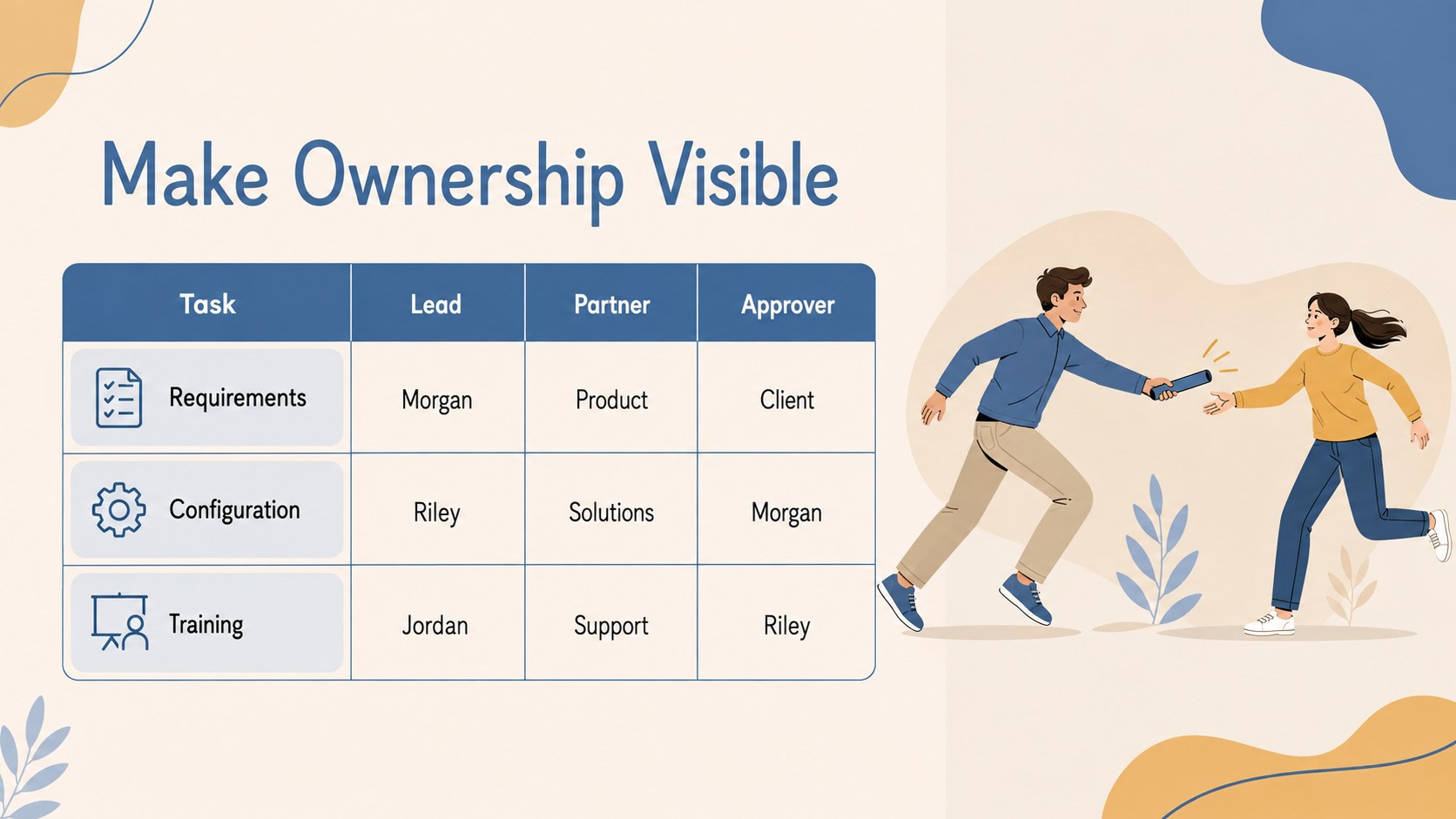
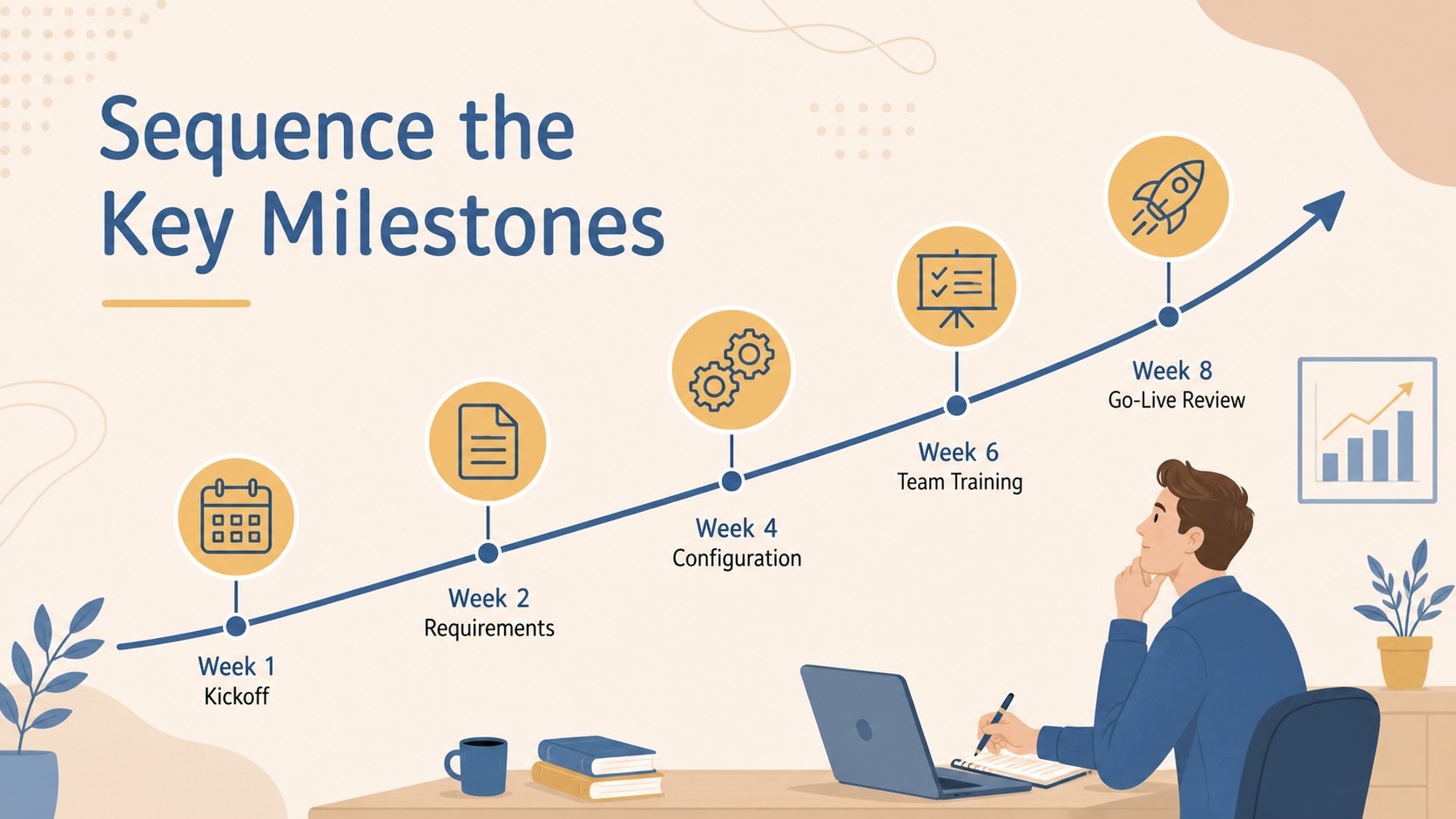
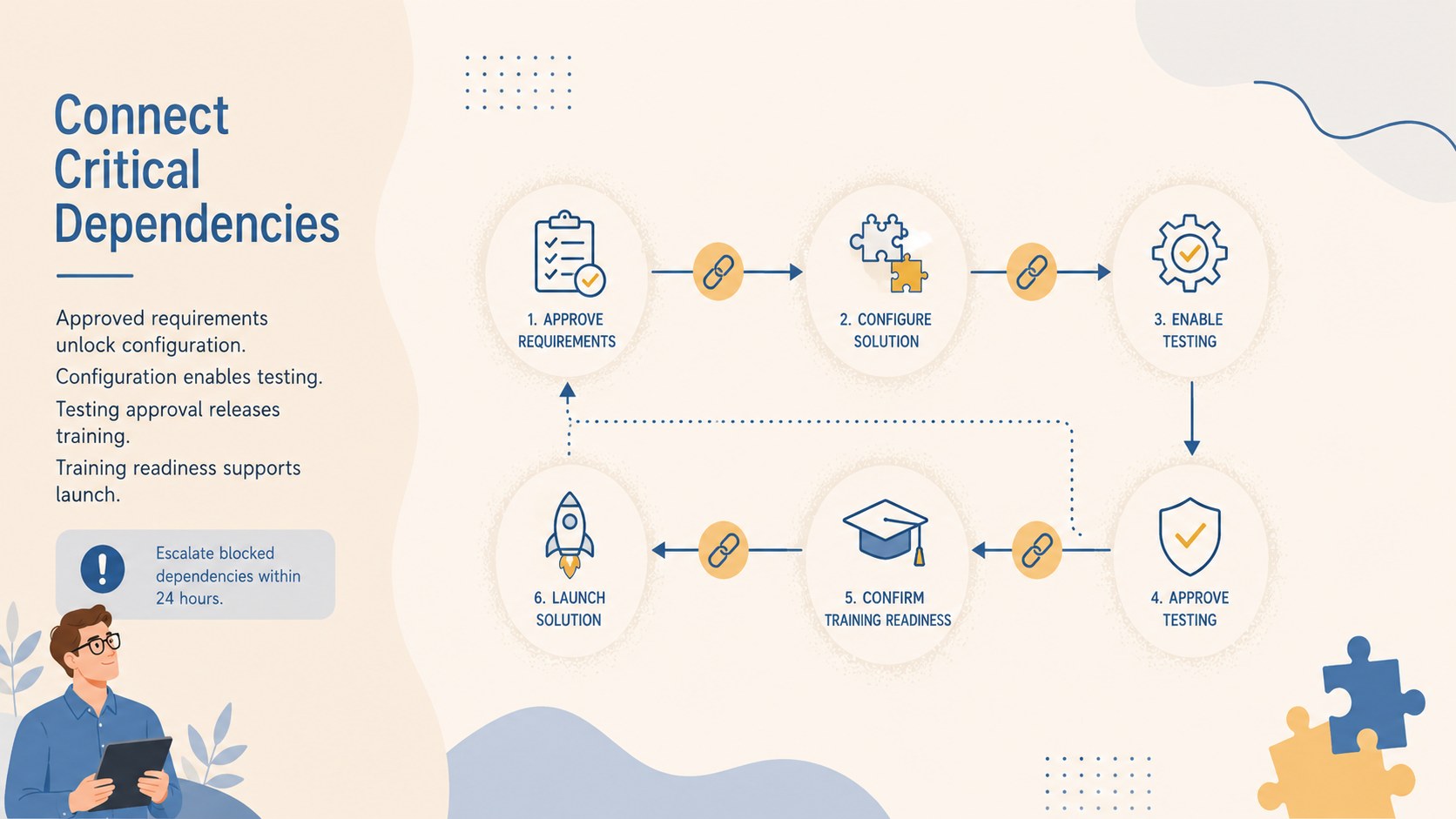
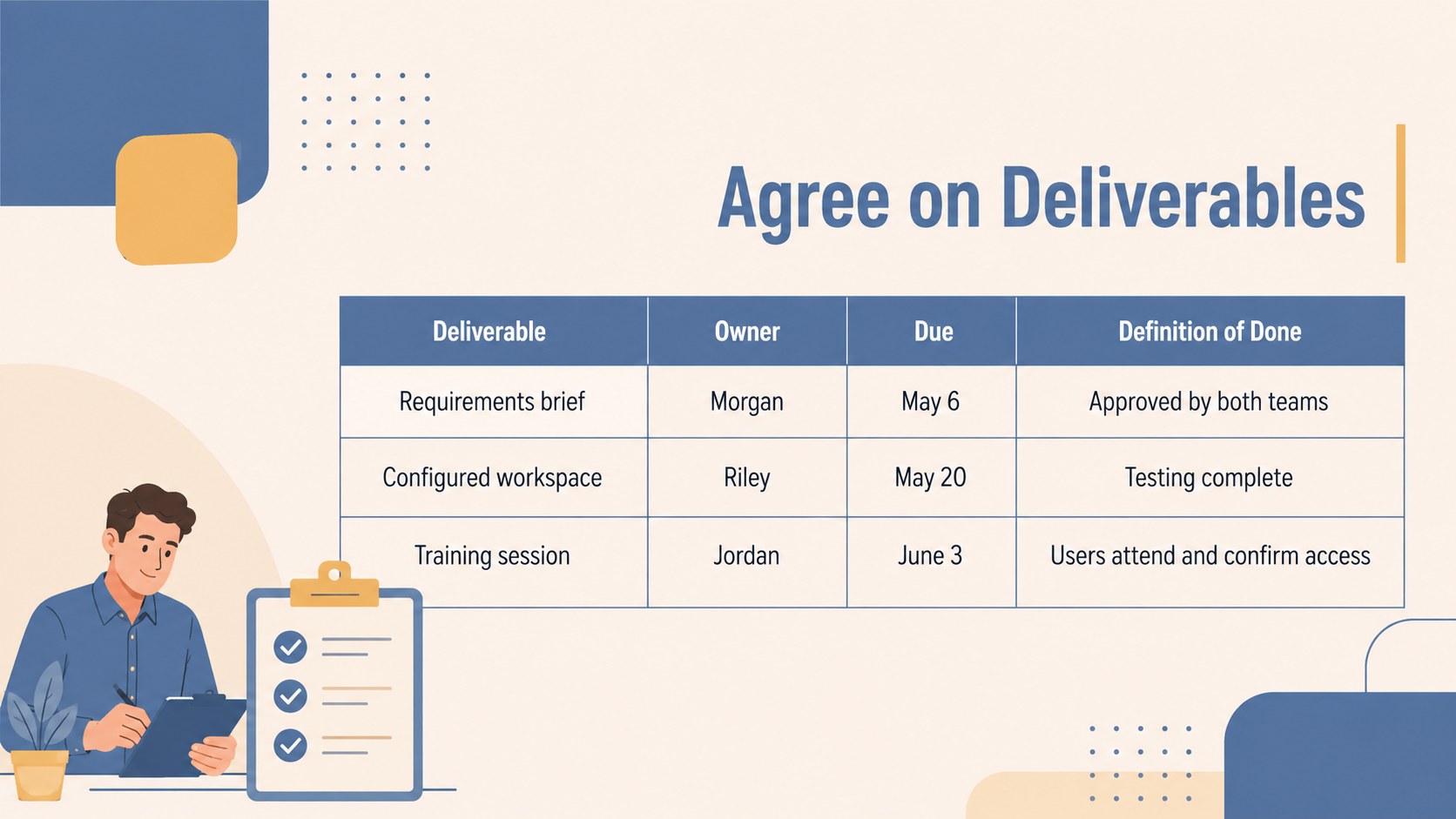
Inside, you will find layouts for defining the shared vision, assigning owners, mapping milestones, documenting responsibilities, tracking progress, and handling risks. A stakeholder alignment roadmap slides sequence supports productive discussions across departments, while the joint project accountability presentation layouts make ownership visible. Timeline, status, decision, and next-step pages provide enough structure for both planning sessions and recurring reviews.
This deck is designed for project managers, account teams, consultants, sales professionals, customer success leaders, and cross-functional groups. Use it as a shared milestone planning deck during client onboarding, strategic partnerships, product launches, implementation programs, or internal initiatives. Charts, text blocks, icons, colors, and illustrations can be customized to match your content while retaining the approachable business style. Whether presented live or shared as a follow-up document, the framework keeps participants focused on commitments, timing, and evidence of success.
Perfect for: client onboarding plan; strategic partnership kickoff; cross-functional project launch; customer success review; implementation milestone meeting; stakeholder alignment workshop.
Frequently asked questions
Can I edit this roadmap in PowerPoint and Google Slides? Yes. All text, colors, shapes, icons, and planning details can be edited in PowerPoint or Google Slides. Some fonts or transitions may vary slightly between the two platforms.
Practical details
Yes. All text, colors, shapes, icons, and planning details can be edited in PowerPoint or Google Slides. Some fonts or transitions may vary slightly between the two platforms.
Replace the sample objectives, owners, dates, milestones, and success measures with your own information. You can duplicate or remove sections to match the length and complexity of your initiative.
Yes. Adjust the beige and blue palette, swap icons, and reposition illustrations to match your organization or client. Maintain strong contrast between text and backgrounds for clear presentation-room visibility.
Yes. Update the status, milestone, risk, and next-step slides before each review to create a consistent reporting rhythm. Keep completed actions visible so participants can see progress and unresolved commitments.
Keep exploring
15Build an engaging World UFO Day session with this flying saucer history lesson deck, featuring retro green-and-brown slides for PowerPoint and Google Slides.
 15
15Plan a lively animal-learning journey with this jungle zoo adventure lesson deck, ready to customize in PowerPoint and Google Slides for young learners.
 16
16Turn environmental research into a clear story with a Watercolor Ecology Presentation Theme for PowerPoint and Google Slides in calming green and blue.
 16
16Build focused fashion, literature, and humanities presentations with the Red Triangle Editorial Theme, editable in PowerPoint and Google Slides.
 15
15Turn streaming stats, favorite tracks, and concert highlights into a bold annual listening recap slide deck for PowerPoint and Google Slides.
 15
15Turn highlights, milestones, and favorite moments into a colorful year in review slide deck with bold 3D graphics for PowerPoint and Google Slides.
 3
3Build a credible endorsement with Standout Colleague Recommendation Letter Slides, featuring colorful prompts for skills, achievements, and team impact.
 4
4Build clear beginner sessions with an ice hockey fundamentals training deck for coaches, PE teachers, and clubs, ready for PowerPoint and Google Slides.