
 4
4document
Clinical Wound Evaluation Slides for Nurses
Document wound findings, treatment decisions, and healing progress with clinical wound evaluation slides for nurses in PowerPoint and Google Slides.
Google Docs
document · English
Turn prospecting ideas into a repeatable workflow with this cold outreach planning deck for PowerPoint and Google Slides, built for focused sales teams.


Design notes
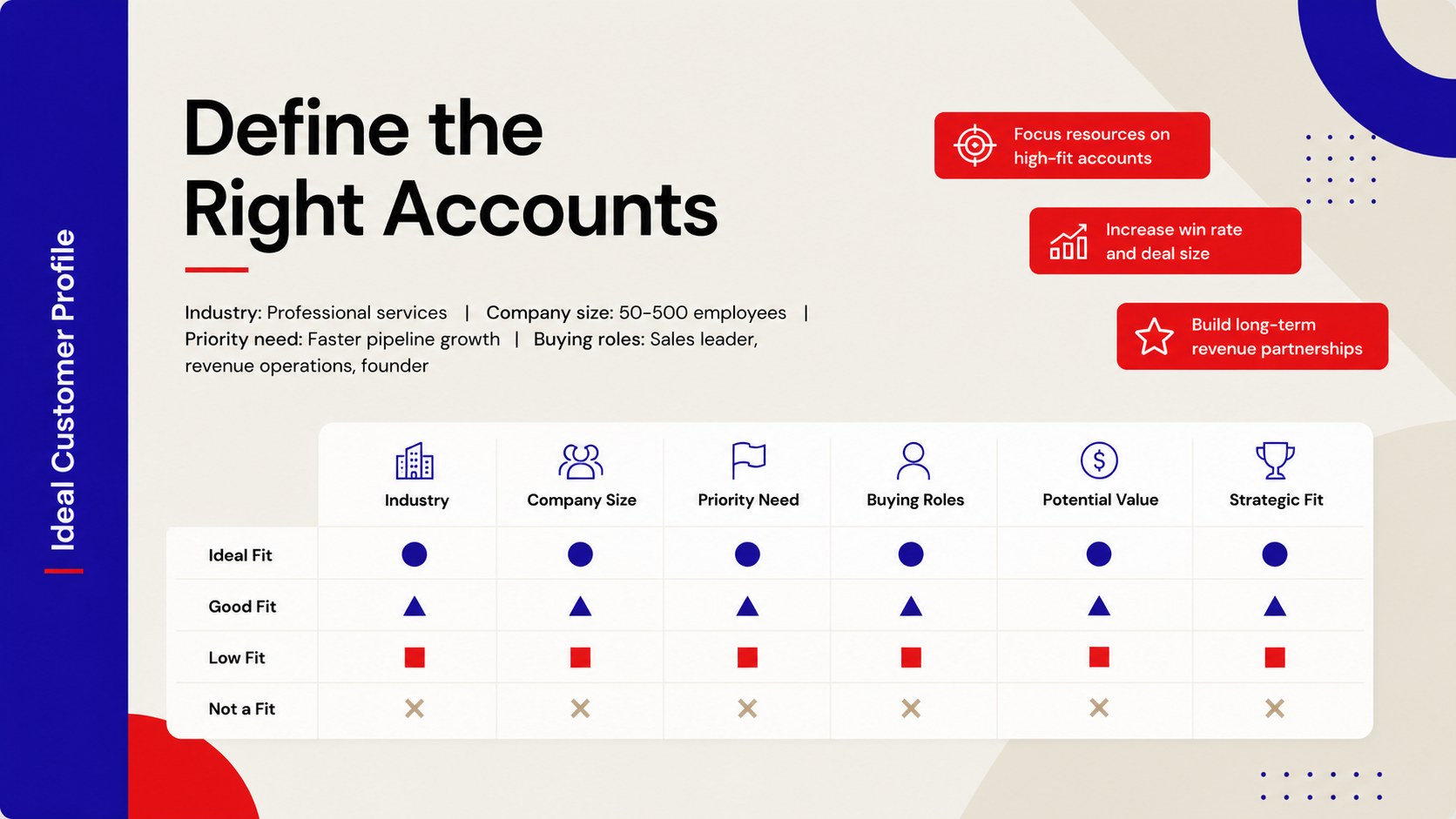
Build a more deliberate prospecting process with this cold outreach planning deck for PowerPoint and Google Slides. Its modern minimalist design uses a balanced beige, blue, and red palette to turn campaign ideas into an organized plan that sales teams can review, present, and update without unnecessary clutter.
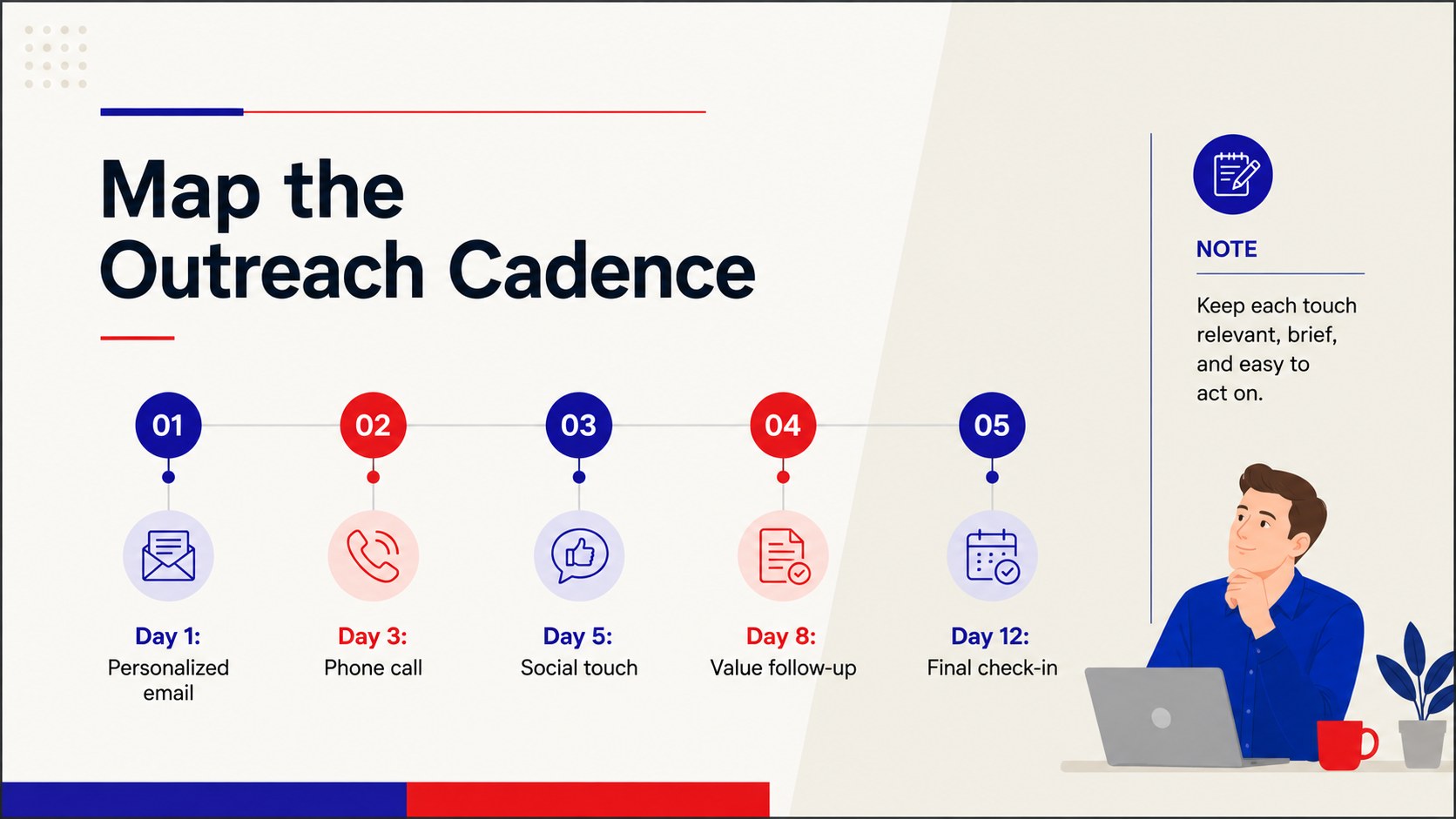
The deck includes layouts for defining ideal customer profiles, segmenting target accounts, outlining value propositions, and mapping multichannel outreach steps. Use it as a B2B cold outreach campaign template to coordinate calls, emails, social touches, and follow-ups. Additional sections support ownership, timelines, conversion targets, and prospecting KPI tracking, helping teams connect daily activity with pipeline outcomes.
Designed for sales leaders, business development representatives, founders, revenue operations teams, and marketing partners, this sales cadence strategy presentation works equally well for campaign launches and process reviews. Adjust the colors, typography, charts, and content to match your organization, then collaborate in Google Slides or present through PowerPoint. Whether you are entering a new market, testing a cold email sequence, or improving an existing outbound motion, the structured layouts keep priorities visible and next steps practical.
Perfect for: B2B prospecting campaign launch; sales cadence planning workshop; target account strategy review; cold email sequence briefing; outbound performance meeting.
Frequently asked questions
Can I edit this deck in PowerPoint and Google Slides? Yes. All slide text, colors, shapes, tables, and charts can be edited in PowerPoint or Google Slides. Some fonts may be substituted automatically if they are not installed on your device.
Practical details
Yes. All slide text, colors, shapes, tables, and charts can be edited in PowerPoint or Google Slides. Some fonts may be substituted automatically if they are not installed on your device.
Replace the sample audience segments, messaging, cadence steps, owners, and performance targets with your own information. You can also apply your brand colors and logo while preserving the existing minimalist layout.
Yes. The cadence layouts can accommodate email, phone, social selling, direct mail, and other prospecting channels. Add, remove, or reorder touchpoints to reflect the length and complexity of your campaign.
The deck can track activities and outcomes such as calls, emails, reply rates, meetings booked, qualified opportunities, and conversion rates. Update the KPI slide with the measures used by your team.
Keep exploring
4Document wound findings, treatment decisions, and healing progress with clinical wound evaluation slides for nurses in PowerPoint and Google Slides.
 4
4Turn recurring updates into clear decisions with a weekly operations status briefing for PowerPoint and Google Slides, covering progress, risks, and priorities.
 4
4Turn recurring check-ins into focused decisions with a weekly leadership update deck for KPIs, priorities, blockers, owners, and next actions.
 4
4Use veterinary surgery consent form slides to explain procedures, anesthesia, risks, costs, and emergency decisions clearly before client approval.
 4
4Organize objectives, activities, and daily notes with this weekly classroom planner for teachers, editable in PowerPoint and Google Slides for easy prep.
 4
4Create colorful vocabulary assessment slides for lively word checks, review games, and classroom practice in PowerPoint or Google Slides. Easy to personalize.
 4
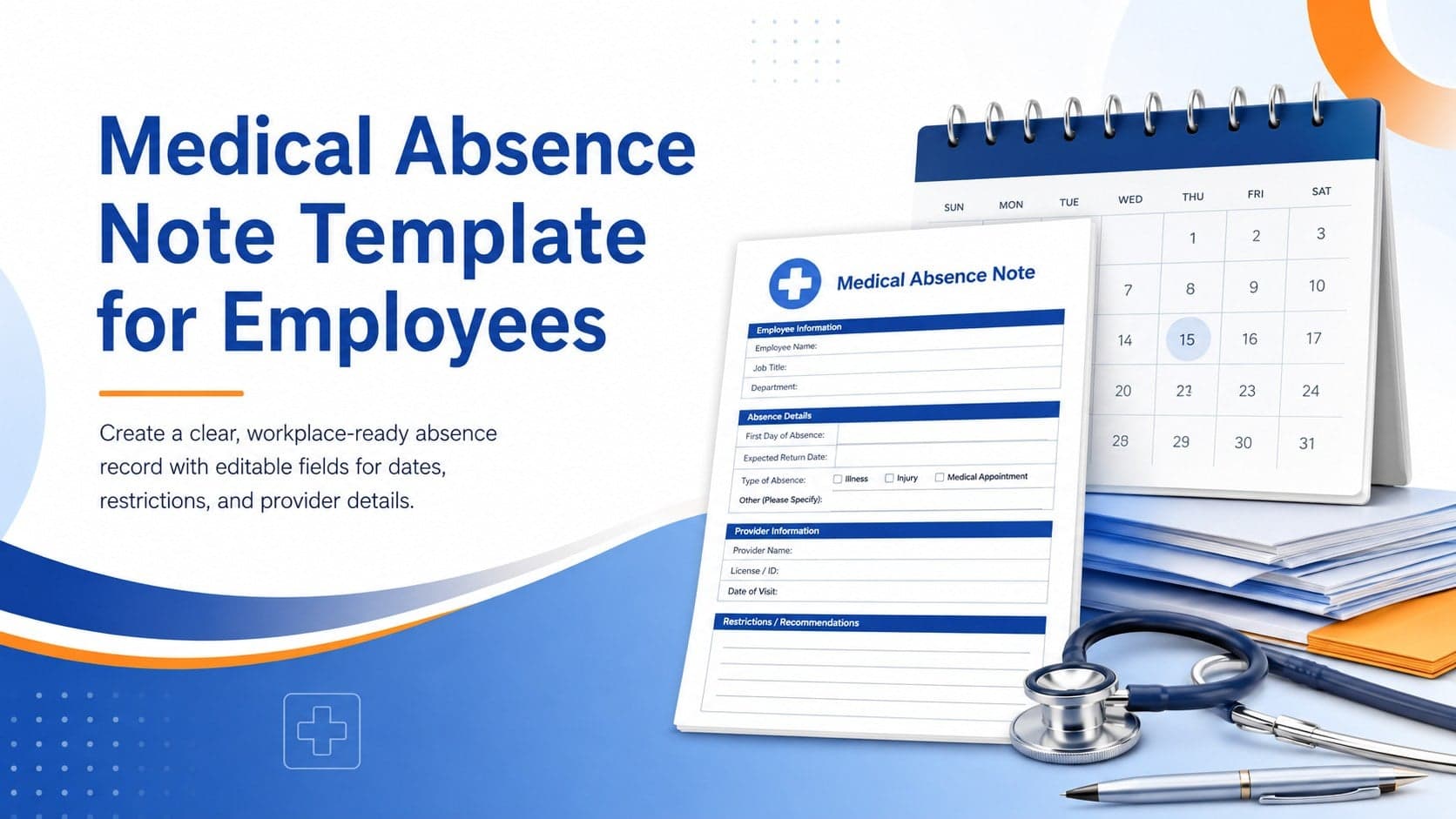
4Prepare a clear medical absence note template for employee records, with editable fields and polished blue-orange slides for PowerPoint and Google Slides.
 4
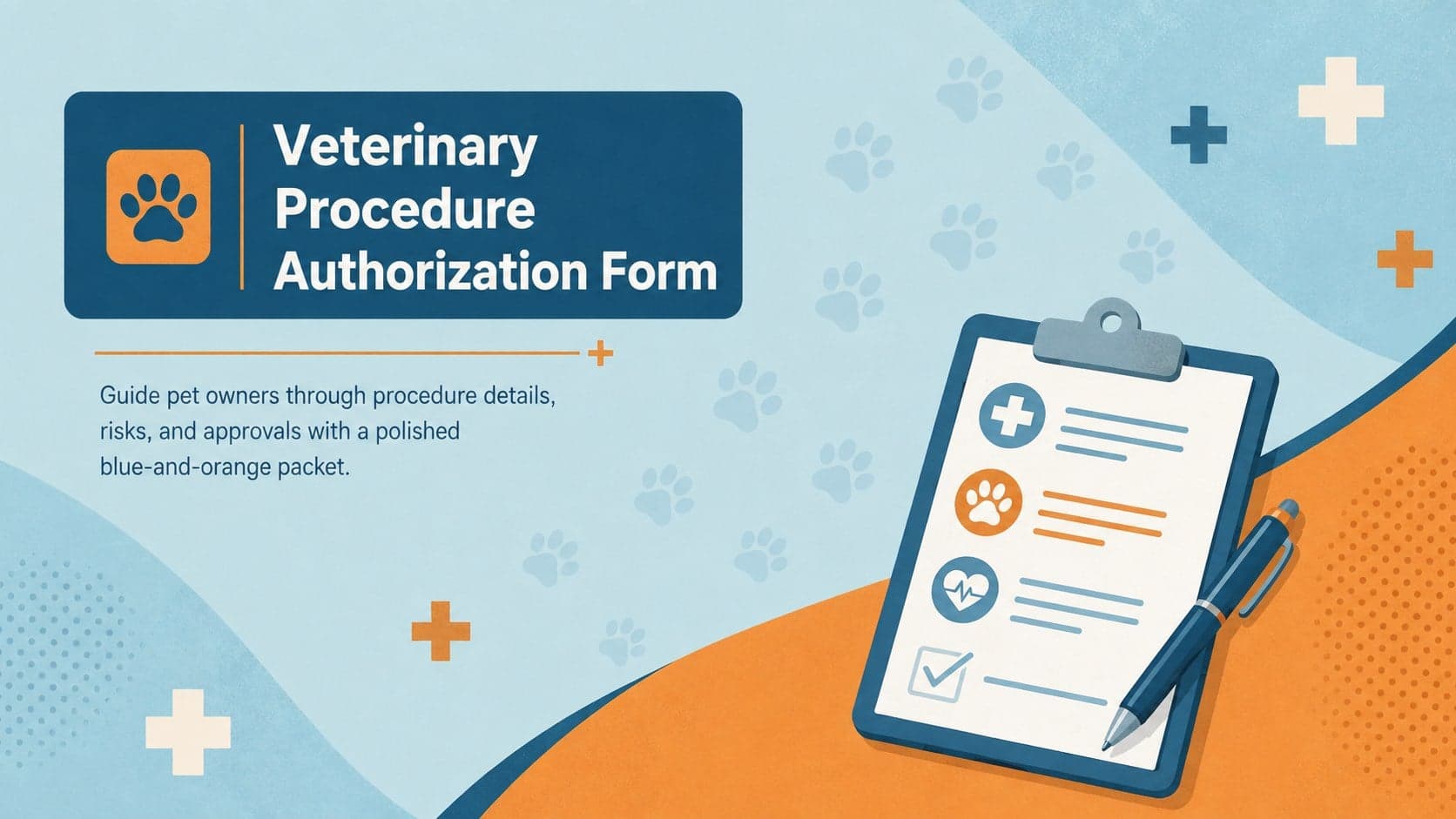
4Prepare pet owners for treatment with a veterinary procedure authorization form covering risks, medication, contacts, and approval details.