
 15
15presentation
Flying Saucer History Lesson Deck
Build an engaging World UFO Day session with this flying saucer history lesson deck, featuring retro green-and-brown slides for PowerPoint and Google Slides.
Google SlidesPowerPoint
presentation · English
Build a clear coffee customer insight deck in warm brown and beige, with editable slides for audience research, segmentation, and cafe strategy.


Design notes
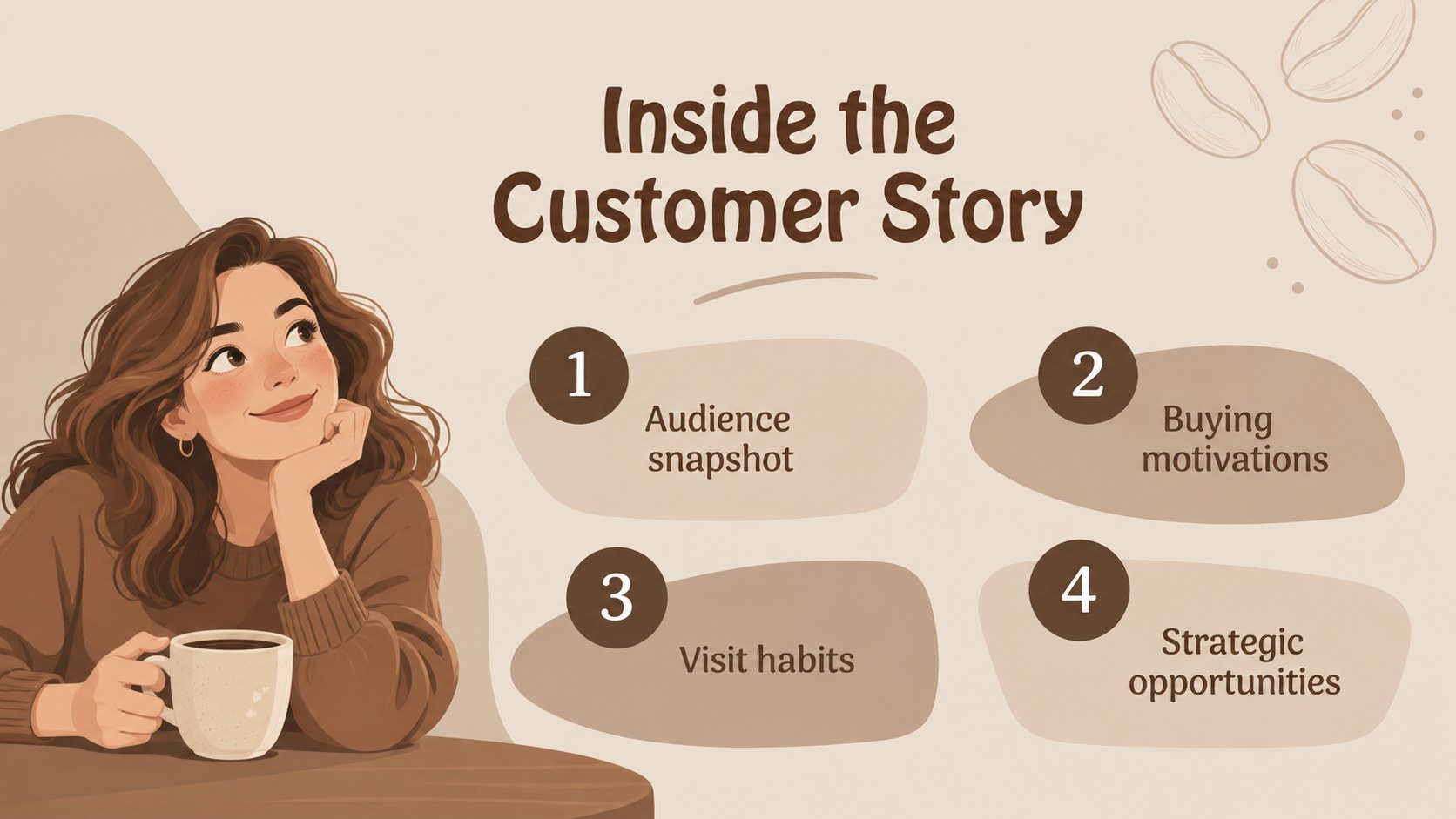
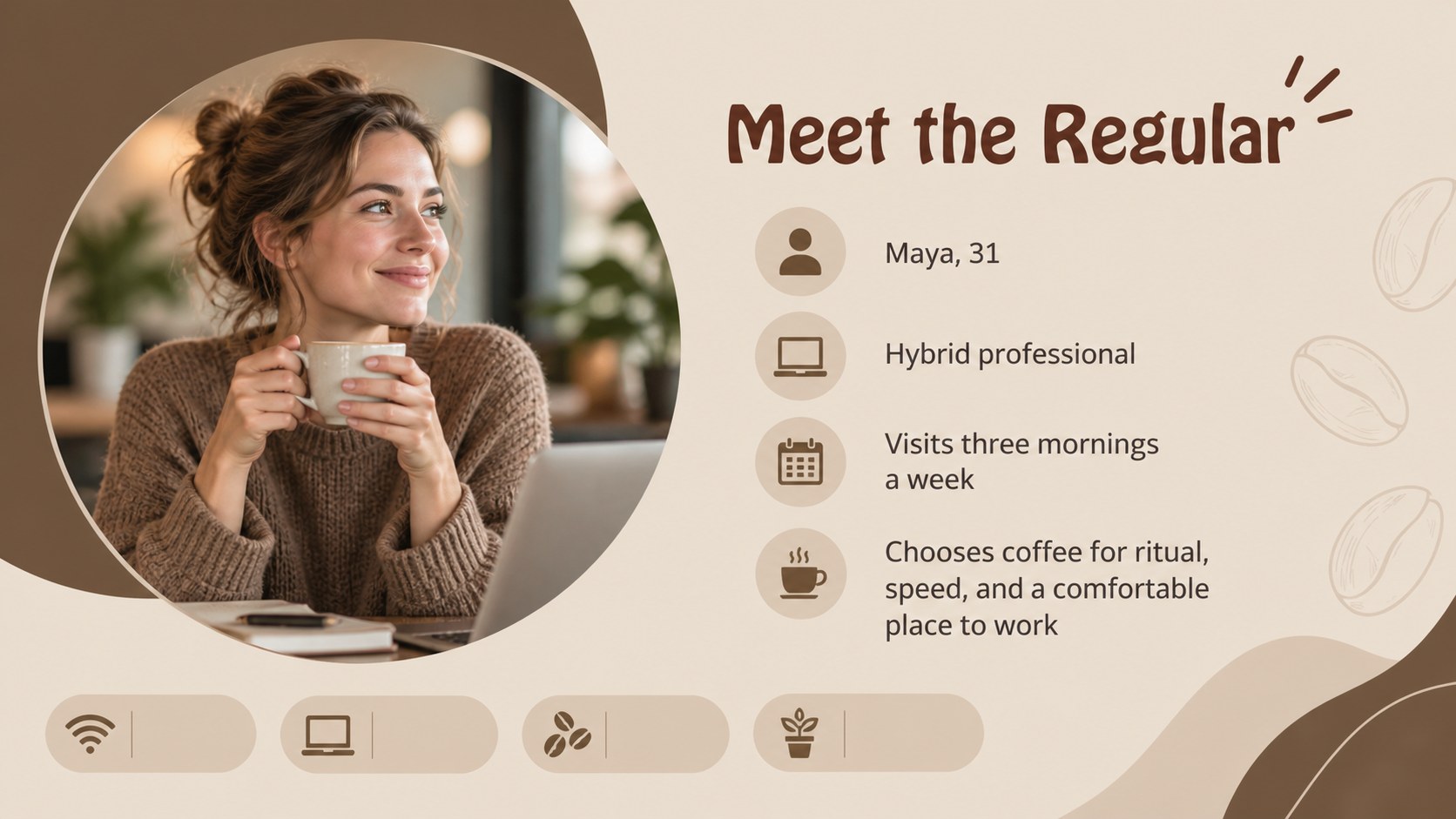
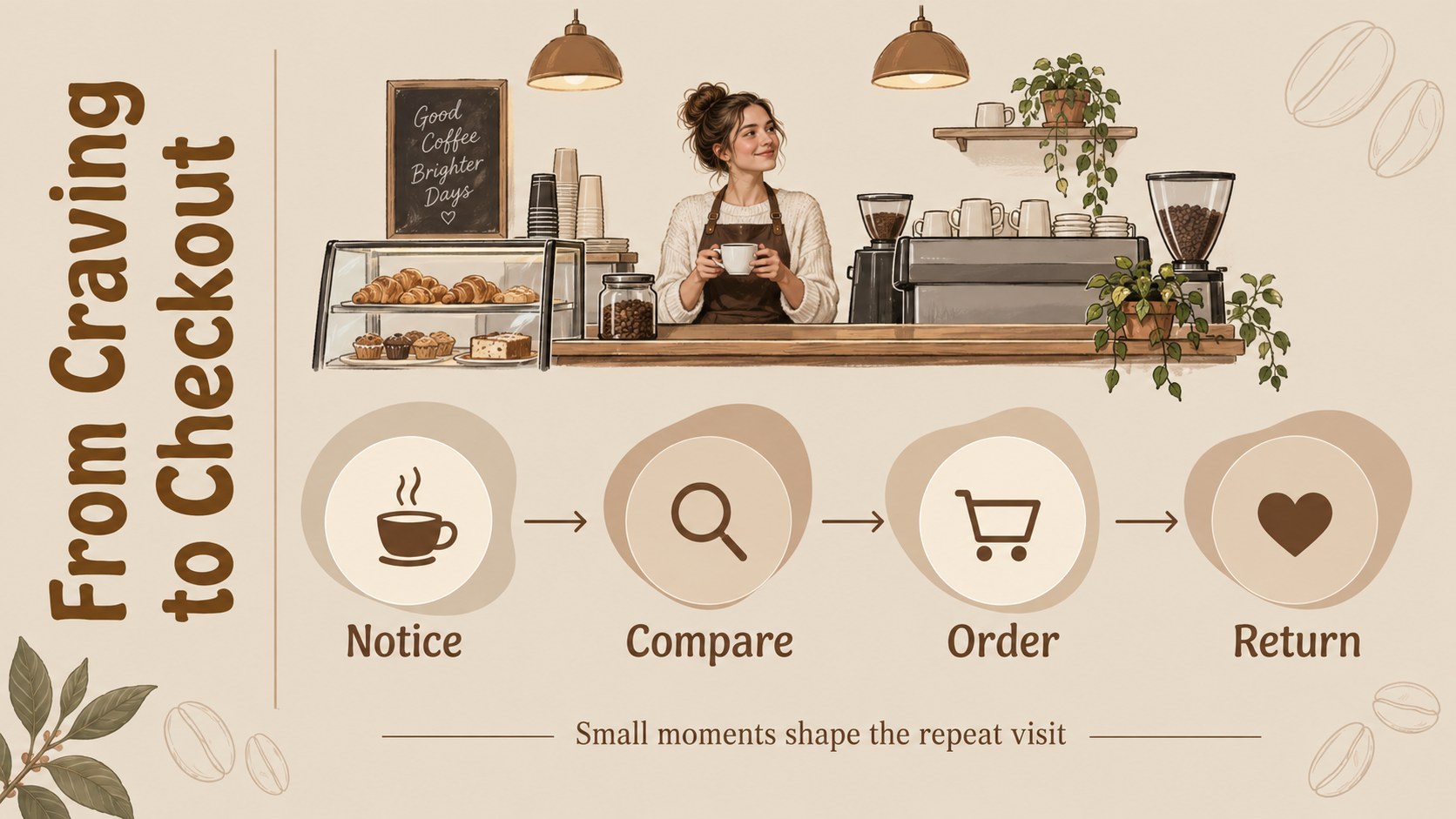
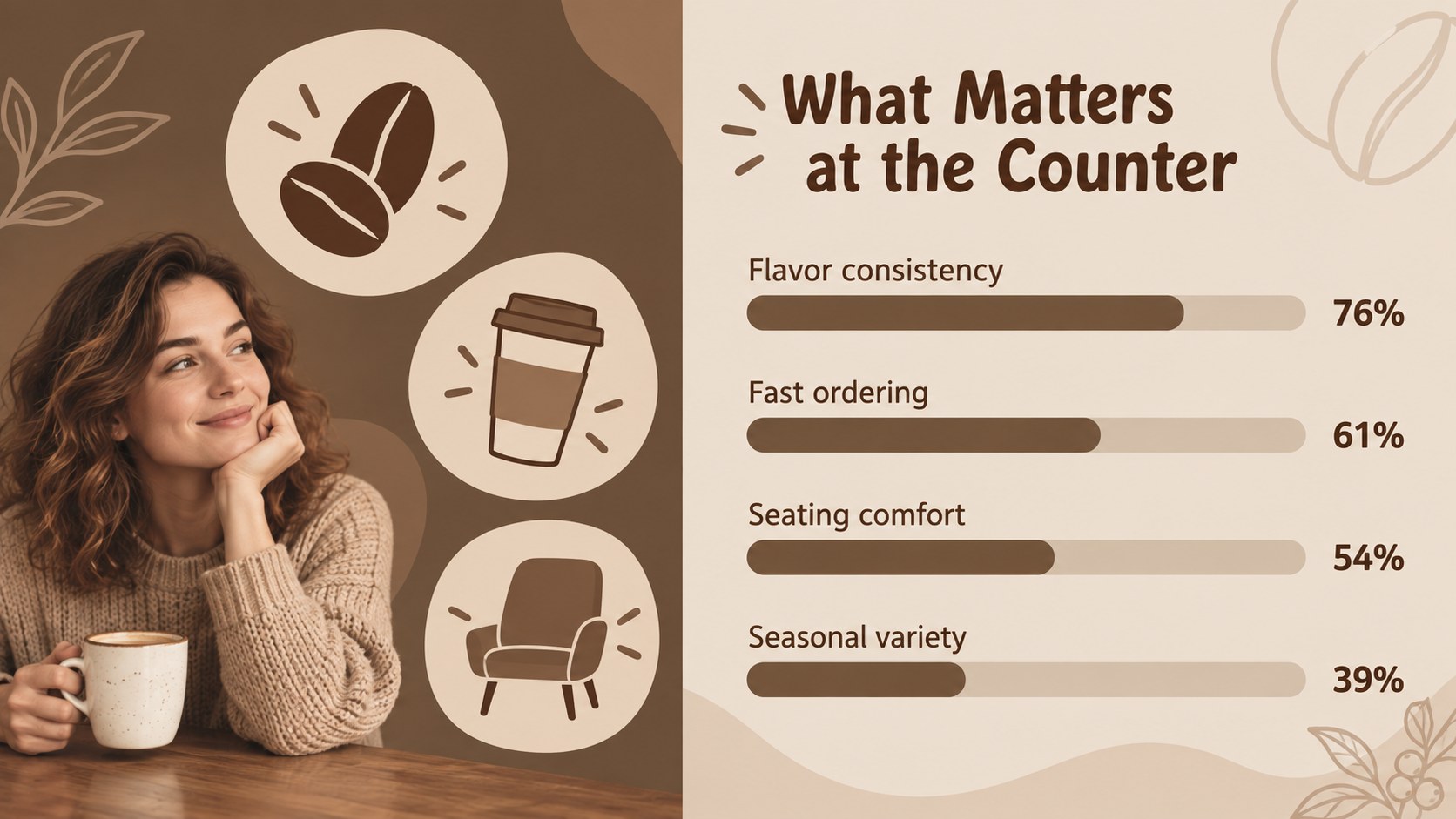
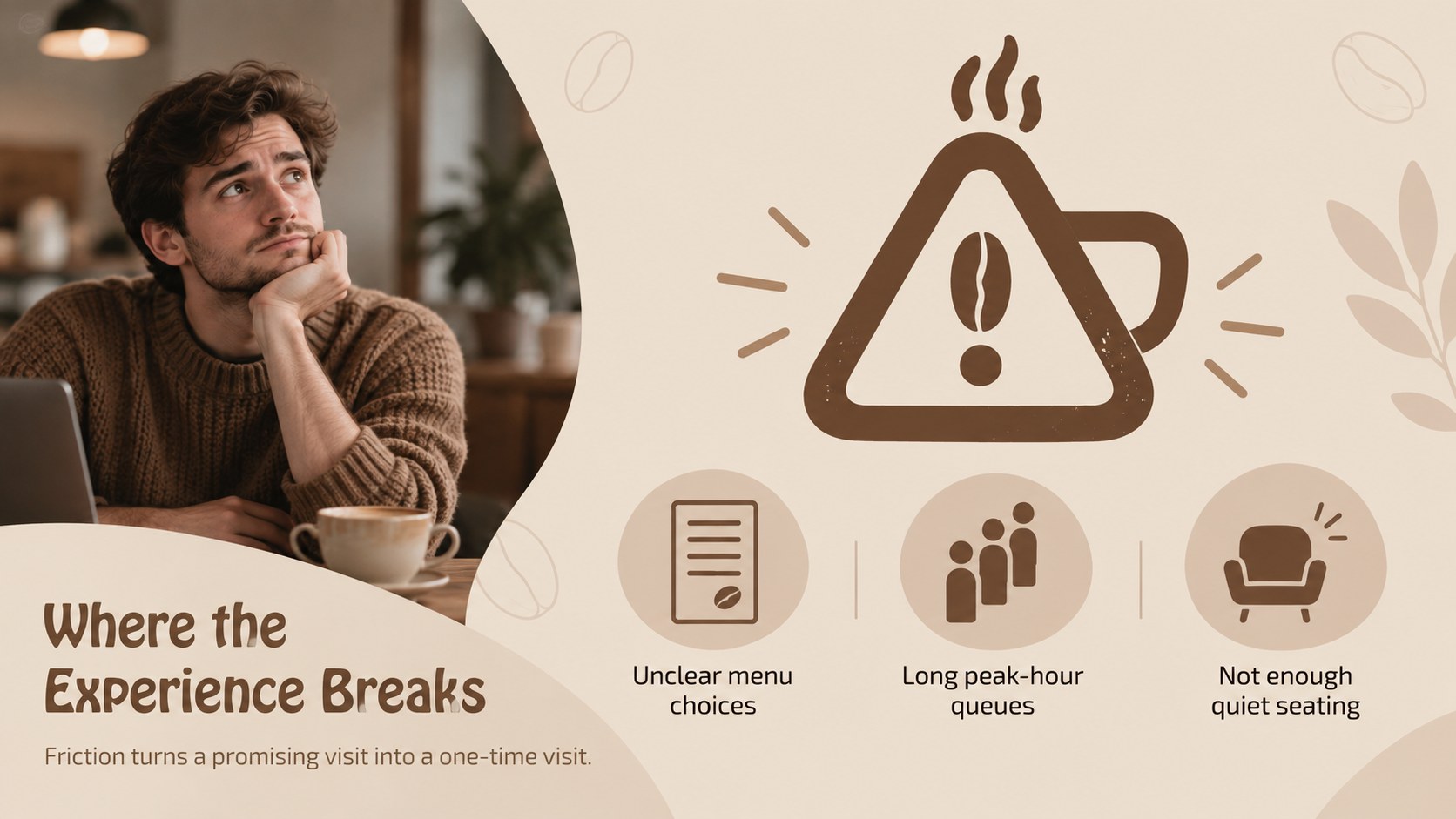
Coffee customer insight slides help cafe owners, marketers, consultants, and small business teams explain who buys, why they visit, and what keeps them coming back. The warm brown and beige design creates a welcoming setting for research findings while keeping the information easy to scan.
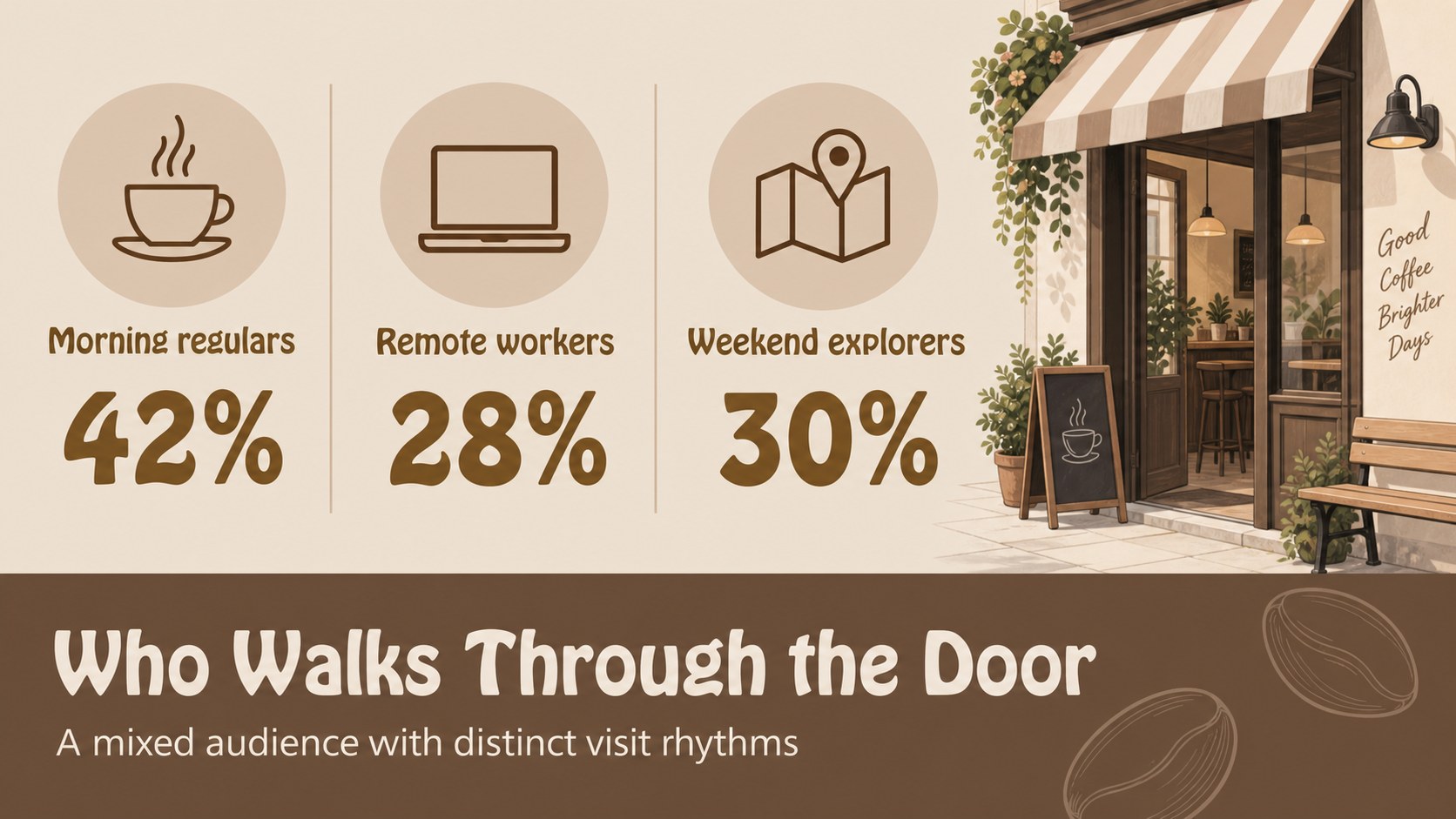
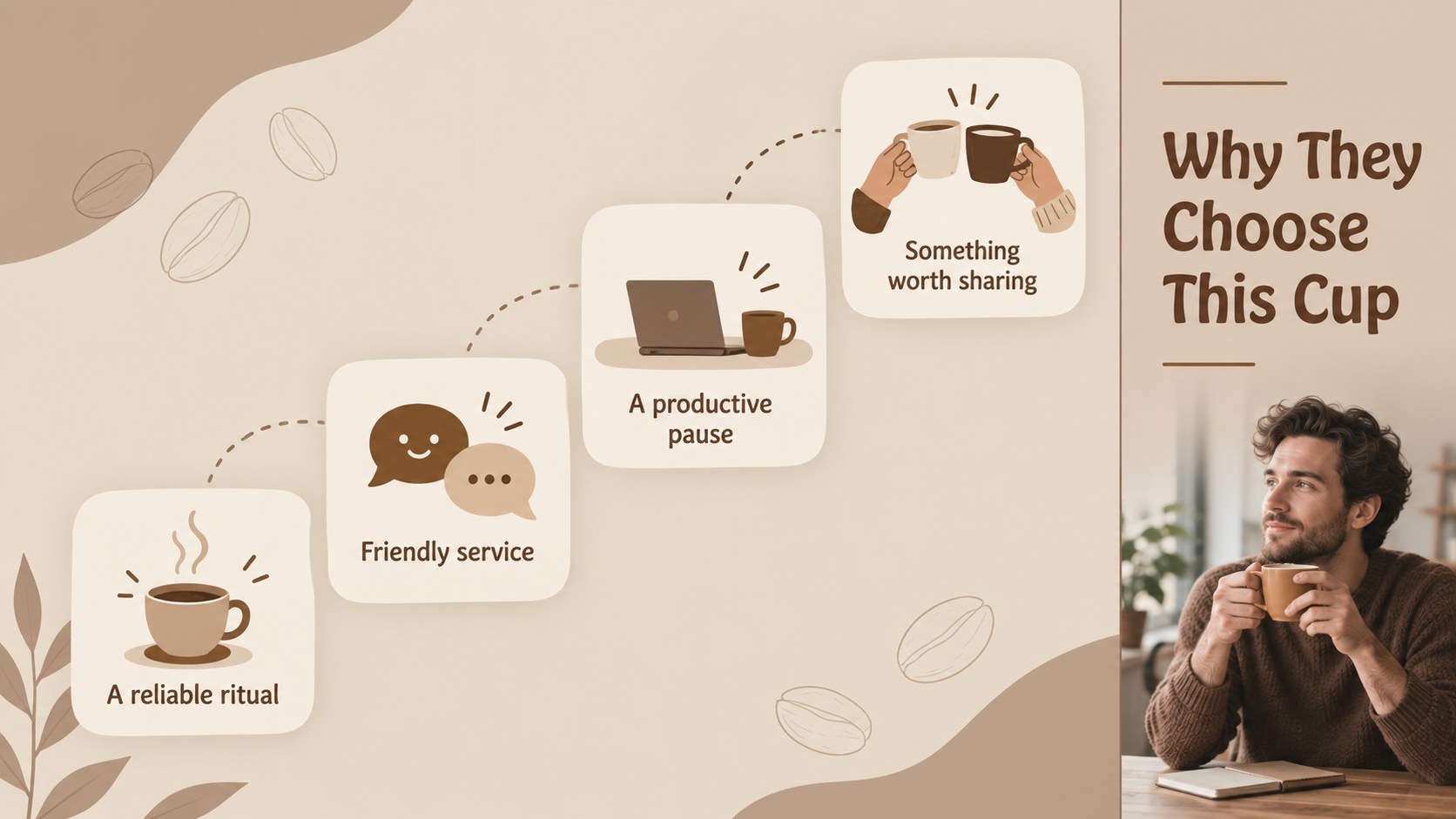
Inside, you’ll find layouts for a coffee shop customer profile, audience motivations, visit habits, product preferences, customer pain points, and brand expectations. Use the editable charts, comparison blocks, quote areas, icons, and visual callouts to build a useful customer segmentation for coffee brands. The structure also supports a cafe audience research presentation for planning new menu items, loyalty campaigns, store experiences, or local partnerships.
The 16:9 presentation is designed for PowerPoint and Google Slides. Update the typography, illustrations, colors, photos, and data to match your business, then use the finished deck for a team workshop, investor discussion, marketing brief, or market research report. Its simple shapes and balanced spacing make detailed persona information feel approachable without losing a professional tone.
Perfect for: cafe marketing strategy meeting; coffee shop investor pitch; new menu research briefing; customer loyalty campaign planning; local cafe brand workshop.
Frequently asked questions
Can I edit these coffee customer insight slides in PowerPoint? Yes. The presentation is designed for PowerPoint and can be adapted with your own text, charts, images, fonts, and brand details. Replace the sample customer data with findings from your own research.
Practical details
Yes. The presentation is designed for PowerPoint and can be adapted with your own text, charts, images, fonts, and brand details. Replace the sample customer data with findings from your own research.
Yes, the slides are compatible with Google Slides for browser-based editing and collaboration. You can adjust layouts, update visuals, and share the finished presentation with your team.
Useful sections include demographics, visit frequency, purchase habits, preferred products, motivations, frustrations, and communication preferences. Add direct quotes or survey findings when available to make the profile more credible.
Yes. Keep the warm palette for a consistent cafe atmosphere or update the colors to match a specific coffee brand. Text, shapes, illustrations, and data visualizations can all be customized.
Keep exploring
15Build an engaging World UFO Day session with this flying saucer history lesson deck, featuring retro green-and-brown slides for PowerPoint and Google Slides.
 15
15Plan a lively animal-learning journey with this jungle zoo adventure lesson deck, ready to customize in PowerPoint and Google Slides for young learners.
 16
16Turn environmental research into a clear story with a Watercolor Ecology Presentation Theme for PowerPoint and Google Slides in calming green and blue.
 16
16Build focused fashion, literature, and humanities presentations with the Red Triangle Editorial Theme, editable in PowerPoint and Google Slides.
 15
15Turn streaming stats, favorite tracks, and concert highlights into a bold annual listening recap slide deck for PowerPoint and Google Slides.
 15
15Turn highlights, milestones, and favorite moments into a colorful year in review slide deck with bold 3D graphics for PowerPoint and Google Slides.
 3
3Build a credible endorsement with Standout Colleague Recommendation Letter Slides, featuring colorful prompts for skills, achievements, and team impact.
 4
4Build clear beginner sessions with an ice hockey fundamentals training deck for coaches, PE teachers, and clubs, ready for PowerPoint and Google Slides.