
 15
15presentation
Flying Saucer History Lesson Deck
Build an engaging World UFO Day session with this flying saucer history lesson deck, featuring retro green-and-brown slides for PowerPoint and Google Slides.
Google SlidesPowerPoint
presentation · English
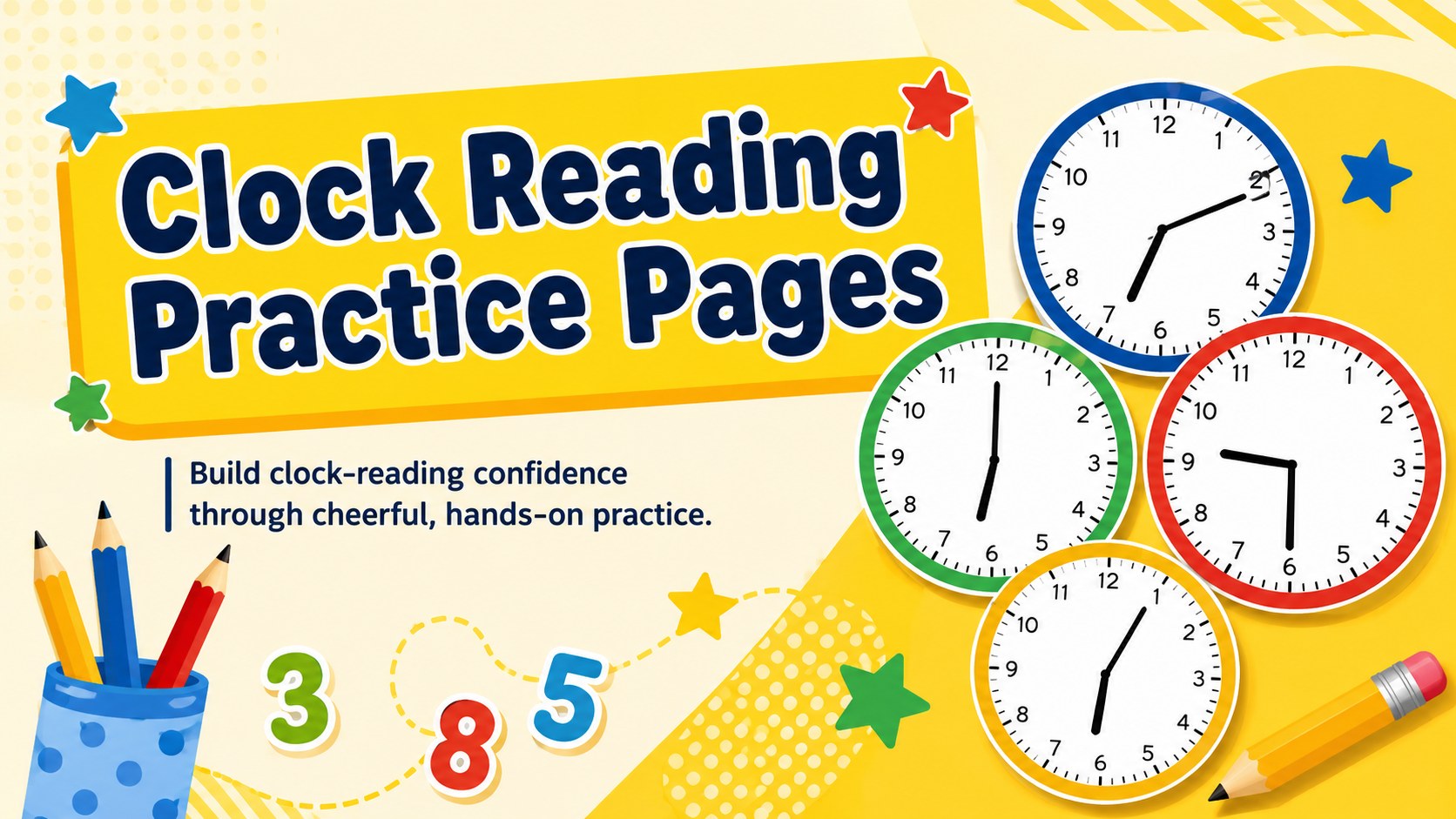
Build clock confidence with Clock Reading Practice Pages, a bright, editable resource for young learners in PowerPoint and Google Slides at school or home.
Design notes
Clock Reading Practice Pages turn an essential early math skill into a cheerful, approachable activity. Filled with sunny yellow accents, playful illustrations and clear clock faces, this editable resource helps children connect written times with the positions of the hour and minute hands. Teachers and families can use it for guided instruction, independent work or extra practice.
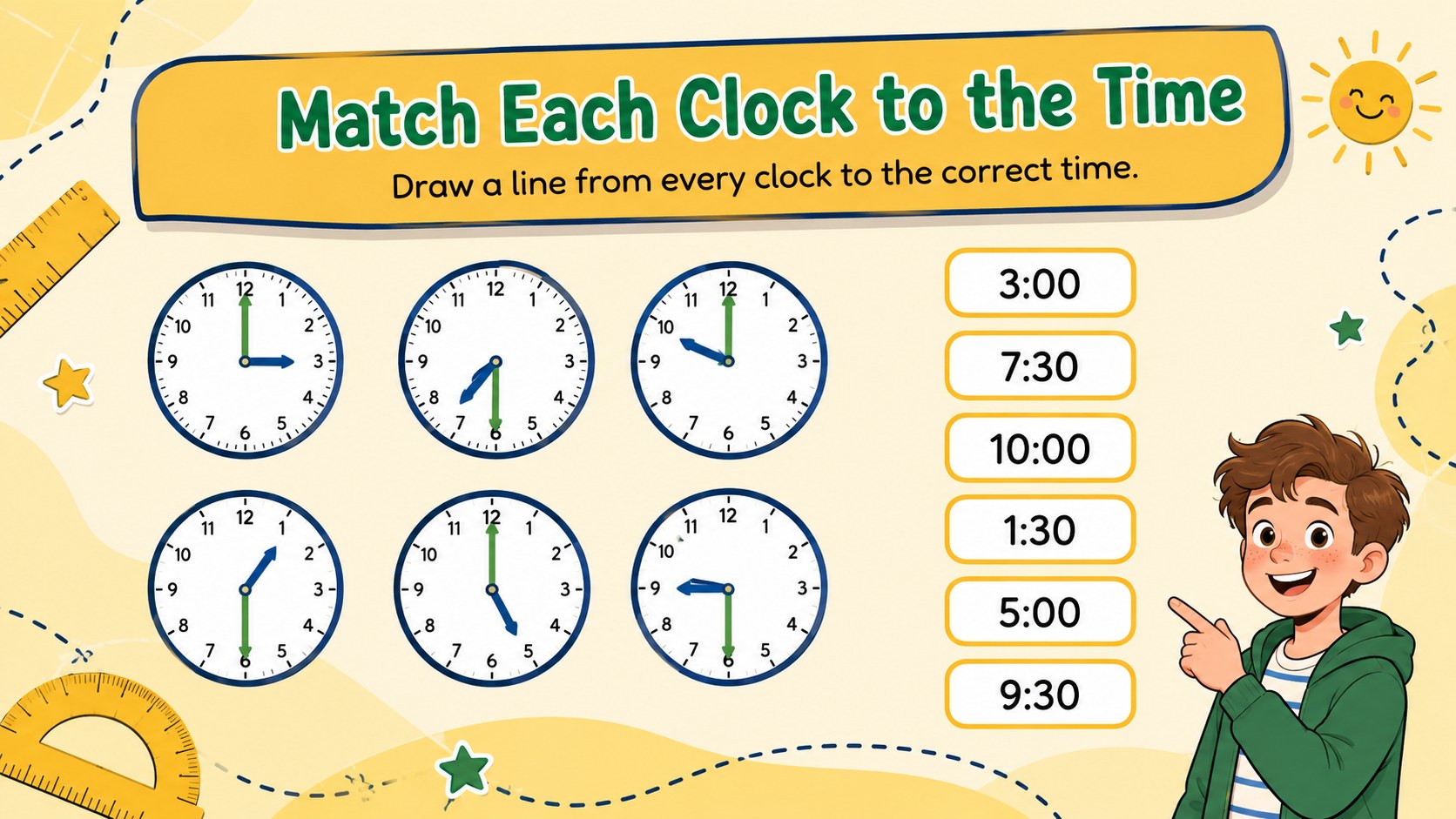
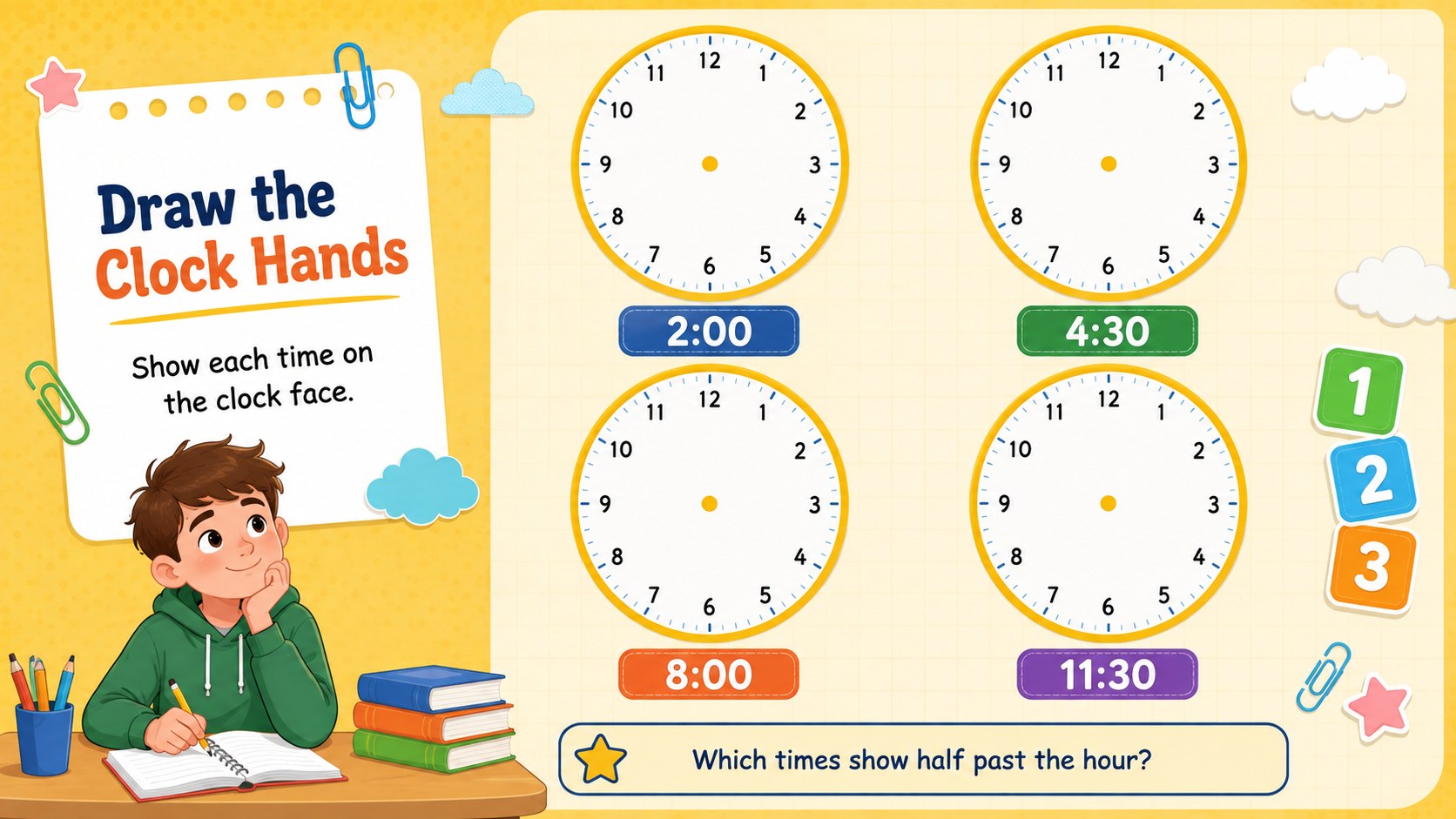
Inside are three ready-to-use activities covering clock recognition, time matching and drawing hands on analog clocks. The layouts provide generous writing space and simple visual directions, helping young learners stay focused on each task. Use the pages as printable clock activities for first grade, display them during a whole-class lesson or adapt them into a Google Slides telling time activity. Colors, instructions, examples and clock labels can all be adjusted in PowerPoint or Google Slides.
These pages are designed for elementary teachers, homeschool educators, tutors and parents introducing hours and half hours. They also work well as an editable time worksheet for elementary students who need review, intervention or a quick skills check. The lively illustrated style keeps practice welcoming without distracting from the learning goal, while the flexible format makes it easy to tailor difficulty for different learners.
Perfect for: first grade math lesson; homeschool clock practice; morning work activity; math intervention session; time skills assessment.
Frequently asked questions
Can I edit the clocks and instructions? Yes. You can change the written times, directions, colors and clock-hand positions to match your lesson level.
Practical details
Yes. You can change the written times, directions, colors and clock-hand positions to match your lesson level.
The pages are compatible with Microsoft PowerPoint and Google Slides. Open the file in either platform to edit, present or prepare it for printing.
Yes. Export the finished pages as a PDF or print them directly from PowerPoint or Google Slides using your preferred paper settings.
It is best suited to kindergarten through second grade learners beginning to read analog clocks. Educators can simplify or extend the activities by changing the times shown.
Keep exploring
15Build an engaging World UFO Day session with this flying saucer history lesson deck, featuring retro green-and-brown slides for PowerPoint and Google Slides.
 15
15Plan a lively animal-learning journey with this jungle zoo adventure lesson deck, ready to customize in PowerPoint and Google Slides for young learners.
 16
16Turn environmental research into a clear story with a Watercolor Ecology Presentation Theme for PowerPoint and Google Slides in calming green and blue.
 16
16Build focused fashion, literature, and humanities presentations with the Red Triangle Editorial Theme, editable in PowerPoint and Google Slides.
 15
15Turn streaming stats, favorite tracks, and concert highlights into a bold annual listening recap slide deck for PowerPoint and Google Slides.
 15
15Turn highlights, milestones, and favorite moments into a colorful year in review slide deck with bold 3D graphics for PowerPoint and Google Slides.
 3
3Build a credible endorsement with Standout Colleague Recommendation Letter Slides, featuring colorful prompts for skills, achievements, and team impact.
 4
4Build clear beginner sessions with an ice hockey fundamentals training deck for coaches, PE teachers, and clubs, ready for PowerPoint and Google Slides.