
 15
15presentation
Flying Saucer History Lesson Deck
Build an engaging World UFO Day session with this flying saucer history lesson deck, featuring retro green-and-brown slides for PowerPoint and Google Slides.
Google SlidesPowerPoint
presentation · English
Teach atmospheric science clearly with this Climate and Weather Notebook Lesson Deck, offering editable green vintage layouts for PowerPoint and Google…
Design notes
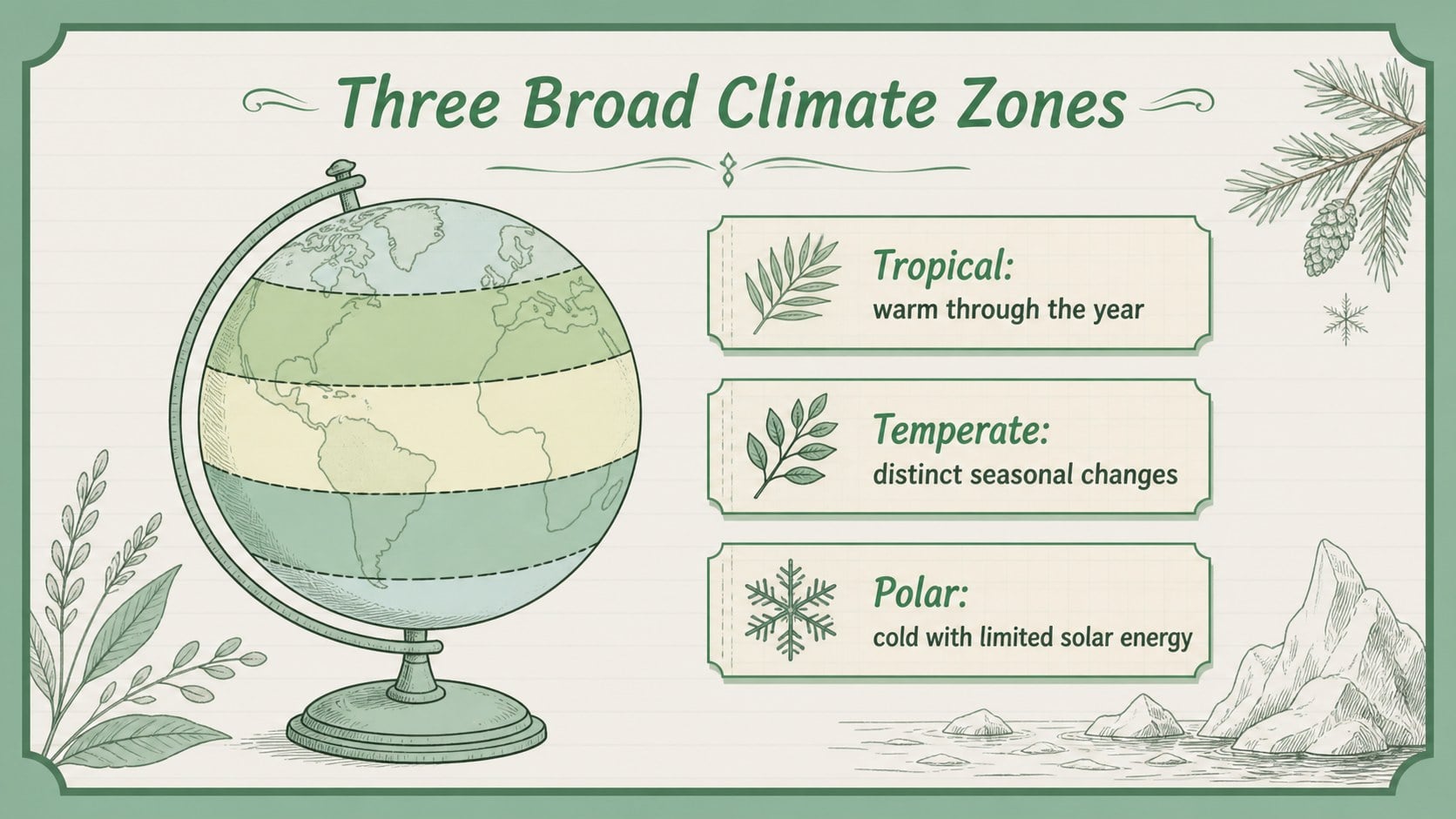
Bring forecasts, clouds, climate zones, and atmospheric patterns together with the Climate and Weather Notebook Lesson Deck. Its pastel green palette, hand-drawn accents, paper textures, and vintage classroom style make scientific ideas feel approachable without losing academic focus. Teachers can adapt the layouts for a complete unit, a focused lecture, or an interactive review.
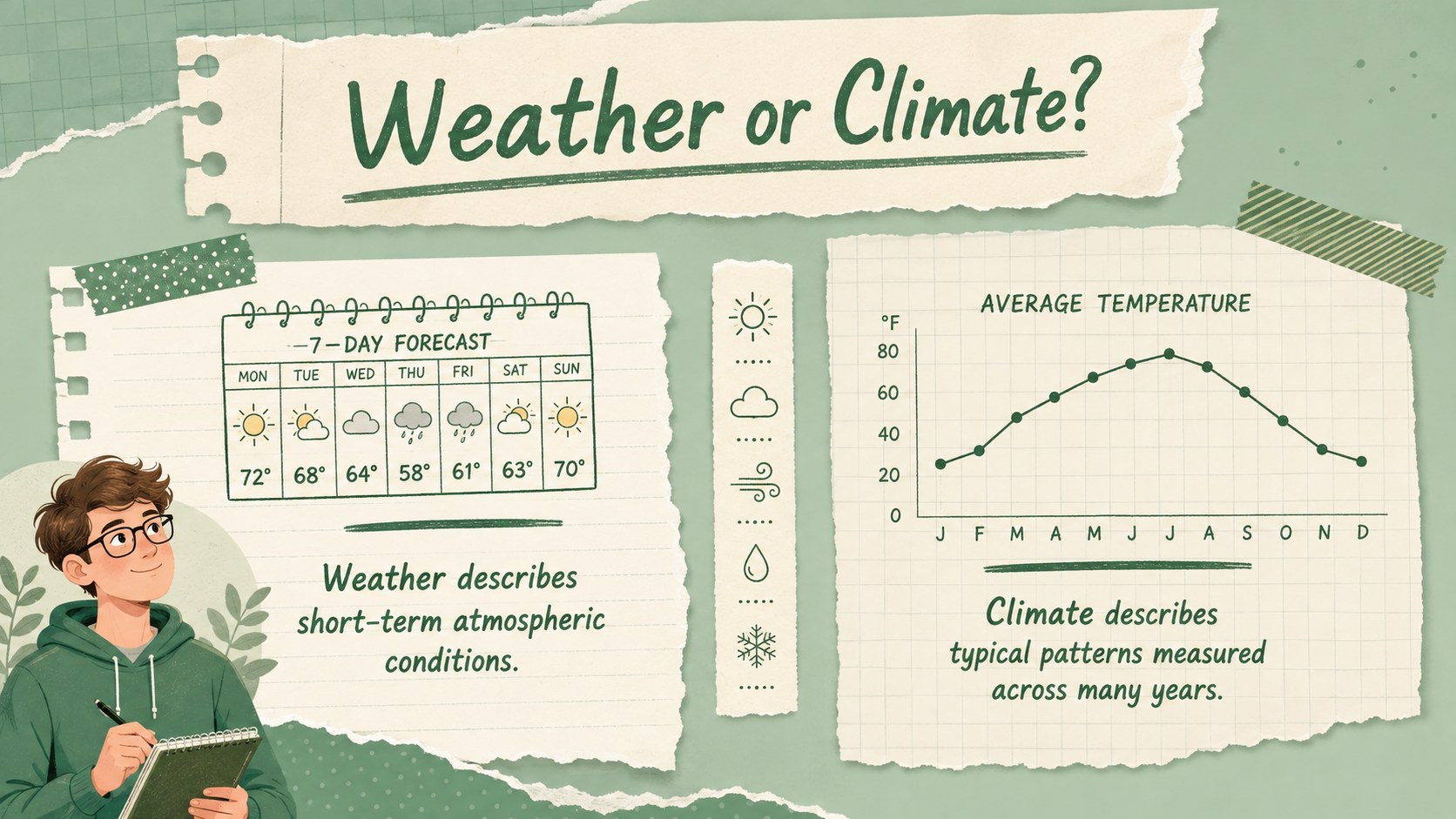
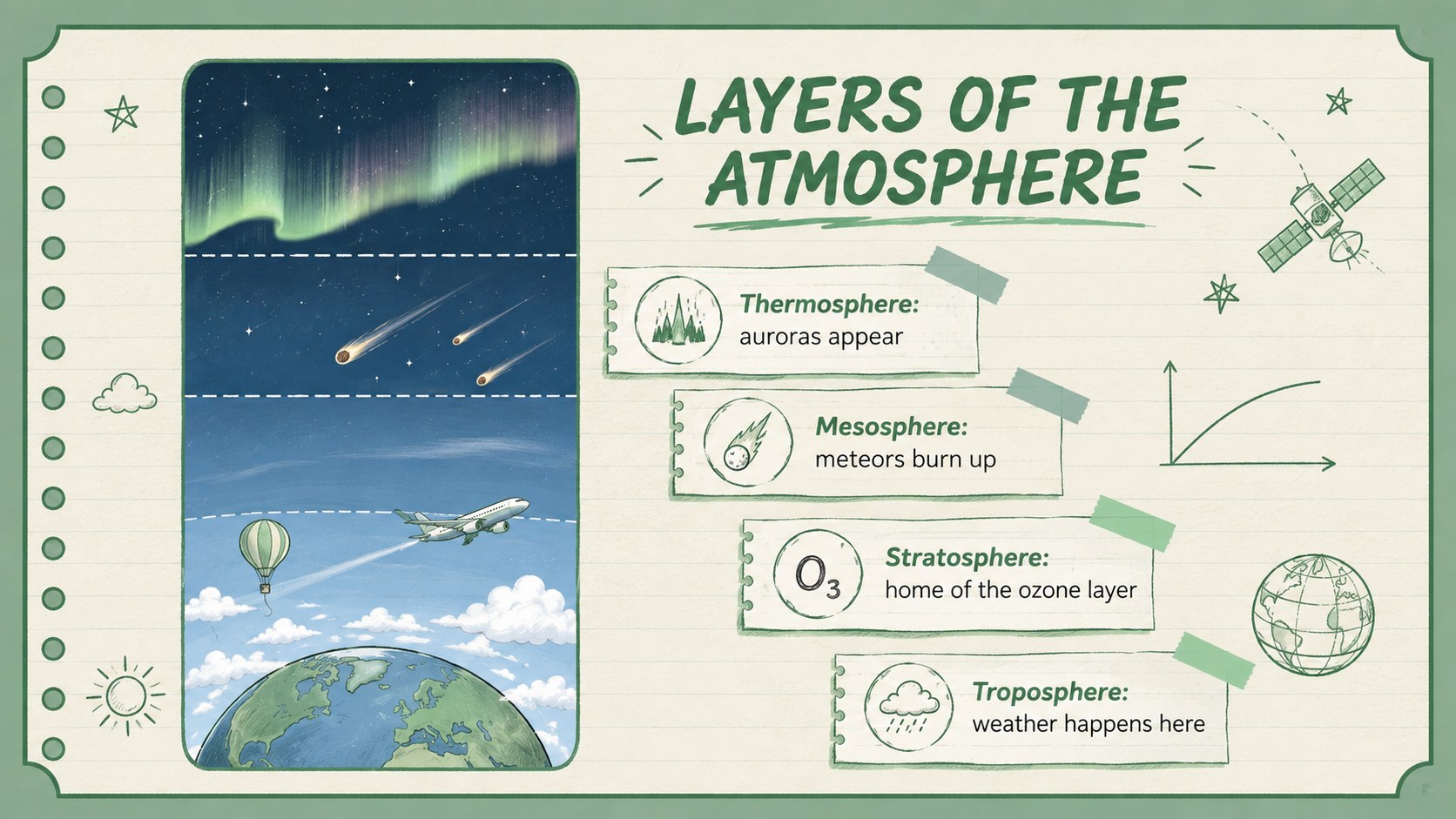
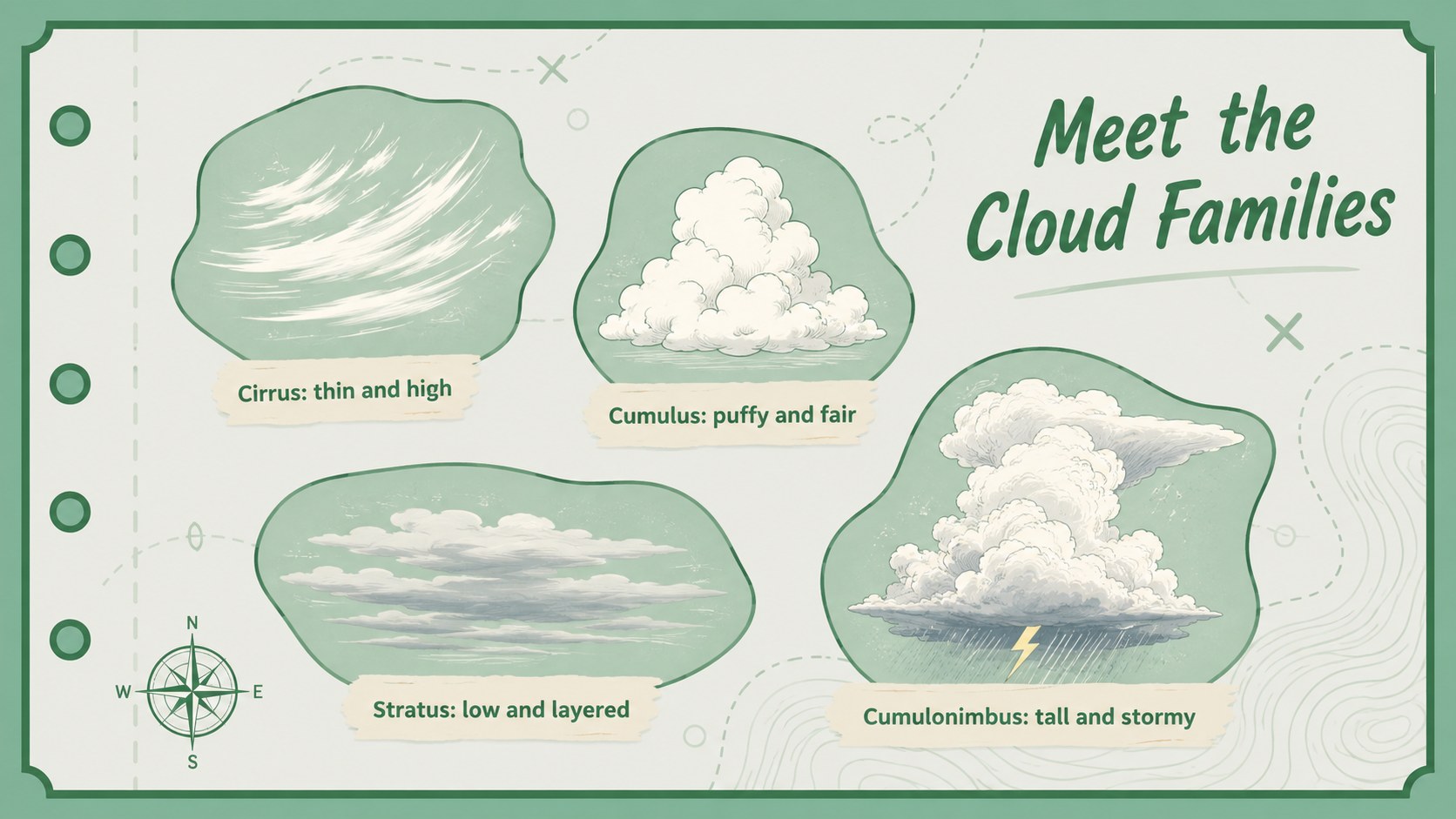
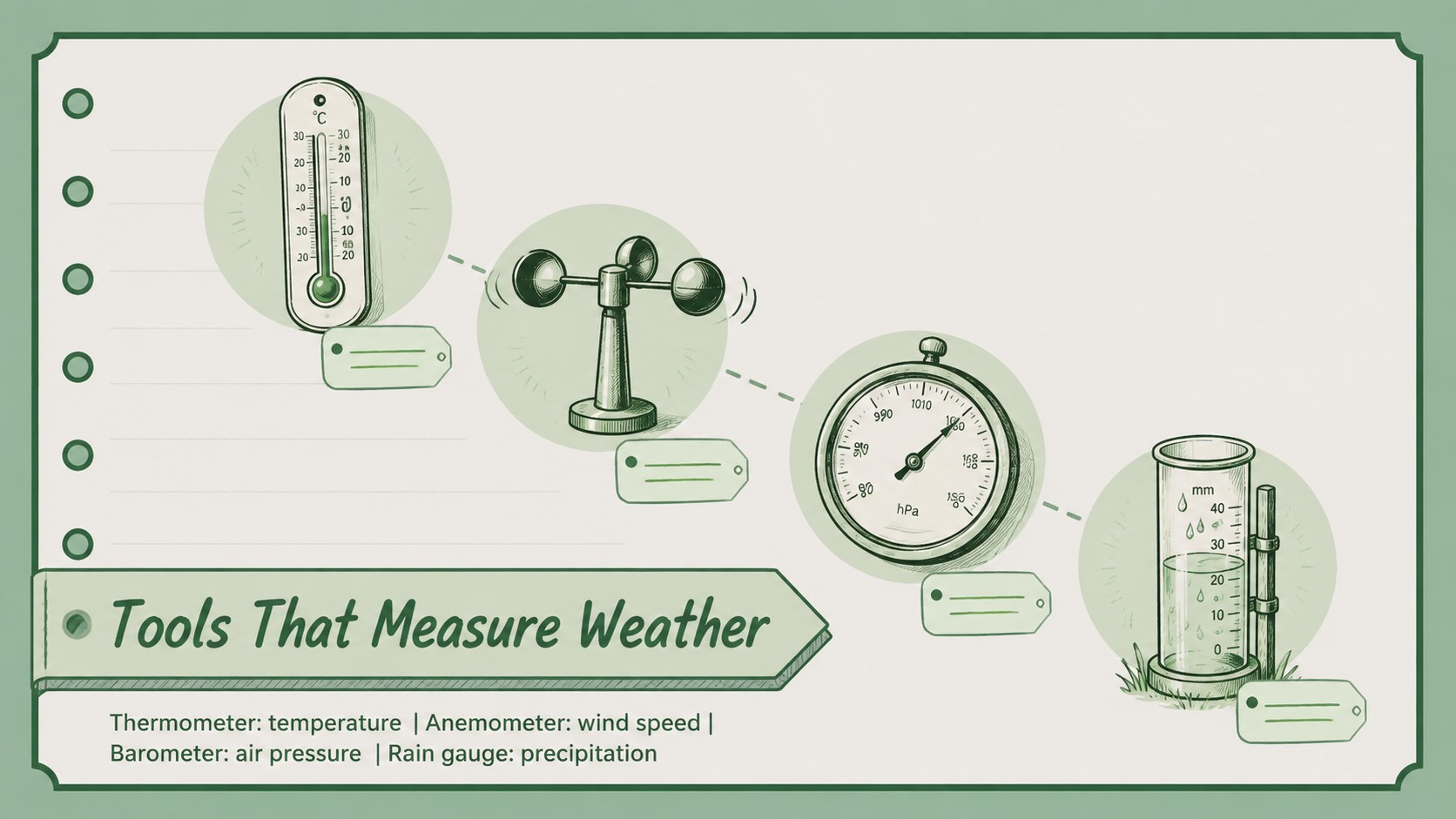
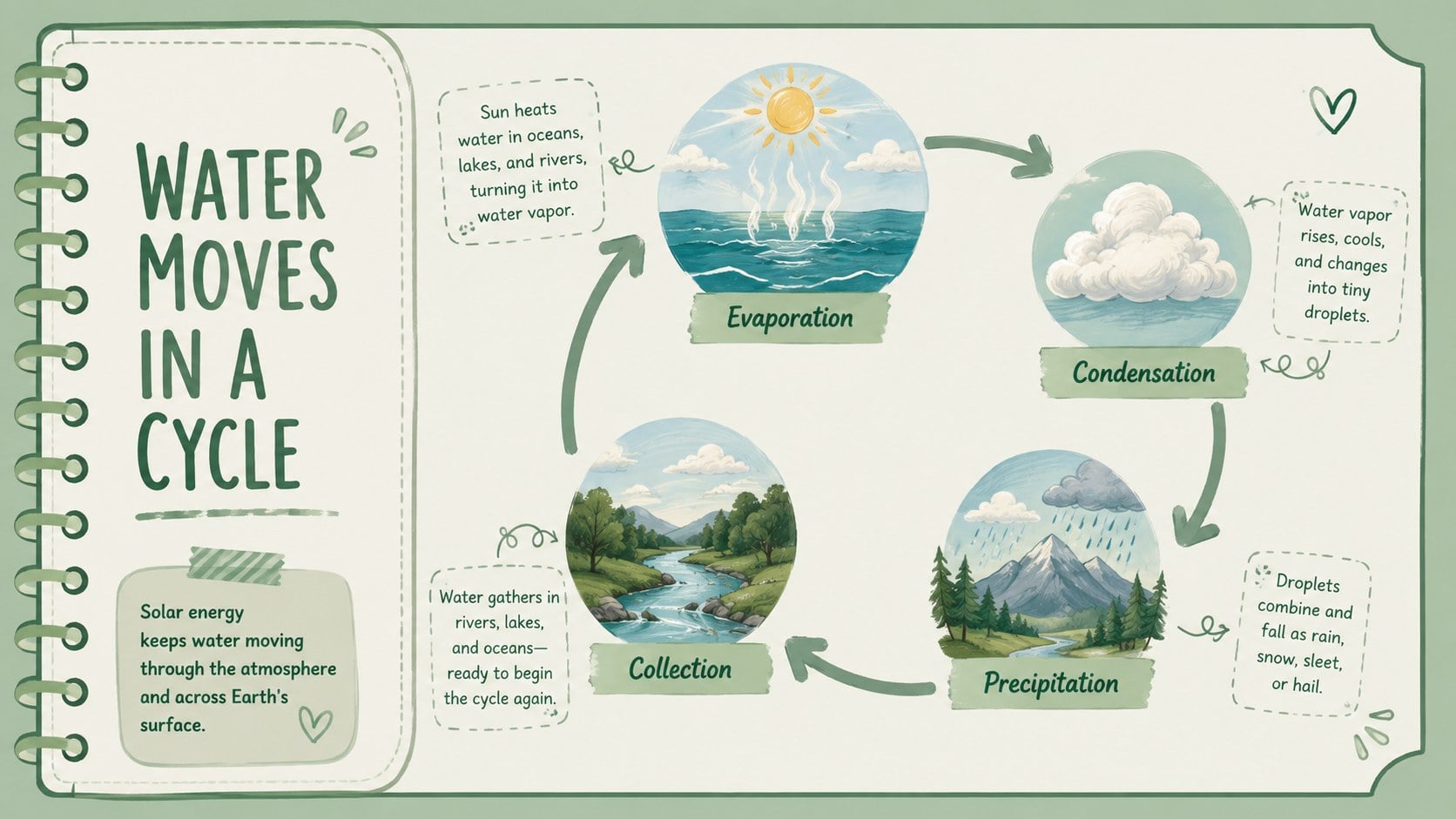
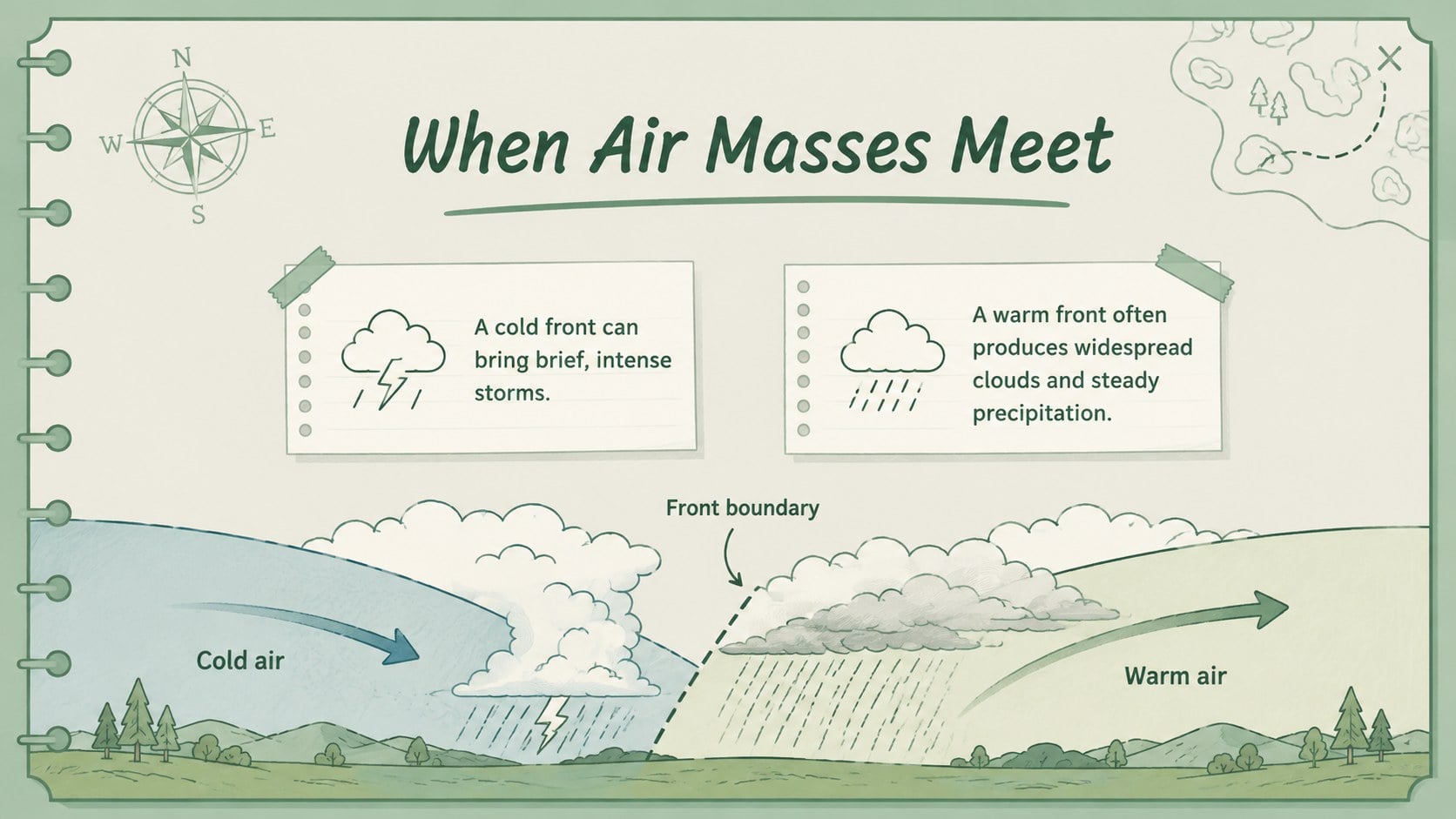
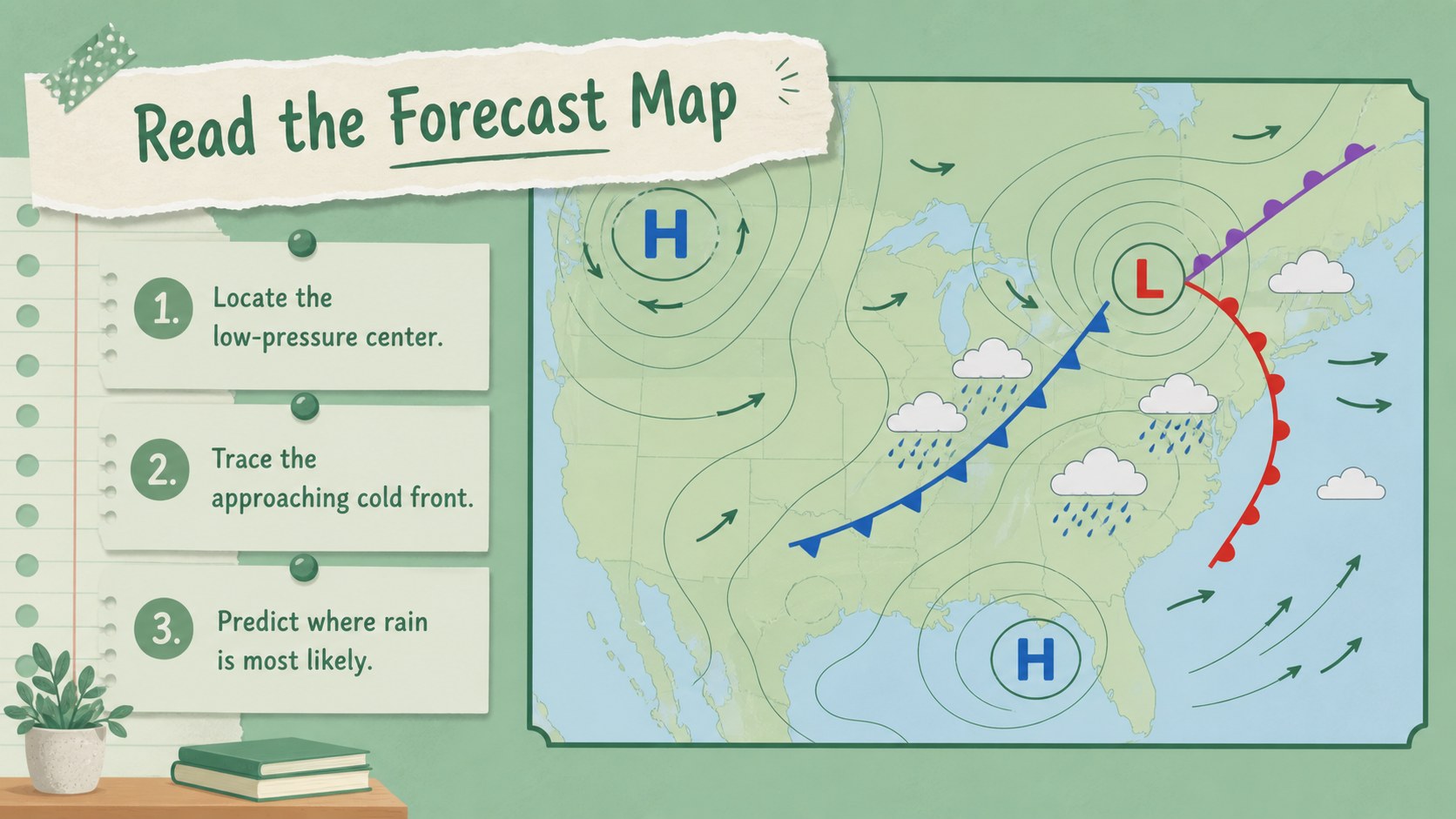
The deck includes space for learning goals, weather-versus-climate comparisons, cloud classifications, atmospheric layers, forecasting tools, climate factors, timelines, diagrams, and data interpretation. Use it as an editable weather unit presentation or build a cloud types and climate lesson with your own examples. Chart, quote, image, and summary layouts provide enough variety to explain concepts while maintaining a coherent visual structure.
Designed primarily for middle school science teachers, the slides also work for environmental studies, homeschool instruction, science clubs, and introductory meteorology activities. Every page can be edited in PowerPoint or Google Slides, including text, colors, illustrations, and diagrams. The green vintage science presentation style is especially useful for educators who want a friendly notebook aesthetic that still supports clear explanations, classroom discussion, and evidence-based learning.
Perfect for: middle school weather unit; climate zones classroom lesson; cloud identification activity; weather data analysis; introductory meteorology lecture.
Frequently asked questions
Can I edit the lesson content and diagrams? Yes. You can replace the sample wording, reorganize sections, recolor graphics, and adapt diagrams to match your curriculum. All layouts are intended to support straightforward classroom customization.
Practical details
Yes. You can replace the sample wording, reorganize sections, recolor graphics, and adapt diagrams to match your curriculum. All layouts are intended to support straightforward classroom customization.
The deck is designed for PowerPoint and Google Slides. Fonts or spacing may vary slightly between platforms, so review the presentation once after importing it.
Yes. Select the slides that fit your topic, then hide or delete the remaining pages. The layouts work independently for lessons on clouds, forecasts, climate zones, weather instruments, or climate change.
Add local weather records, regional climate examples, vocabulary prompts, and questions suited to your grade level. You can also duplicate chart and comparison layouts for student observations or group activities.
Keep exploring
15Build an engaging World UFO Day session with this flying saucer history lesson deck, featuring retro green-and-brown slides for PowerPoint and Google Slides.
 15
15Plan a lively animal-learning journey with this jungle zoo adventure lesson deck, ready to customize in PowerPoint and Google Slides for young learners.
 16
16Turn environmental research into a clear story with a Watercolor Ecology Presentation Theme for PowerPoint and Google Slides in calming green and blue.
 16
16Build focused fashion, literature, and humanities presentations with the Red Triangle Editorial Theme, editable in PowerPoint and Google Slides.
 15
15Turn streaming stats, favorite tracks, and concert highlights into a bold annual listening recap slide deck for PowerPoint and Google Slides.
 15
15Turn highlights, milestones, and favorite moments into a colorful year in review slide deck with bold 3D graphics for PowerPoint and Google Slides.
 3
3Build a credible endorsement with Standout Colleague Recommendation Letter Slides, featuring colorful prompts for skills, achievements, and team impact.
 4
4Build clear beginner sessions with an ice hockey fundamentals training deck for coaches, PE teachers, and clubs, ready for PowerPoint and Google Slides.