
 4
4document
Clinical Wound Evaluation Slides for Nurses
Document wound findings, treatment decisions, and healing progress with clinical wound evaluation slides for nurses in PowerPoint and Google Slides.
Google Docs
document · English
Build clear daily and weekly instruction with Classroom Lesson Organizer Slides, an editable yellow, green, and black deck for busy elementary teachers.
Design notes
Classroom Lesson Organizer Slides give teachers a clear, flexible space for turning curriculum goals into focused classroom sessions. The cheerful yellow, green, and black palette pairs with hand-drawn school doodles to make planning feel approachable while keeping essential information easy to scan. Use the deck in PowerPoint or Google Slides as an editable lesson planning slides resource for individual classes, full teaching days, or recurring weekly routines.
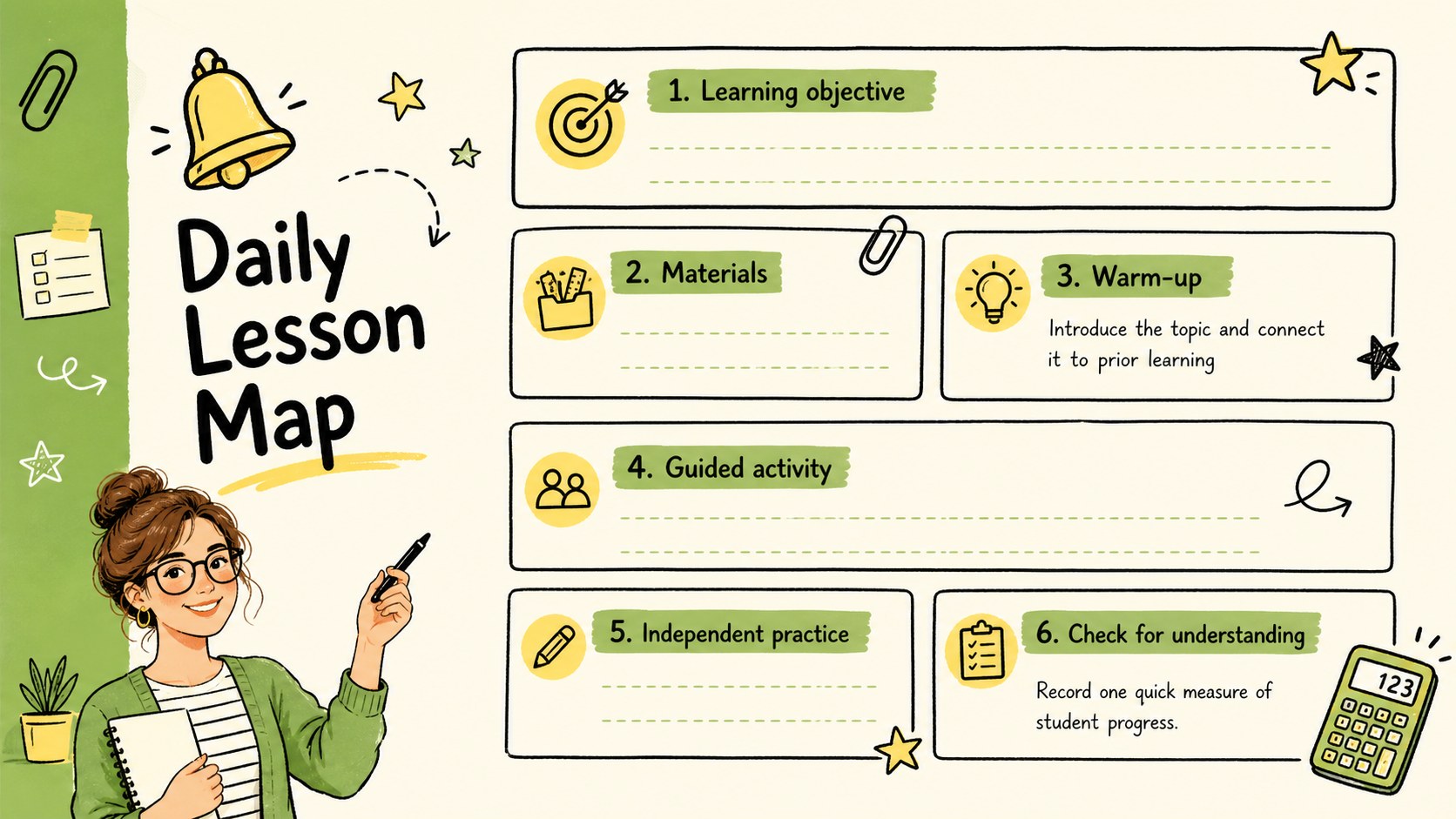
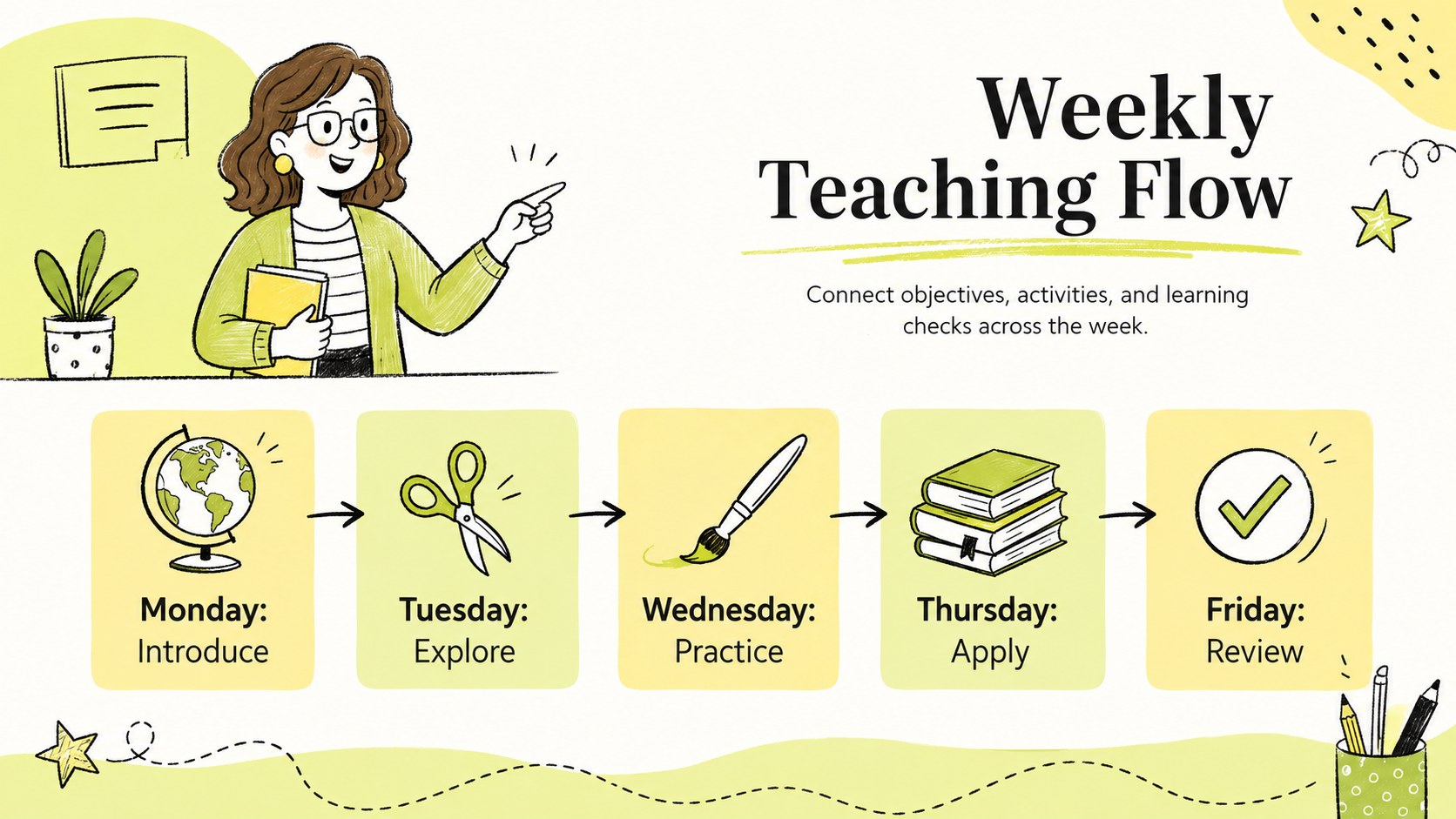
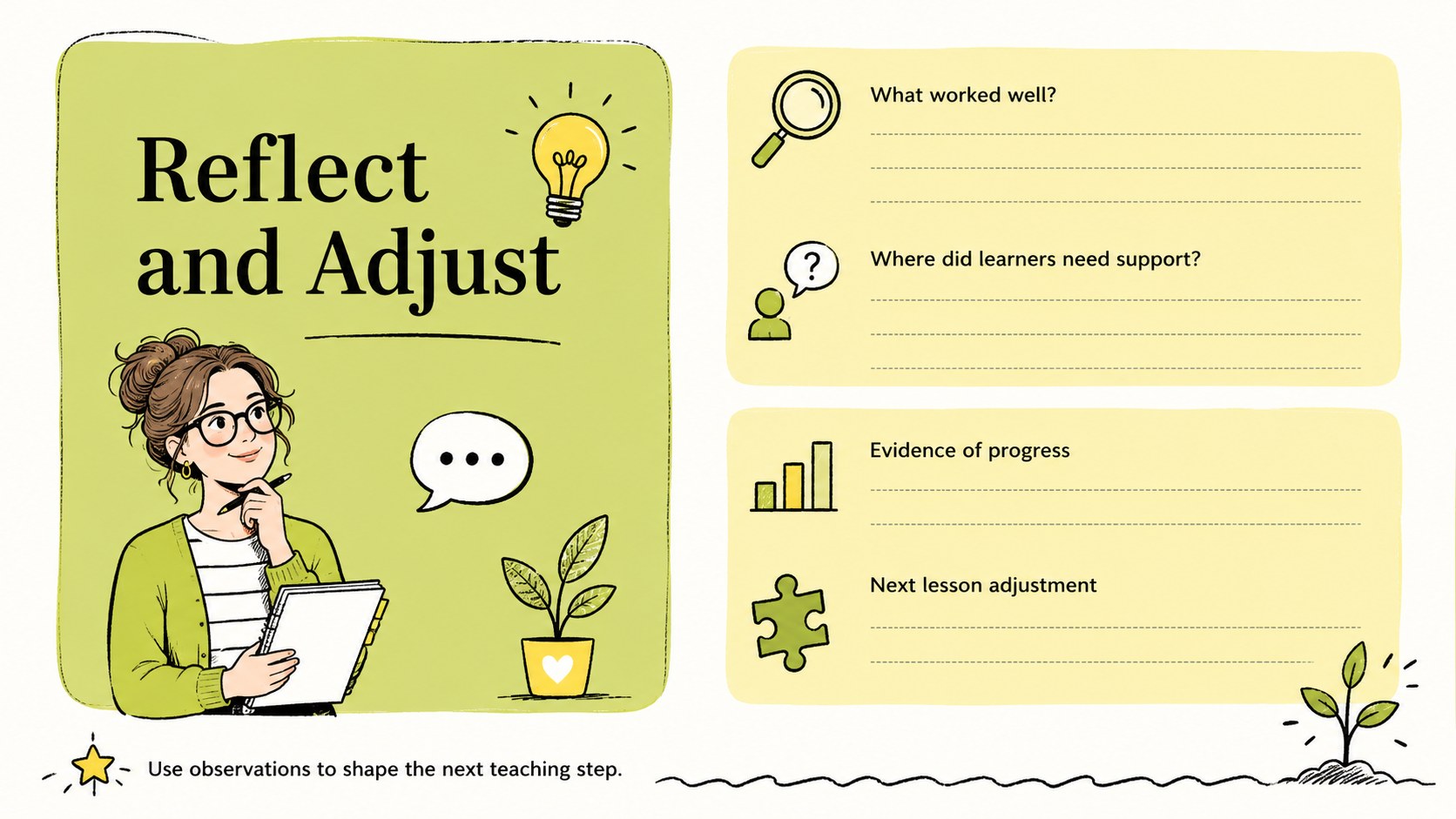
Inside, you will find layouts for lesson objectives, required materials, opening activities, guided instruction, independent practice, assessment checks, and follow-up notes. A weekly overview helps connect several lessons, while the reflection page provides room to record student progress and adjustments for the next session. Together, these pages work as a daily classroom instruction planner and a teacher objective and assessment organizer without imposing a rigid teaching method.
The template is designed for elementary educators, substitute teachers, tutors, homeschool instructors, and teaching teams who need a consistent planning format. Change the headings, colors, typography, and activity blocks to suit a subject, grade level, or school schedule. Duplicate pages for multiple classes, rearrange sections for different lesson structures, and present the finished plan during team meetings or keep it as a personal teaching reference.
Perfect for: daily classroom lesson planning; weekly teaching schedule; substitute teacher preparation; elementary curriculum organization; homeschool lesson mapping.
Frequently asked questions
Can I edit these lesson organizer slides? Yes. Every heading, text block, color, and planning section can be adjusted to match your subject, grade level, and teaching routine.
Practical details
Yes. Every heading, text block, color, and planning section can be adjusted to match your subject, grade level, and teaching routine.
The template is designed for Microsoft PowerPoint and Google Slides. Its 16:9 format works for both on-screen presenting and digital planning.
Yes. Duplicate the daily planning layouts for each class and use the weekly overview to connect objectives, activities, and assessments across several days.
Replace the sample wording, change section labels, and adapt the activity blocks for mathematics, language arts, science, or other subjects. Decorative doodles can also be repositioned or removed when more writing space is needed.
Keep exploring
4Document wound findings, treatment decisions, and healing progress with clinical wound evaluation slides for nurses in PowerPoint and Google Slides.
 4
4Turn recurring updates into clear decisions with a weekly operations status briefing for PowerPoint and Google Slides, covering progress, risks, and priorities.
 4
4Turn recurring check-ins into focused decisions with a weekly leadership update deck for KPIs, priorities, blockers, owners, and next actions.
 4
4Use veterinary surgery consent form slides to explain procedures, anesthesia, risks, costs, and emergency decisions clearly before client approval.
 4
4Organize objectives, activities, and daily notes with this weekly classroom planner for teachers, editable in PowerPoint and Google Slides for easy prep.
 4
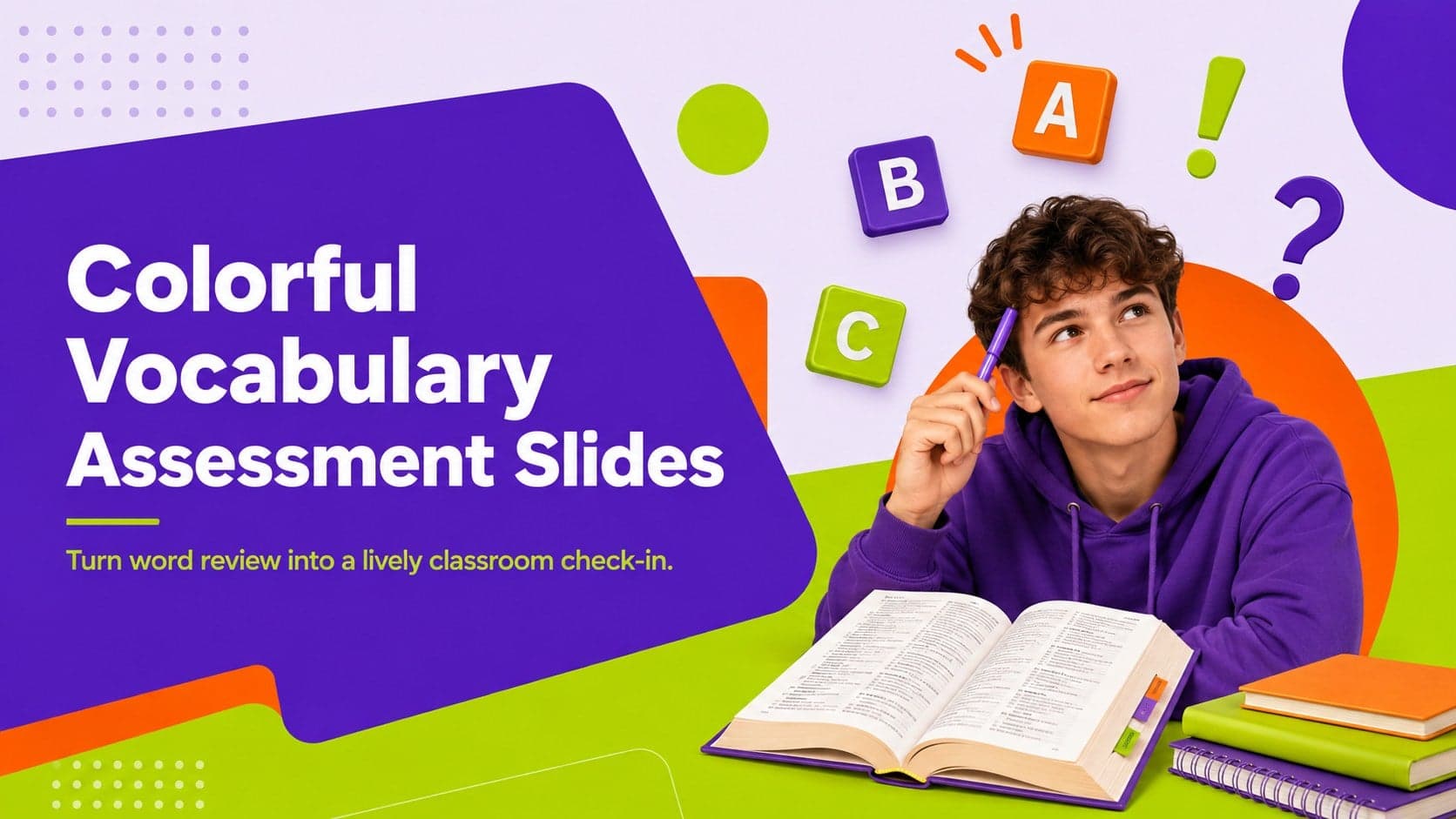
4Create colorful vocabulary assessment slides for lively word checks, review games, and classroom practice in PowerPoint or Google Slides. Easy to personalize.
 4
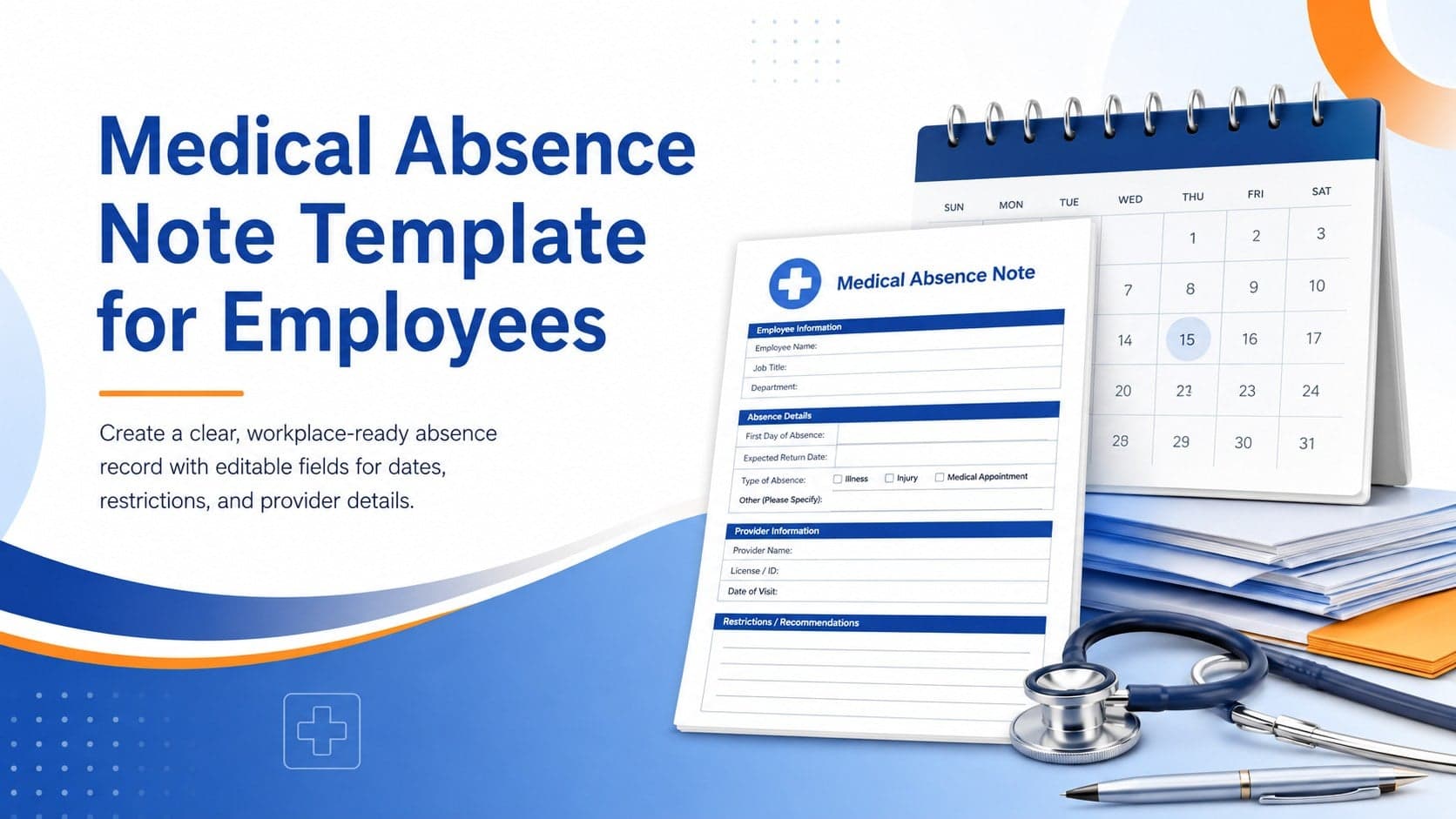
4Prepare a clear medical absence note template for employee records, with editable fields and polished blue-orange slides for PowerPoint and Google Slides.
 4
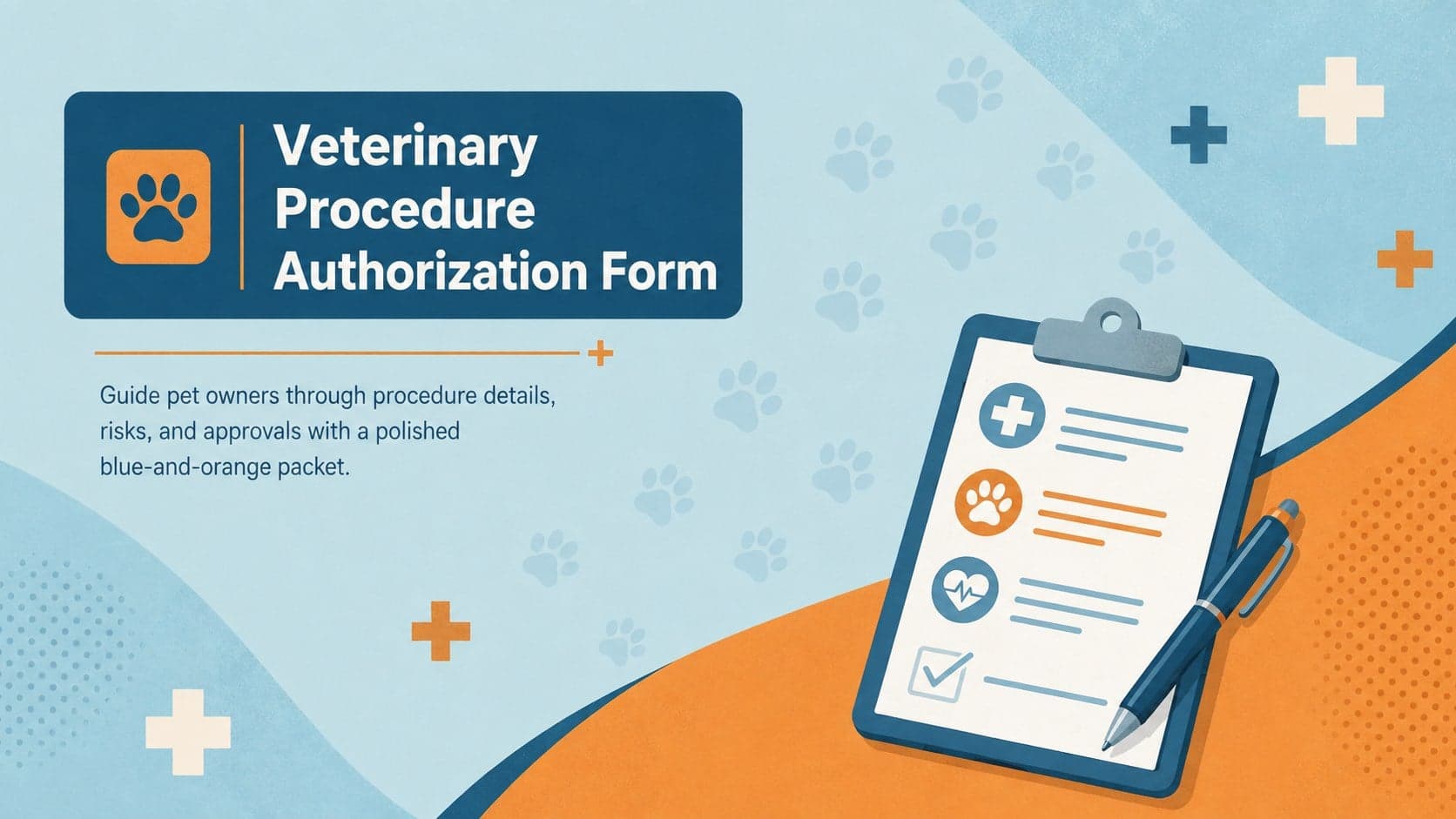
4Prepare pet owners for treatment with a veterinary procedure authorization form covering risks, medication, contacts, and approval details.