
 15
15presentation
Flying Saucer History Lesson Deck
Build an engaging World UFO Day session with this flying saucer history lesson deck, featuring retro green-and-brown slides for PowerPoint and Google Slides.
Google SlidesPowerPoint
presentation · English
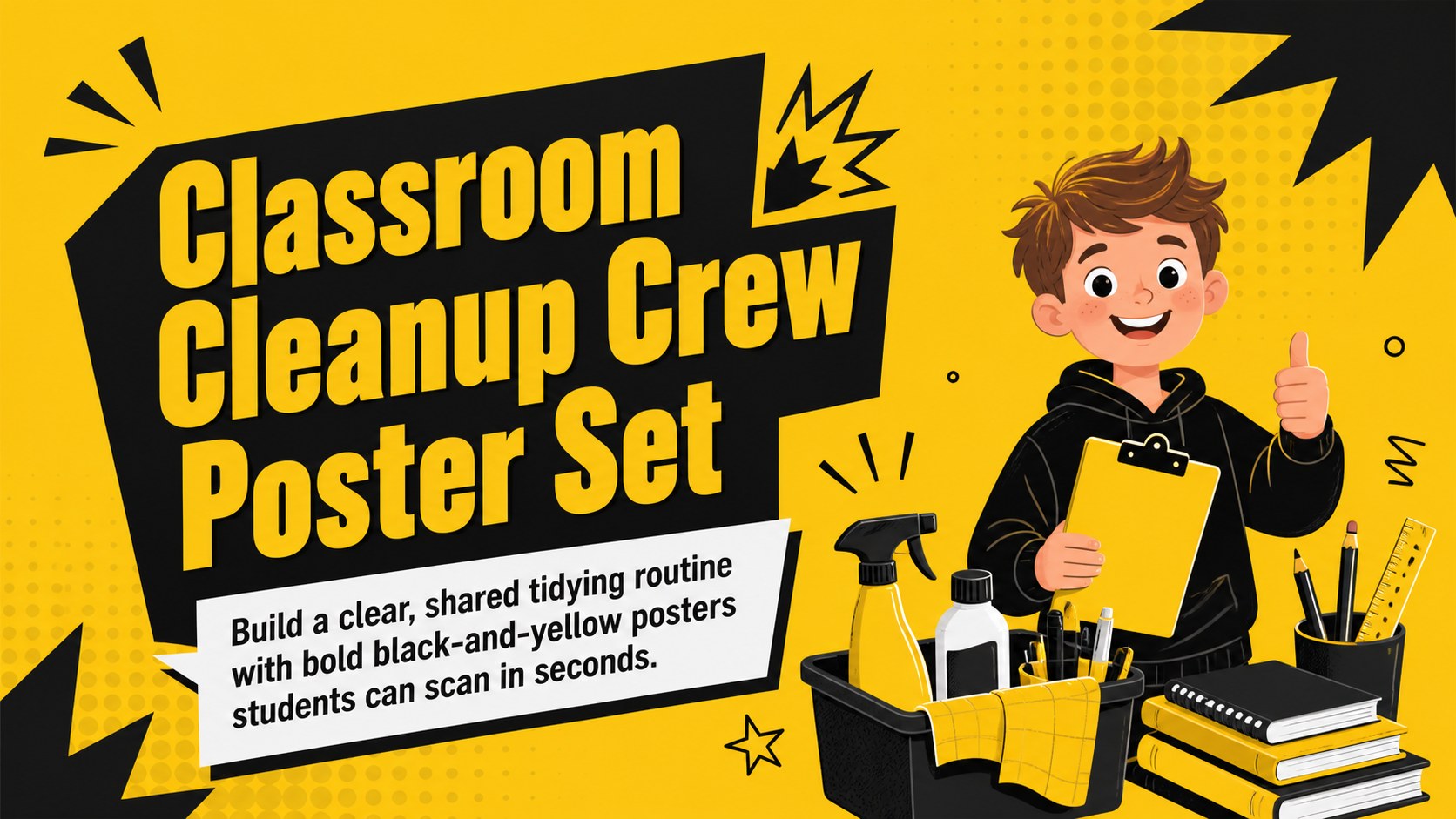
Turn daily tidying into a shared routine with a classroom cleanup crew poster set for PowerPoint and Google Slides, styled in bold black and yellow.
Design notes
Make end-of-lesson tidying easier to understand with this classroom cleanup crew poster set. Bold typography, high-contrast black and yellow colors, playful shapes, and original school-themed illustrations help each instruction stand out. The energetic visual style is designed for younger learners while remaining practical for everyday classroom management.
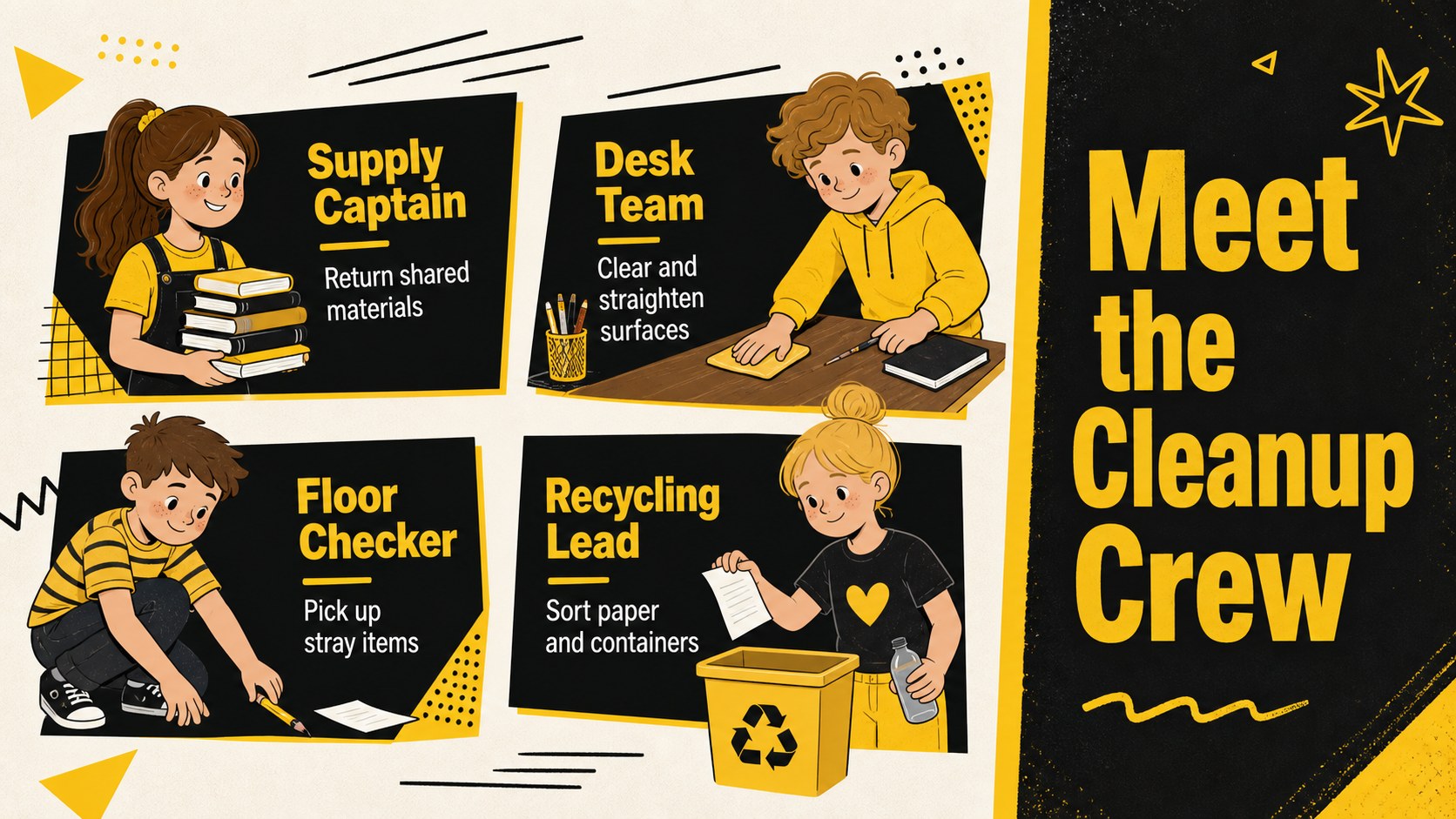
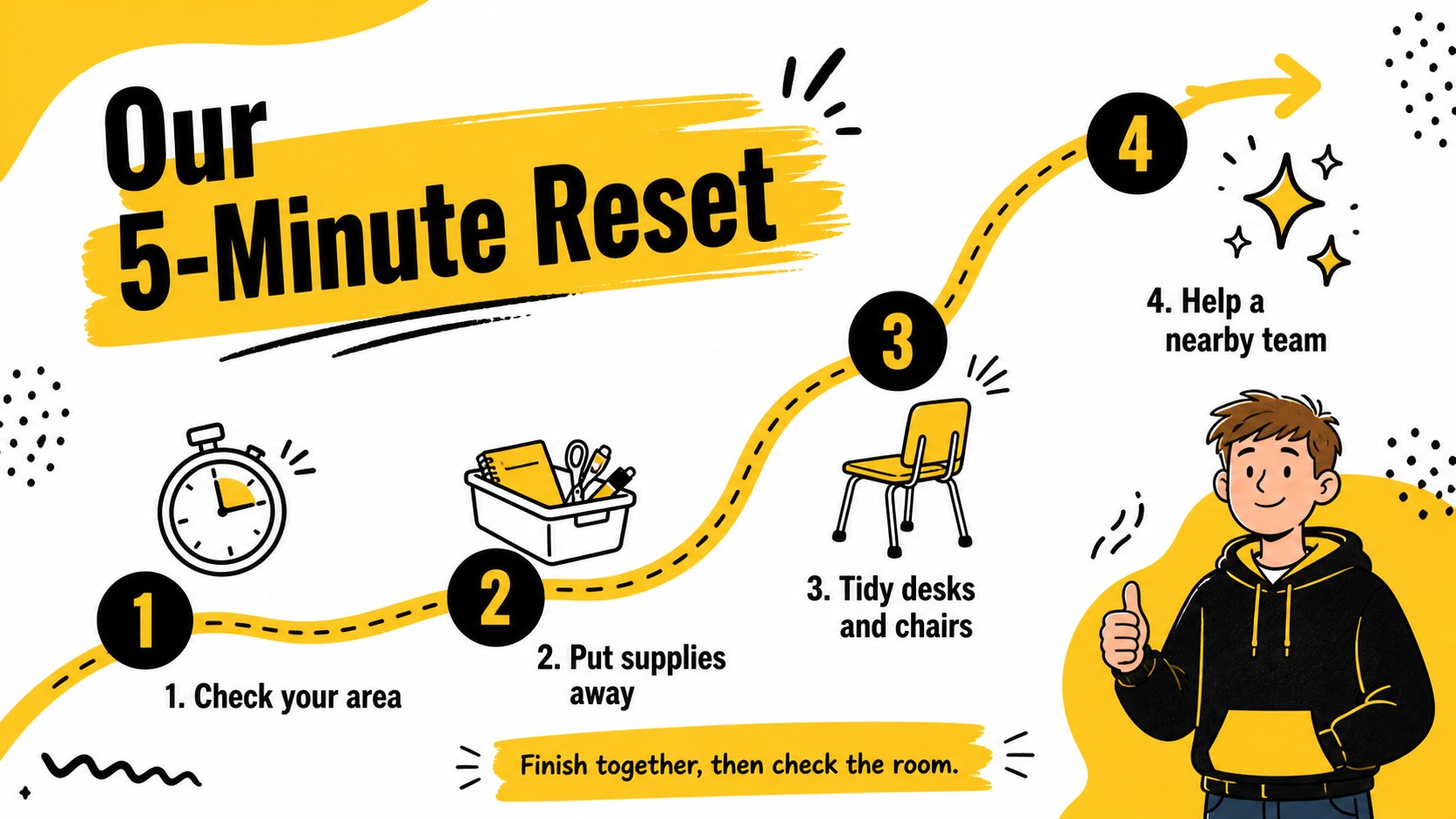
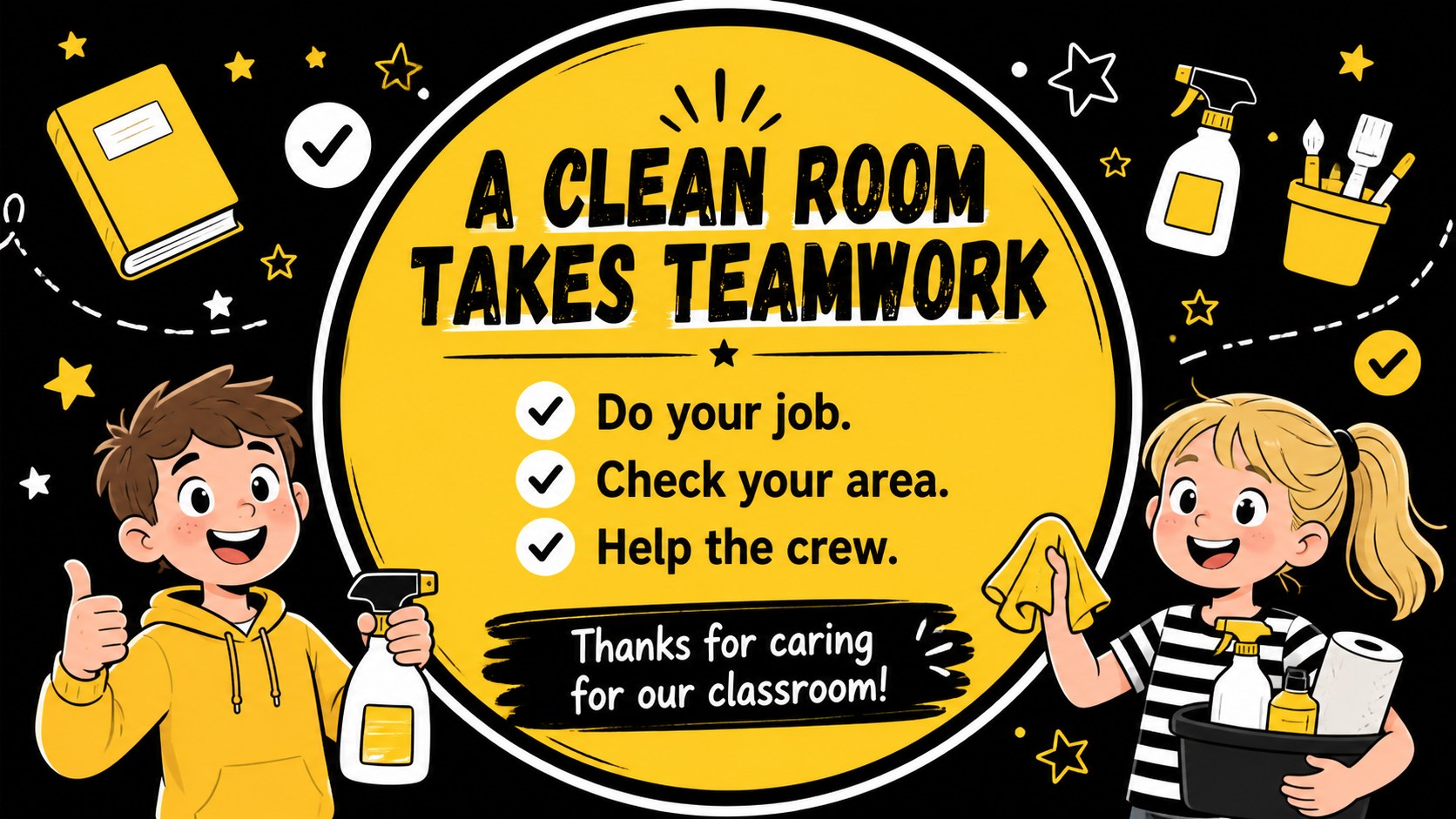
The four-slide set includes a cover poster, a cleanup job board, a simple step-by-step routine, and a teamwork reminder. Use it as a student classroom jobs presentation, display individual pages near supply stations, or adapt the layouts into an editable classroom cleaning routine. Every slide can be updated in PowerPoint or Google Slides, allowing you to change job names, instructions, class details, fonts, and graphics without rebuilding the design.
This classroom responsibility chart slides resource suits elementary teachers, substitute teachers, after-school coordinators, and school activity leaders. It can support rotating duties, end-of-day organization, art-room cleanup, shared equipment care, or weekly classroom resets. The strong illustrated format keeps responsibilities visible without filling the page with lengthy directions.
Customize the wording to match your room, assign roles to groups or individual students, and present the slides digitally or print them as posters. The coordinated layouts make it simple to establish consistent expectations while giving students an active role in caring for their learning space.
Perfect for: end-of-day classroom cleanup; rotating student job assignments; art-room tidying routine; substitute teacher instructions; after-school room reset.
Frequently asked questions
Practical details
Yes. Edit every job title, instruction, name, and label to reflect your classroom routine. You can also duplicate role blocks when more assignments are needed.
The slides are designed for PowerPoint and Google Slides. Both platforms let you update the text, colors, fonts, illustrations, and layout elements.
Yes. Export finished slides as PDF files or images before printing. Check your printer settings and scale each design to the paper size used in your classroom.
Replace the yellow accent with another bright school color while retaining the black text and high contrast. Apply the same palette across all four slides to keep the poster set visually consistent.
Keep exploring
15Build an engaging World UFO Day session with this flying saucer history lesson deck, featuring retro green-and-brown slides for PowerPoint and Google Slides.
 15
15Plan a lively animal-learning journey with this jungle zoo adventure lesson deck, ready to customize in PowerPoint and Google Slides for young learners.
 16
16Turn environmental research into a clear story with a Watercolor Ecology Presentation Theme for PowerPoint and Google Slides in calming green and blue.
 16
16Build focused fashion, literature, and humanities presentations with the Red Triangle Editorial Theme, editable in PowerPoint and Google Slides.
 15
15Turn streaming stats, favorite tracks, and concert highlights into a bold annual listening recap slide deck for PowerPoint and Google Slides.
 15
15Turn highlights, milestones, and favorite moments into a colorful year in review slide deck with bold 3D graphics for PowerPoint and Google Slides.
 3
3Build a credible endorsement with Standout Colleague Recommendation Letter Slides, featuring colorful prompts for skills, achievements, and team impact.
 4
4Build clear beginner sessions with an ice hockey fundamentals training deck for coaches, PE teachers, and clubs, ready for PowerPoint and Google Slides.