
 15
15presentation
Flying Saucer History Lesson Deck
Build an engaging World UFO Day session with this flying saucer history lesson deck, featuring retro green-and-brown slides for PowerPoint and Google Slides.
Google SlidesPowerPoint
presentation · English
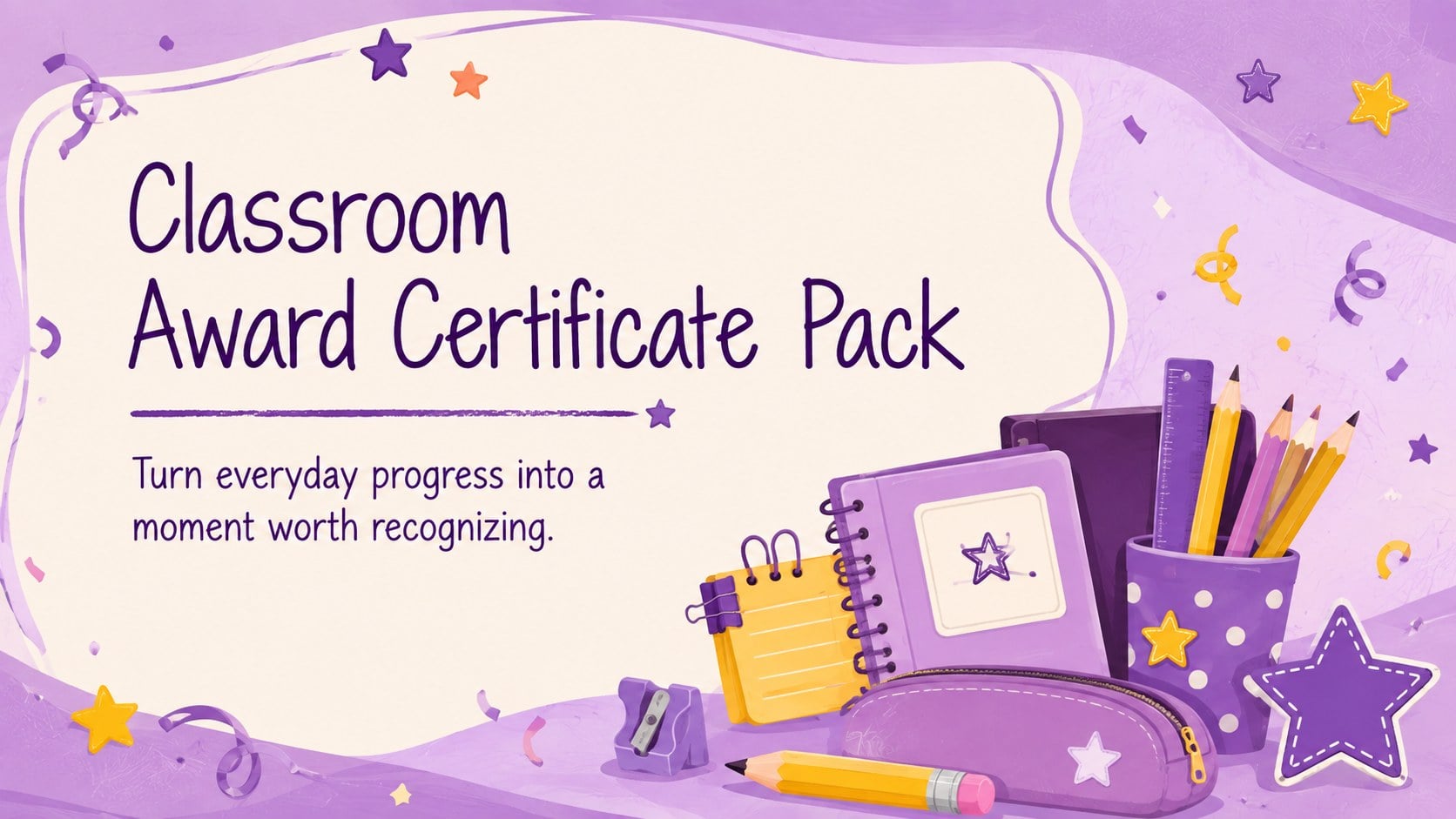
Reward effort, kindness, and progress with a classroom award certificate pack of cheerful purple designs for PowerPoint, Google Slides, and easy printing.
Design notes
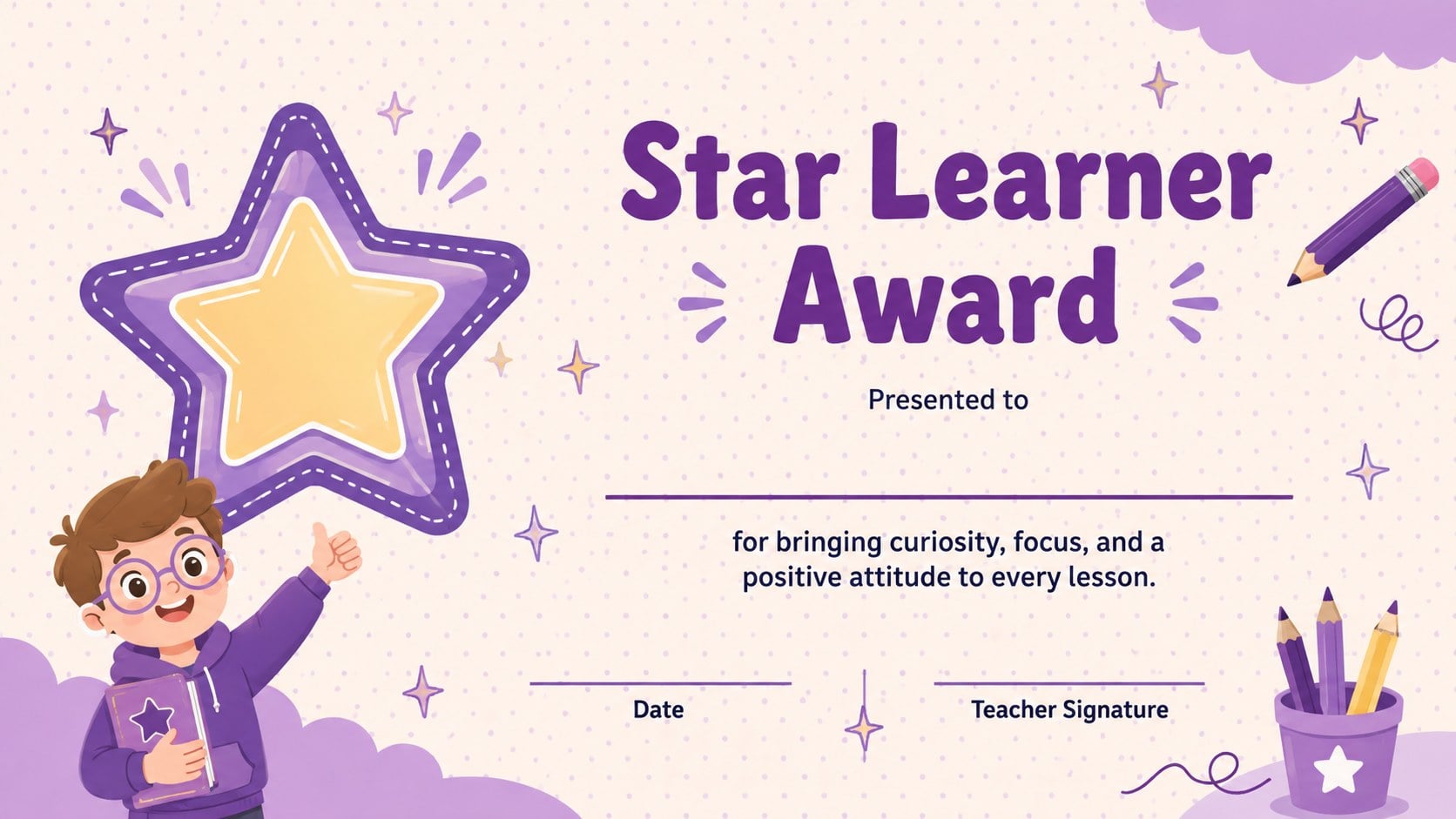
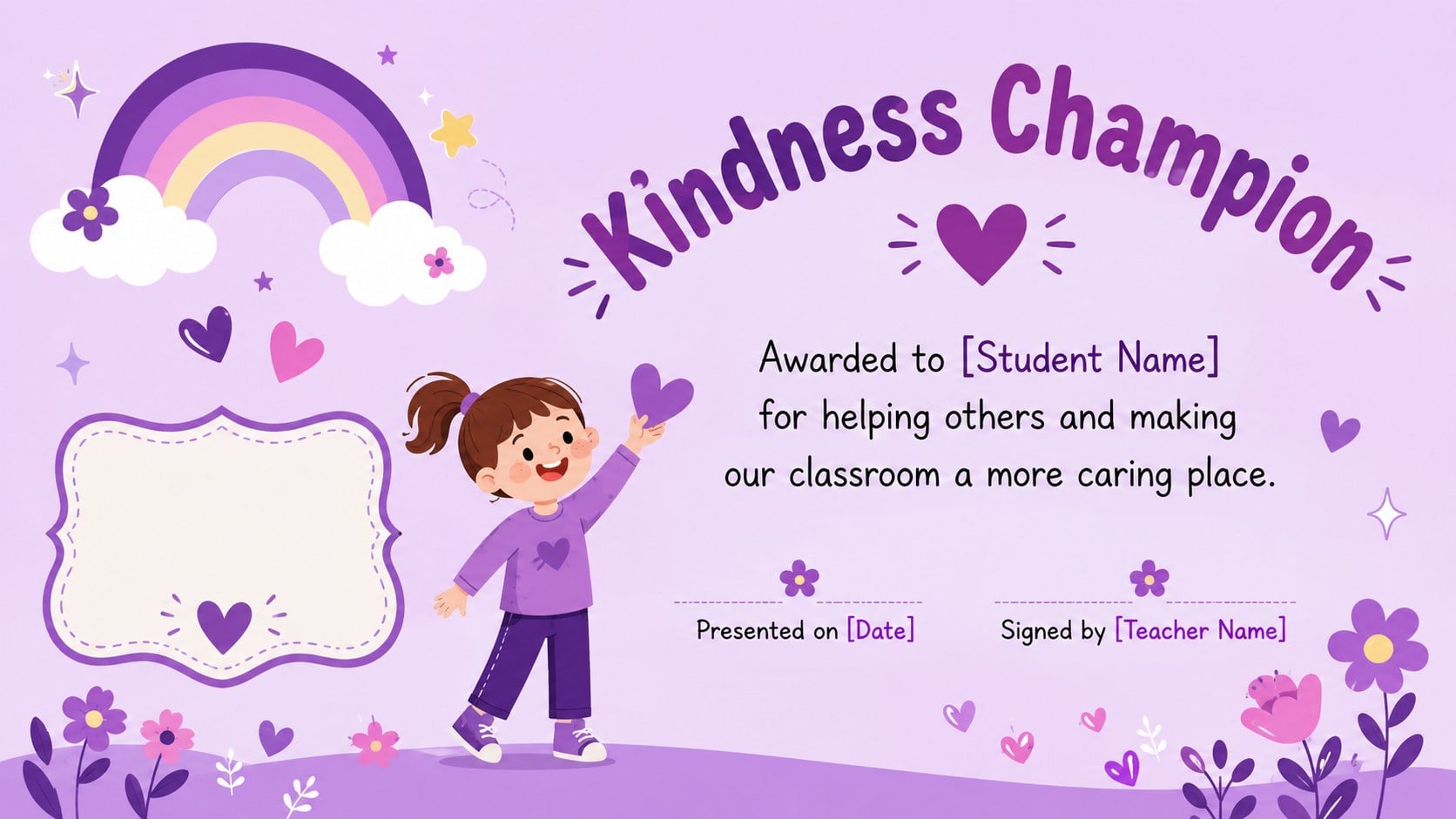
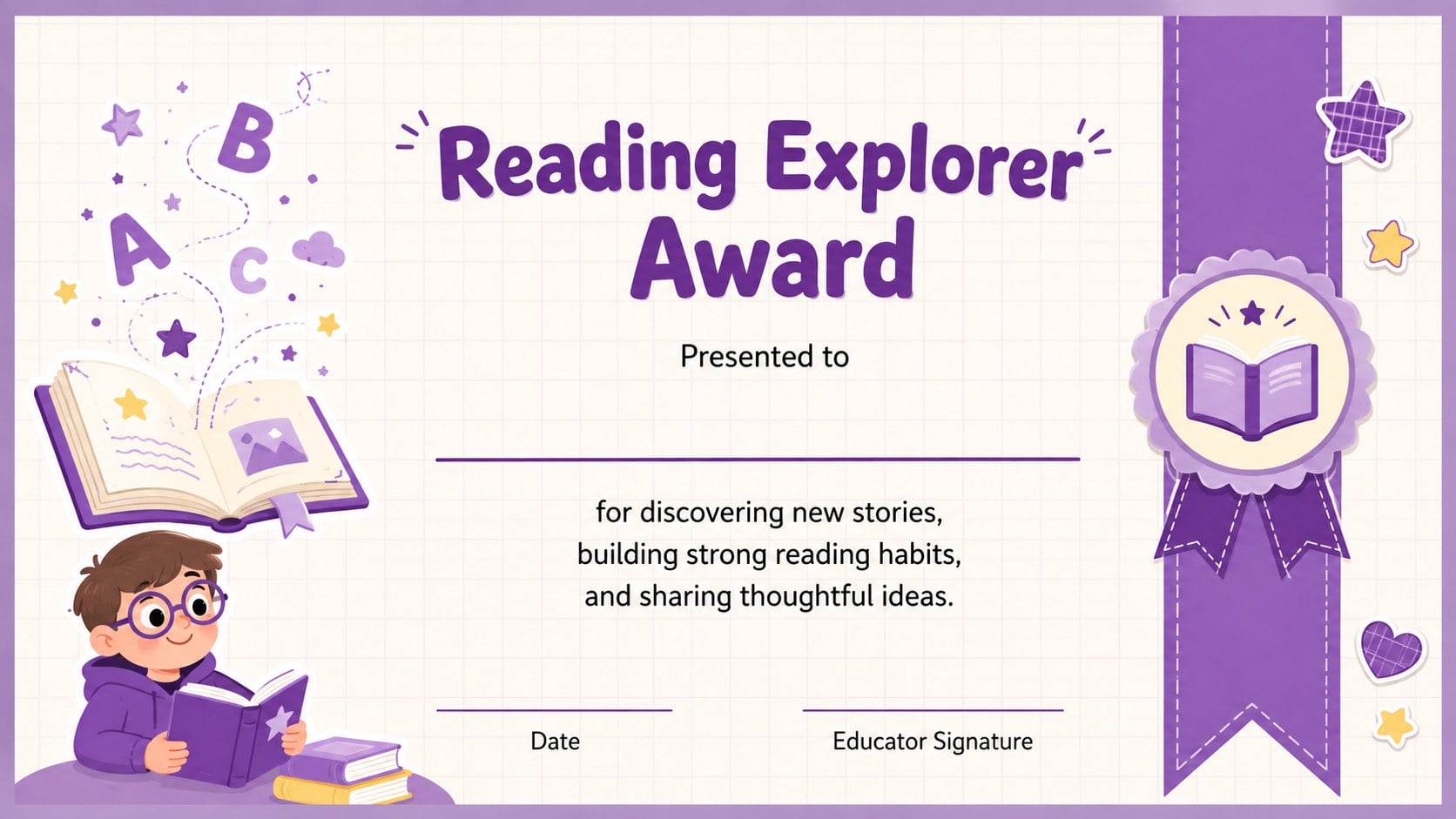
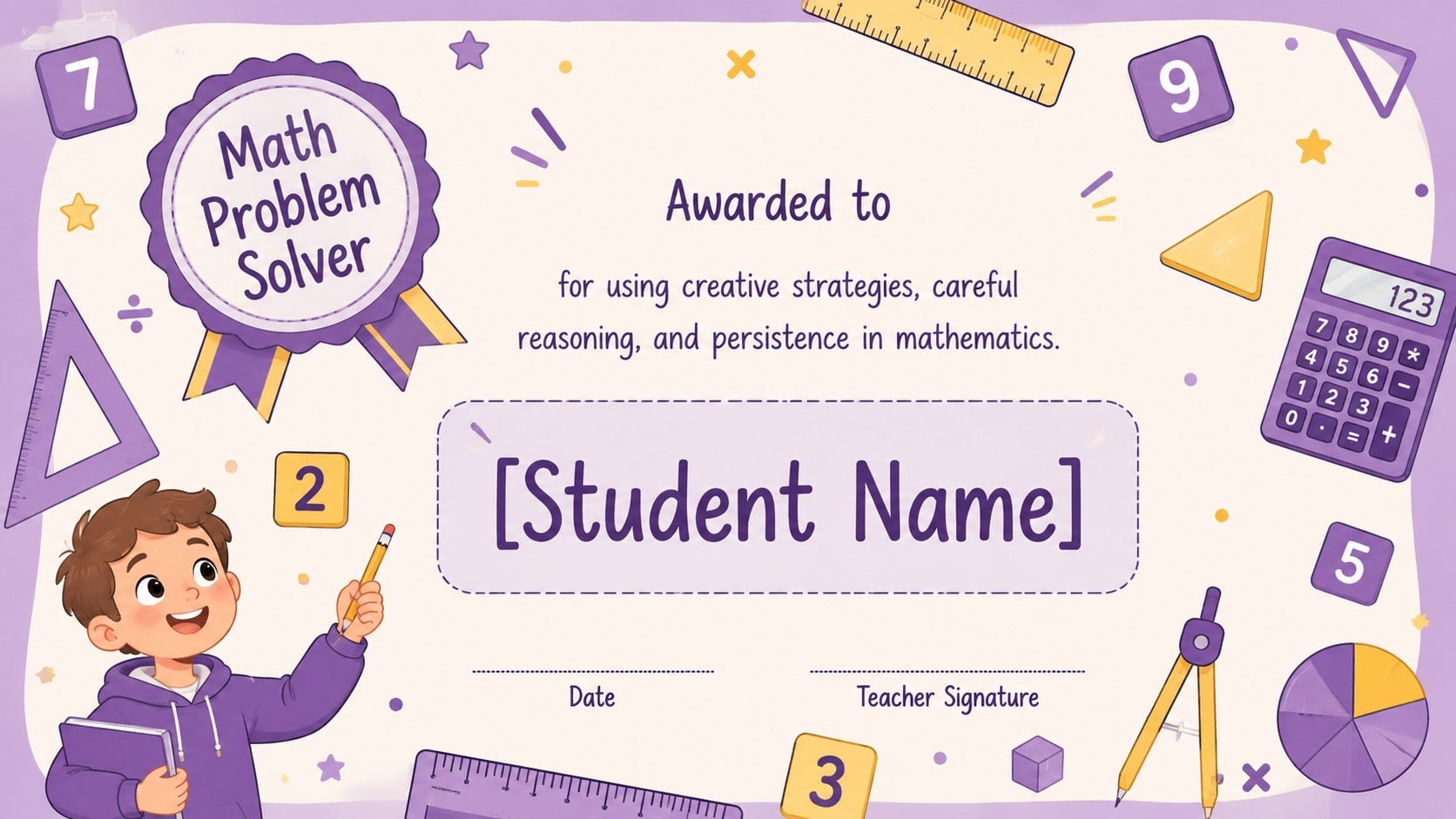
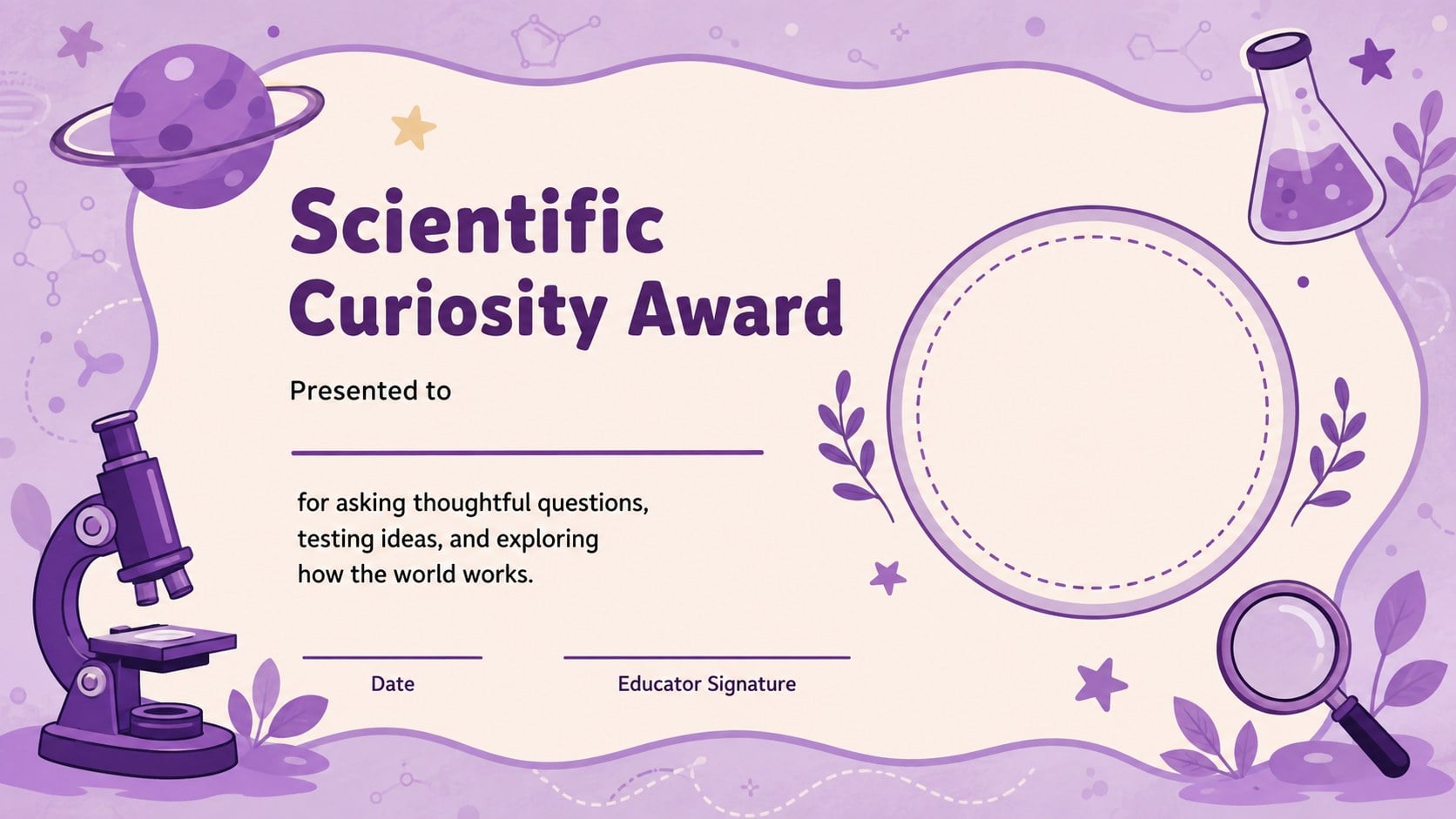
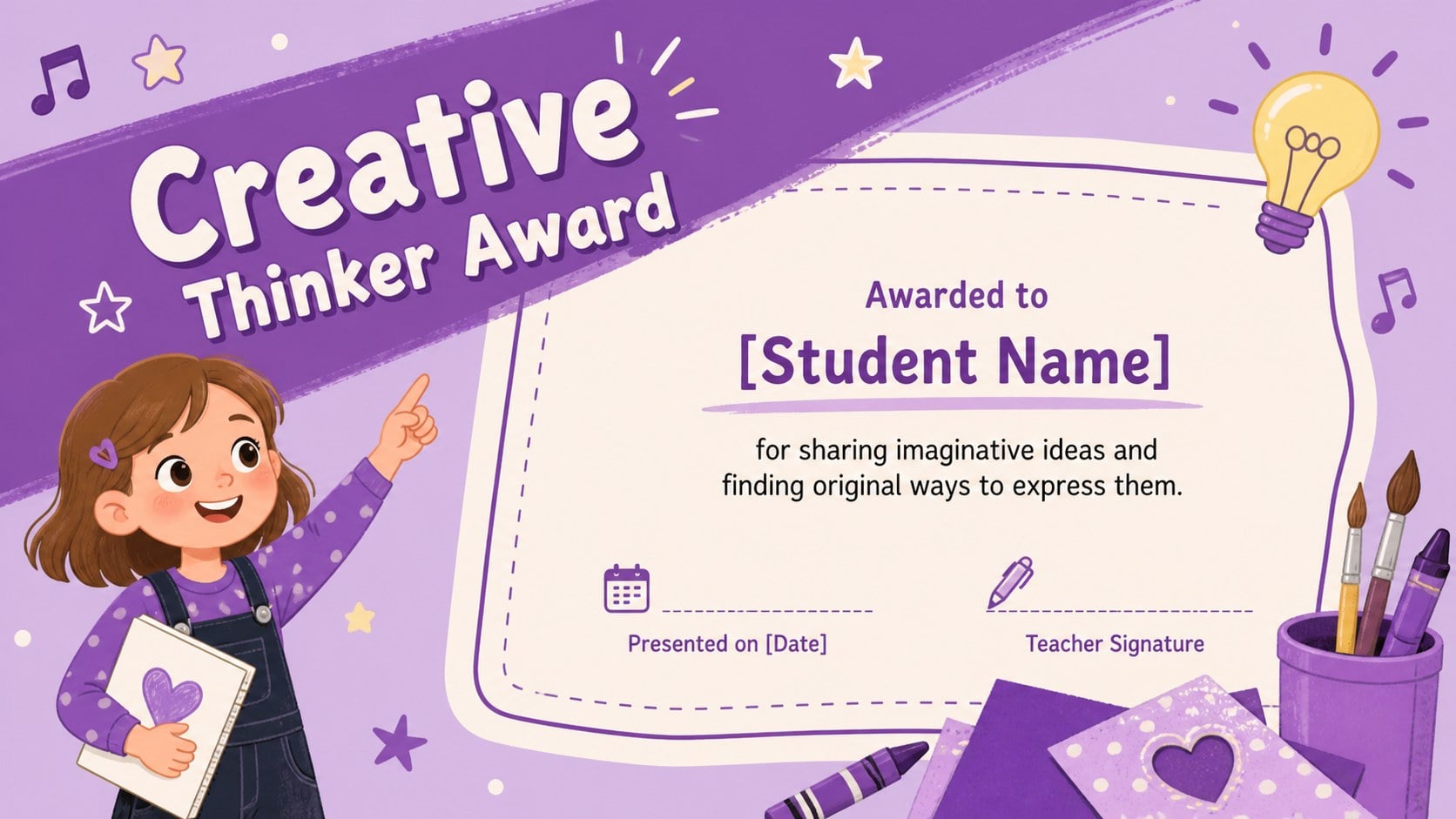
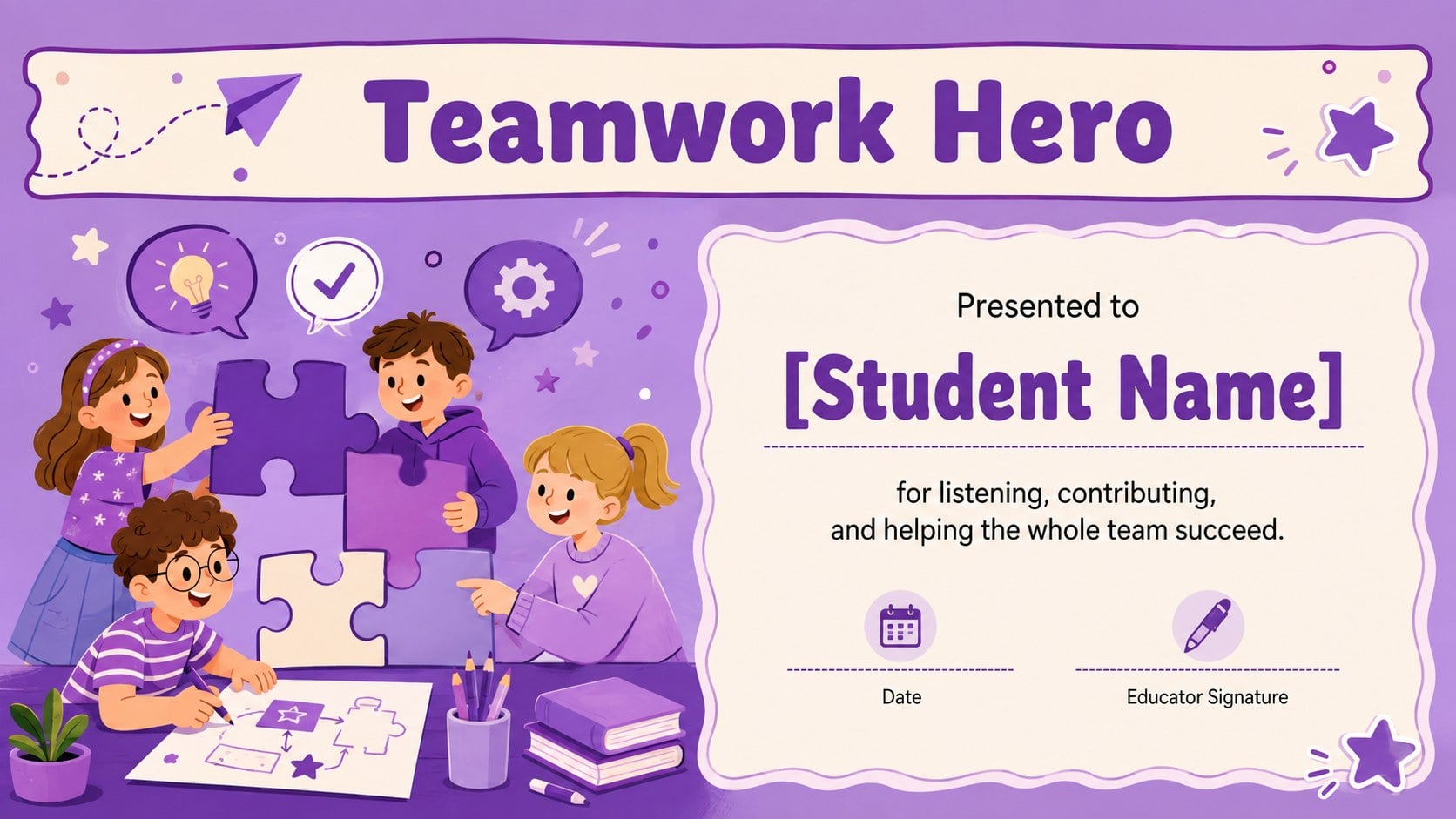
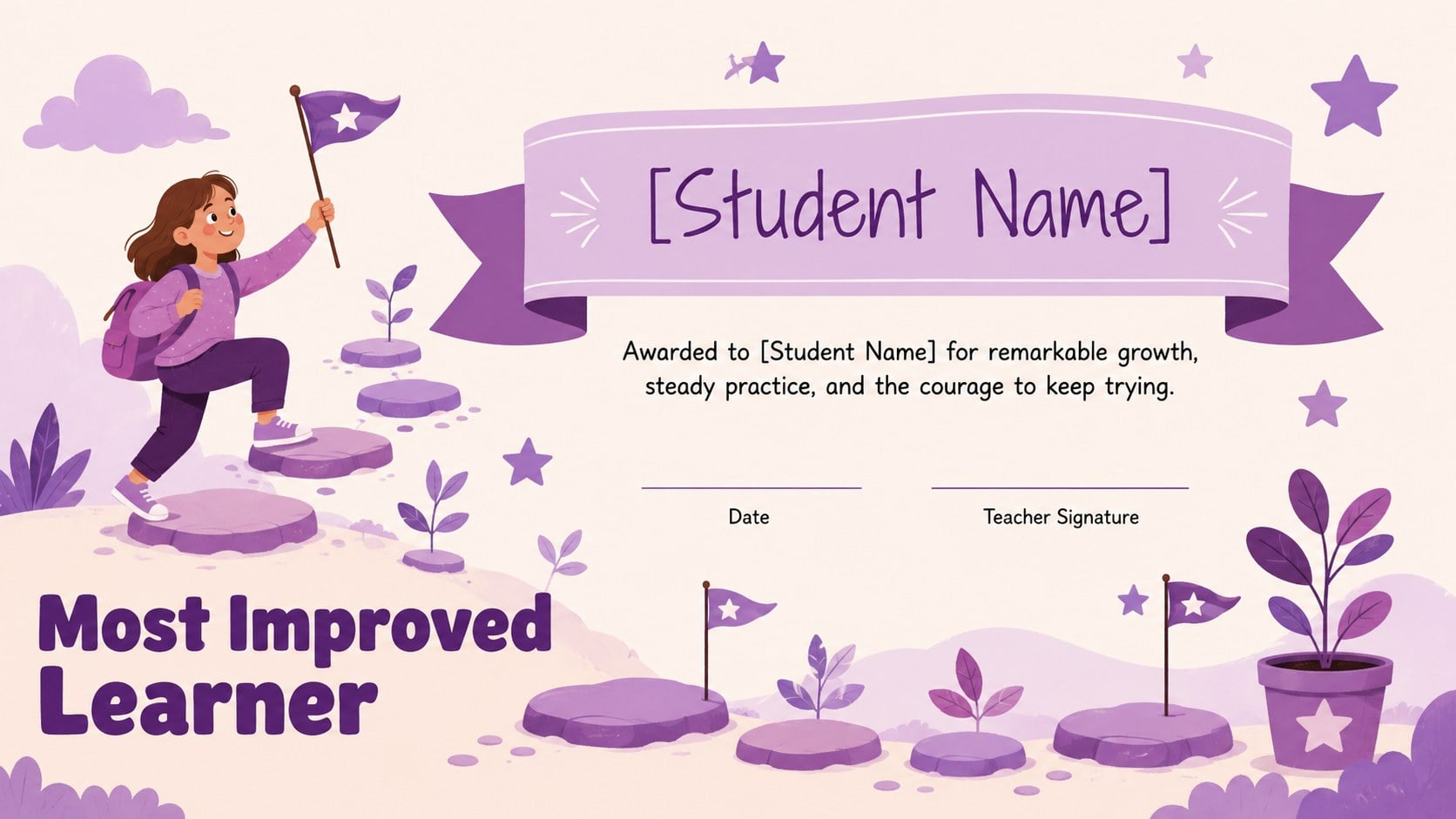
This classroom award certificate pack gives teachers a cheerful way to recognize academic growth, thoughtful behavior, creativity, teamwork, and consistent effort. The playful purple palette, friendly illustrations, and child-focused typography make each design feel celebratory without losing the clear structure needed for names, award details, dates, and signatures.
Inside, you will find editable classroom award certificates for achievements such as reading progress, mathematical thinking, scientific curiosity, kindness, presentation skills, attendance, improvement, and team participation. A flexible blank certificate is also included for creating your own recognition category. Every layout can be personalized with a student's name, a short message, the presentation date, and an educator signature. These PowerPoint certificates for teachers can be displayed on screen, shared digitally, or printed for classroom ceremonies.
The collection is designed for elementary educators, homeroom teachers, tutors, school counselors, club leaders, and after-school program coordinators. It also works well for families organizing learning milestones at home. Use the Google Slides student award templates for end-of-term celebrations, weekly recognition, classroom challenges, reading programs, or spontaneous moments of praise. With coordinated layouts and easy-to-edit text, the pack helps every award feel personal while keeping preparation simple and consistent.
Perfect for: end-of-term award ceremony; weekly classroom recognition; reading challenge celebration; student behavior rewards; after-school program awards; home learning milestones.
Frequently asked questions
Can I edit each certificate for a different student? Yes. Replace the sample name, achievement, date, message, and signature directly in PowerPoint or Google Slides, then duplicate the design for additional students.
Practical details
Yes. Replace the sample name, achievement, date, message, and signature directly in PowerPoint or Google Slides, then duplicate the design for additional students.
The layouts are designed for Microsoft PowerPoint and Google Slides. Both platforms let you edit the wording, rearrange elements, and prepare certificates for digital sharing or printing.
Yes. Use the blank customizable certificate or adapt any existing award by changing its headline and supporting message. Keep the original text hierarchy to preserve a balanced layout.
Confirm each student's details, choose a high-quality print setting, and export to PDF when you need consistent output. Print a single test page first to check margins, colors, and paper orientation.
Keep exploring
15Build an engaging World UFO Day session with this flying saucer history lesson deck, featuring retro green-and-brown slides for PowerPoint and Google Slides.
 15
15Plan a lively animal-learning journey with this jungle zoo adventure lesson deck, ready to customize in PowerPoint and Google Slides for young learners.
 16
16Turn environmental research into a clear story with a Watercolor Ecology Presentation Theme for PowerPoint and Google Slides in calming green and blue.
 16
16Build focused fashion, literature, and humanities presentations with the Red Triangle Editorial Theme, editable in PowerPoint and Google Slides.
 15
15Turn streaming stats, favorite tracks, and concert highlights into a bold annual listening recap slide deck for PowerPoint and Google Slides.
 15
15Turn highlights, milestones, and favorite moments into a colorful year in review slide deck with bold 3D graphics for PowerPoint and Google Slides.
 3
3Build a credible endorsement with Standout Colleague Recommendation Letter Slides, featuring colorful prompts for skills, achievements, and team impact.
 4
4Build clear beginner sessions with an ice hockey fundamentals training deck for coaches, PE teachers, and clubs, ready for PowerPoint and Google Slides.