
 15
15presentation
Flying Saucer History Lesson Deck
Build an engaging World UFO Day session with this flying saucer history lesson deck, featuring retro green-and-brown slides for PowerPoint and Google Slides.
Google SlidesPowerPoint
presentation · English
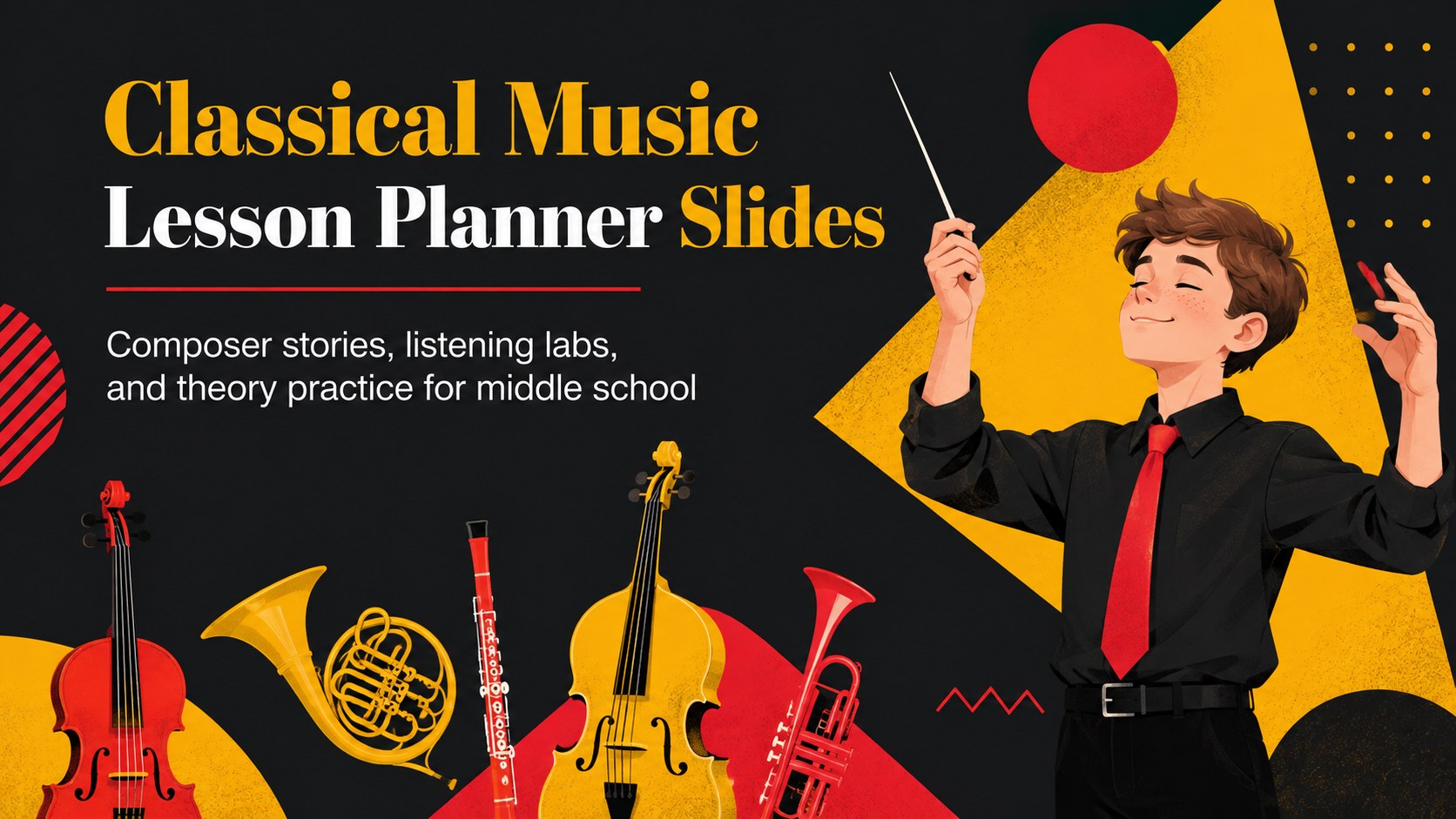
Plan engaging middle school music lessons with a classical music lesson planner featuring editable timelines, composer profiles, listening tasks, and quizzes.
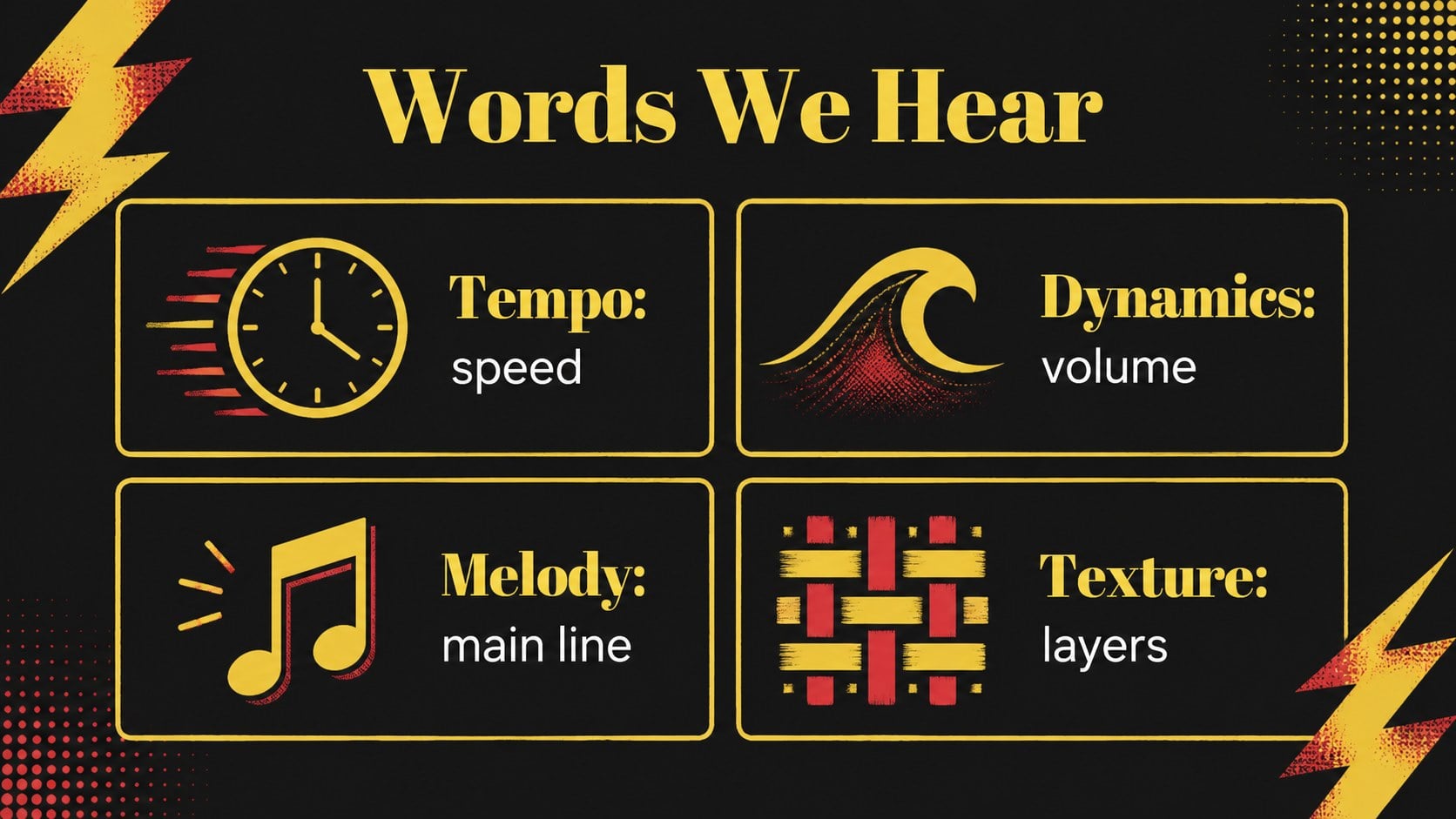
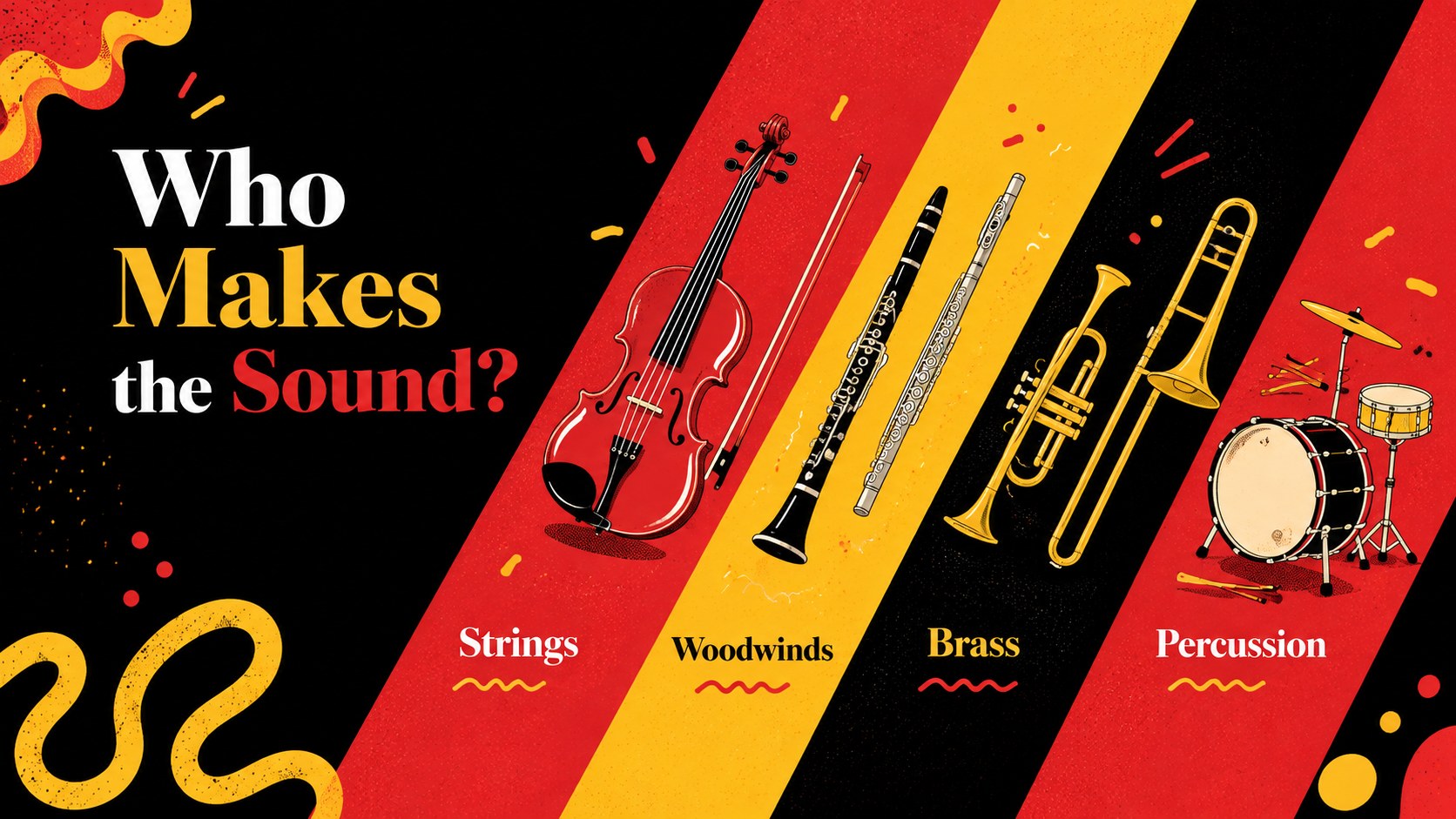
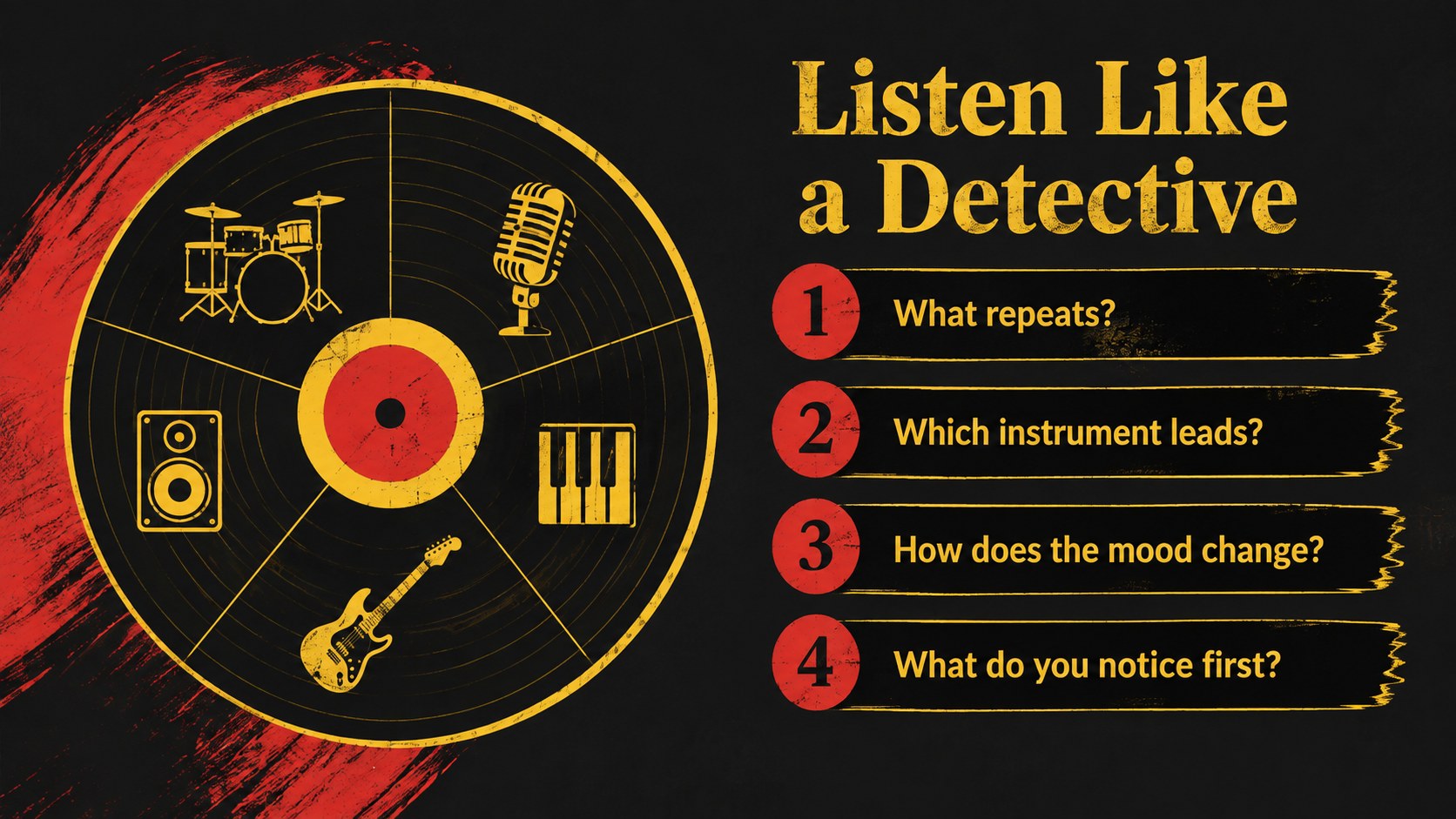
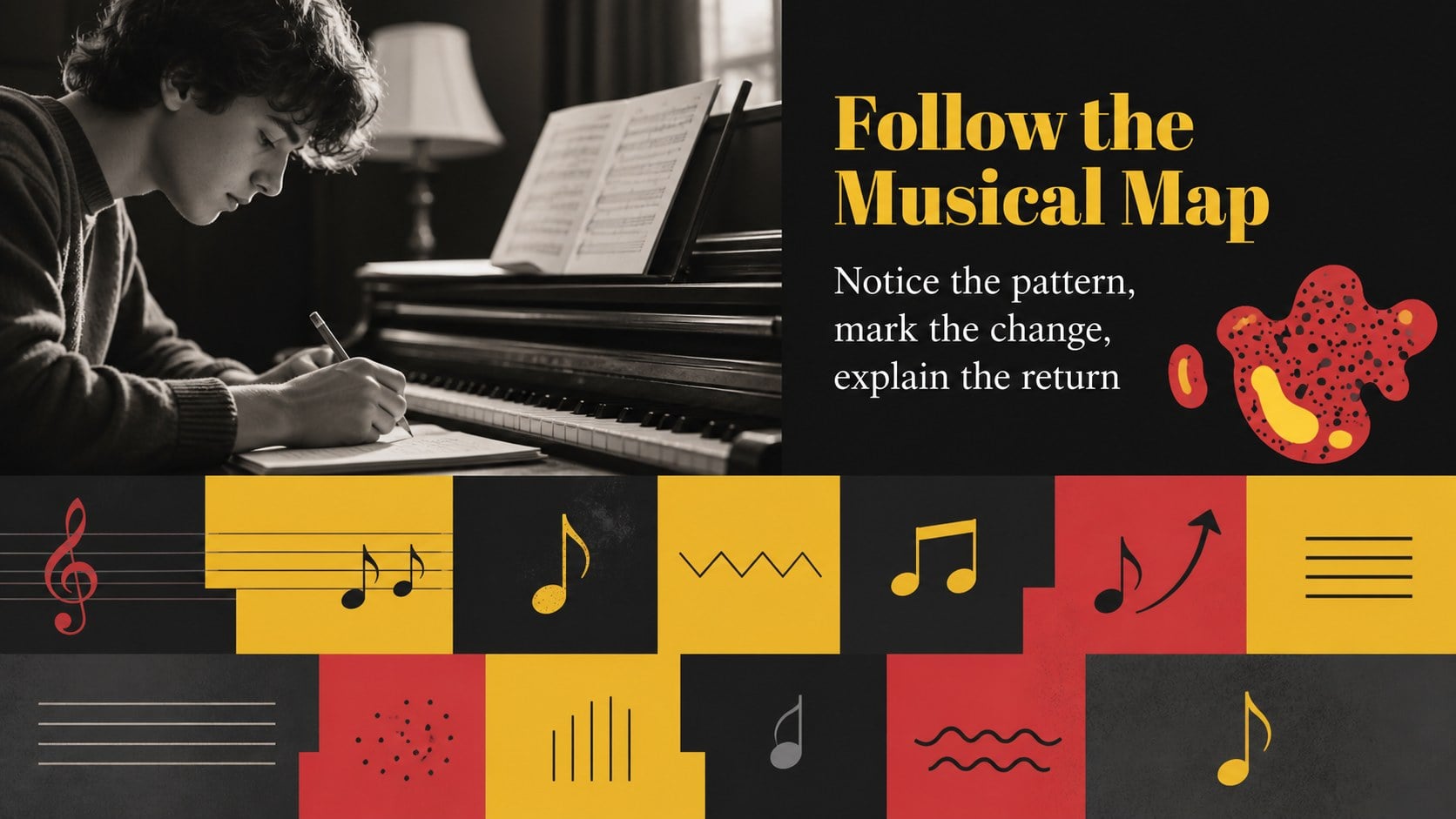
Design notes
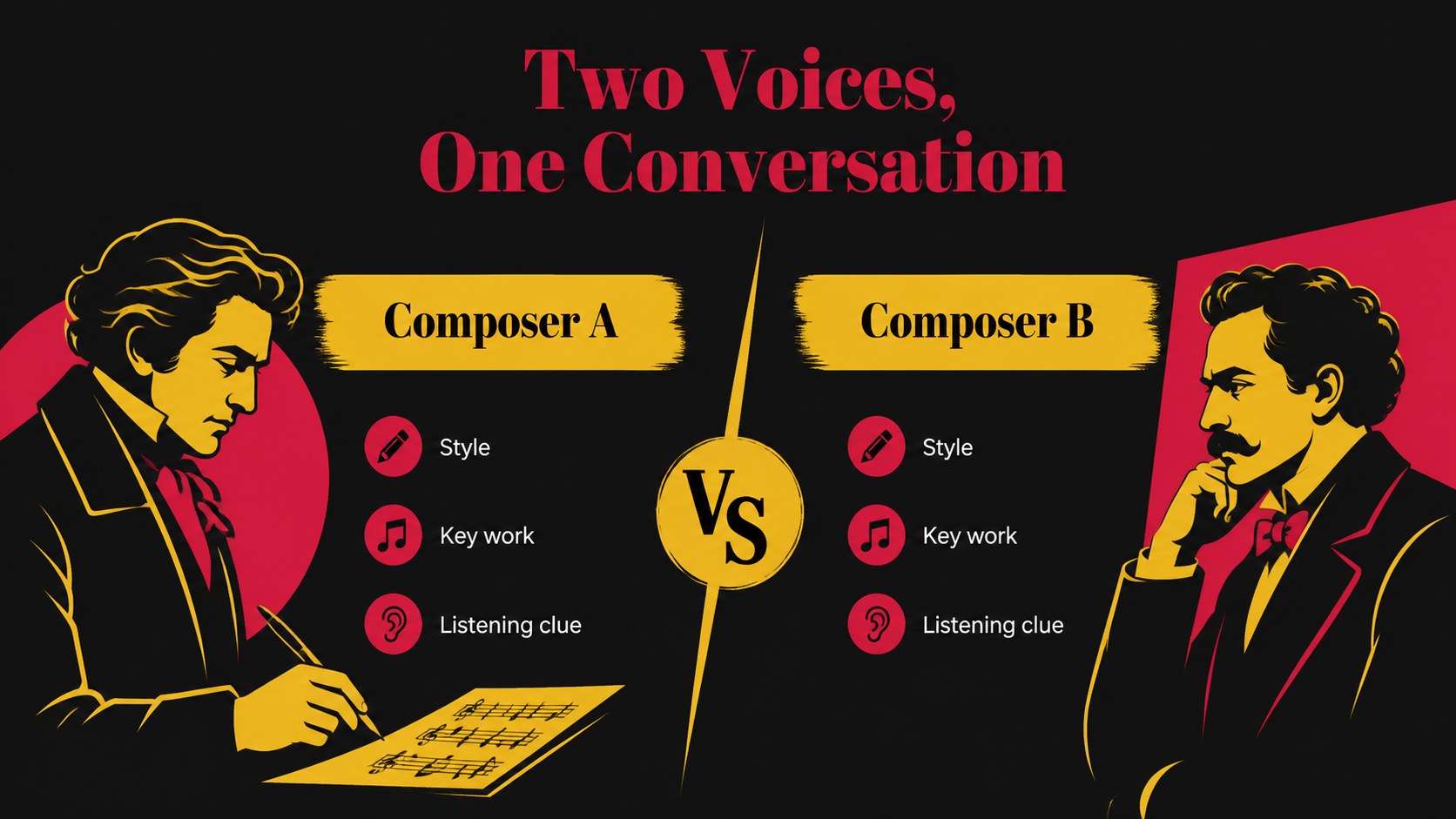
Classical music becomes easier to teach when every lesson has a strong rhythm of its own. This classical music lesson planner gives middle school educators a structured visual framework for introducing composers, identifying musical features, guiding listening activities, and checking understanding. The black, yellow, and red palette creates a bold classroom presence while the illustrative style keeps historical material approachable.
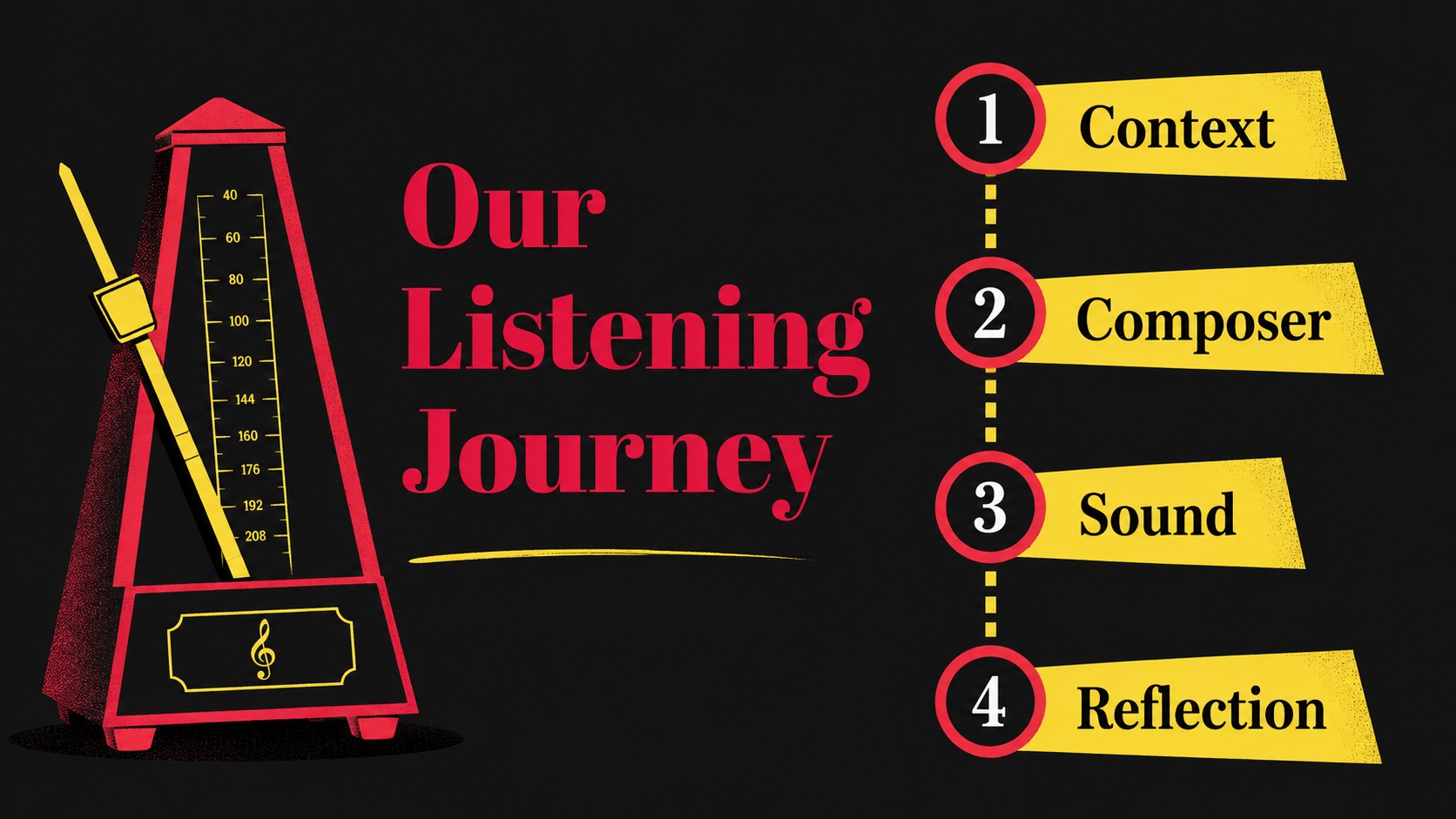
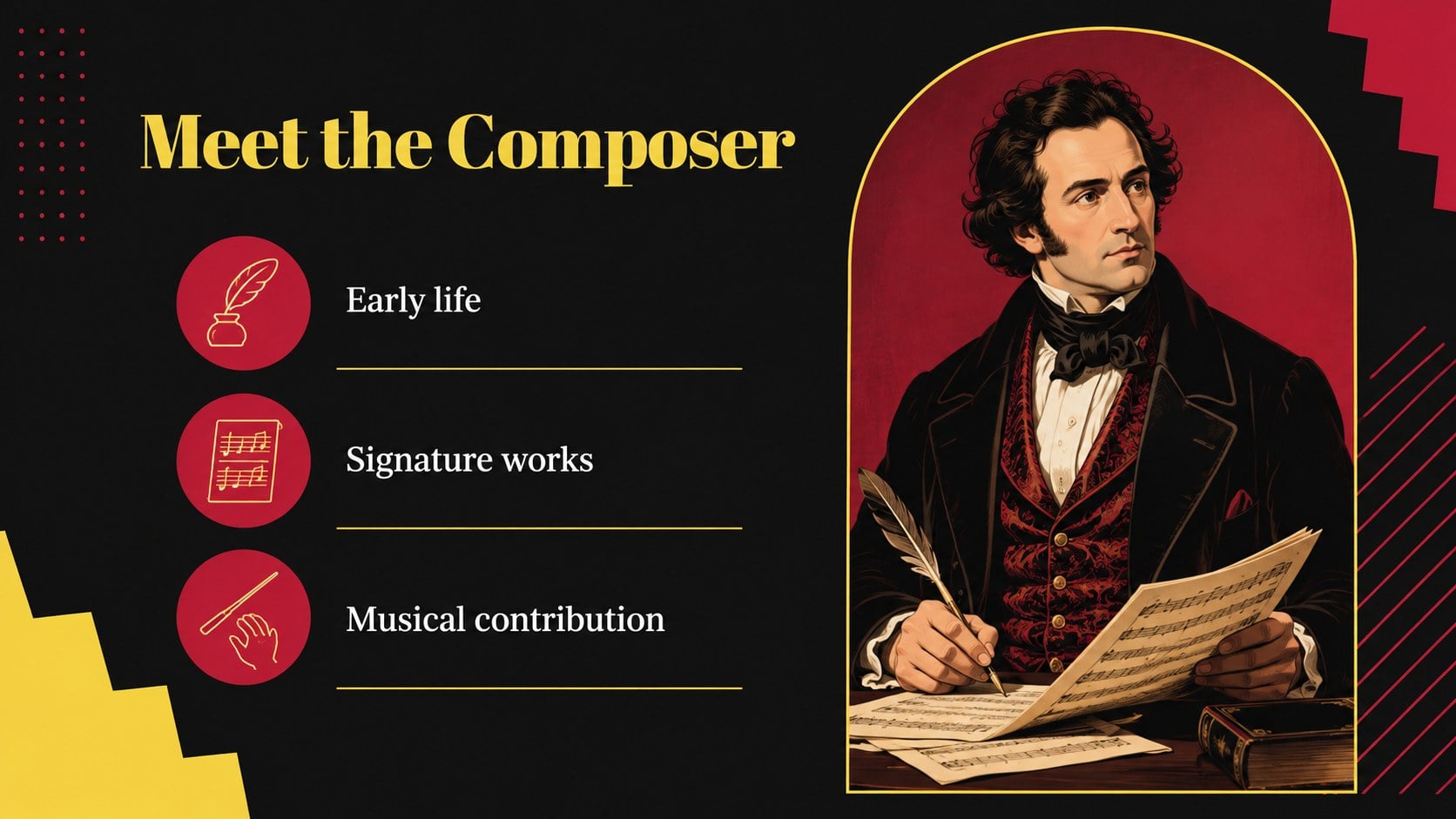
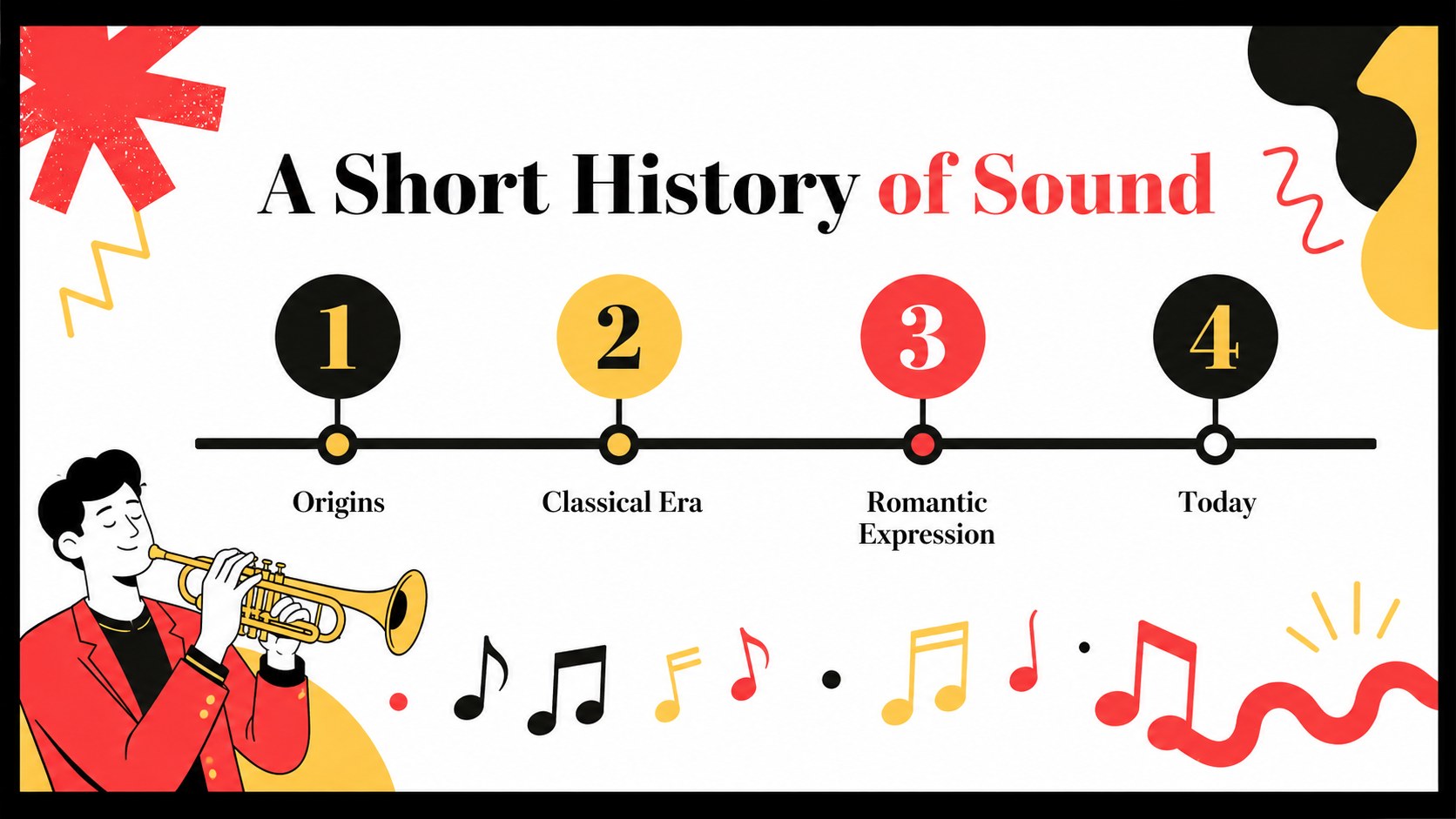
Inside the deck, you will find an opening lesson overview, composer profile layouts, historical context pages, music vocabulary cards, instrument spotlights, listening guides, theory exercises, comparison activities, timeline slides, quiz questions, and a final reflection page. Flexible charts, icons, frames, and text areas make it simple to adapt the material for Mozart, Bach, Schumann, or another composer from your curriculum. Use the slides for a single class, a multi-week unit, substitute-teacher resources, or a student-led presentation.
The template is designed for middle school music teachers, general educators, homeschool instructors, and arts program leaders. Edit it in Google Slides or PowerPoint, add audio and video references, replace the examples, and export or share the finished lesson in the format your classroom requires.
Perfect for: middle school composer history lesson; classical listening activity; music theory review session; student composer research presentation; multi-week arts curriculum unit.
Frequently asked questions
Can I edit this lesson planner in PowerPoint? Yes. The presentation can be customized in PowerPoint, including its text, colors, images, layouts, and visual elements. You can also add links to audio or video examples for classroom use.
Practical details
Yes. The presentation can be customized in PowerPoint, including its text, colors, images, layouts, and visual elements. You can also add links to audio or video examples for classroom use.
Yes, the deck is suitable for editing and presenting in Google Slides. Upload the PowerPoint file, then adjust any imported fonts or media links if needed.
Use the layouts for composer biographies, historical periods, instruments, musical vocabulary, form, listening analysis, and review questions. The examples can be replaced to match any middle school classical music unit.
Yes. Students can adapt the composer profile, timeline, listening guide, and reflection pages for individual or group projects. Teachers can provide a shorter selection of slides for a focused assignment.
Keep exploring
15Build an engaging World UFO Day session with this flying saucer history lesson deck, featuring retro green-and-brown slides for PowerPoint and Google Slides.
 15
15Plan a lively animal-learning journey with this jungle zoo adventure lesson deck, ready to customize in PowerPoint and Google Slides for young learners.
 16
16Turn environmental research into a clear story with a Watercolor Ecology Presentation Theme for PowerPoint and Google Slides in calming green and blue.
 16
16Build focused fashion, literature, and humanities presentations with the Red Triangle Editorial Theme, editable in PowerPoint and Google Slides.
 15
15Turn streaming stats, favorite tracks, and concert highlights into a bold annual listening recap slide deck for PowerPoint and Google Slides.
 15
15Turn highlights, milestones, and favorite moments into a colorful year in review slide deck with bold 3D graphics for PowerPoint and Google Slides.
 3
3Build a credible endorsement with Standout Colleague Recommendation Letter Slides, featuring colorful prompts for skills, achievements, and team impact.
 4
4Build clear beginner sessions with an ice hockey fundamentals training deck for coaches, PE teachers, and clubs, ready for PowerPoint and Google Slides.