
 15
15presentation
Flying Saucer History Lesson Deck
Build an engaging World UFO Day session with this flying saucer history lesson deck, featuring retro green-and-brown slides for PowerPoint and Google Slides.
Google SlidesPowerPoint
presentation · English
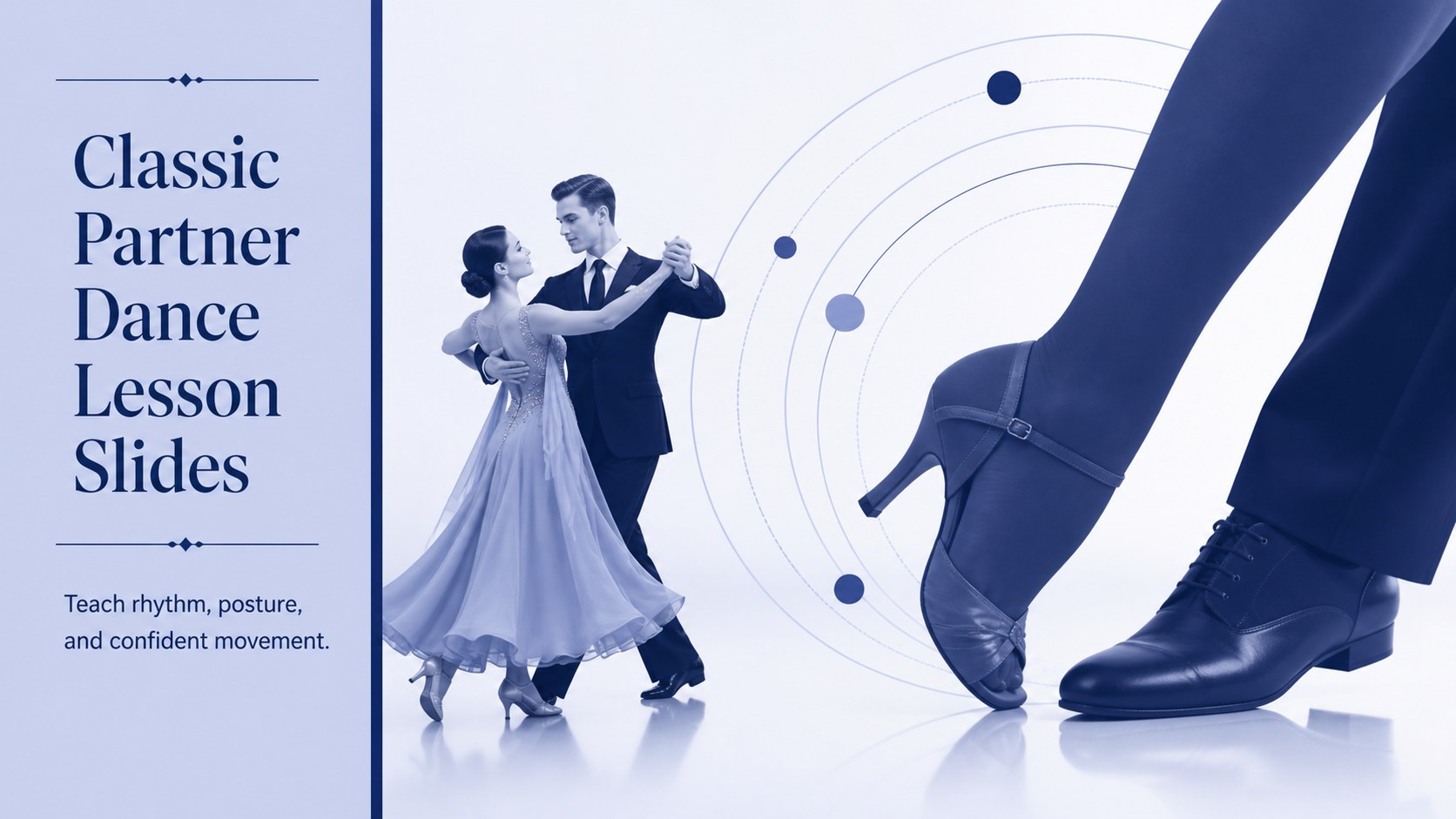
Build engaging classic partner dance lesson slides with a polished blue editorial look for teaching ballroom steps, comparing styles, and planning practice.
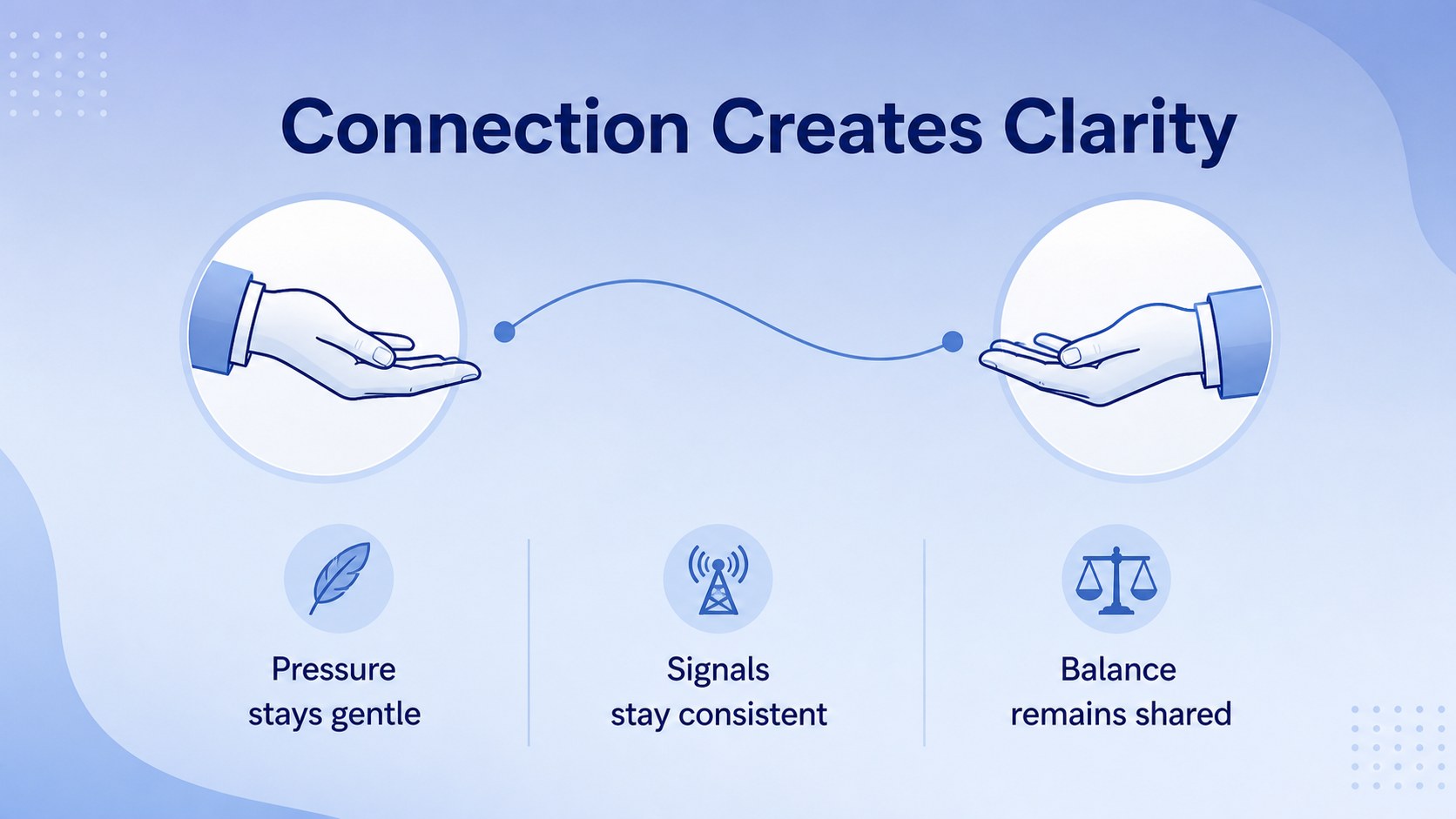
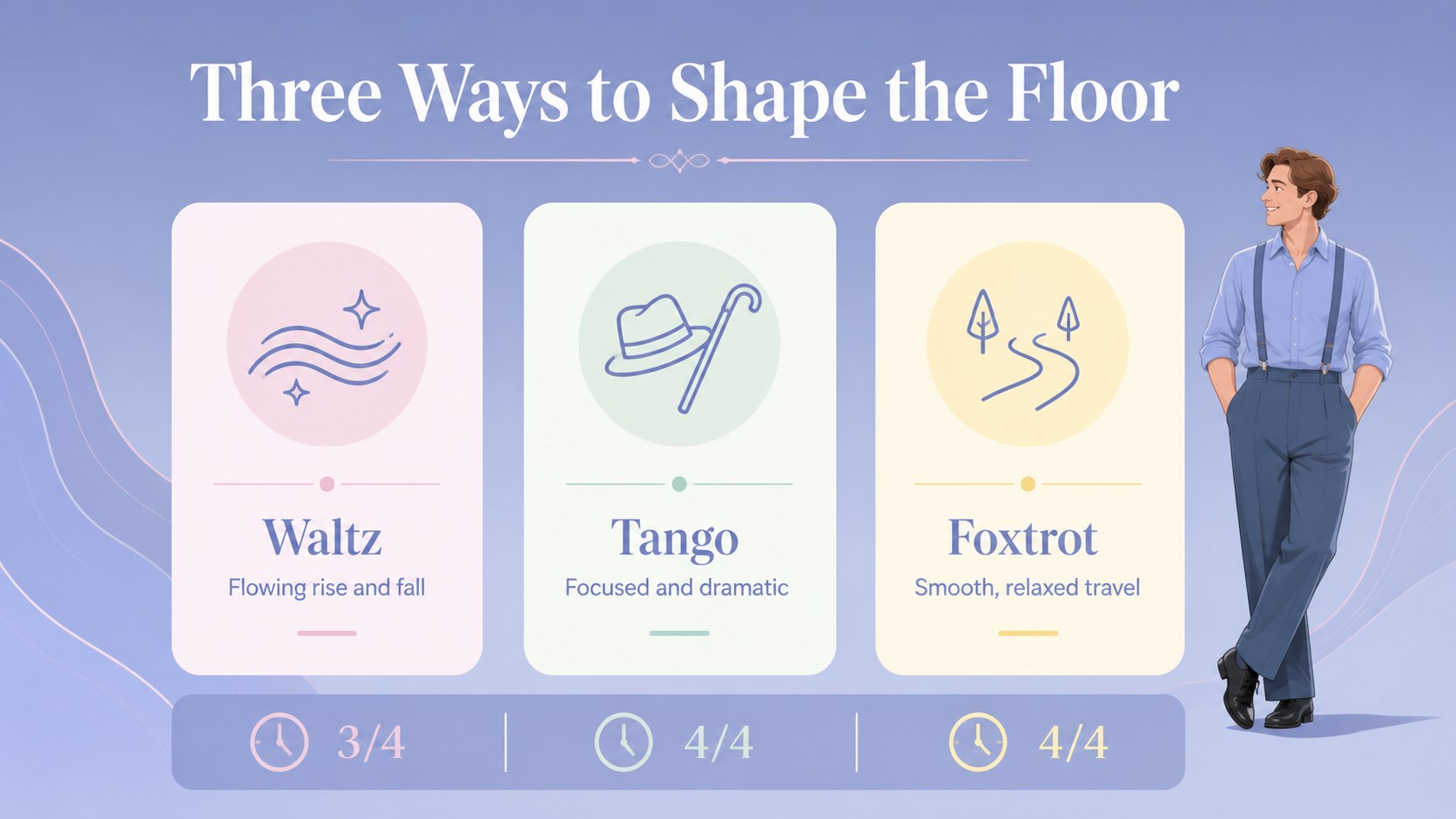
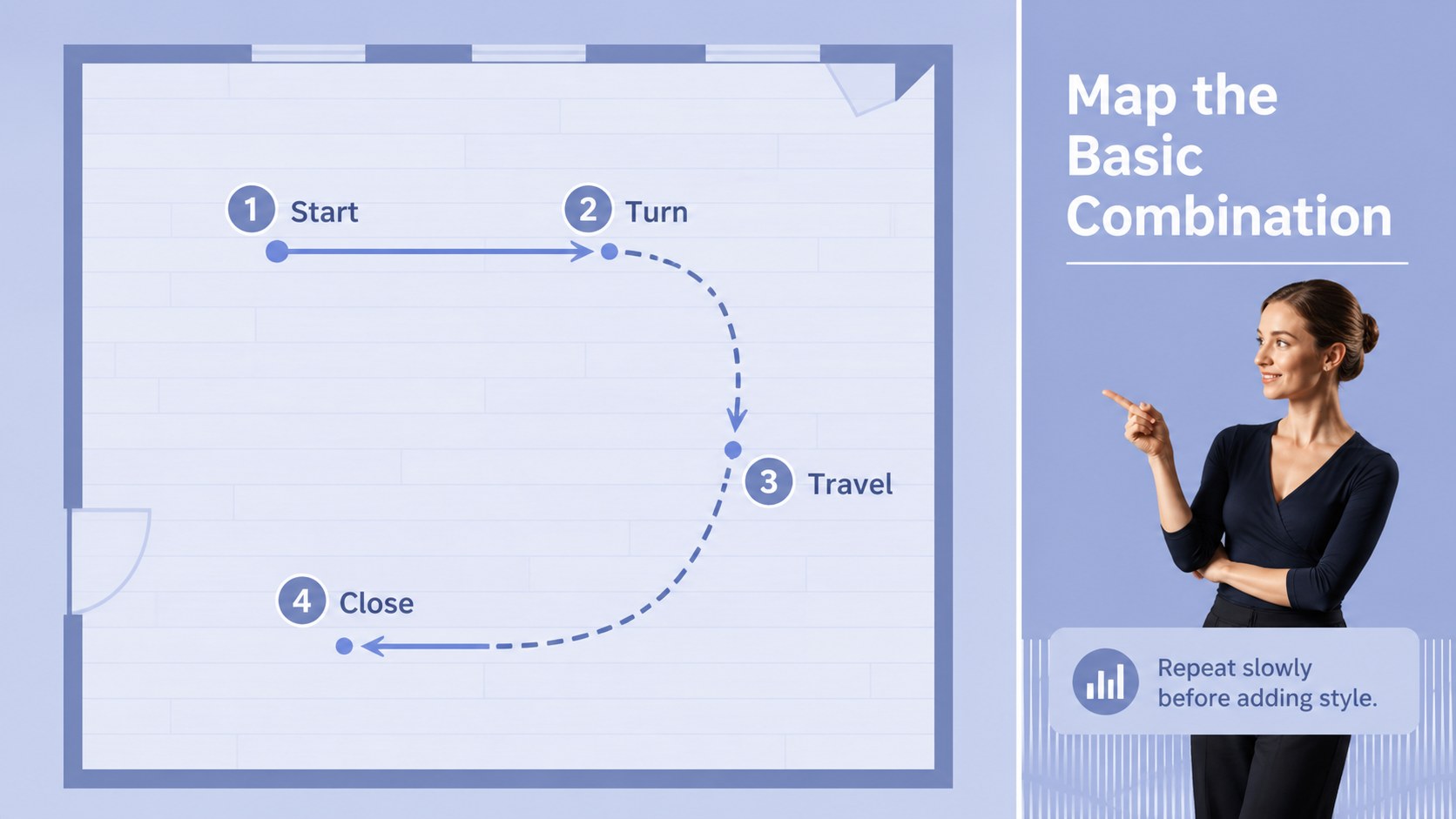
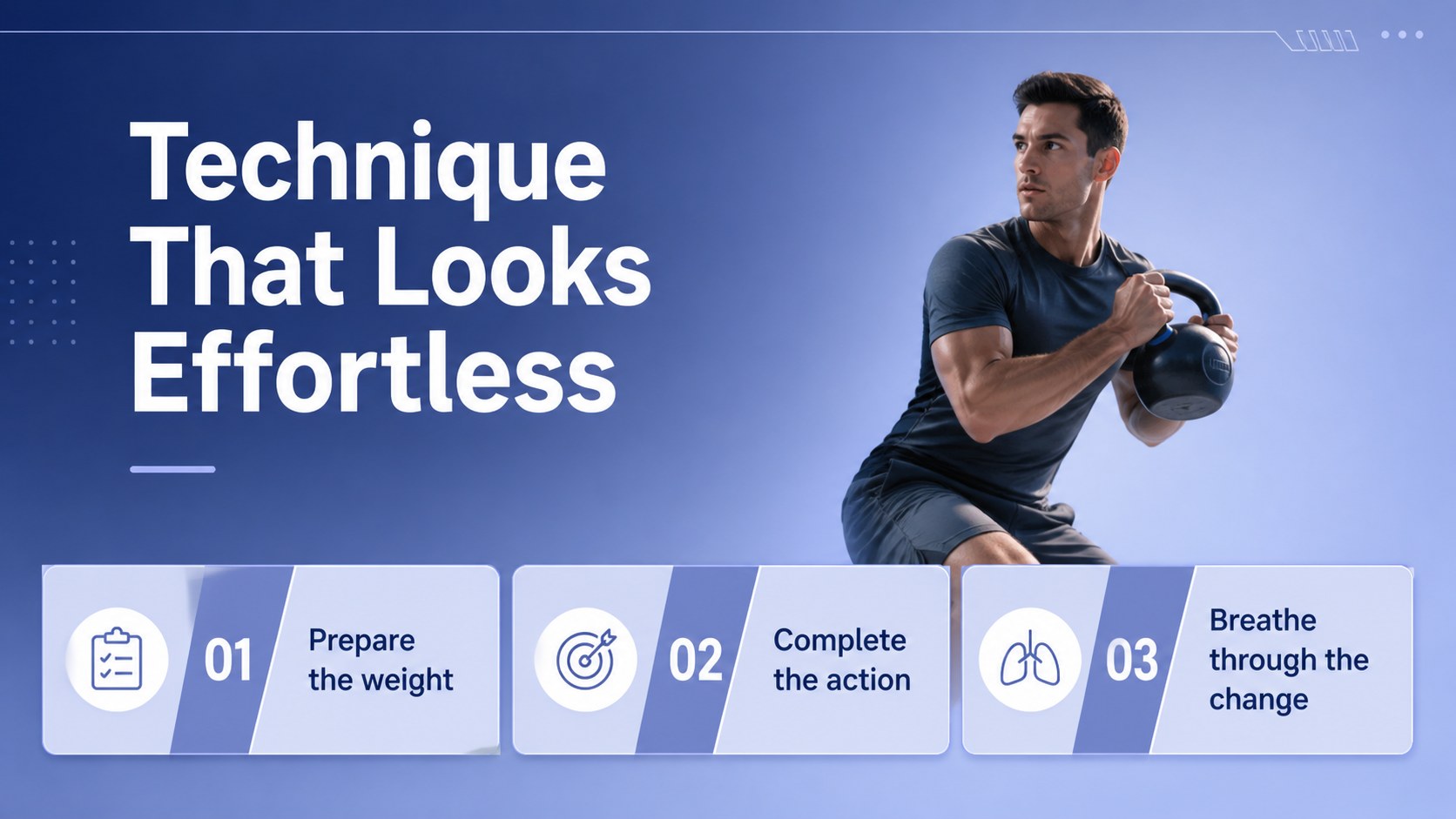
Design notes
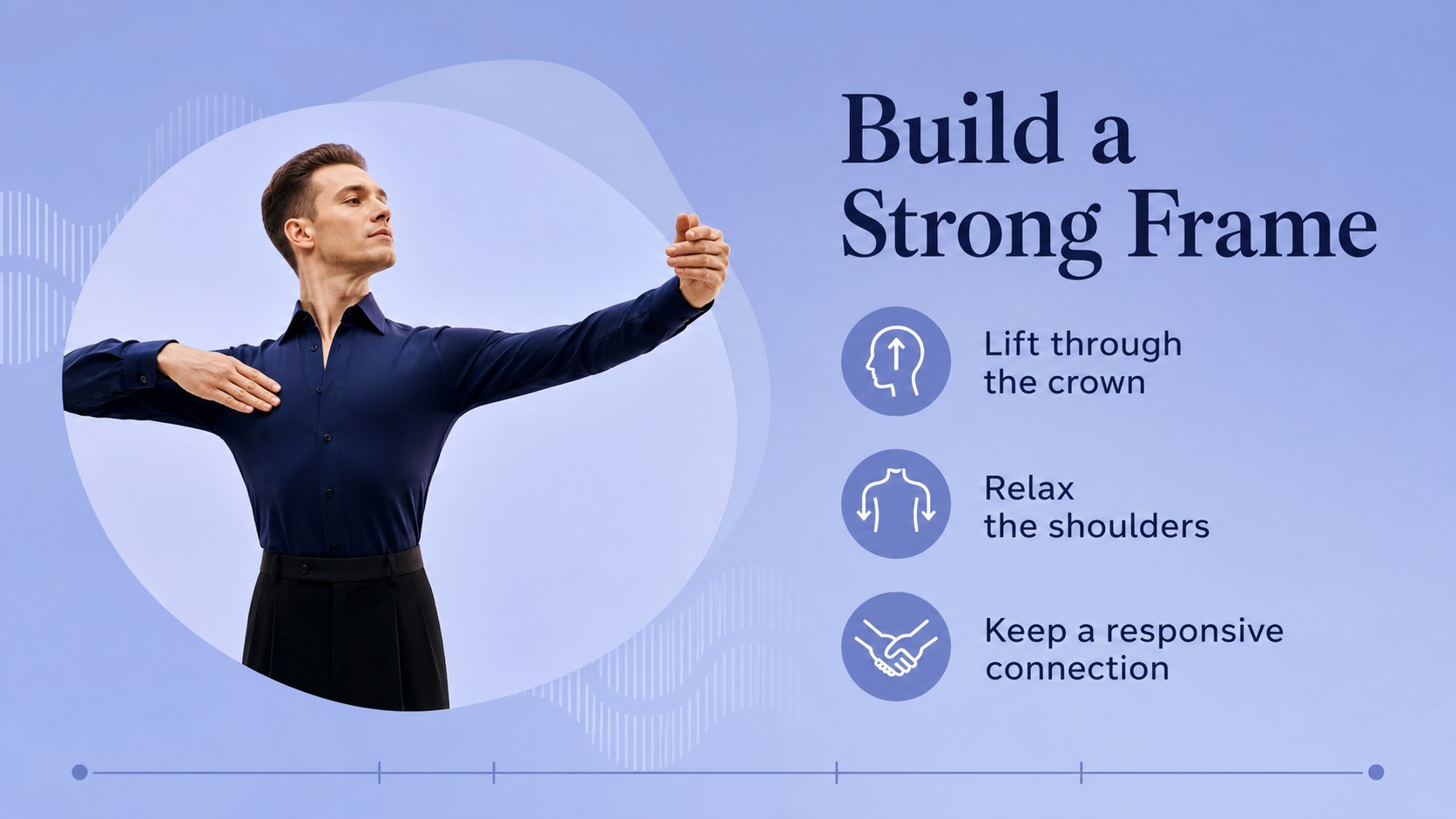
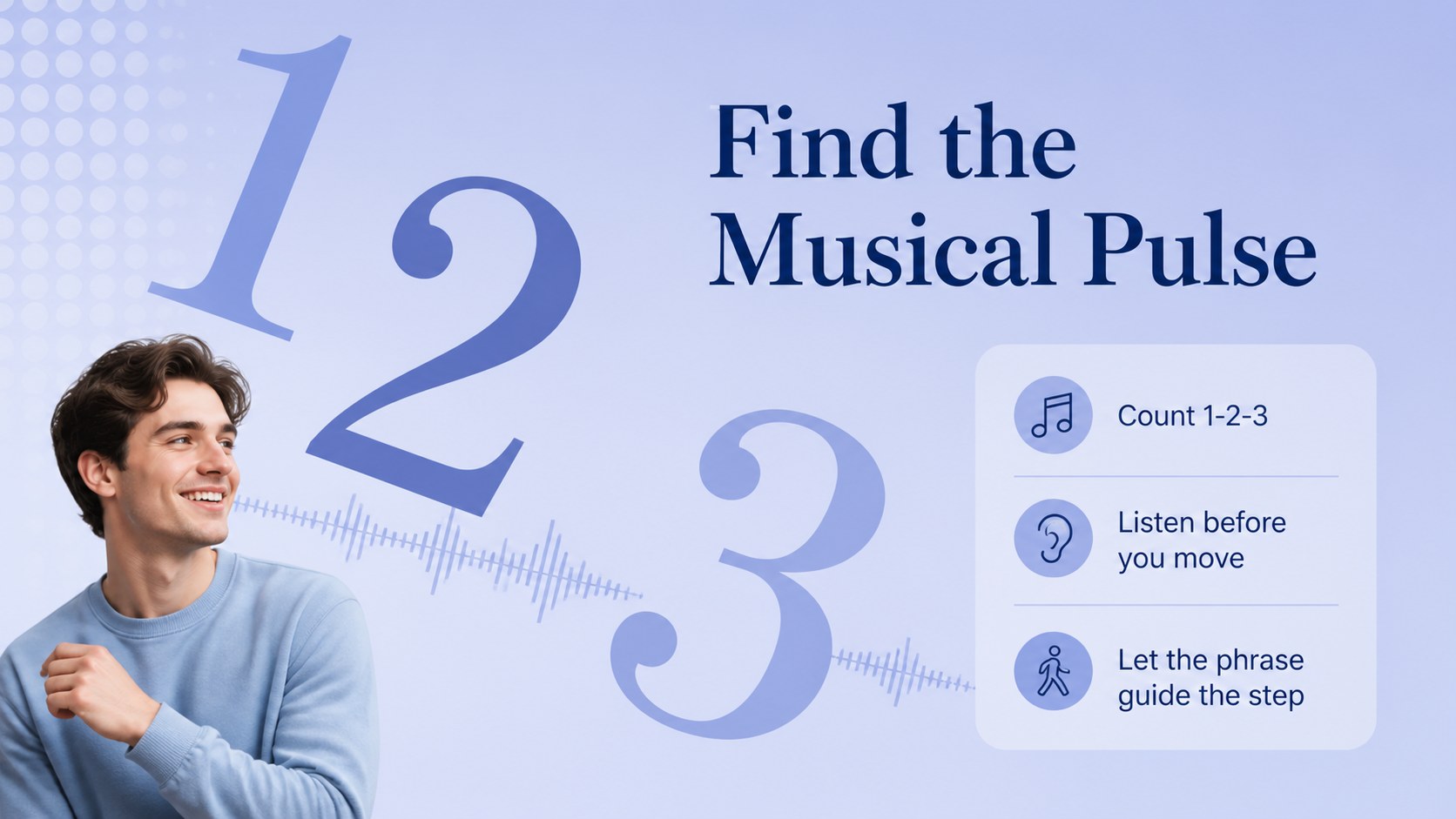
Classic partner dance lesson slides make it easier to teach ballroom fundamentals in a polished, memorable format. Use the blue classic visual system to introduce dance history, explain musical timing, demonstrate posture, and guide learners through progressive combinations. The layouts are designed for clear instruction without losing the elegance associated with formal partner dancing.
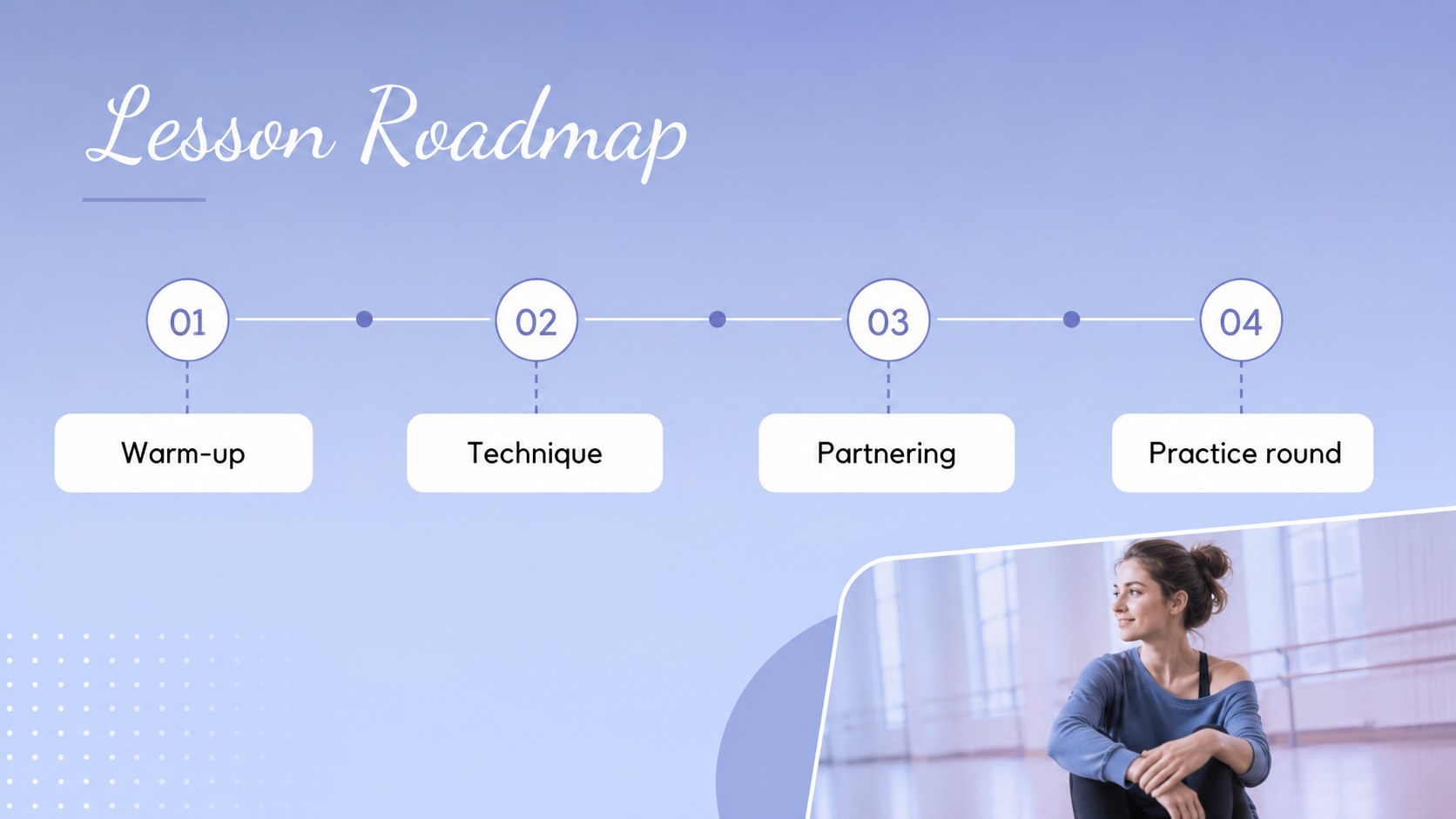
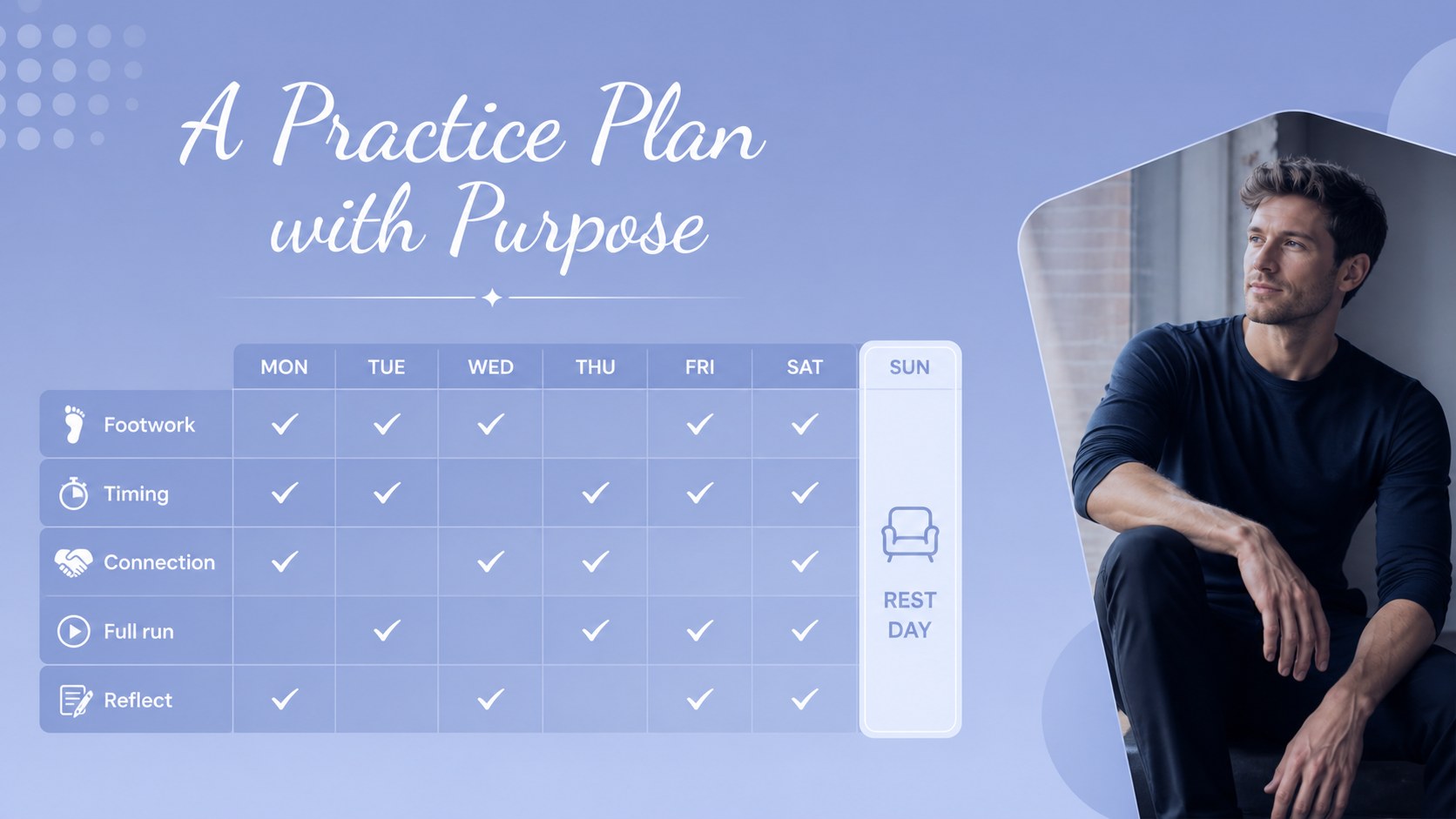
Inside, you’ll find 15 editable 16:9 slides for lesson openings, style comparisons, movement vocabulary, step sequences, practice plans, performance notes, and final recaps. Use image areas for demonstrations, charts for rhythm patterns, and concise text blocks for coaching cues. The deck can also support a ballroom dance class presentation, a studio workshop, or a student showcase briefing.
This template suits dance instructors, performing arts students, studio owners, choreographers, and event presenters. Customize the wording, imagery, colors, and lesson flow, then export to PowerPoint or Google Slides when needed. Whether you are introducing waltz technique, reviewing tango character, or preparing learners for a recital, these classic partner dance lesson slides provide an organized starting point with room for your own teaching style.
Perfect for: ballroom dance class presentation; studio technique workshop; student recital briefing; dance history lesson; choreography planning session.
Frequently asked questions
Can I edit these classic partner dance lesson slides? Yes. The layouts are designed for editing, so you can replace text, photos, charts, colors, and fonts with drag-and-drop controls. You can also duplicate or remove slides to match your lesson.
Practical details
Yes. The layouts are designed for editing, so you can replace text, photos, charts, colors, and fonts with drag-and-drop controls. You can also duplicate or remove slides to match your lesson.
Open the template and use the Share menu to export a PowerPoint file or save an editable copy to Google Drive. Review animations and font substitutions after exporting because some features may not transfer exactly.
Use it for posture, footwork, timing, dance history, partner connection, style comparisons, rehearsal schedules, or recital preparation. The flexible layouts also work for waltz, tango, foxtrot, and other ballroom units.
Yes. Adjust the palette, typography, imagery, and wording while keeping the editorial structure intact. The blue foundation can be adapted for a studio brand or a specific performance theme.
Keep exploring
15Build an engaging World UFO Day session with this flying saucer history lesson deck, featuring retro green-and-brown slides for PowerPoint and Google Slides.
 15
15Plan a lively animal-learning journey with this jungle zoo adventure lesson deck, ready to customize in PowerPoint and Google Slides for young learners.
 16
16Turn environmental research into a clear story with a Watercolor Ecology Presentation Theme for PowerPoint and Google Slides in calming green and blue.
 16
16Build focused fashion, literature, and humanities presentations with the Red Triangle Editorial Theme, editable in PowerPoint and Google Slides.
 15
15Turn streaming stats, favorite tracks, and concert highlights into a bold annual listening recap slide deck for PowerPoint and Google Slides.
 15
15Turn highlights, milestones, and favorite moments into a colorful year in review slide deck with bold 3D graphics for PowerPoint and Google Slides.
 3
3Build a credible endorsement with Standout Colleague Recommendation Letter Slides, featuring colorful prompts for skills, achievements, and team impact.
 4
4Build clear beginner sessions with an ice hockey fundamentals training deck for coaches, PE teachers, and clubs, ready for PowerPoint and Google Slides.