
 15
15presentation
Flying Saucer History Lesson Deck
Build an engaging World UFO Day session with this flying saucer history lesson deck, featuring retro green-and-brown slides for PowerPoint and Google Slides.
Google SlidesPowerPoint
presentation · English
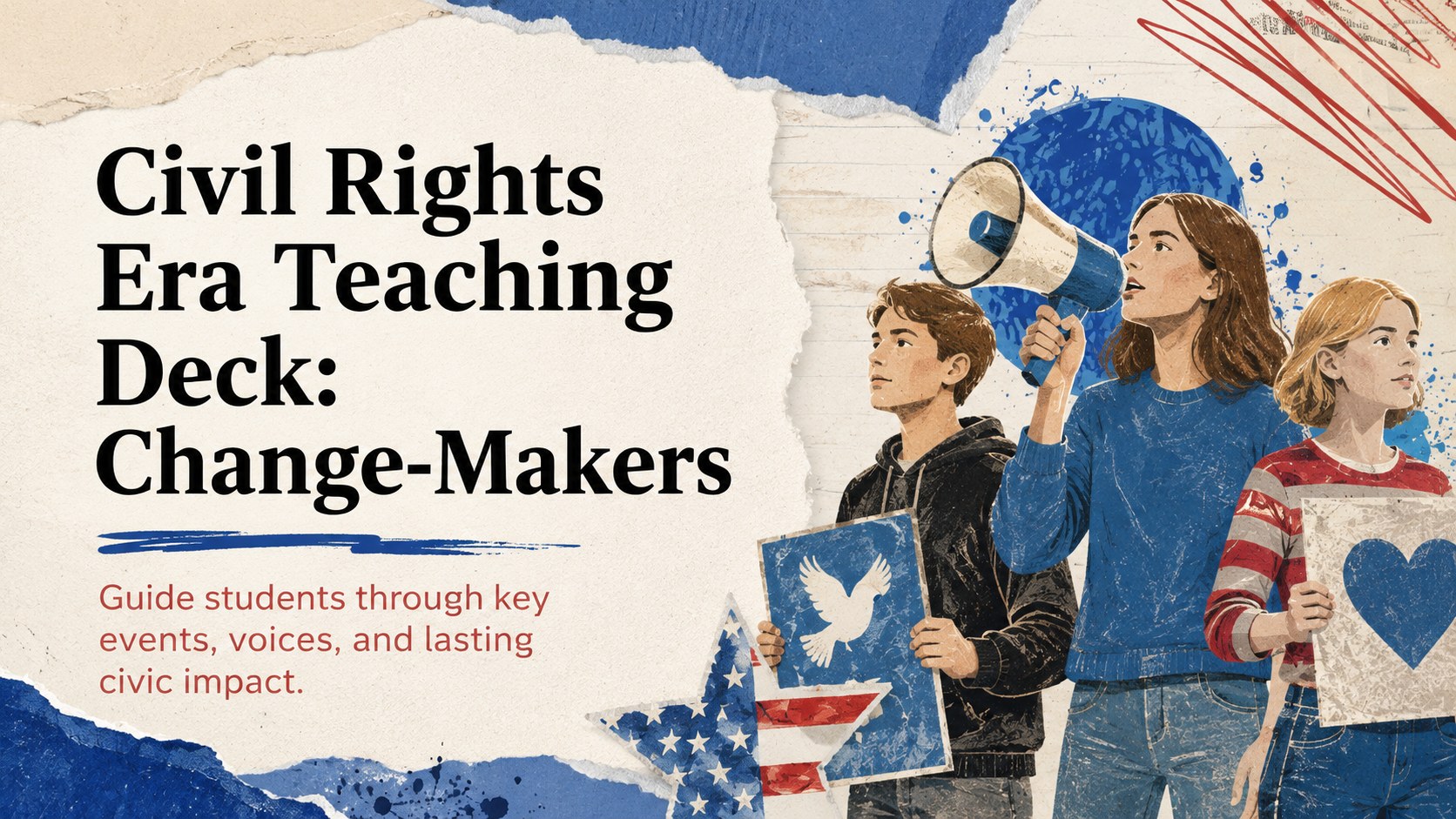
Shape history discussions with a civil rights era teaching deck for PowerPoint and Google Slides, featuring timelines, source prompts, and civic context.

Design notes
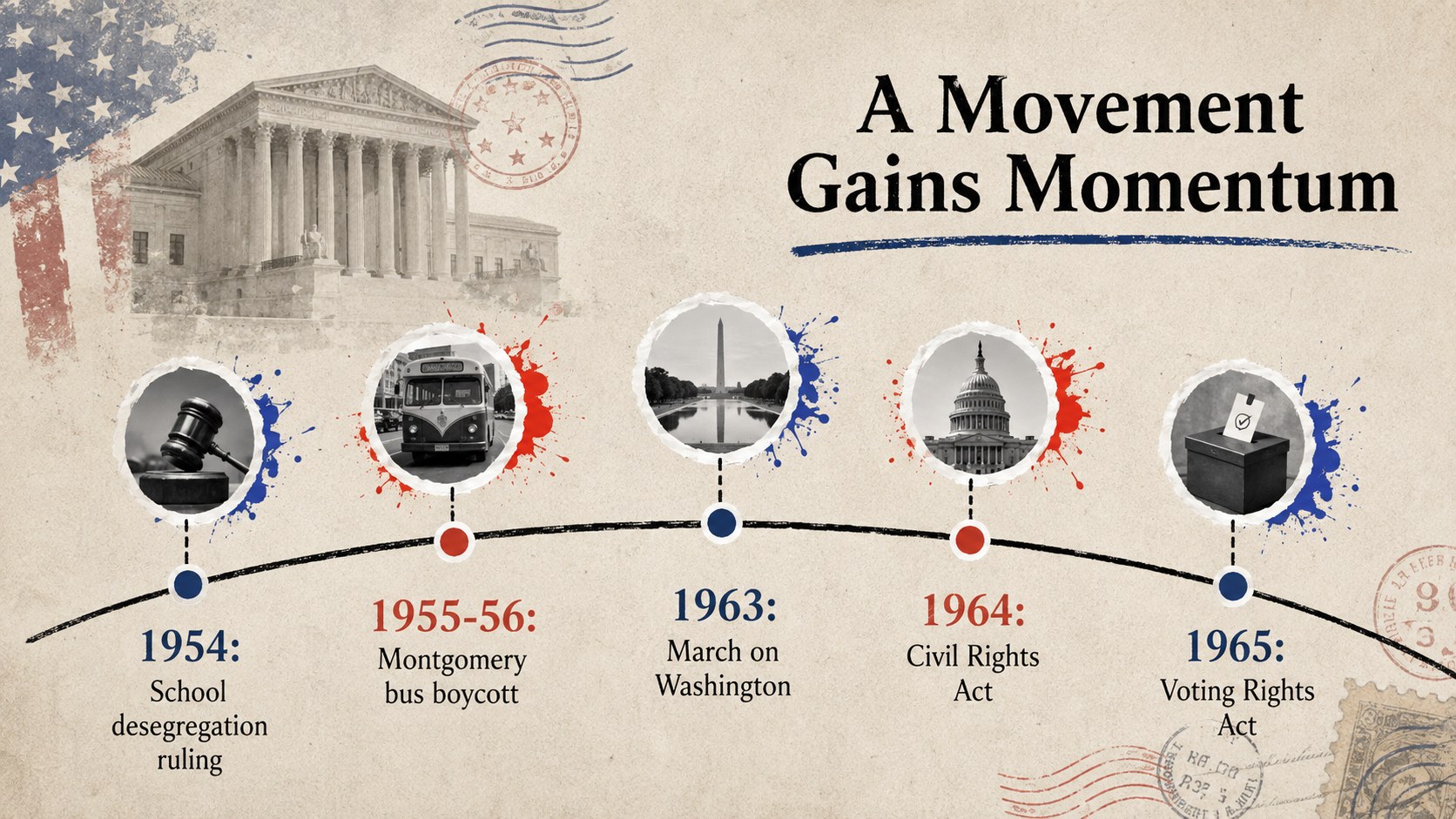
A civil rights era teaching deck gives educators a clear, visually engaging way to explore how organized action reshaped American life. Its illustrated collage style, vintage paper textures, expressive doodles, and classroom-friendly layouts create an approachable setting for examining difficult history without losing sight of courage, strategy, and civic participation.
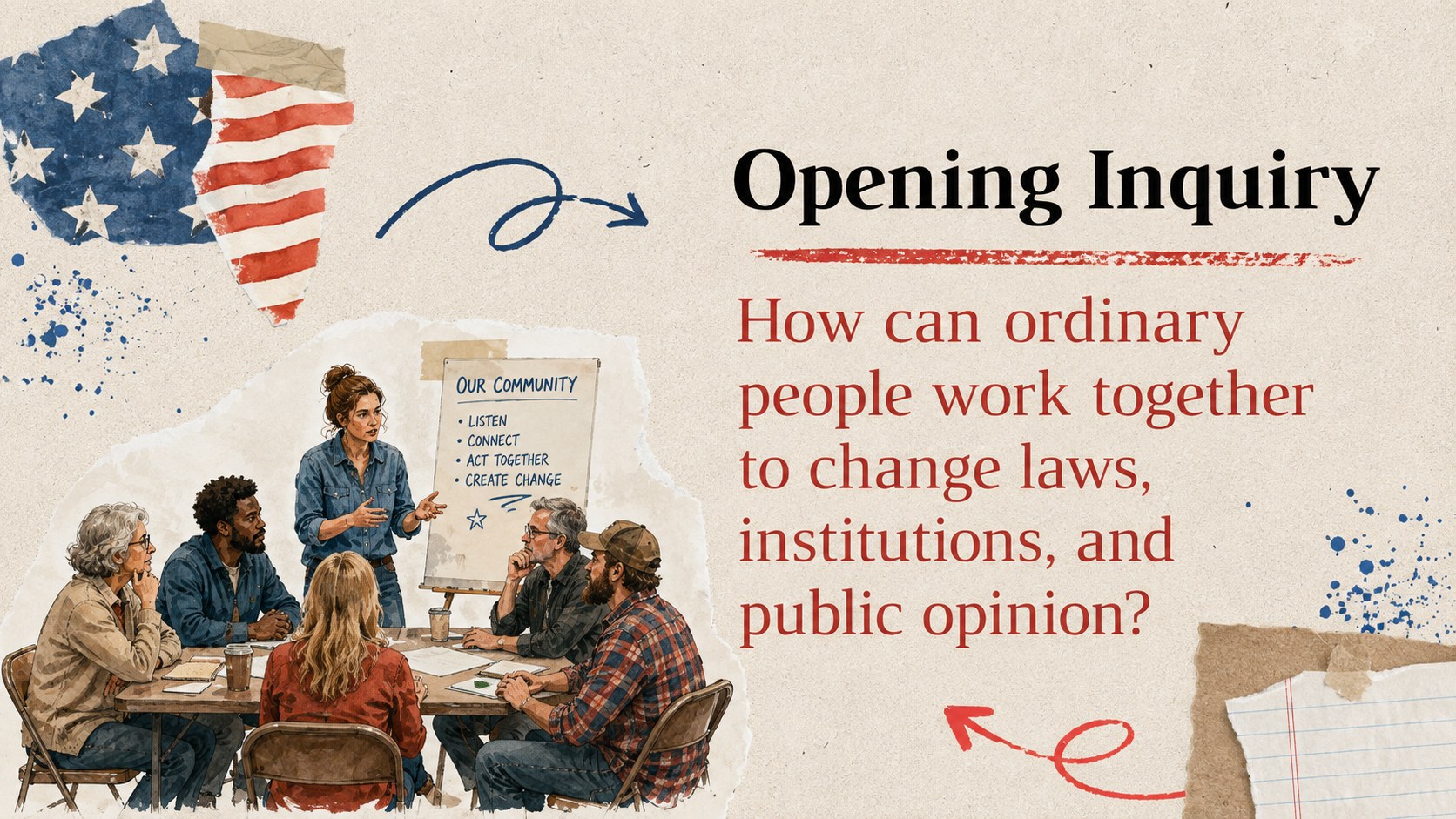
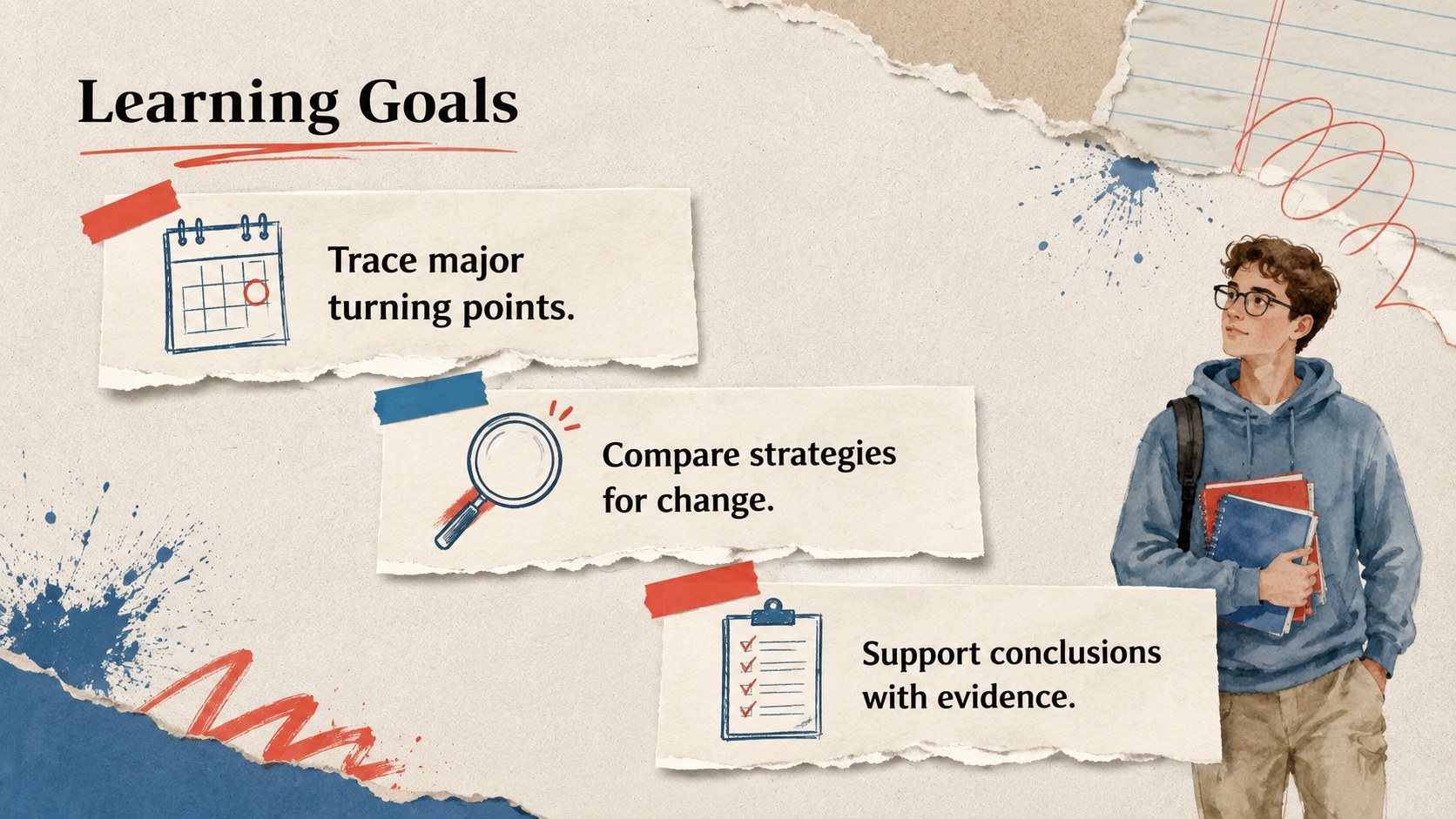
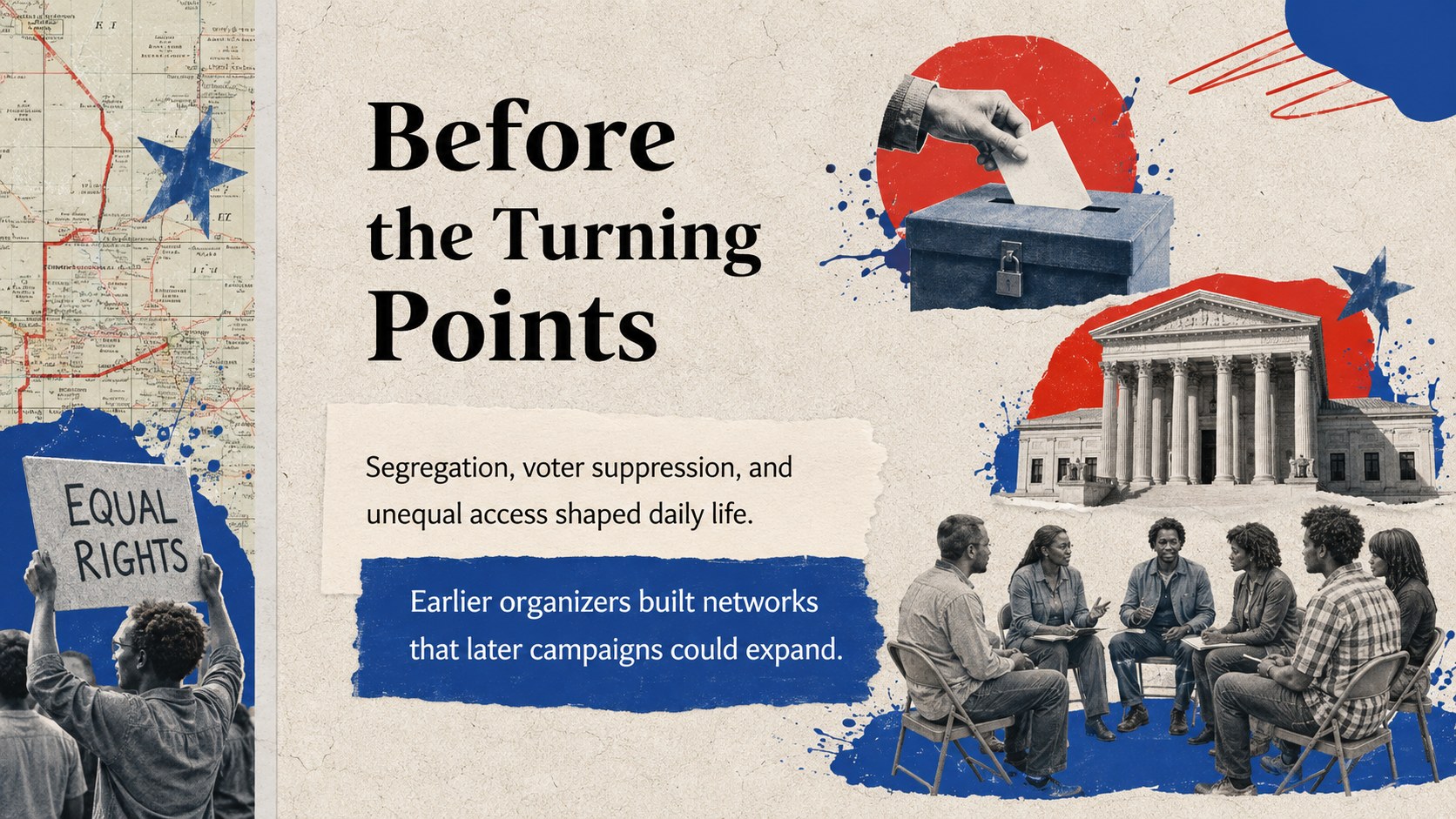
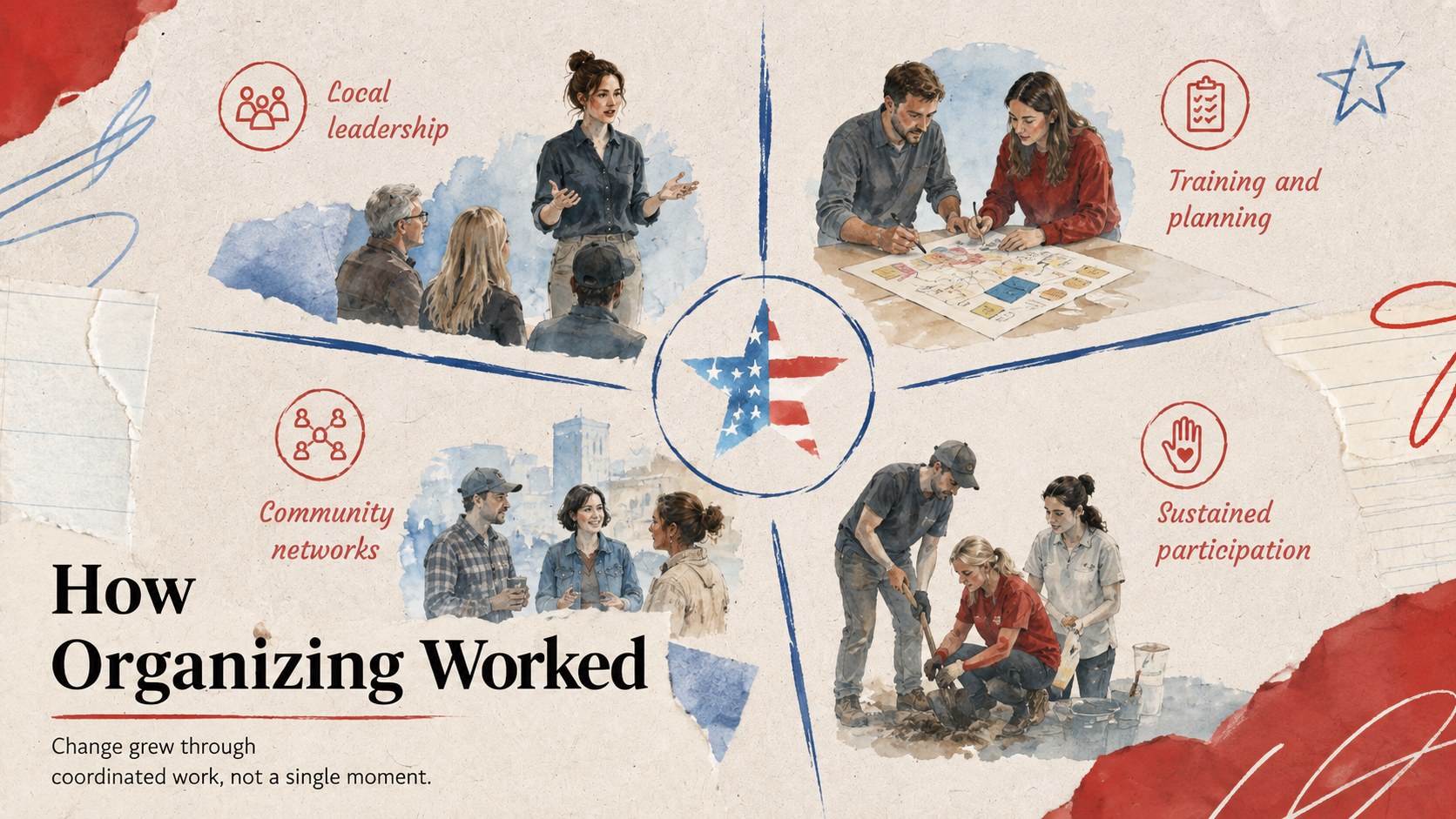
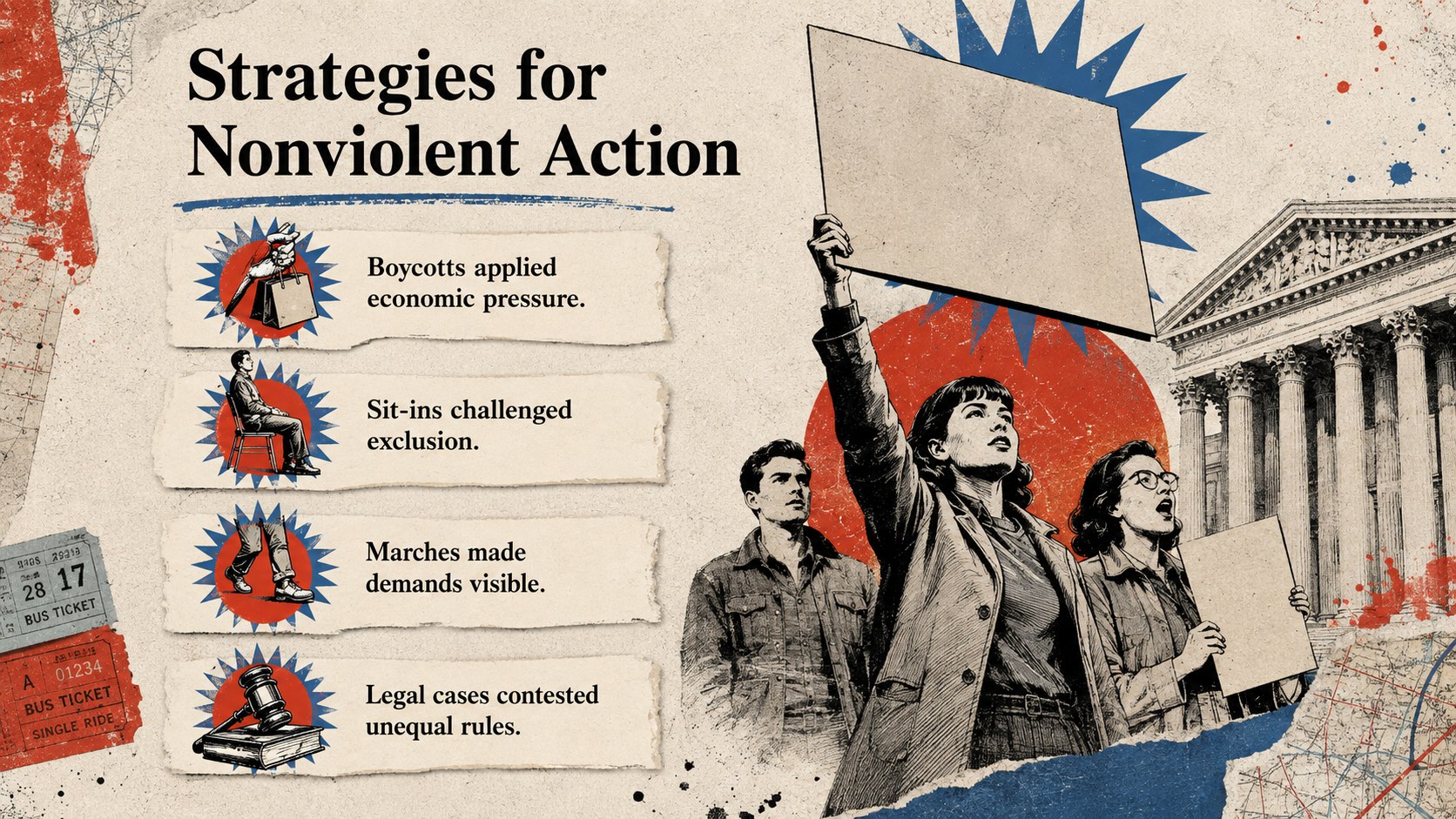
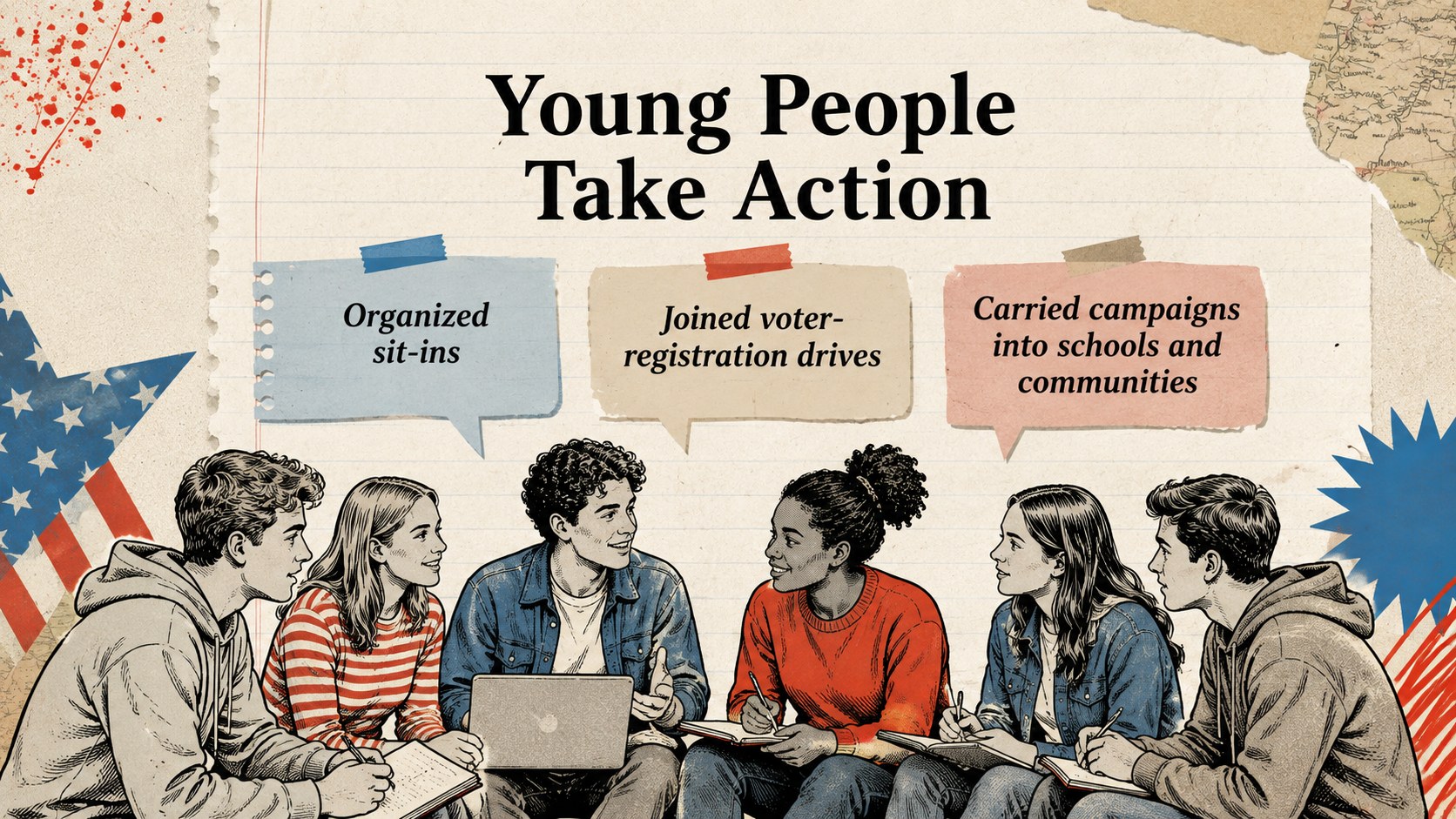
Inside, you will find more than 25 customizable slides for opening questions, learning goals, historical context, key-event timelines, protest strategies, youth participation, media coverage, legislation, local organizing, source analysis, discussion, and reflection. Use the civil rights timeline presentation layouts to connect turning points, while document prompts help students distinguish evidence, perspective, and interpretation. Editable diagrams, text blocks, image spaces, and comparison layouts make it simple to adapt the material to your curriculum.
Designed as an American civil rights classroom template, this resource works well for middle school, high school, introductory college courses, museum education, and community learning programs. Teachers can also use the student discussion slides on activism to connect historical movements with questions about citizenship and social responsibility. Every page can be edited in PowerPoint or Google Slides, allowing you to adjust wording, reorder sections, add local examples, and tailor the depth of instruction to your audience.
Perfect for: high school US history lesson; civil rights timeline activity; primary source analysis workshop; class discussion on activism; museum education program.
Frequently asked questions
Can I edit this deck in PowerPoint and Google Slides? Yes. All slide text, images, colors, and layout elements can be edited in PowerPoint or Google Slides. Font substitution may occur if a typeface is not installed on your device.
Practical details
Yes. All slide text, images, colors, and layout elements can be edited in PowerPoint or Google Slides. Font substitution may occur if a typeface is not installed on your device.
Yes. Shorten the source excerpts and simplify discussion prompts for younger learners, or add primary documents and deeper analysis questions for advanced classes. Slides can be hidden, duplicated, or reordered to match your lesson plan.
No. It provides a structured visual framework for presenting civil rights history, timelines, evidence, and discussion activities. Educators should add curriculum-aligned facts, citations, and local context before teaching.
Replace the sample imagery, adjust the accent colors, and edit the collage elements directly in your chosen platform. Keep strong contrast between text and textured backgrounds to maintain classroom readability.
Keep exploring
15Build an engaging World UFO Day session with this flying saucer history lesson deck, featuring retro green-and-brown slides for PowerPoint and Google Slides.
 15
15Plan a lively animal-learning journey with this jungle zoo adventure lesson deck, ready to customize in PowerPoint and Google Slides for young learners.
 16
16Turn environmental research into a clear story with a Watercolor Ecology Presentation Theme for PowerPoint and Google Slides in calming green and blue.
 16
16Build focused fashion, literature, and humanities presentations with the Red Triangle Editorial Theme, editable in PowerPoint and Google Slides.
 15
15Turn streaming stats, favorite tracks, and concert highlights into a bold annual listening recap slide deck for PowerPoint and Google Slides.
 15
15Turn highlights, milestones, and favorite moments into a colorful year in review slide deck with bold 3D graphics for PowerPoint and Google Slides.
 3
3Build a credible endorsement with Standout Colleague Recommendation Letter Slides, featuring colorful prompts for skills, achievements, and team impact.
 4
4Build clear beginner sessions with an ice hockey fundamentals training deck for coaches, PE teachers, and clubs, ready for PowerPoint and Google Slides.