
 15
15presentation
Flying Saucer History Lesson Deck
Build an engaging World UFO Day session with this flying saucer history lesson deck, featuring retro green-and-brown slides for PowerPoint and Google Slides.
Google SlidesPowerPoint
presentation · English
Build public support with a civic advocacy action deck featuring bold blue-and-yellow layouts for policy proposals, outreach plans, and community events.

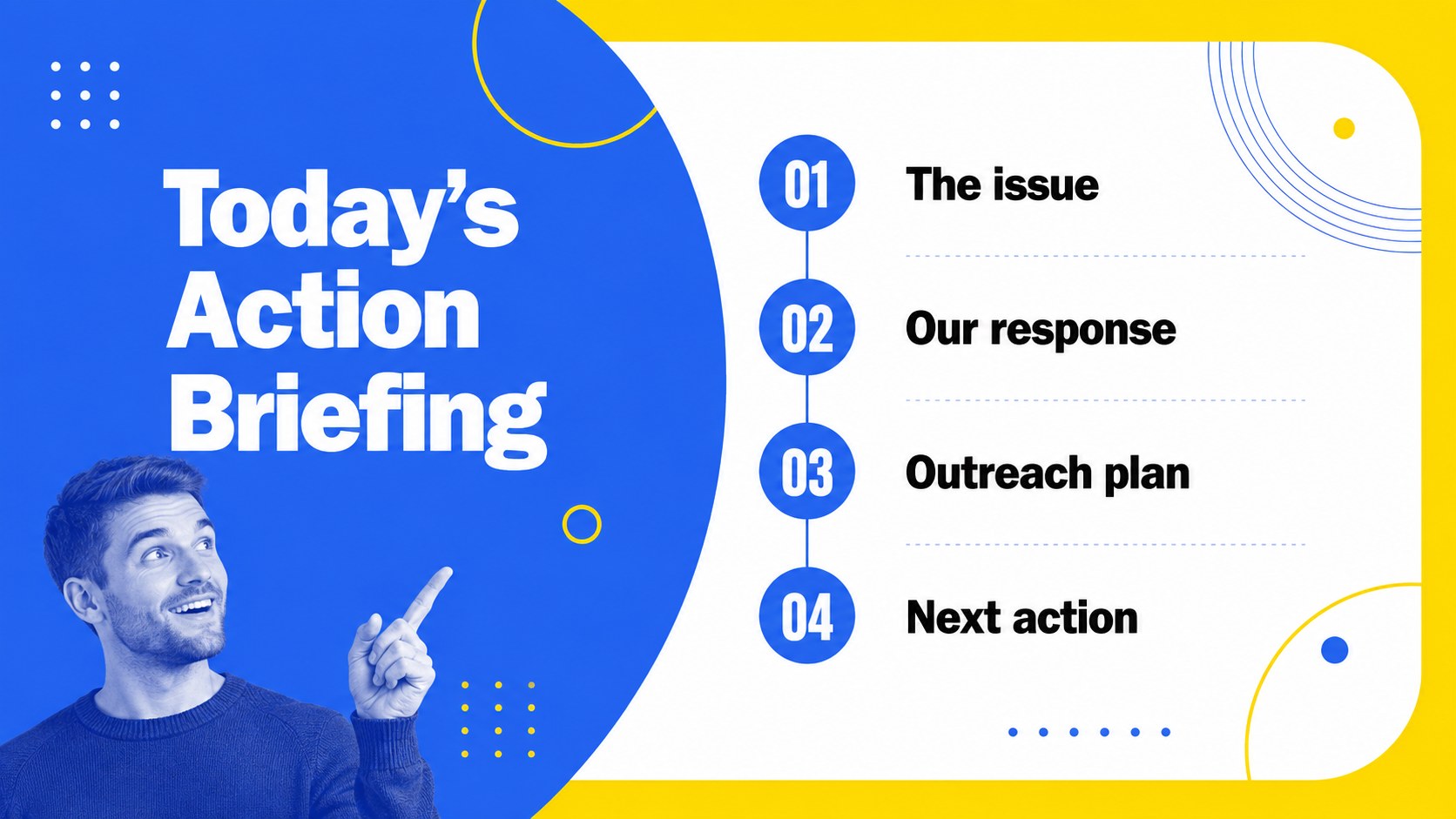
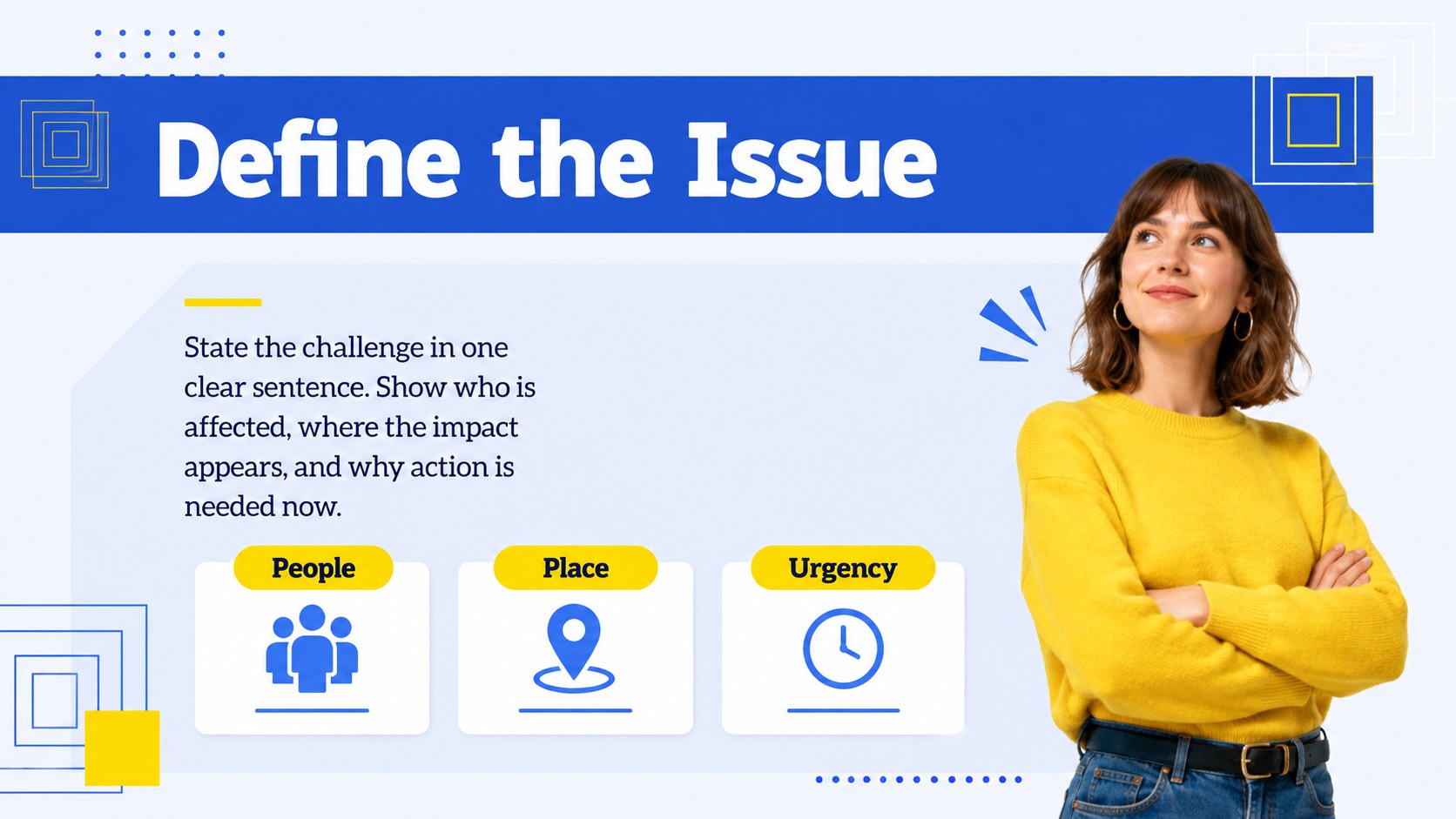

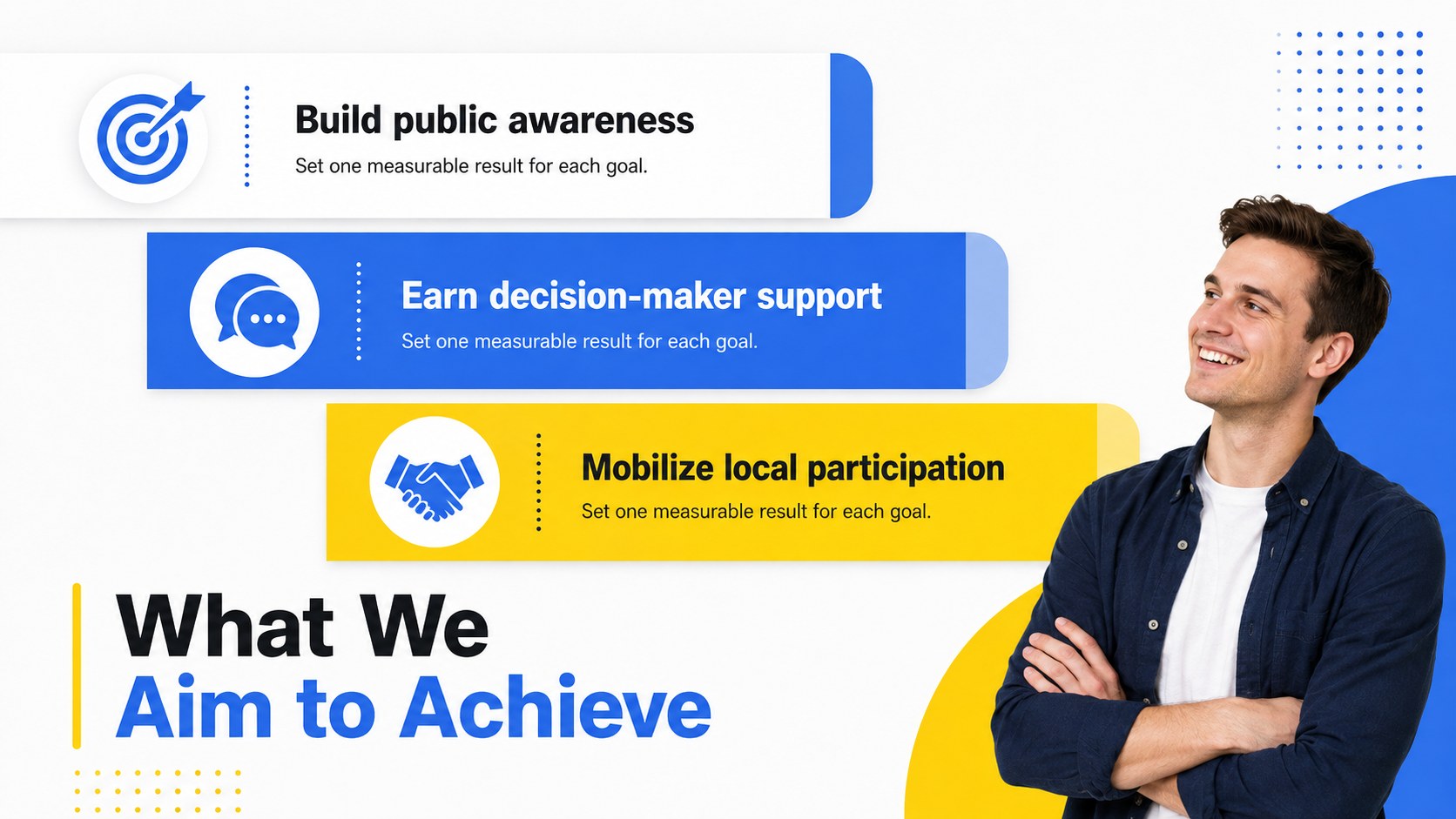
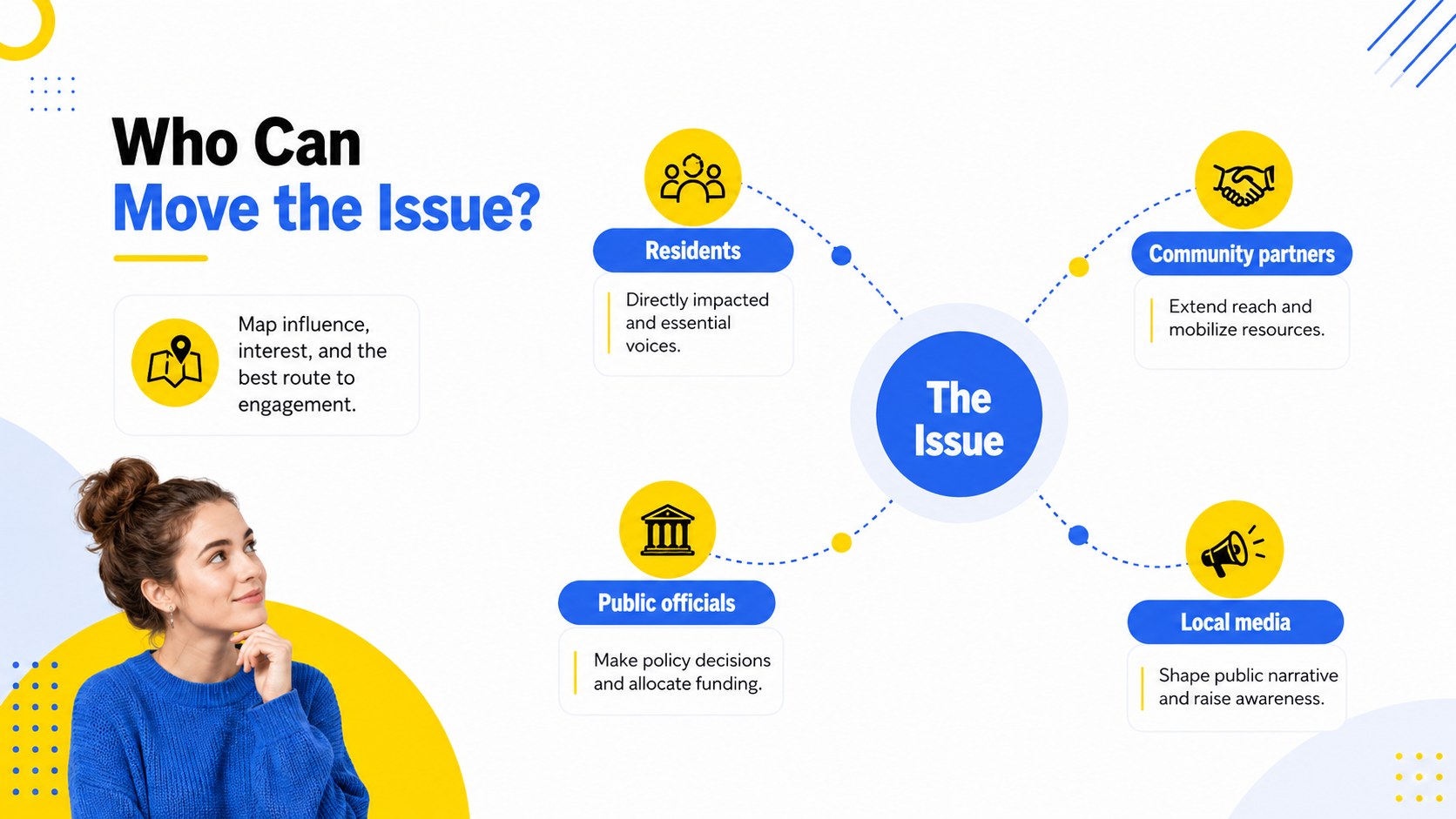
Design notes
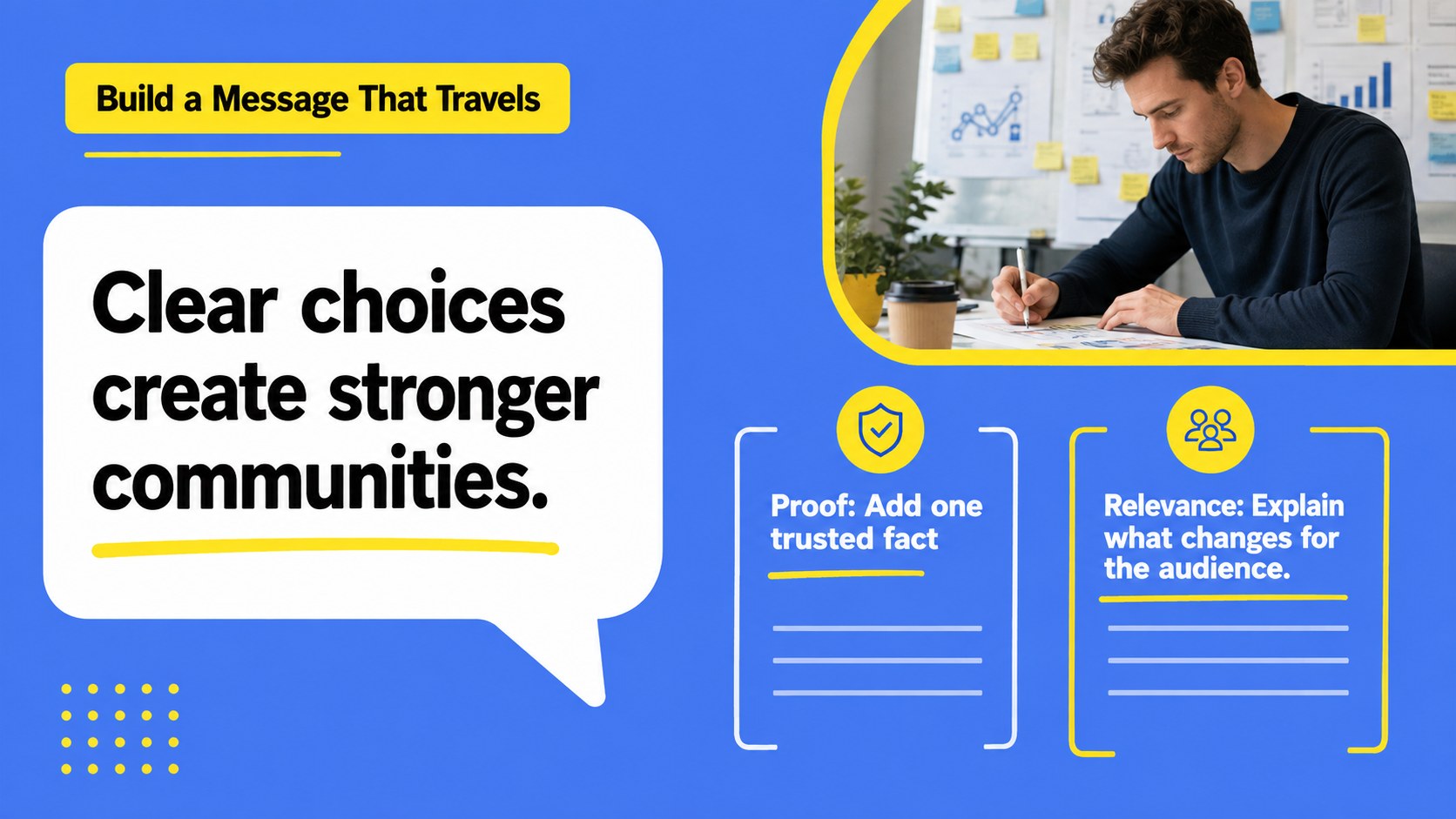
Move an important issue from discussion to action with the Civic Advocacy Action Deck. Its energetic blue-and-yellow palette, crisp geometric details, and approachable minimal layouts help organizers explain complex priorities without losing their audience. Use it to introduce a cause, frame a policy challenge, or build momentum around a practical community response.
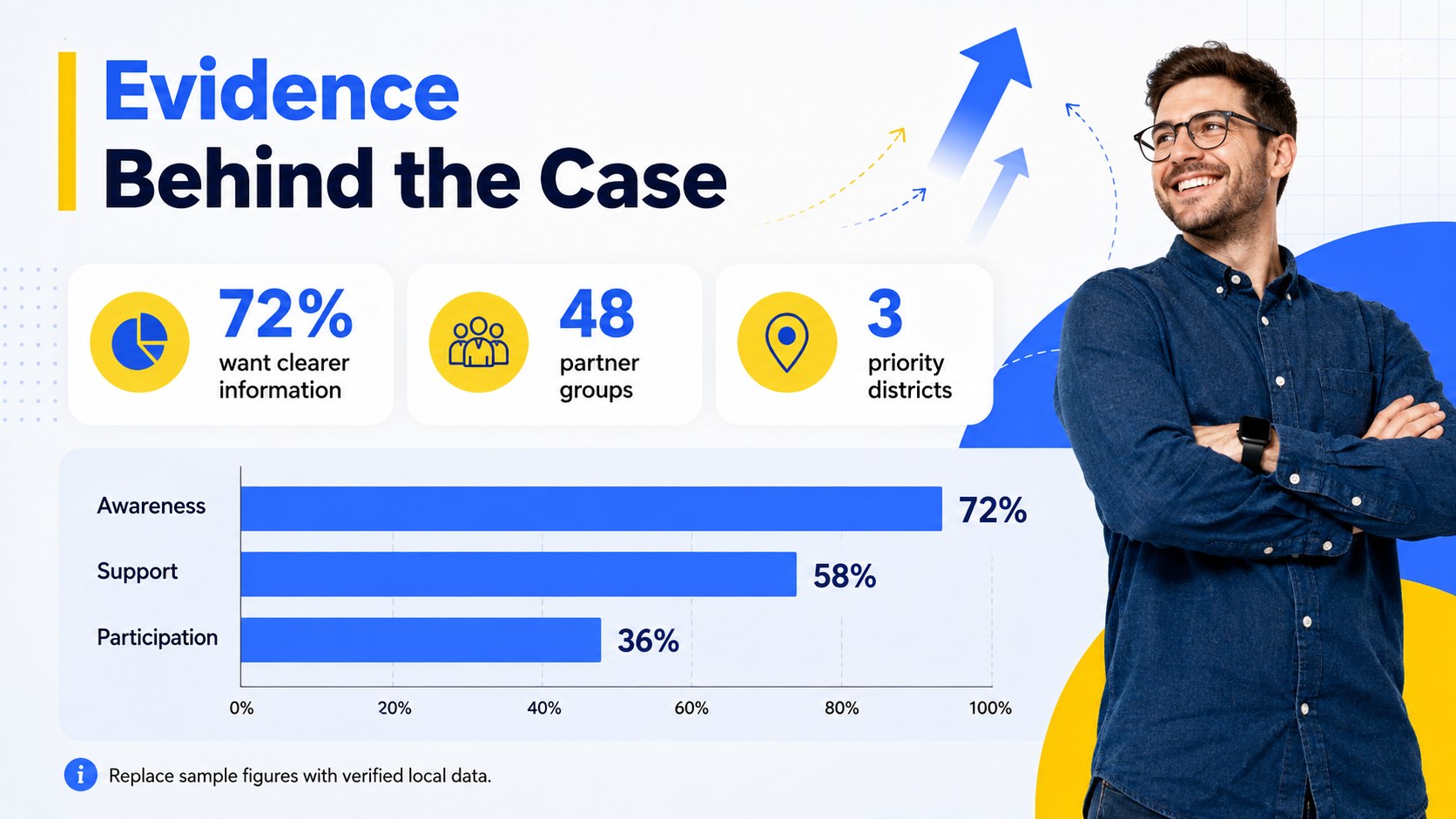
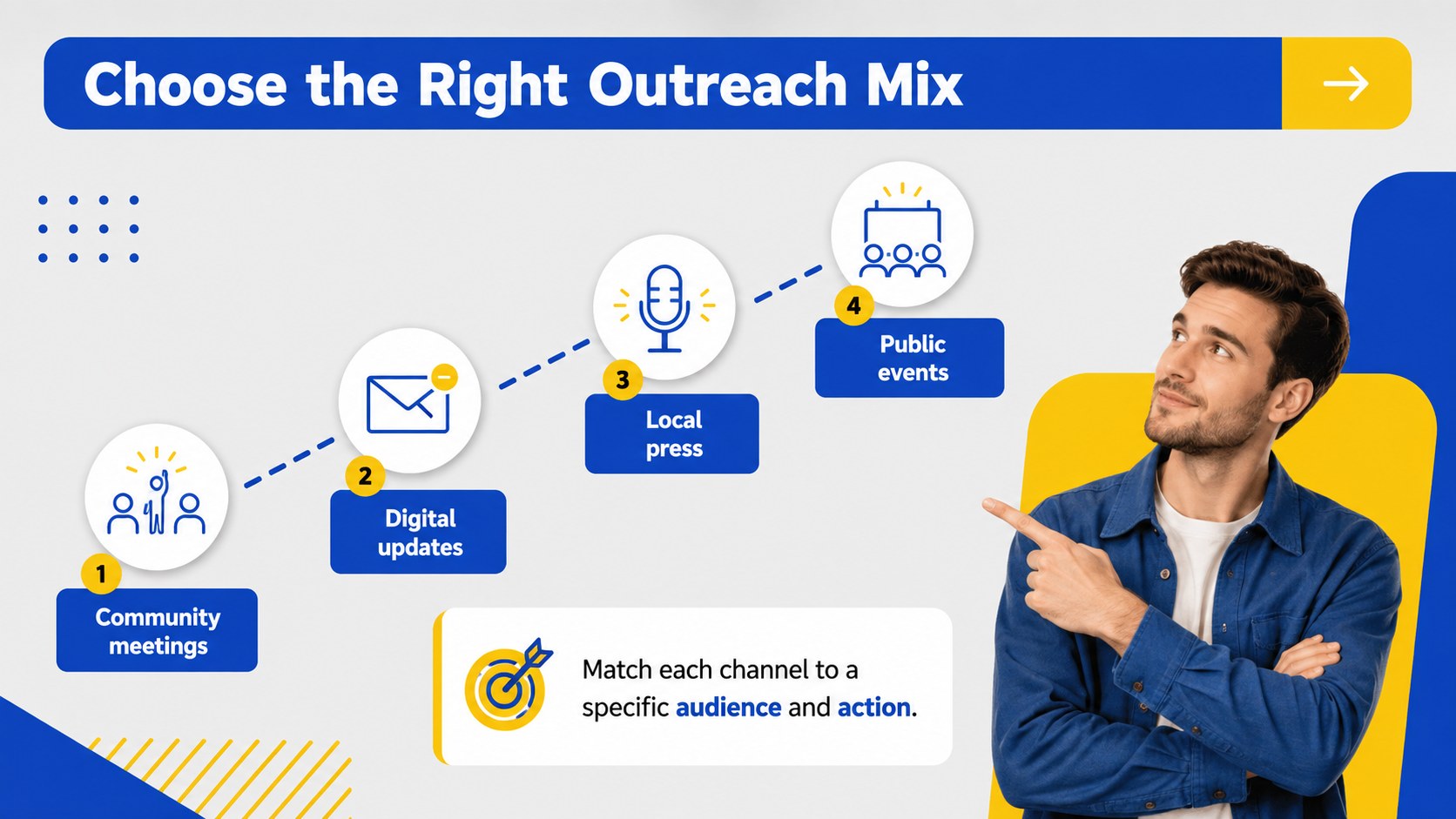
The deck includes 15 adaptable layouts for campaign goals, issue summaries, supporting data, stakeholder maps, messaging pillars, outreach channels, event planning, volunteer roles, timelines, budgets, and calls to action. It works as a community organizing presentation template for local coalitions and as a public policy advocacy slides resource for teams presenting recommendations to officials, partners, or residents. Charts, comparison layouts, and concise text sections make evidence easier to scan and discuss.
Designed for activists, nonprofit staff, public affairs teams, student organizers, and government professionals, this grassroots campaign pitch deck can support town halls, coalition briefings, awareness initiatives, fundraising meetings, and volunteer orientations. Every slide can be edited in PowerPoint or Google Slides, allowing you to replace sample wording, adjust colors, add local statistics, and apply your own campaign identity. The result is a focused presentation that connects the issue, proposed response, and next meaningful action.
Perfect for: community coalition briefing; public policy proposal; grassroots outreach campaign; volunteer orientation; town hall presentation; issue awareness event.
Frequently asked questions
Can I edit this deck in PowerPoint and Google Slides? Yes. The layouts, text, colors, charts, and graphic elements can be customized in both PowerPoint and Google Slides. Some fonts or effects may vary slightly between platforms.
Practical details
Yes. The layouts, text, colors, charts, and graphic elements can be customized in both PowerPoint and Google Slides. Some fonts or effects may vary slightly between platforms.
Replace the sample copy with your issue statement, evidence, policy request, and local calls to action. You can also add campaign photography, partner logos, regional data, and contact details while retaining the geometric design system.
Yes. The deck provides layouts for objectives, audiences, key messages, outreach channels, volunteer roles, timelines, budgets, and success measures. These sections can be reordered or duplicated to match the scope of your initiative.
Yes. Update the theme colors in PowerPoint or Google Slides to apply your organization or coalition palette consistently. Check contrast after editing so headings, charts, and calls to action remain accessible.
Keep exploring
15Build an engaging World UFO Day session with this flying saucer history lesson deck, featuring retro green-and-brown slides for PowerPoint and Google Slides.
 15
15Plan a lively animal-learning journey with this jungle zoo adventure lesson deck, ready to customize in PowerPoint and Google Slides for young learners.
 16
16Turn environmental research into a clear story with a Watercolor Ecology Presentation Theme for PowerPoint and Google Slides in calming green and blue.
 16
16Build focused fashion, literature, and humanities presentations with the Red Triangle Editorial Theme, editable in PowerPoint and Google Slides.
 15
15Turn streaming stats, favorite tracks, and concert highlights into a bold annual listening recap slide deck for PowerPoint and Google Slides.
 15
15Turn highlights, milestones, and favorite moments into a colorful year in review slide deck with bold 3D graphics for PowerPoint and Google Slides.
 3
3Build a credible endorsement with Standout Colleague Recommendation Letter Slides, featuring colorful prompts for skills, achievements, and team impact.
 4
4Build clear beginner sessions with an ice hockey fundamentals training deck for coaches, PE teachers, and clubs, ready for PowerPoint and Google Slides.