
 15
15presentation
Flying Saucer History Lesson Deck
Build an engaging World UFO Day session with this flying saucer history lesson deck, featuring retro green-and-brown slides for PowerPoint and Google Slides.
Google SlidesPowerPoint
presentation · English
Help prospective students explore courses, careers, and creative opportunities with a cinematic studies degree pitch deck for PowerPoint and Google Slides.



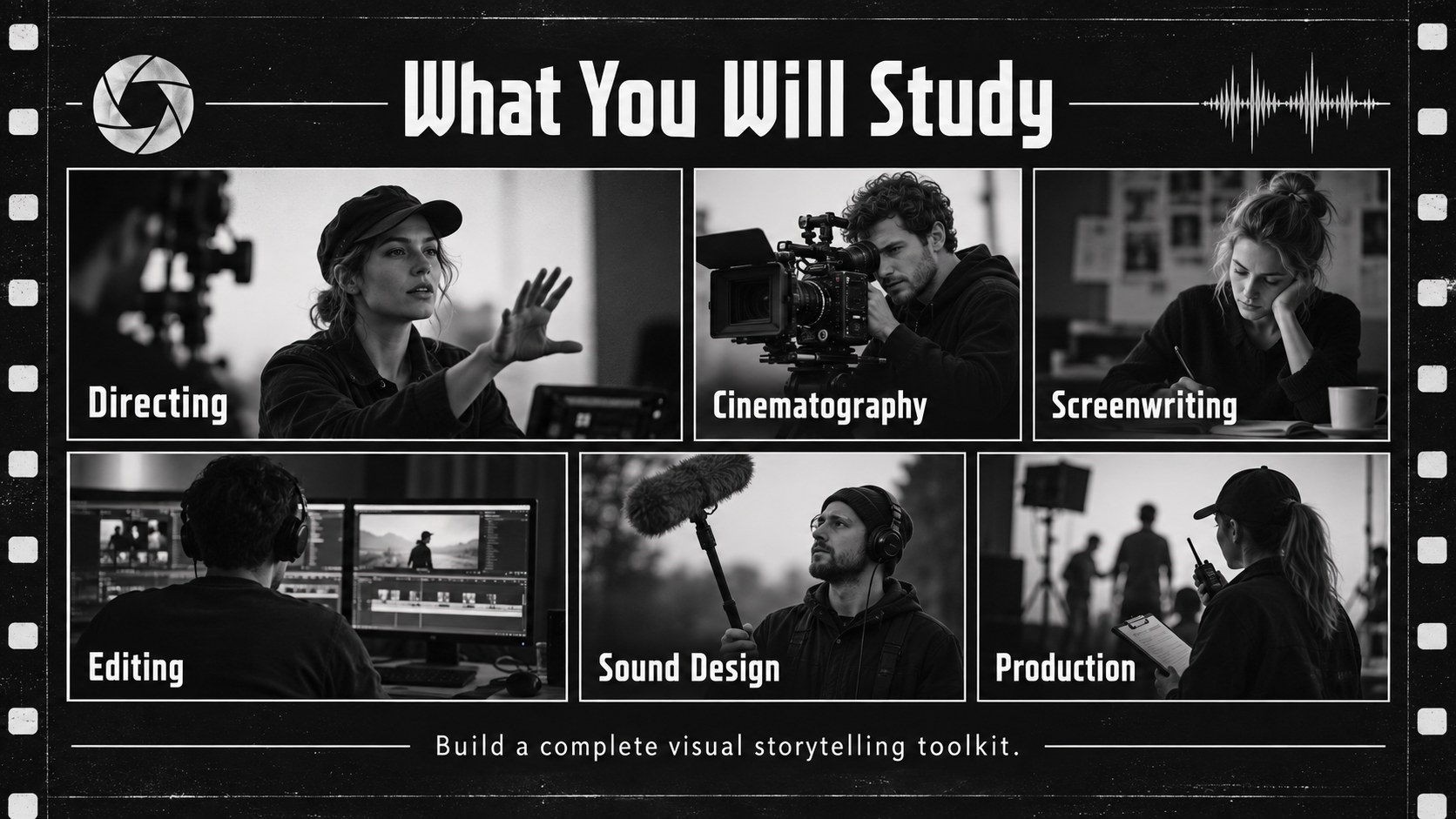
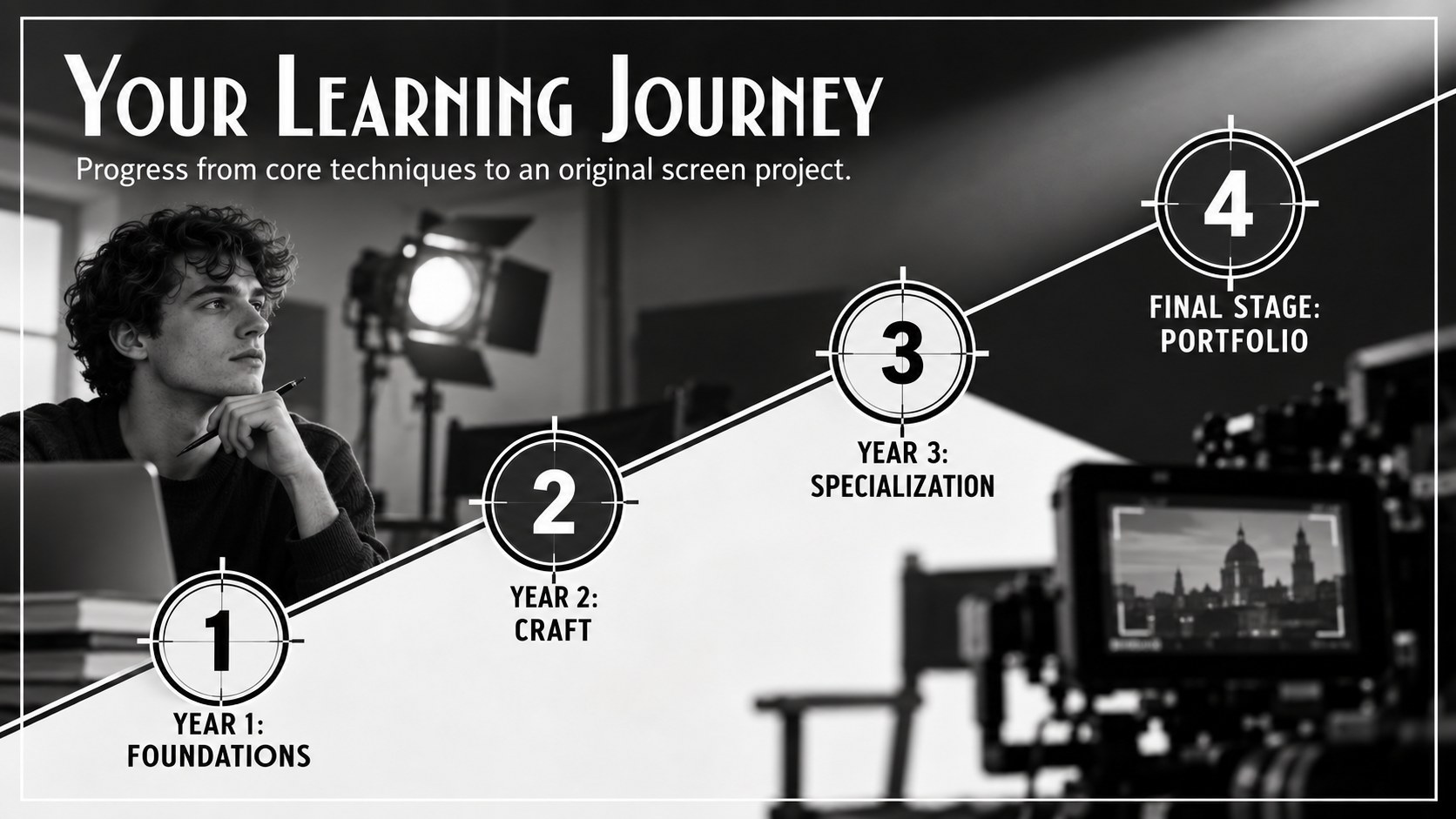



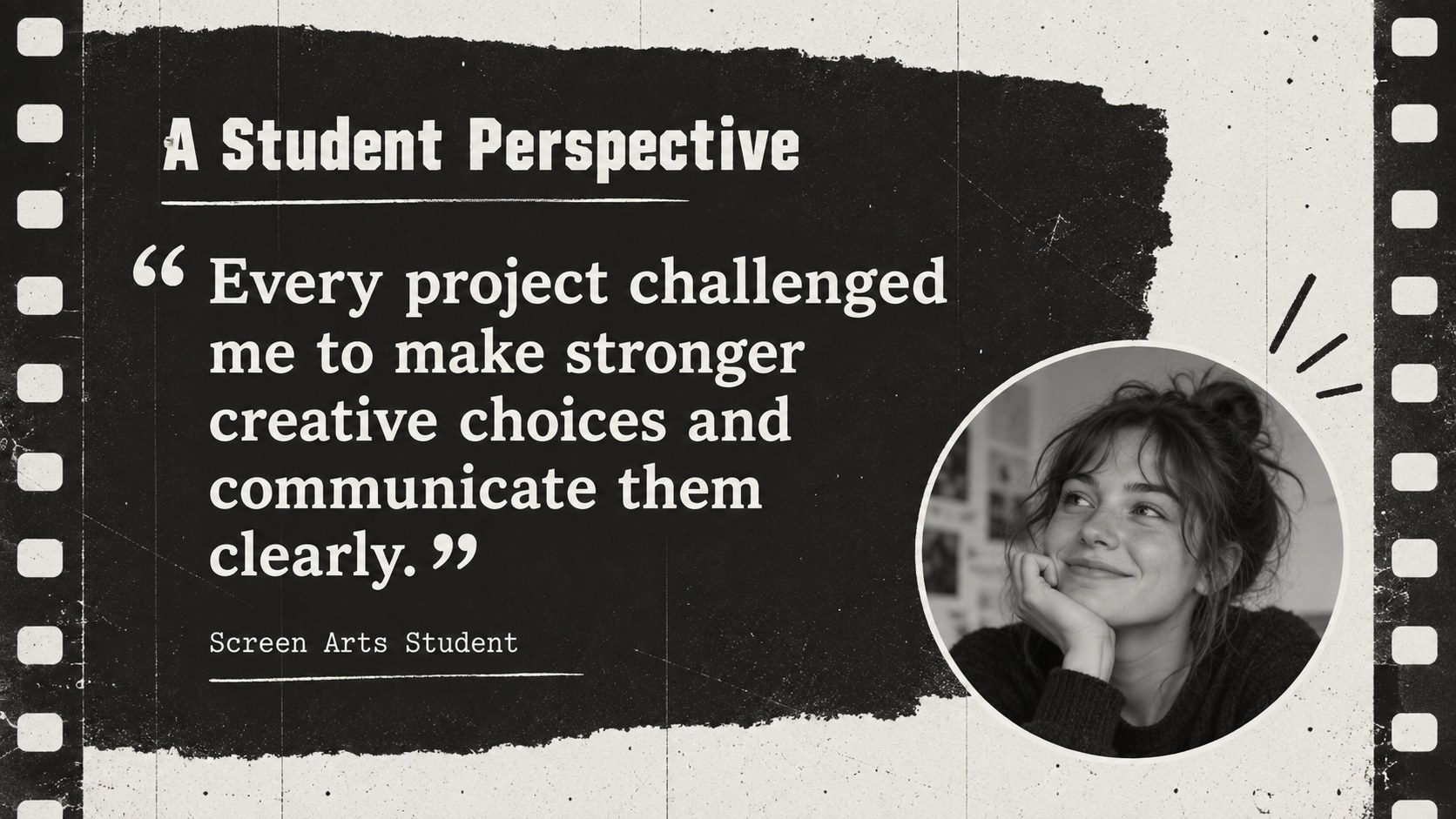
Design notes
Turn a standard academic overview into a compelling introduction to life behind the camera. This cinematic studies degree pitch deck helps educators explain how directing, screenwriting, cinematography, editing, sound, and production work together. Its black-and-white visual system combines film frames, grainy textures, dramatic typography, and motion-inspired details for a classic cinema atmosphere.
The deck includes adaptable layouts for program highlights, course pathways, facilities, student projects, faculty profiles, testimonials, admissions information, and career outcomes. Use it as a cinema studies program presentation during open days, classroom visits, recruitment events, or individual advising sessions. A dedicated cinematography career pathway deck section can connect practical skills with roles across film, television, advertising, documentary work, and digital media.
Designed for universities, colleges, arts schools, academic advisers, and media departments, these black and white film school slides balance visual character with clear information. Every layout can be edited in PowerPoint or Google Slides, including text, photographs, charts, icons, and colors. Add campus imagery, insert student work, adjust the sequence, or apply simple transitions to match your institution's presentation style. The result is a focused, memorable way to introduce prospective students to a creative degree and the professional opportunities it can open.
Perfect for: film school open day; college major orientation; screen arts program recruitment; cinematography career seminar; university admissions presentation.
Frequently asked questions
Can I edit every element in this presentation? Yes. Text, images, shapes, charts, icons, and color accents can be adjusted to reflect your curriculum and institutional identity.
Practical details
Yes. Text, images, shapes, charts, icons, and color accents can be adjusted to reflect your curriculum and institutional identity.
The deck is designed for PowerPoint and Google Slides. You can present directly, collaborate online, or export a finished version as a PDF.
Yes. Replace the image placeholders with production stills, studio photographs, equipment shots, or approved student work while preserving the monochrome treatment.
The layouts are suitable for simple transitions and object animations available in PowerPoint and Google Slides. Keep movement restrained to maintain the classic cinematic style and clear reading order.
Keep exploring
15Build an engaging World UFO Day session with this flying saucer history lesson deck, featuring retro green-and-brown slides for PowerPoint and Google Slides.
 15
15Plan a lively animal-learning journey with this jungle zoo adventure lesson deck, ready to customize in PowerPoint and Google Slides for young learners.
 16
16Turn environmental research into a clear story with a Watercolor Ecology Presentation Theme for PowerPoint and Google Slides in calming green and blue.
 16
16Build focused fashion, literature, and humanities presentations with the Red Triangle Editorial Theme, editable in PowerPoint and Google Slides.
 15
15Turn streaming stats, favorite tracks, and concert highlights into a bold annual listening recap slide deck for PowerPoint and Google Slides.
 15
15Turn highlights, milestones, and favorite moments into a colorful year in review slide deck with bold 3D graphics for PowerPoint and Google Slides.
 3
3Build a credible endorsement with Standout Colleague Recommendation Letter Slides, featuring colorful prompts for skills, achievements, and team impact.
 4
4Build clear beginner sessions with an ice hockey fundamentals training deck for coaches, PE teachers, and clubs, ready for PowerPoint and Google Slides.