
 15
15presentation
Flying Saucer History Lesson Deck
Build an engaging World UFO Day session with this flying saucer history lesson deck, featuring retro green-and-brown slides for PowerPoint and Google Slides.
Google SlidesPowerPoint
presentation · English
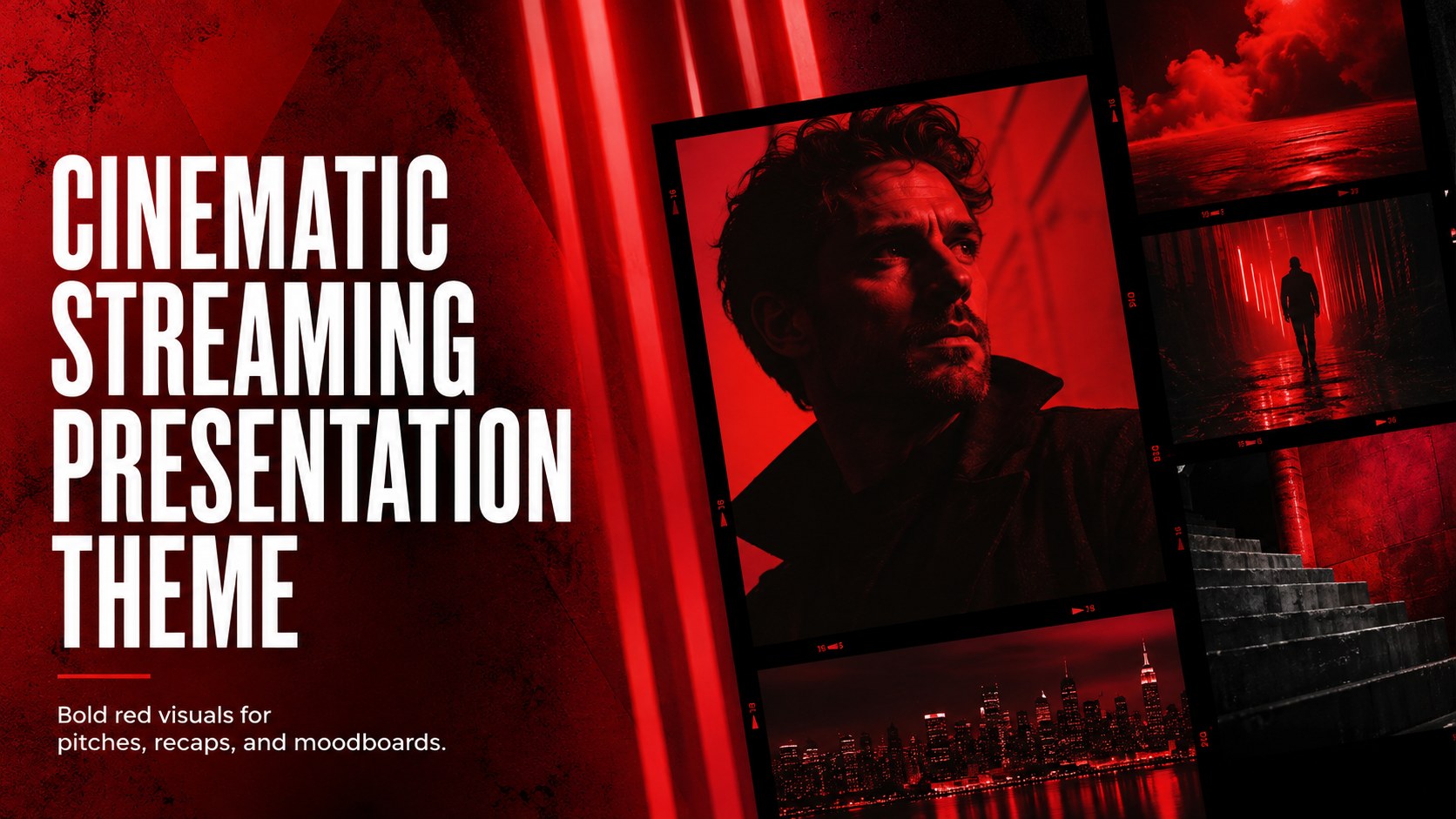
Shape pitches, recaps, and moodboards with a cinematic streaming presentation theme featuring bold red accents and editable, media-ready layouts.
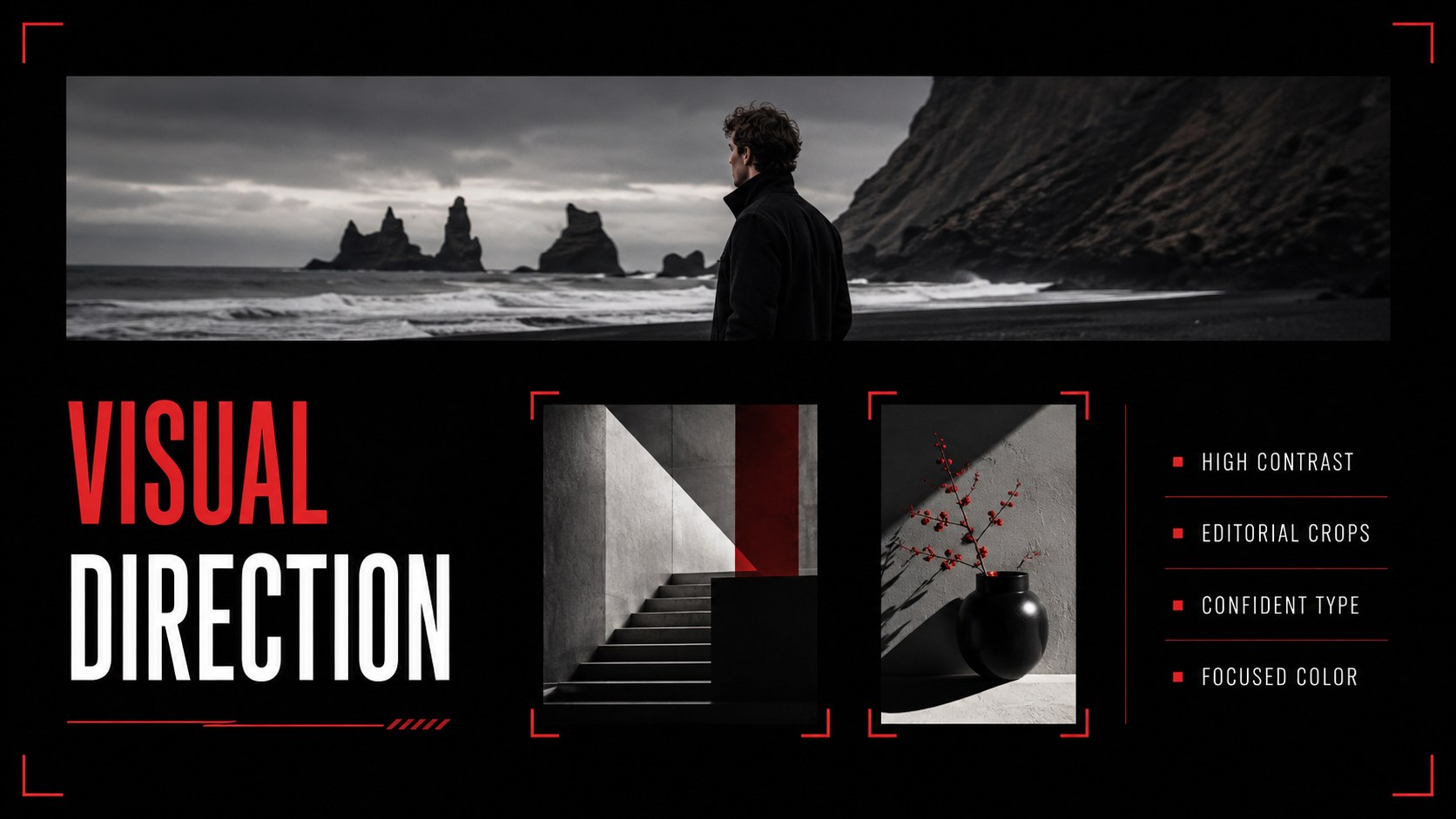
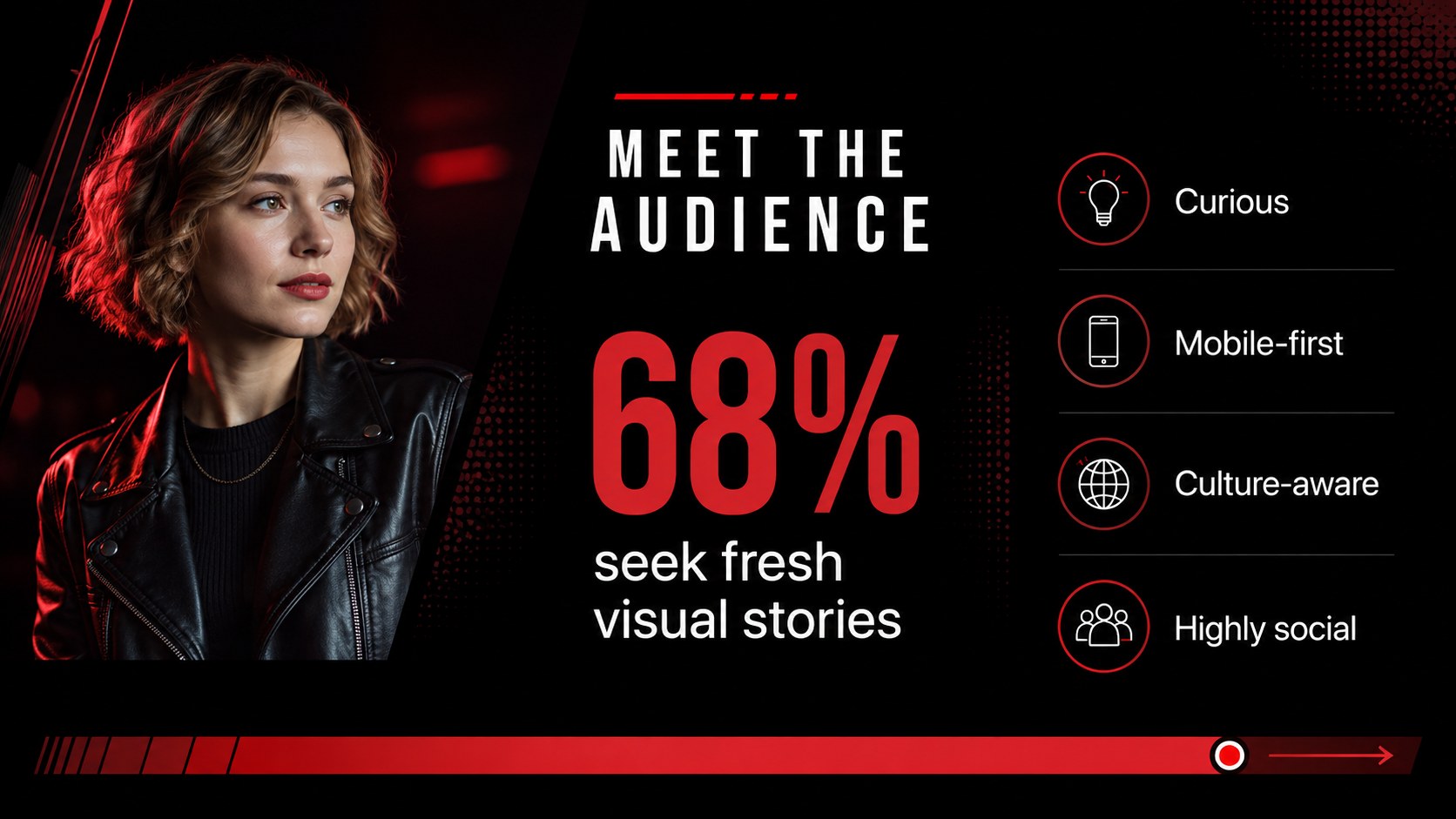
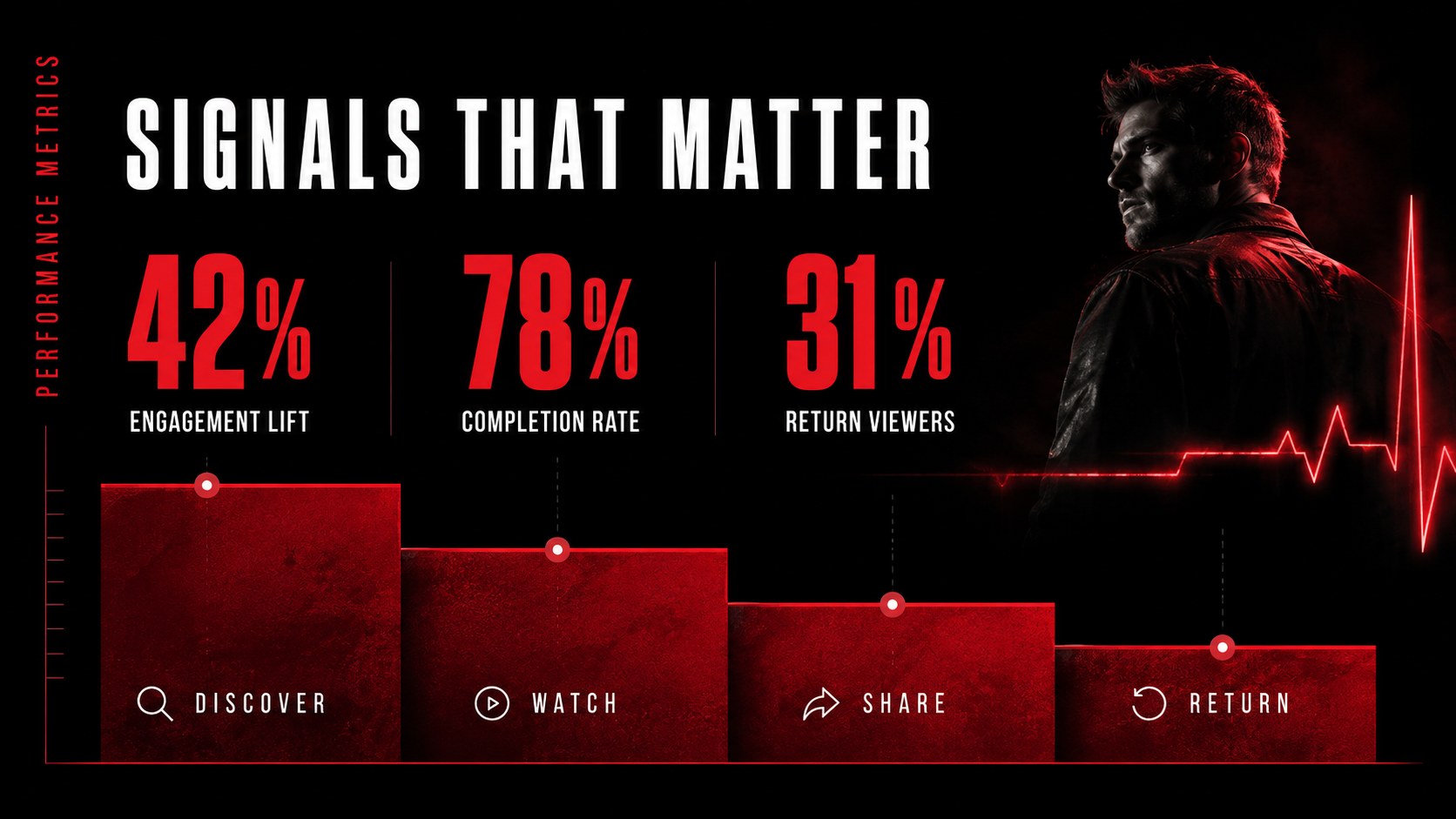
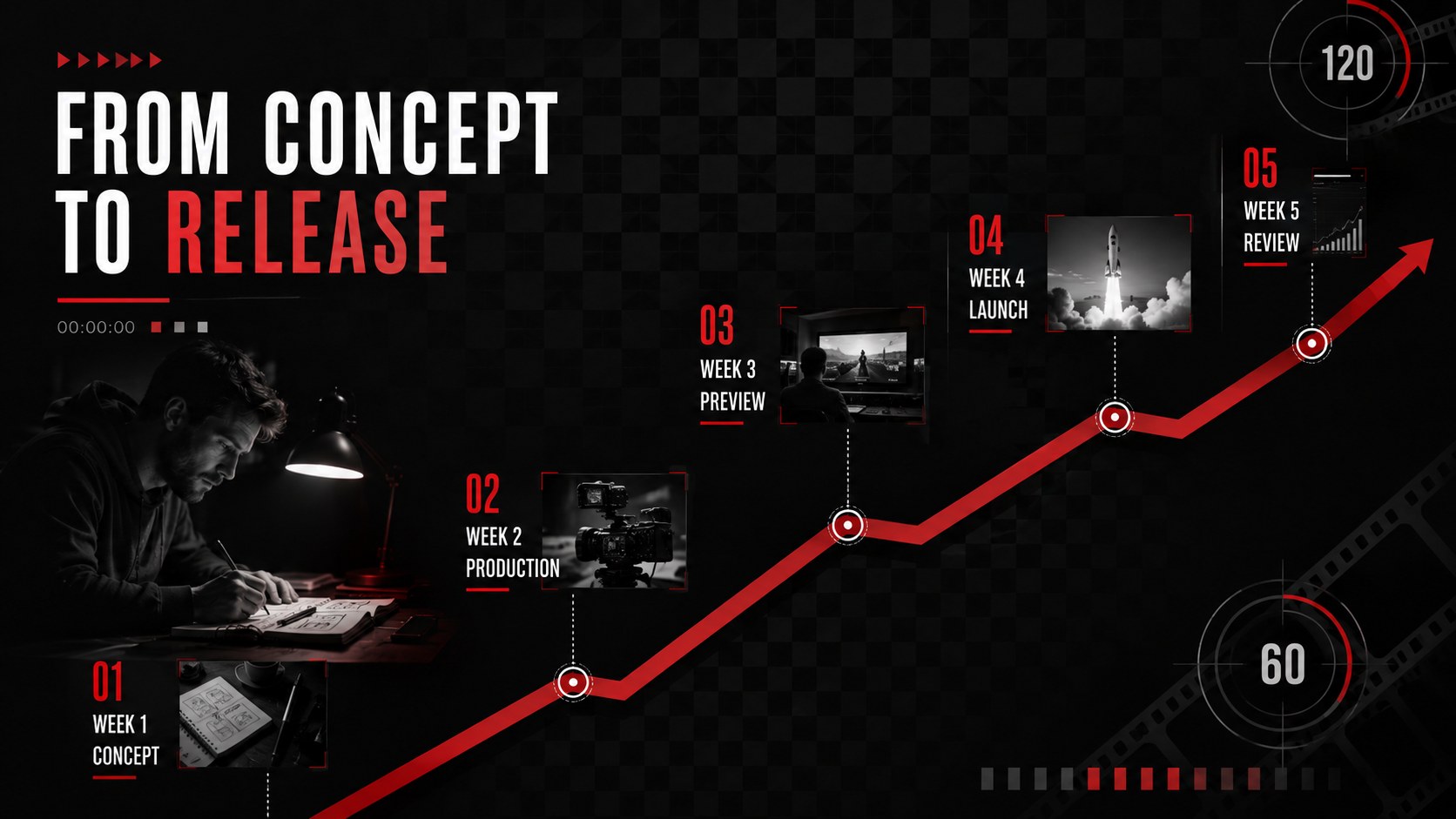
Design notes
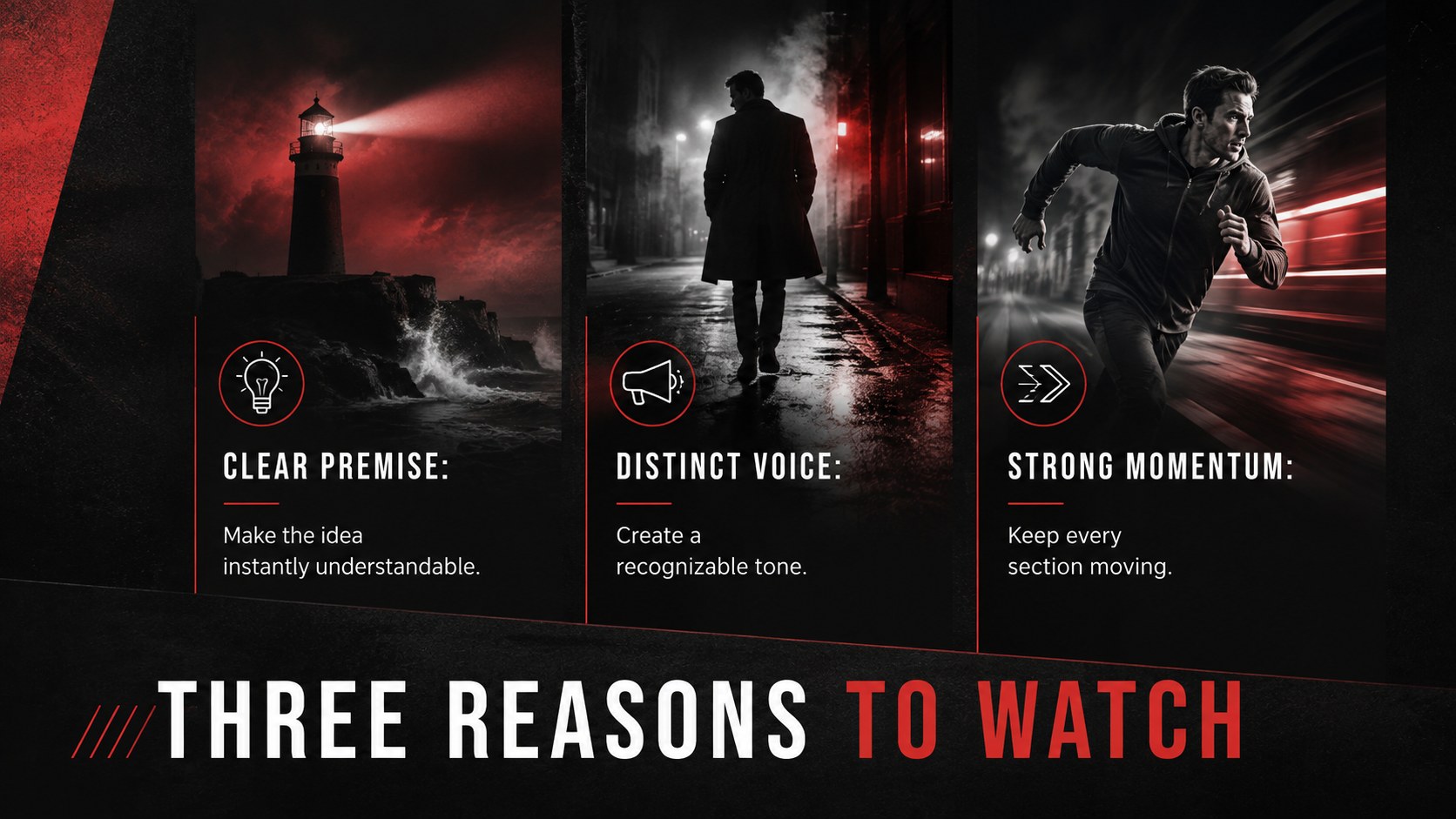
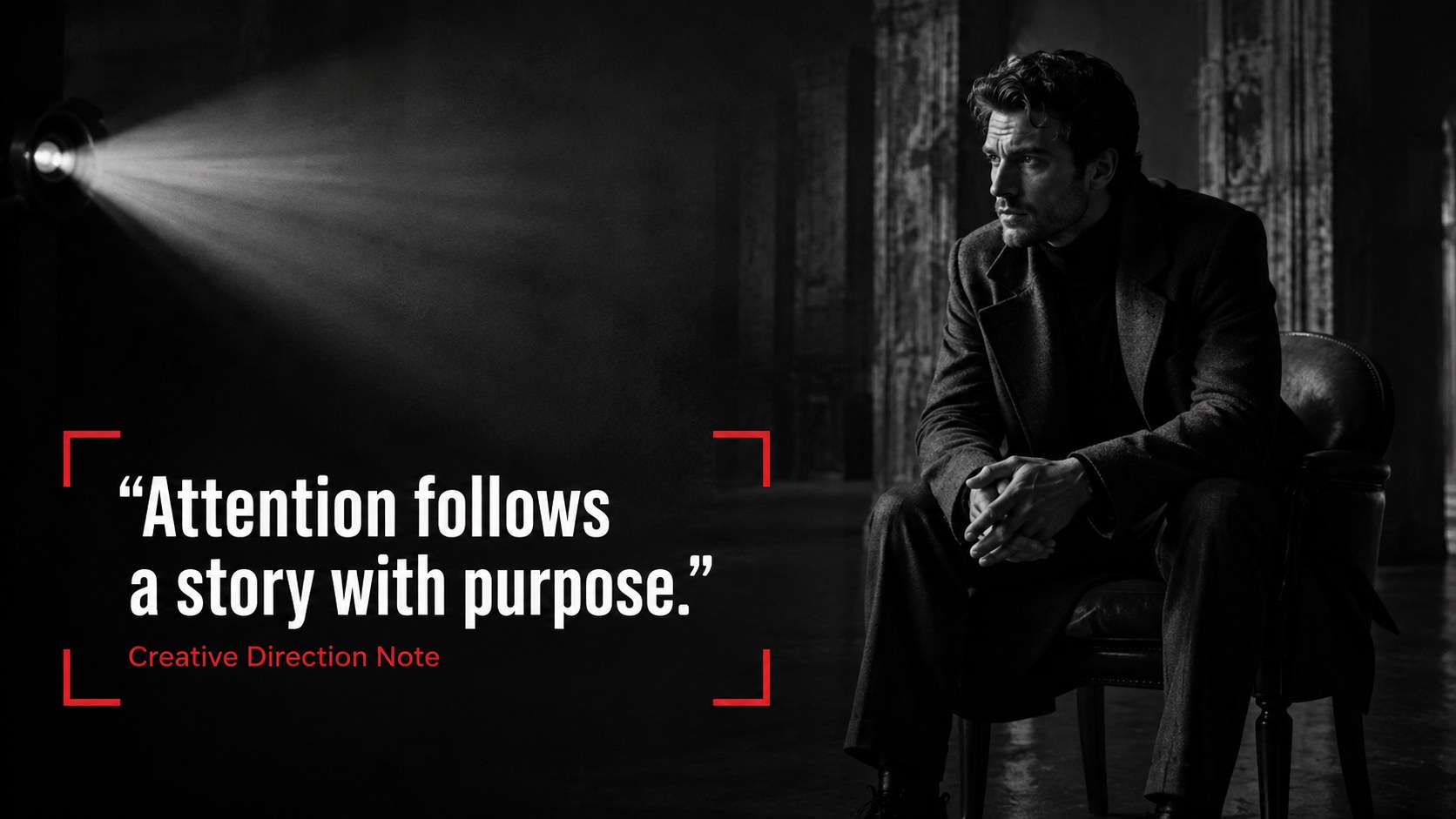
Give your ideas the atmosphere of a premiere with the Cinematic Streaming Presentation Theme. Deep black backgrounds, vivid red accents, oversized typography, and editorial image treatments create a confident visual rhythm for stories that need energy without unnecessary clutter.
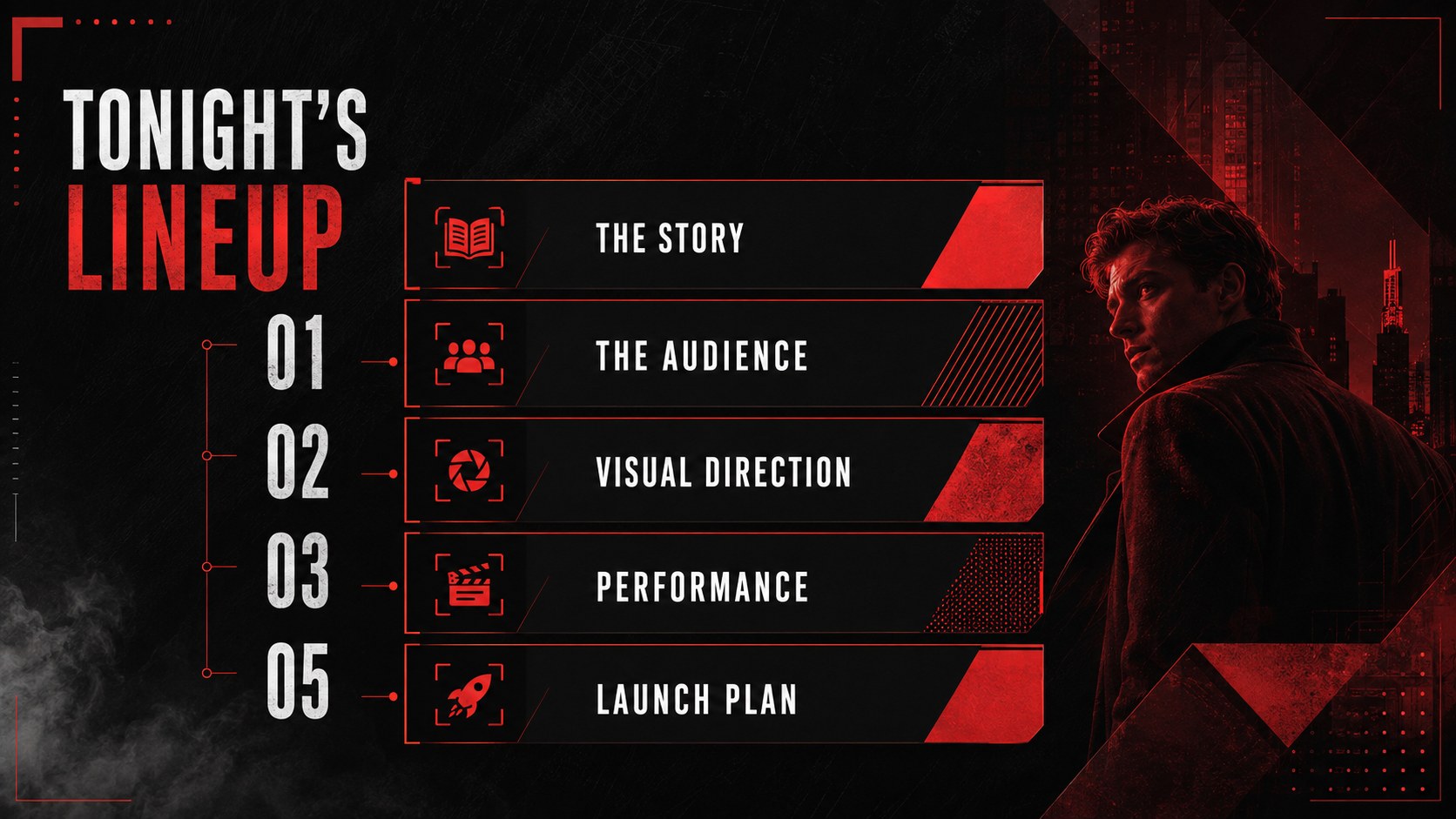
The deck includes 15 editable widescreen layouts covering an opening title, agenda, key message, content overview, image showcase, audience profile, performance metrics, timeline, quote, comparison, moodboard, campaign plan, next steps, and closing screen. Use it as a red and black cinematic slide deck for a creative pitch, a set of cinematic moodboard slides for PowerPoint, or a dramatic recap that keeps viewers focused. Every layout supports quick changes to text, imagery, colors, charts, and section order.
This theme is built for content creators, students, entertainment teams, agencies, marketers, and project leads. It works especially well as a modern entertainment presentation for Google Slides when presenting a media concept, launch strategy, channel plan, cultural analysis, or visual direction. Clean spacing keeps information readable, while bold contrast gives headlines and photography a strong screen-inspired presence.
Open the template in PowerPoint or Google Slides, replace the sample copy, insert your own media, and adjust the red accent to suit your project. The result is a focused, contemporary presentation that feels cinematic while remaining practical for class, client, or internal use.
Perfect for: streaming content pitch; entertainment campaign recap; creative direction moodboard; media launch strategy; student culture presentation; video channel performance review.
Frequently asked questions
Practical details
Yes. All 15 layouts are designed for editing in PowerPoint and Google Slides, including text, colors, images, and basic charts. Some font spacing or transitions may vary slightly between platforms.
Use the theme color controls in your presentation software to replace the red accent across multiple slides. Keep a dark neutral background and a high-contrast highlight color to preserve the cinematic style.
Yes. Swap the placeholders for campaign stills, video thumbnails, portraits, product images, or moodboard photography. Crop each image to its existing frame for the cleanest result.
Yes. The layouts balance expressive visuals with practical sections for goals, data, timelines, comparisons, and next steps. Adjust the sample wording and image choices to fit either a professional or academic audience.
Keep exploring
15Build an engaging World UFO Day session with this flying saucer history lesson deck, featuring retro green-and-brown slides for PowerPoint and Google Slides.
 15
15Plan a lively animal-learning journey with this jungle zoo adventure lesson deck, ready to customize in PowerPoint and Google Slides for young learners.
 16
16Turn environmental research into a clear story with a Watercolor Ecology Presentation Theme for PowerPoint and Google Slides in calming green and blue.
 16
16Build focused fashion, literature, and humanities presentations with the Red Triangle Editorial Theme, editable in PowerPoint and Google Slides.
 15
15Turn streaming stats, favorite tracks, and concert highlights into a bold annual listening recap slide deck for PowerPoint and Google Slides.
 15
15Turn highlights, milestones, and favorite moments into a colorful year in review slide deck with bold 3D graphics for PowerPoint and Google Slides.
 3
3Build a credible endorsement with Standout Colleague Recommendation Letter Slides, featuring colorful prompts for skills, achievements, and team impact.
 4
4Build clear beginner sessions with an ice hockey fundamentals training deck for coaches, PE teachers, and clubs, ready for PowerPoint and Google Slides.