
 15
15presentation
Flying Saucer History Lesson Deck
Build an engaging World UFO Day session with this flying saucer history lesson deck, featuring retro green-and-brown slides for PowerPoint and Google Slides.
Google SlidesPowerPoint
presentation · English
Build a polished cinema ranking presentation theme for film reviews, classroom lessons, or campaign pitches, with editable white, brown, blue, and gray…

Design notes
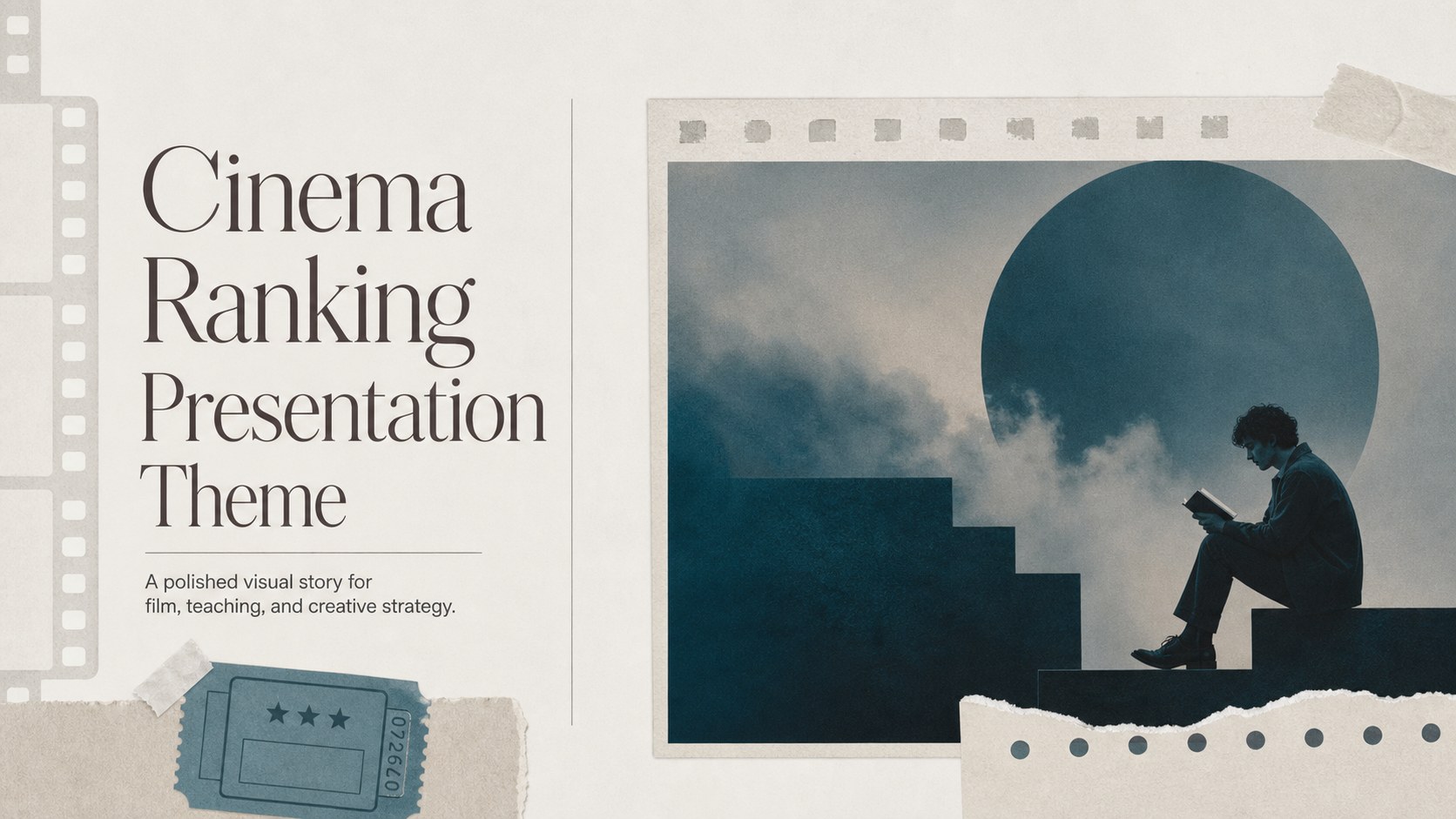
Turn a considered movie ranking into a clear visual story with this cinema ranking presentation theme. Its restrained editorial structure combines white space with brown, blue, and gray accents, creating a thoughtful screen-inspired look for comparing landmark films, explaining cultural context, or presenting a creative point of view. The visual system feels polished without overwhelming the titles and ideas at the center of your story.
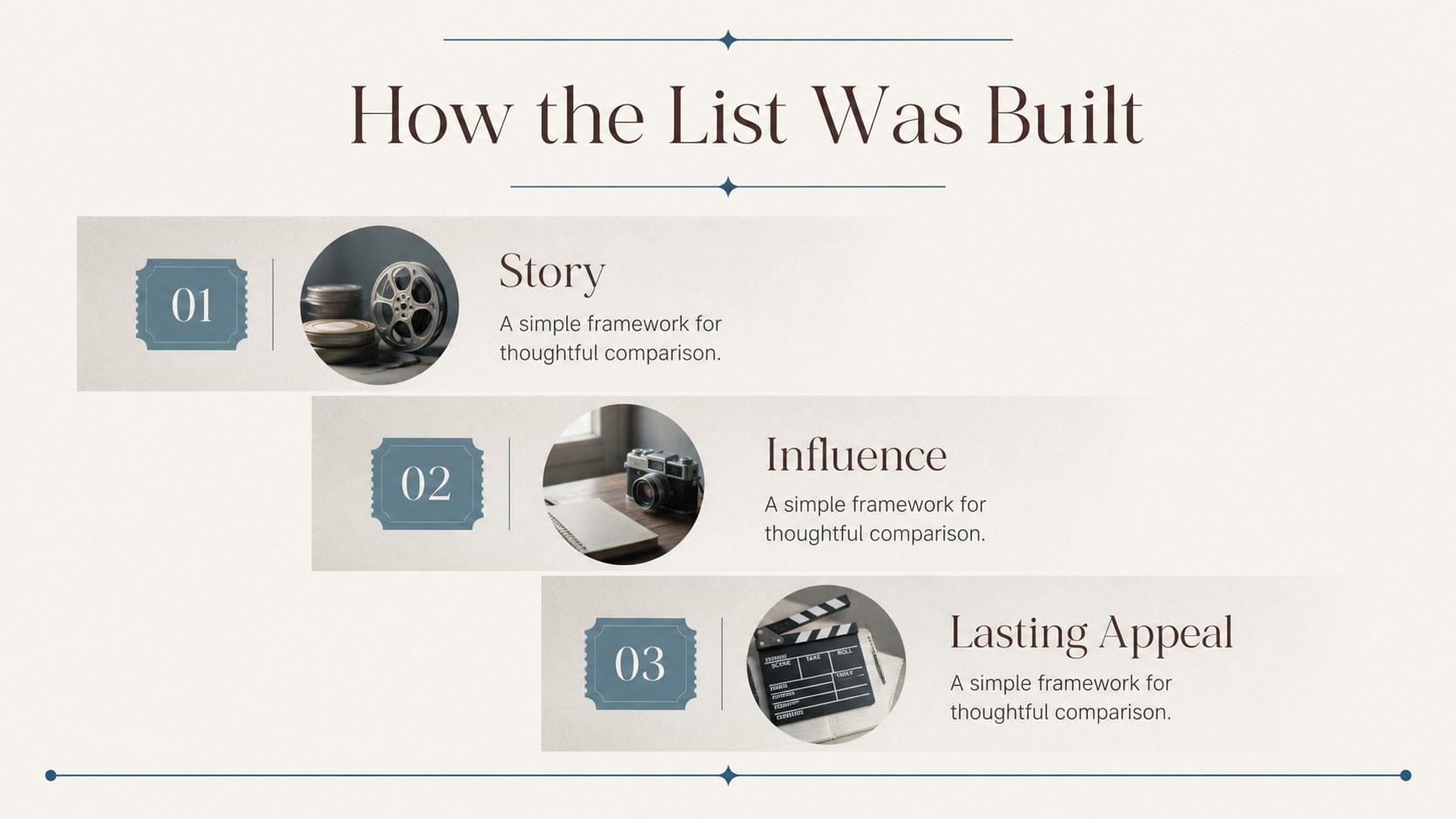
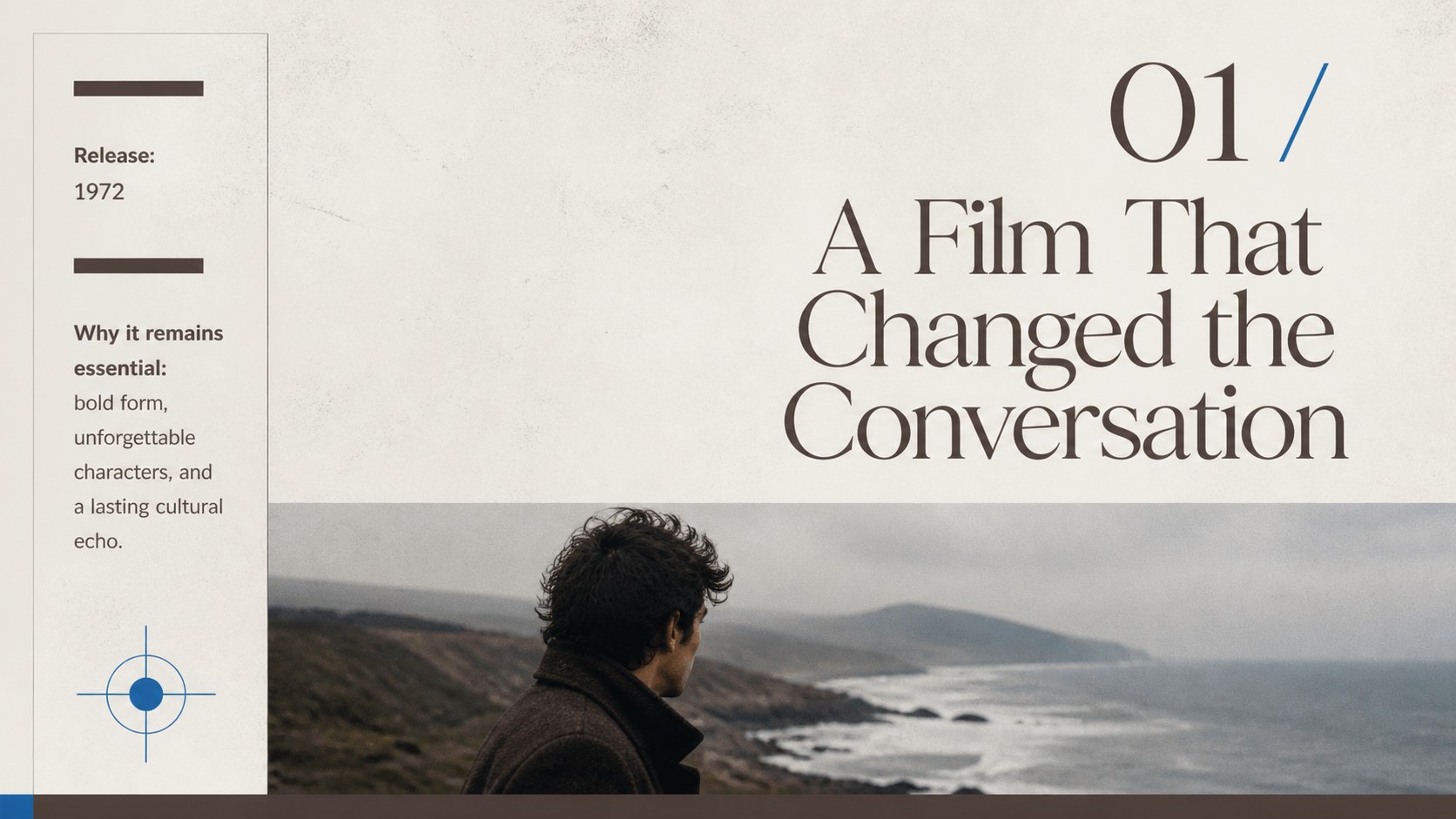
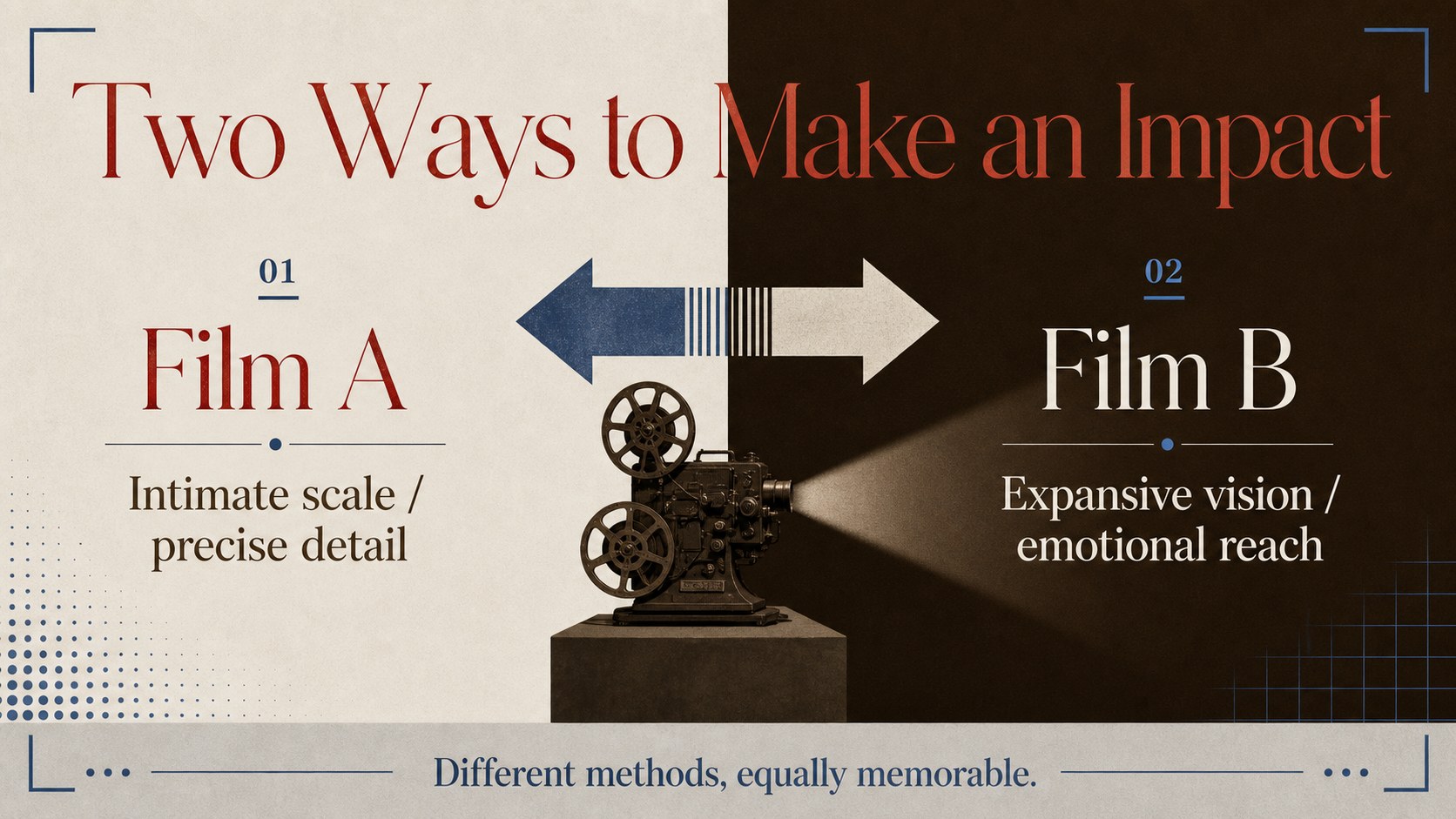
Inside, you’ll find 25+ editable slides for opening statements, ranking lists, film profiles, comparison pages, quote callouts, image-led layouts, data points, and closing recommendations. Use the film review slide deck format to introduce your criteria, then give each selection a consistent space for its synopsis, director, release details, themes, and audience reaction. Charts, frames, lines, shapes, animations, and transitions help you build a presentation that is easy to scan and engaging to watch.
This template suits film clubs, cinema studies classes, festival programming teams, marketing departments, and creators preparing a top ten movie ranking slides project. It also works as a cinema history classroom presentation when you need to connect films across decades, movements, or genres. Edit with ’s drag-and-drop tools, collaborate with your team, and export the finished deck to PowerPoint or Google Slides.
Perfect for: film club screening discussion; cinema studies class; film festival program pitch; movie review video planning; creative campaign presentation.
Frequently asked questions
Can I edit this cinema ranking presentation theme? Yes. Open the template to replace text, images, colors, charts, and layout elements with drag-and-drop editing. You can also collaborate with classmates or coworkers in the same design.
Practical details
Yes. Open the template to replace text, images, colors, charts, and layout elements with drag-and-drop editing. You can also collaborate with classmates or coworkers in the same design.
Yes. From, use Share, choose See all, and select PowerPoint or Google Drive. The exported file can then be presented or edited in the selected platform, although some animations may not transfer exactly.
It is designed for both structured film analysis and audience-friendly movie recommendations. Use the profile, comparison, quote, and ranking layouts for a film review, lesson, discussion, or festival proposal.
Yes. lets you update the document colors and apply a new palette across compatible design elements. Keep the strong contrast between the neutral backgrounds and accent colors for a similar editorial reading experience.
Keep exploring
15Build an engaging World UFO Day session with this flying saucer history lesson deck, featuring retro green-and-brown slides for PowerPoint and Google Slides.
 15
15Plan a lively animal-learning journey with this jungle zoo adventure lesson deck, ready to customize in PowerPoint and Google Slides for young learners.
 16
16Turn environmental research into a clear story with a Watercolor Ecology Presentation Theme for PowerPoint and Google Slides in calming green and blue.
 16
16Build focused fashion, literature, and humanities presentations with the Red Triangle Editorial Theme, editable in PowerPoint and Google Slides.
 15
15Turn streaming stats, favorite tracks, and concert highlights into a bold annual listening recap slide deck for PowerPoint and Google Slides.
 15
15Turn highlights, milestones, and favorite moments into a colorful year in review slide deck with bold 3D graphics for PowerPoint and Google Slides.
 3
3Build a credible endorsement with Standout Colleague Recommendation Letter Slides, featuring colorful prompts for skills, achievements, and team impact.
 4
4Build clear beginner sessions with an ice hockey fundamentals training deck for coaches, PE teachers, and clubs, ready for PowerPoint and Google Slides.