
 15
15presentation
Flying Saucer History Lesson Deck
Build an engaging World UFO Day session with this flying saucer history lesson deck, featuring retro green-and-brown slides for PowerPoint and Google Slides.
Google SlidesPowerPoint
presentation · English
Build a welcoming church outreach brochure deck with clean red and brown illustrations, flexible layouts, and editable slides for community promotion.
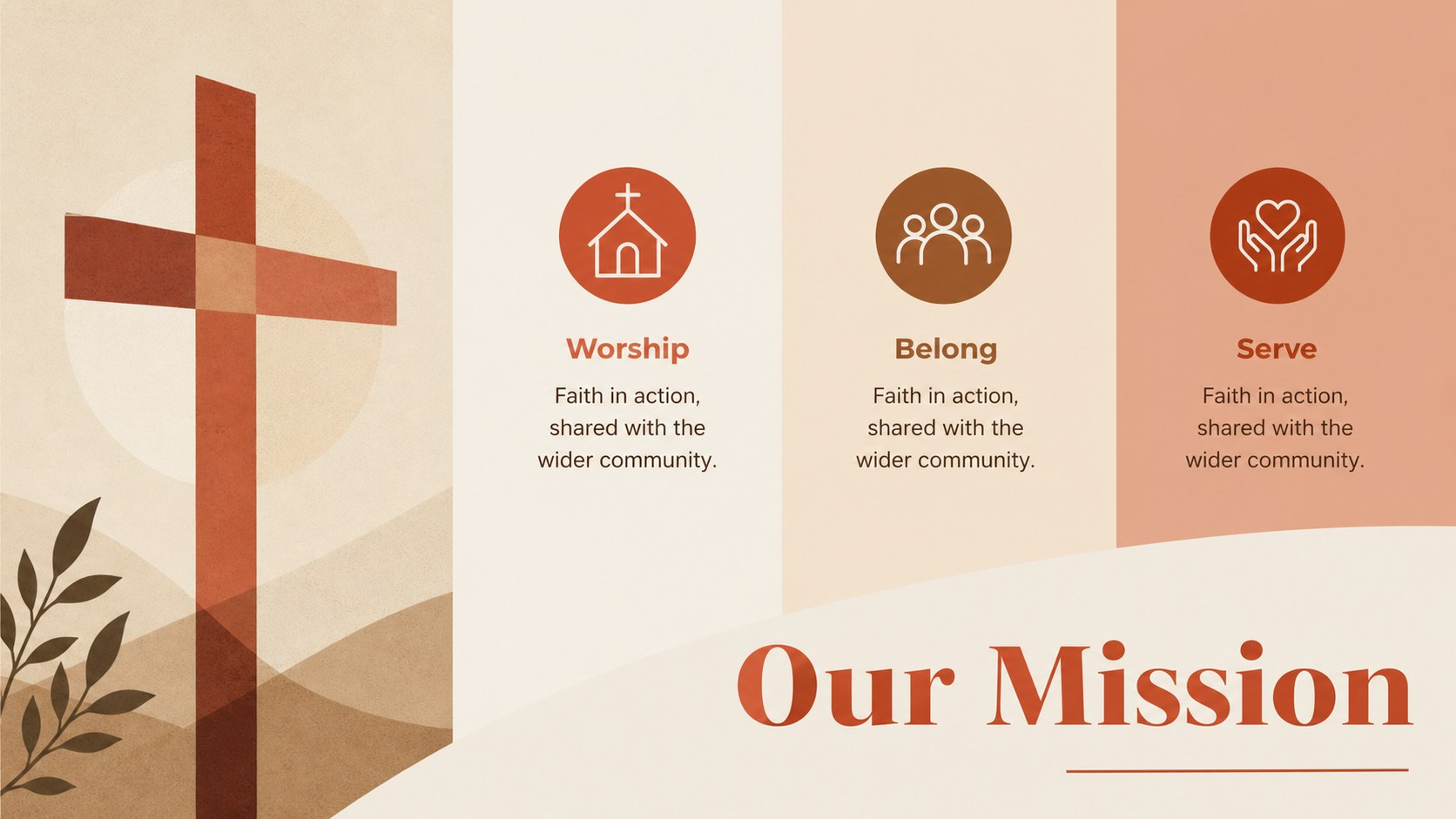
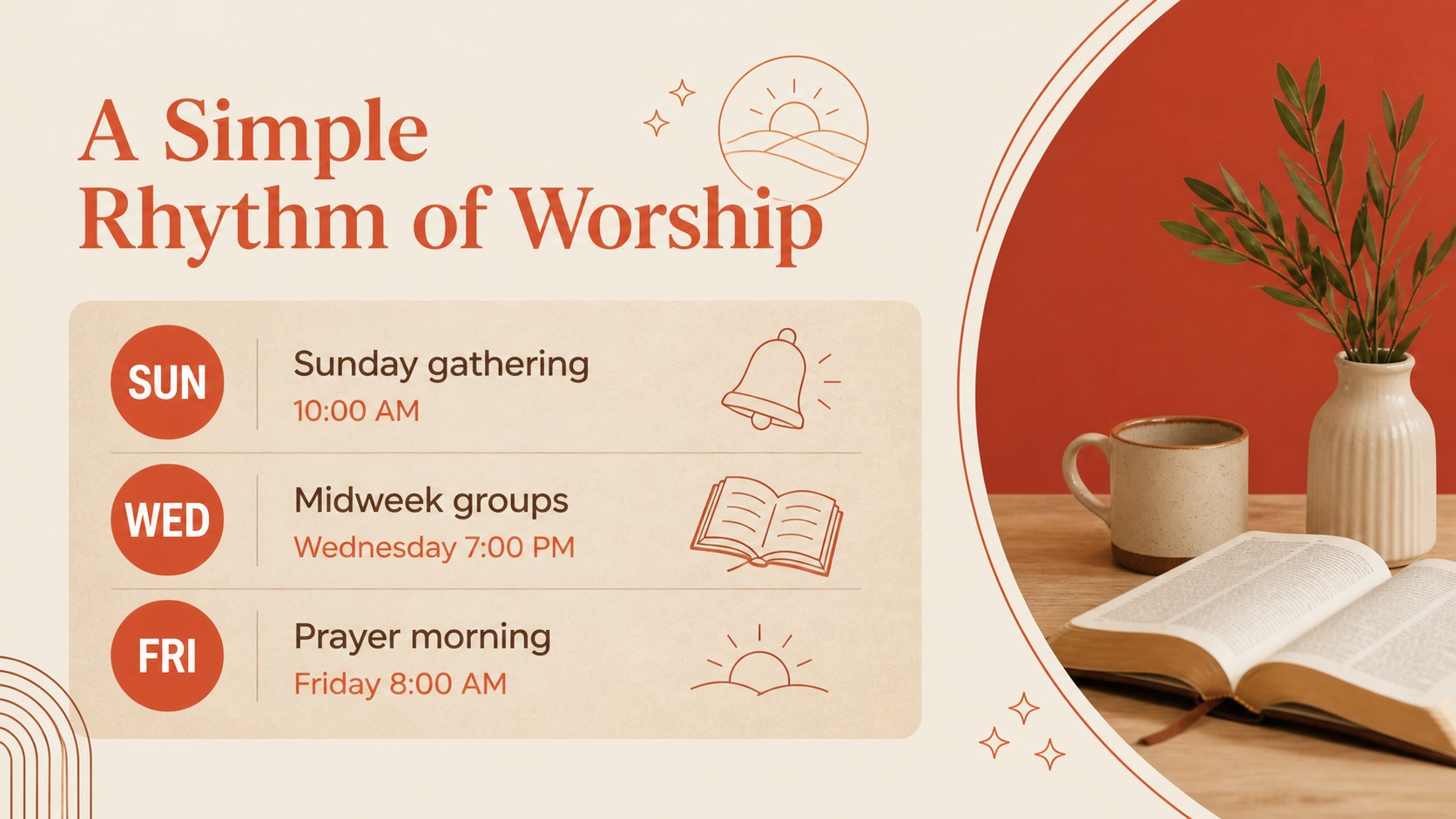

Design notes
Create a clear, welcoming introduction to your church with this church outreach brochure deck. Designed for ministry teams, communications volunteers, and community coordinators, it turns essential information into a polished visual story without losing a personal tone. The clean illustrated style uses soft red, terracotta, brown, and warm neutral accents to create a trustworthy presentation with a modern printed-brochure feel.
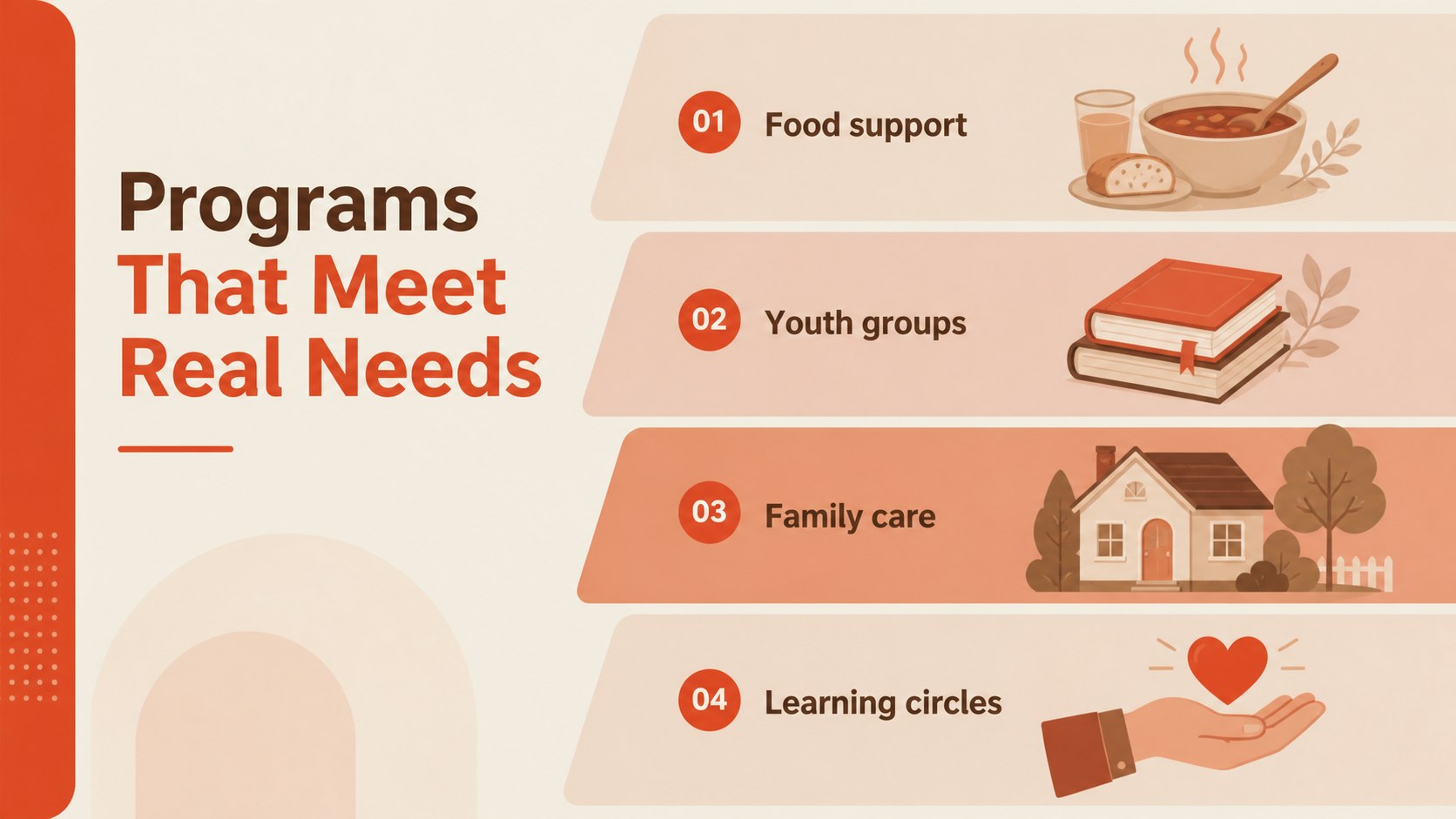
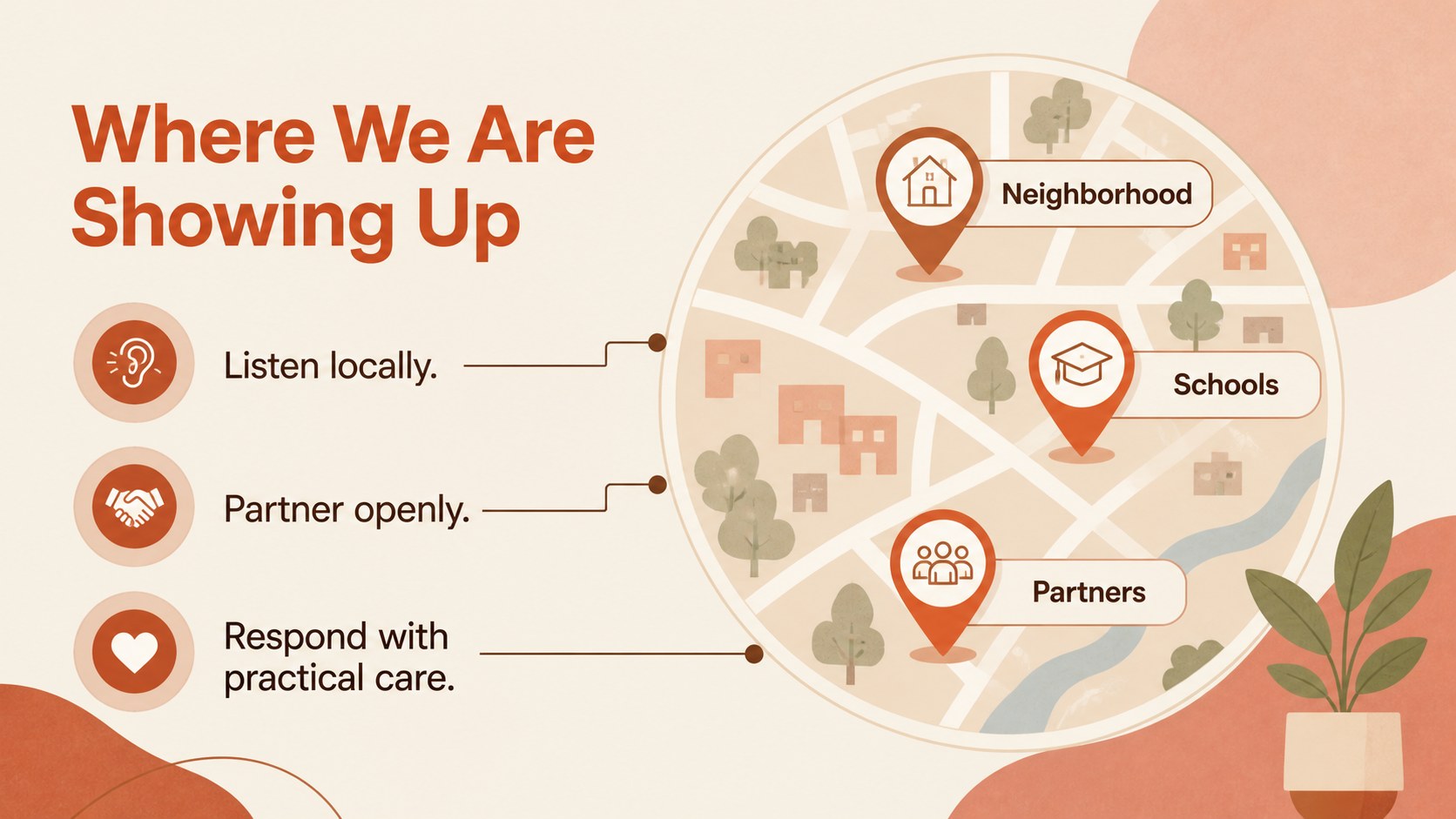
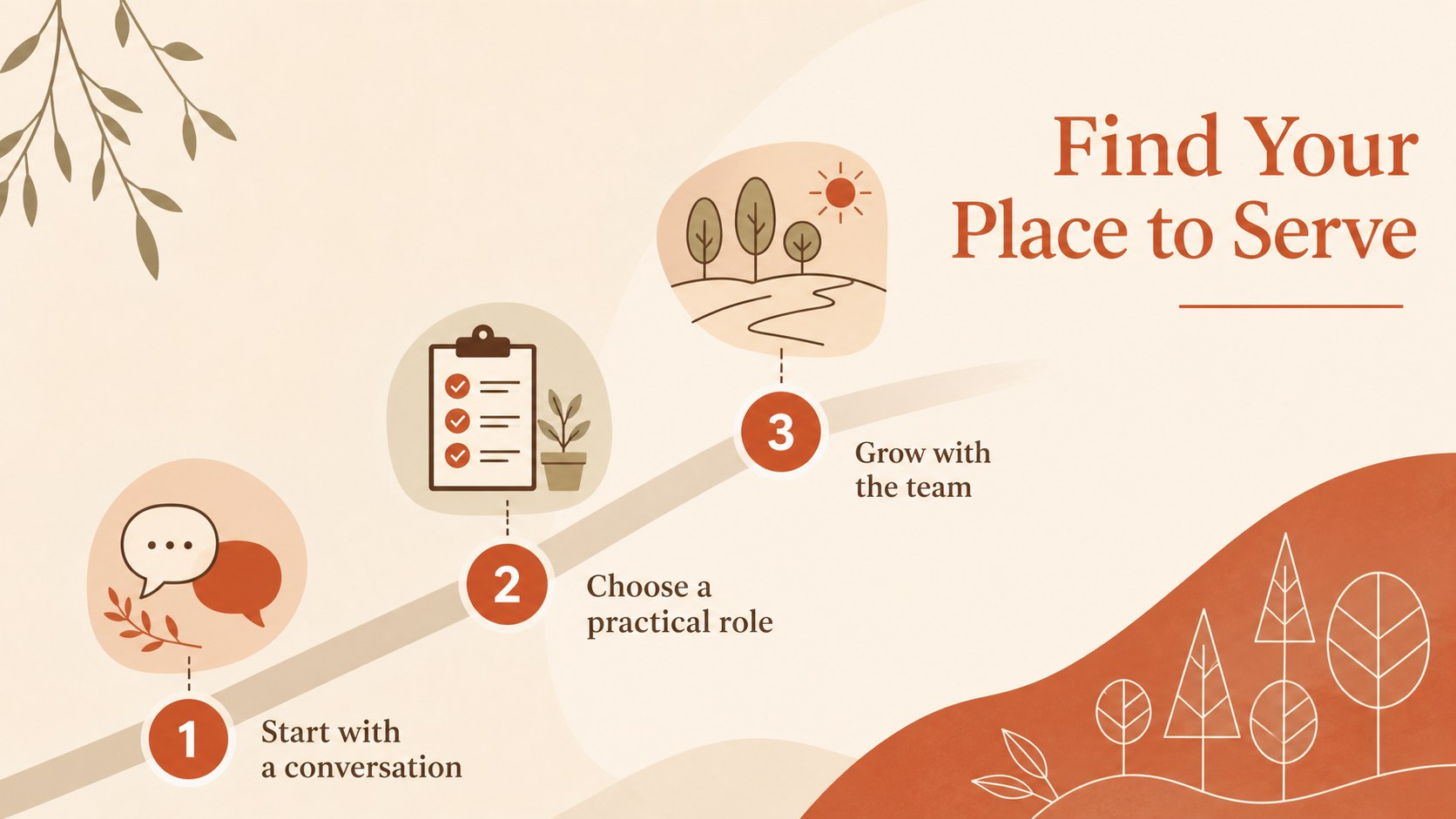
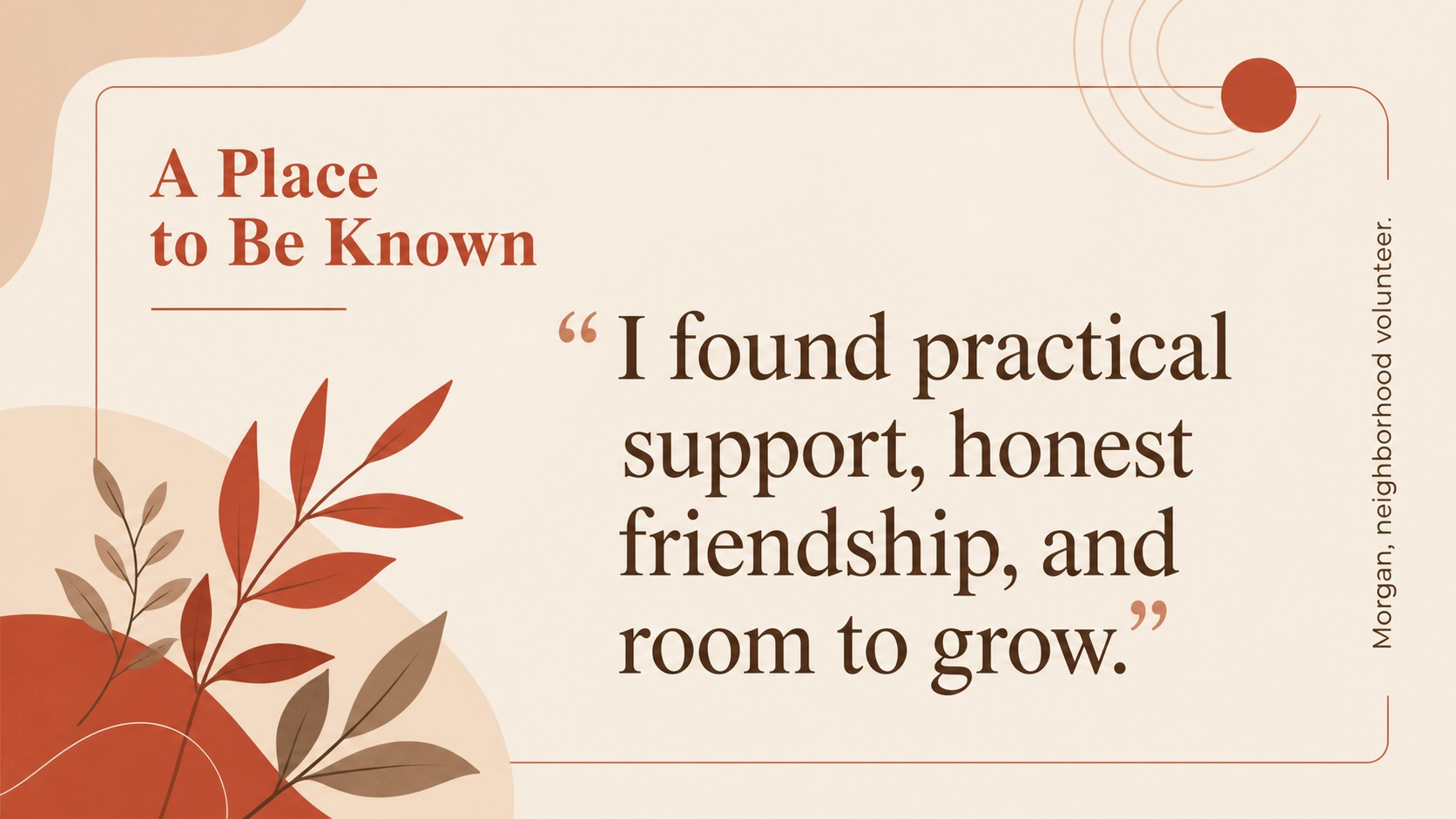
Inside, you will find adaptable layouts for a church overview, mission statement, values, worship schedule, community programs, outreach priorities, event details, volunteer pathways, testimonials, contact information, and a final invitation. Editorial image areas, simple shapes, timeline structures, and information blocks make it easy to explain what your congregation offers and how visitors can take part. The layouts can also support a church community engagement presentation, a Sunday welcome briefing, or a nonprofit partnership overview.
Use the deck for visitor orientation, neighborhood campaigns, seasonal programs, volunteer recruitment, or meetings with local partners. Every slide is editable in PowerPoint and Google Slides, so you can update wording, imagery, colors, and schedules to match your ministry. Replace the sample content with your own stories and calls to action for a presentation that feels specific to your congregation.
Perfect for: visitor welcome briefing; neighborhood outreach campaign; volunteer recruitment meeting; church program overview; local nonprofit partnership pitch.
Frequently asked questions
Can I edit this deck in PowerPoint? Yes. The presentation is designed for PowerPoint editing, including text, colors, shapes, illustrations, and image areas. You can adapt the layouts for both widescreen presentations and brochure-style information sessions.
Practical details
Yes. The presentation is designed for PowerPoint editing, including text, colors, shapes, illustrations, and image areas. You can adapt the layouts for both widescreen presentations and brochure-style information sessions.
Yes, the deck can be opened and edited in Google Slides. After importing it, review fonts, spacing, and image placement to make sure the presentation matches your preferred setup.
Yes. Update the theme colors to match your church identity while keeping the illustrated visual language intact. You can also replace the sample artwork and photography with images from your congregation or neighborhood.
Useful sections include your mission, worship schedule, programs, community services, volunteer opportunities, contact details, and a clear visitor invitation. Keep each section focused so the deck remains easy to scan during a meeting or welcome event.
Keep exploring
15Build an engaging World UFO Day session with this flying saucer history lesson deck, featuring retro green-and-brown slides for PowerPoint and Google Slides.
 15
15Plan a lively animal-learning journey with this jungle zoo adventure lesson deck, ready to customize in PowerPoint and Google Slides for young learners.
 16
16Turn environmental research into a clear story with a Watercolor Ecology Presentation Theme for PowerPoint and Google Slides in calming green and blue.
 16
16Build focused fashion, literature, and humanities presentations with the Red Triangle Editorial Theme, editable in PowerPoint and Google Slides.
 15
15Turn streaming stats, favorite tracks, and concert highlights into a bold annual listening recap slide deck for PowerPoint and Google Slides.
 15
15Turn highlights, milestones, and favorite moments into a colorful year in review slide deck with bold 3D graphics for PowerPoint and Google Slides.
 3
3Build a credible endorsement with Standout Colleague Recommendation Letter Slides, featuring colorful prompts for skills, achievements, and team impact.
 4
4Build clear beginner sessions with an ice hockey fundamentals training deck for coaches, PE teachers, and clubs, ready for PowerPoint and Google Slides.