
 4
4document
Clinical Wound Evaluation Slides for Nurses
Document wound findings, treatment decisions, and healing progress with clinical wound evaluation slides for nurses in PowerPoint and Google Slides.
Google Docs
document · English
Keep ministry decisions, attendance, and follow-up tasks organized with a church minutes organizer built for clear sharing in PowerPoint and Google Slides.
Design notes
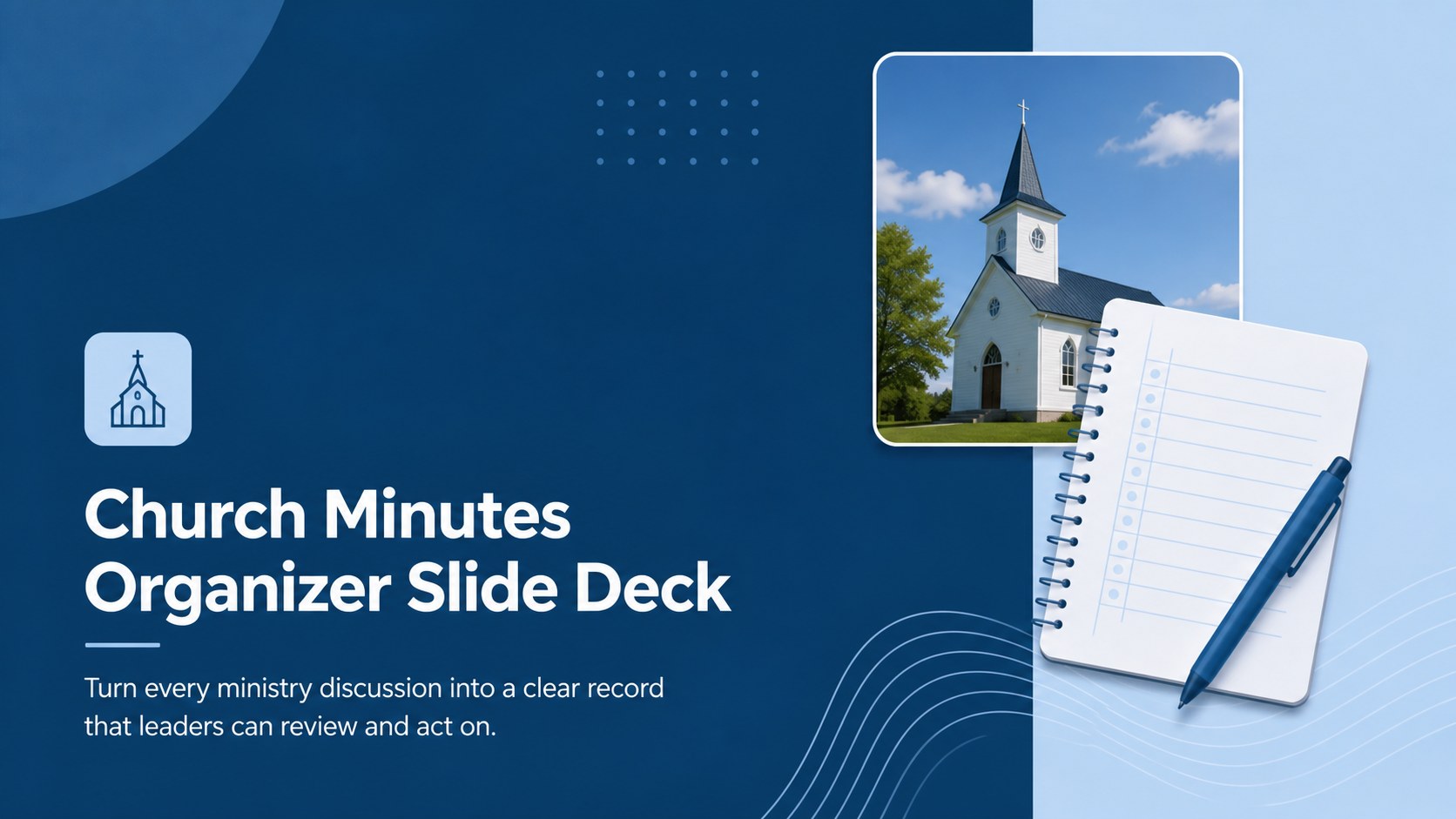
The Church Minutes Organizer Slide Deck gives ministry teams a dependable way to document discussions and communicate what happens next. Its clean blue palette, restrained typography, and simple visual structure make detailed records easy to scan without distracting from the information. Use it as a church leadership meeting record during recurring staff, council, committee, or volunteer sessions.
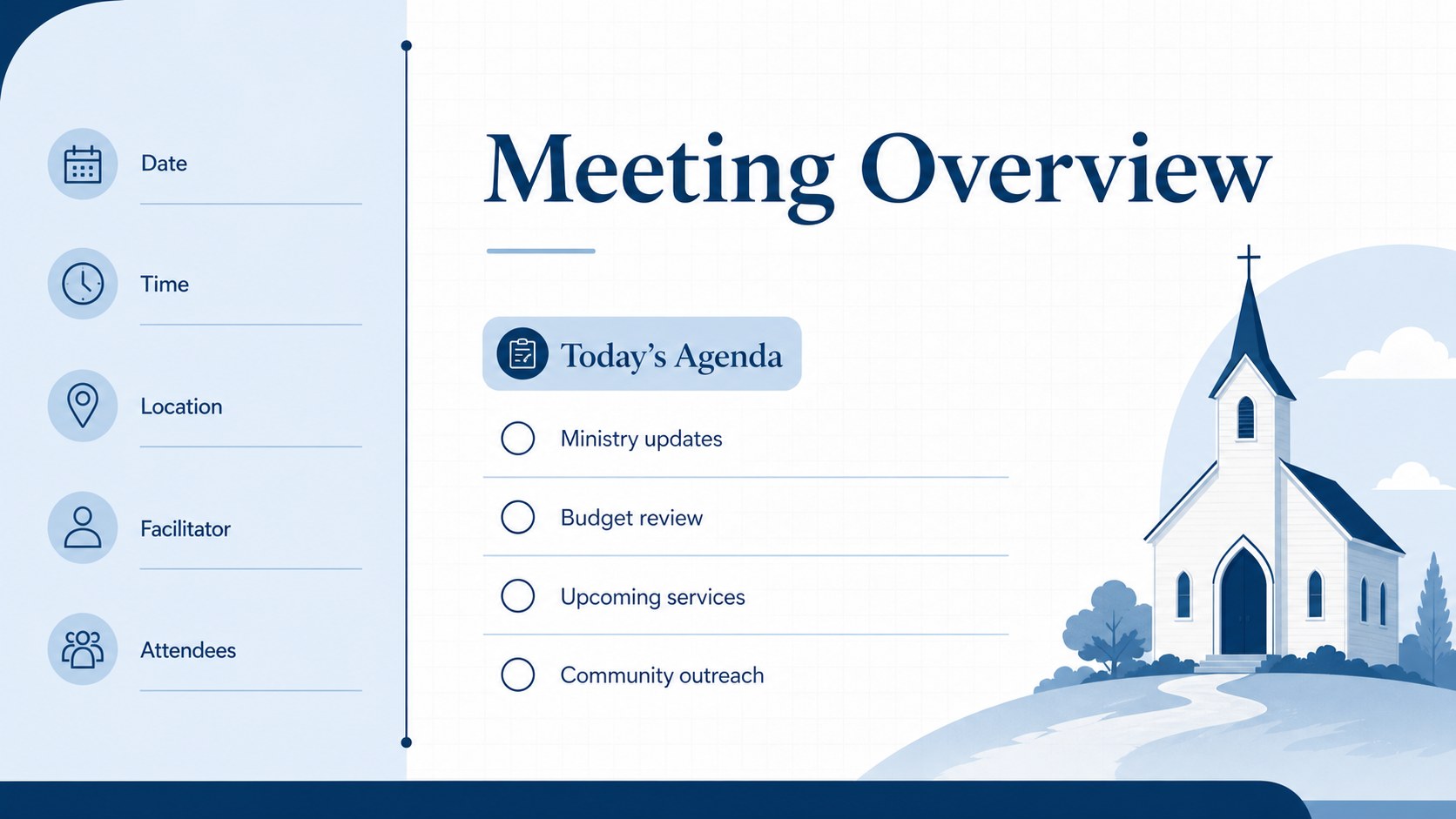
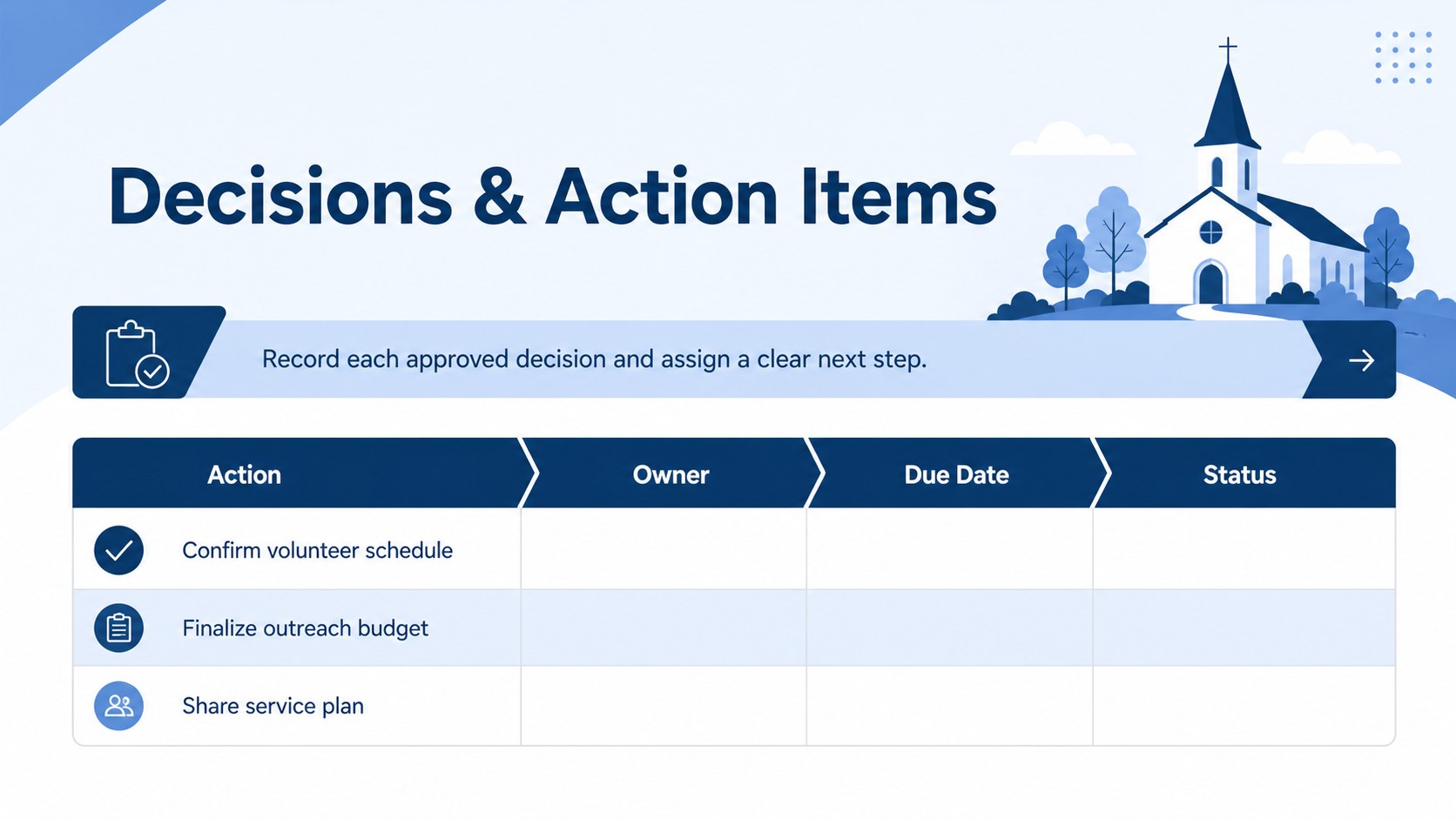
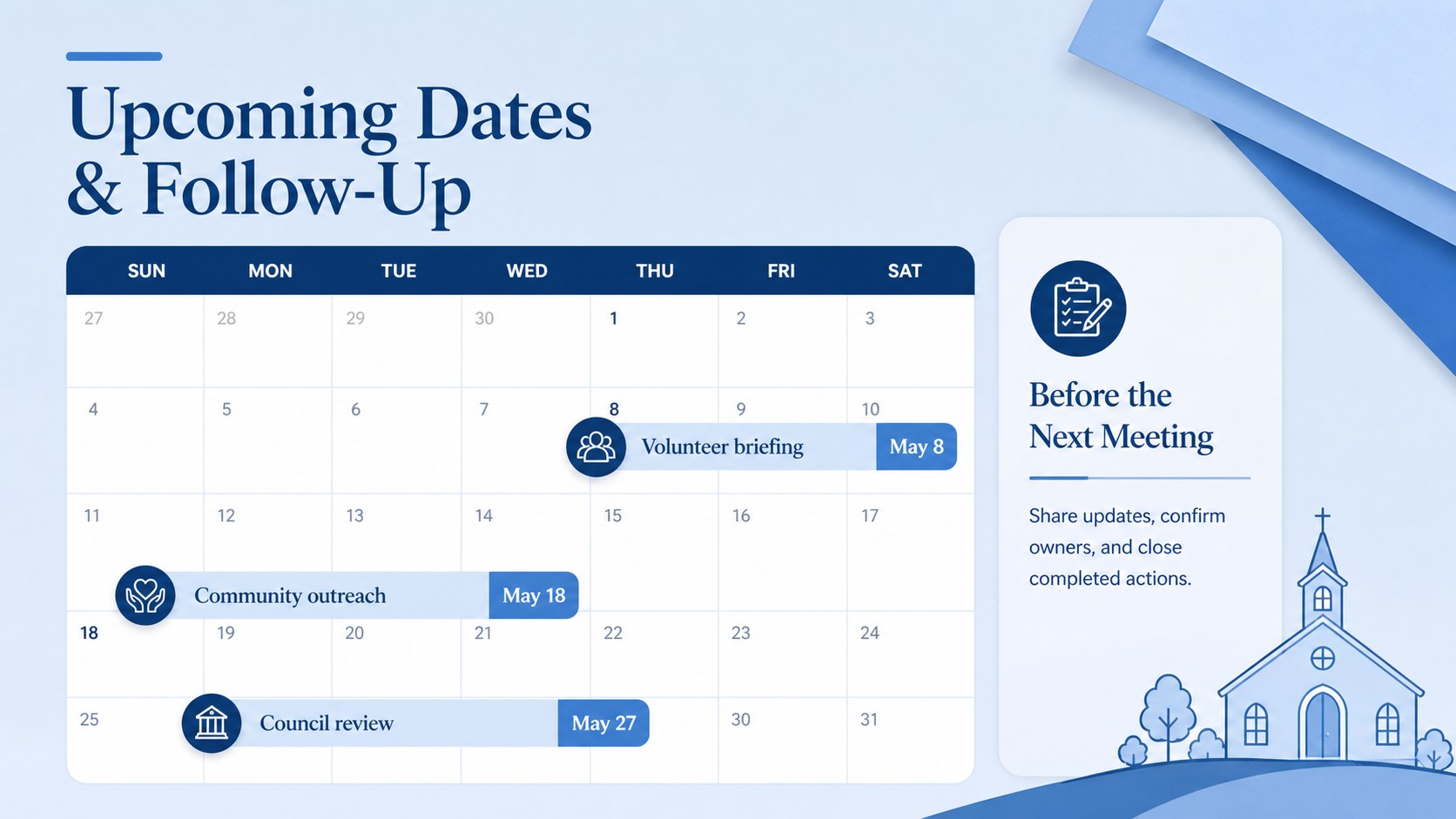
The deck includes layouts for meeting details, attendance, agenda topics, discussion summaries, approved decisions, assigned responsibilities, and upcoming dates. A dedicated ministry meeting action item tracker connects each task with an owner and deadline, while the schedule page highlights services, outreach activities, fundraising plans, and other important events. Sections can be duplicated or reordered to match the way your congregation conducts meetings.
Designed for pastors, church administrators, board secretaries, ministry coordinators, and volunteer leaders, this church minutes organizer works in both PowerPoint and Google Slides. Replace the sample wording, adjust section labels, change fonts, or apply your congregation's preferred blue shades. The layouts also work well as church board meeting minutes slides for presenting decisions after a session, sharing concise updates with absent leaders, or maintaining a consistent archive of ministry activity. Export the completed deck as a PDF for distribution or print selected pages for physical records.
Perfect for: church council meeting records; ministry staff planning sessions; volunteer team briefings; worship committee discussions; outreach event coordination.
Frequently asked questions
Can I edit this church minutes organizer in PowerPoint? Yes. Every heading, text block, color, and shape can be edited in PowerPoint, allowing you to adapt the deck to your congregation's meeting process.
Practical details
Yes. Every heading, text block, color, and shape can be edited in PowerPoint, allowing you to adapt the deck to your congregation's meeting process.
Yes. Upload the deck to Google Drive and open it in Google Slides for browser-based editing and team collaboration. Review font substitutions after importing to preserve the intended layout.
Yes. Rename, duplicate, remove, or reorder sections for councils, worship teams, outreach groups, finance committees, or volunteer meetings. You can also add your own agenda categories and responsibility fields.
Present the slides directly, share a view-only link, or export the finished deck as a PDF. Individual pages can also be printed for signatures or physical archives.
Keep exploring
4Document wound findings, treatment decisions, and healing progress with clinical wound evaluation slides for nurses in PowerPoint and Google Slides.
 4
4Turn recurring updates into clear decisions with a weekly operations status briefing for PowerPoint and Google Slides, covering progress, risks, and priorities.
 4
4Turn recurring check-ins into focused decisions with a weekly leadership update deck for KPIs, priorities, blockers, owners, and next actions.
 4
4Use veterinary surgery consent form slides to explain procedures, anesthesia, risks, costs, and emergency decisions clearly before client approval.
 4
4Organize objectives, activities, and daily notes with this weekly classroom planner for teachers, editable in PowerPoint and Google Slides for easy prep.
 4
4Create colorful vocabulary assessment slides for lively word checks, review games, and classroom practice in PowerPoint or Google Slides. Easy to personalize.
 4
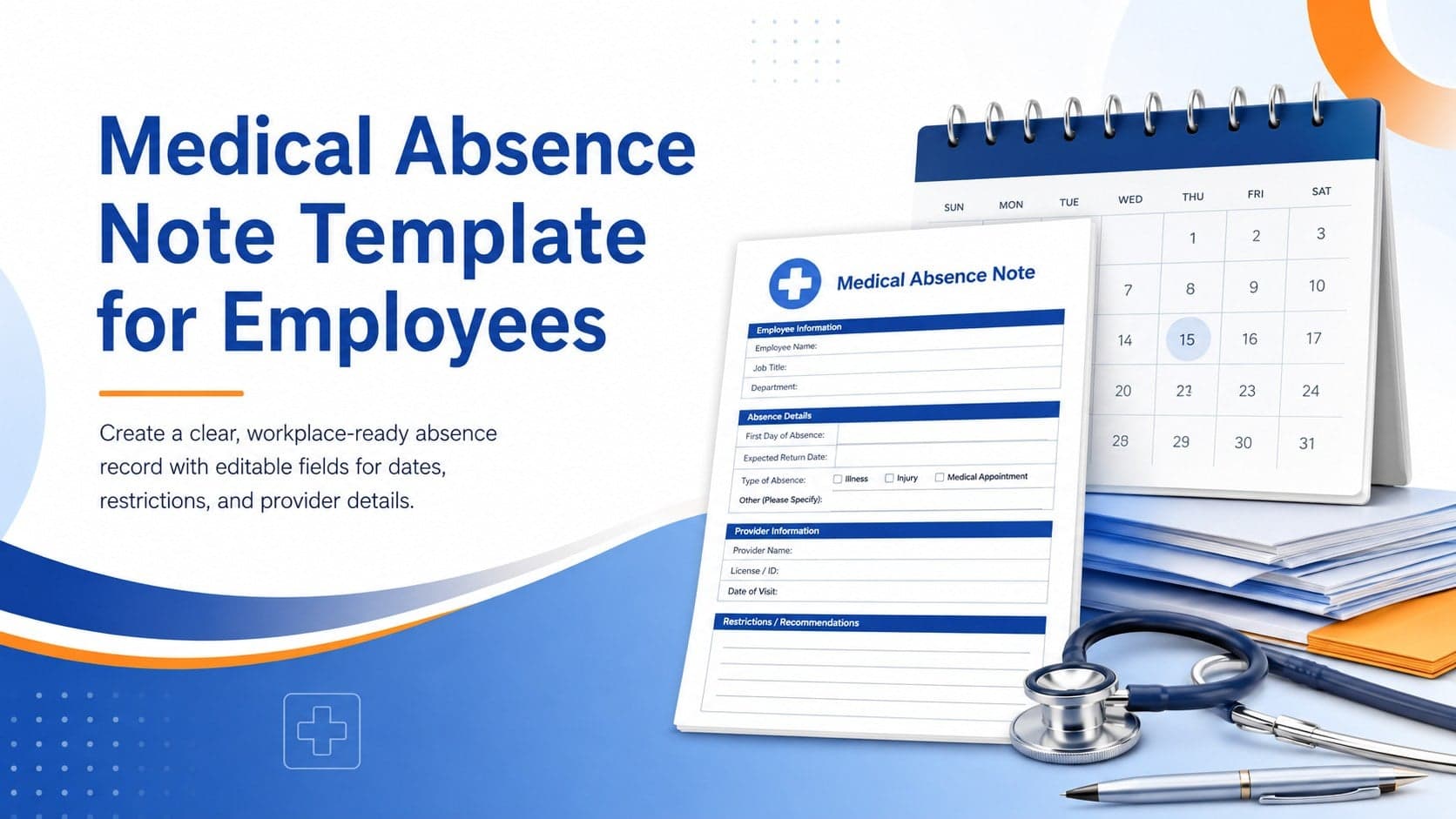
4Prepare a clear medical absence note template for employee records, with editable fields and polished blue-orange slides for PowerPoint and Google Slides.
 4
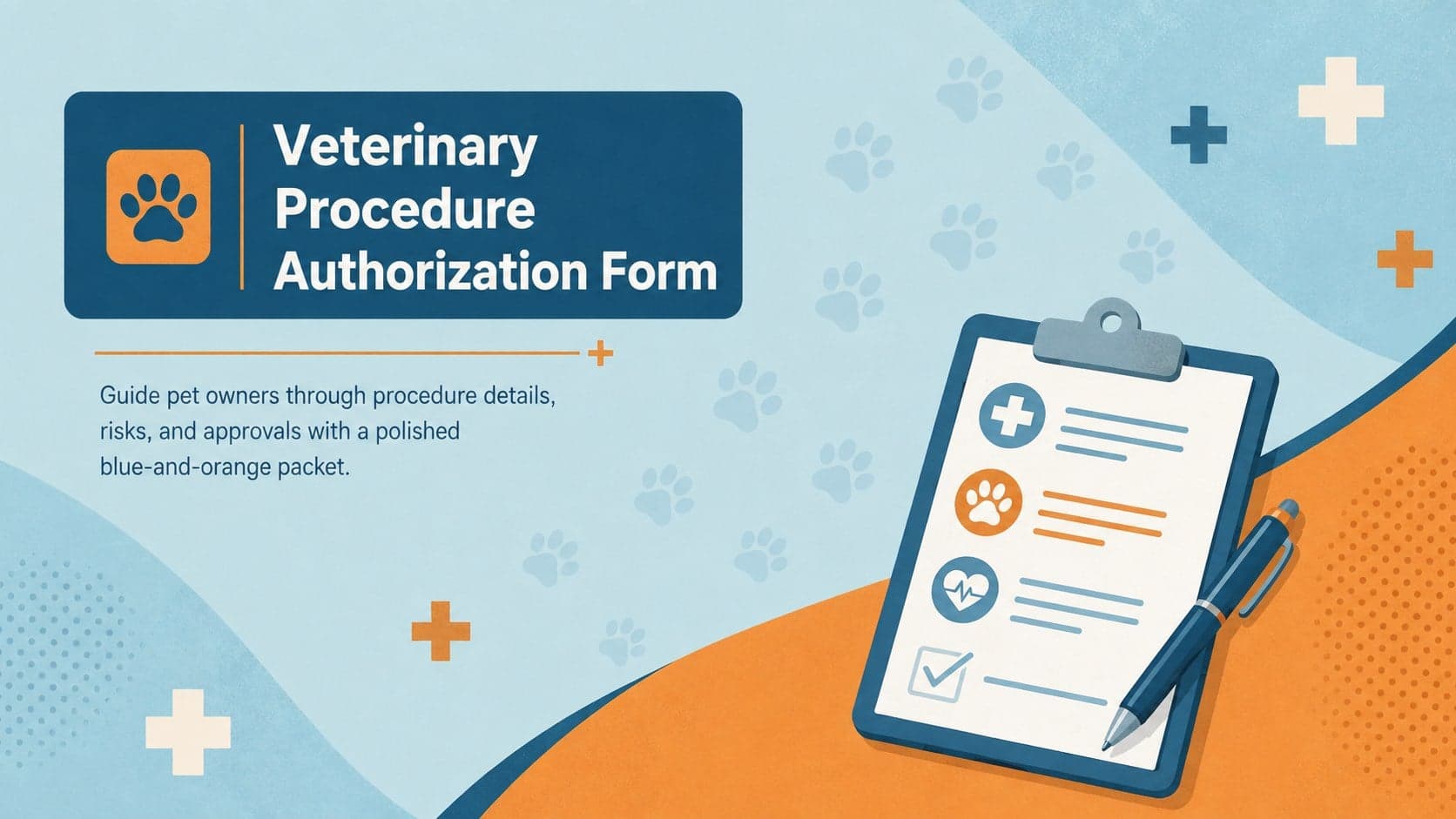
4Prepare pet owners for treatment with a veterinary procedure authorization form covering risks, medication, contacts, and approval details.