
 15
15presentation
Flying Saucer History Lesson Deck
Build an engaging World UFO Day session with this flying saucer history lesson deck, featuring retro green-and-brown slides for PowerPoint and Google Slides.
Google SlidesPowerPoint
presentation · English
Christmas budgeting game slides help children compare gift prices, make smart choices, and practice money skills in PowerPoint or Google Slides.

Design notes
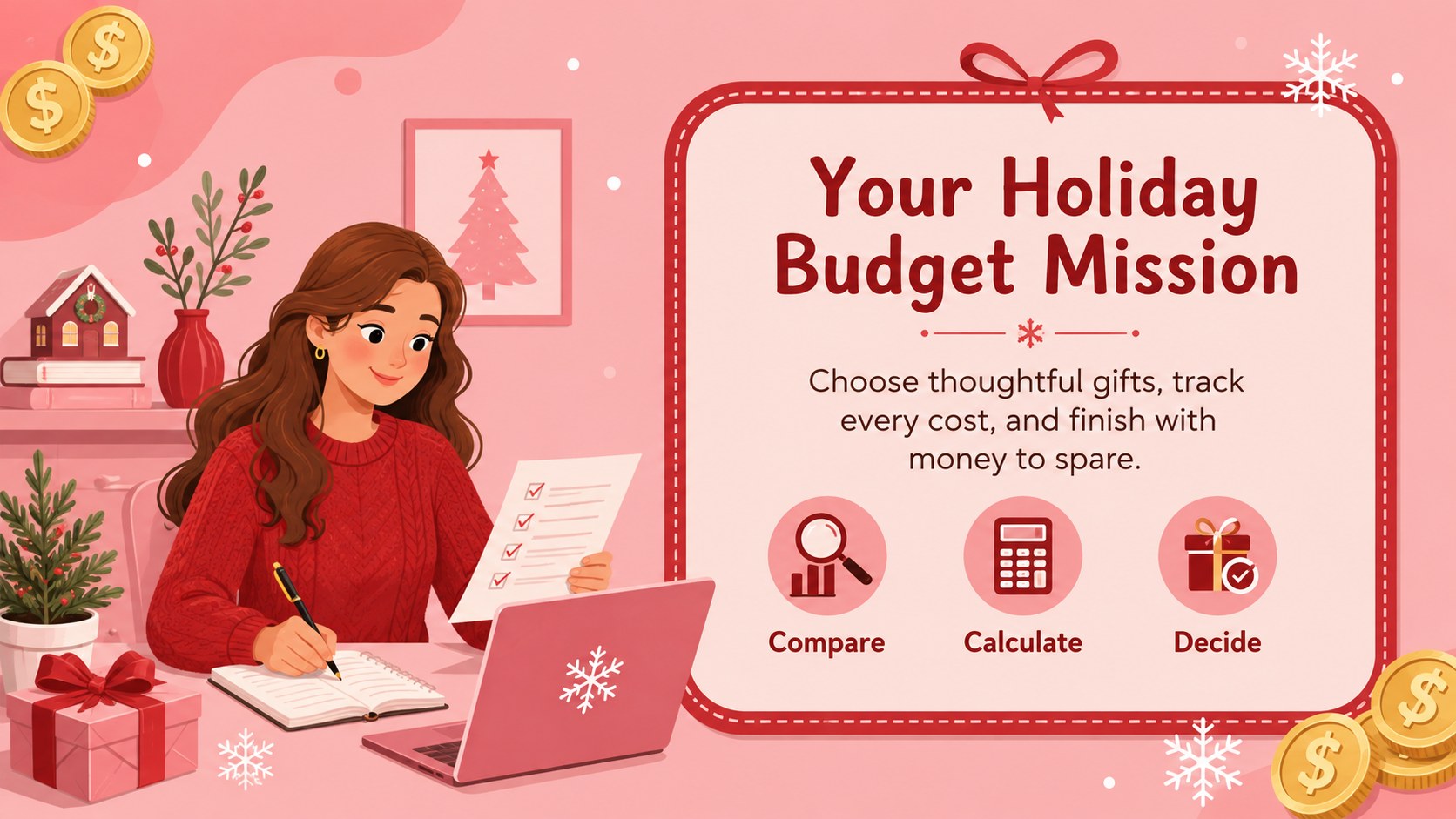
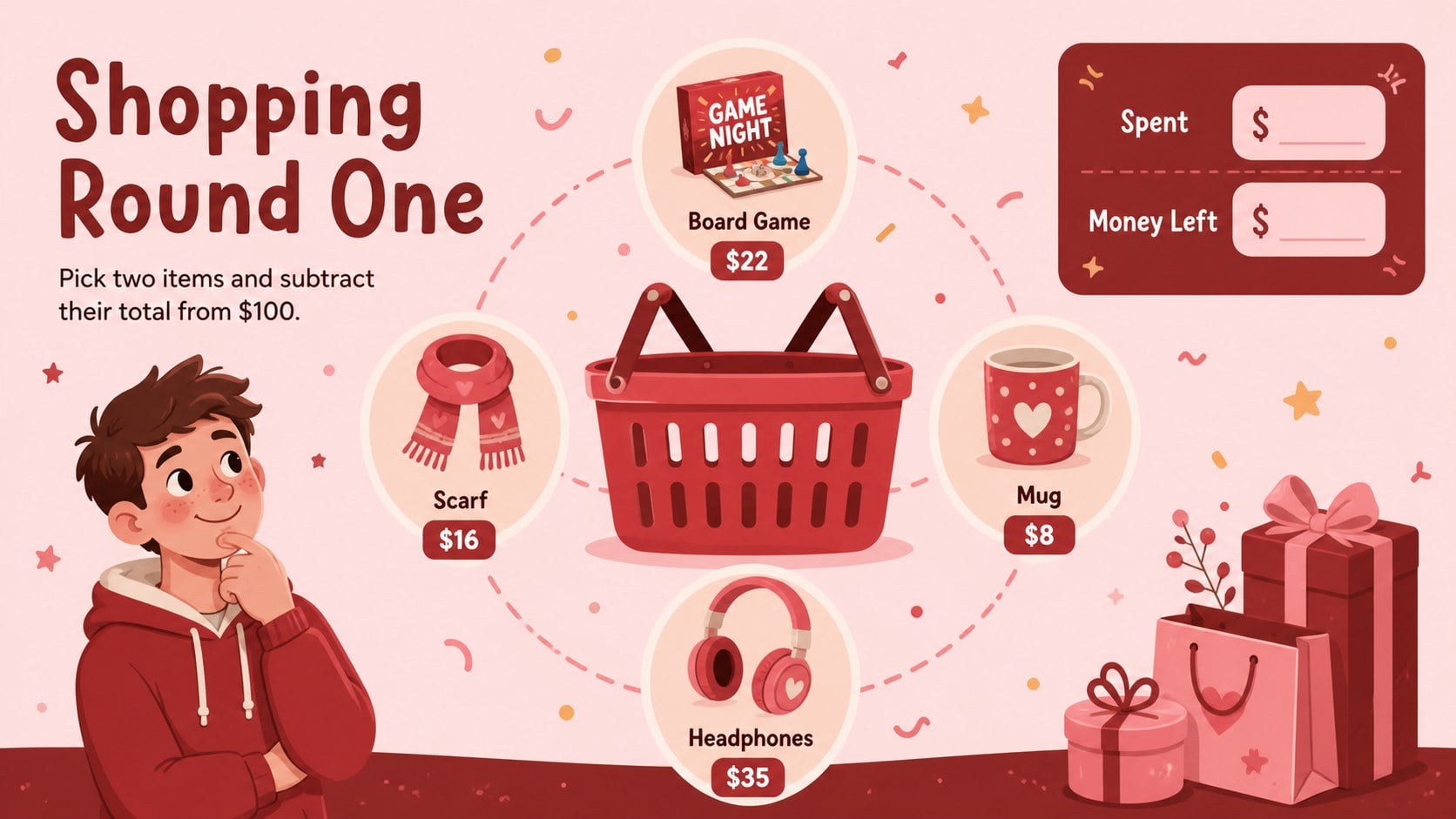
Christmas budgeting game slides turn seasonal shopping decisions into an engaging financial literacy activity for children. Learners receive a spending limit, compare gift prices, make trade-offs, and calculate what remains while moving through a cheerful illustrated challenge.
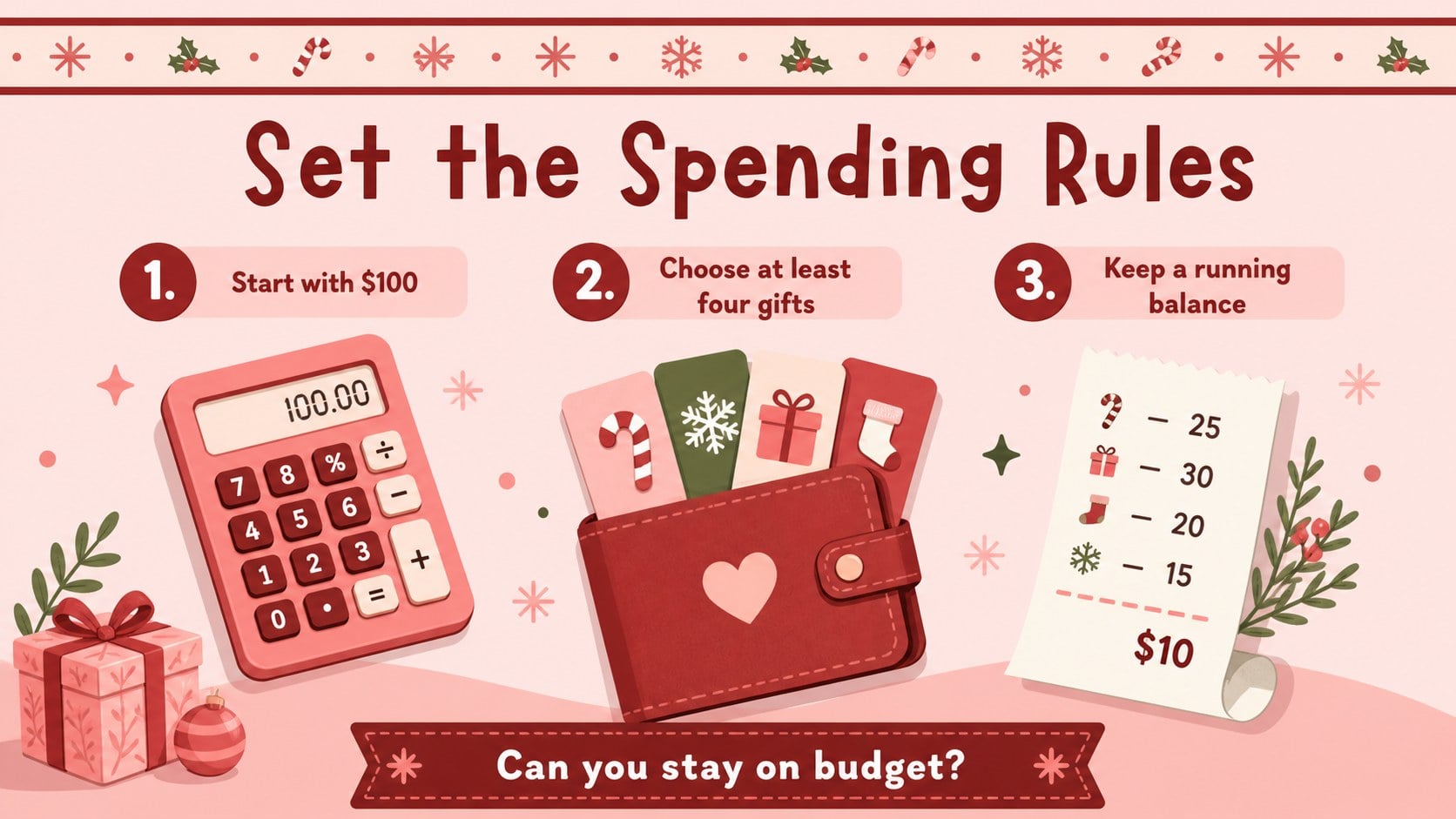
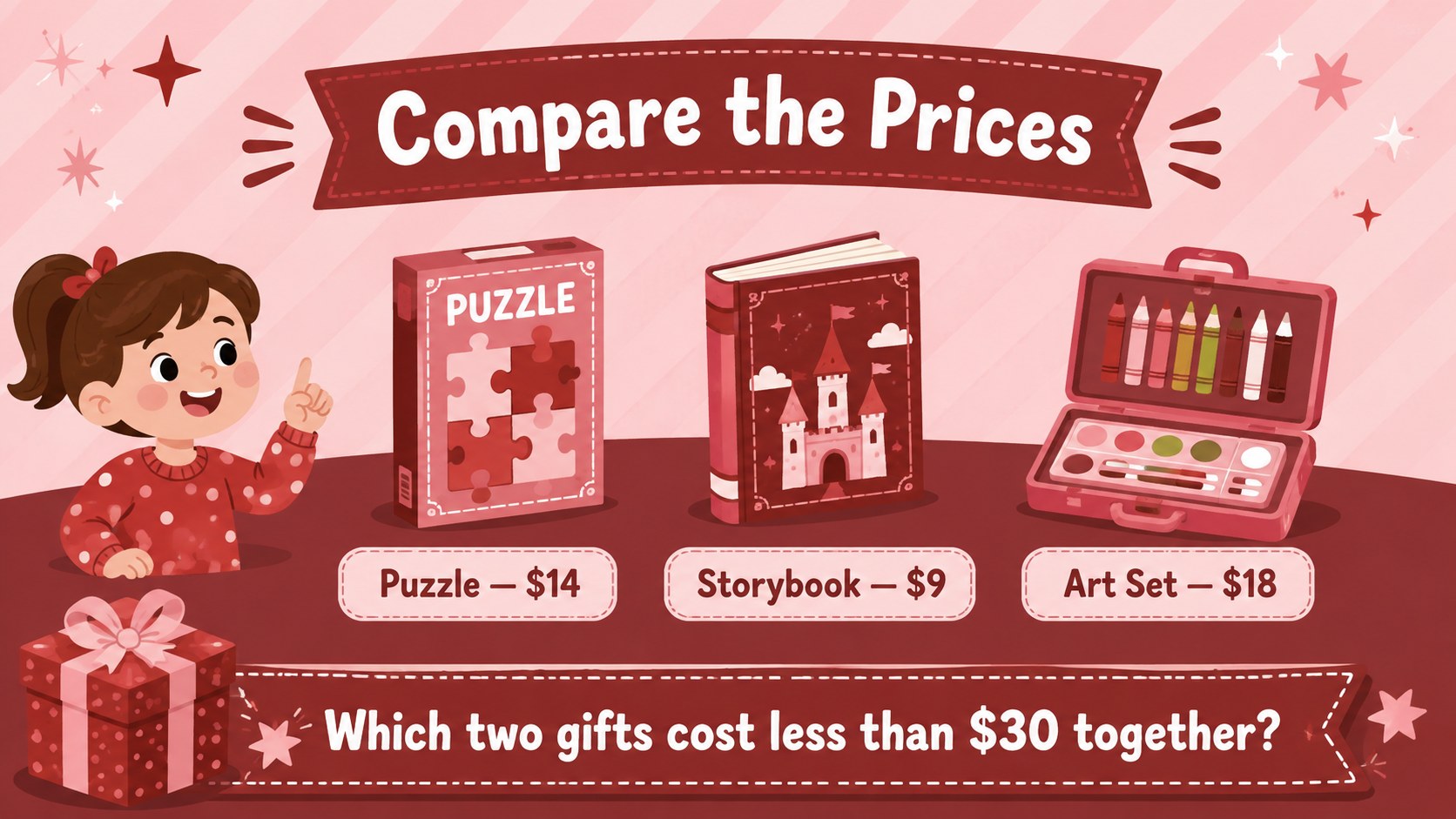
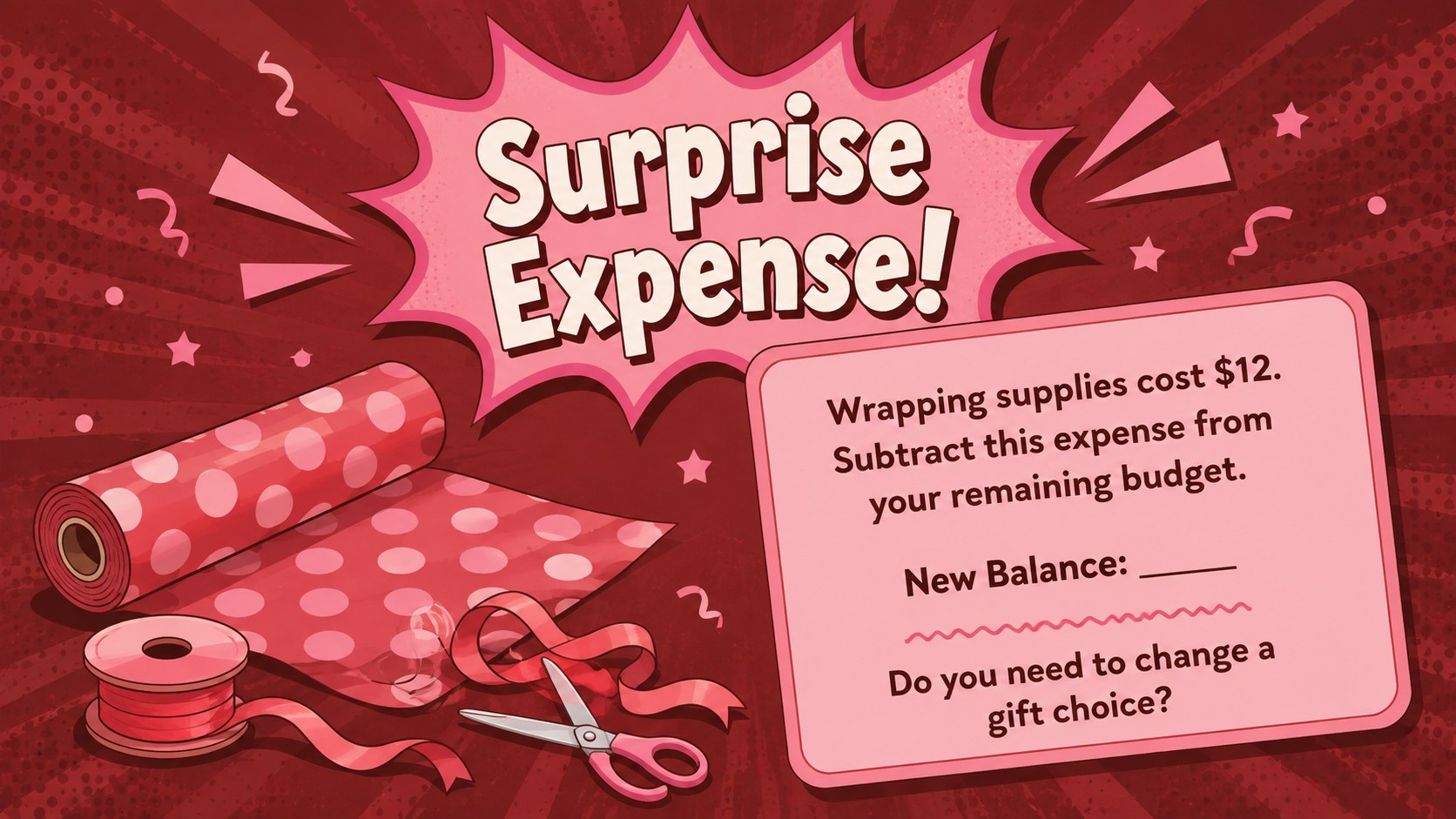
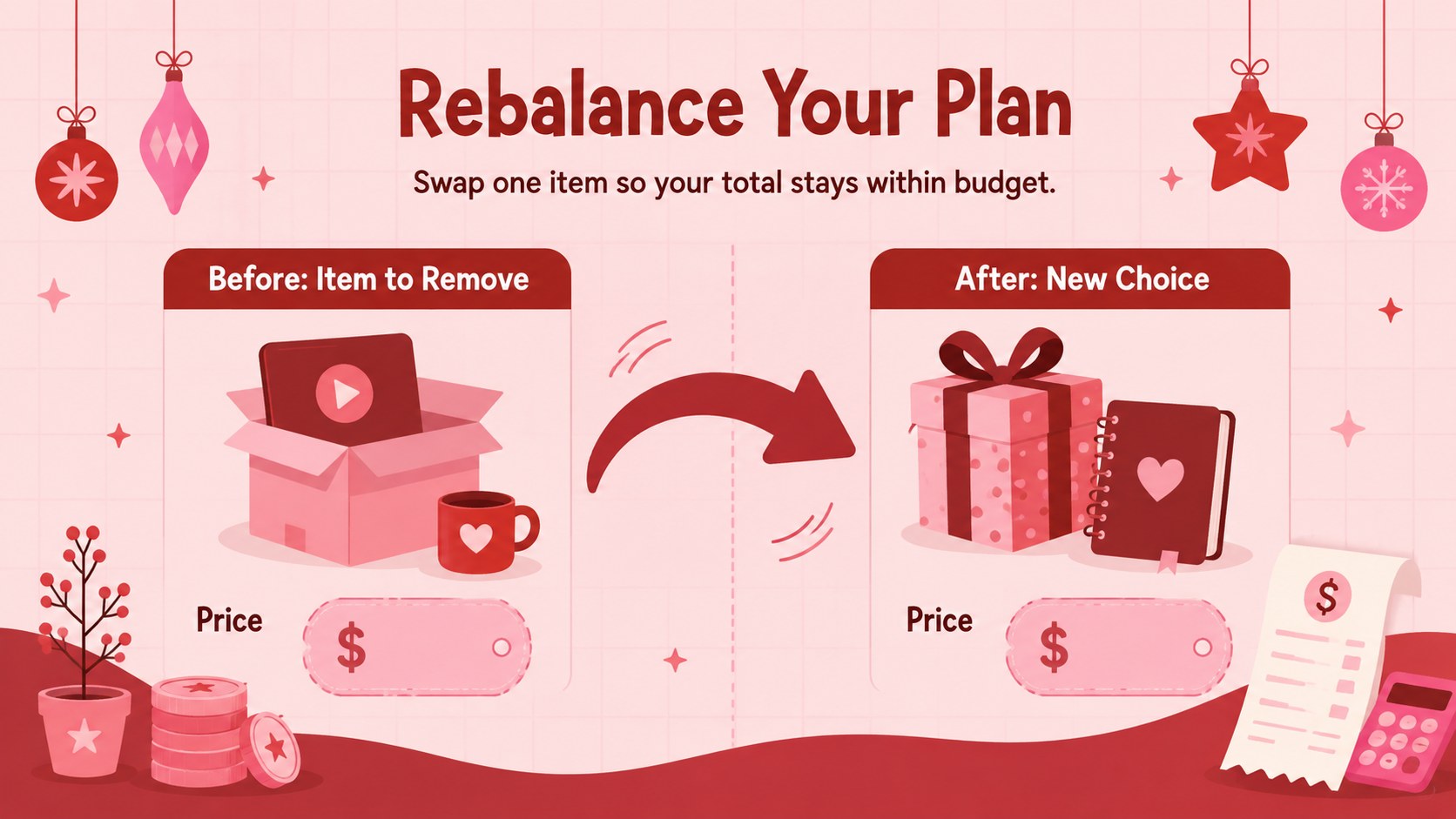
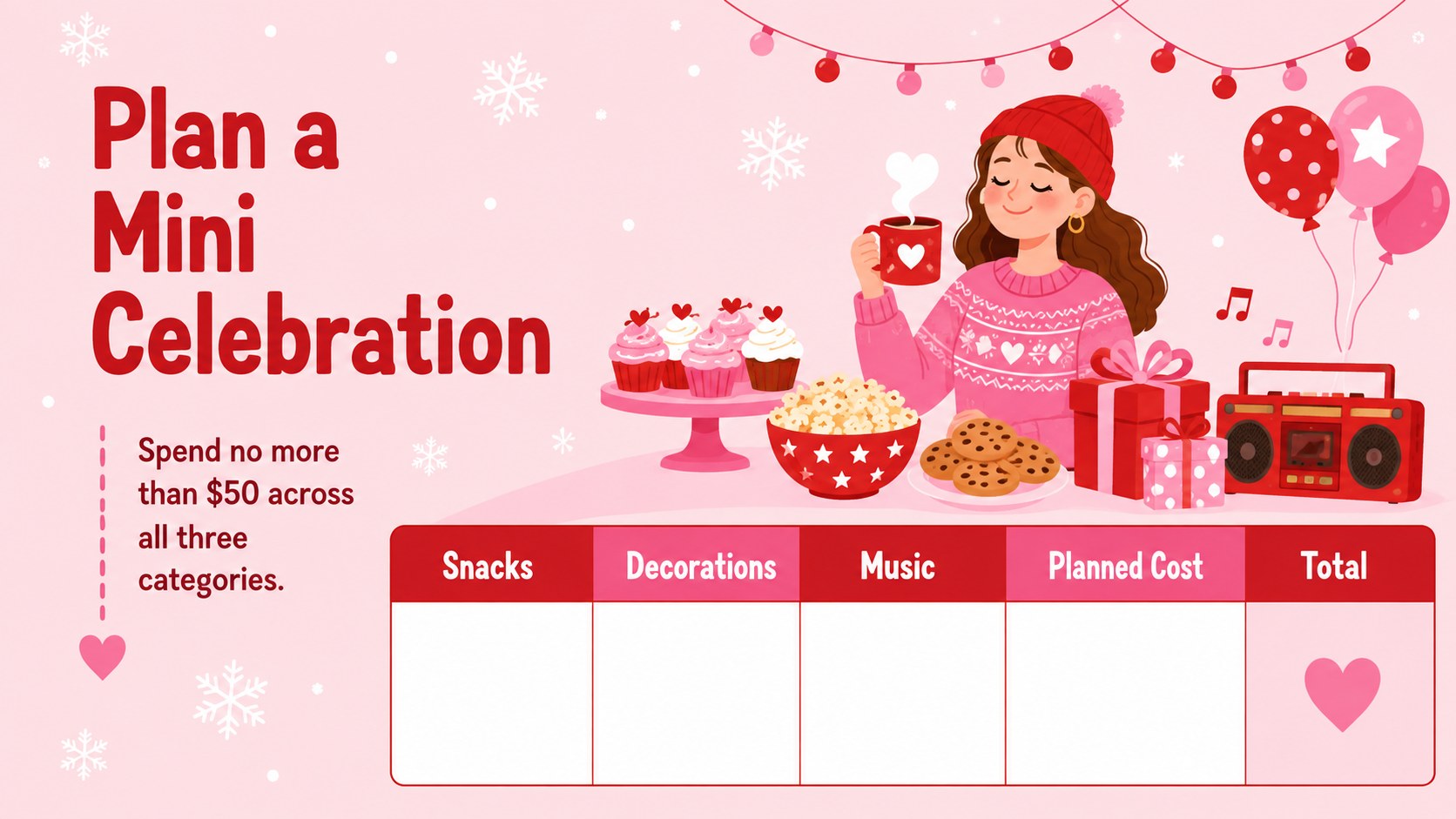
The 11-slide deck includes a mission briefing, simple budget rules, a wish-list planner, price comparisons, shopping rounds, an unexpected-expense scenario, a budget revision task, and a final reflection. Teachers can use it as a Christmas shopping math activity or adapt the amounts, products, and questions for different ages. Playful pink and red illustrations, bold labels, and spacious 16:9 layouts keep every task easy to follow.
Designed for elementary teachers, homeschool families, youth group leaders, and financial literacy instructors, this interactive classroom budgeting exercise works for individual practice, partner work, or team competition. All text, prices, colors, and illustrations can be edited in PowerPoint or Google Slides. Use the complete sequence for a holiday money lesson for elementary students, or select individual slides for warm-ups, math centers, and end-of-term review.
Perfect for: elementary holiday math lesson; classroom financial literacy game; homeschool money skills activity; Christmas math center; youth group budgeting challenge.
Frequently asked questions
Which presentation platforms support this template? The slides are designed for PowerPoint and Google Slides. Download the preferred format, open the file, and present or edit it using the platform that fits your classroom.
Practical details
The slides are designed for PowerPoint and Google Slides. Download the preferred format, open the file, and present or edit it using the platform that fits your classroom.
Yes. Every price, budget amount, product label, and instruction can be edited, allowing you to adjust the difficulty for different grade levels or currencies.
Students can play individually, work with a partner, or discuss choices in teams. They compare prices, record purchases, subtract costs, and revise their plan when an unexpected expense appears.
Yes. You can replace illustrations, update fonts, and adjust the pink and red palette while retaining the existing activity structure and widescreen layouts.
Keep exploring
15Build an engaging World UFO Day session with this flying saucer history lesson deck, featuring retro green-and-brown slides for PowerPoint and Google Slides.
 15
15Plan a lively animal-learning journey with this jungle zoo adventure lesson deck, ready to customize in PowerPoint and Google Slides for young learners.
 16
16Turn environmental research into a clear story with a Watercolor Ecology Presentation Theme for PowerPoint and Google Slides in calming green and blue.
 16
16Build focused fashion, literature, and humanities presentations with the Red Triangle Editorial Theme, editable in PowerPoint and Google Slides.
 15
15Turn streaming stats, favorite tracks, and concert highlights into a bold annual listening recap slide deck for PowerPoint and Google Slides.
 15
15Turn highlights, milestones, and favorite moments into a colorful year in review slide deck with bold 3D graphics for PowerPoint and Google Slides.
 3
3Build a credible endorsement with Standout Colleague Recommendation Letter Slides, featuring colorful prompts for skills, achievements, and team impact.
 4
4Build clear beginner sessions with an ice hockey fundamentals training deck for coaches, PE teachers, and clubs, ready for PowerPoint and Google Slides.