
 15
15presentation
Flying Saucer History Lesson Deck
Build an engaging World UFO Day session with this flying saucer history lesson deck, featuring retro green-and-brown slides for PowerPoint and Google Slides.
Google SlidesPowerPoint
presentation · English
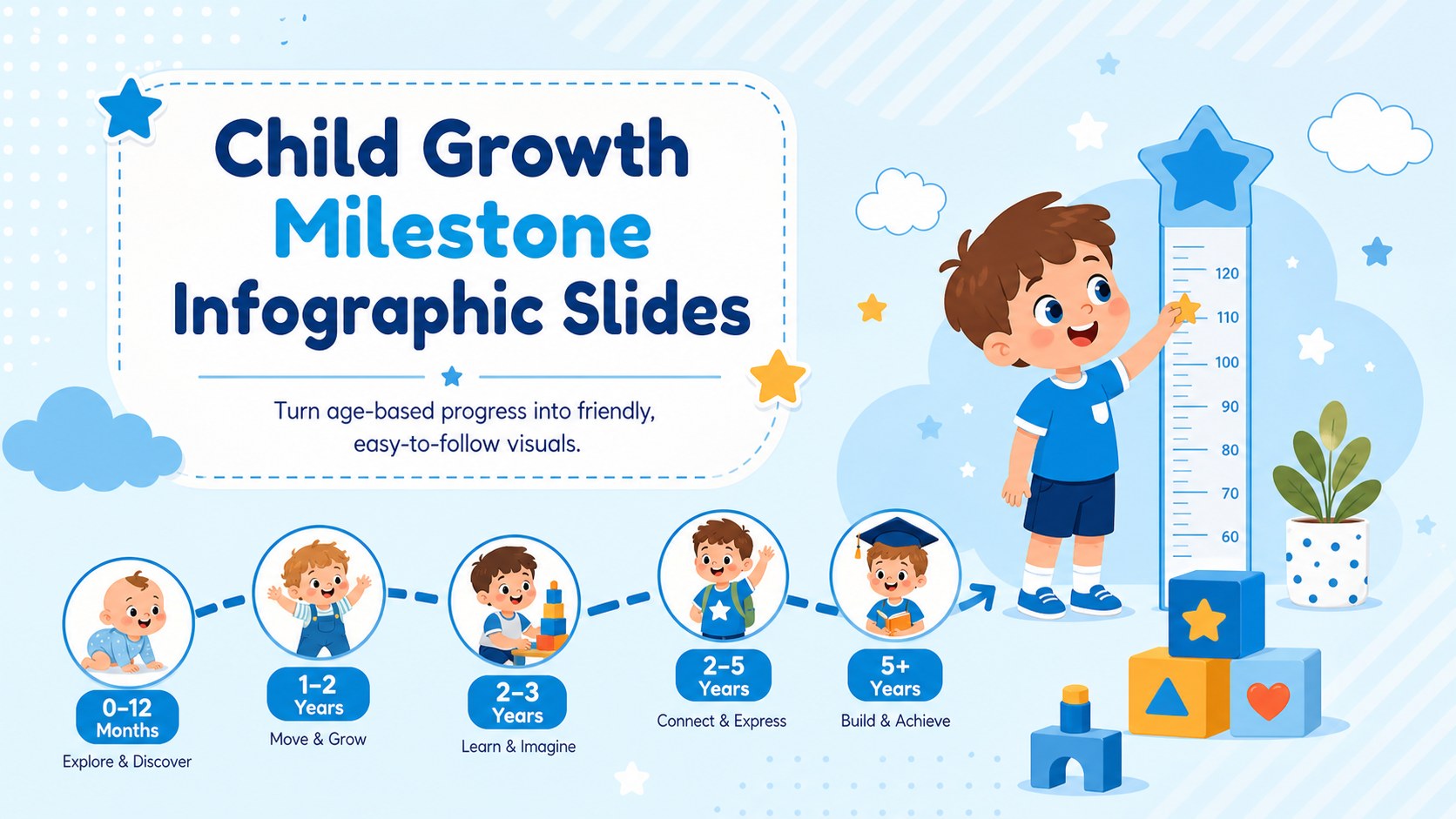
Use child growth milestone infographic slides to explain early development through friendly blue visuals, editable timelines, and clear educator-ready…
Design notes
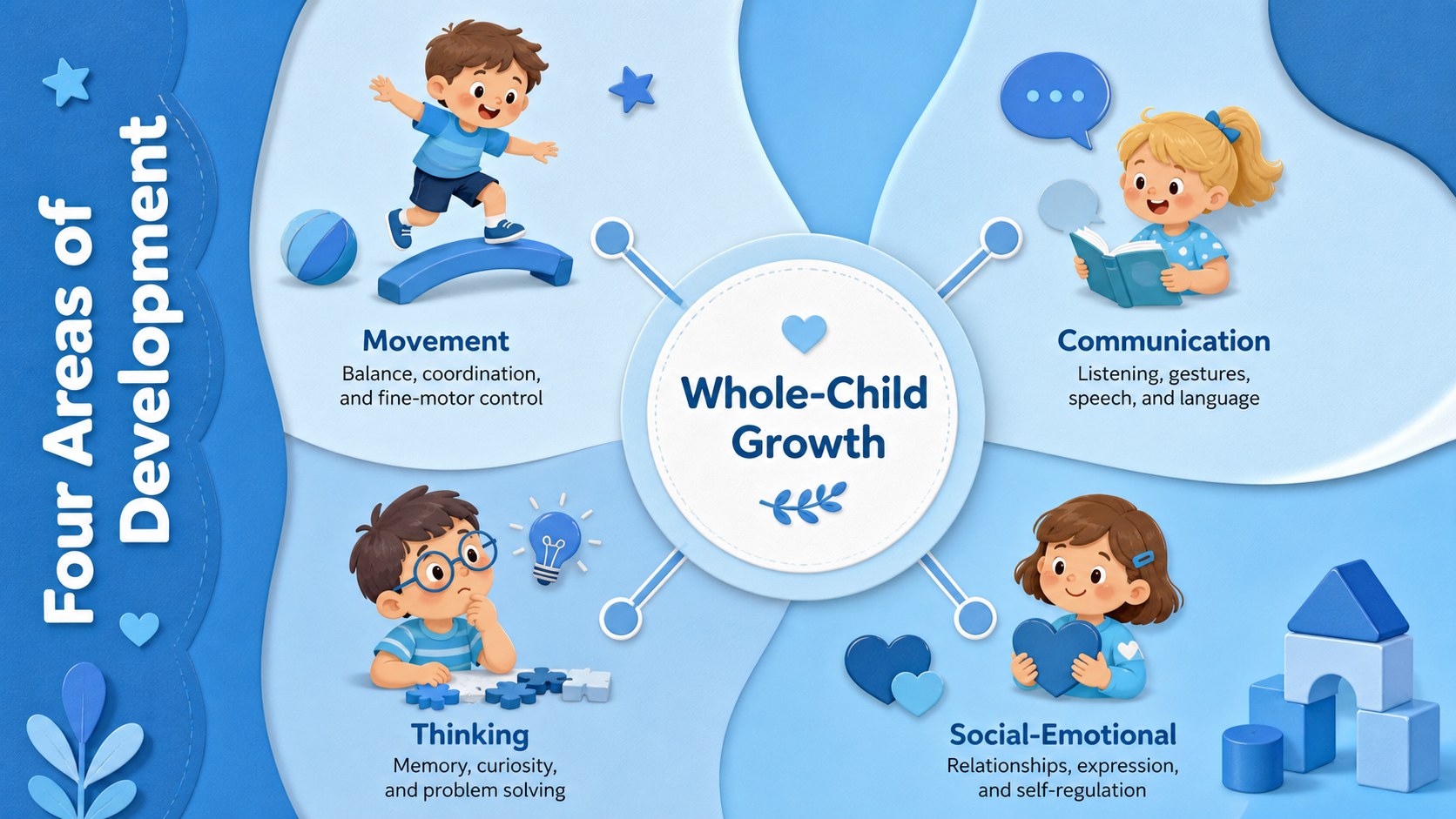
Child growth milestone infographic slides turn early development topics into approachable visual stories for families, educators, pediatric teams, and community organizations. The cheerful blue palette, rounded typography, and original child-friendly illustrations create a welcoming tone while keeping age-based information organized and easy to scan. Use the layouts to discuss physical, language, cognitive, social, or emotional progress without overwhelming your audience.
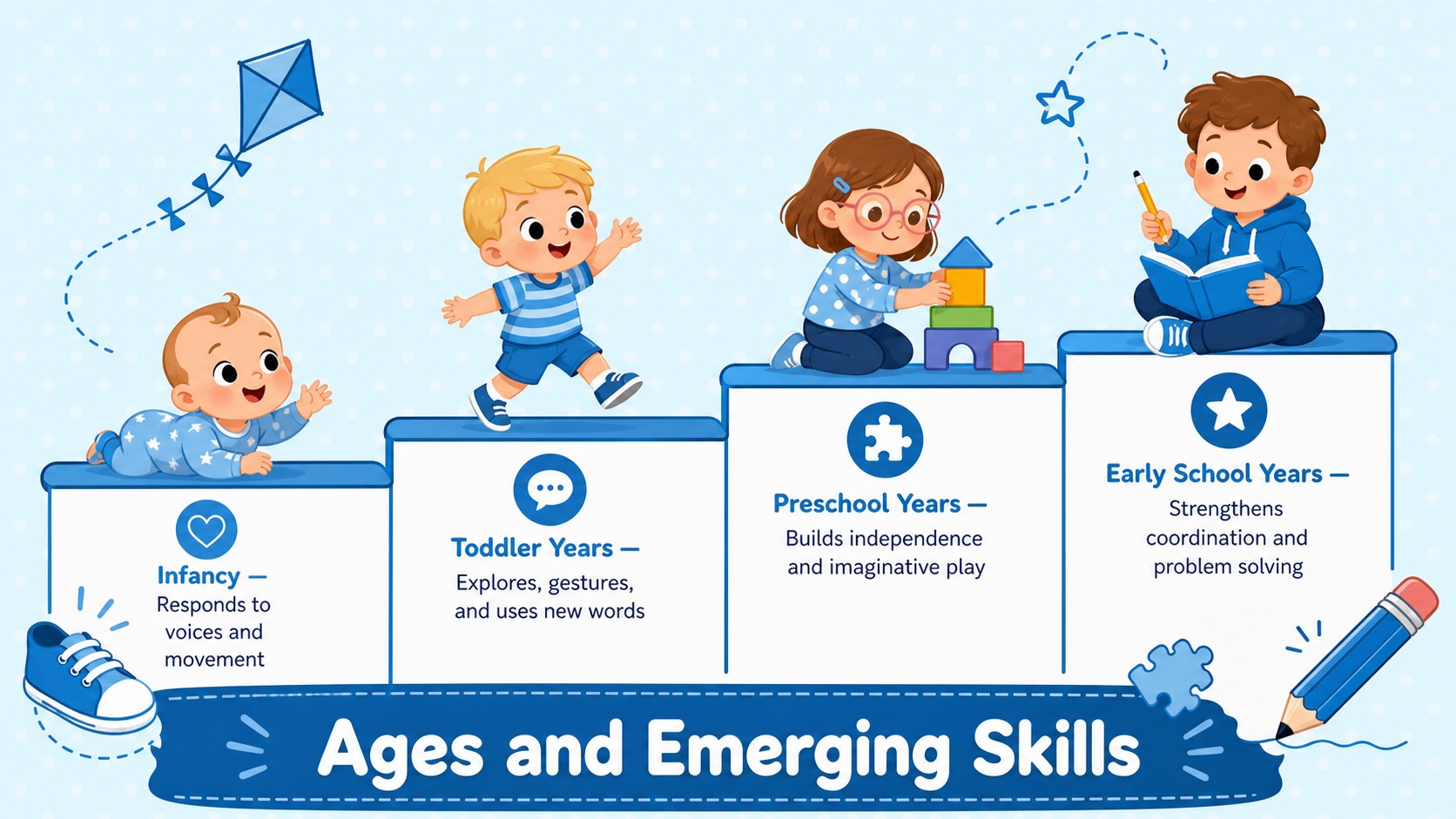
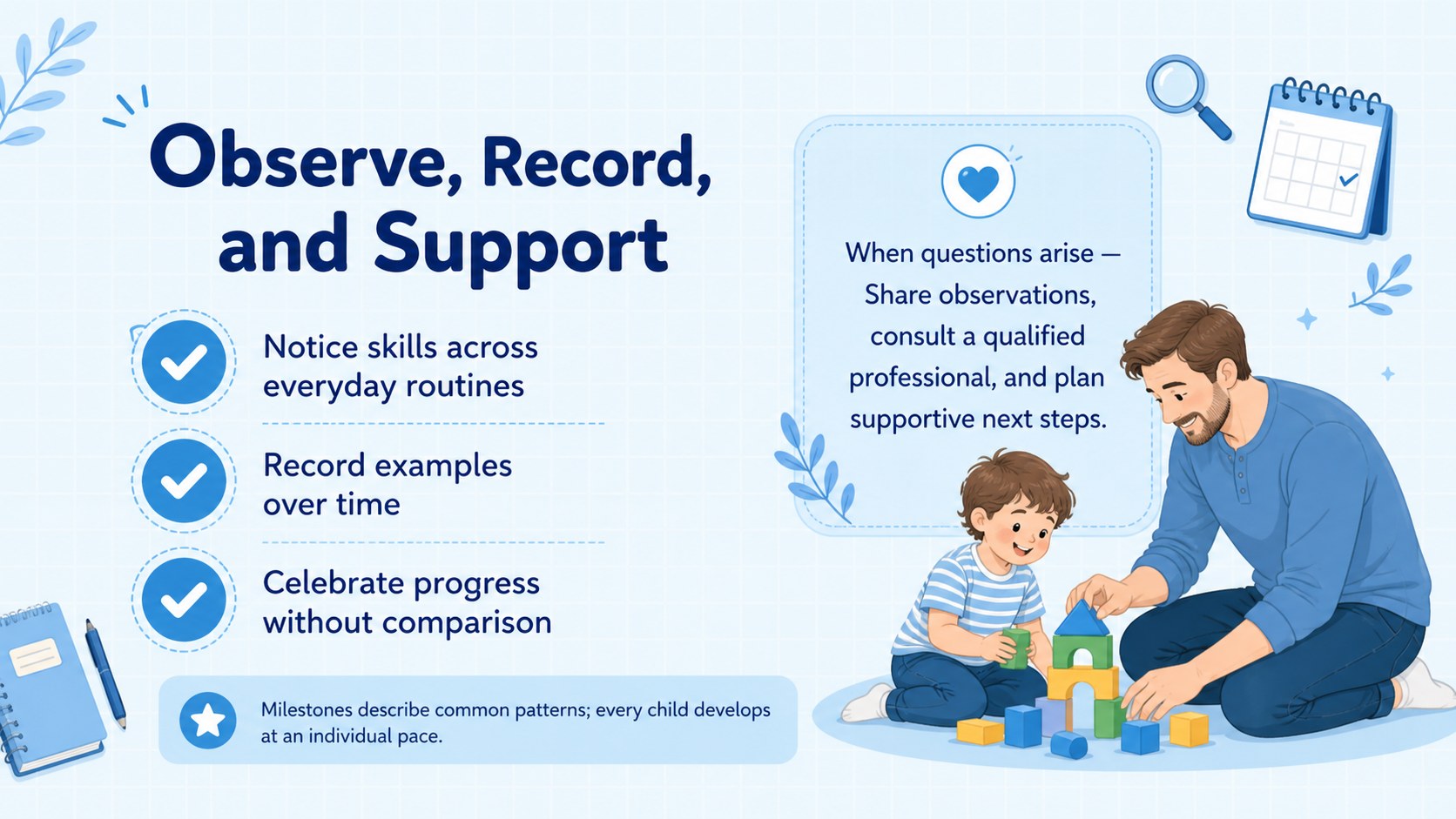
The set includes four coordinated infographic layouts for PowerPoint and Google Slides. Choose from an overview cover, an age-stage pathway, a developmental domains comparison, and a practical observation checklist. Editable text areas, icons, shapes, colors, and timeline markers make this an adaptable pediatric milestone timeline template for workshops, classroom lessons, parent meetings, or staff training. Each slide offers enough structure for quick editing while leaving room to add organization-specific guidance.
This early childhood development presentation works especially well for preschool teachers, school counselors, child care coordinators, pediatric professionals, and parenting educators. It can also serve as a child development infographic for parents who need concise, supportive information. Replace the sample wording with your own age ranges and recommendations, and include qualified professional guidance where appropriate. The layouts are designed to communicate typical patterns rather than diagnose development, helping presenters deliver clear information with a warm, reassuring visual style.
Perfect for: parent education workshop; preschool staff training; pediatric information session; early childhood classroom lesson; child care orientation.
Frequently asked questions
Can I edit the milestone stages and age ranges? Yes. All headings, descriptions, age labels, icons, shapes, and timeline markers can be adjusted to match your material. Review developmental information with a qualified professional before presenting it as guidance.
Practical details
Yes. All headings, descriptions, age labels, icons, shapes, and timeline markers can be adjusted to match your material. Review developmental information with a qualified professional before presenting it as guidance.
The slides are designed for PowerPoint and Google Slides. Fonts or spacing may render slightly differently between platforms, so check the final layout before presenting.
Yes. You can replace the blue tones with your organization or school colors and update text and icon colors for contrast. The illustrated, friendly design remains effective with either soft or high-contrast palettes.
No. It is a communication and education resource for presenting general developmental information. Add appropriate sources, local guidance, and referral information when using it in health or family-support settings.
Keep exploring
15Build an engaging World UFO Day session with this flying saucer history lesson deck, featuring retro green-and-brown slides for PowerPoint and Google Slides.
 15
15Plan a lively animal-learning journey with this jungle zoo adventure lesson deck, ready to customize in PowerPoint and Google Slides for young learners.
 16
16Turn environmental research into a clear story with a Watercolor Ecology Presentation Theme for PowerPoint and Google Slides in calming green and blue.
 16
16Build focused fashion, literature, and humanities presentations with the Red Triangle Editorial Theme, editable in PowerPoint and Google Slides.
 15
15Turn streaming stats, favorite tracks, and concert highlights into a bold annual listening recap slide deck for PowerPoint and Google Slides.
 15
15Turn highlights, milestones, and favorite moments into a colorful year in review slide deck with bold 3D graphics for PowerPoint and Google Slides.
 3
3Build a credible endorsement with Standout Colleague Recommendation Letter Slides, featuring colorful prompts for skills, achievements, and team impact.
 4
4Build clear beginner sessions with an ice hockey fundamentals training deck for coaches, PE teachers, and clubs, ready for PowerPoint and Google Slides.