
 15
15presentation
Flying Saucer History Lesson Deck
Build an engaging World UFO Day session with this flying saucer history lesson deck, featuring retro green-and-brown slides for PowerPoint and Google Slides.
Google SlidesPowerPoint
presentation · English
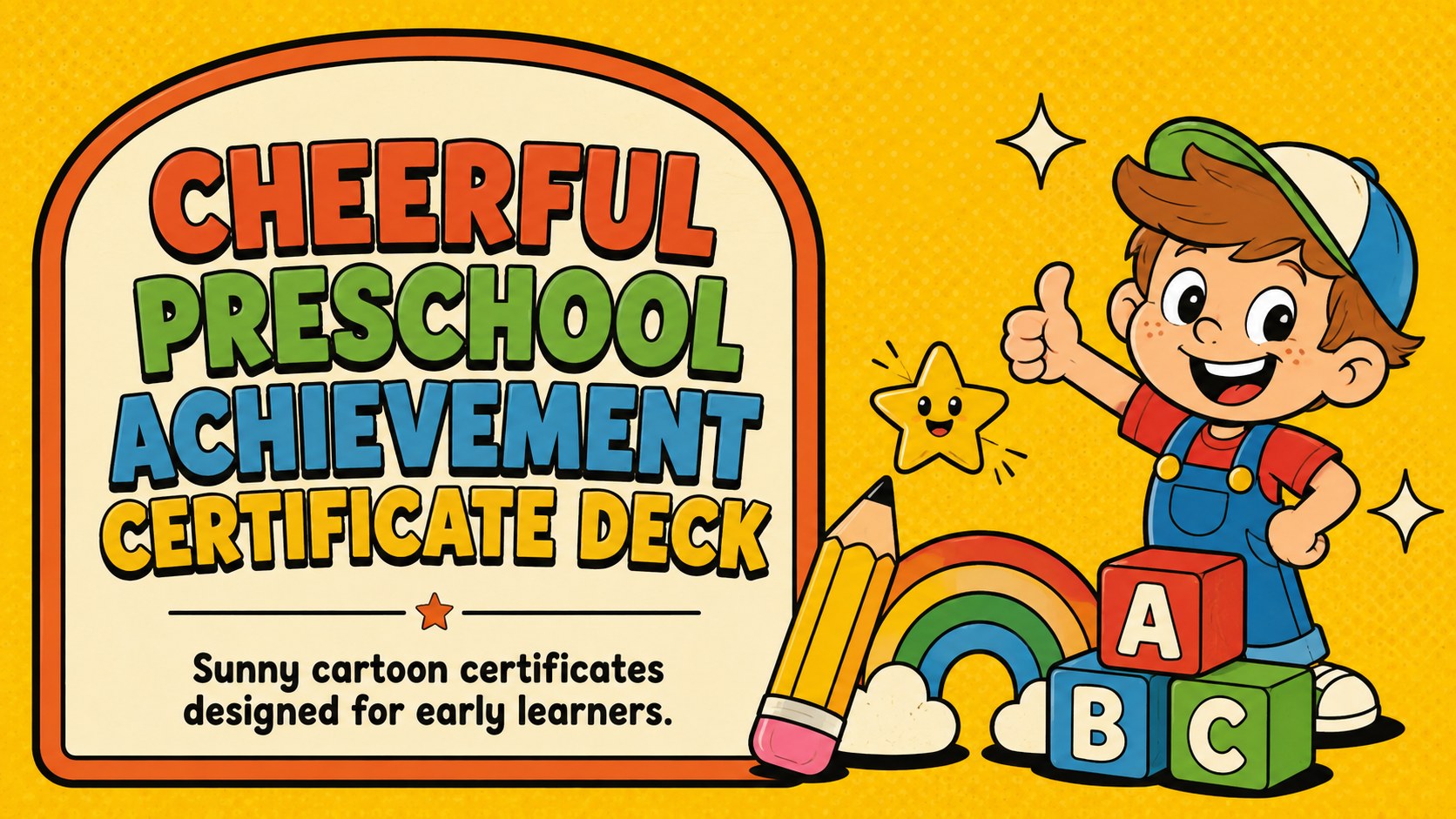
Celebrate every milestone with a cheerful preschool achievement certificate deck featuring sunny cartoon layouts for PowerPoint and Google Slides.
Design notes
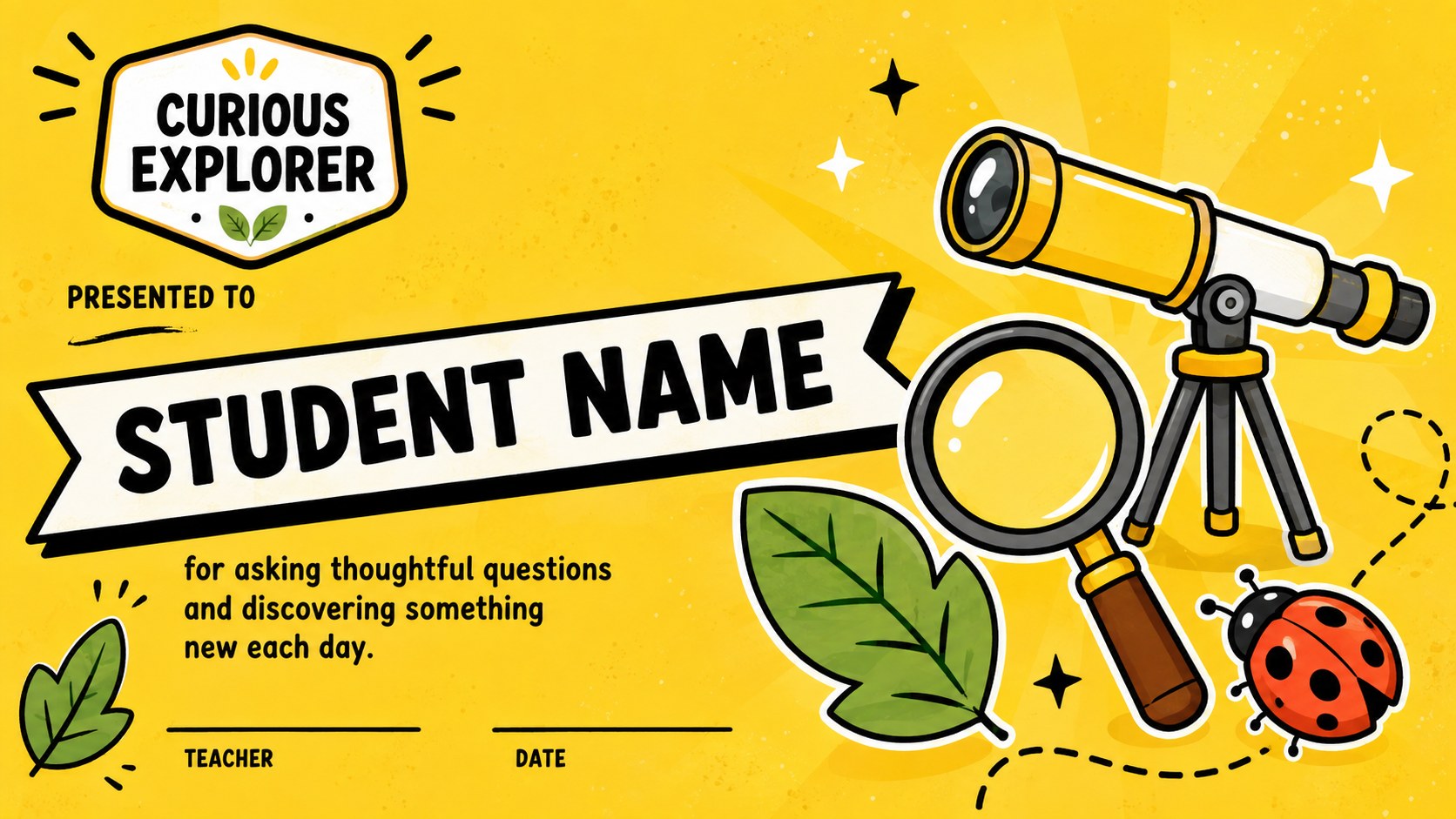
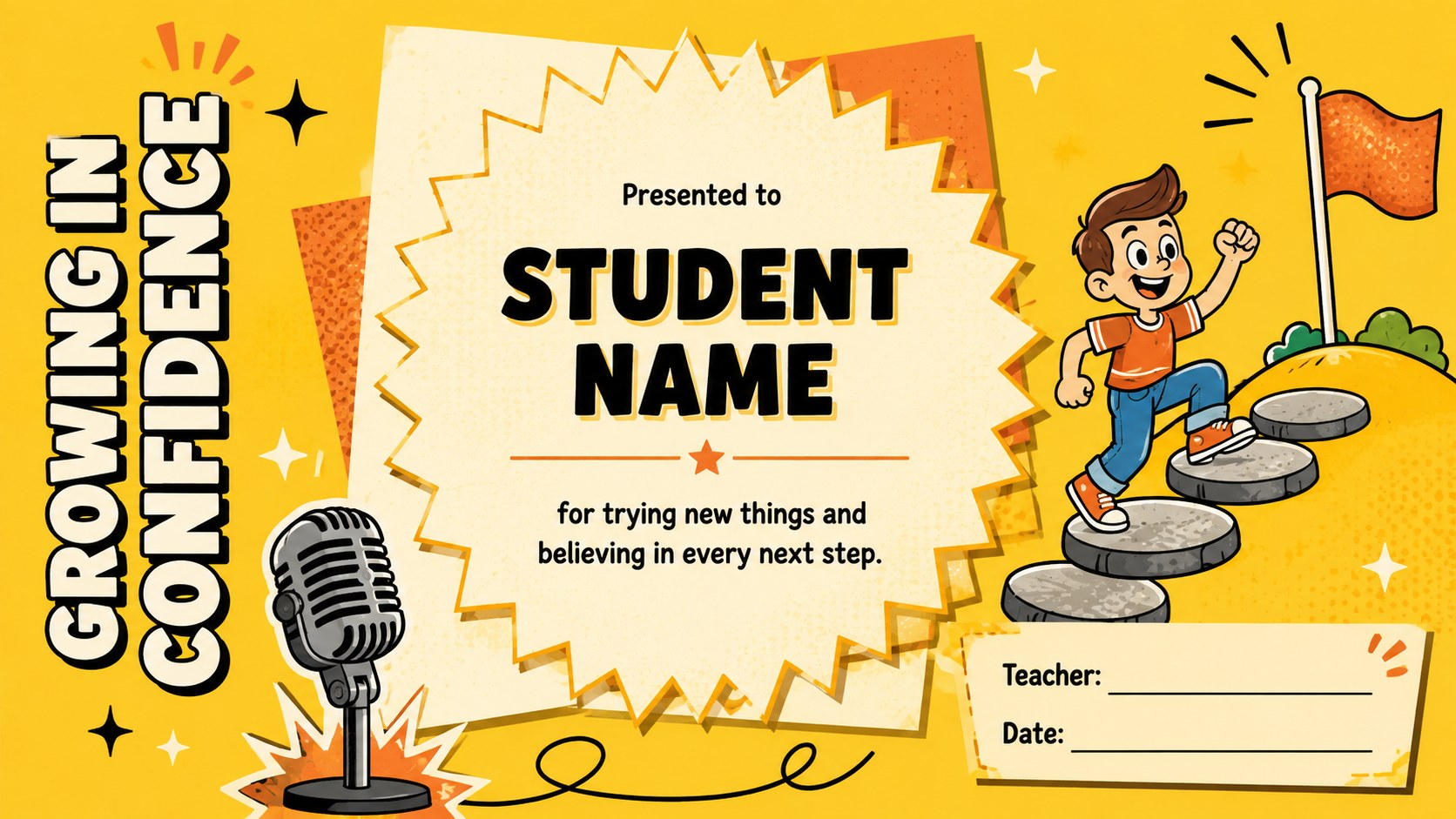
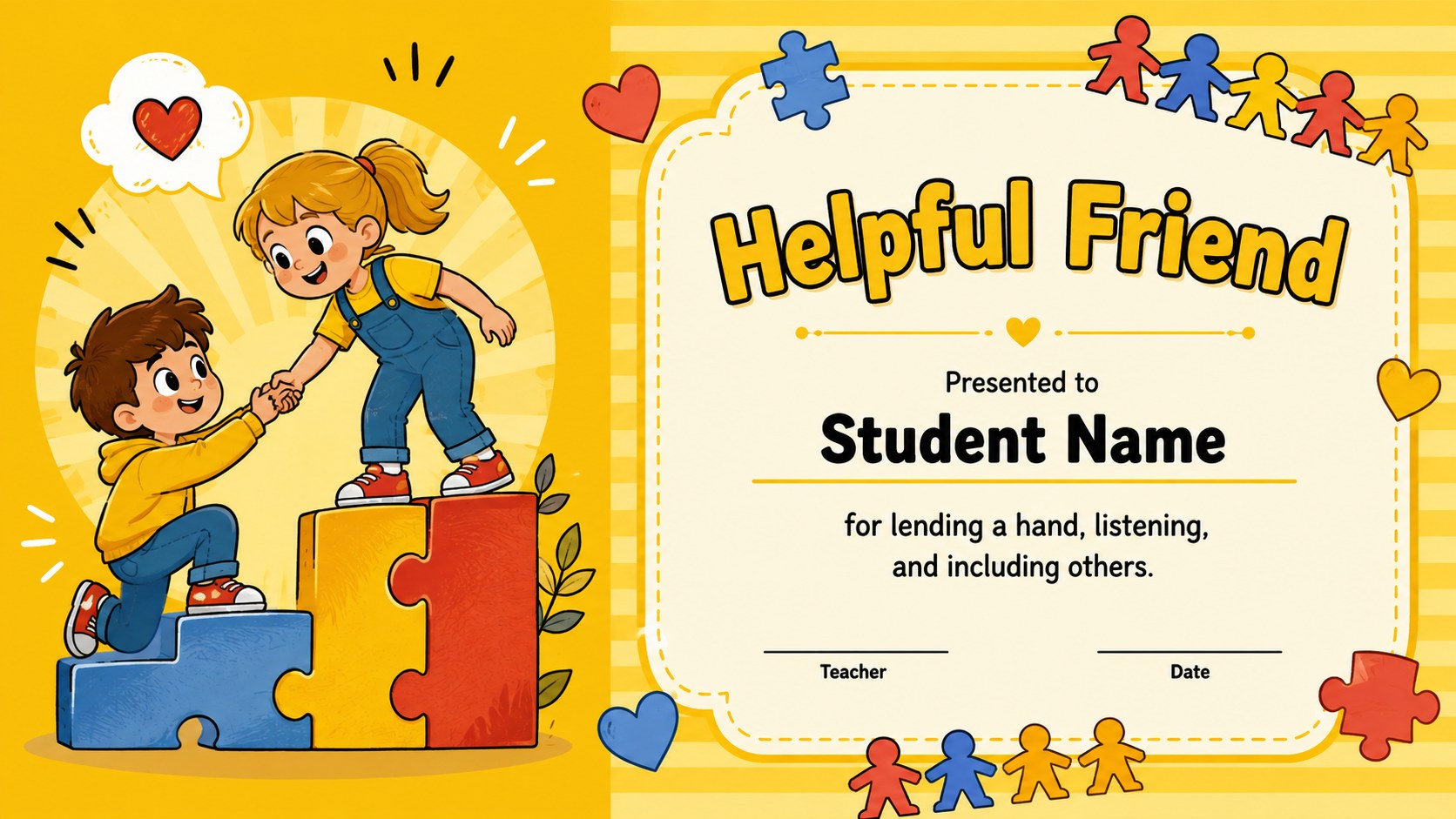
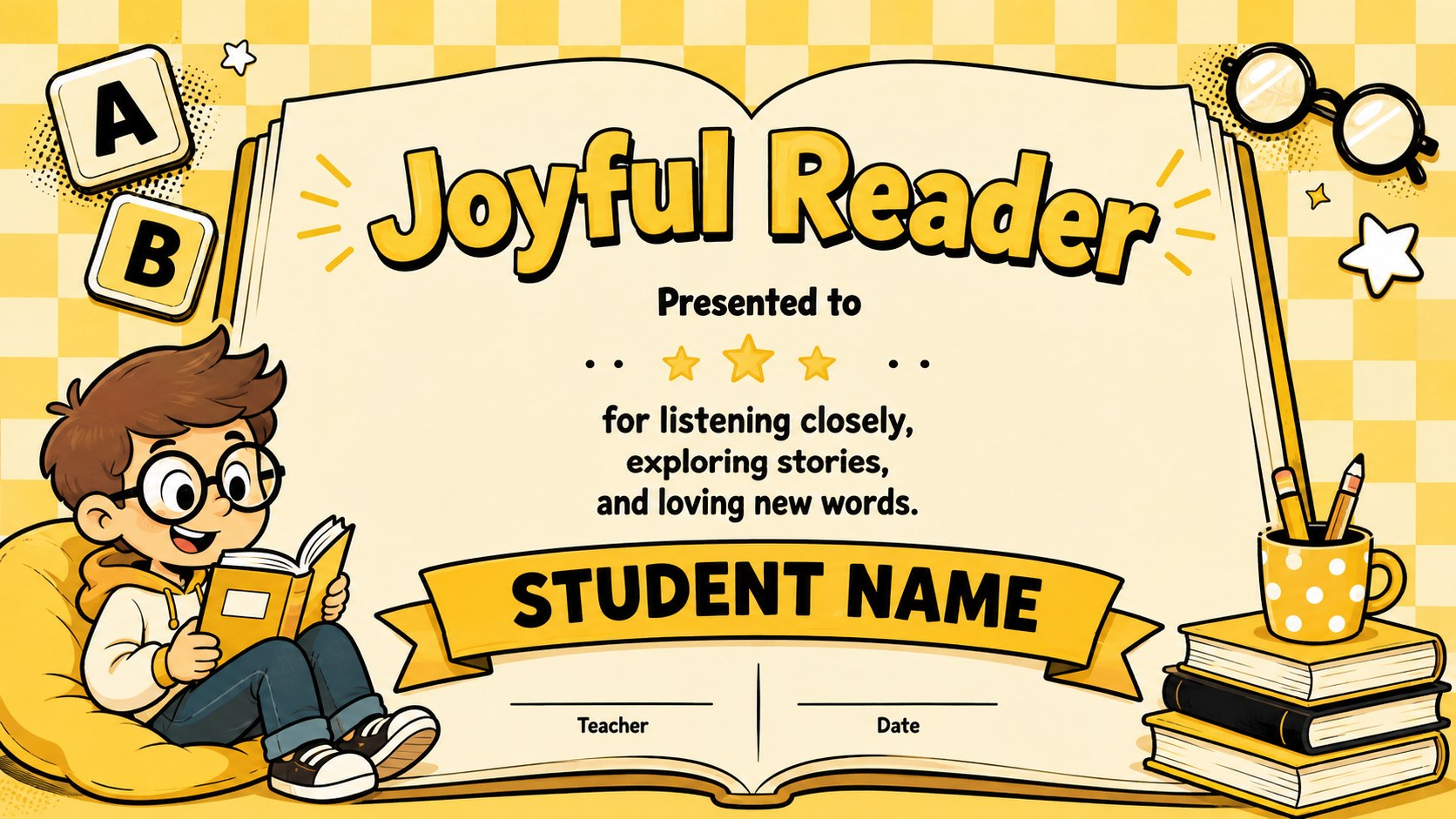
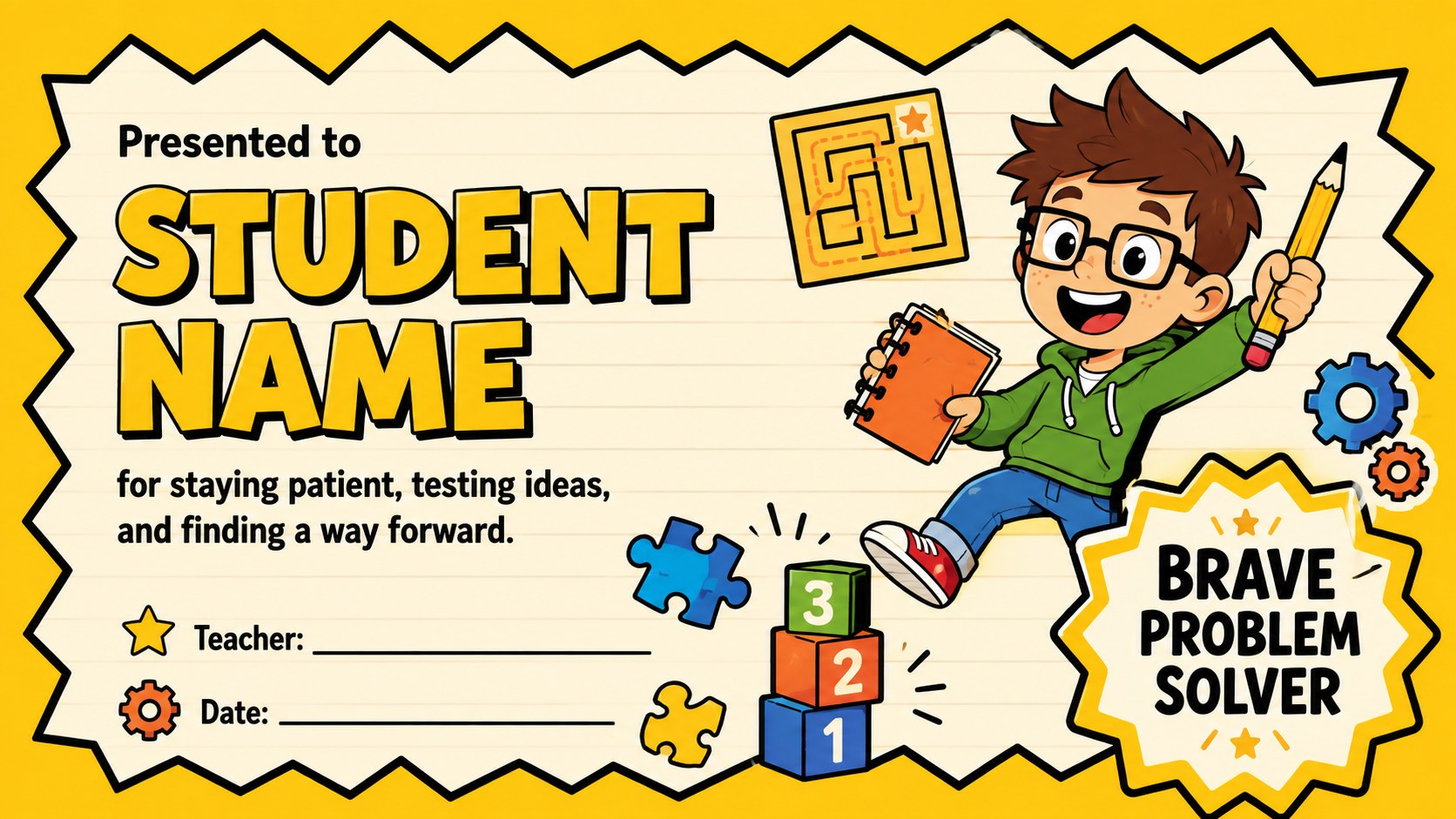
Turn everyday progress into a celebration with this cheerful preschool achievement certificate deck. Its sunny yellow palette, bold retro lettering, and playful cartoon details create an upbeat setting for recognizing the unique strengths of every young learner. Educators can personalize the wording, student names, dates, and award categories in PowerPoint or Google Slides.
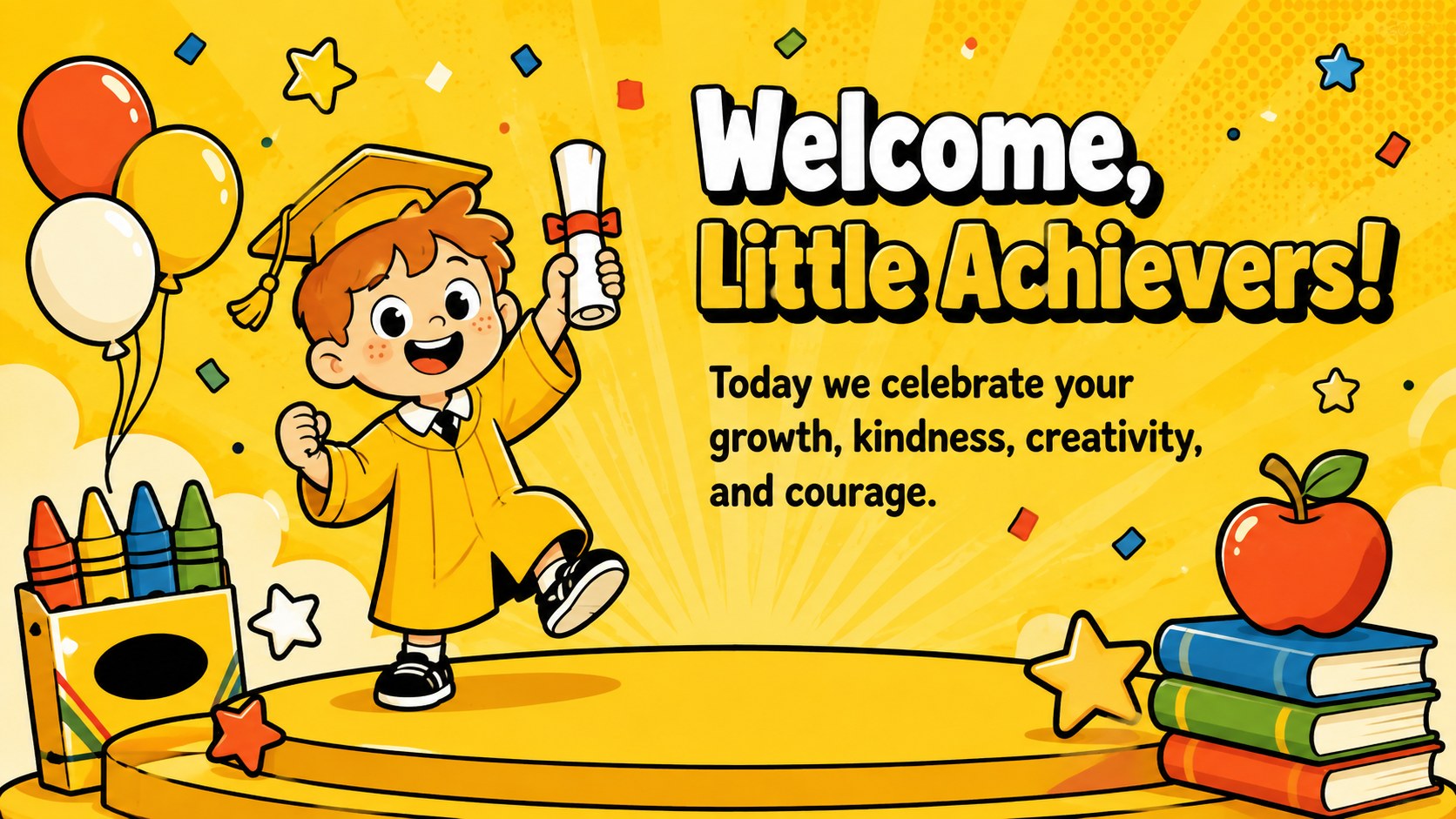
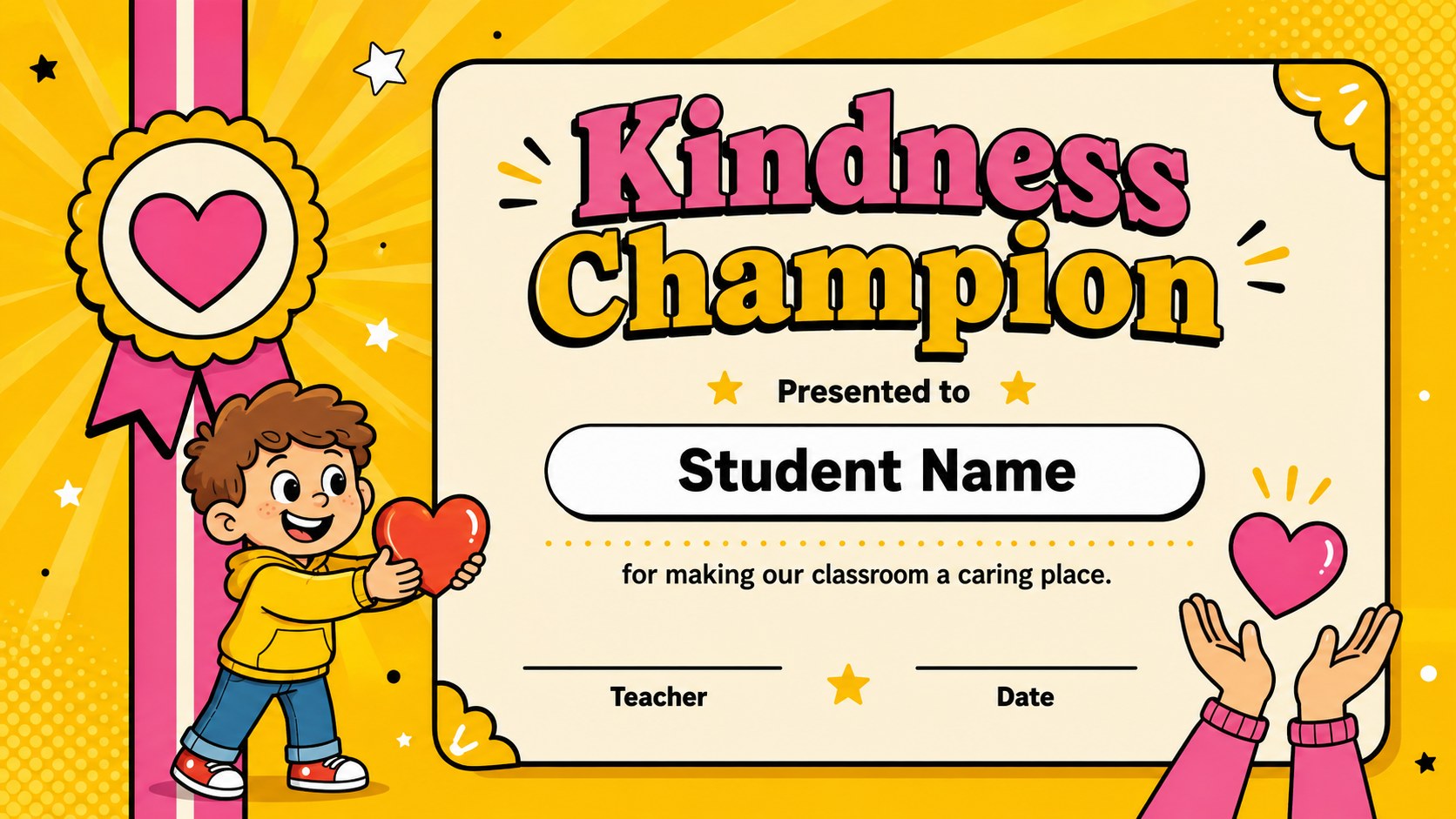
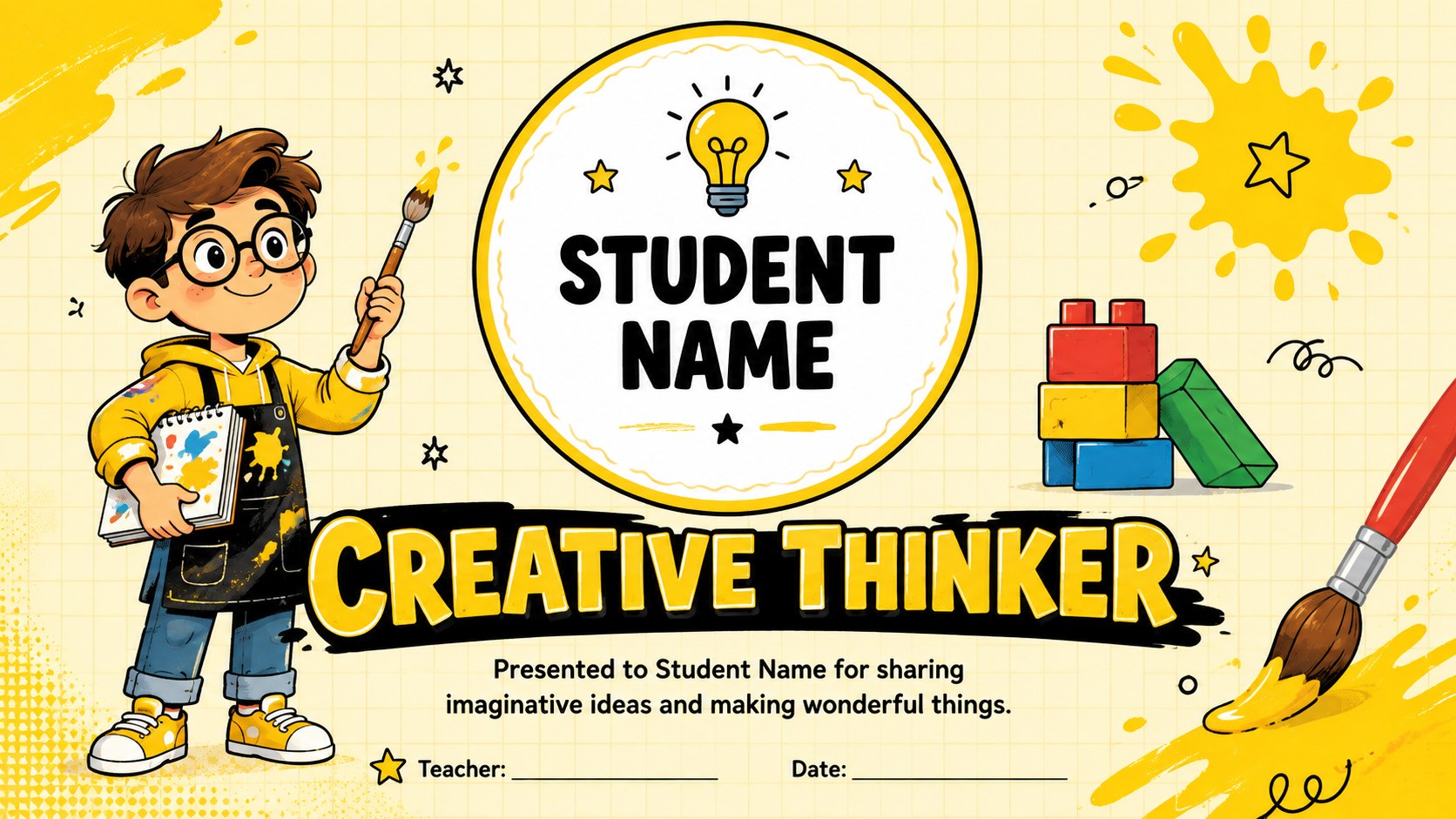
The deck includes a welcoming cover, ceremony introduction pages, individual achievement certificates, group recognition layouts, and a closing message. Use the ready-made designs for kindness, creativity, curiosity, friendship, confidence, helpfulness, participation, and classroom growth. The flexible layouts also work as editable preschool achievement certificates that can be displayed on screen or prepared for printing. Coordinated decorative elements keep the full presentation visually consistent while leaving clear space for names and personal messages.
Designed for preschool teachers, kindergarten educators, childcare teams, and early learning coordinators, this yellow cartoon classroom award slides collection suits graduation days, family gatherings, end-of-term parties, and informal classroom celebrations. It can also serve as a student recognition ceremony template when several children will receive different honors. Customize the sequence for a full awards event or select individual certificates for one-on-one recognition. The friendly illustrations and high-contrast typography help each child’s accomplishment feel important, joyful, and memorable.
Perfect for: preschool recognition ceremony; kindergarten graduation celebration; end-of-term classroom awards; student milestone presentation; family celebration event.
Frequently asked questions
Can I personalize each certificate for a different child? Yes. Replace the sample name, achievement, teacher, and date fields with details for each student. You can also duplicate certificate slides to create as many individual awards as needed.
Practical details
Yes. Replace the sample name, achievement, teacher, and date fields with details for each student. You can also duplicate certificate slides to create as many individual awards as needed.
The slides are designed for PowerPoint and Google Slides. Text, colors, illustrations, and layout elements can be adjusted using the standard editing tools in either platform.
Yes. Personalize the certificate first, then export the selected slide as a PDF or high-resolution image for printing. Check your printer settings and paper orientation before producing the full set.
Yes. Duplicate an existing certificate and replace its headline with a category such as Helpful Friend, Creative Thinker, or Curious Explorer. Keep the message brief so the name and achievement remain easy to read.
Keep exploring
15Build an engaging World UFO Day session with this flying saucer history lesson deck, featuring retro green-and-brown slides for PowerPoint and Google Slides.
 15
15Plan a lively animal-learning journey with this jungle zoo adventure lesson deck, ready to customize in PowerPoint and Google Slides for young learners.
 16
16Turn environmental research into a clear story with a Watercolor Ecology Presentation Theme for PowerPoint and Google Slides in calming green and blue.
 16
16Build focused fashion, literature, and humanities presentations with the Red Triangle Editorial Theme, editable in PowerPoint and Google Slides.
 15
15Turn streaming stats, favorite tracks, and concert highlights into a bold annual listening recap slide deck for PowerPoint and Google Slides.
 15
15Turn highlights, milestones, and favorite moments into a colorful year in review slide deck with bold 3D graphics for PowerPoint and Google Slides.
 3
3Build a credible endorsement with Standout Colleague Recommendation Letter Slides, featuring colorful prompts for skills, achievements, and team impact.
 4
4Build clear beginner sessions with an ice hockey fundamentals training deck for coaches, PE teachers, and clubs, ready for PowerPoint and Google Slides.