
 15
15presentation
Flying Saucer History Lesson Deck
Build an engaging World UFO Day session with this flying saucer history lesson deck, featuring retro green-and-brown slides for PowerPoint and Google Slides.
Google SlidesPowerPoint
presentation · English
Teach repeating processes clearly with this Chalkboard Process Diagram Deck for Secondary Students, editable in PowerPoint and Google Slides for lively…
Design notes
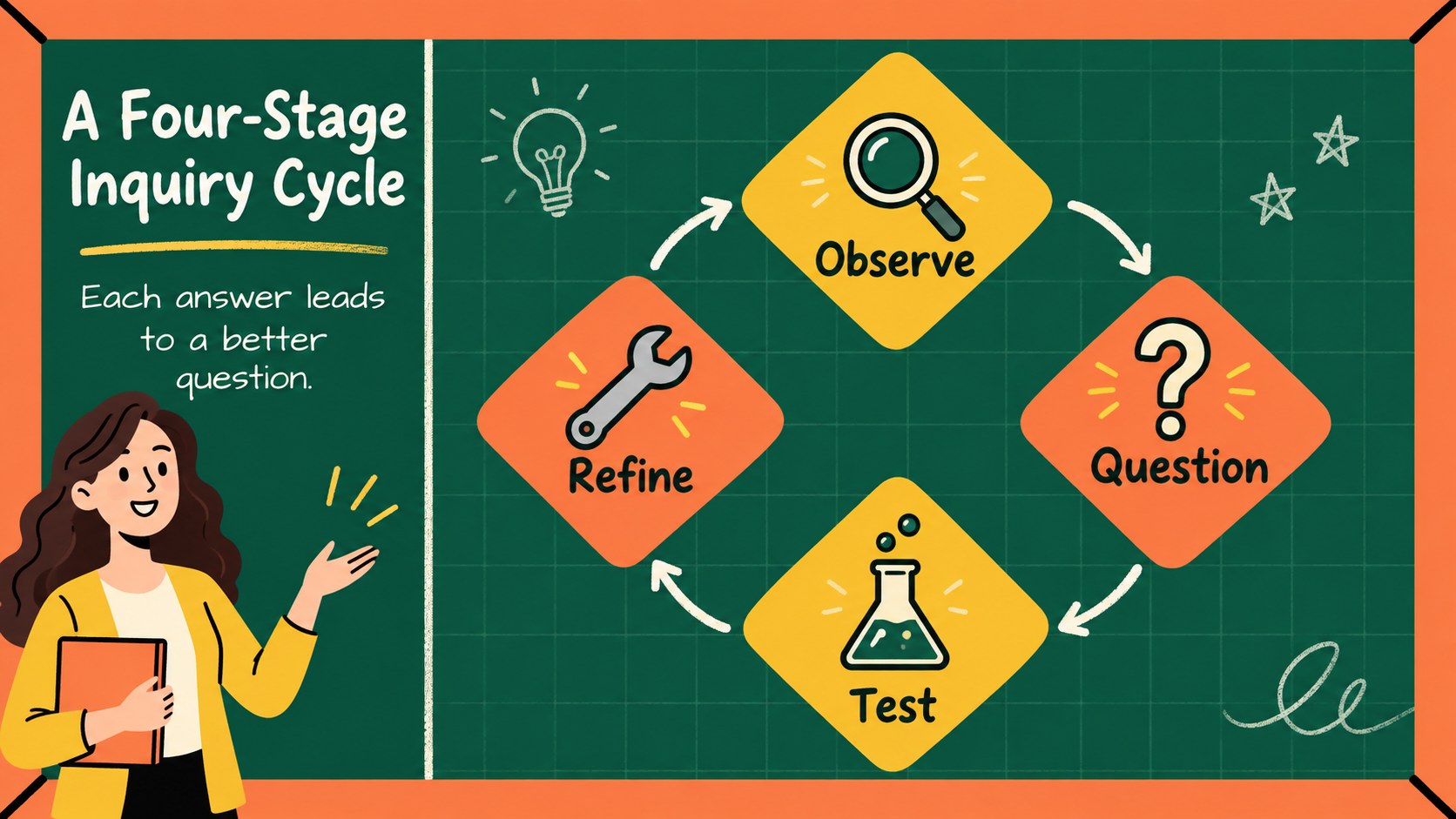
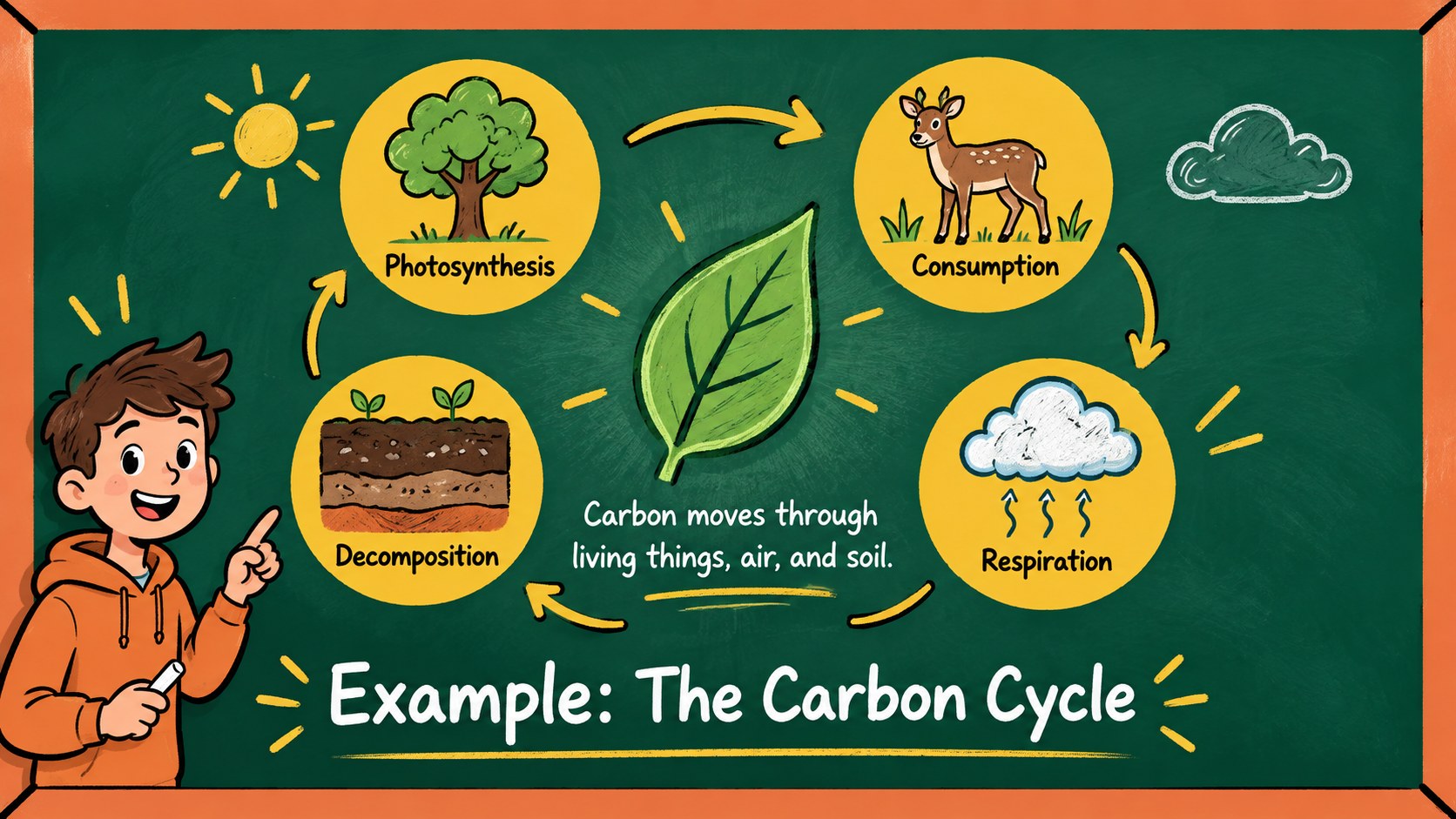
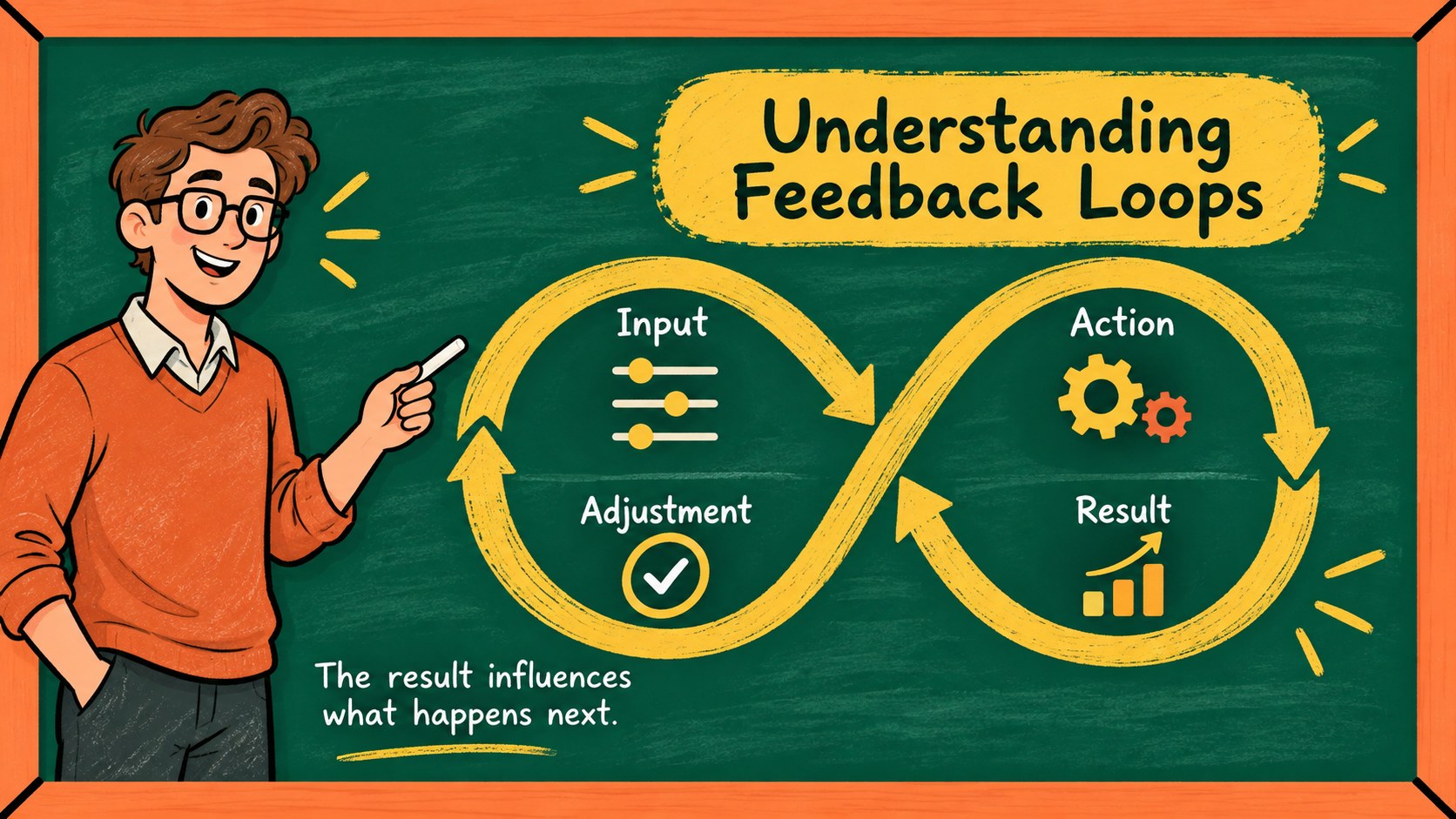
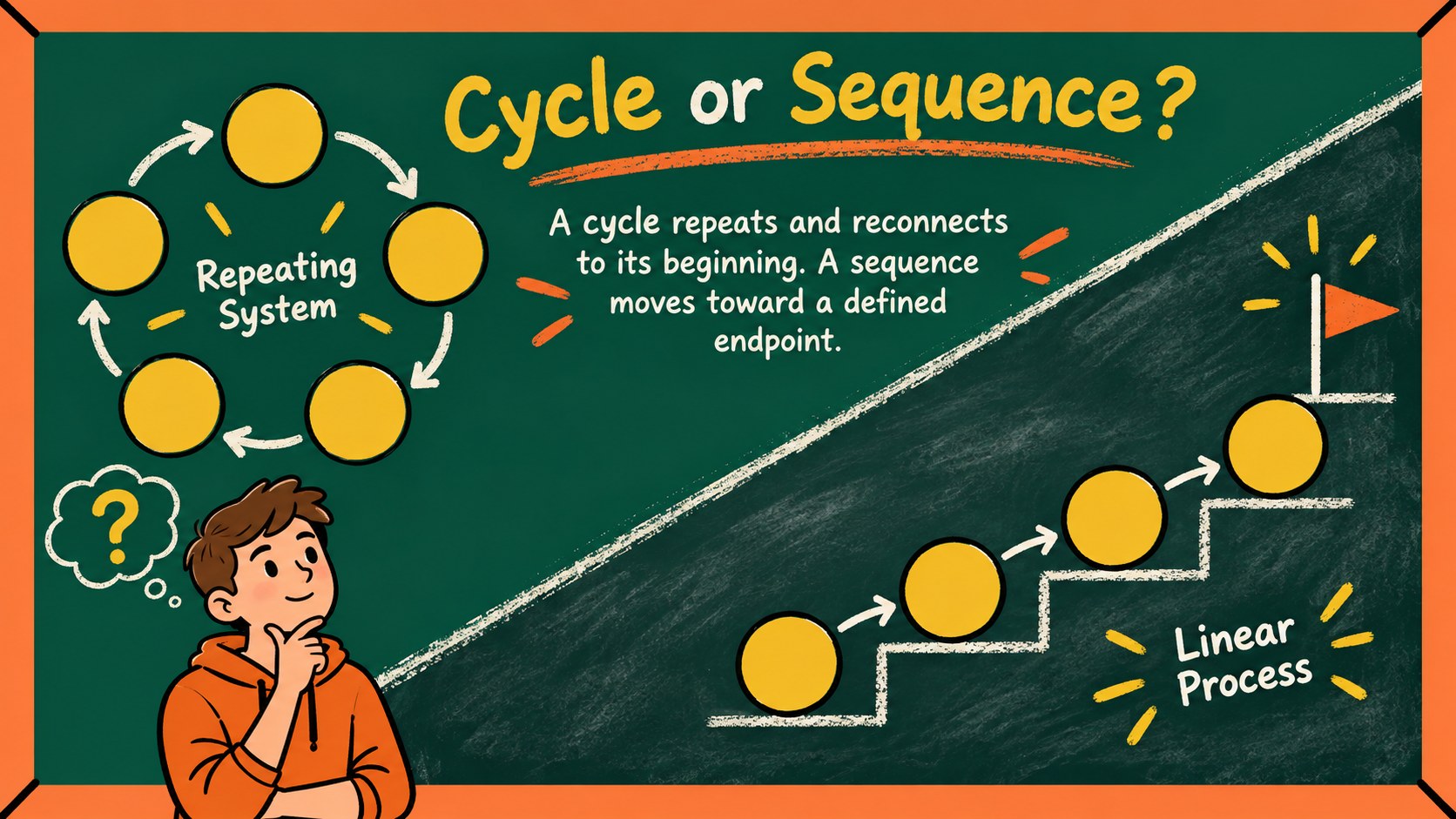
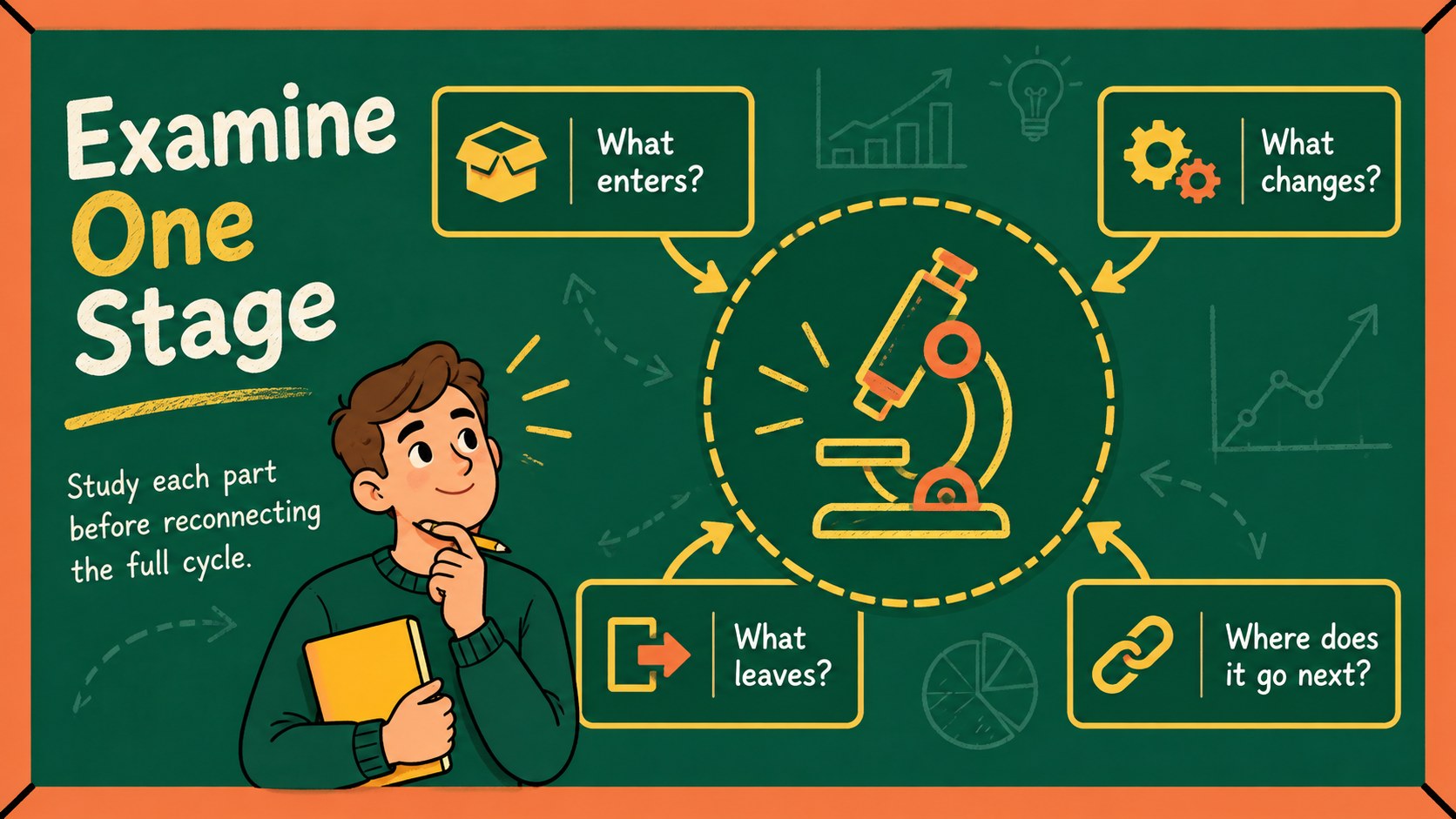
Make recurring ideas easier to follow with the Chalkboard Process Diagram Deck for Secondary Students. Built for teachers who want visual structure without losing a friendly classroom feel, this editable presentation pairs hand-drawn blackboard textures with energetic yellow, green, and orange accents. Use it as a high school cycle diagram presentation for science, social studies, language arts, health, or project-based learning.
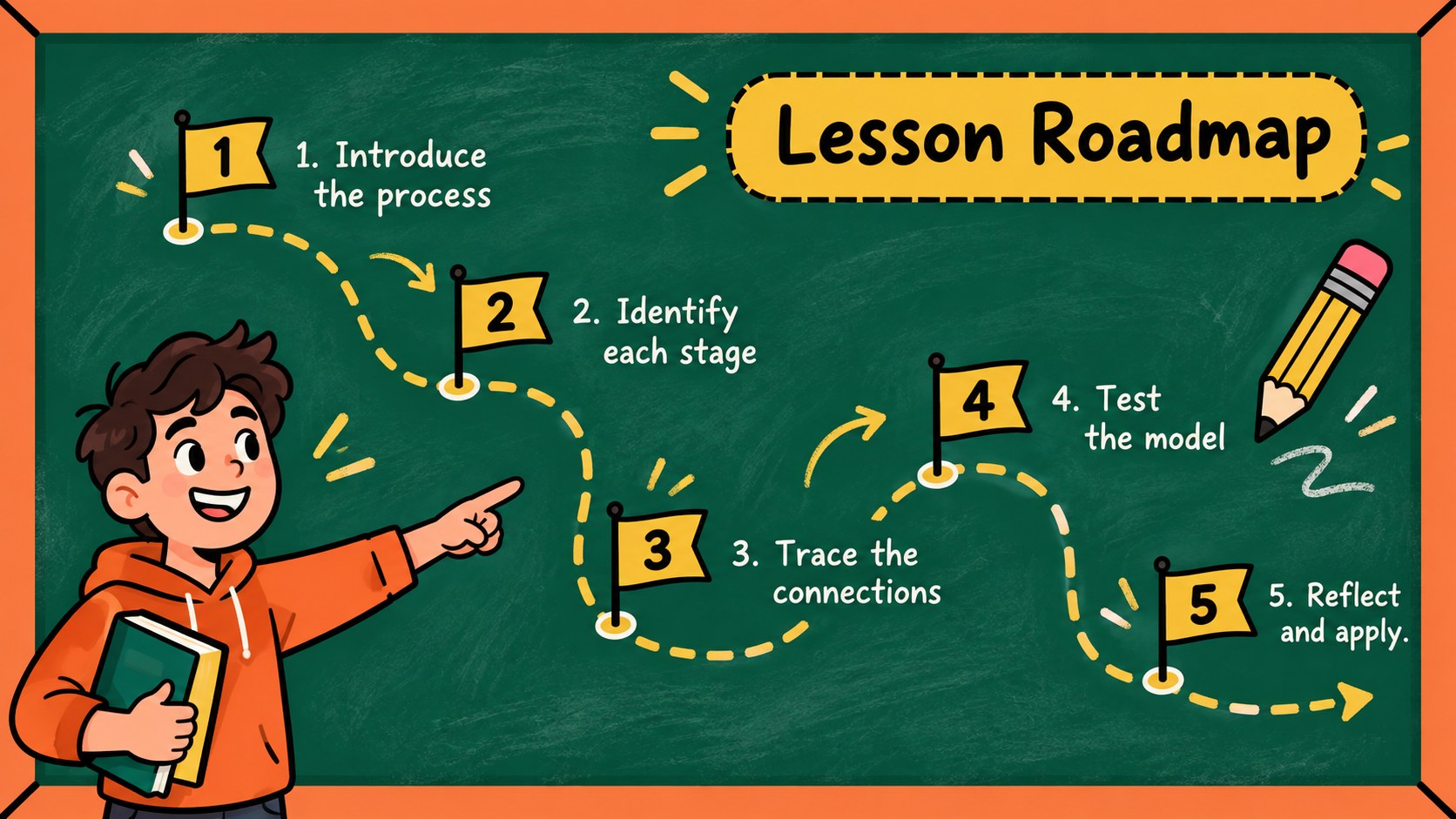
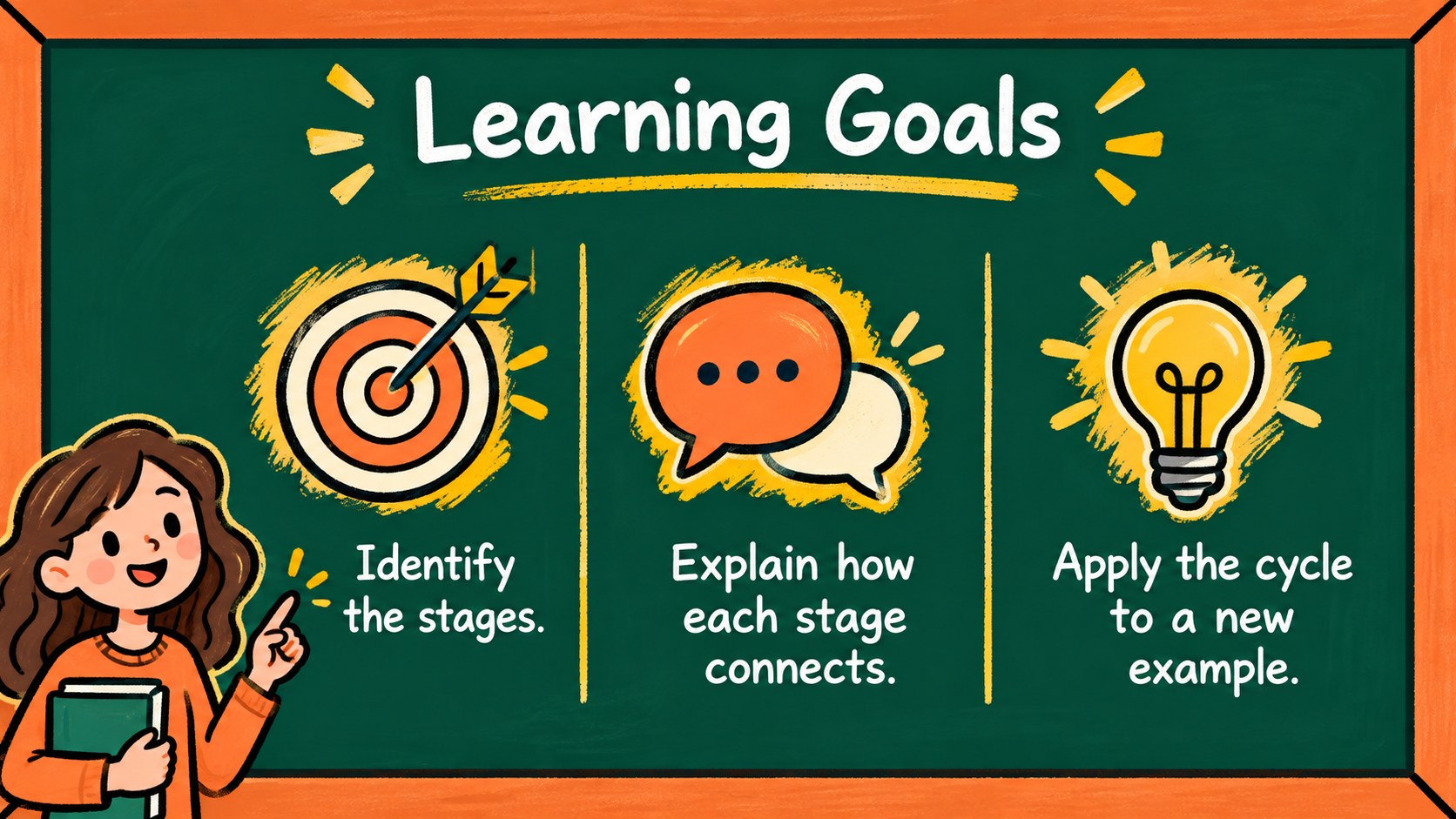
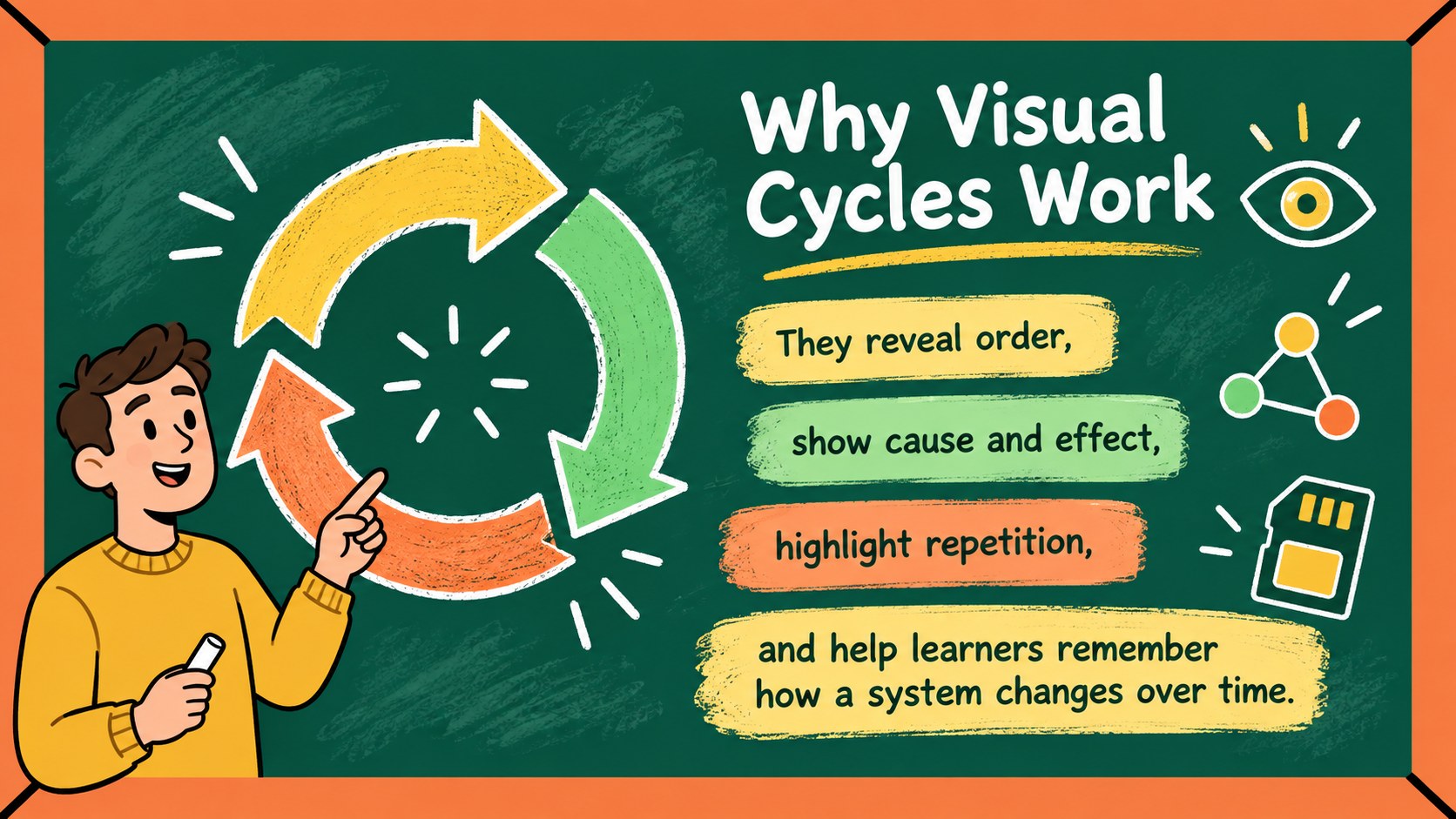
Inside are 15 ready-to-edit 16:9 layouts, including a cover, lesson roadmap, learning goals, two-step and multi-stage cycles, comparison diagrams, process explanations, checkpoints, a recap, and a closing prompt. Flexible labels, arrows, shapes, charts, and text areas help you turn a complicated sequence into a clear secondary classroom process diagram. Change examples, reorder stages, adjust colors, and add your own images while keeping the cohesive chalkboard style.
Designed for PowerPoint and Google Slides, the deck supports direct instruction, group discussion, review sessions, and student presentations. Teachers can build an editable learning cycle lesson around a single concept or combine several layouts for a full unit. The playful doodles feel age-appropriate for secondary learners, while the organized hierarchy keeps explanations readable from the back of the room. It is especially useful when students need to see how stages connect, repeat, branch, or return to a starting point.
Perfect for: science cycle lesson; historical process explanation; classroom concept review; student process presentation; project workflow discussion.
Frequently asked questions
Can I edit every stage in the process diagrams? Yes. The labels, arrows, colors, shapes, and supporting text can be adjusted to match your lesson content.
Practical details
Yes. The labels, arrows, colors, shapes, and supporting text can be adjusted to match your lesson content.
The deck is designed for PowerPoint and Google Slides. You can present it digitally, share it with students, or export selected slides for classroom handouts.
Yes. Replace the sample stages with events, writing steps, project phases, social systems, or any topic involving a sequence or repeating cycle.
Keep the textured background and change the yellow, green, or orange accents to organize different concepts. You can also replace doodles, insert images, and simplify diagrams for shorter lessons.
Keep exploring
15Build an engaging World UFO Day session with this flying saucer history lesson deck, featuring retro green-and-brown slides for PowerPoint and Google Slides.
 15
15Plan a lively animal-learning journey with this jungle zoo adventure lesson deck, ready to customize in PowerPoint and Google Slides for young learners.
 16
16Turn environmental research into a clear story with a Watercolor Ecology Presentation Theme for PowerPoint and Google Slides in calming green and blue.
 16
16Build focused fashion, literature, and humanities presentations with the Red Triangle Editorial Theme, editable in PowerPoint and Google Slides.
 15
15Turn streaming stats, favorite tracks, and concert highlights into a bold annual listening recap slide deck for PowerPoint and Google Slides.
 15
15Turn highlights, milestones, and favorite moments into a colorful year in review slide deck with bold 3D graphics for PowerPoint and Google Slides.
 3
3Build a credible endorsement with Standout Colleague Recommendation Letter Slides, featuring colorful prompts for skills, achievements, and team impact.
 4
4Build clear beginner sessions with an ice hockey fundamentals training deck for coaches, PE teachers, and clubs, ready for PowerPoint and Google Slides.