
 15
15presentation
Flying Saucer History Lesson Deck
Build an engaging World UFO Day session with this flying saucer history lesson deck, featuring retro green-and-brown slides for PowerPoint and Google Slides.
Google SlidesPowerPoint
presentation · English
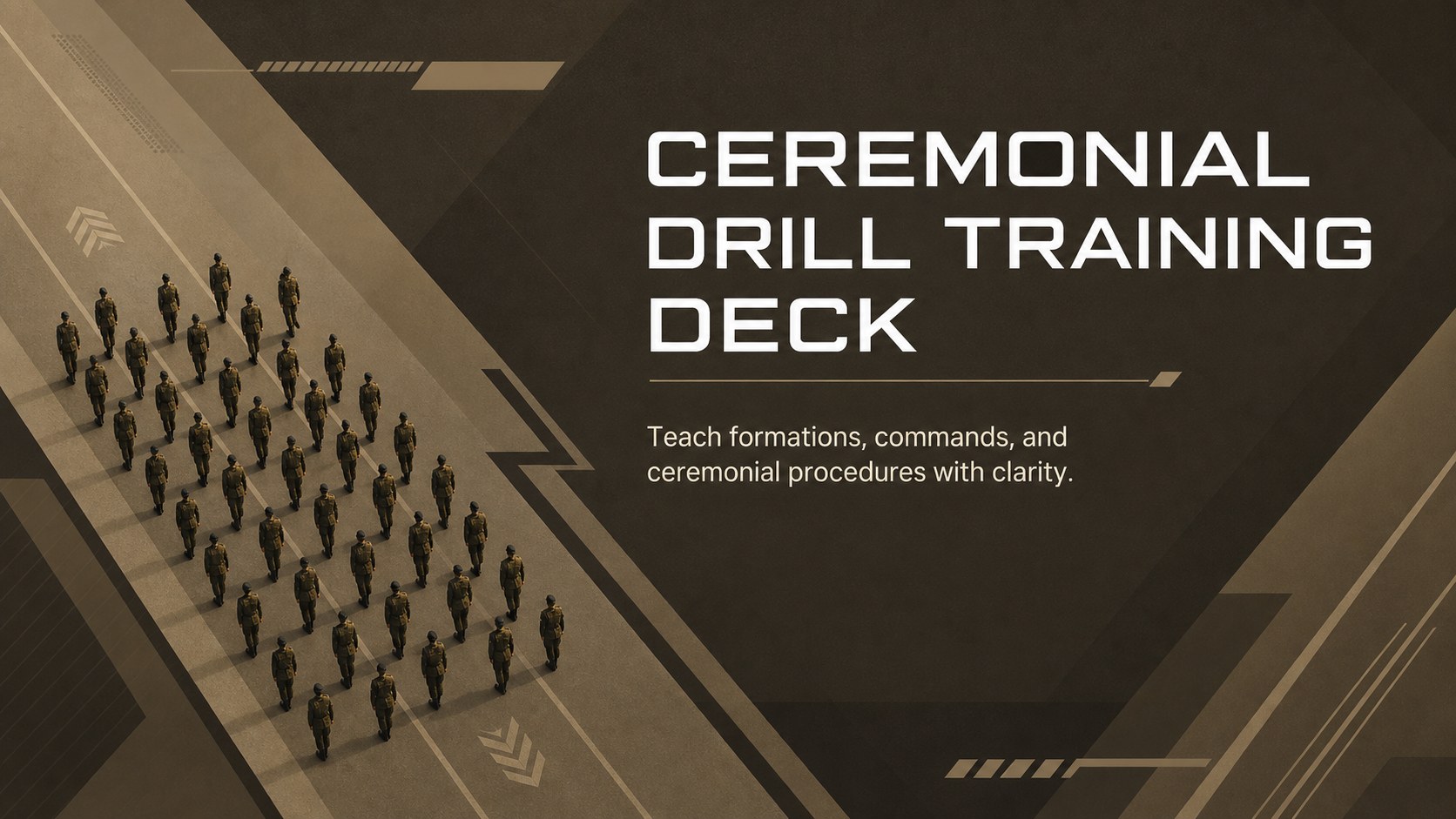
Use a ceremonial drill training deck to teach formal movement clearly. Modern brown slides for teams using PowerPoint and Google Slides.
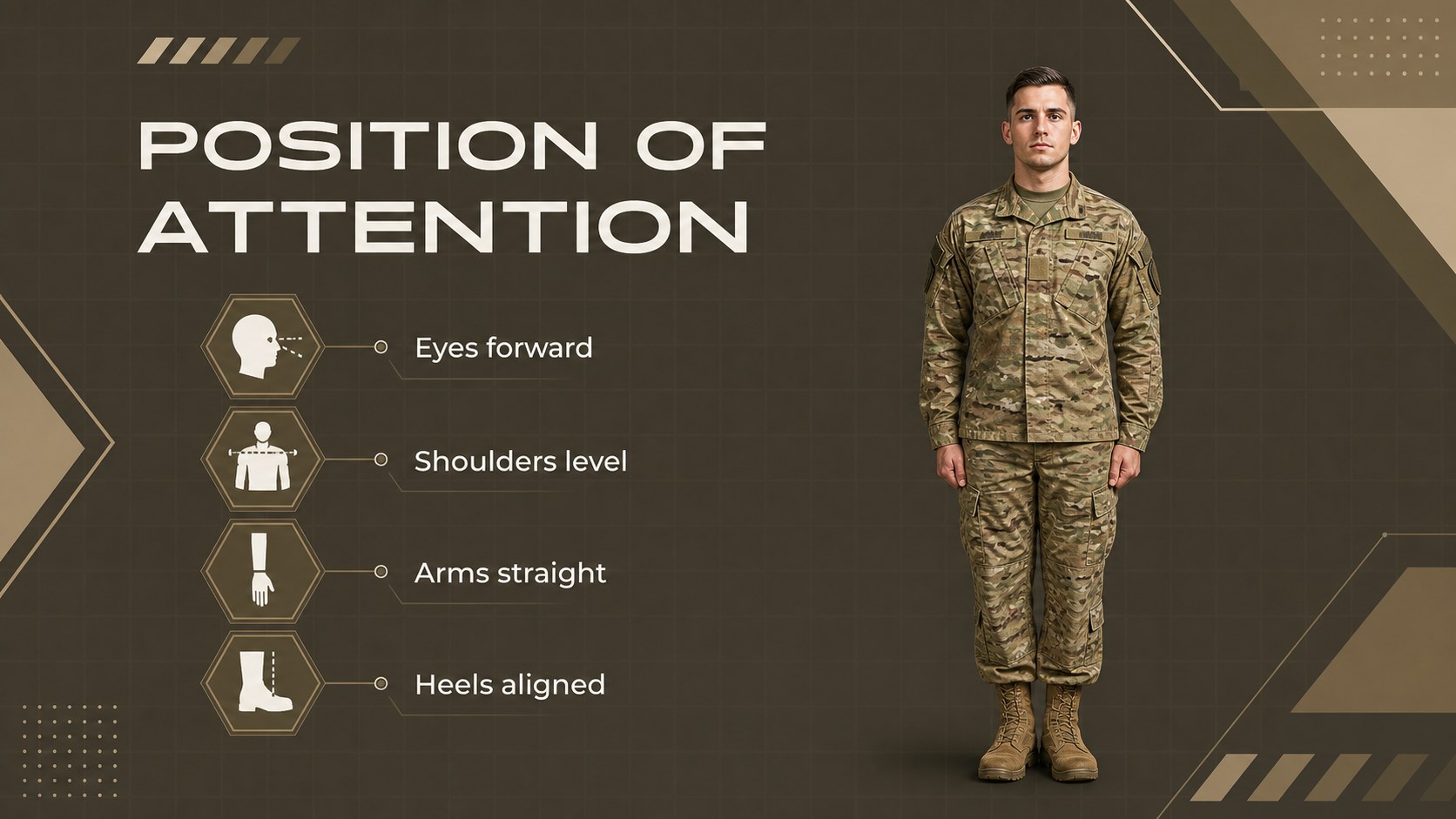
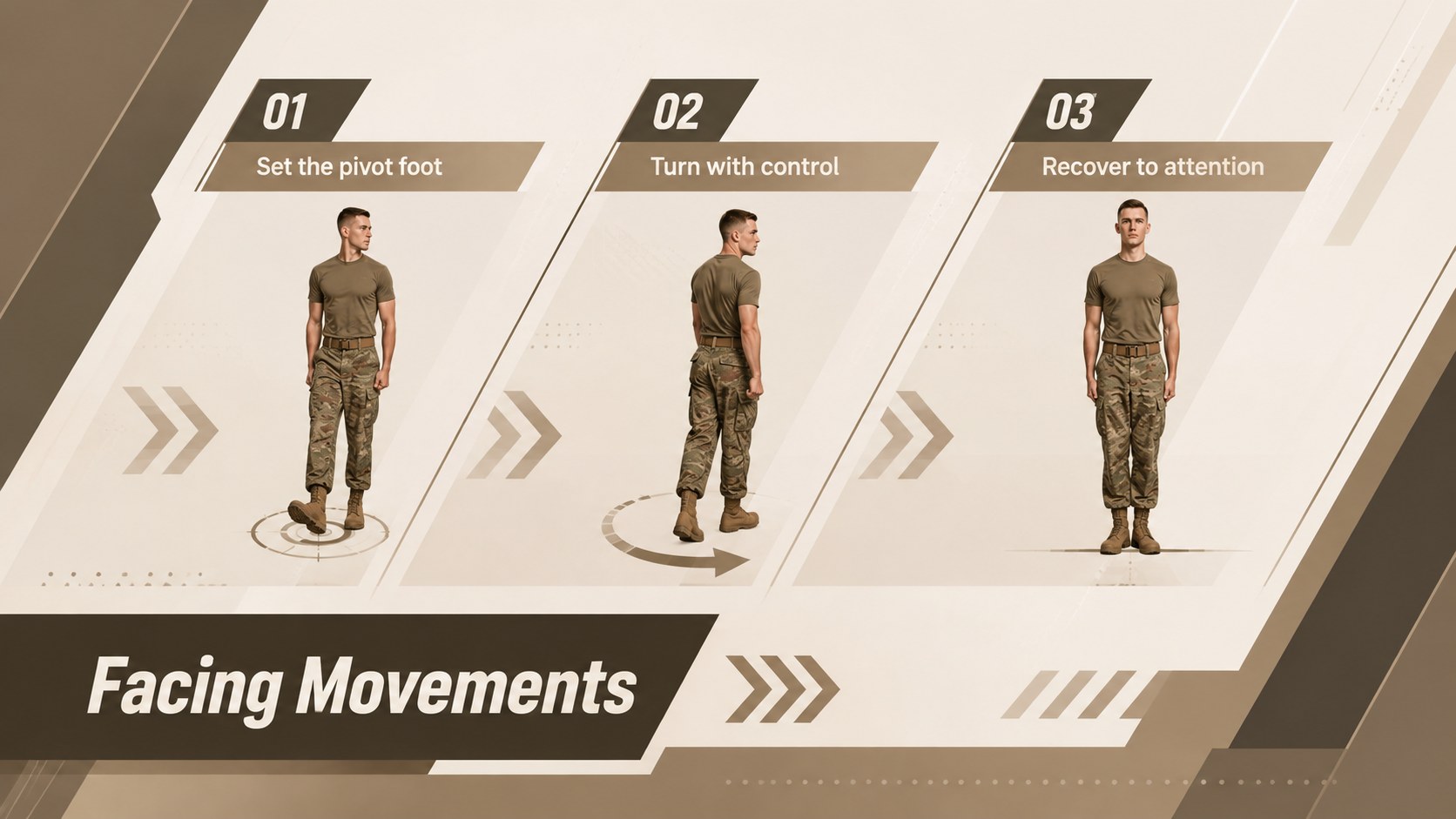
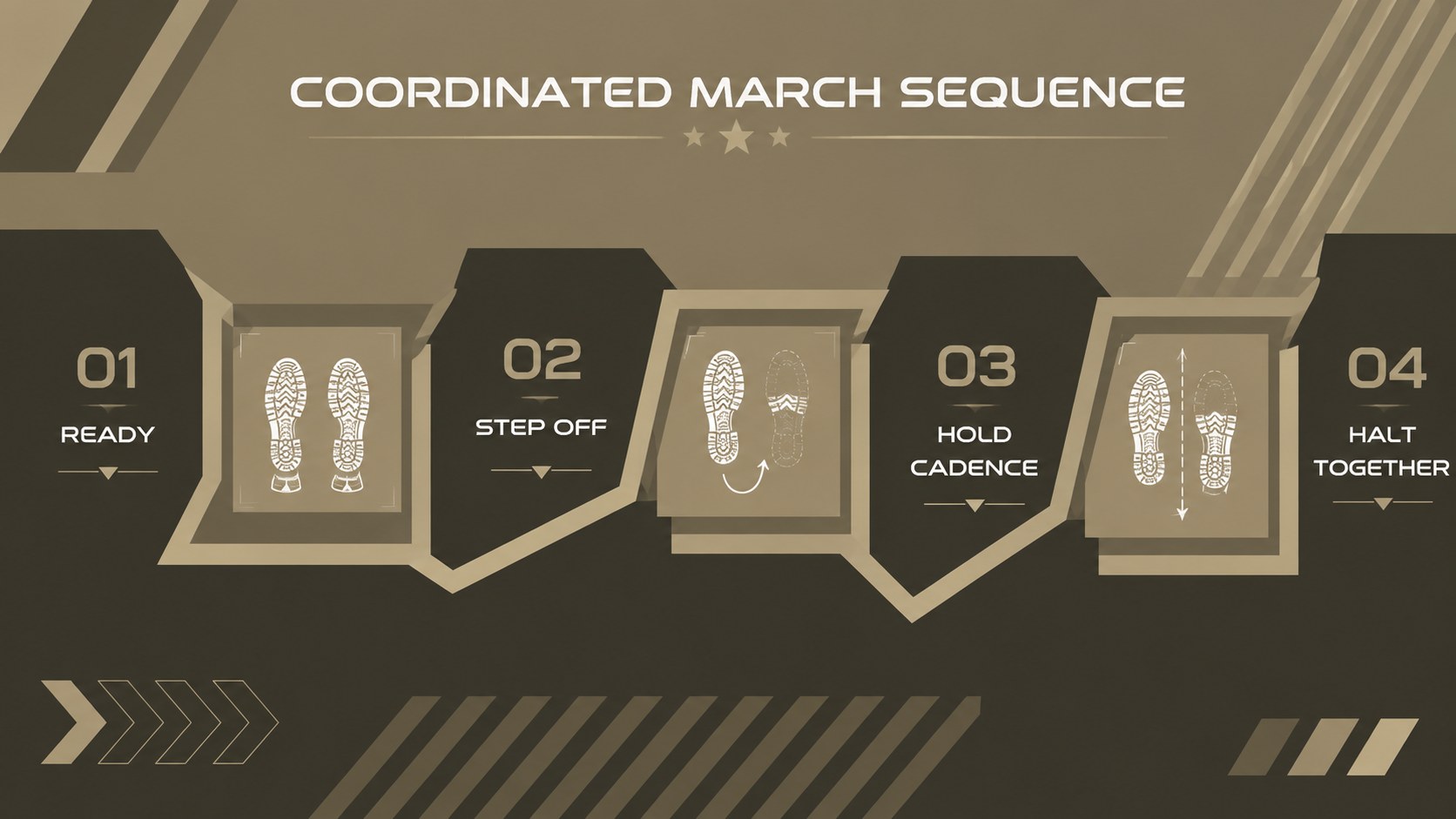
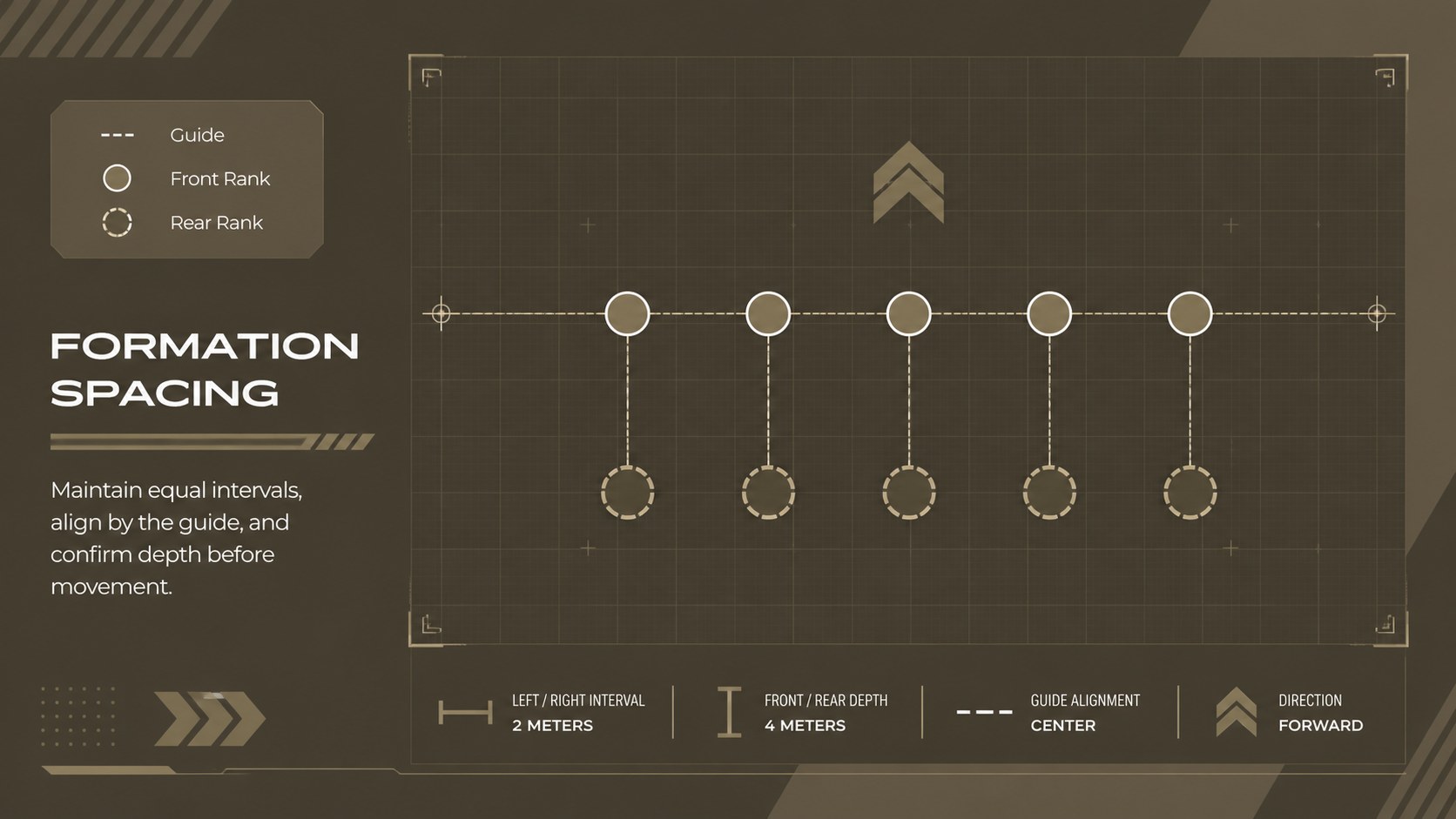
Design notes
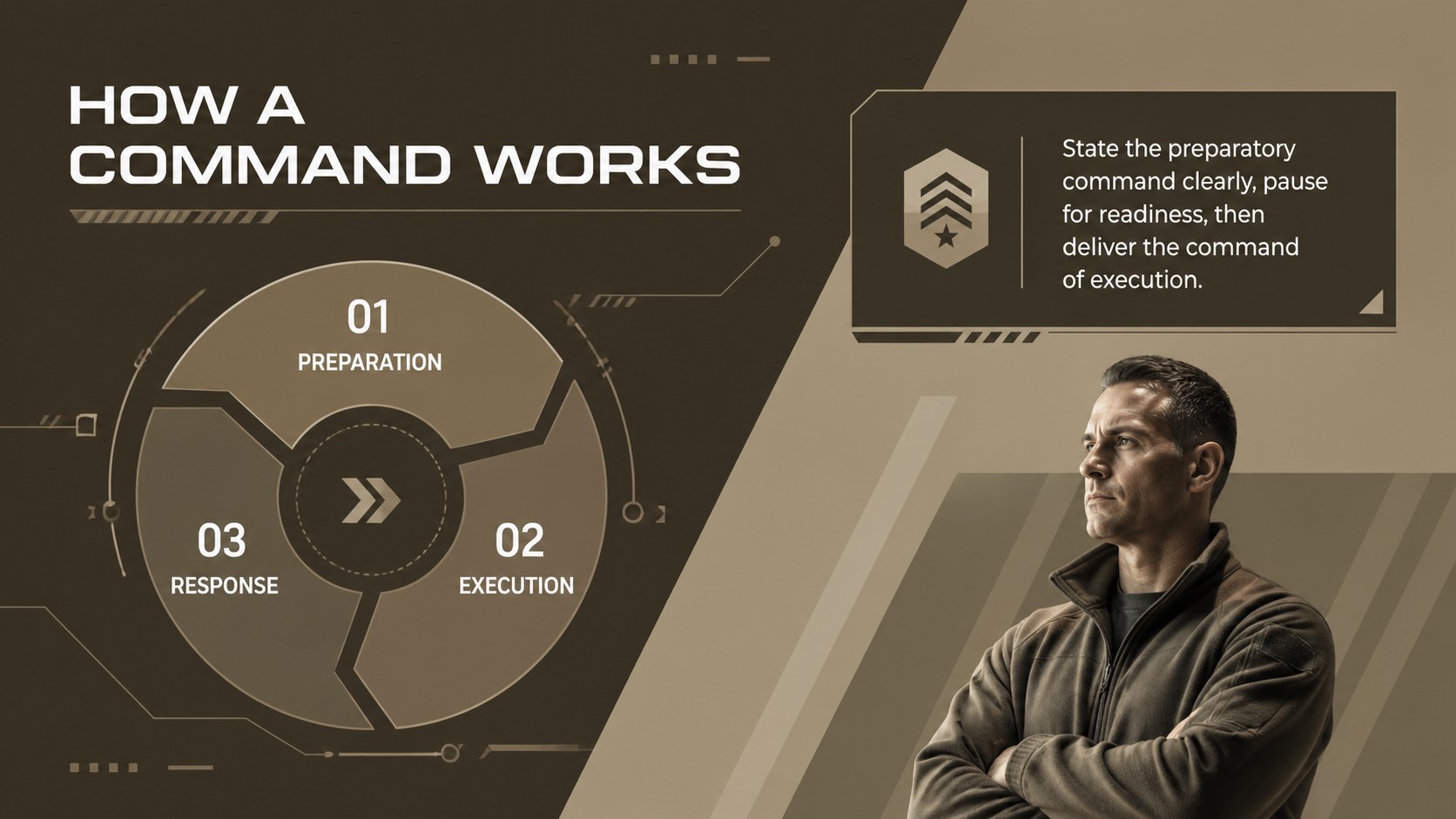
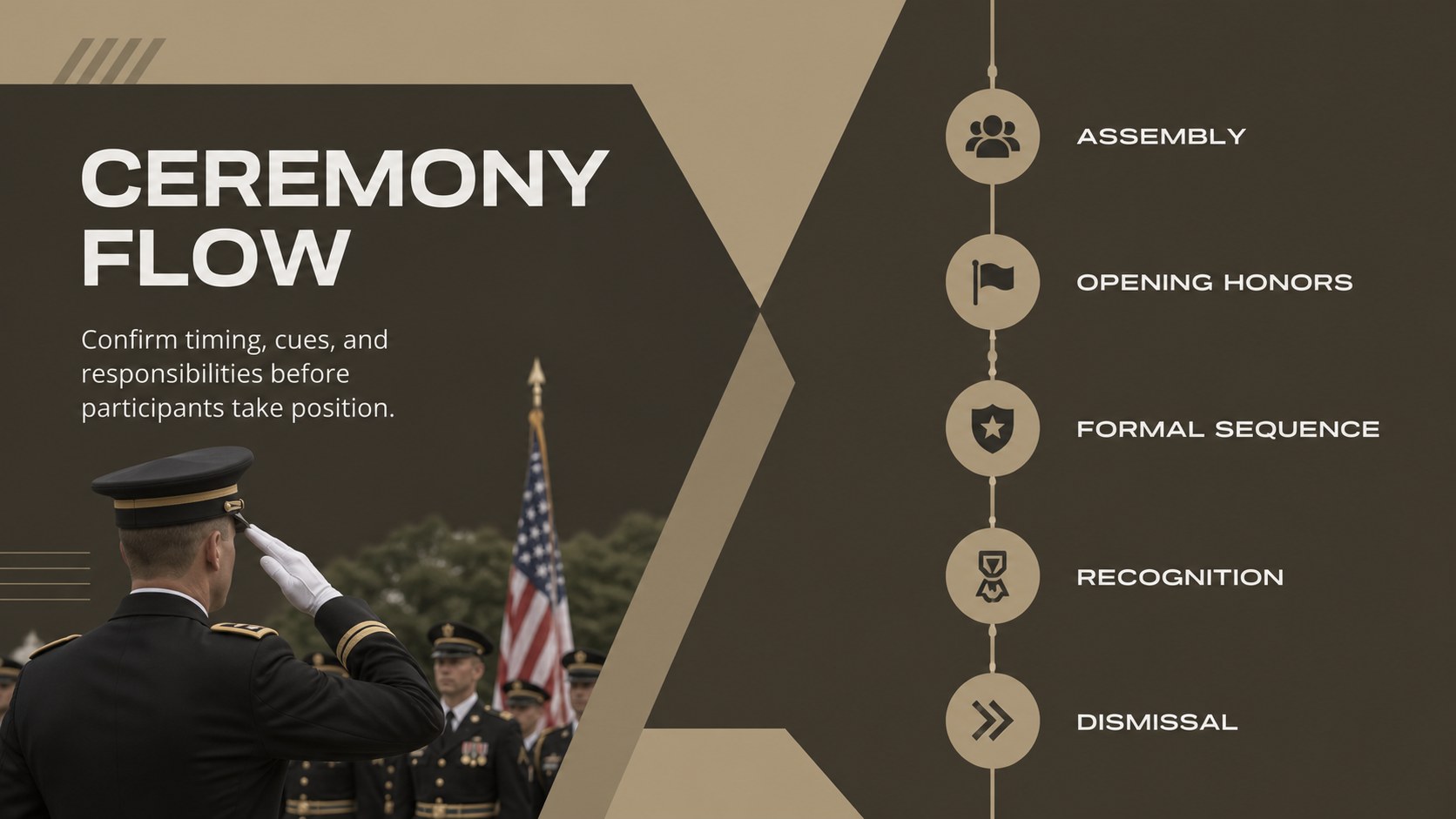
Build a clear, disciplined lesson with this ceremonial drill training deck for PowerPoint and Google Slides. Its modern brown palette, strong geometric structure, and restrained military-inspired details support serious instruction without distracting from the material. Use the layouts to explain commands, demonstrate coordinated movement, and connect each procedure to its ceremonial purpose.
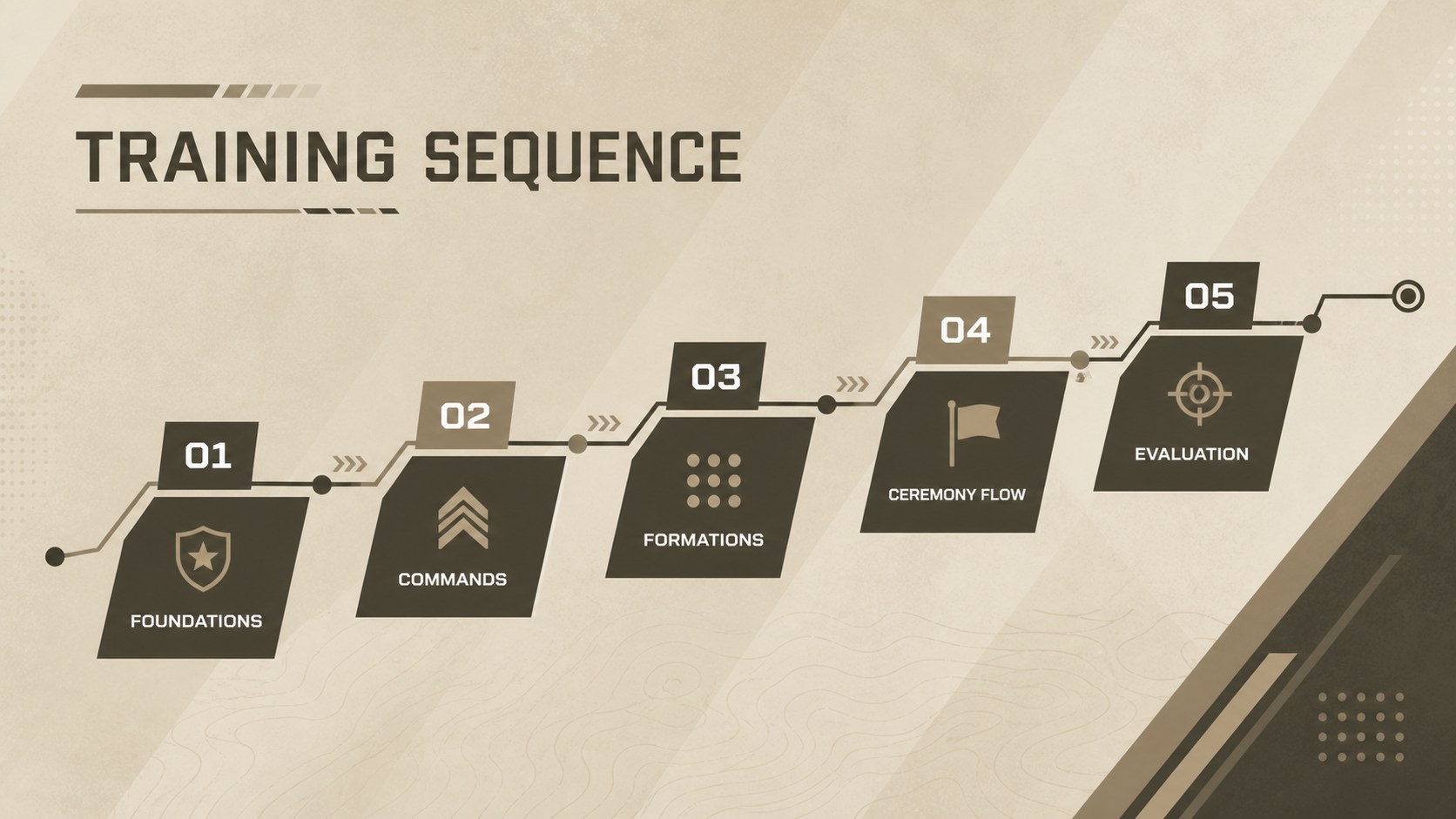
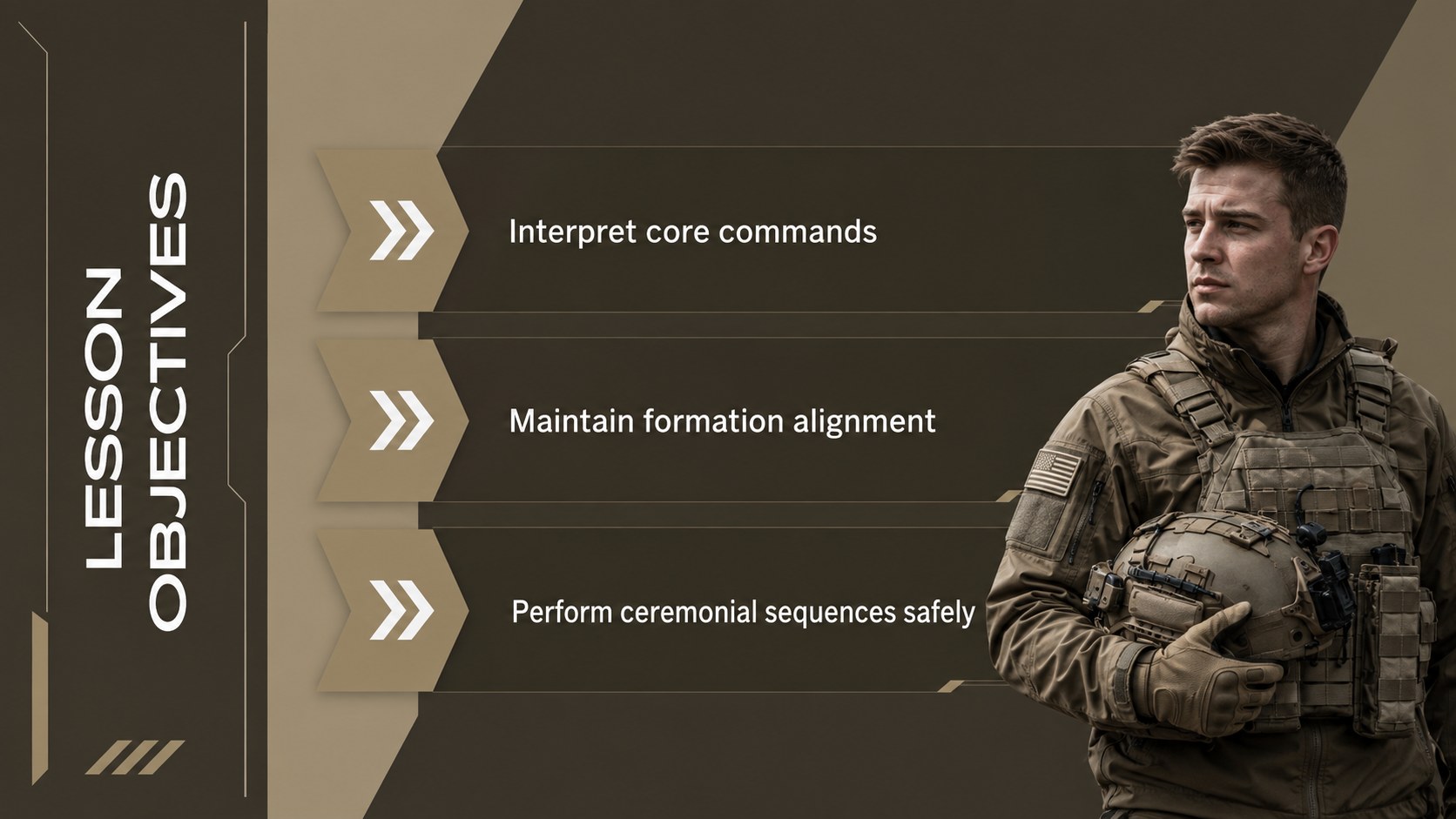
Inside, you will find presentation formats for learning objectives, command sequences, formation diagrams, marching procedures, inspection points, event timelines, safety reminders, and performance reviews. The deck works equally well as a military drill instruction presentation, a drill command sequence deck, or a visual guide for rehearsing formal events. Editable text, shapes, charts, image areas, and color accents make it straightforward to adapt the content for a specific unit, class, or occasion.
This template is intended for military educators, cadet program leaders, training officers, event coordinators, and history teachers covering ceremonial customs. It can also support honor guard preparation, parade rehearsals, leadership workshops, and introductory lessons on formation discipline. Whether presented in a classroom or used beside a training area, these ceremonial formation training slides organize detailed procedures into a consistent sequence that audiences can follow and revisit.
Perfect for: cadet drill instruction; honor guard rehearsal; parade formation briefing; ceremony coordinator training; military customs lesson.
Frequently asked questions
Can I edit the drill commands and procedures? Yes. All headings, instructions, diagrams, shapes, and sequence labels can be revised to match your organization's terminology and training standards.
Practical details
Yes. All headings, instructions, diagrams, shapes, and sequence labels can be revised to match your organization's terminology and training standards.
The deck is designed for Microsoft PowerPoint and Google Slides. Layouts remain editable in both platforms, though minor font or animation adjustments may be needed after importing.
Yes. You can change the brown palette, typography, photographs, icons, and geometric accents while preserving the structured visual hierarchy.
Yes. The layouts cover objectives, command sequences, formations, checklists, and assessment points, making them useful for classroom briefings and rehearsal support.
Keep exploring
15Build an engaging World UFO Day session with this flying saucer history lesson deck, featuring retro green-and-brown slides for PowerPoint and Google Slides.
 15
15Plan a lively animal-learning journey with this jungle zoo adventure lesson deck, ready to customize in PowerPoint and Google Slides for young learners.
 16
16Turn environmental research into a clear story with a Watercolor Ecology Presentation Theme for PowerPoint and Google Slides in calming green and blue.
 16
16Build focused fashion, literature, and humanities presentations with the Red Triangle Editorial Theme, editable in PowerPoint and Google Slides.
 15
15Turn streaming stats, favorite tracks, and concert highlights into a bold annual listening recap slide deck for PowerPoint and Google Slides.
 15
15Turn highlights, milestones, and favorite moments into a colorful year in review slide deck with bold 3D graphics for PowerPoint and Google Slides.
 3
3Build a credible endorsement with Standout Colleague Recommendation Letter Slides, featuring colorful prompts for skills, achievements, and team impact.
 4
4Build clear beginner sessions with an ice hockey fundamentals training deck for coaches, PE teachers, and clubs, ready for PowerPoint and Google Slides.